Mục lục bài viết (8)
- What are the steps to register for invoice issuance from POS machines?
- What documents are needed to register for invoice issuance from POS machines?
- Which POS software is licensed to create electronic invoices?
- What is the registration process on the General Department of Taxation's Electronic Invoice portal?
- How to configure a POS machine to connect electronic invoices?
- What is the cost of registering for invoice issuance from POS machines?
- What are common errors to avoid when registering for invoice issuance from POS machines?
- Next Steps
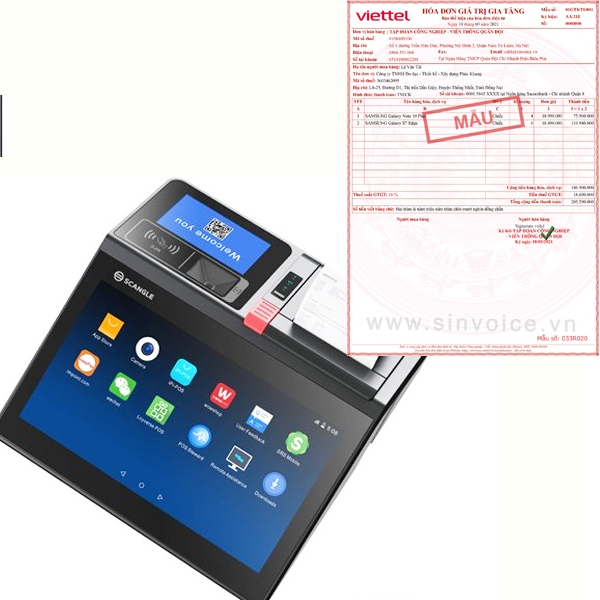
To use electronic invoices generated from POS machines according to Decree 70/2025/ND-CP, business households, individual businesses, or enterprises must follow the official registration process with tax authorities. This process ensures legal validity, data transparency, and seamless connection between the POS machine and the national electronic invoice management system.
What are the steps to register for invoice issuance from POS machines?
The process for registering invoices from POS machines consists of 4 main steps: (1) preparing legal documents and tax accounts; (2) selecting licensed POS software; (3) registering on the General Department of Taxation's Electronic Invoice portal; (4) configuring the POS machine connection to the system. Processing time is 3-5 business days, in compliance with current legal regulations.
Based on implementation experience at retail businesses, restaurants, and supermarkets, the document preparation step usually takes 1-2 days, while registration on the General Department of Taxation's portal can be completed within 24-48 hours. POS machines like ZPOS, Sunmi T2, or Easy POS all support electronic invoice integration when configured correctly.
What documents are needed to register for invoice issuance from POS machines?
Business households need to prepare: ID card, Business Registration Certificate, Tax ID. Enterprises need: Enterprise Registration Certificate, Tax ID, Legal representative information, Bank account. All documents must be valid and clearly scanned copies.
Bạn đang tìm sản phẩm cho chủ đề này?
Việt POS phân phối chính hãng — bảo hành 24-36 tháng, hỗ trợ kỹ thuật 24/7.
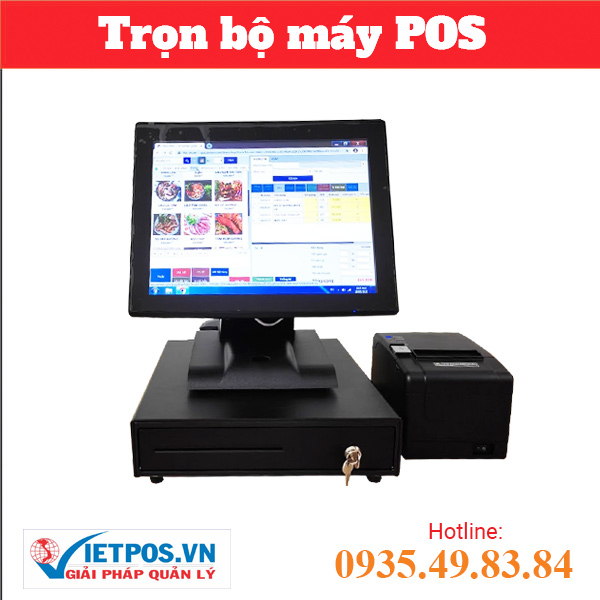

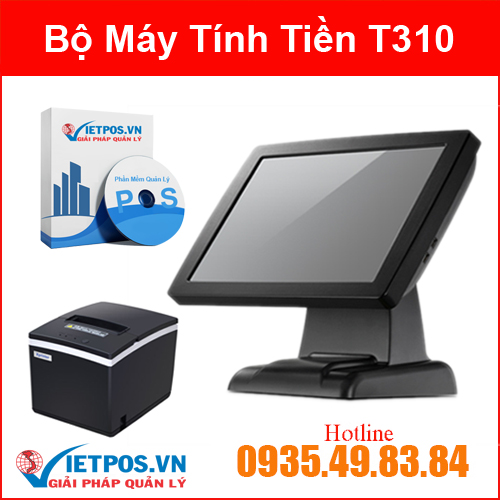
Additionally, information about the POS machine to be used must be prepared, including software name, software provider, IP address, or connection details. If using integration services from a POS solution provider, they often assist in preparing and submitting documents on behalf of the business.
Which POS software is licensed to create electronic invoices?
Licensed POS software must have a certificate from the General Department of Taxation or be published on the list of valid electronic invoice software. Popular software in Vietnam includes: Electronic invoices from major providers, integrated software in specialized POS machines. Businesses should check the official list on the General Department of Taxation's website before choosing.
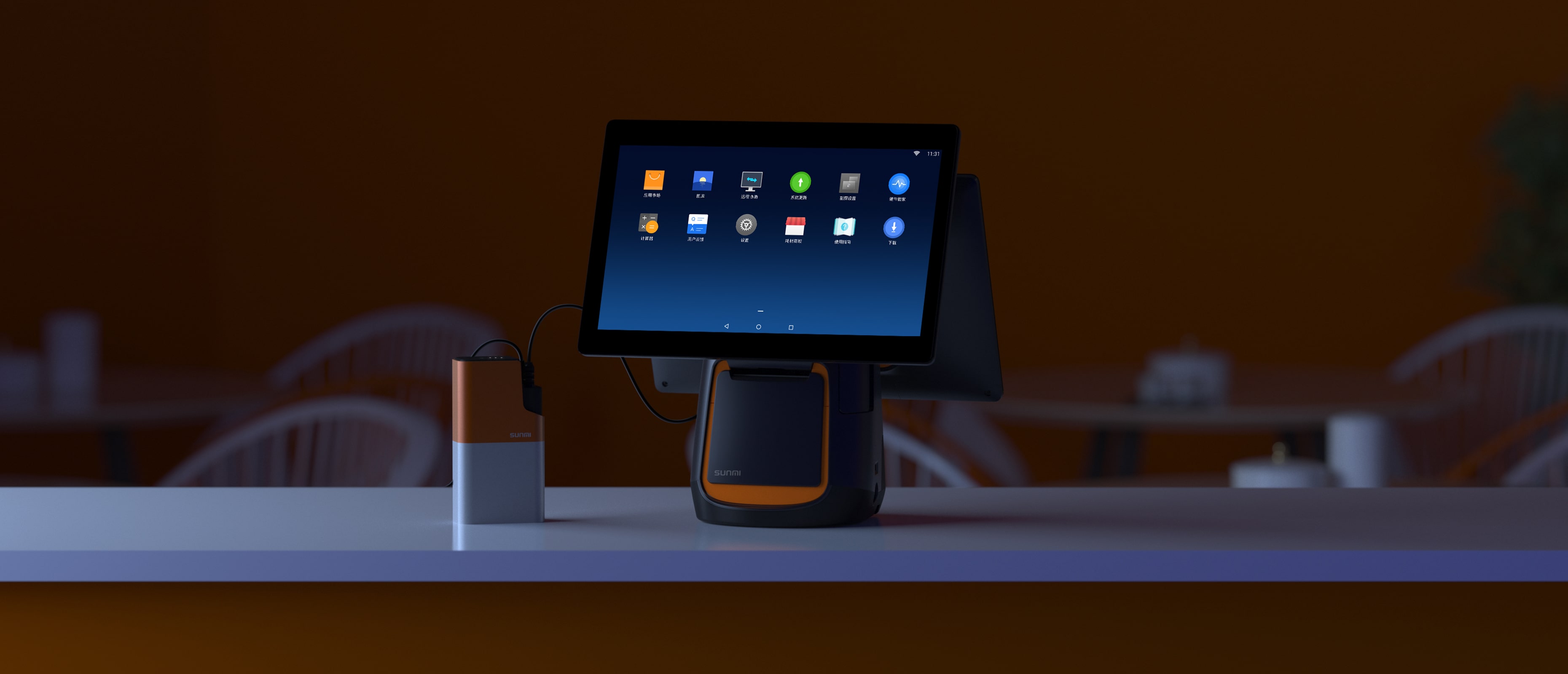
Việt POS provides POS machines such as ZPOS I3-662, Sunmi T2 L1522 (2 screens), and Easy POS 664 core i5, all compatible with licensed electronic invoice software. These machines support flexible configuration, allowing integration with the General Department of Taxation's electronic invoice system without hardware changes.
What is the registration process on the General Department of Taxation's Electronic Invoice portal?
Access the Electronic Invoice portal (hoá đơn.gdt.gov.vn), log in with your tax account, select the Electronic Invoice Registration section, fill in business information, invoice software, and POS machine address. After submitting the application, the tax authority will confirm within 3-5 business days. The business will receive an invoice number and connection information to configure on the POS machine.
This process requires a level 2 login account (authenticated with an OTP code or digital certificate). If the business does not have an account, it needs to register on the General Department of Taxation's portal first. After approval, the system will issue an electronic invoice number and API connection information so that the POS machine can automatically send invoice data.
How to configure a POS machine to connect electronic invoices?
After receiving the invoice number from the General Department of Taxation, configure the POS machine by: (1) Logging into the POS software on the machine; (2) Going to Settings → Electronic Invoice; (3) Entering connection information (API URL, invoice number, authentication token); (4) Testing the connection by sending a trial invoice; (5) Activating the official electronic invoice mode. Configuration typically takes 15-30 minutes.
POS machines such as ZPOS 1563 core i5, Sunmi T2 L1521 (1 screen), and Easy POS J4125 Dual all have intuitive configuration interfaces. If the business is unfamiliar with the technical process, Việt POS provides free configuration support services, ensuring the POS machine operates in compliance with regulations from day one.
What is the cost of registering for invoice issuance from POS machines?
Registering for electronic invoice usage on the General Department of Taxation's portal is completely free. However, businesses may incur costs for POS software (if commercial software is chosen) or configuration support services from providers. This cost typically ranges from 0-2 million VND/year depending on the provider and level of support.
POS machines like ZPOS I3-662, Sunmi T2 L1522, or Easy POS 664 core i3 range from 8-25 million VND, depending on the configuration. If the business chooses an all-inclusive package from Việt POS, the electronic invoice configuration cost is usually included in the implementation service, with no additional charge.
What are common errors to avoid when registering for invoice issuance from POS machines?
Common errors include: (1) Using unlicensed POS software; (2) Incorrectly entering API connection information or invoice number; (3) Not updating the software version before registration; (4) Forgetting to authenticate the level 2 account on the General Department of Taxation's portal; (5) Not testing the connection before issuing official invoices. These errors can lead to invoices not being recorded or being rejected by tax authorities.
To avoid these issues, businesses should: check the list of licensed software on the General Department of Taxation's website, ask the POS provider to confirm compatibility, perform connection tests before issuing actual invoices, and securely store connection information. Việt POS supports checking and confirming the legal validity of the configuration before official deployment.
Next Steps
Việt POS technical team provides consulting on selecting suitable POS machines, configuring electronic invoices in compliance with regulations, and checking legal adherence. Contact hotline 0935 498 384 or offices in HCMC (0934 777 443), Da Nang (0905 999 656), Can Tho (0931 777 527), Hanoi (0937 845 333) for free consultation.
Cần tư vấn thiết bị/giải pháp cụ thể?
Việt POS phản hồi trong 30 phút · Hotline 4 vùng · Khảo sát miễn phí.
Bài viết cùng chủ đề