Mục lục bài viết (8)
- Which entities are required to register for e-invoices from POS systems?
- What preparations are needed before registering for e-invoices?
- What is the process for registering e-invoices from POS systems?
- Which POS machines best support e-invoice generation?
- What are the technical requirements for using e-invoices from POS systems?
- What are the benefits of e-invoices generated from POS systems?
- What are common errors when registering for e-invoices from POS systems?
- Next Steps
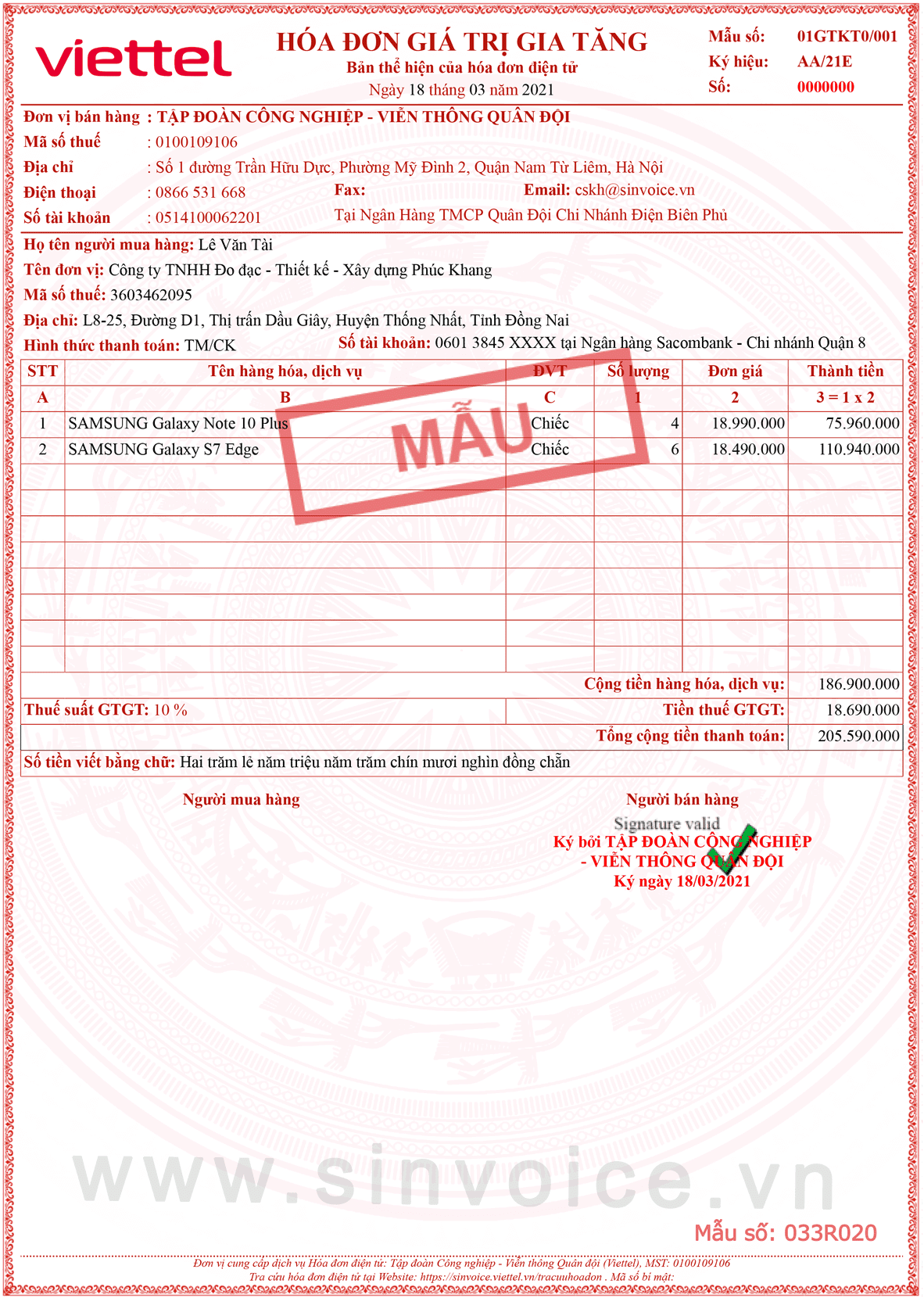
Effective June 1, 2025, Decree 70/2025/ND-CP mandates that companies and private enterprises must use e-invoices generated from Point-of-Sale (POS) systems. This marks a significant step in Vietnam's digital financial management, helping retail businesses, restaurants, and cafes comply with the law while enhancing management efficiency.
Registering for e-invoices from POS systems is not complicated if you understand the preparation steps and technical requirements. This article will provide detailed instructions, from identifying eligible entities and preparing documents to system configuration and practical operation.
Which entities are required to register for e-invoices from POS systems?
According to Decree 70/2025/ND-CP, joint-stock companies, limited liability companies, private enterprises, and business households with any revenue (below or above 1 billion VND/year) are all required to use e-invoices generated from POS systems. This regulation differs from the previous one, which only applied to businesses with revenue exceeding 1 billion VND.
- Joint-stock companies, LLCs: 100% mandatory
- Private enterprises: 100% mandatory (a change from the previous regulation)
- Business households: mandatory if revenue is 100 million VND/year or more
- Food and beverage establishments, retail stores: mandatory to use POS systems with e-invoice functionality
What preparations are needed before registering for e-invoices?
Before registering, businesses need to prepare legal documents, an electronic tax account, and configure their POS systems. This process typically takes 3-5 working days, depending on the readiness of the accounting system and service provider.
Bạn đang tìm sản phẩm cho chủ đề này?
Việt POS phân phối chính hãng — bảo hành 24-36 tháng, hỗ trợ kỹ thuật 24/7.

- Prepare legal documents: Business registration certificate, tax identification number, contract with e-invoice service provider, legal representative's information
- Register an electronic tax account: Access the e-Tax portal (etax.gdt.gov.vn), register an account, verify identity via OTP, and save the PIN
- Choose an e-invoice service provider: Select a provider licensed by the Ministry of Finance (list available on the General Department of Taxation's website)
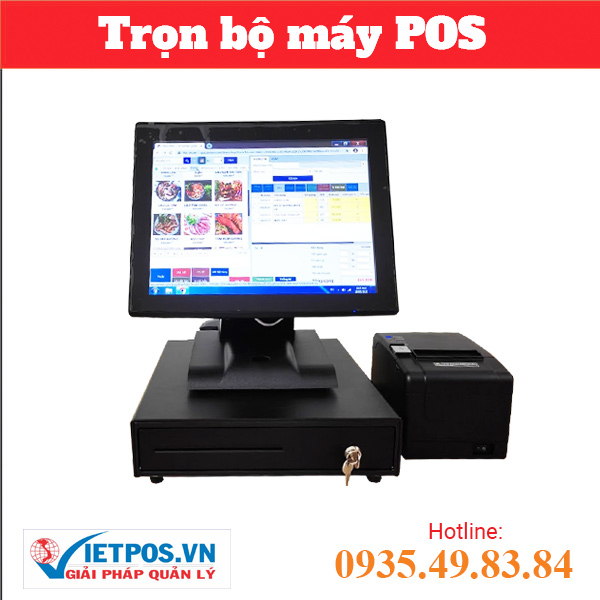
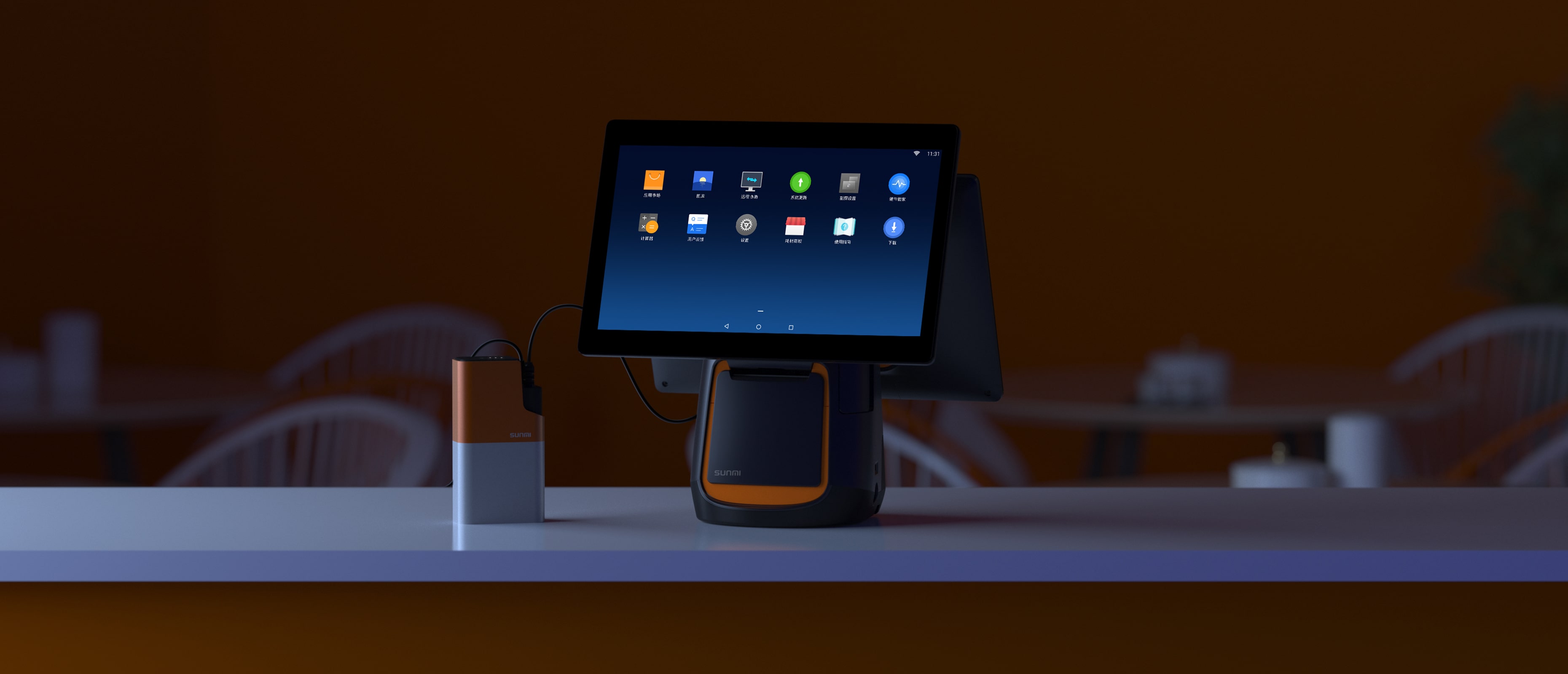
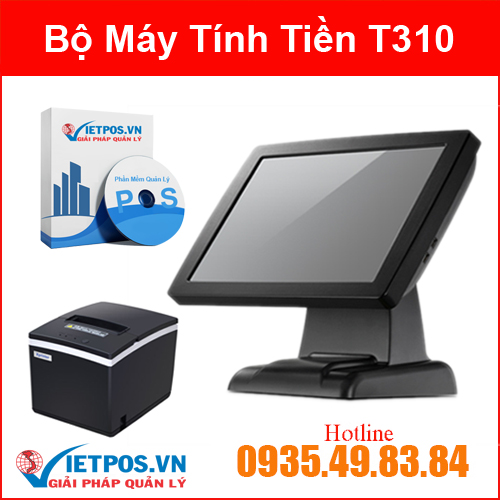
- Configure the POS system: Install e-invoice software on the POS machine (Sunmi T2, Easy 664, or other models), connect it to the accounting system
- Check network connection: Ensure the POS machine has a stable internet connection (network cable or WiFi) to transmit invoices to the General Department of Taxation's system
What is the process for registering e-invoices from POS systems?
The registration process consists of 5 main steps: tax account registration, business information declaration, POS machine configuration, connection testing, and trial invoice issuance. The entire process can be completed within 5-7 working days.
| Step | Details | Time |
|---|---|---|
| 1. Register tax account | Access etax.gdt.gov.vn, register account, verify OTP, save PIN | 1 day |
| 2. Declare business information | Enter tax ID, business name, address, representative, phone number, email | 1 day |
| 3. Configure POS machine | Install invoice software, enter business info, configure invoice template, connect accounting | 2-3 days |
| 4. Test connection | Test Internet connection, send trial invoices to GDT system, check response | 1 day |
| 5. Issue official invoices | Configure invoice serial numbers, set user permissions, start issuing actual invoices | 1 day |
Which POS machines best support e-invoice generation?
Sunmi T2 (L1521, L1522) and Easy 664 POS machines are the models most recommended by Việt POS for e-invoices. Both models support stable network connections, clear touchscreens, and are compatible with popular e-invoice software in Vietnam.
- Sunmi T2 L1522 (2 screens): 10.1-inch customer display + 7-inch staff display, fast processing, suitable for restaurants, cafes, and retail stores with high customer traffic. Reference price: 22-28 million VND.
- Sunmi T2 L1521 (1 screen): 7-inch screen, compact configuration, suitable for small tea shops, fast food outlets, small stores. Reference price: 15-18 million VND.
- Easy 664 Core i5: Powerful configuration (Core i5, 4GB RAM, 128GB SSD), excellent multitasking, suitable for large businesses needing to manage multiple branches. Reference price: 18-22 million VND.
- Easy 664 Core i3: Basic configuration (Core i3, 4GB RAM, 128GB SSD), sufficient for small and medium-sized businesses. Reference price: 12-15 million VND.
All the above models come with Windows OS pre-installed, support WiFi + Ethernet connectivity, and have USB ports for connecting receipt printers and other peripherals.
What are the technical requirements for using e-invoices from POS systems?
To use e-invoices generated from POS systems, businesses need to ensure: the POS machine has a minimum configuration (dual-core CPU, 2GB RAM or more), a stable Internet connection (speed ≥ 5 Mbps), licensed e-invoice software, and a compatible accounting system.
- POS machine: Dual-core CPU or higher, minimum 2GB RAM (4GB recommended), 64GB storage or more, 7-inch touchscreen or larger
- Network connection: Stable 24/7 Internet, speed ≥ 5 Mbps, prioritize wired connection to avoid WiFi interruptions
- Invoice software: Software licensed by the Ministry of Finance, updated to the latest version, technical support from the provider
- Accounting system: Compatible accounting software (QuanTri, Misa, Kế toán Việt, or other software), with API for connecting to the POS machine
- Receipt printer: Thermal or inkjet printer supporting e-invoice printing, connected via USB or network to the POS machine
- Data backup: Automatic or manual daily backup system, invoices stored for a minimum of 5 years as per regulations
What are the benefits of e-invoices generated from POS systems?
E-invoices from POS systems offer comprehensive benefits: reducing invoice processing time by 40-60%, increasing data accuracy by 95-99%, cutting printing costs by 30-50%, and ensuring full legal compliance. Businesses can also monitor real-time sales and optimize inventory management.
- Time savings: Automatic invoice generation, no manual data entry, reducing processing time by 40-60%
- Increased accuracy: Data automatically synchronized from POS to accounting system, reducing human error
- Cost savings: No need for paper invoices, reducing printing costs by 30-50%, no need for paper invoice storage
- Legal compliance: Meets Decree 70/2025/ND-CP, avoiding penalties (5-10 million VND fine)
- Better financial management: Real-time sales tracking, business data analysis, sales trend forecasting
- Improved customer experience: Customers receive e-invoices quickly via email or SMS, no waiting for paper invoices
- Easy auditing: Tax authorities can check invoices online, reducing the risk of unexpected audits
What are common errors when registering for e-invoices from POS systems?
Common errors include: unstable network connection, incorrect business information entry, incompatible invoice software, and not updating to the latest version. To avoid these, businesses should thoroughly check before issuing official invoices.
- Intermittent network connection: POS machine loses Internet connection when issuing invoices → Solution: use network cable instead of WiFi, configure 4G/LTE backup
- Incorrect business information: Tax ID, business name, address entered inaccurately → Solution: check carefully before submitting, compare with business registration certificate
- Incompatible invoice software: Software does not support POS machine or operating system → Solution: contact software provider for driver or new version updates
- Outdated version: Old software does not support new features from the General Department of Taxation → Solution: update software periodically, enable auto-update feature
- Receipt printer not connected: Printer not recognized by POS machine → Solution: install printer driver, check USB cable, restart POS machine
Next Steps
Việt POS technical team provides free consultation on selecting suitable POS machines, configuring e-invoice systems, and training staff. Contact hotline 0935 498 384 or our offices in HCMC (0934 777 443), Da Nang (0905 999 656), Can Tho (0931 777 527), Hanoi (0937 845 333) for direct support.
Cần tư vấn thiết bị/giải pháp cụ thể?
Việt POS phản hồi trong 30 phút · Hotline 4 vùng · Khảo sát miễn phí.
Bài viết cùng chủ đề