Table of contents (10)
- What is an RFID EAS gate and why upgrade instead of replacing everything?
- Step 1 — Determine whether the store is using RF or AM tags to select the appropriate gate version
- Step 2 — Tag high-value product groups with RFID first, keep magnetic labels on other items
- Step 3 — Connect the checkout counter to mark items as sold
- Step 4 — Expand to more product groups once the read rate has been measured as stable
- IntelliGate A8 RFID EAS gate specifications as published by the manufacturer
- UHF RFID frequency band in Vietnam: must be configured to 918.4–923 MHz
- Summary table of terms to know when upgrading from anti-theft gates to RFID
- Common mistakes when converting from EAS tags to RFID
- Frequently asked questions

Upgrading an old EAS gate to an RFID gate is the process of converting the anti-theft system at the exit from RF or AM technology to a UHF RFID reading gate, which can be combined in parallel with EAS to make use of the existing tags affixed to goods. In Vietnam, this demand is growing in fashion, cosmetics, accessories and library chains because RFID gates enable both anti-theft and fast stocktaking, but the cost of replacing all tags is a major barrier. The practical approach is to choose hybrid gates, convert product groups one at a time, and control the frequency band in line with regulations.
You can upgrade an old EAS gate to an RFID gate without discarding the EAS tags in use by choosing a hybrid RFID UHF + EAS gate, tagging high-value product groups with RFID first, keeping EAS tags for the remaining goods, connecting the POS to mark items as sold, then expanding gradually once the read rate is stable. In Vietnam, the frequency band must be configured to 918.4–923 MHz.
Table of contents
- What is an RFID EAS gate and why upgrade instead of replacing everything?
- Step 1 — Determine whether the store uses RF or AM tags to choose the right gate version
- Step 2 — Tag high-value product groups with RFID first, keep EAS tags for other goods
- Step 3 — Connect the POS to mark items as sold
- Step 4 — Expand product groups once the read rate has been measured as stable
- IntelliGate A8 RFID EAS gate specifications per manufacturer's announcement
- RFID UHF frequency band in Vietnam: must be configured to 918.4–923 MHz
- Summary table of terms to know when upgrading an EAS gate to RFID
- Common mistakes when converting from EAS tags to RFID
- Frequently asked questions
What is an RFID EAS gate and why upgrade instead of replacing everything?
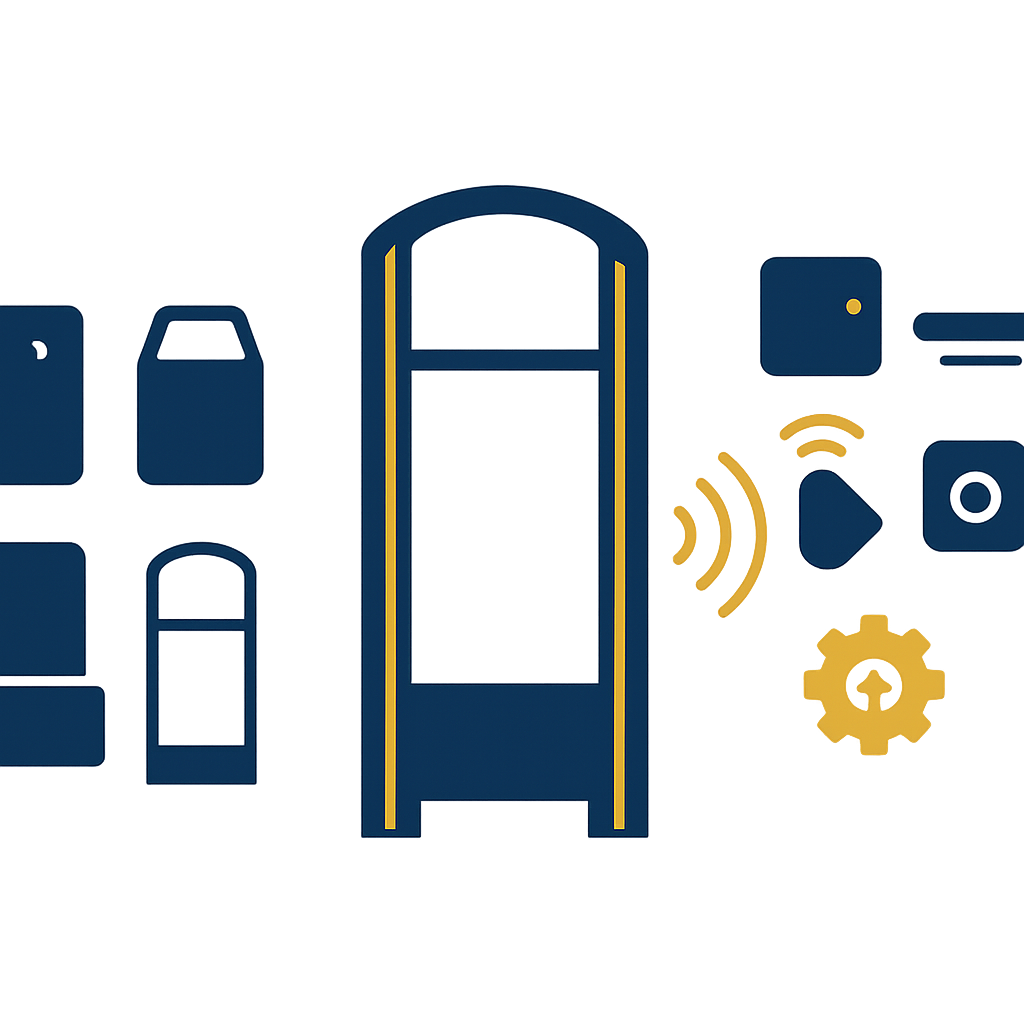
An RFID EAS gate is a security gate at the exit that integrates a UHF RFID reader and antennas, and can also detect traditional EAS tags if configured. Upgrading from an old EAS gate to an RFID gate helps retain the existing tag infrastructure, reduces operational disruption, and enables bulk tag reading without scanning each item.
The core difference between a traditional EAS gate and an RFID gate lies in bulk reading capability. An EAS gate only detects EAS tags that are still active and does not indicate which item is passing through. An RFID gate reads the EPC code on each tag, so it both alerts and records data. For fashion stores of 100–300 m², moving to an RFID gate is often accompanied by the goals of faster periodic stocktaking and reduced unexplained shrinkage.
If you want to see the overall picture of the solution, refer to loss prevention solutions with RFID EAS gates to compare against your own store model.
See the deployment approach, devices and phased roadmap on the loss prevention solution with RFID + EAS gates page.
Step 1 — Determine whether the store is using RF or AM tags to select the appropriate gate version
Related products


Step 1 — Determine whether the store is using RF or AM tags to select the appropriate gate version. Before buying an RFID gate, you must determine whether the tags in use are RF or AM, because these two technologies differ in frequency and detection method.
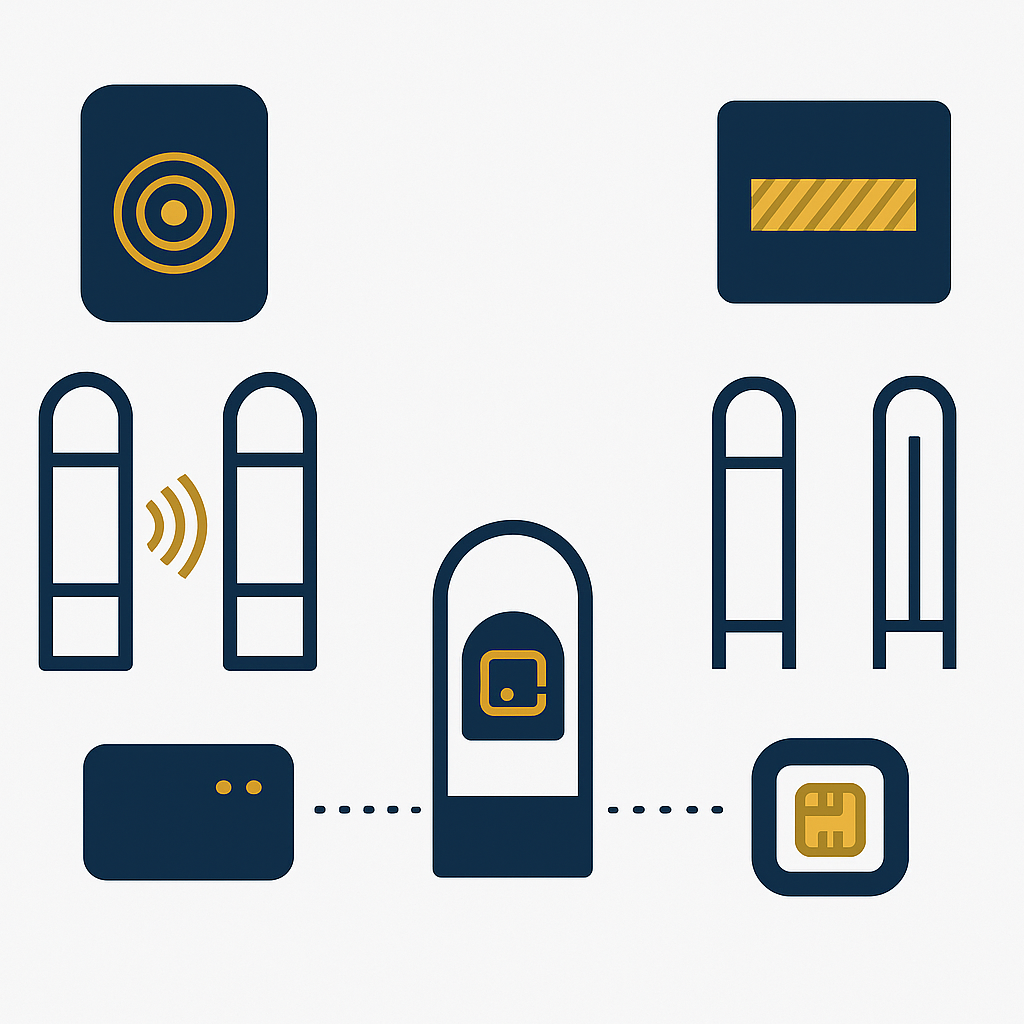
Before buying an RFID gate, you must determine whether the tags in use are RF or AM, because these two technologies differ in frequency and detection method. A pure RFID gate cannot read old EAS tags; to keep the tags, you need to choose a gate version with a compatible EAS module or accept running two systems in parallel during the transition period.
Quick identification: RF tags are usually thin labels with a small metal circuit, common in fashion and cosmetics stores; AM tags are hard or flexible labels with a magnetic strip, often found in supermarkets and bookstores. If the store mixes both, recheck the proportion of each type before deciding.
- Check 20–30 items currently on sale to see the type of tag attached and how often it is used.
- Count the existing EAS gates, their installation positions and the actual aisle width.
- Determine the goal: theft prevention only, or also inventory counting and stock management.
- Choose a gate version with a compatible EAS module (RF or AM) if you want to keep old tags in the initial phase.
For the IntelliGate A8 transparent RFID & EAS security gate, according to the manufacturer's specifications, the device has an RF or AM EAS expansion option, helping the store both read RFID and handle old EAS tags if configured correctly. This is an option worth considering when you do not yet want to replace all tags.
Step 2 — Tag high-value product groups with RFID first, keep magnetic labels on other items
Step 2 — Tag high-value product groups with RFID first, keep magnetic labels on other items. Converting group by group is the way to reduce risk and cost.

Converting group by group is the way to reduce risk and cost. High-value or fast-moving product groups should be tagged with RFID first to measure the actual read rate; the remaining groups continue to use magnetic labels. This approach lets the store operate as usual while collecting data to decide on expansion.
For example, with a fashion store, the jacket, handbag and premium accessory groups are usually chosen first because the value of each item is high and the number of SKUs is smaller. With cosmetics, gift boxes and large-volume products can be prioritized. With a library, the reference book and rare document groups should be tagged first.
- Choose 1–2 product groups with the highest value or the most losses.
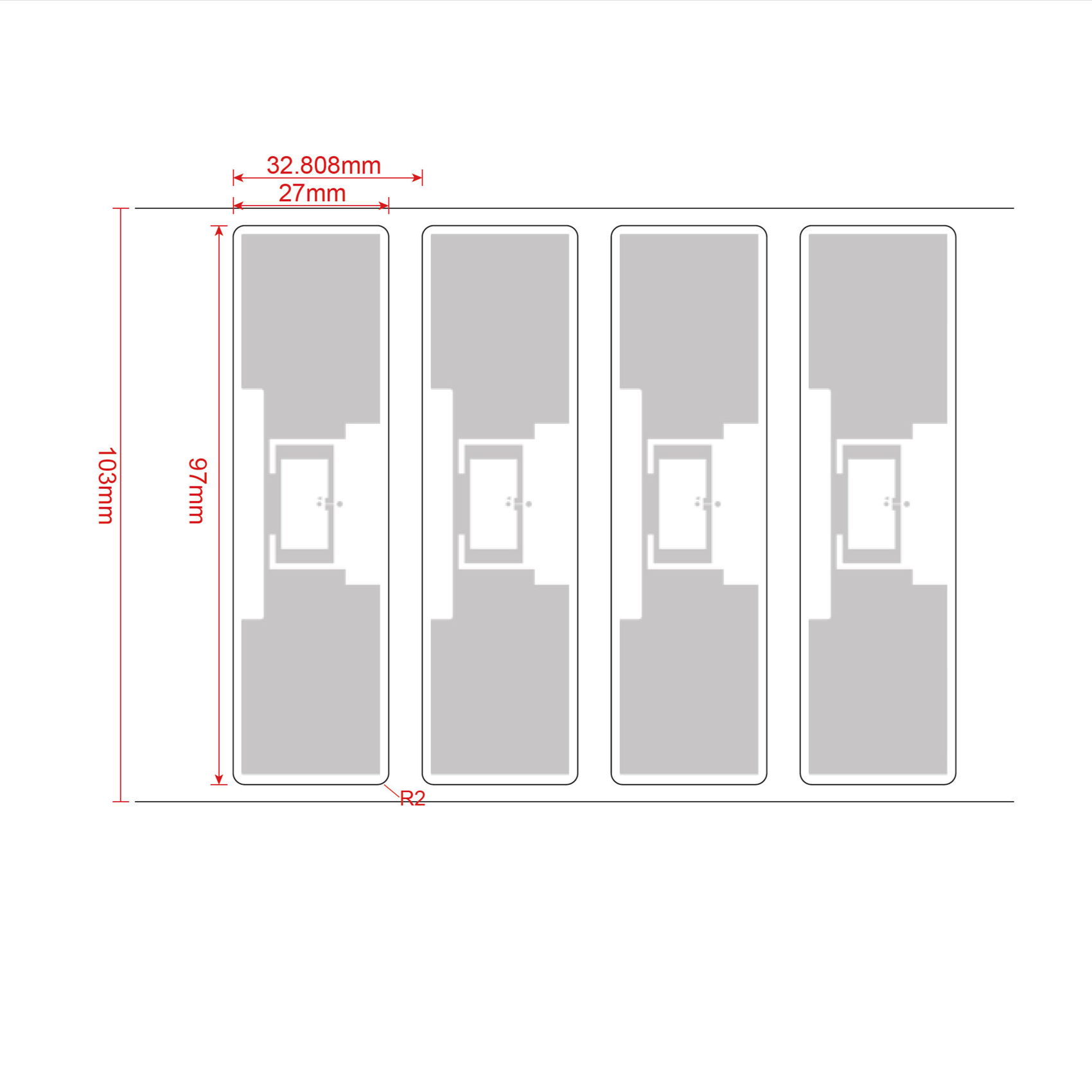
- Use UHF RFID labels suited to the surface: paper labels for fabric goods, specialized labels for curved or metal surfaces.
- Record the EPC code for each item to reconcile with the sales software.
- Measure the read rate at the gate with real goods, not sample goods.
See also the guide to getting started with RFID labels to understand how to choose the label type by product surface before expanding.
Step 3 — Connect the checkout counter to mark items as sold
An RFID gate is only useful when sold items are marked in time. The reader at the checkout counter needs to be connected to the sales software to record the EPC code and switch the status to sold as soon as payment is made. If this step is not done correctly, the gate will trigger false alarms on valid items.
Suggested process for a store with 1–3 counters:
- Place the desktop RFID reader at the checkout counter, connected to a computer or POS terminal.
- At checkout, the staff scans the RFID tag of each item or the whole bag of goods if the reader supports bulk reading.
- The software records the EPC code, updates the status to sold and syncs with inventory.
- Check periodically 1–2 times/day to see whether any item has left stock without being marked.
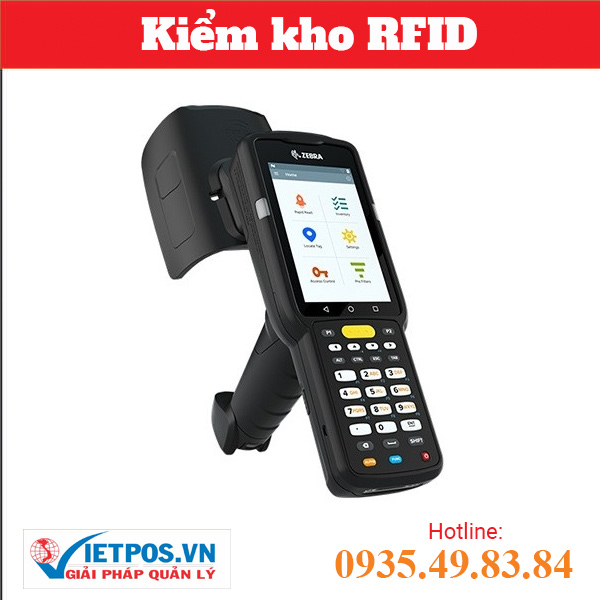
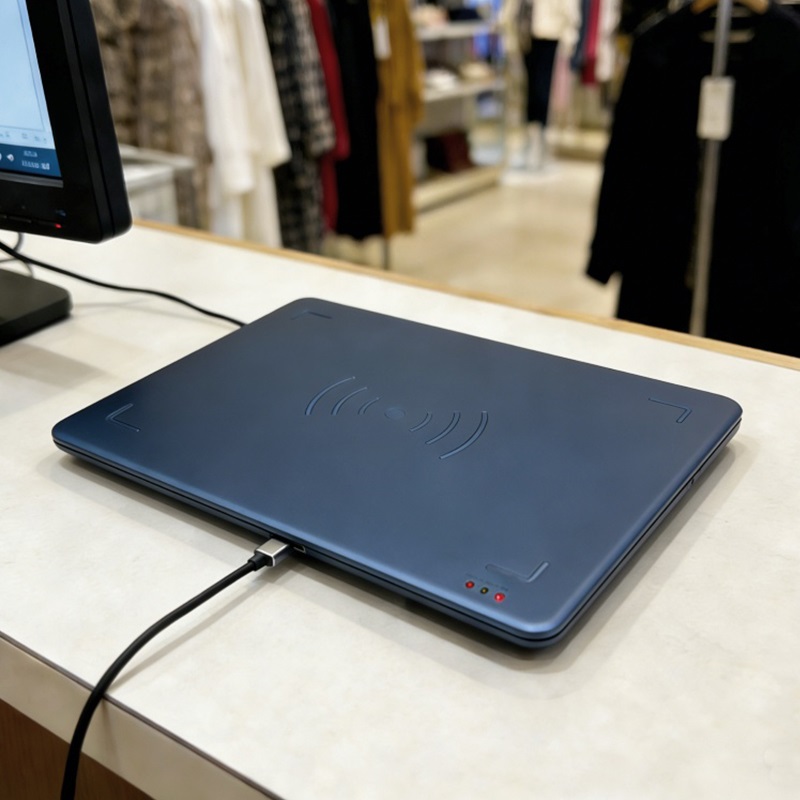
With the Aura A033 desktop reader, according to the manufacturer's specifications, the device supports the ISO18000-6C/EPC C1G2 protocol, operates in the FCC 902–928 MHz band, has 5–30 dBm power, connects via USB Type-C and can use USB keyboard emulation mode to enter codes directly into the software. The read distance is 0–1 m depending on power, antenna and tag type, suitable for placement at the counter.
Step 4 — Expand to more product groups once the read rate has been measured as stable
Only expand RFID tagging to all goods when the read rate at the gate and at the counter has been stable across multiple checks. It must be measured on real goods, in multiple positions and with multiple types of packaging. If the read rate does not meet expectations, power, antenna position or tag type must be adjusted before expanding.
Practical expansion criteria:
- Measure over 3–5 rounds, with 50–100 items per round from the product groups planned for expansion.
- Record the read rate by surface type: fabric, plastic, metal, liquid.
- Only expand when the read rate is stable and the gate does not trigger false alarms on marked items.
- Train staff on the marking process and on handling gate alarms.
Practical limitation note: metal and liquids block UHF waves, so solid metal goods or large liquid bottles may need specialized tags or may have to be accepted without RFID tagging. Always test on real goods before committing to the entire catalog.
IntelliGate A8 RFID EAS gate specifications as published by the manufacturer
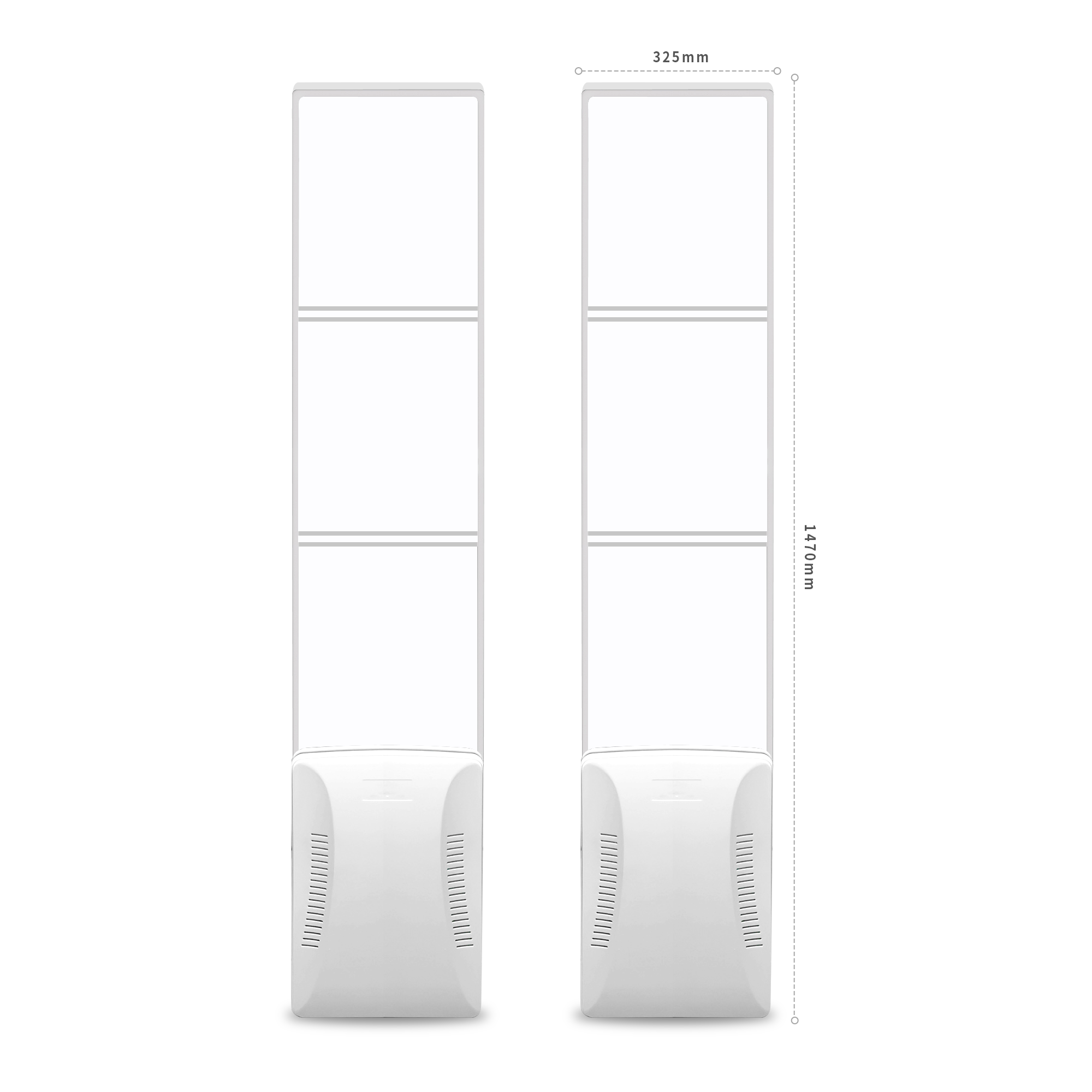
IntelliGate A8 is a two-panel RFID & EAS security gate with clear acrylic faces, combining UHF RFID reading and optional EAS. According to the manufacturer's specifications, each panel measures 1470 × 325 × 129 mm, weighs approximately 14 kg/panel, supports the ISO/IEC18000-6B, 6C / EPC Global C1Gen2/V2 protocols, has an output power of 0–33 dBm, and a suggested read width of 1–2.4 m.
| Specification | Value per manufacturer | Operational meaning |
|---|---|---|
| Dimensions per panel | 1470 × 325 × 129 mm | Suitable for a 1–2.4 m aisle; re-measure the doorway before installation |
| Material | Acrylic face, ABS base | Transparent, preserves store aesthetics, easy to clean |
| RFID protocol | ISO/IEC18000-6B, 6C / EPC Global C1Gen2/V2 | Compatible with common UHF tags on the market |
| RF frequency | FCC 902–928 MHz, ETSI 865–868 MHz | The permitted frequency band in Vietnam must be configured during installation |
| Output power | 0–33 dBm, adjustable | Adjust according to aisle width and tag density |
| Suggested read width | 1–2.4 m | Measure on actual goods to choose the position |
| EAS support | RF or AM, optional | Used to keep legacy magnetic tags during the transition period |
The previous article on how EAS anti-theft gates and RFID gates differ will help you cross-check further before choosing a model.
UHF RFID frequency band in Vietnam: must be configured to 918.4–923 MHz
In Vietnam, UHF RFID devices must operate within the permitted 918.4–923 MHz band. When purchasing a gate or reader, choose a hardware version that supports 902–928 MHz, then set the specific frequency band during installation. Ask the supplier clearly about frequency configuration capability and related documentation to avoid equipment that does not comply with regulations.
Many RFID gate models offer either FCC 902–928 MHz or ETSI 865–868 MHz options. The FCC version is usually suitable for configuration to the 918.4–923 MHz band. During the survey, ask the supplier to confirm:
- Whether the device supports the 902–928 MHz band.
- Whether the operating frequency can be set within 918.4–923 MHz during installation.
- Whether technical documentation and configuration instructions are provided.
- Whether post-installation verification is supported to ensure the device runs on the correct frequency band.
This is an easily overlooked step, but it directly affects the validity and stability of the system. Do not change the frequency yourself after installation without guidance from the supplier.
Summary table of terms to know when upgrading from anti-theft gates to RFID
The terms below help you communicate more precisely with suppliers and technicians. Understanding each concept correctly will reduce the risk of buying the wrong equipment or misconfiguring during the transition from anti-theft gates to RFID gates.
| Term | Short definition | Example in operation |
|---|---|---|
| RFID UHF | Technology that reads tags using ultra-high frequency radio waves, able to read multiple tags at once | Reading an entire bag of goods at the checkout counter |
| EPC Gen2 | A common communication standard for UHF tags, each tag has its own identifier code | Writing an EPC code for each item |
| EAS | Traditional anti-theft system using magnetic tags | Keeping legacy magnetic tags in the initial phase |
| Read rate | The proportion of tags successfully read out of all tags passing through the read zone | Measure over 3–5 rounds before expanding |
| Output power | The level of wave energy emitted from the gate, adjustable | Increase power when the aisle is wide |
Common mistakes when converting from EAS tags to RFID
Most incidents when upgrading from EAS gates to RFID gates come from converting too quickly, not measuring on real merchandise, or skipping the marking step at the checkout counter. The mistakes below can cause false alarms at the gate, erode staff confidence in the system, and stall the project.
- Replacing all tags from the start: high cost, operational disruption, and error-prone when tagging in bulk.
- Not measuring the read rate on real merchandise: using sample goods or sample tags means the results do not reflect the actual item surfaces.
- Not connecting the checkout counter: items are sold but not marked, the gate raises false alarms, and staff ignore the alerts.
- Ignoring the regulated frequency band: devices run outside the 918.4–923 MHz band, affecting compliance and stability.
- Expecting 100% reads: metal and liquids block signals, so some items will not be readable without specialized tags.
To reduce mistakes, schedule a site survey and measure the read rate on real merchandise with Việt POS before deciding to scale up. The technical team will check the tag type in use, measure at the gate and at the counter, and then propose a suitable configuration.
Frequently asked questions
Can existing EAS tags be kept when installing RFID gates?
Yes, if you choose a gate with an RF- or AM-compatible EAS module. The IntelliGate A8 RFID & EAS security gate has an RF or AM EAS expansion option per the manufacturer's specifications, allowing it to both read RFID and handle existing EAS tags. However, the tag type in use must be checked and the configuration set correctly before installation. In the initial phase, the store can run both systems in parallel to ensure no operational disruption.
How long does it take to upgrade from EAS gates to RFID gates?
The time depends on the number of gates, the number of product groups being converted, and the readiness of the checkout counter. Typically, the survey and read-rate measurement take 1–2 days; gate installation and configuration take 1–2 days; tagging the first product group takes 2–5 days depending on volume. The total time can extend to 1–2 weeks if the store converts while continuing to operate. Phasing is recommended so sales are not affected.
Can UHF RFID tags be read through fabric bags or cardboard boxes?
Yes, UHF signals can read through many materials such as fabric, paper, and thin plastic. However, metal and liquids block signals strongly, so solid metal items or large liquid bottles may not be readable with standard tags. Testing on real merchandise is required, and specialized tags for difficult surfaces may be needed. A 100% read commitment should not be made before actual measurement.
Can RFID gates completely replace existing EAS gates?
They can replace them if the store converts all merchandise to RFID tags and no longer uses EAS tags. However, during the transition phase, the existing EAS gates should be kept running in parallel or a hybrid gate with an EAS module should be chosen. Once the read rate is stable and all merchandise is tagged, the existing EAS gates can be removed. Complete replacement requires weighing cost and conversion time.
Which frequency is permitted for UHF RFID in Vietnam?
Under current regulations, the permitted frequency band for UHF RFID in Vietnam is 918.4–923 MHz. When purchasing equipment, choose a version that supports 902–928 MHz and ask the supplier to configure the correct frequency band during installation. Configuration capability and accompanying technical documentation should be clarified. Do not change the frequency yourself after installation without guidance.
Is it necessary to replace the sales software when moving to RFID?
Not necessarily, but the sales software needs to support recording EPC codes and updating sold status. If the current software does not support this, the reader can be used in USB keyboard emulation mode to enter codes directly, or the software can be upgraded. Việt POS provides consulting on connecting RFID readers with sales management software to ensure data synchronization.
Schedule a site survey and read-rate measurement on real merchandise with Việt POS to choose a suitable RFID gate configuration: hotline 0935 498 384.
Need advice on specific equipment or a solution?
Việt POS replies within 30 minutes · Hotlines in 4 regions · Free site survey.
Related articles