Mục lục bài viết (5)
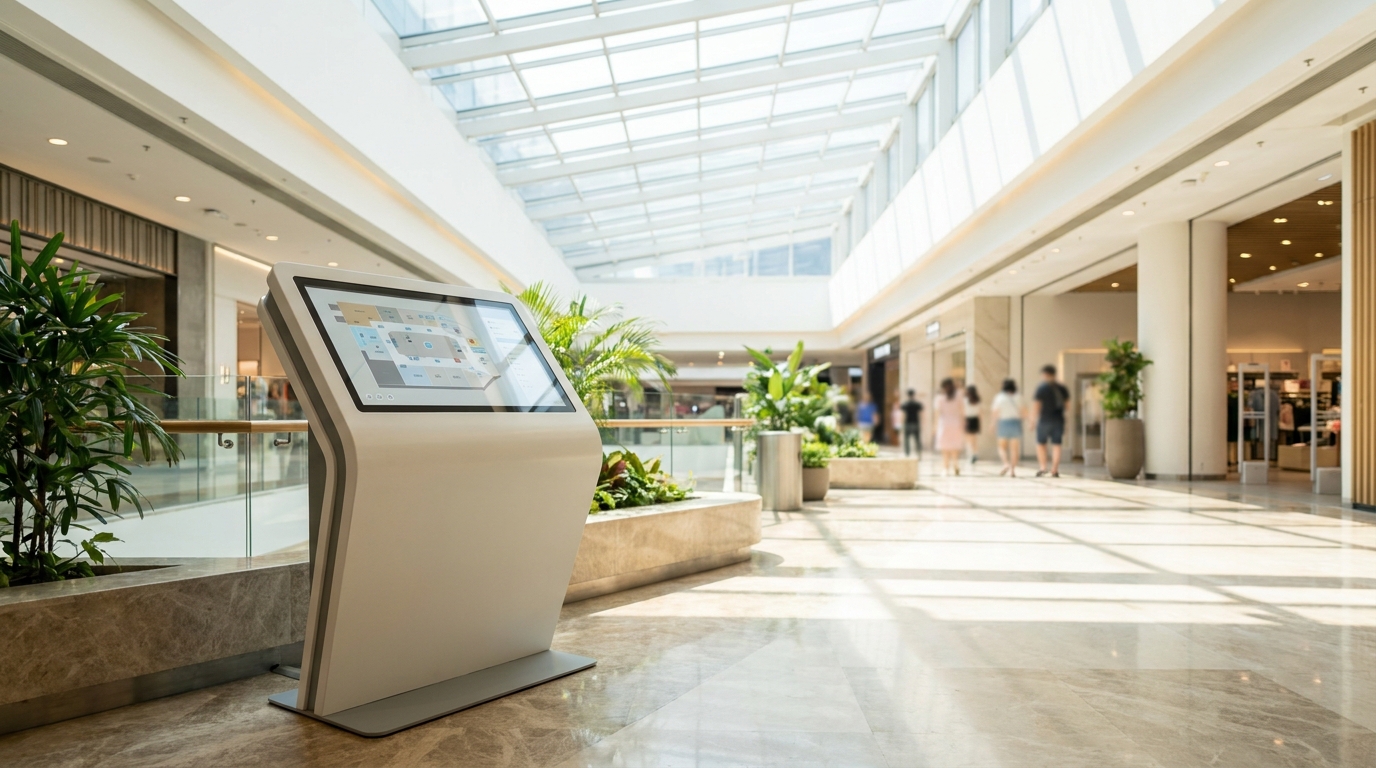
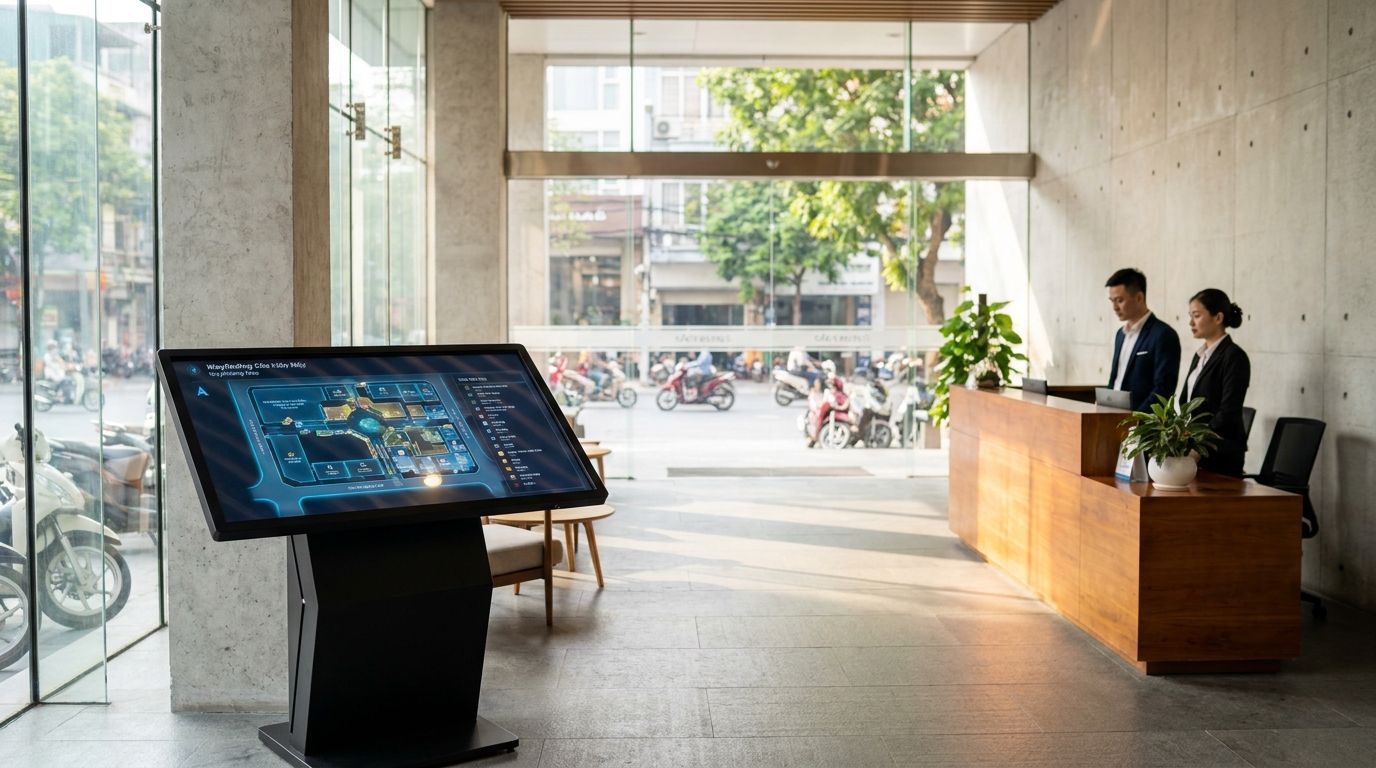
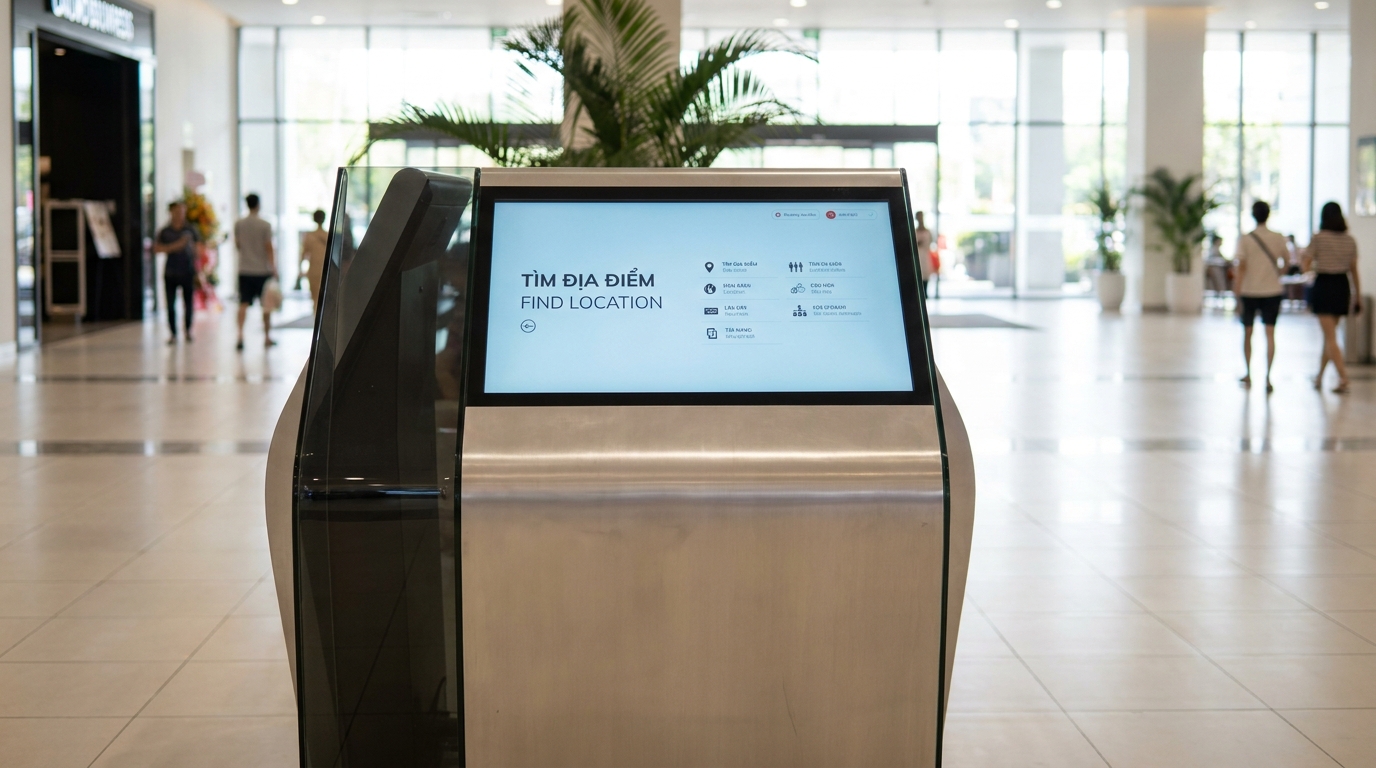
A wayfinding kiosk is a touchscreen solution for searching indoor maps, helping visitors find locations and view routes on the spot. In Vietnam, this technology is being widely deployed in shopping malls, hospitals, office buildings, and airports to reduce front desk workload and enhance customer experience.
Where to place wayfinding kiosks in a building? 7 prime locations: main lobby after the revolving door, in front of ground-floor elevators, T/L-shaped corridor intersections, near public restrooms, elevator waiting areas on upper floors, near staircases or escalators, and entrances to food courts. Selection criteria: traffic ≥ 100 people/hour, visibility 5-10m, no blocking of emergency exits, and nearby power and network access.
Table of Contents
- Why does wayfinding kiosk placement determine 80% of effectiveness?
- What is a wayfinding kiosk and how does it work?
- 7 prime locations for wayfinding kiosks in buildings in 2026
- Criteria for evaluating wayfinding kiosk installation locations
- Summary table comparing 7 kiosk placement locations
- Measuring effectiveness after kiosk installation
- Common mistakes when choosing kiosk placement
- Case study: Deploying wayfinding kiosks for a Class B office building
- Integrating wayfinding kiosks with building management systems
- Preparing power and network infrastructure for kiosks
- Frequently Asked Questions
Why does wayfinding kiosk placement determine 80% of effectiveness?
A kiosk placed in the wrong spot will be ignored no matter how good the software is. The core principle: the kiosk must be on the natural walking path of users, within 5-10 meters of visibility, and where they are hesitating and need guidance. Data from deployment projects shows that kiosks in optimal locations have interaction rates 3-5 times higher than those in hidden spots.
What is a wayfinding kiosk and how does it work?
Related Products
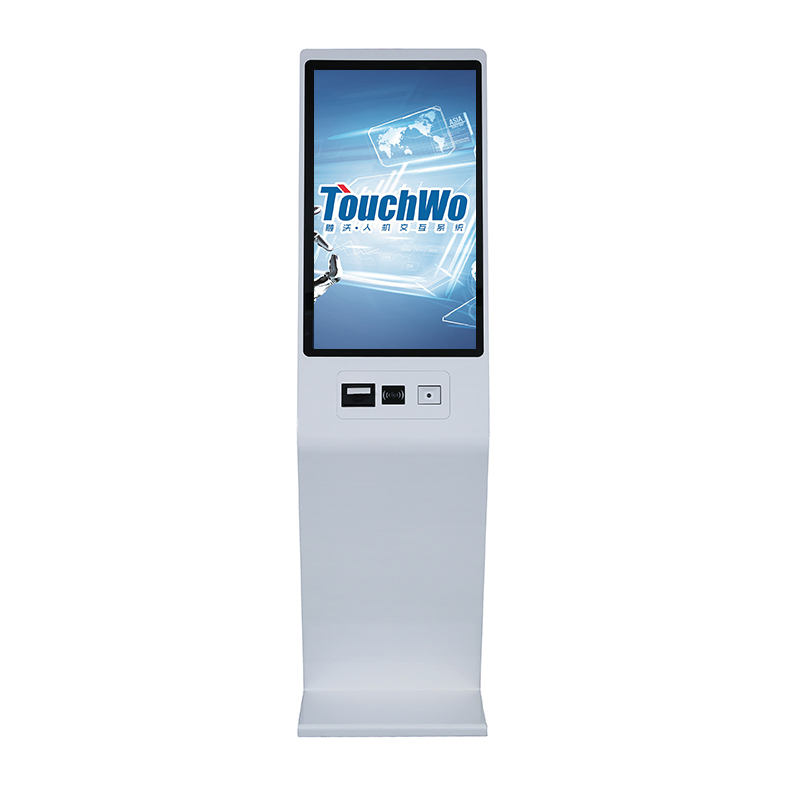
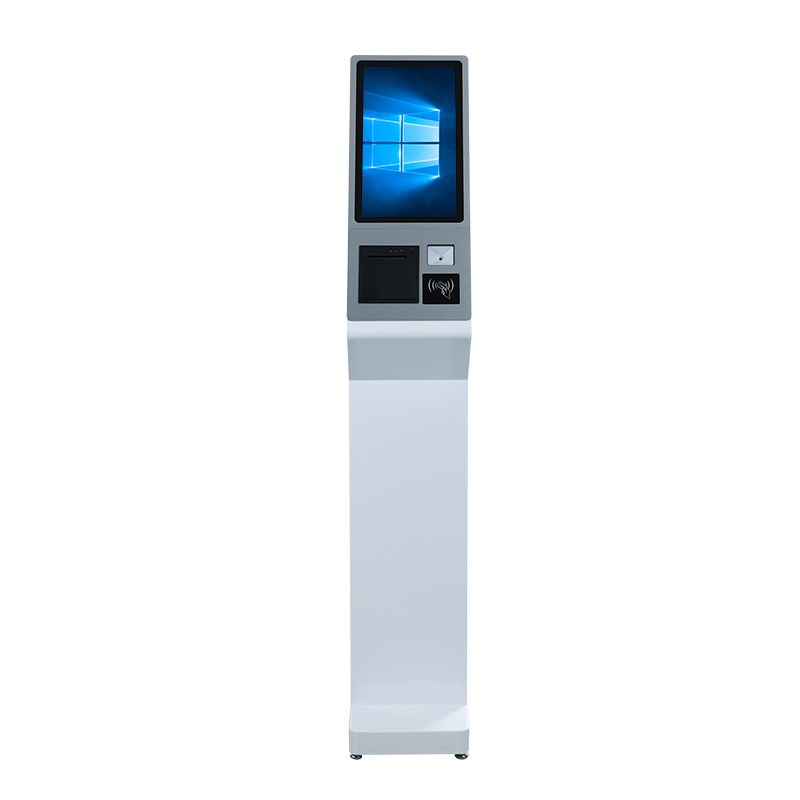
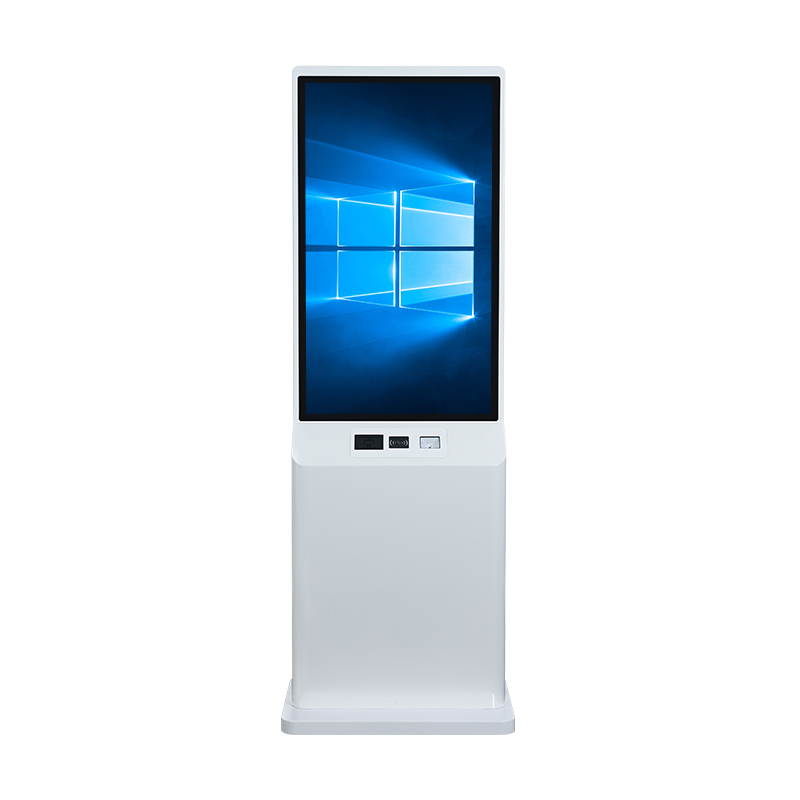
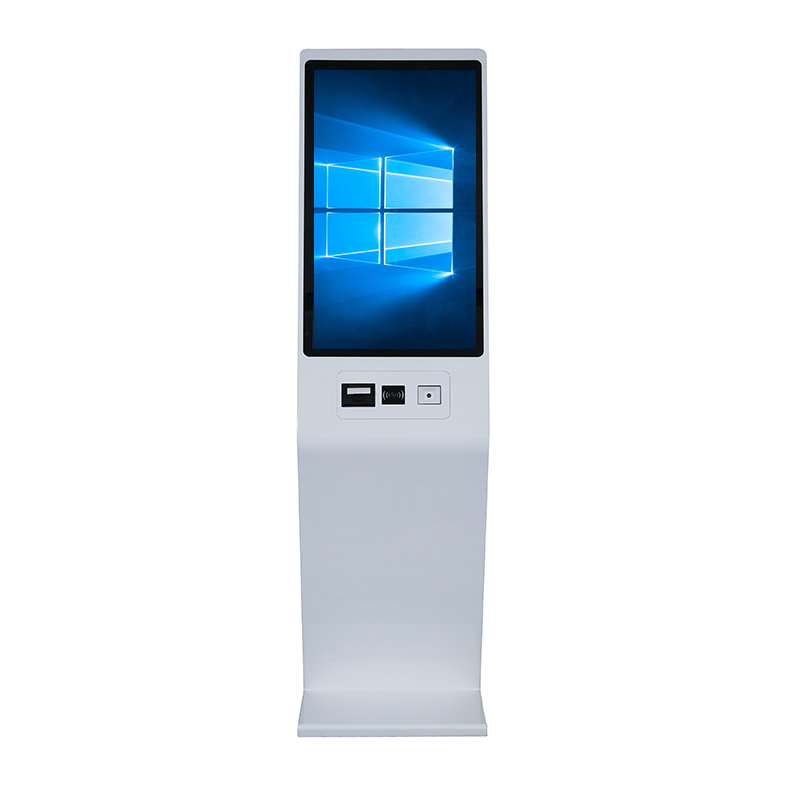
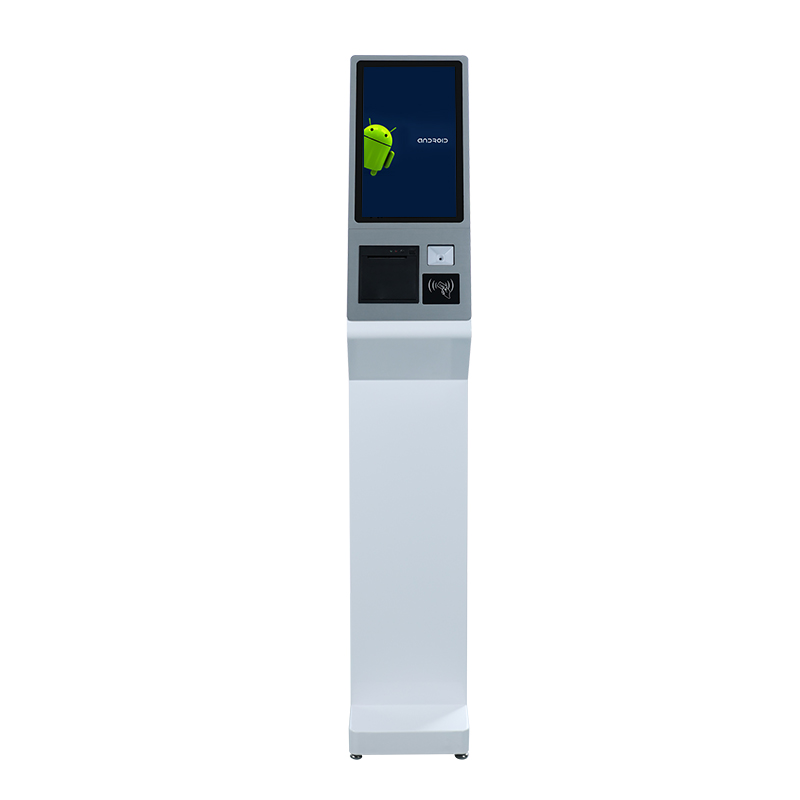
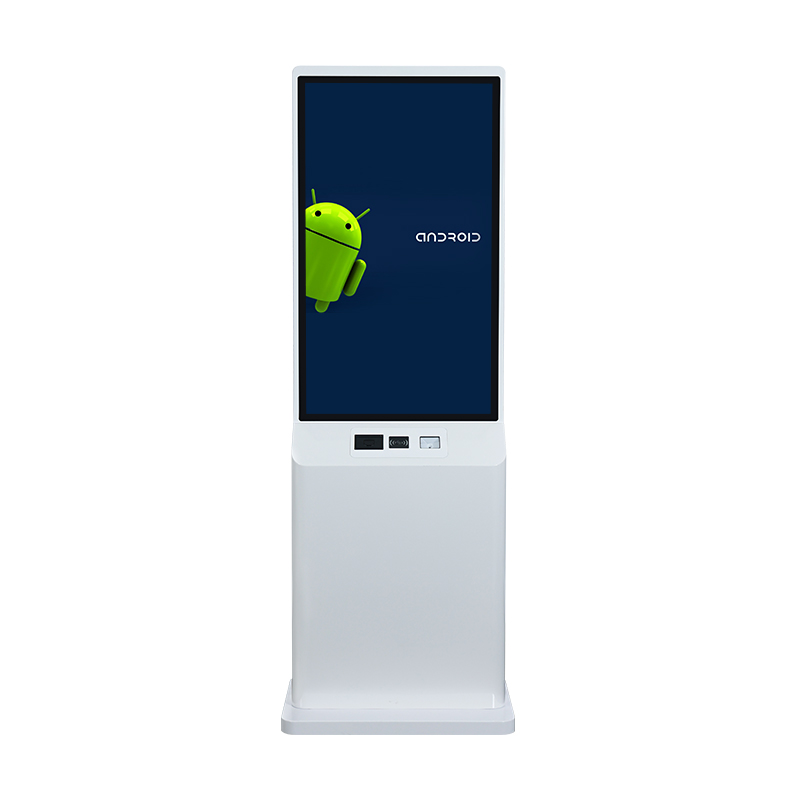

A wayfinding kiosk is a touchscreen device integrated with indoor digital map software, allowing users to tap to search for locations, view their current position, and receive text or image-based navigation routes. Modern systems can operate offline, independent of the Internet.
Distinguishing wayfinding kiosks from static signage
Static signage has information printed on acrylic or aluminum panels and cannot be updated when changes occur. Wayfinding kiosks digitize the entire process: updating electronic maps without reprinting, displaying multiple languages, and measuring interaction counts. For buildings with over 5 floors or over 50 destinations, printing and installation costs for static signs often exceed the kiosk investment after 12-18 months.
7 prime locations for wayfinding kiosks in buildings in 2026
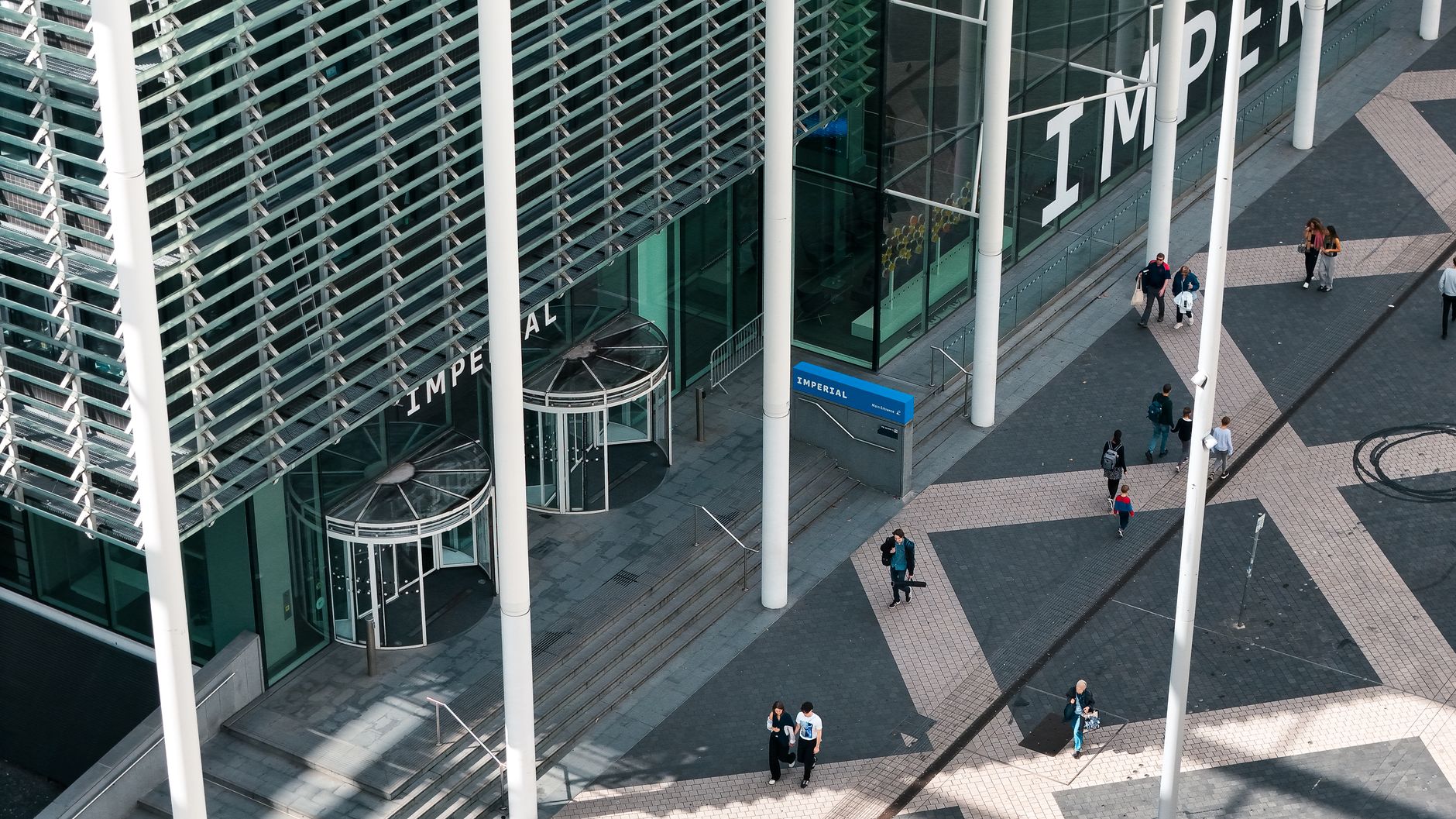
Based on analysis of pedestrian flow in commercial and office buildings in Vietnam, there are 7 locations with the highest access density. Each location requires a real traffic survey before finalizing installation.
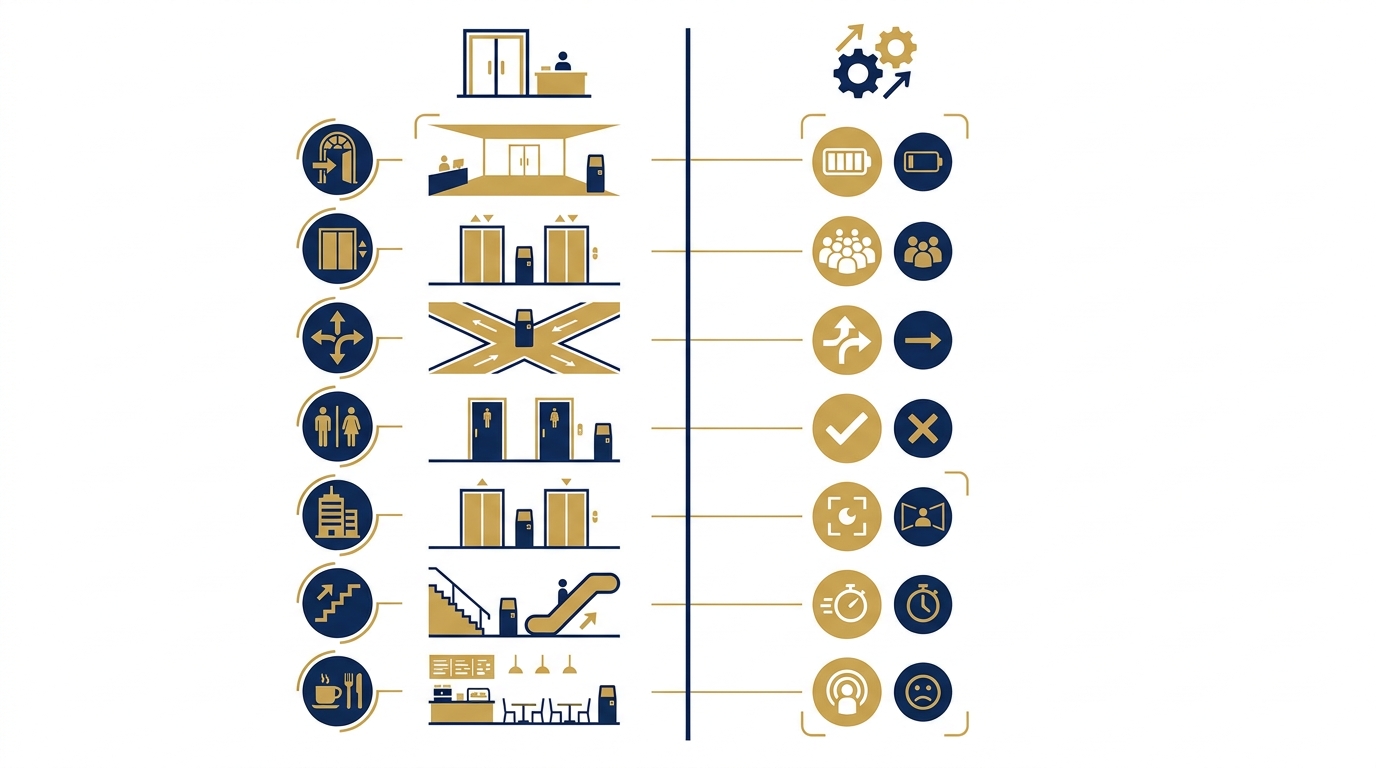
- Main lobby, right after the revolving door or automatic glass door: The first point visitors enter, where they are orienting themselves in the space. Place 3-5 meters from the door, without blocking the main walkway.
- In front of the ground-floor elevator area: Where visitors wait for elevators, with 30-60 seconds of free time to interact. Place parallel to the elevator bank, 1-2 meters away.
- T-shaped or L-shaped corridor intersections: Decision points for turning left or right—where visitors hesitate the most. Place at an angle that provides a clear view of both directions.
- Near public restrooms: Areas with consistently high traffic, where visitors often move in groups—one person waits while another can search.
- Elevator waiting areas on upper floors (floors 2-5): After visitors have gone up, they need to reorient themselves. Place near existing floor directory signs.
- Near staircases or escalators: Transition points between floors, where visitors pause to observe before continuing.
- Entrances to food courts or entertainment areas: Places with high dwell time and long stays, where the need to search for specific restaurants/services is high.
Criteria for evaluating wayfinding kiosk installation locations
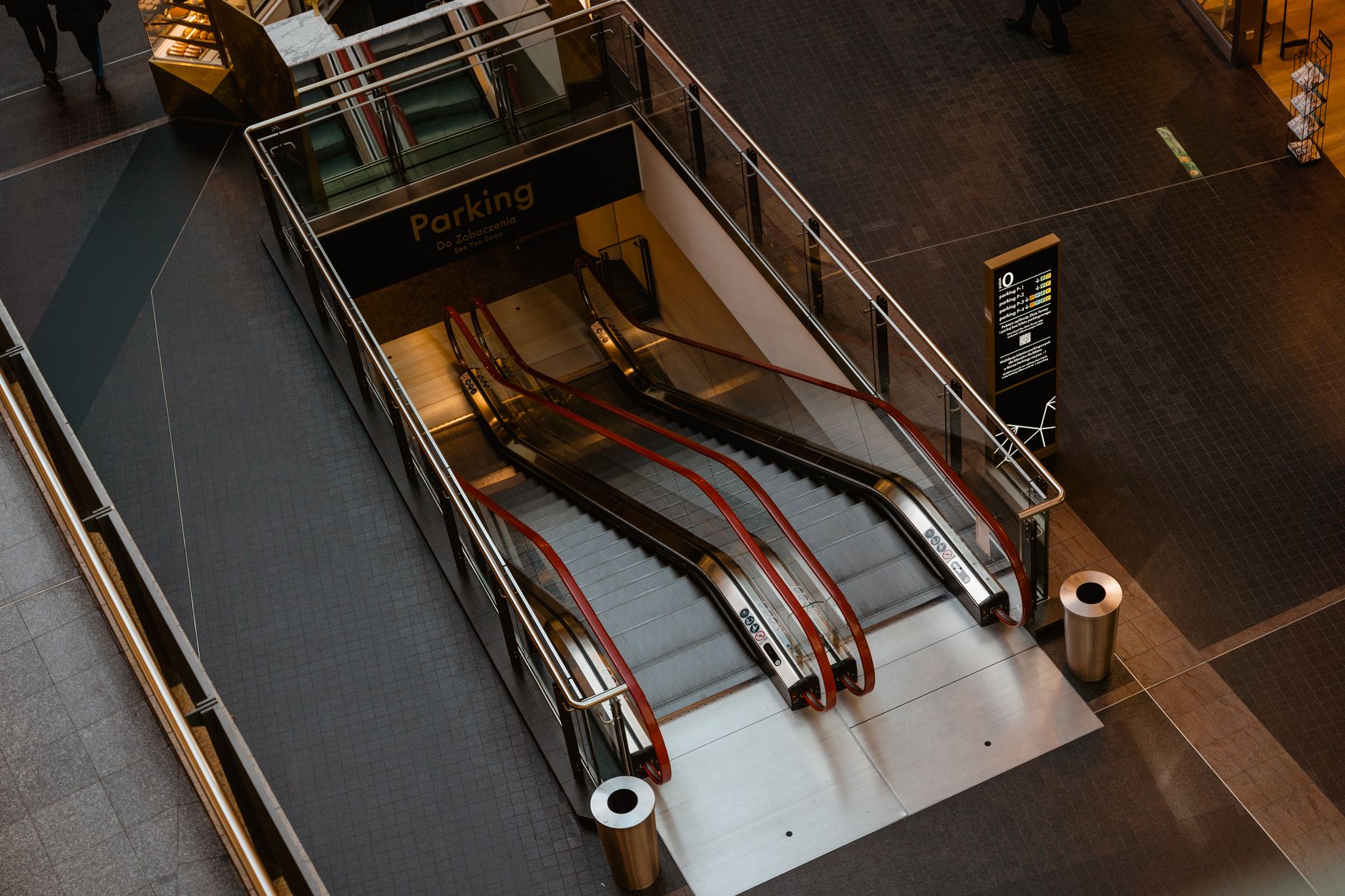
Not every visually appealing location is effective. Evaluation should be based on 5 quantitative and qualitative criteria: traffic, visibility, dwell behavior, technical infrastructure, and fire safety.
- Pedestrian traffic: At least 100 people/hour during peak hours. Measure by manual counting for 3 days or using AI people counting devices for 1 week.
- Visibility: The kiosk must be visible from 5-10 meters away, without being obstructed by columns, plants, or advertising boards.
- Dwell behavior: Places where visitors have a reason to stop—waiting for elevators, waiting for friends, reading menus. Avoid areas where visitors only pass by quickly.
- Power and network infrastructure: Distance to power outlets and LAN network points should not exceed 10 meters. If using offline kiosk software, only a 220V power source is needed.
- Fire safety: Do not place in evacuation zones, do not block emergency exits, and maintain a minimum distance of 1 meter from firefighting equipment.
Summary table comparing 7 kiosk placement locations
Summary table comparing 7 kiosk placement locations Location Effectiveness level Required conditions Implementation example Main lobby Very high 3-5m from door, no blockage 3-story shopping mall in Ho Chi Minh City In front of ground-floor elevators High Parallel to elevator bank, ca
| Location | Effectiveness level | Required conditions | Implementation example |
|---|---|---|---|
| Main lobby | Very high | 3-5m from door, no blockage | 3-story shopping mall in Ho Chi Minh City |
| In front of elevators | High | Parallel to elevator bank, ca |
Cần tư vấn thiết bị/giải pháp cụ thể?
Việt POS phản hồi trong 30 phút · Hotline 4 vùng · Khảo sát miễn phí.
Bài viết cùng chủ đề