Mục lục bài viết (8)
- Method 1: Manual Ledger Management — Slow, Error-Prone, Labor-Intensive
- Method 2: Simple POS without Barcode Scanning — Faster but Lacking Data
- Method 3: POS + Barcode Scanner + Real-time Reporting — Optimized, Accurate, Profit-Boosting
- Detailed Comparison of 3 Methods: Economic Benefits Table
- Specific Economic Benefits of Real-time Revenue Reports + Barcode Scanning
- Choose the Solution Based on Your Specific Use Case
- Pros and Cons of Each Method
- Frequently Asked Questions about Real-time Revenue Reports + Barcode Scanning
Real-time revenue reporting is a solution for tracking sales, inventory, and profits minute-by-minute without waiting until the end of the day. This article compares 3 management methods: (1) Manual ledger management, (2) Simple POS without barcode scanning, (3) POS integrated with barcode scanners + real-time reporting — to help you choose the most suitable solution for your minimart or supermarket.
Method 1: Manual Ledger Management — Slow, Error-Prone, Labor-Intensive

Manual management is the traditional approach: staff manually record invoices, calculate with a calculator or pen and paper, then enter data into ledgers at the end of the day. This method is suitable for very small stores (under 10 transactions/day) or places without computer access. However, accuracy is only 85-90%, and it takes 3-5 hours daily to reconcile data.
- Manual invoice recording → prone to writing errors, wastes paper
- Calculating with a mechanical calculator → slow, human errors
- Revenue reports only available at the end of the day (not real-time)
- Inaccurate inventory knowledge → speculative purchasing → excess or shortage of goods
Method 2: Simple POS without Barcode Scanning — Faster but Lacking Data


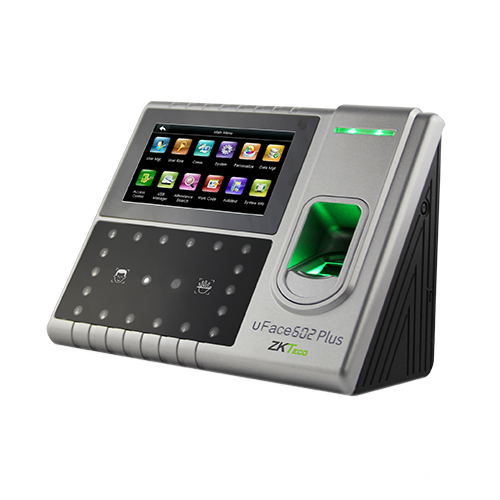
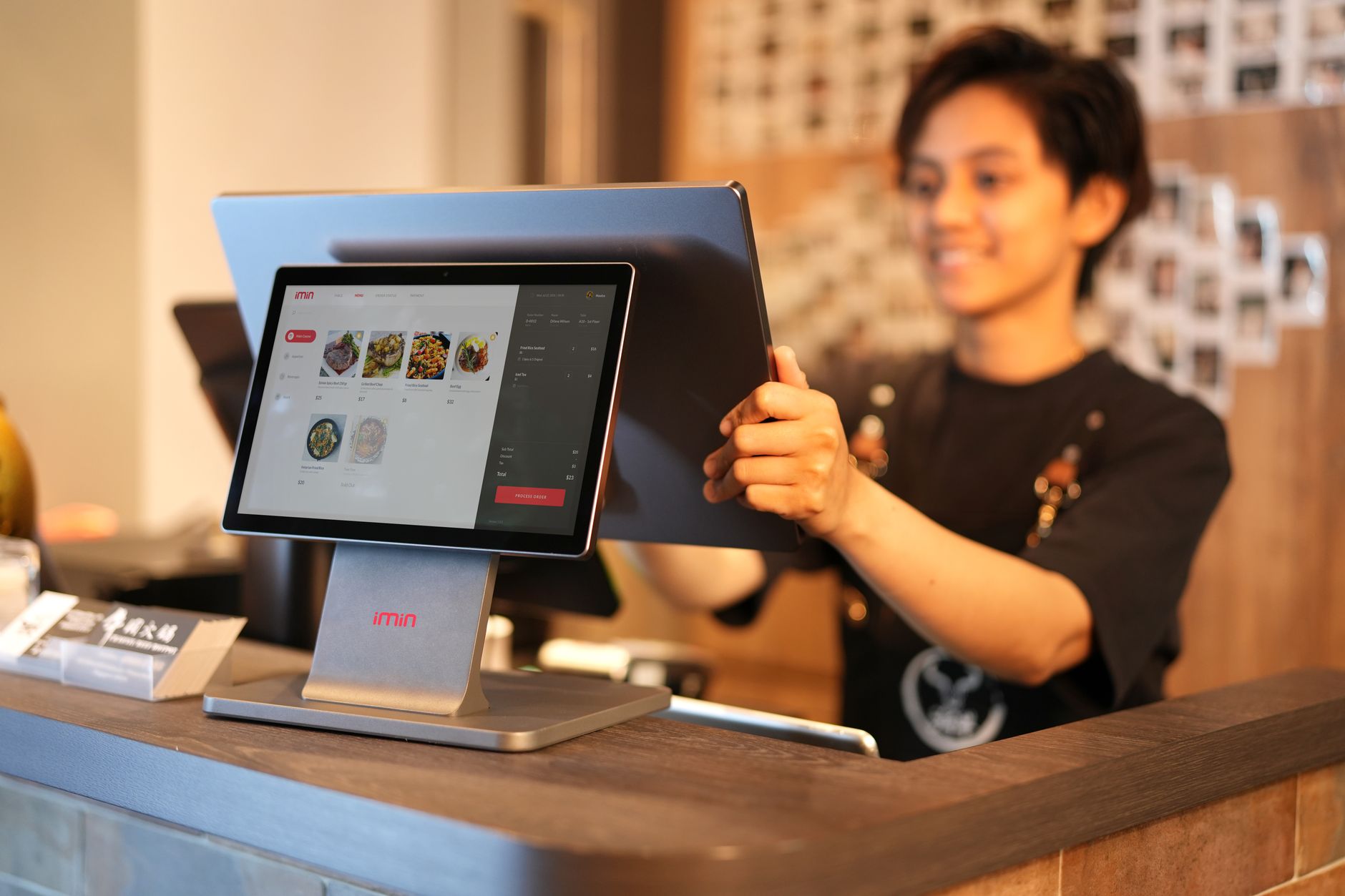
A simple POS is a cash register with a touchscreen, allowing staff to manually type item codes or select from a menu. Sales speed increases by 30-40% compared to manual recording, but still depends on the staff's typing speed. Revenue reports are updated faster, but real-time inventory cannot be accurately known due to the absence of barcode scanners.
Bạn đang tìm sản phẩm cho chủ đề này?
Việt POS phân phối chính hãng — bảo hành 24-36 tháng, hỗ trợ kỹ thuật 24/7.

Zebex Z3151 Barcode Scanner (Reads 2D PDF 417 Codes)
SKU: Z3151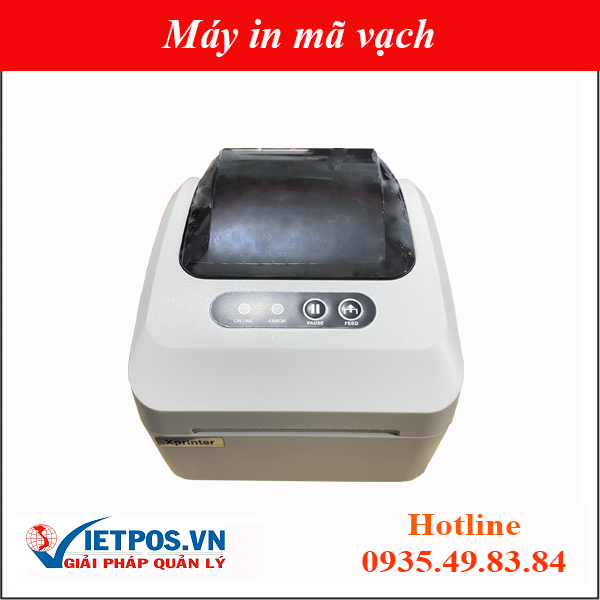
Xprinter XP-350 Plus Barcode Printer (Barcode + Bill Printing)
SKU: XP-350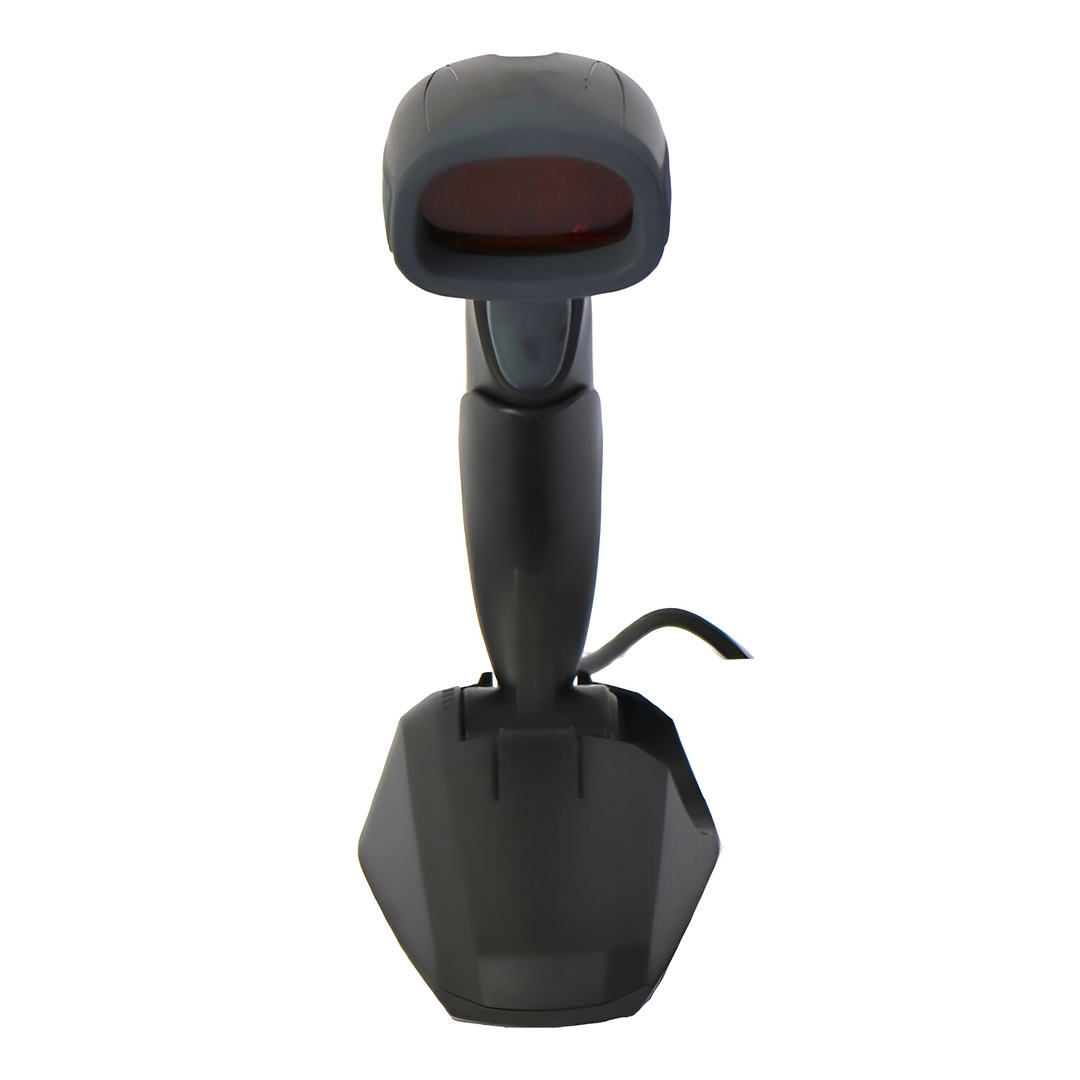
Barcode Scanner SI-2500 (1D & 2D)
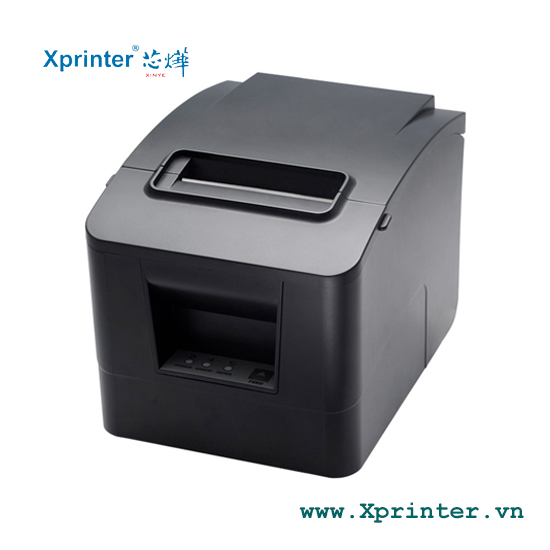
Xprinter X1 POS Receipt Printer External Speaker - Real-Time Printing Reminder
- Staff must manually type item codes → slow, prone to typing errors
- Revenue reports updated hourly, not minute-by-minute
- Inventory only updated upon sale, no knowledge of damaged or counterfeit goods
- Difficult to track slow-moving items, unable to optimize product catalog
Method 3: POS + Barcode Scanner + Real-time Reporting — Optimized, Accurate, Profit-Boosting
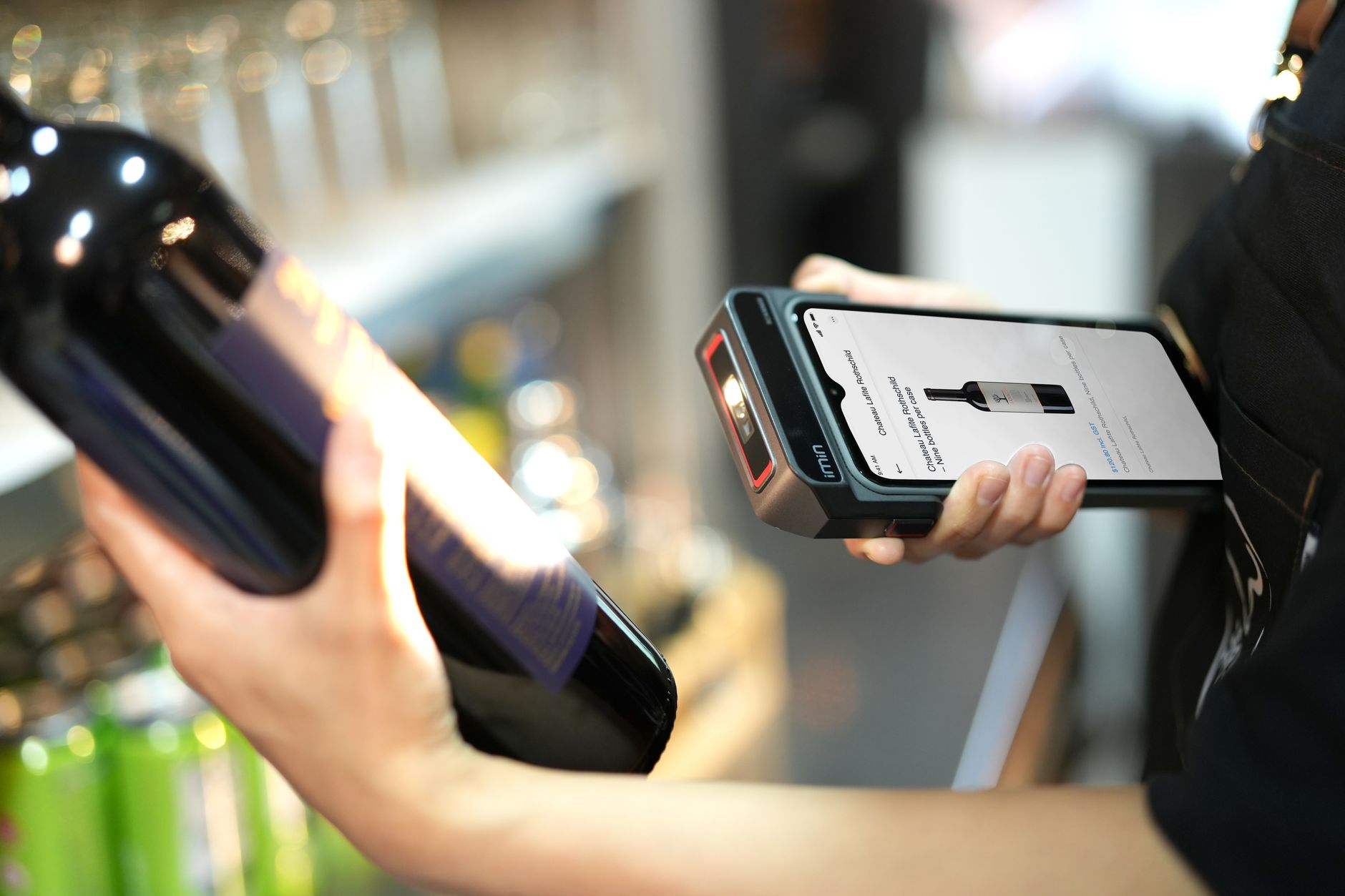
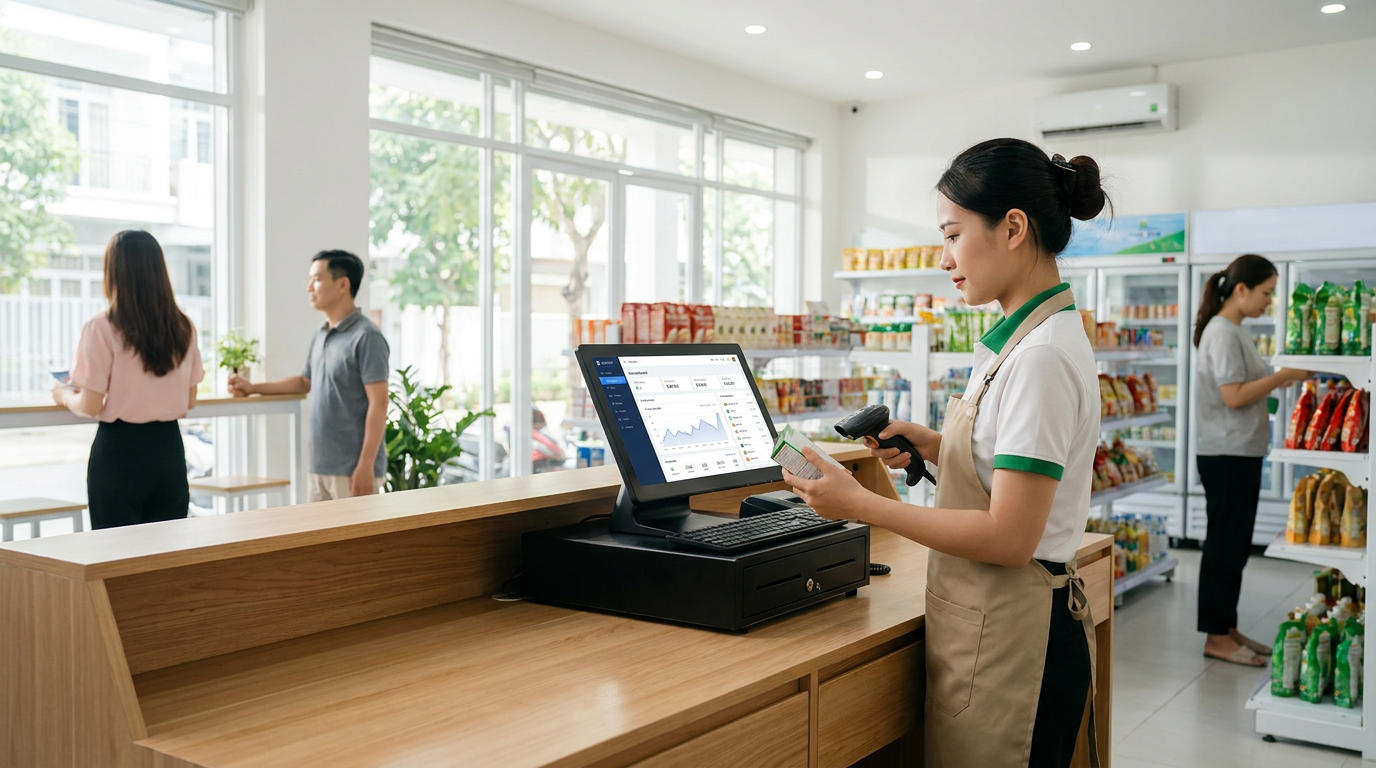
This is the modern solution: a POS machine integrated with a barcode scanner, automatically recording products, selling prices, inventory, and revenue every second. Revenue reports are updated in real-time on the owner's dashboard or phone. Accuracy reaches 99%+, saving 3-5 hours of labor per day, and helping store owners make faster business decisions.
- Automatic barcode scanning → 50-70% faster sales, nearly 0% errors
- Revenue reports updated minute-by-minute, viewable on phone
- Real-time inventory → immediate knowledge of low stock → accurate purchasing
- Early detection of slow-moving items → adjustment of sales strategy → 15-25% profit increase
- Detailed reports by product, employee, sales hour → optimized operations
Detailed Comparison of 3 Methods: Economic Benefits Table
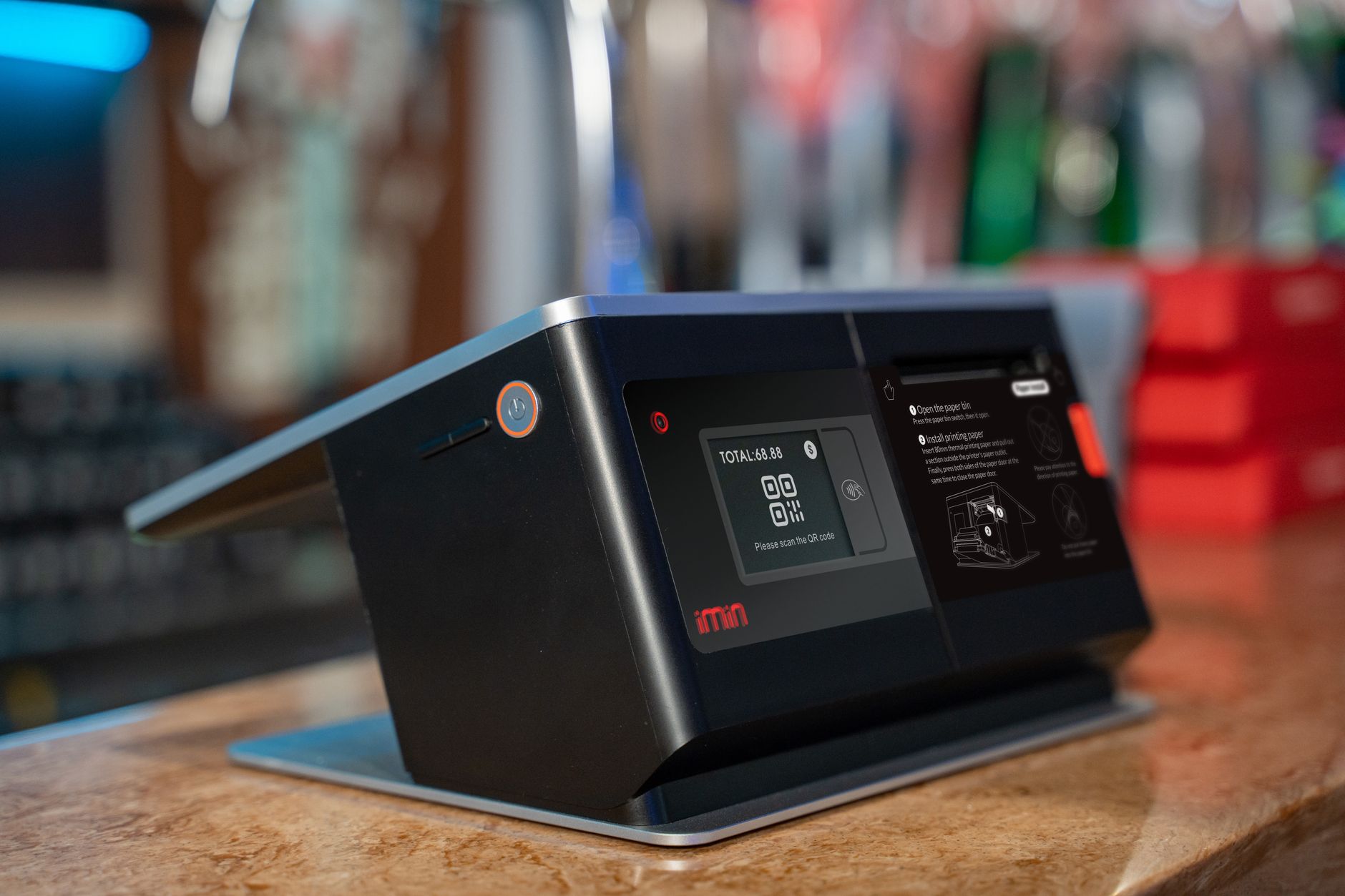
| Criteria | Manual Management | Simple POS | POS + Barcode Scanning (Best) |
|---|---|---|---|
| Sales Speed/Transaction | 5-10 minutes/transaction | 1-2 minutes/transaction | 20-30 seconds/transaction |
| Data Accuracy | 85-90% | 92-95% | 99%+ |
| Data Reconciliation Time/Day | 3-5 hours | 1-2 hours | 15-30 minutes (automatic) |
| Real-time Revenue Reports | No | Updated 1-2 hours/time | Minute-by-minute, viewable on phone |
| Accurate Inventory | Manual recording → 10-15% error | Updated only upon sale | Real-time, 0-1% error |
| Labor Cost/Month | ~8-10 triệu (4-5 staff) | ~6-8 triệu (3-4 staff) | ~4-5 triệu (2-3 staff) |
| ROI (Additional Profit) | 0% (baseline) | 8-12% (optimizing slow-moving items) | 15-25% (deep optimization, reduced waste, increased speed) |
| Scalability (adding branches) | Very difficult (each branch records separately) | Difficult (requires manual synchronization) | Easy (manage all branches from 1 dashboard) |
| Equipment + Software Cost/Month | ~0 (only pen, paper) | ~1-2 triệu (POS machine, software) | ~2-3 triệu (POS + barcode scanner + software) |
Specific Economic Benefits of Real-time Revenue Reports + Barcode Scanning
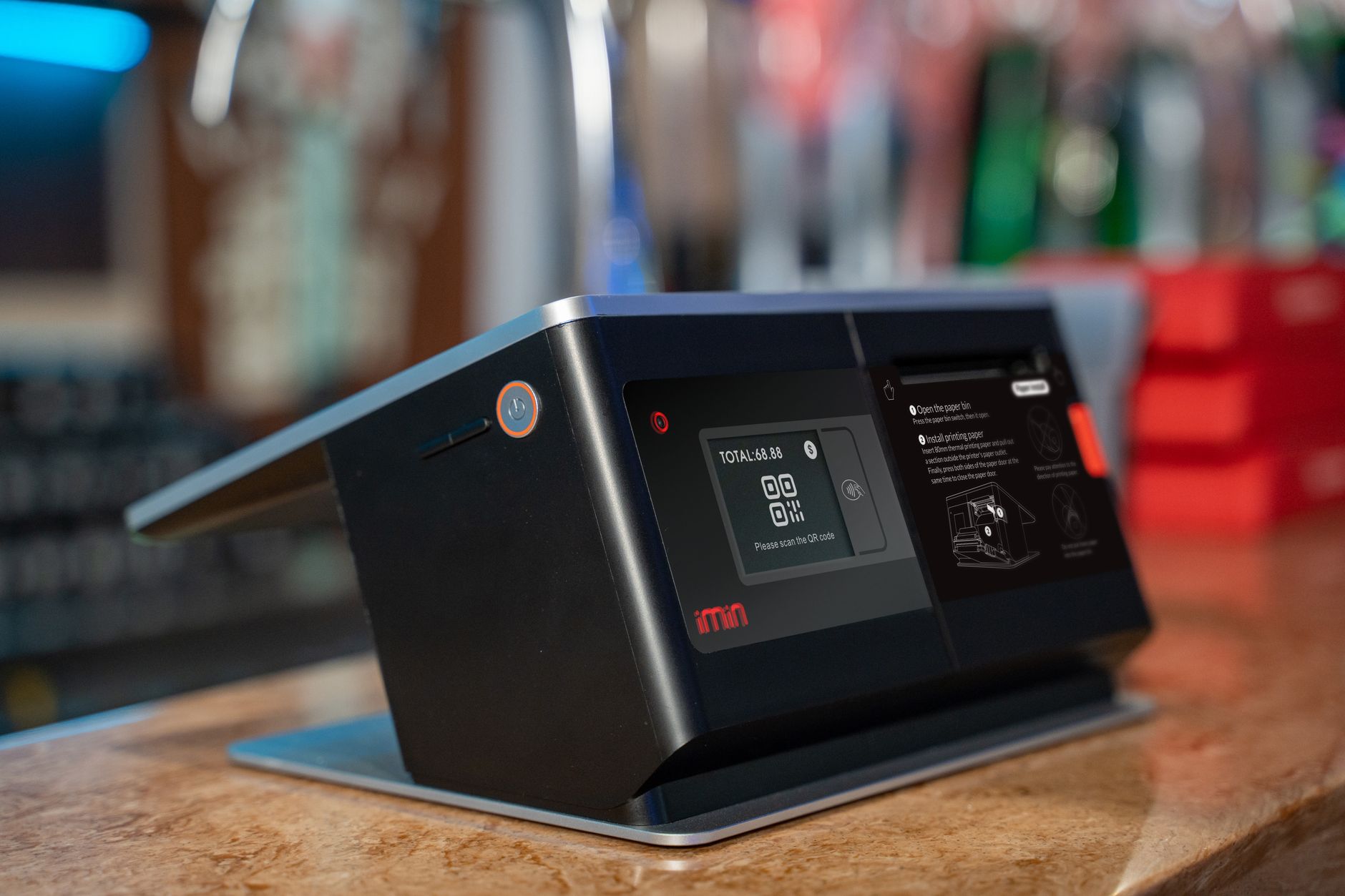
By implementing real-time revenue reports combined with barcode scanners, store owners will gain the following specific benefits:
- Save 3-5 hours of labor per day — No need for end-of-day ledger reconciliation, no manual item code entry. With a salary of 8-10 triệu/month for 1 employee, this saving equals 1.5-2.5 triệu/month.
- Reduce merchandise loss by 5-10% — Real-time inventory helps detect damaged, counterfeit, or stolen goods early. For example: a 30m² store selling 50 triệu/month, 5% loss = 2.5 triệu. Reducing it to 1% = saving 2 triệu/month.
- Increase revenue by 8-15% from product catalog optimization — Real-time reports indicate which items sell fast and which are slow-moving. Store owners can adjust product placement, promotions, or discontinue slow-moving items. For example: a store with 50 triệu/month revenue, a 10% increase = an additional 5 triệu/month.
- Reduce billing errors to 0-1% (compared to 5-10% manual) — Barcode scanning automatically records prices, eliminating human errors. Fewer billing errors = more customer trust = more repeat business.
- Faster business decisions by 5-10 days — Instead of waiting until the end of the month for revenue figures, store owners know hourly. If an item sells slowly, adjustments can be made that same day, not waiting until next week.
Choose the Solution Based on Your Specific Use Case
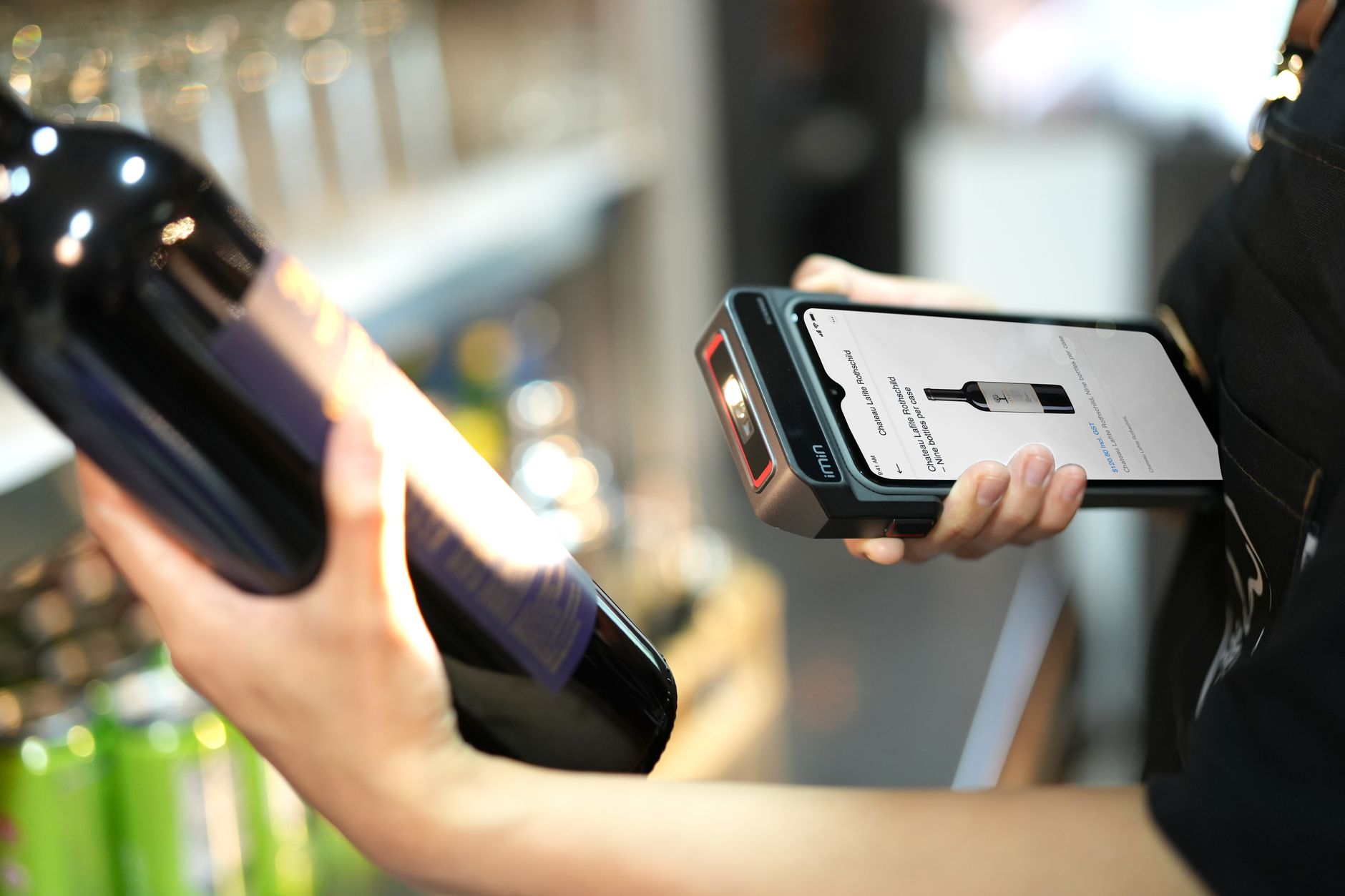
Use case 1: Grocery store, minimart 20-50m² with 30-50 triệu/month in sales
Recommendation: POS + Barcode Scanning + Real-time Reporting (Solution 3)
Why? This type of store has 3-5 employees, handling 200-300 transactions/day. If managed manually, 2-3 hours are lost daily for reconciliation. With POS + barcode scanning, labor savings are 1.5-2 triệu/month, and revenue increases by 3-5 triệu/month from optimizing slow-moving items. Payback is 2-3 months.
Use case 2: Mini-supermarket, specialty store 50-100m² with 80-150 triệu/month in sales
Recommendation: POS + Barcode Scanning + Real-time Reporting + Integrated Inventory Management (Advanced Solution 3)
Why? This type of supermarket has 5-10 employees, handling 500-1000 transactions/day. Real-time reporting helps the owner manage 3-5 branches from a single dashboard. Inventory optimization reduces waste by 5-8%, increasing revenue by 10-15 triệu/month. Payback is 1-2 months.
Use case 3: Very small store (under 20m²) with under 20 triệu/month in sales
Recommendation: Simple POS (Solution 2) or Manual (Solution 1)
Why? Small revenue, few transactions (50-100/day), no need for complex real-time reporting. A simple POS is sufficient for management. The investment cost of 5-10 triệu for a POS machine + software might be too high compared to the benefits. Can upgrade later when revenue increases.
Pros and Cons of Each Method
Method 1: Manual Management
Pros: No equipment investment needed, easy to start, suitable for very small stores.
Cons: Slow, high error rate (10-15%), takes 3-5 hours/day for reconciliation, no real-time revenue knowledge, difficult to expand branches, staff fatigue.
Method 2: Simple POS
Pros: 3-5 times faster than manual, hourly report updates, moderate cost (1-2 triệu/month), easy to start.
Cons: Still requires staff to manually type item codes (3-5% error), no real-time inventory knowledge, difficult to track slow-moving items, reports lack detail.
Method 3: POS + Barcode Scanning + Real-time Reporting
Pros: Automatic barcode scanning (nearly 0% errors), minute-by-minute real-time reports, accurate inventory, saves 3-5 hours of labor per day, increases revenue by 15-25%, easy branch expansion, faster business decisions.
Cons: Higher investment cost (2-3 triệu/month), requires staff training, internet dependency (if cloud-based).
Frequently Asked Questions about Real-time Revenue Reports + Barcode Scanning
Below are common questions from store owners looking to upgrade their sales management system.
FAQ 1: Does a barcode scanner need to scan each item individually?
Not necessarily. If an item already has a barcode (from the manufacturer), staff only need to scan it once to sell it. If an item does not have a barcode (self-imported, self-produced), the store can print its own barcodes or manually enter the item code into the POS machine the first time, then scan the barcode subsequently. Printing custom barcodes is very inexpensive: 100-500 đồng/piece depending on the type.
FAQ 2: If the internet is lost, will real-time revenue reports be lost?
It depends on the system. A good cloud POS system will automatically save data to the POS machine when the internet is lost, then synchronize to the cloud when internet connectivity is restored. Data will not be lost. However, real-time reports on a phone or computer will be delayed by 1-2 hours. To be safe, choose a POS system with offline-first capabilities.
FAQ 3: What is the cost of a barcode scanner + POS software?
Barcode scanner: 2-5 triệu (depending on type: 1D laser, 2D, or wireless). POS machine: 5-15 triệu (depending on type: tablet, dedicated
Cần tư vấn thiết bị/giải pháp cụ thể?
Việt POS phản hồi trong 30 phút · Hotline 4 vùng · Khảo sát miễn phí.
Sản phẩm liên quan
Bài viết cùng chủ đề