Table of contents (9)
- What is a desktop RFID reader for the checkout counter?
- Three decisive specifications: power, read range, connectivity
- Comparison table of three desktop RFID reader models according to manufacturer specifications
- Criteria for choosing a desktop RFID reader for the checkout counter
- Configuring the 918.4–923 MHz frequency band in accordance with Vietnamese regulations
- Common mistakes when choosing and installing a desktop RFID reader
- Installation and testing process for the reader at the counter
- Frequently asked questions
- Conclusion and suggested next steps
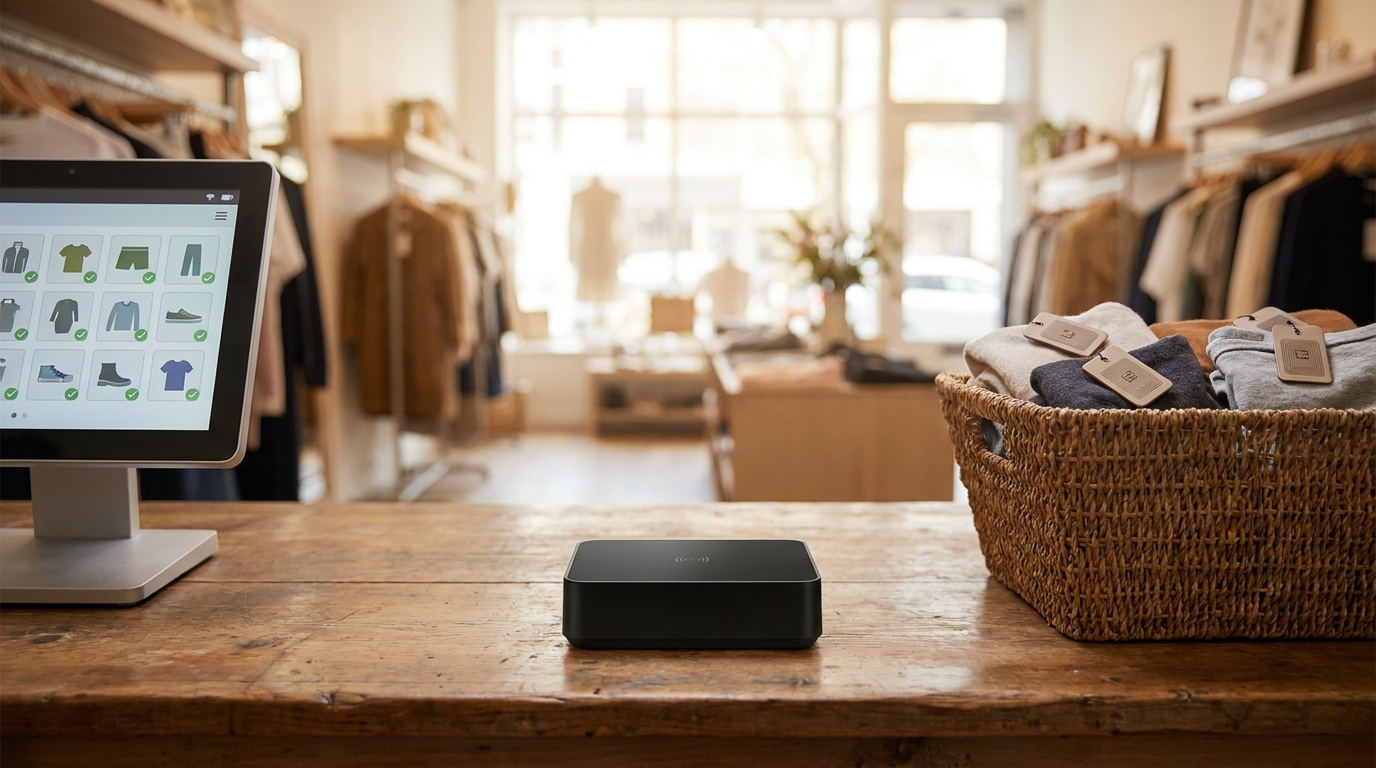
A desktop RFID reader is a device with a built-in UHF antenna that connects directly to a computer or POS software to read product hangtags in bulk without scanning each item. At checkout counters in fashion, footwear and accessories chains, this device shortens the payment steps and supports fast stocktaking. However, choosing the wrong transmit power or too long a read range will cause the system to read neighboring customers' items or miss items at the bottom of the basket.
A desktop RFID reader for the checkout counter should be selected based on three parameters: transmit power of 5–30 dBm adjustable in 1 dB steps so it does not read into the adjacent counter, a read range of 0–1.2 m sufficient to cover the shopping basket, and USB Type-C keyboard-emulation or RJ45 network port connectivity. In Vietnam, the frequency band 918.4–923 MHz must be configured. Test on real goods before buying because metal and liquids block UHF waves.
Table of contents
- What is a desktop RFID reader for the checkout counter?
- Three deciding parameters: power, read range, connectivity
- Comparison table of three desktop RFID reader models by manufacturer specifications
- Criteria for choosing a desktop RFID reader for the checkout counter
- Configuring the 918.4–923 MHz frequency band per Vietnam regulations
- Common mistakes when choosing and installing a desktop RFID reader
- Installation and testing process for the reader at the counter
- Frequently asked questions
- Conclusion and suggested next steps
What is a desktop RFID reader for the checkout counter?
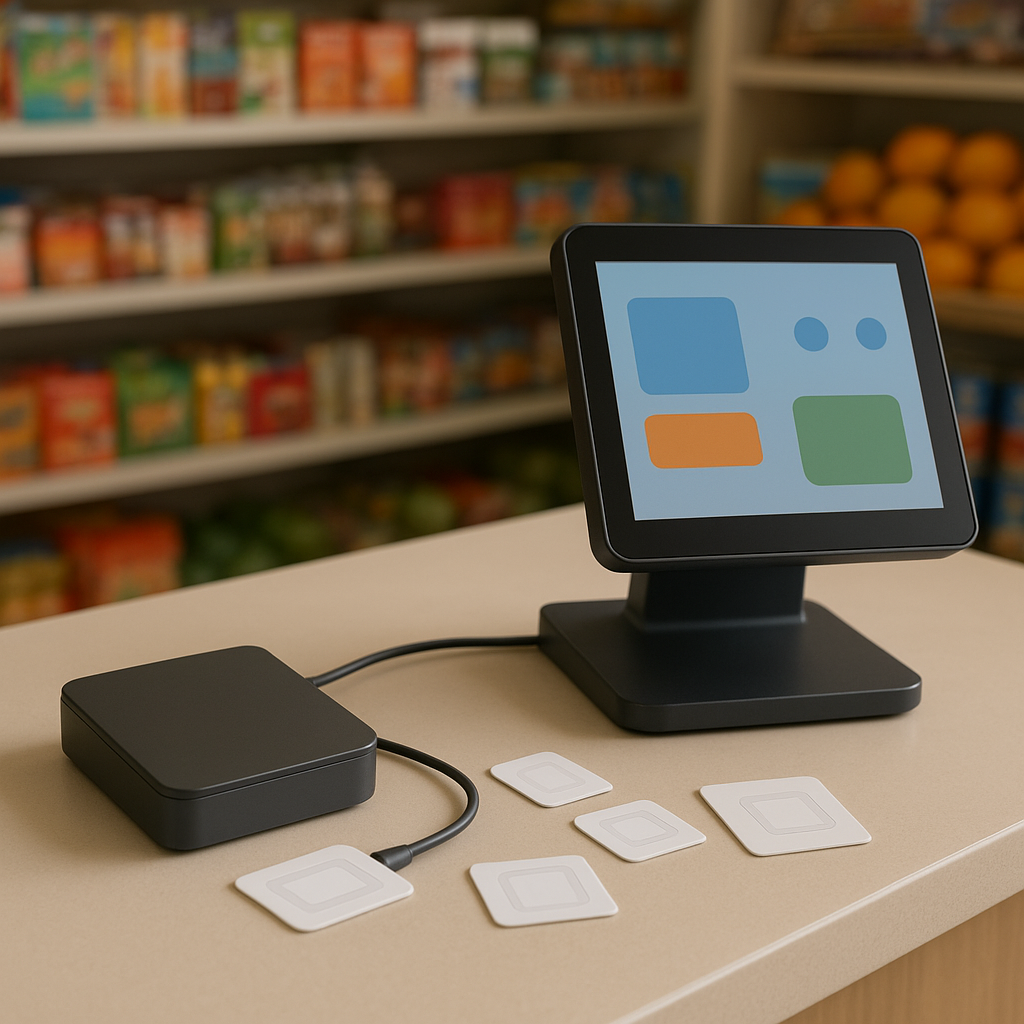
A desktop RFID reader is a device for reading and writing UHF RFID tags, placed in a fixed position on the counter, with an antenna built into the housing, connected to a computer via USB or LAN. The device operates on the EPC Class 1 Gen 2 / ISO 18000-6C standard, reading multiple tags simultaneously within its coverage area. Unlike handheld readers used for stocktaking in the warehouse, desktop readers serve on-the-spot operations: payment, goods receiving, goods issuing, quick reconciliation.
In the modern retail model, an RFID checkout counter typically combines three components: a desktop reader, POS software with RFID support, and RFID labels attached to each product. The desktop device acts as the data "entry gate" — every payment, return and stock transfer operation starts with accurately reading the tag on the item. You can also refer to the overall structure in the RFID checkout counter solution to visualize how the reader fits with the software and labels.
See the deployment approach, devices and phased roadmap on the RFID checkout counter solution page.
Three decisive specifications: power, read range, connectivity
Related products
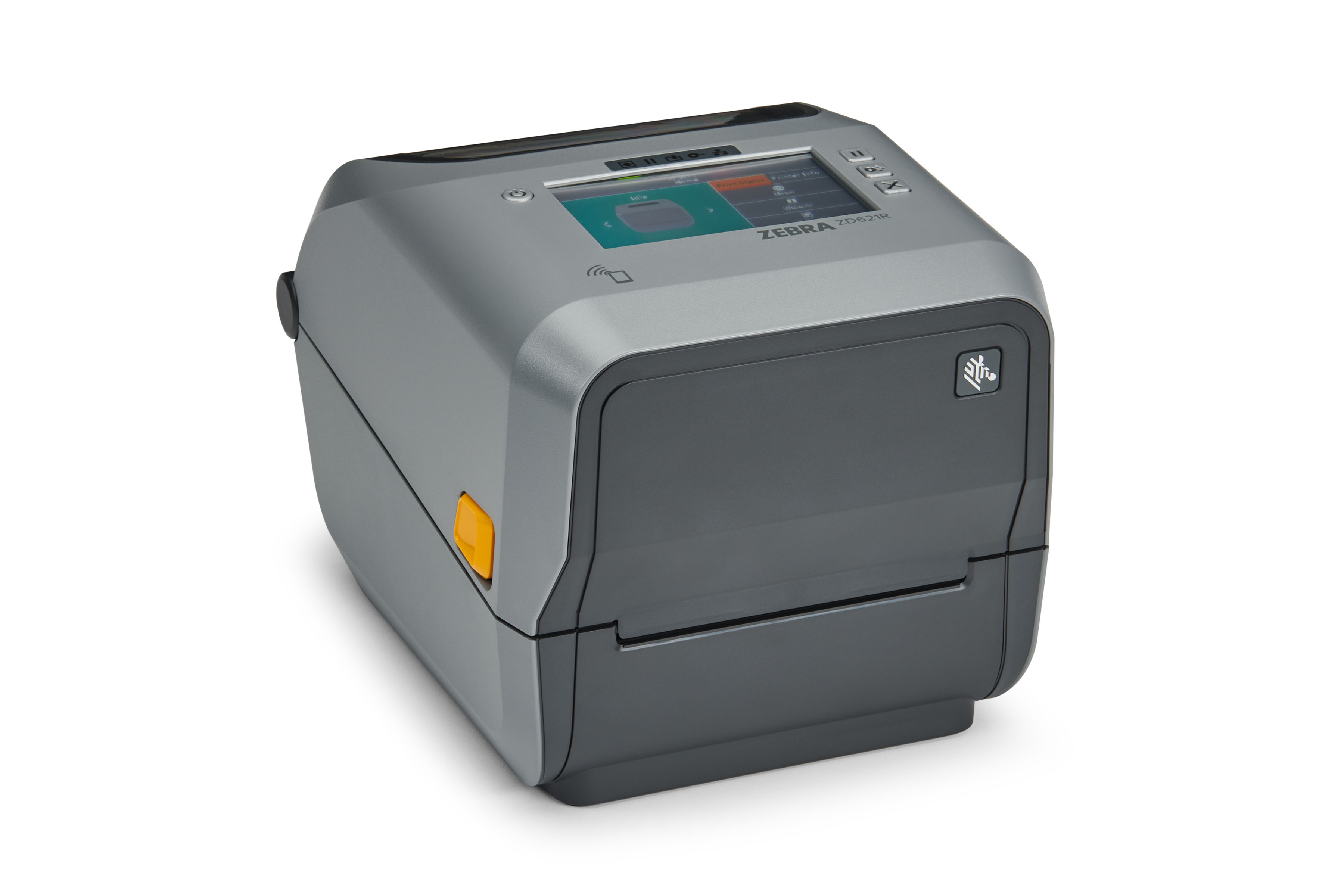
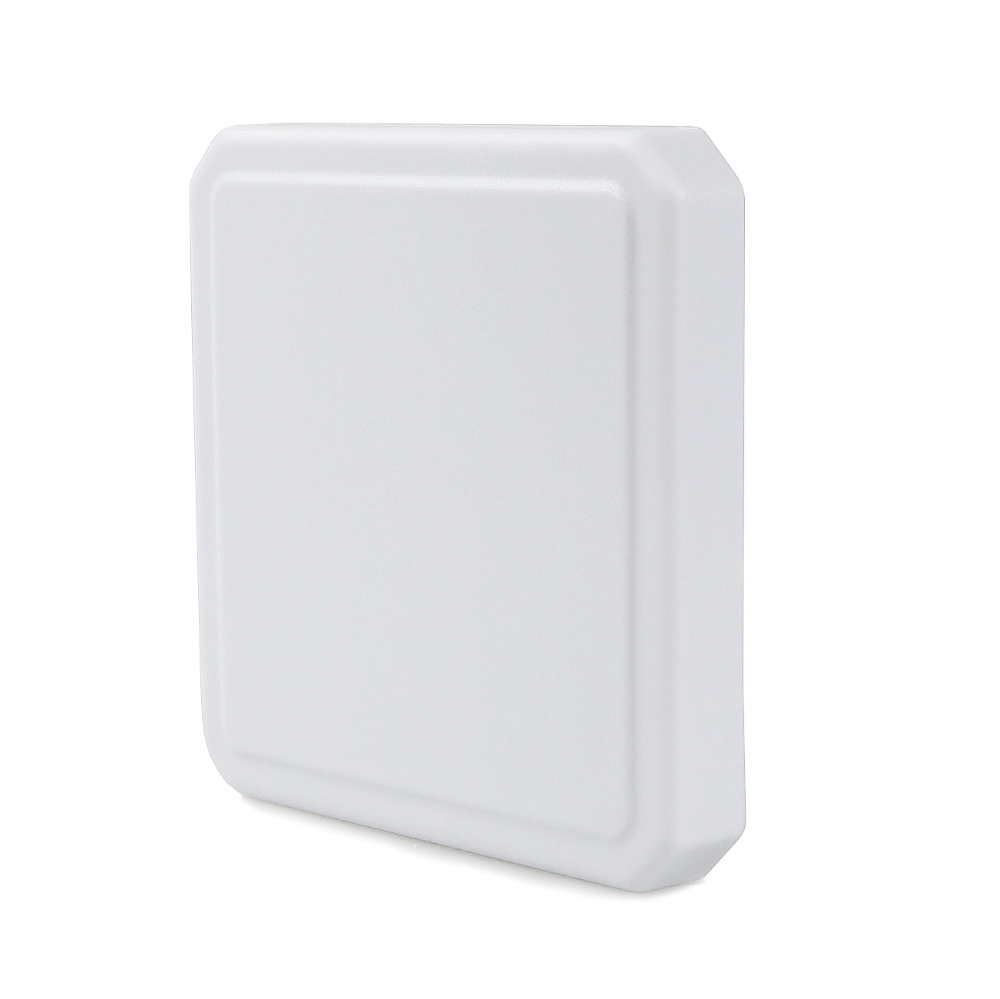
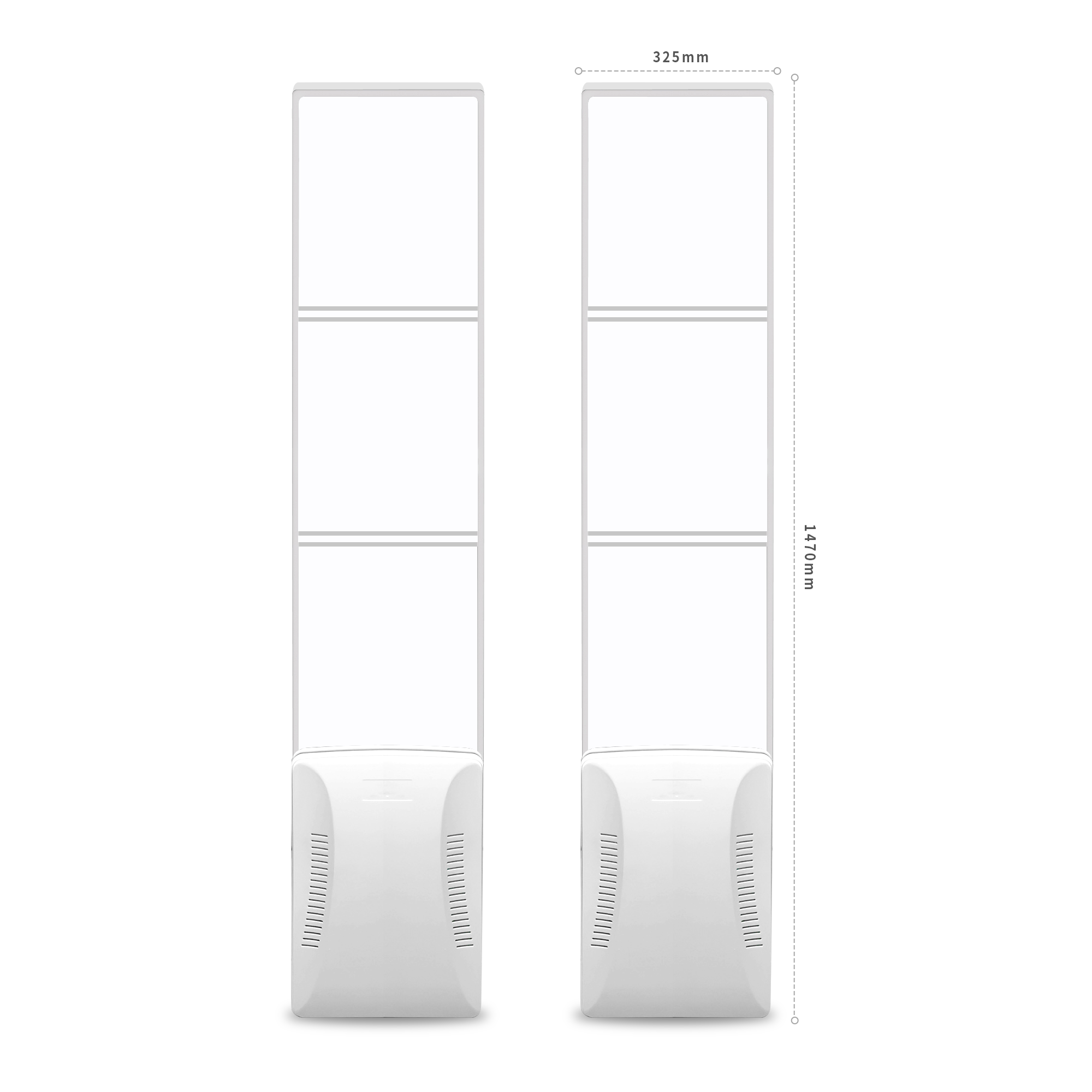
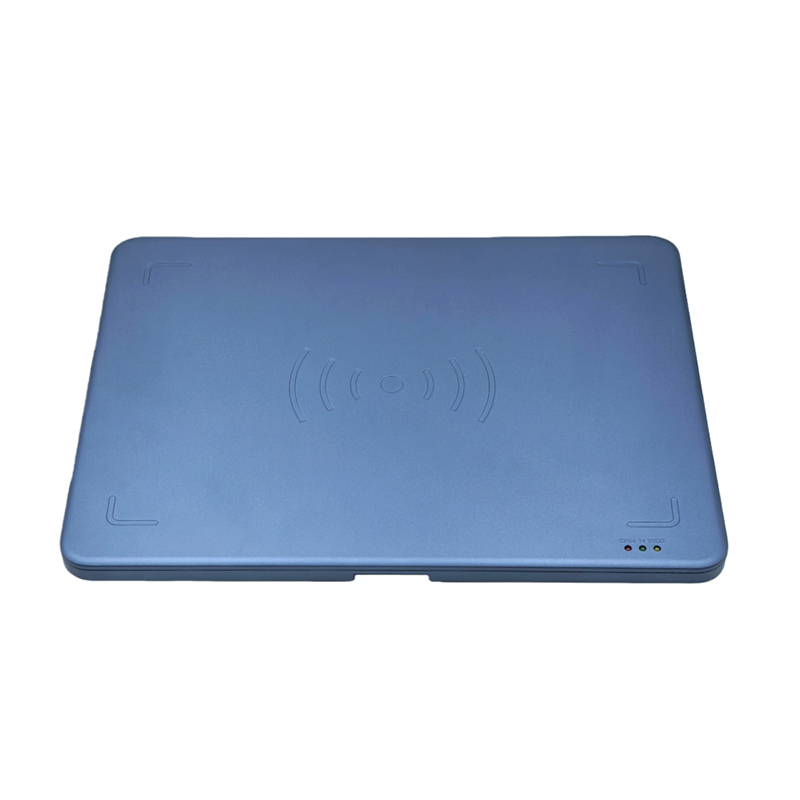
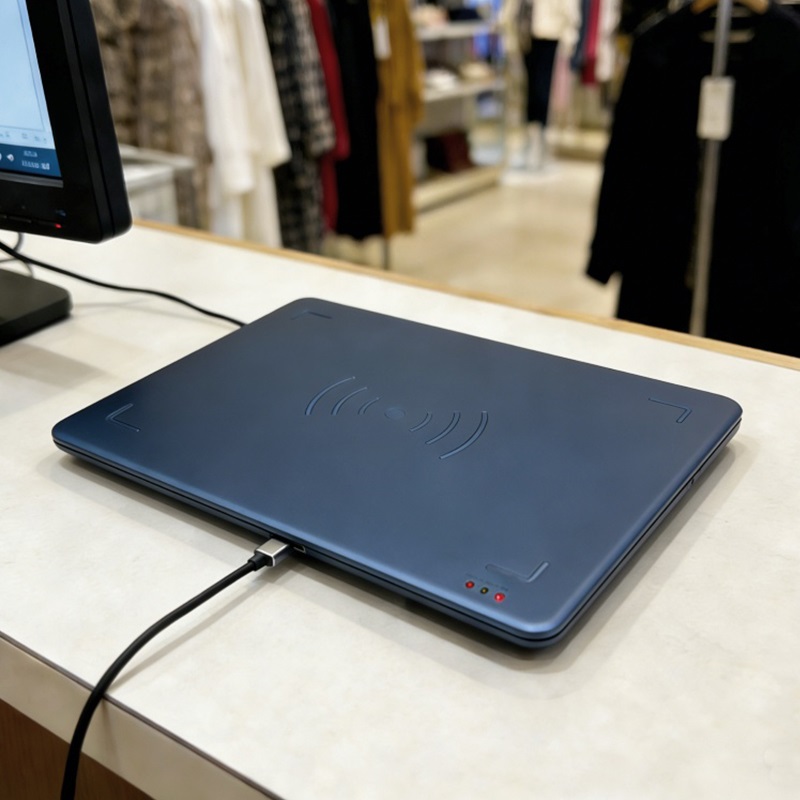
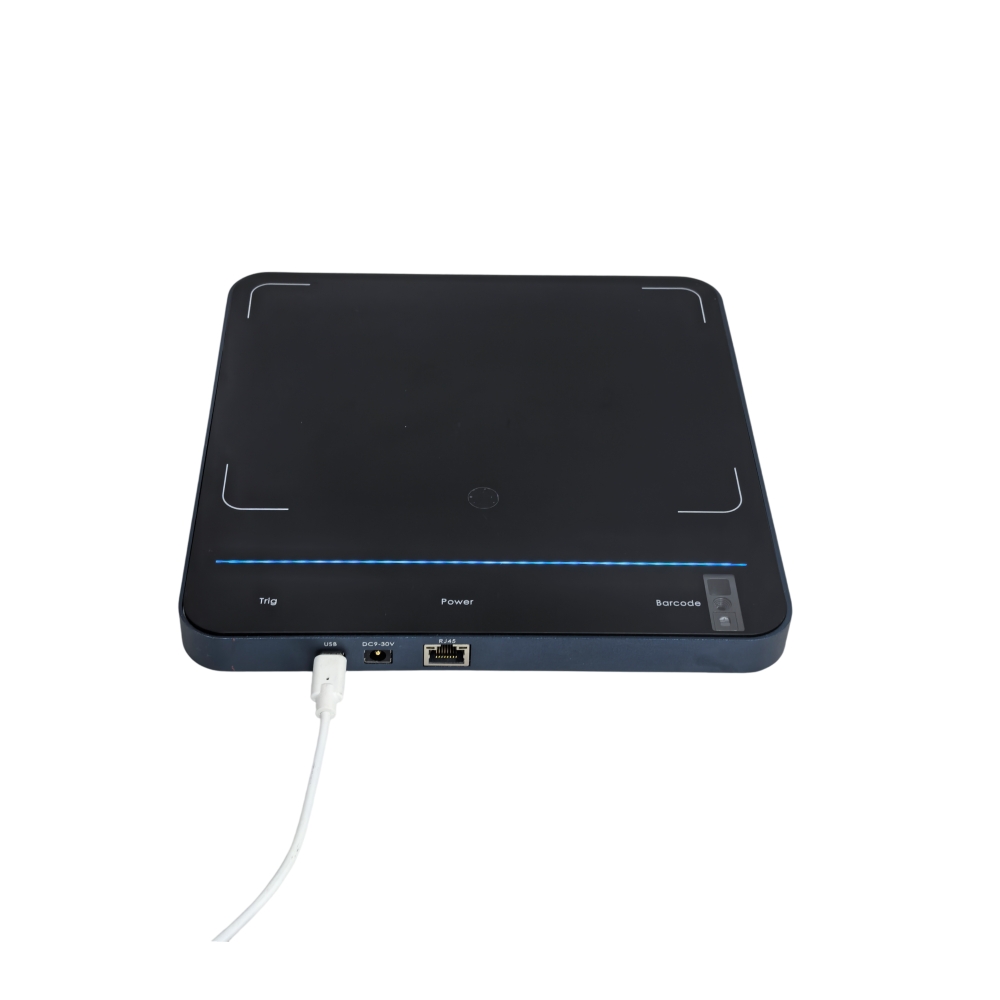
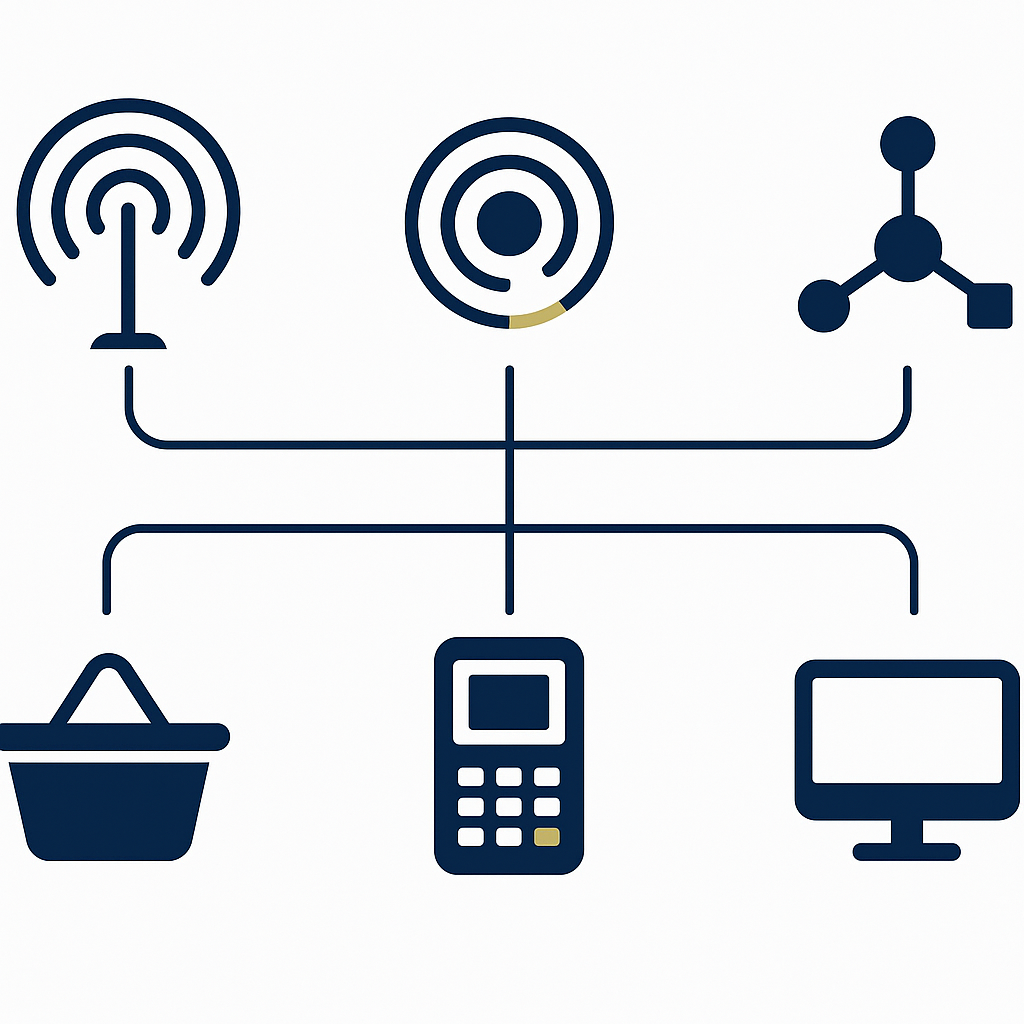
RF transmit power determines the coverage area and the ability to read across to the adjacent counter. Read range determines whether the entire basket is covered. Connection type determines whether the device can be plugged into a computer, a POS terminal, or the store network. These three specifications are closely interrelated: increasing power to read farther usually brings a risk of misreads and increased heat, while reducing power too much will cause tags at the bottom of the basket to be missed.
RF transmit power: why adjust in 1 dB steps
According to manufacturer specifications, all three models Aura A032, Aura A033 and Aura DR033 have a transmit power of 5–30 dBm or 0–30 dBm, adjustable in 1 dB steps. A 1 dB step is fine enough for technicians to fine-tune coverage during installation. At a checkout counter with two counters close together, a difference of 3–5 dBm can be the boundary between reading only the items in the basket and reading spilling over into the neighboring customer's basket.
High power does not mean better reading. High power increases device heat, increases the risk of reading tags outside the intended area, and may affect other devices in the same space. Practical recommendation: start at 20–25 dBm, then increase gradually if tags deep in the basket are not being read, and decrease if cross-reads are detected.
Read range: enough to cover the basket, no farther than necessary
The read range of a desktop RFID reader depends on power, antenna type, tag type, and environment. According to manufacturer specifications: Aura A032 reaches 0–1.2 m, Aura A033 reaches 0–1 m, Aura DR033 reads up to 1 m and writes up to 0.2 m. These are reference distances under ideal conditions; in practice, tags attached to fabric, paper, or covered by multiple layers of goods will yield shorter read ranges.
For a fashion retail checkout counter, a read range of 0.8–1.2 m is usually enough to cover a medium-sized shopping basket placed on the counter. A read range beyond 1.5 m is unnecessary and increases the risk of cross-reads. Conversely, a read range below 0.5 m will force staff to lift each item out of the basket, losing RFID's biggest advantage.
Connectivity: USB keyboard emulation, USB-to-serial, or LAN
Desktop readers typically have three main connection types. First is USB keyboard emulation (USB HID keyboard emulation) — no driver required; plug it into a computer or POS terminal and the software receives data as if from a keyboard, suitable for small stores without deep integration. Second is USB-to-serial — requires a driver and COM port reading software, suitable when the sales software has its own SDK. Third is LAN RJ45 — suitable when the reader is placed far from the computer or shared across multiple counters in the same store.
According to manufacturer specifications: Aura A032 has 1 USB Type-C port (data transfer and power supply, supporting USB-to-serial and USB HID keyboard emulation) and 1 RJ45 10/100M port; optional PoE IEEE 802.3af/at and Bluetooth BLE4.2 + SPP3.0. Aura A033 has 1 USB Type-C port, DC 5V power, maximum power consumption 6W at 30 dBm, requires a USB 3.0 port. Aura DR033 has USB Type-C and USB bus powered. When choosing, cross-check with the sales software in use: if the software only supports keyboard input, prioritize a model with USB HID; if automatic reading at a distance is needed, prioritize a model with LAN.
Comparison table of three desktop RFID reader models according to manufacturer specifications
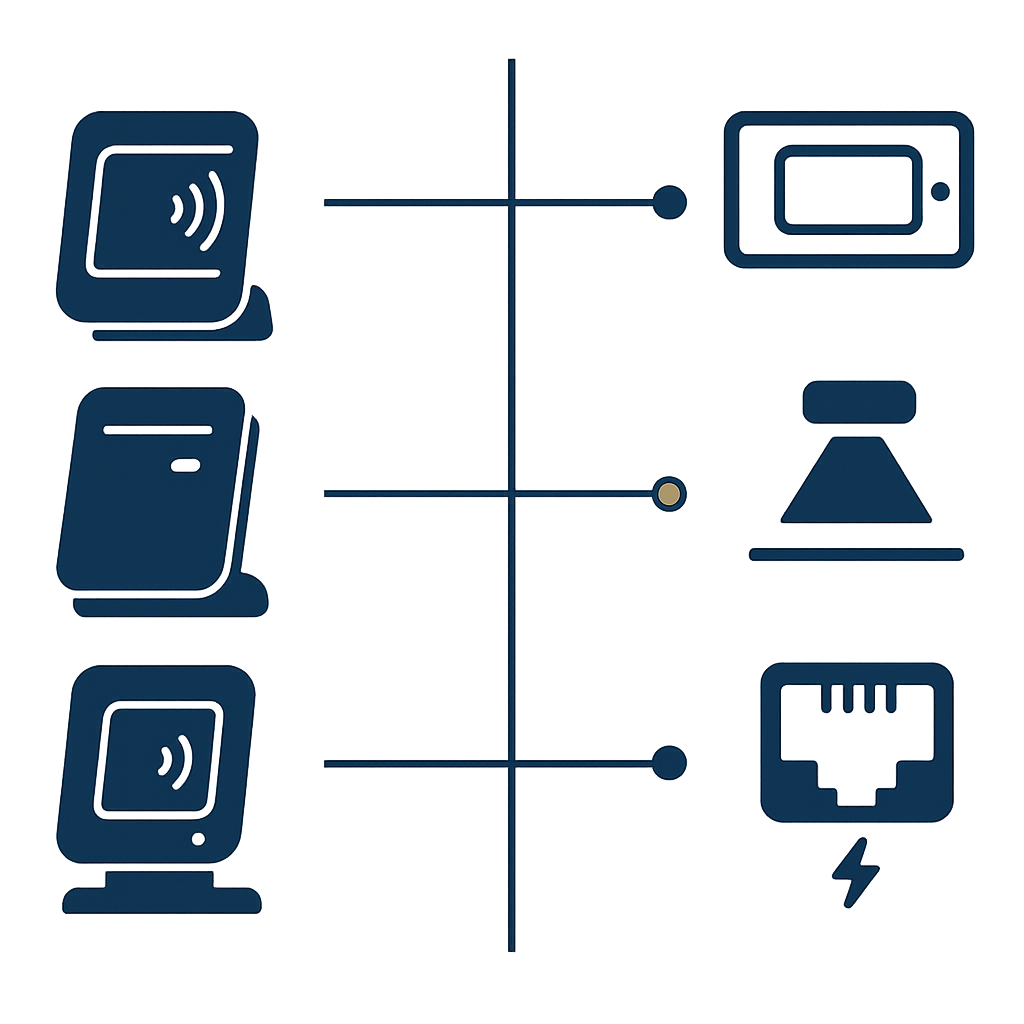
The three models Aura A032, Aura A033, and Aura DR033 are all EPC Gen2 standard UHF desktop RFID readers, but they differ in size, read range, connection type, and additional features. A032 has a tempered glass housing, a TOF distance sensor, and optional LAN/PoE, suitable for checkout counters that need automatic triggering. A033 is more compact, with high read speed, suitable for fashion stores with high transaction density. DR033 has tag writing capability, suitable when tags need to be printed or updated with data at the counter.
| Specification | Aura A032 | Aura A033 | Aura DR033 |
|---|---|---|---|
| Dimensions (D×W×H) | 320 × 320 × 18 mm | 330 × 245 × 21 mm | 330 × 245 × 22 mm |
| Weight | Approx. 1 kg | Approx. 0.72 kg | 0.8 kg |
| Housing material | Tempered glass + aluminum alloy | PC + ABS | Die-cast aluminum base / ABS cover |
| Chipset | Impinj E310 | Impinj E310 | Impinj E310/E510 or Fudan |
| Read range | 0–1.2 m | 0–1 m | Up to 1 m |
| Write range | Not stated in specifications | Not stated in specifications | Up to 0.2 m |
| RF power | 5–30 dBm ±1 dB, 1 dB step | 5–30 dBm ±1 dB, 1 dB step | 0–30 dBm, software-adjustable |
| Connectivity | USB Type-C, RJ45, optional PoE, BLE | USB Type-C | USB Type-C |
| Distance sensor | Yes (TOF 0–400 mm) | No | No |
| Read speed | Multi-tag reading | >350 tags/second @ E310 | Not stated |
The table above reflects only the manufacturer's published specifications. Actual read range on real goods may be shorter due to tag material, how goods are placed, and environments with a lot of metal. Testing on the store's own shipment is a step that cannot be skipped before finalizing the model.
Criteria for choosing a desktop RFID reader for the checkout counter
Choosing a desktop RFID reader for the checkout counter requires considering five criteria: a read range sufficient to cover the basket but not too long, fine-grained power adjustment, a connection type compatible with the point-of-sale software, write capability if data needs to be updated at the counter, and a distance sensor to trigger automatically when items are present. In addition, you must check that the device's frequency band can be configured to 918.4–923 MHz in accordance with Vietnamese regulations.
- Read range just sufficient: 0.8–1.2 m is the suitable range for most retail checkout counters. A longer read range increases the risk of reading items at the neighboring counter or items belonging to a nearby customer.
- Power adjustable in 1 dB steps: necessary to fine-tune the coverage area during actual installation. Models that only adjust in 3–5 dB steps will struggle to handle situations where two counters are close together.
- Compatible connection: check whether the point-of-sale software supports USB HID, USB-to-serial or LAN. If there is no SDK yet, prioritize USB HID so it works right away.
- Write capability or not: if the store needs to update data on tags at the counter (change status, order code, warranty information), a model with write capability such as the Aura DR033 is required.
- Distance sensor: the TOF sensor on the Aura A032 helps trigger reading automatically when items are placed on the device surface, reducing button presses for staff.
Configuring the 918.4–923 MHz frequency band in accordance with Vietnamese regulations
In Vietnam, UHF RFID devices operating legally must be configured to the correct 918.4–923 MHz frequency band in accordance with regulations of the Ministry of Information and Communications. When purchasing, choose the device version with the 902–928 MHz (FCC) band and ask the supplier to set the 918.4–923 MHz sub-band during installation. If the device is only available in the ETSI 865–868 MHz or CMIIT 920–925 MHz version and cannot be adjusted, re-check the configuration capability before purchasing.
According to manufacturer specifications, all three models Aura A032, Aura A033 and Aura DR033 offer region-specific frequency band options. The A032 supports FCC 902–928 MHz, ETSI 865–868 MHz and CMIIT 920–925 MHz. The A033 supports FCC, ETSI/BIS and CMIIT. The DR033 supports CMIIT 920–925 MHz by default, with FCC, ETSI and other markets as options. When ordering for the Vietnamese market, confirm clearly with the supplier that the device will be configured to the 918.4–923 MHz band before handover.
Incorrect frequency band configuration can result in the device failing to read tags in circulation, or in violation of radio frequency regulations. This is a small technical step but directly affects operations, so include it in the handover checklist and verify it together with the supplier.
Common mistakes when choosing and installing a desktop RFID reader
The most common mistake is choosing maximum power from the start with the thinking "the farther it reads, the better", leading to cross-reads between counters. The second mistake is skipping the trial on real goods, so the device reads well on sample tags but misses real items. The third mistake is not checking the frequency band and not confirming the connection with the point-of-sale software before purchasing.
- Setting maximum power: many stores set 30 dBm from day one, causing the reader to emit signals farther than necessary and cross-read items from the neighboring customer or items in a nearby glass cabinet.
- Not testing on real goods: sample tags are usually thin paper tags, while real goods may have fabric labels, metal clasps, leather bags. Metal and liquids block UHF signals, significantly reducing read range compared with manufacturer specifications.
- Skipping the frequency band: accepting a device in the original ETSI 865–868 MHz or CMIIT 920–925 MHz version without requesting configuration to 918.4–923 MHz, resulting in failure to read tags in use or violation of frequency regulations.
- Not checking the connection port: buying a device with only USB-to-serial while the point-of-sale software only supports USB HID, or vice versa, causing the device to fail when plugged into the POS machine.
- Placing the device too close to metal: a stainless steel counter surface, iron counter legs or a metal POS machine placed right next to it can interfere with the antenna, reducing read range and increasing misreads.
Installation and testing process for the reader at the counter
The installation process for a desktop RFID reader at the checkout counter consists of five steps: place the device away from metal, configure the frequency band 918.4–923 MHz, connect it to a computer or POS machine, set the initial power at 20–25 dBm, and measure the read rate on the store's actual shipment. The last step is the most important and is often skipped.
- Place the device: place it on a flat surface, at least 5–10 cm away from the metal counter surface if possible, avoid placing it right next to the POS machine or a safe.
- Configure the frequency band: set the frequency band 918.4–923 MHz per Vietnamese regulations, recheck it using the manufacturer's configuration software.
- Connect: plug the USB Type-C into the computer or POS machine, check that the software recognizes the device in USB HID mode or COM port depending on the configuration.
- Set the power: start at 20–25 dBm, then increase gradually by 1 dB if tags deep in the basket are not read, or decrease if cross-reads are detected.
- Measure the read rate on real goods: prepare 20–30 real items representing the product groups, place them in the basket in various positions, count the number of successful reads out of the total number of attempts. A read rate below 95% requires adjusting the power or the device placement.
Measuring the read rate on real goods helps detect issues early such as covered tags, items with metal clasps, or suboptimal device placement. This is also a step that should be included in the acceptance report with the supplier. See also how to choose UHF RFID tags for a fashion shop to understand why tag material directly affects the read rate.
Frequently asked questions
Can a desktop RFID reader read an entire shopping basket at once?
Yes, as long as the tags are within the coverage area and not covered by wave-blocking materials. According to manufacturer specifications, the Aura A032 and A033 both support multi-tag reading; the A033 reaches over 350 tags/second with the E310 chip. However, tags at the bottom of the basket, wedged under multiple layers of fabric, or near metal clasps may not be read. Testing on real goods is needed to know the actual read rate.
How many dBm of power should be chosen for the checkout counter?
There is no fixed number for every store. It is recommended to start at 20–25 dBm, then fine-tune based on the measurement results on real goods. If the checkout counter is placed next to another counter, it should be reduced to the lowest level that still reads the full basket. If the counter is separate and the basket is large, it can be increased to 28–30 dBm. The higher the power, the greater the risk of cross-reads and device heat.
How does a desktop RFID reader differ from a handheld reader?
A desktop reader is fixed at the counter, with the antenna integrated in the housing, serving checkout and on-site receiving operations. A handheld reader has an external antenna, a longer read range, and is used for stocktaking in the warehouse or finding goods on shelves. The two devices complement each other rather than replace each other. Stores with both a warehouse and a checkout counter usually use both.
Does the device need a driver?
It depends on the connection mode. In USB HID keyboard emulation mode, the device does not need a driver — plug it into the computer and the software receives data as if from a keyboard. In USB-to-serial mode, a driver and COM port reading software are needed. The Aura A032 and A033 both support both modes according to manufacturer specifications. Confirm with the sales software supplier before choosing the mode.
Do RFID tags need to be replaced when changing the reader?
No, if the tags in use are compatible with the EPC Gen2 / ISO 18000-6C standard and the new reader also supports this standard. All three models Aura A032, A033 and DR033 support EPC Gen2, so tags in use with the old reader still work. However, if switching to a different frequency band or the old tags are damaged, new tags are needed. Check the read rate on the old tags before deciding to replace them.
Can a desktop reader write to tags?
Not every model can write. According to manufacturer specifications, the Aura DR033 has tag writing capability up to 0.2 m depending on the tag and environment; the A032 and A033 only state reading capability. If the store needs to update data onto tags at the counter (changing status, order code, warranty), a model with writing such as the DR033 should be chosen. If only reading for checkout is needed, the A032 or A033 is sufficient.
Conclusion and suggested next steps
Choosing a desktop RFID reader for the checkout counter is not complicated if you stick to three specifications: power adjustable in 1 dB increments, a read range of 0.8–1.2 m, and a connection type compatible with the sales software. The most important step is to measure the read rate on the store's actual shipment, because metal and liquids in the goods can reduce the read range compared with the manufacturer's specifications. For fashion, footwear and accessories chains, choosing the right model and configuring the correct 918.4–923 MHz frequency band helps the checkout counter operate stably and avoids having to replace equipment after a few months.
Việt POS supplies the Aura A032, Aura A033 and Aura DR033 desktop RFID readers along with RFID labels and integrated sales software. Schedule a survey and read-rate measurement on real goods with a Việt POS technician via the hotline 0935 498 384 or email info@vietpos.vn.
Need advice on specific equipment or a solution?
Việt POS replies within 30 minutes · Hotlines in 4 regions · Free site survey.
