Table of contents (9)
- What is an RFID security gate for libraries?
- How it works: RFID tags on books and borrow status
- Main equipment: IntelliGate A8 gate and Aura A032 reader
- How to arrange the gate and reader in the library
- Practical limitations: metal bookshelves and thick book spines
- Glossary and Specifications Summary Table
- Common mistakes when installing library RFID security gates
- Benefits and limitations of the system
- Frequently asked questions

An RFID security gate for libraries is a solution for controlling books that have not been checked out, using an RFID tag attached to each book, combined with a UHF reading gate and management software. Unlike barcodes, which can only be read one book at a time by manual scanning, RFID allows simultaneous reading of multiple books at a distance of 0.9–1.5 m depending on the tag type, so library entry and exit control becomes automatic and continuous. This article analyzes the operating principle, device configuration and practical limitations when deploying at school libraries, documentation centers and public libraries.
An RFID security gate for libraries works based on RFID tags attached to books: when a book is checked out, the software marks it as checked out and the gate does not alarm; a book that has not been checked out passing through the gate will trigger an alert. The IntelliGate A8 gate combines UHF RFID and EAS, and the Aura A032 desktop reader reads multiple books at once at the counter. Testing is needed on metal bookshelves and thick spines because UHF waves are blocked.
Table of contents
- What is an RFID security gate for libraries?
- Operating principle: RFID tags on books and loan status
- Main devices: IntelliGate A8 gate and Aura A032 reader
- How to arrange the gate and reader at the library
- Practical limitations: metal bookshelves and thick book spines
- Summary table of terms and specifications
- Common mistakes when installing a library RFID security gate
- Benefits and limitations of the system
- Frequently asked questions
What is an RFID security gate for libraries?

An RFID security gate for libraries is a system consisting of two gate panels placed at the entrance and exit, each panel integrating a UHF RFID tag reading antenna and an EAS alarm. When a book has been checked out, the software marks it and the gate ignores it; when a book that has not been checked out passes through, the gate detects the tag and triggers lights and a siren. The system operates in parallel with the library management software to synchronize loan and return status.
See the deployment approach, devices and phased roadmap on the loss prevention solution using RFID + EAS gates page.
How it works: RFID tags on books and borrow status
Related products


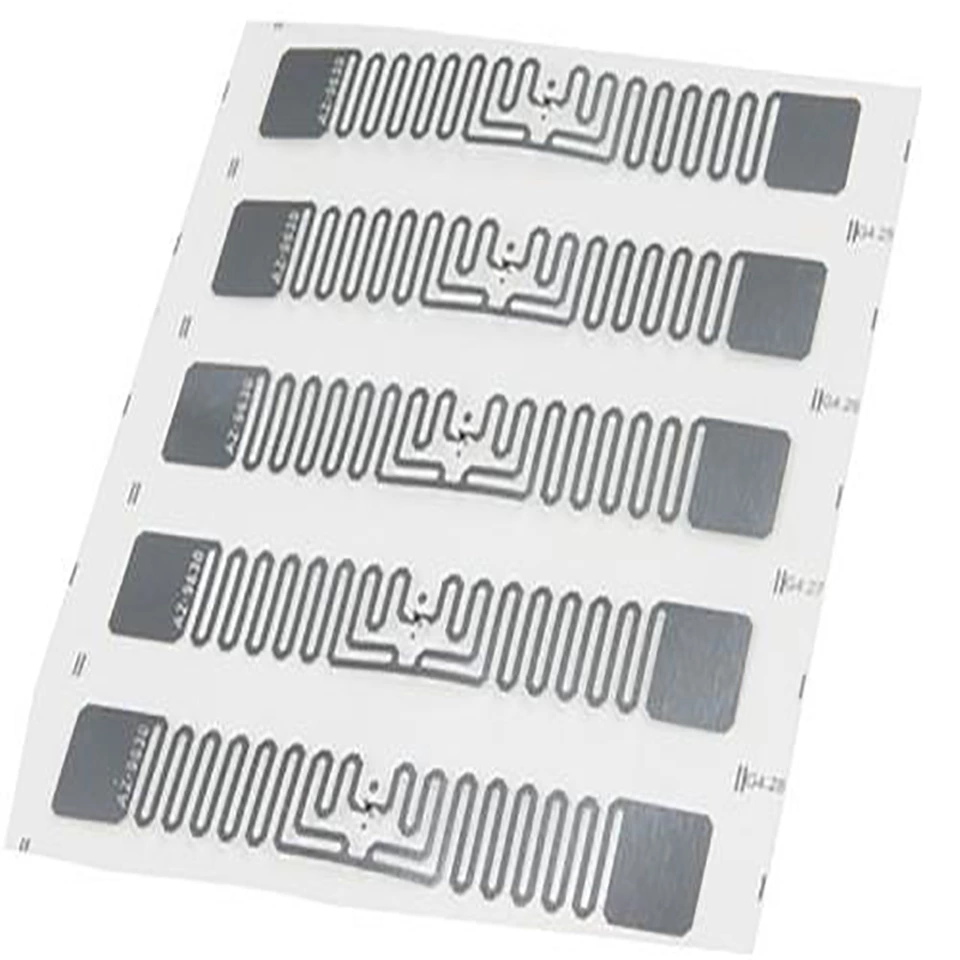
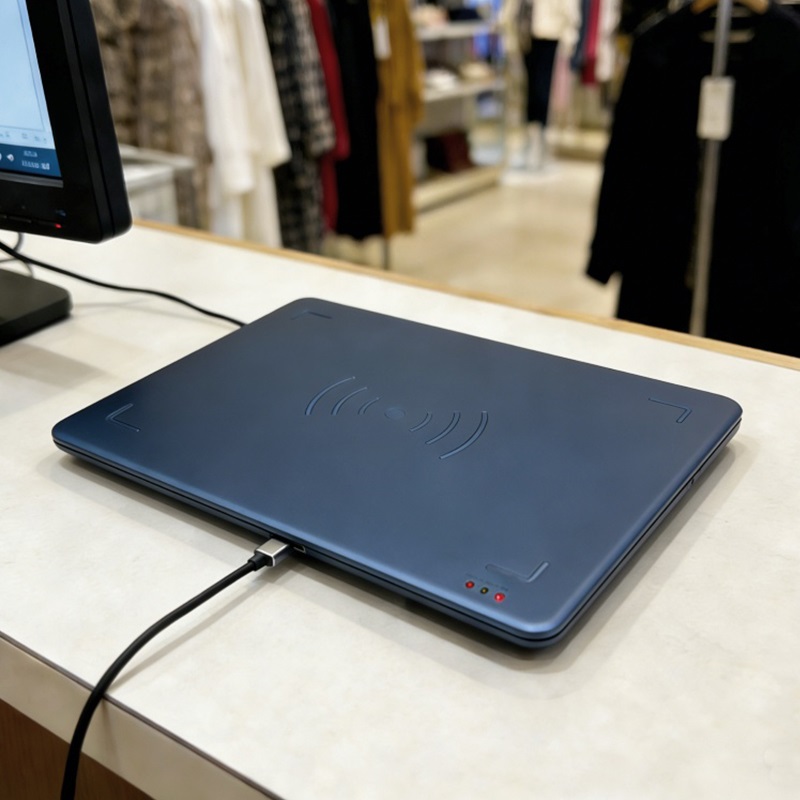
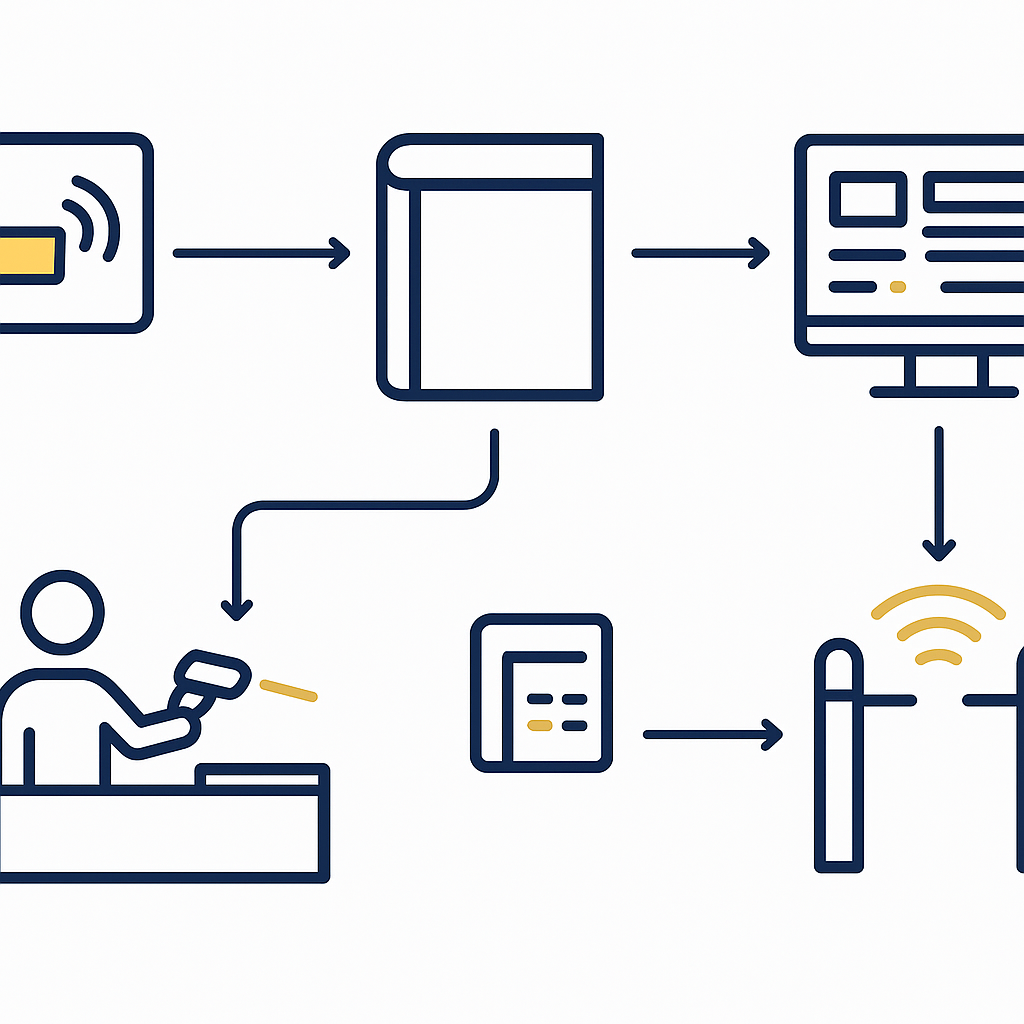
Each book is fitted with a UHF RFID tag (usually a spine label or a label inside the cover). The tag holds a unique identifier (EPC) and is linked to the book's data in the software. When the librarian processes a loan, the software records that the book has been checked out; the security gate then recognizes the status and does not trigger an alarm. Conversely, a book that has not been marked will be detected by the gate and trigger an alarm.
- Attach the RFID tag: each book receives a UHF tag (for example an NXP U9 tag or R6 wet inlay) applied to the spine or inside cover. The EPC code is written into the system.
- Process the loan: at the counter, the librarian uses the Aura A032 desktop reader to scan multiple books at once. The software marks each book as borrowed.
- Exit through the gate: the IntelliGate A8 gate reads the tag and compares it against the status list. Book borrowed → no alarm. Book not borrowed → light and siren trigger.
- Return the book: the reader at the return counter records the return and switches the status back to "available", and the gate ignores it again.
The key point is that borrow status is synchronized between the software and the gate. If the software does not update in time or the gate cannot read the tag, a borrowed book may still trigger a false alarm. Therefore, choose a gate with stable reading capability and software with a synchronization API.
Main equipment: IntelliGate A8 gate and Aura A032 reader
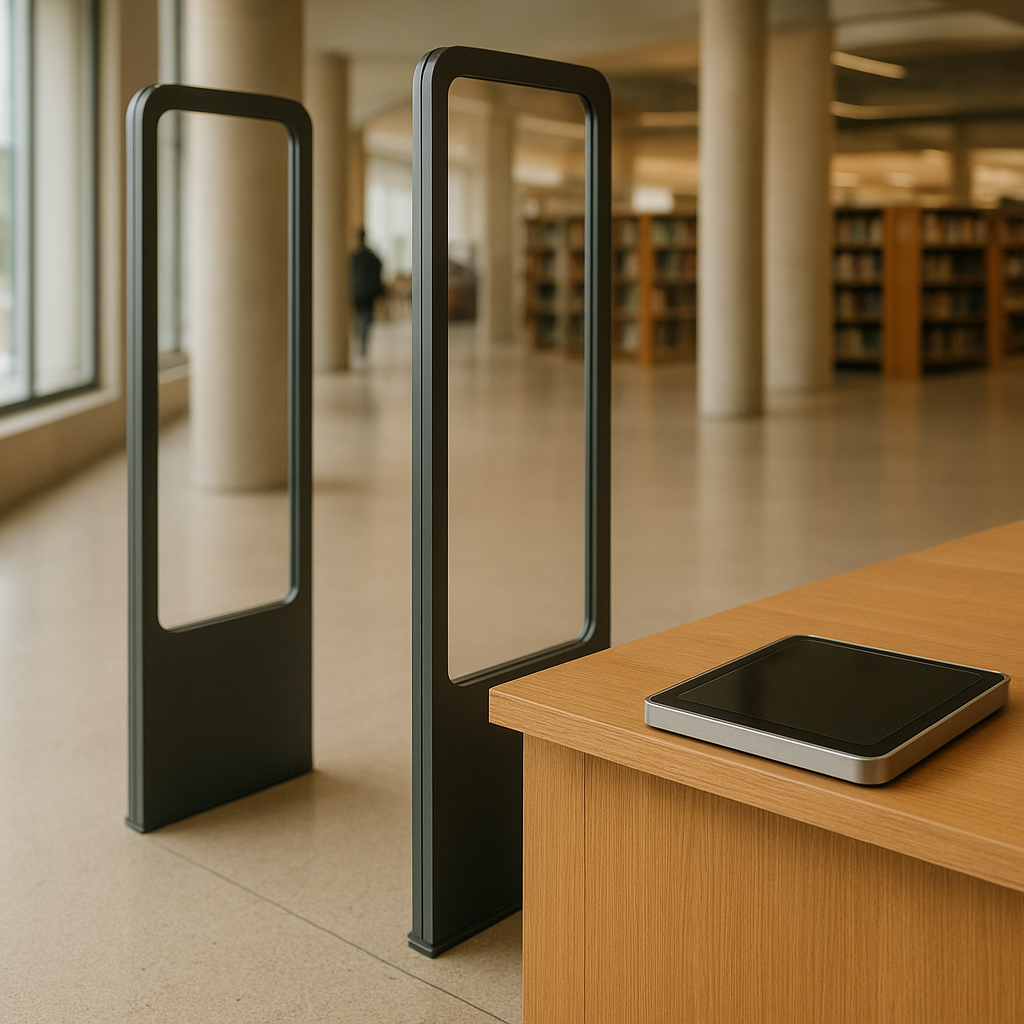
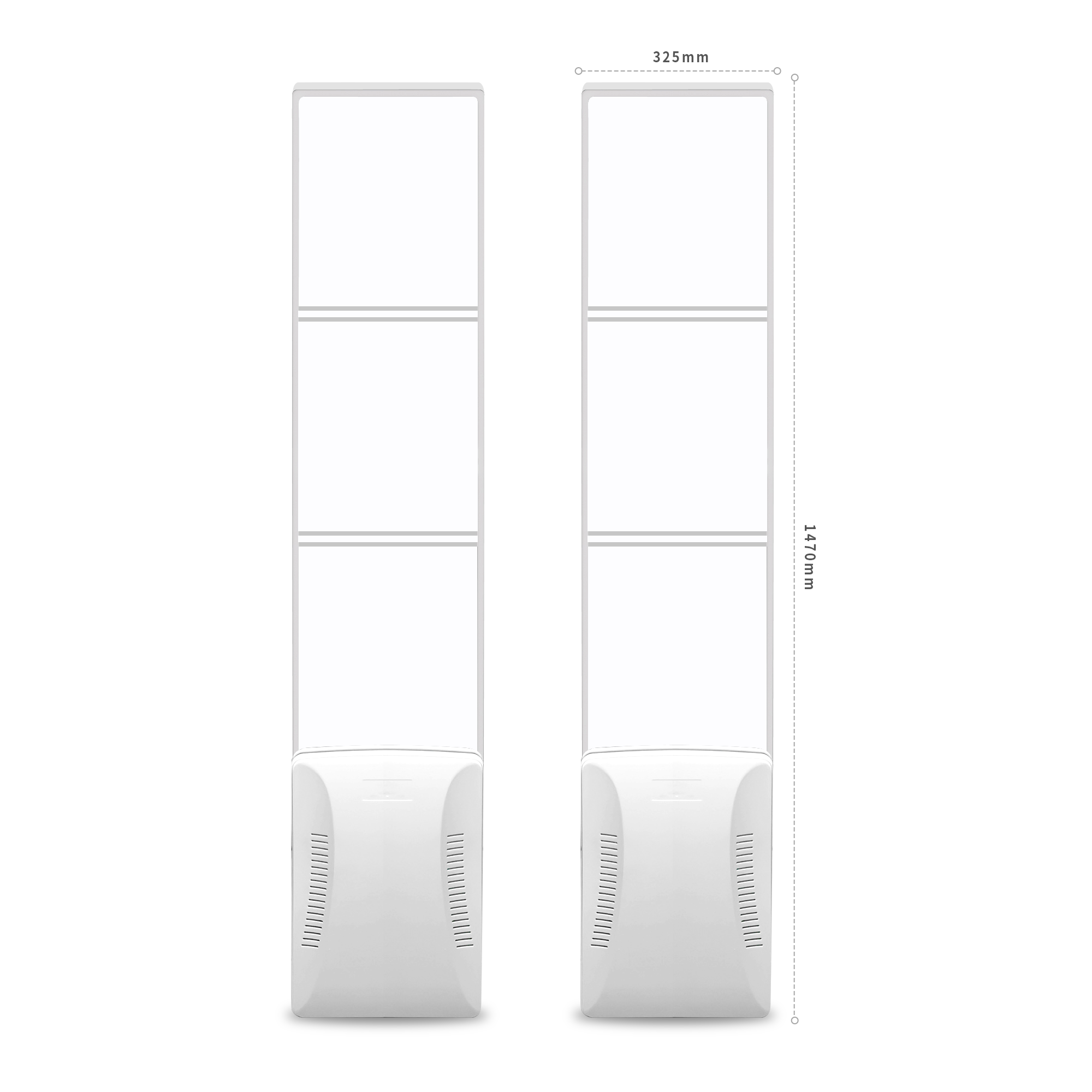
The IntelliGate A8 gate is a transparent two-panel RFID & EAS security gate, each panel measuring 1470 × 325 × 129 mm, with an acrylic face and ABS frame. The gate supports RFID UHF per the ISO/IEC 18000-6B/6C standard, EPC Gen2, FCC 902–928 MHz or ETSI 865–868 MHz frequency, 0–33 dBm power, 7 dBi antenna. The Aura A032 desktop reader measures 320 × 320 × 18 mm, with a tempered glass and aluminum alloy face, Impinj E310 chip, 0–1.2 m read range, and a distance sensor. Both can be integrated with library software via SDK/API.
According to the manufacturer's specifications, the IntelliGate A8 gate has a detection width of: 0.9 m for flexible tags, 1.2 m for small square tags, 1.5 m for large square tags; recommended installation distance is 1–2.4 m. The gate supports RJ45/RS232/RS485 protocols, with an optional Linux or Android operating system, and an ARM9 400 MHz processor. For the Aura A032 reader, output power is 5–30 dBm, read rate >350 tags/second, USB Type-C communication, DC 5V power. These specifications directly affect the ability to read multiple items at once at the circulation desk and the stability of the gate when many people pass through.
How to arrange the gate and reader in the library
Arranging the RFID security gate requires placing it at the main entrance and exit, where all users must pass through. The distance between the two gate panels should be 1–2.4 m depending on the floor layout. The Aura A032 desktop reader is placed at the circulation desk, at least 2–3 m away from the gate to avoid reading tags from a distance by mistake. Testing on actual bookshelves is required because metal shelves and thick book spines can reduce the read zone.
- Main gate: place at the entrance and exit, secure to the floor with expansion bolts, route wiring under the floor or in a tidy technical box.
- Circulation desk: place the Aura A032 reader on the desk surface, connect via USB to the librarian's computer. The 0–1.2 m read zone is sufficient to read multiple books at once.
- Safe distance: do not place the gate and reader directly facing each other to avoid signal interference; if they must be close, use low-power mode for the reader.
- Testing: after installation, run tests with actual books on metal shelves, books with thick spines, and plastic-wrapped books to measure the actual read rate.
For libraries with multiple entrances and exits, additional gates can be arranged or a single-lane RFID security gate can be used. However, it is necessary to ensure that all passages are controlled, otherwise it will create a loophole.
Practical limitations: metal bookshelves and thick book spines
RFID UHF signals are blocked by metal and liquids, so metal bookshelves, thick book spines, or plastic-wrapped books can reduce the read distance. According to the manufacturer's specifications, the read distance of the IntelliGate A8 gate is 0.9 m for flexible tags, 1.2 m for small square tags, and 1.5 m for large square tags. In environments with many metal shelves, this distance may be reduced. Therefore, testing on actual books and actual shelves is required before deciding on the number of gates and their placement.
To reduce the impact, choose high-sensitivity RFID tags (for example, Impinj E310 or NXP U9 chips), affix tags in a position that is not obscured, and avoid affixing them on metal covers. For valuable or thick books, larger-sized tags can be used. At the same time, the gate's read zone needs to be re-checked after installation by walking through with both borrowed and unborrowed books to ensure nothing is missed.
Glossary and Specifications Summary Table
The table below summarizes the key terms and technical specifications of the devices in the RFID security gate system for libraries, helping readers quickly grasp the requirements when reading quotations or installation consultations.
| Term / Device | Definition / Specification | Example / Note |
|---|---|---|
| UHF RFID tag | Label affixed to books, containing a unique EPC code | NXP U9 or R6 wet inlay label |
| IntelliGate A8 gate | RFID & EAS security gate, two panels, dimensions 1470×325×129 mm per panel | ISO 18000-6C/EPC Gen2 standard, frequency 902–928 MHz or 865–868 MHz |
| Aura A032 reader | Desktop reader, dimensions 320×320×18 mm, Impinj E310 chip, read range 0–1.2 m | Used at the check-out counter, reads multiple books at once |
| EAS | Electromagnetic alarm system, combined with RFID to enhance detection | Optional on the IntelliGate A8 gate |
| Check-out | Status of a book that has been checked out | Marked by the software, bypassed by the gate |
Common mistakes when installing library RFID security gates
Many organizations install RFID security gates but still let books slip through because they do not account for distance, signal interference, or lack of software synchronization. Below are common mistakes to avoid.
- Placing the gate too close to the check-out counter: the reader at the counter may misread tags from a distance, causing false alarms. A distance of 2–3 m should be maintained.
- Not testing on metal shelving: metal bookshelves reduce the read zone, so books passing through the gate are not detected. You must test with real books on real shelving.
- Using only EAS without RFID: EAS only alarms and cannot distinguish whether a book has been checked out or not, so it easily triggers false alarms. RFID must be combined to control status.
- Not synchronizing the software: if the software does not update the check-out status in time, the gate may falsely alarm on books that have been checked out. The API and latency must be checked.
- Ignoring secondary exits: installing only one main gate without controlling secondary exits creates a major vulnerability.
Benefits and limitations of the system
The RFID security gate system helps automatically control books that have not been checked out, reduces reliance on manual checks, and also supports rapid inventory. However, the system does not fully replace people and still has physical and operational limitations.
- Automatic control: books that have not been checked out will trigger an alarm when passing through the gate, reducing losses.
- Fast check-out and check-in: the Aura A032 reader reads multiple books at once, reducing queue time.
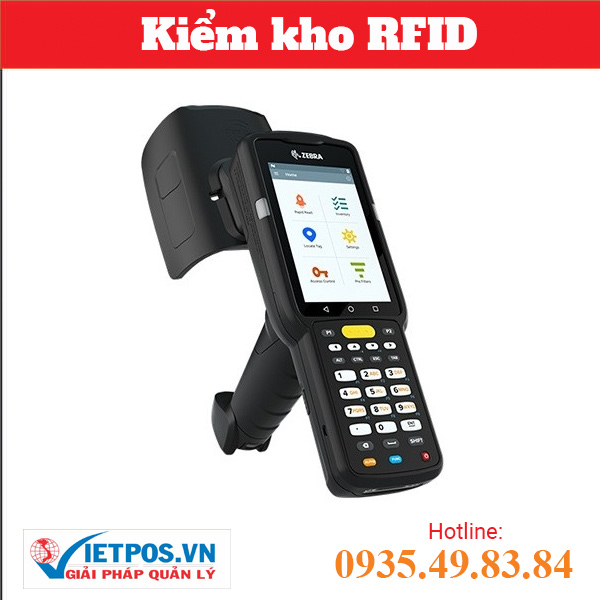
- Inventory: a handheld reader (for example Zebra MC3390R) can be used for rapid inventory, but this article focuses on the security gate.
- Limitations: UHF waves do not penetrate metal or liquids; real-world testing is required. The system does not guarantee 100% reads in all conditions.
To increase effectiveness, the security gate should be combined with a clear check-out/check-in process and staff training. See also the RFID for libraries and archives solution for a complete overview.
Frequently asked questions
Can the RFID security gate read books that have been borrowed?
Yes, but the system will not trigger an alarm if the book has been checked out and the software has marked its status. The gate still reads the tag for identification but skips the alert. This helps distinguish borrowed books from books not yet borrowed.
Do all old books need to be replaced?
There is no need to replace the books; you only need to affix an RFID tag to each one. However, the surface must be cleaned before applying the tag, and the tag's readability must be re-tested on the actual books, especially for books with metal spines or hard covers.
Are RFID tags affected by metal bookshelves?
Yes. Metal blocks UHF waves, reducing read distance. Therefore, testing on the actual shelves is required, and additional gates may need to be deployed or power adjusted to ensure coverage. According to the manufacturer's specifications, the read distance with flexible tags is 0.9 m, but it may decrease in environments with a lot of metal.
How many books can the Aura A032 reader read at once?
According to the manufacturer's specifications, the Aura A032 has a read rate of >350 tags/second and a read range of 0–1.2 m, so it can read multiple books placed on the counter simultaneously. The specific number depends on distance and shielding materials; actual testing is required.
Does the system need an internet connection?
The gate and reader can connect directly to a computer via USB or LAN. The library management software can run locally or over the network, depending on requirements. Internet is not mandatory if an on-premises solution is used.
What is the installation cost of an RFID security gate for a small library?
The cost depends on the number of gates, the number of readers, and the number of tags. This article does not provide specific pricing; you should contact Việt POS for a site survey and a quote based on the actual premises.
To arrange a site survey and measure the read rate on actual books, contact Việt POS via hotline 0935 498 384 or email info@vietpos.vn. See also the loss prevention with RFID & EAS gates solution to learn more about access control.
Need advice on specific equipment or a solution?
Việt POS replies within 30 minutes · Hotlines in 4 regions · Free site survey.
Related articles