Table of contents (9)
- What is an RFID reader misreading items?
- Four root causes of the POS counter reading stray tags
- How to fix it: a four-step process at the counter
- Choosing a desktop reader that fits the counter
- Quick diagnostic table by symptom
- Common mistakes when handling misreads
- Testing with real baskets before handover
- Limits to know: metal and liquids
- Frequently asked questions
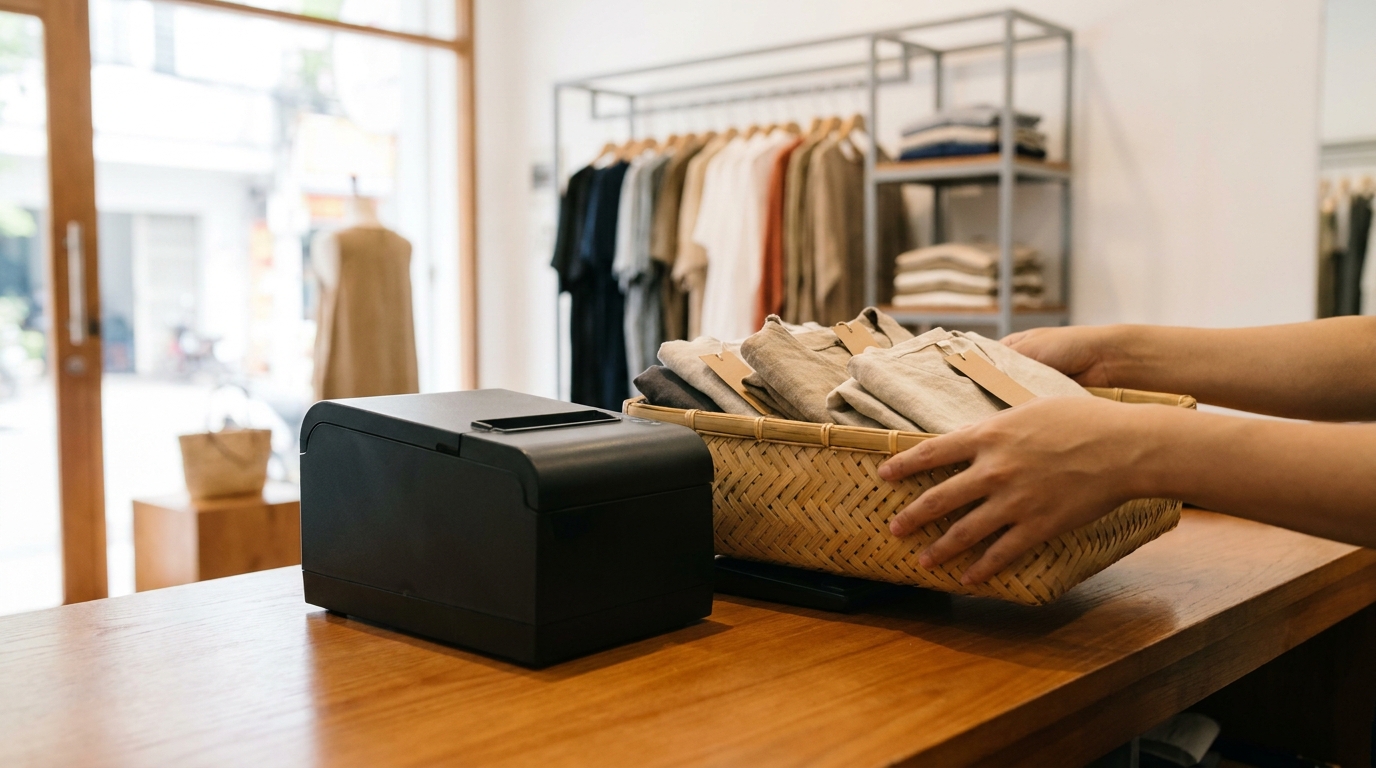
A desktop RFID reader at the checkout counter is a solution that uses UHF waves to collect all tags within the coverage area in a single scan, instead of scanning each barcode individually. However, the very "read without contact" characteristic is also the source of errors reading tags from nearby shelves or from the baskets of customers behind. At Vietnamese fashion and footwear chains, this error often appears after expanding the floor space or increasing power to read faster, and the fix lies not in the software but in the RF configuration and the physical layout around the counter.
An RFID reader misreading items is mainly caused by RF power set too high, tagged display shelves within the coverage area, customer baskets placed close to the counter, and reflections from metal surfaces. How to handle it: reduce power by 1 dB at a time, move or shield the shelves, enable the time-of-flight (TOF) sensor to limit the read zone, and always test with real shopping baskets at peak hours before handover.
Table of contents
- What is an RFID reader misreading items?
- Four root causes of the counter reading the wrong tags
- How to fix it: a four-step process at the counter
- Choosing a desktop reader that fits the counter
- Quick diagnostic table by symptom
- Common mistakes when handling misreads
- Testing with real shopping baskets before handover
- Limits to know: metal and liquids
- Frequently asked questions
What is an RFID reader misreading items?
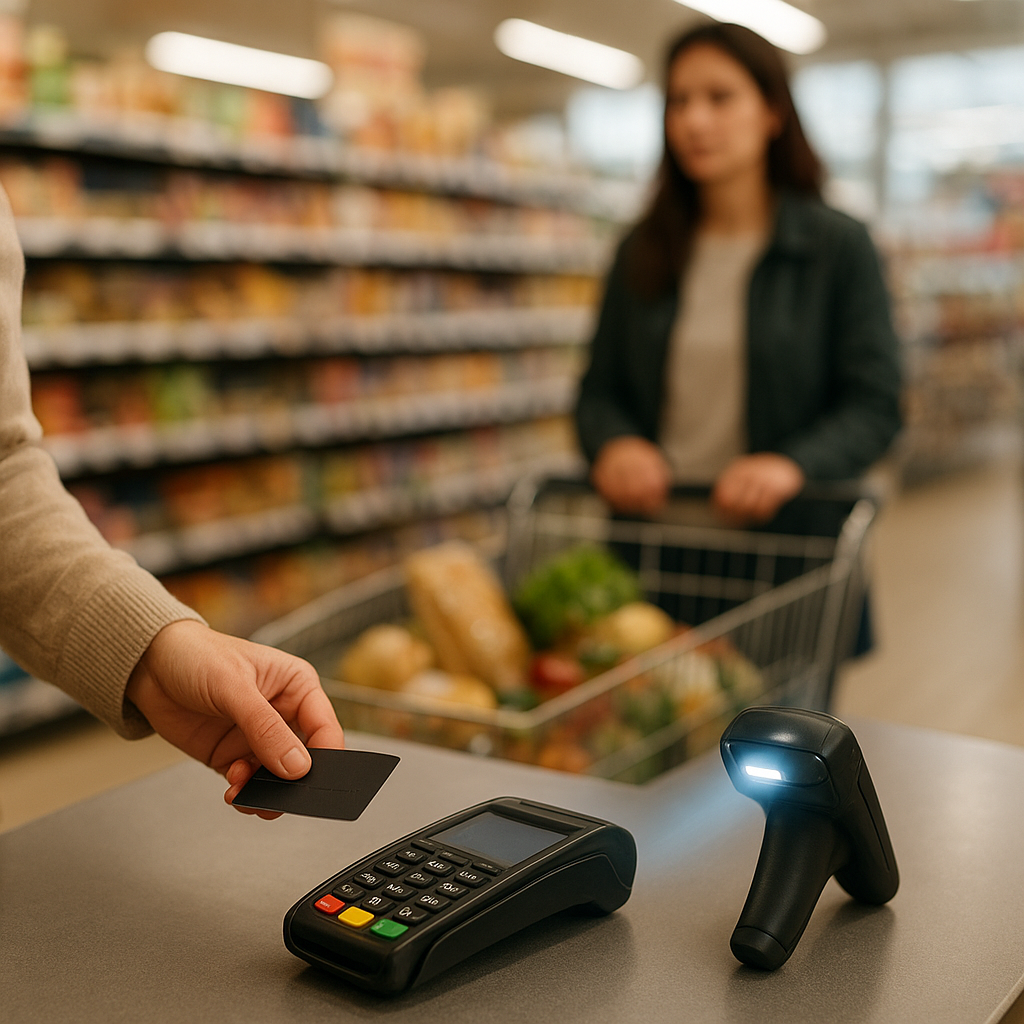
An RFID reader misreading items is the phenomenon where the reader captures the EPC of a tag outside the intended area — usually a tag on a display shelf near the counter, a tag in an unpaid customer's basket, or a tag on a customer standing behind — causing the system to record the wrong item in the order. This phenomenon differs from a missed read: a missed read is failing to capture a tag that needs to be read, whereas a misread is adding a tag that does not belong to the transaction.
See the deployment approach, devices and phased roadmap on the RFID checkout counter solution page.
Four root causes of the POS counter reading stray tags
Related products
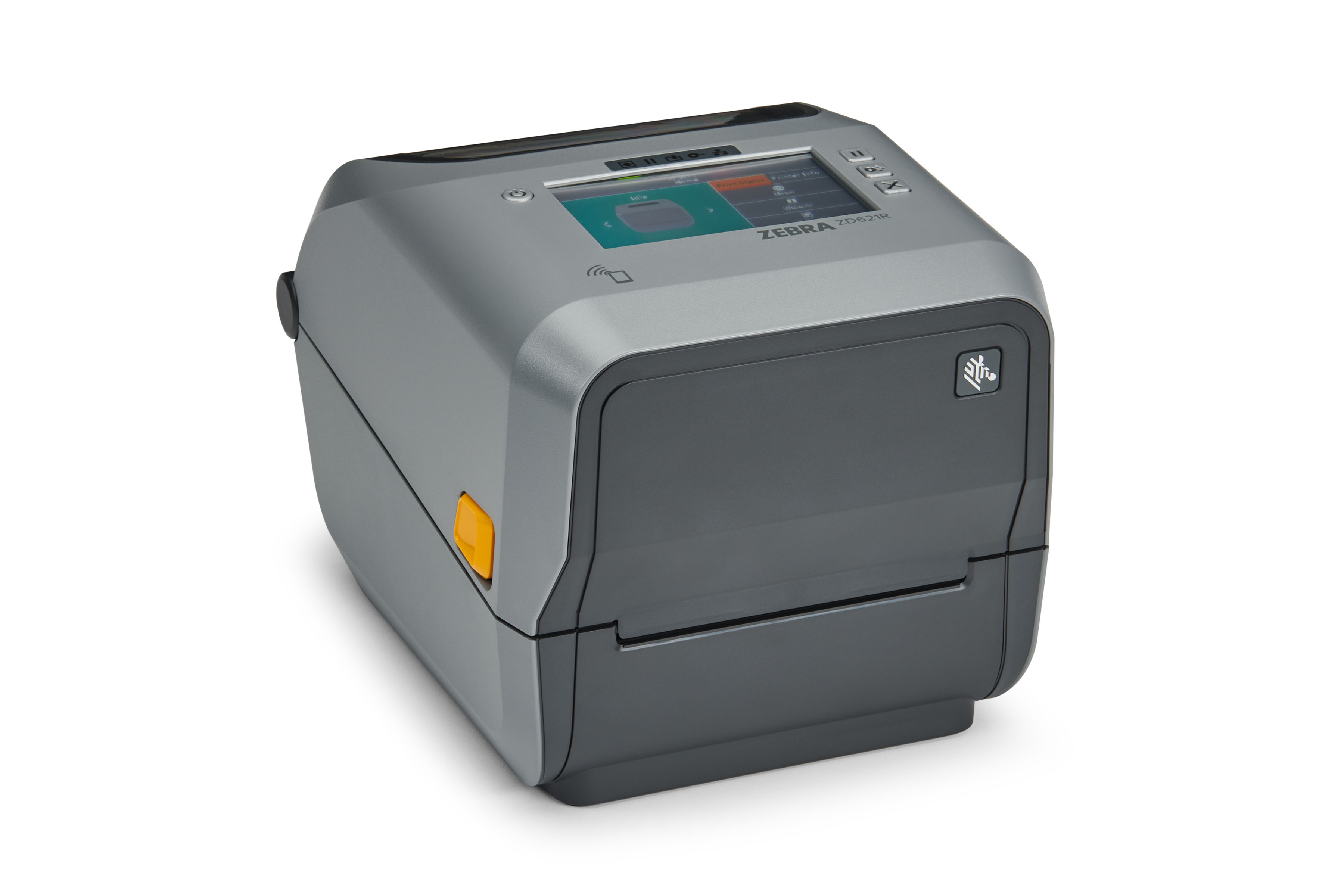
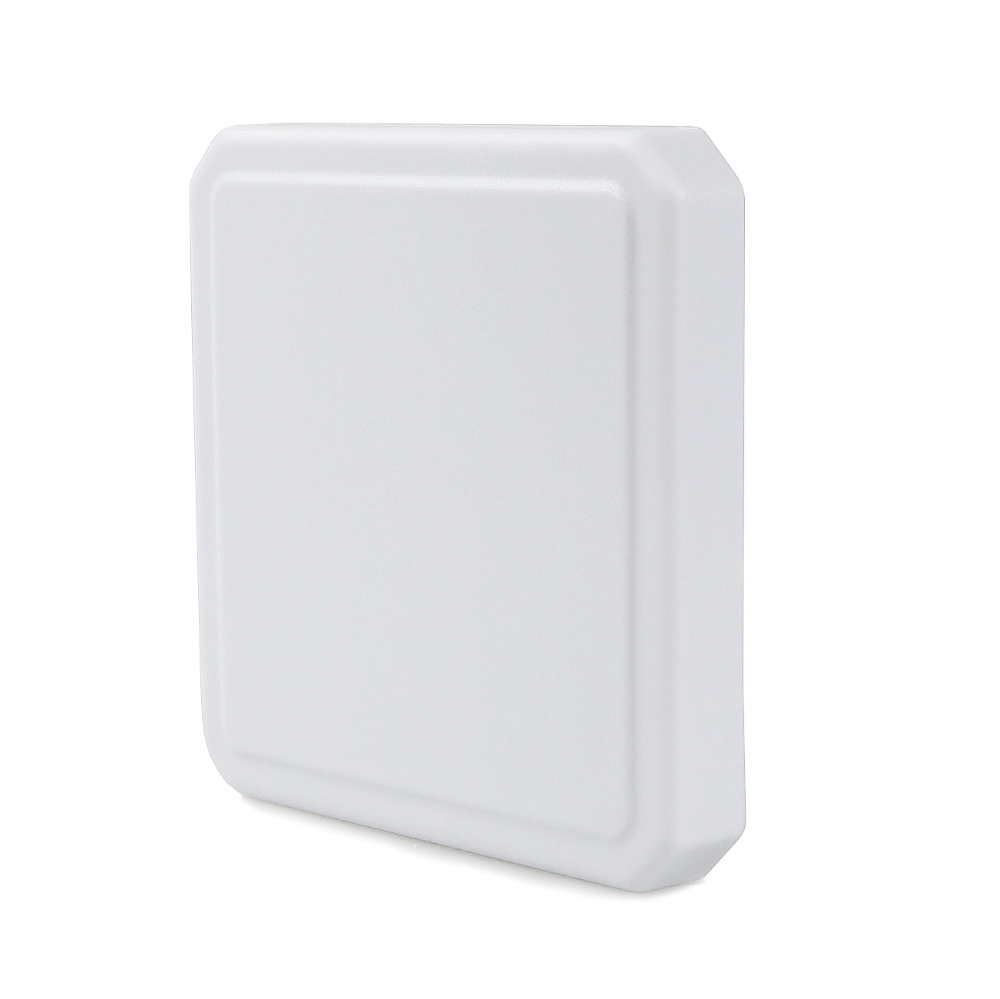
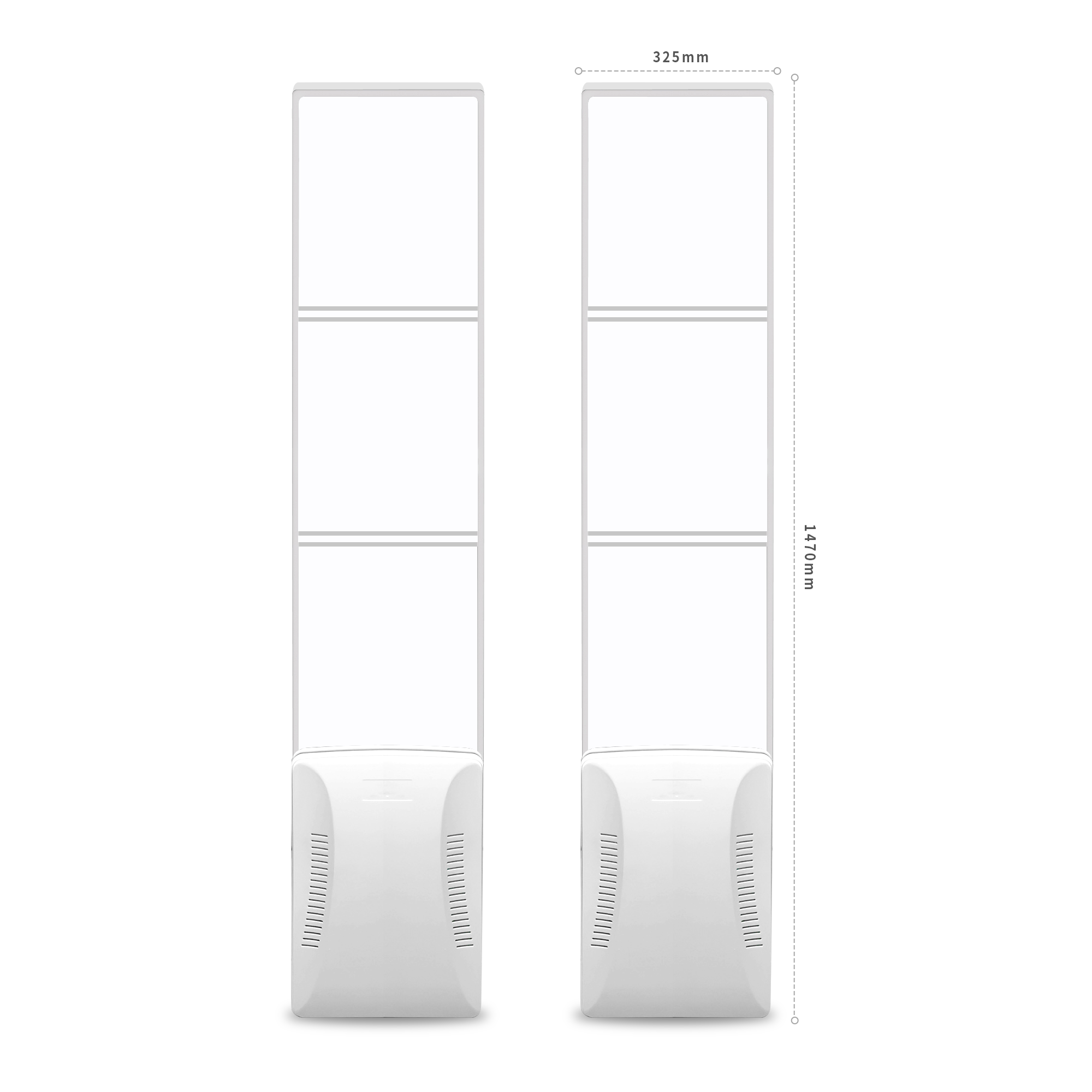
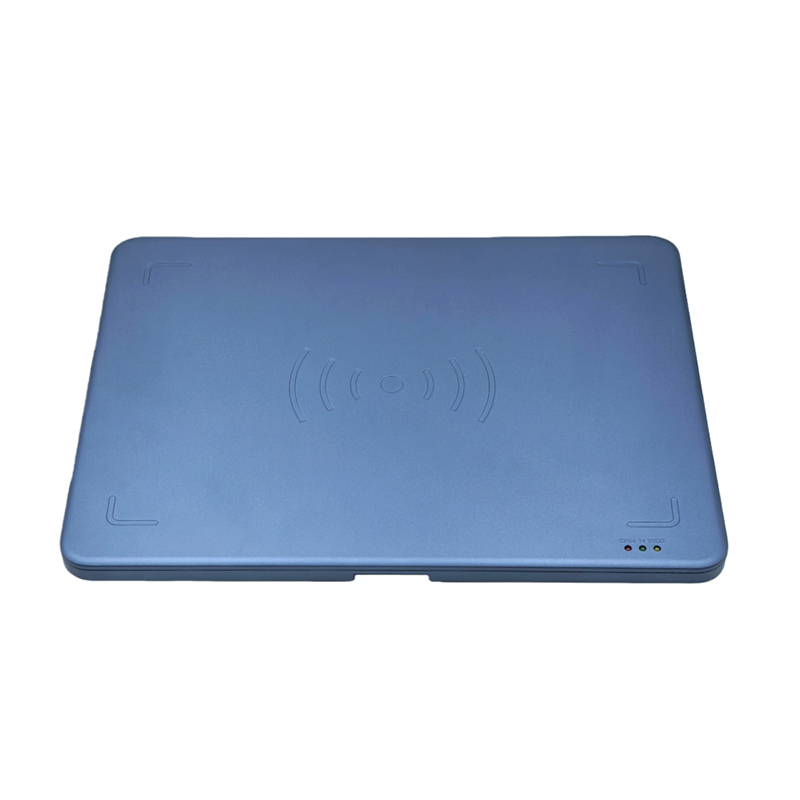
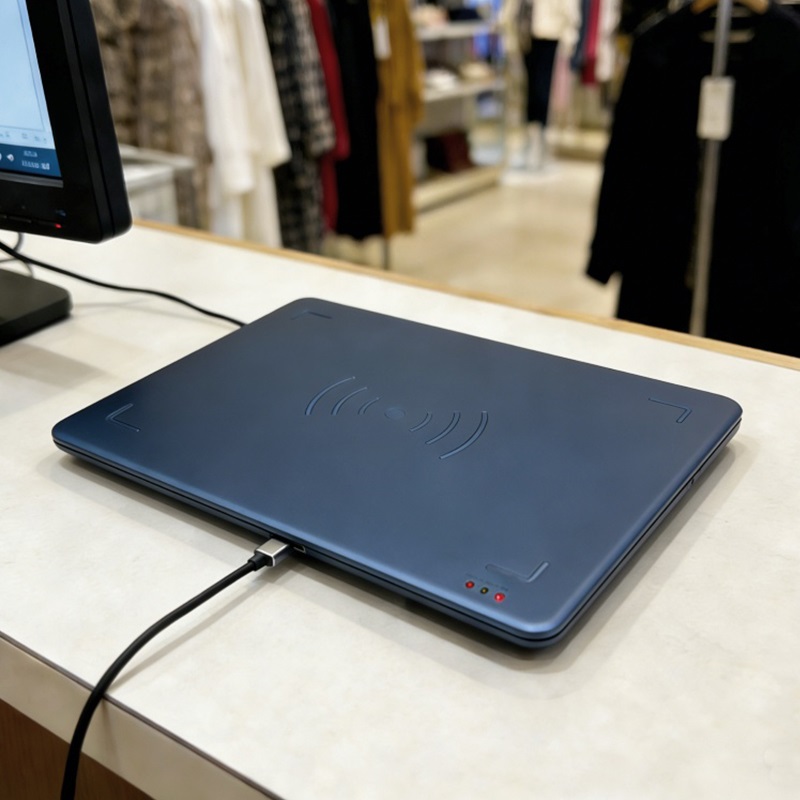
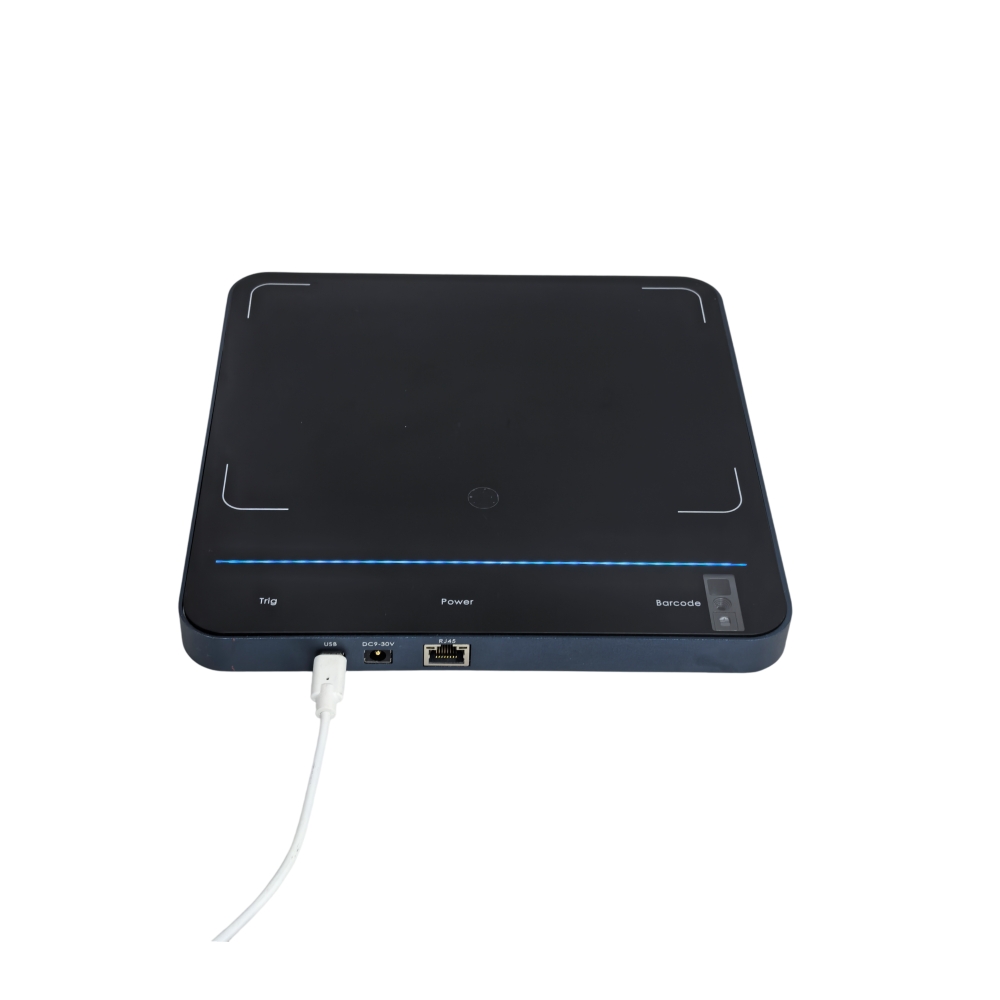
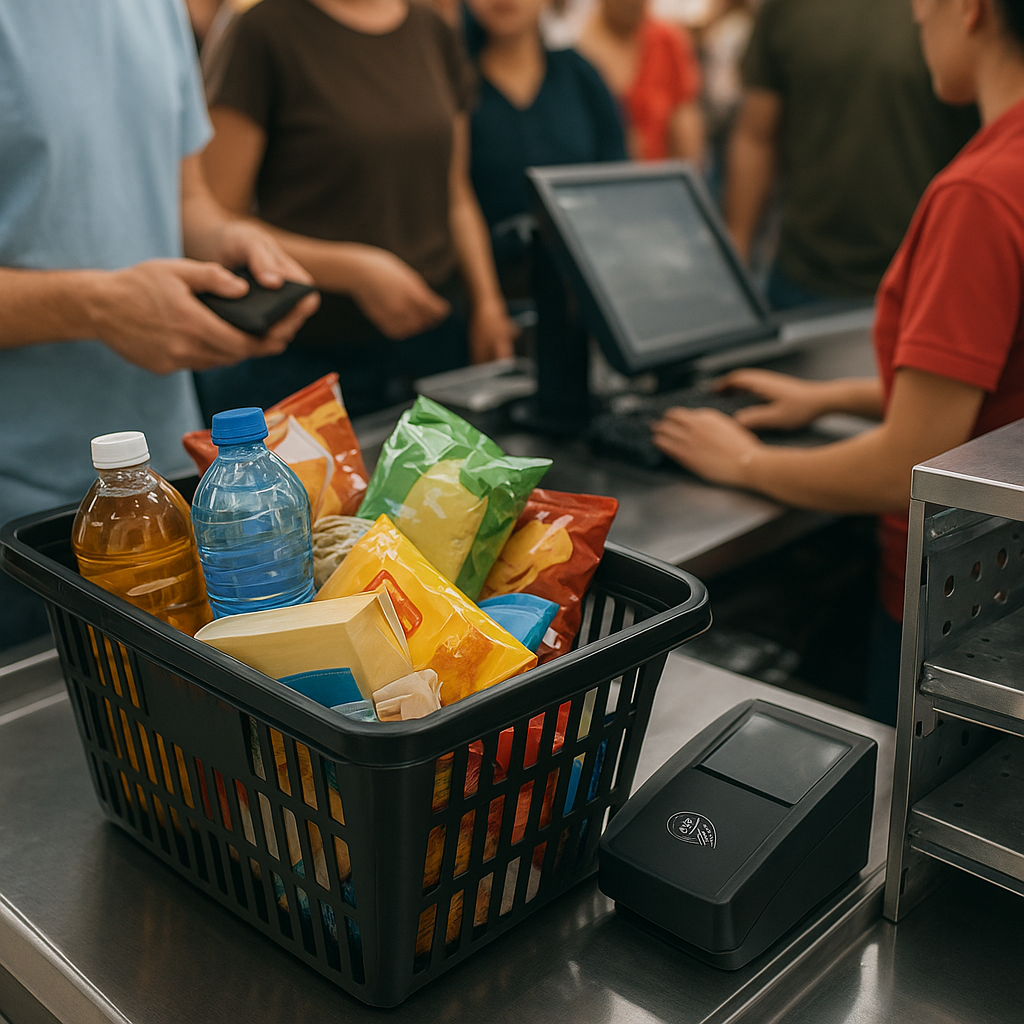
Operational experience shows that four causes account for most misread incidents: RF power set too high for the distance that needs to be read, tagged display shelves placed close to the counter, customer baskets stacked near the coverage area, and wave reflection from metal surfaces. Each cause requires a different remedy, so the first step is always to identify the correct cause rather than reducing power to the lowest level.
1. RF power set too high
The output power of a UHF reader is typically adjustable from 5 to 30 dBm. Many stores set 27–30 dBm to read quickly and at a distance, but at a counter distance of only 20–40 cm, this level far exceeds the requirement. The strong signal extends 0.5–1 m behind the counter and reaches tags on shelves or in baskets behind it. According to the manufacturer's specifications, the Aura A033 allows power adjustment in 1 dB steps across the 5–30 dBm range — this is the primary tool for fine-tuning coverage.
2. Tagged display shelves placed close to the counter
Shelves less than 1 m from the counter, especially accessory shelves or belt and wallet shelves, are a common source of misreads. Tags on the shelf fall within the antenna's natural coverage area and are read every time a staff member scans an order. The safe distance depends on power and antenna type, but the general principle is to keep tagged shelves outside the reader's maximum read radius at the operating power level.
3. Customer baskets placed near the counter
Customer baskets or bags waiting behind the counter often contain selected but unpaid items. If a basket is placed within the coverage area, the reader will also capture those items. The problem becomes clearer during peak hours when customers queue close to the counter. This is the most difficult cause to handle with software, because it depends on the actual movement flow of customers.
4. Reflection from metal surfaces
Stainless steel countertops, metal counter legs, or glass cabinets with aluminum frames can reflect UHF waves, expanding the coverage area in unintended directions. Reflected waves interfere with direct waves, creating reinforcement points and cancellation points, causing the reader to read tags farther away than normal or miss tags nearby. This is why the same device at the same power output gives different results on a wooden table versus a stainless steel table.
How to fix it: a four-step process at the counter
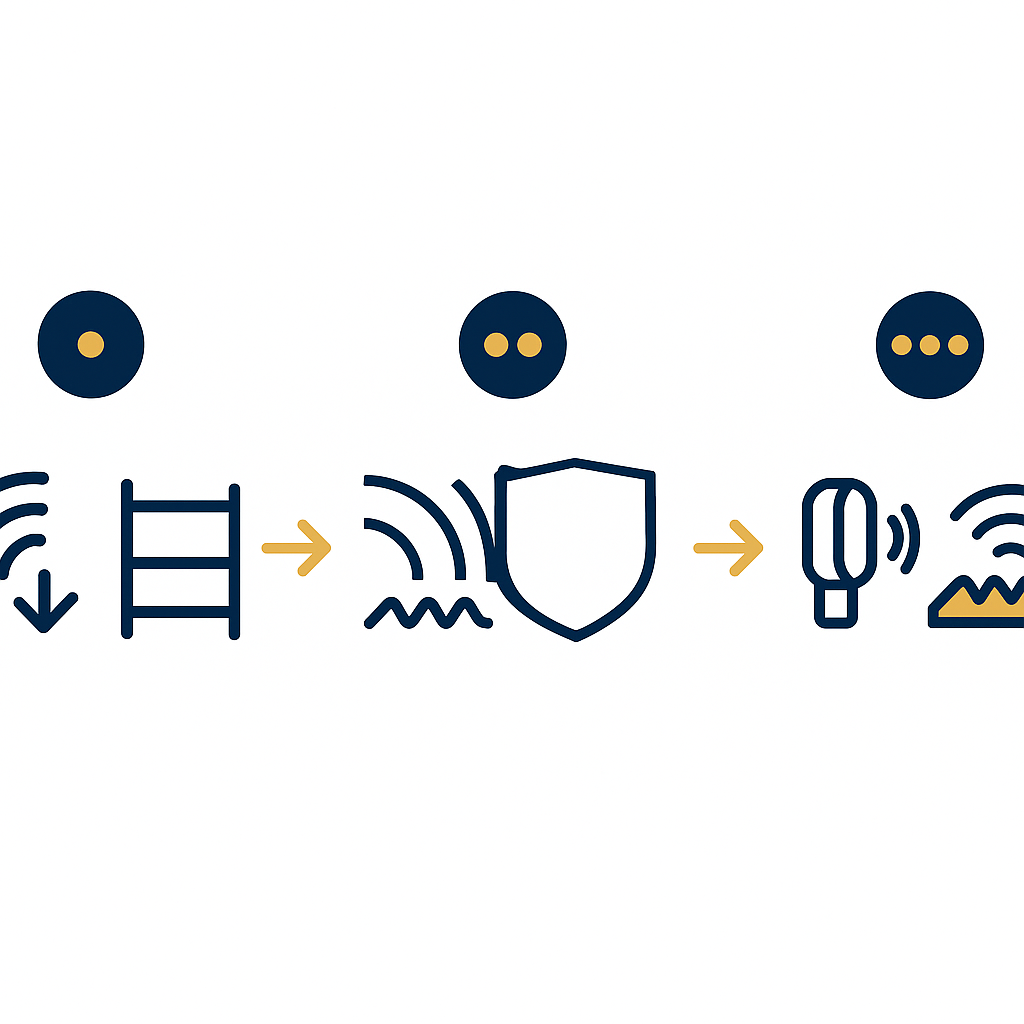
An effective remediation process goes from the smallest change to the largest: reduce power by 1 dB at a time and re-measure, move shelves out of the coverage area, use shielding or wave-absorbing materials, and finally enable the distance sensor to limit the read zone. Following this order helps avoid changing too many variables at once and makes it difficult to identify the real cause.
- Step 1 — Reduce power by 1 dB at a time. Start from the current operating level, reduce by 1 dB, place a standard basket at the position where customers usually stand, and measure the number of tags read. Repeat until no tags outside the basket are read. Record the final power level as the standard configuration for the remaining counters.
- Step 2 — Move tag-mounted shelves out of the coverage area. Measure the distance from the antenna center to the nearest shelf. If the shelf is within the read radius at the adjusted power level, move the shelf an additional 30–50 cm or relocate tagged items to another position.
- Step 3 — Shield and absorb. For metal countertops, place a layer of wave-absorbing material or a thin shield under the reader to reduce reflection. For counters with glass partitions, check whether waves pass through and read tags behind them.
- Step 4 — Enable the distance sensor. The Aura A032 has a TOF sensor that detects objects within approximately 0–400 mm, with an adjustable read trigger threshold from 0 to 80 cm (default 15 cm per manufacturer specifications). Configure this threshold so the reader only triggers when there are actual items in the near zone, avoiding reading tags behind.
Choosing a desktop reader that fits the counter
The two popular desktop reader lines for checkout counters are the Aura A032 and Aura A033. The A032 has a large 320 × 320 mm read surface, Impinj E310 chip, 0–1.2 m read range, and TOF sensor — suitable for counters that need to read multiple items at once. The A033 is more compact (330 × 245 × 21 mm, 0.72 kg), 5–30 dBm power adjustable in 1 dB steps, 0–1 m read range — suitable for counters with limited space and that need fine power tuning.
| Criterion | Aura A032 | Aura A033 |
|---|---|---|
| Dimensions | 320 × 320 × 18 mm | 330 × 245 × 21 mm |
| Weight | ~1 kg | ~0.72 kg |
| Housing | Tempered glass + aluminum alloy | PC + ABS |
| Chip | Impinj E310 | Impinj E310 |
| RF power | 5–30 dBm ±1 dB, 1 dB adjustable | 5–30 dBm ±1 dB, 1 dB adjustable |
| Read range | 0–1.2 m (depending on power, tag, environment) | 0–1 m (depending on power, tag, environment) |
| Distance sensor | TOF 0–400 mm, threshold 0–80 cm | Not stated in specifications |
| Connectivity | USB-C, RJ45, PoE (optional), Bluetooth (optional) | USB-C |
When choosing equipment, it is necessary to compare against the actual layout. Counters with accessory shelves nearby should prioritize the A032 with its TOF sensor to limit the read zone. Small counters in stores of 25–40 m² with dense shelving should choose the A033 and tune power down to the lowest level that still reads sufficiently. For RFID checkout counter systems deployed across multiple points, see also RFID checkout counter solutions to synchronize configuration across counters.
Quick diagnostic table by symptom
The table below helps narrow down the cause based on symptoms observed at the counter. Each symptom typically maps to one or two main causes, from which you select the appropriate handling step instead of trying at random. For cases suspected of metal reflection, try placing the reader on a wooden surface for comparison before concluding.
| Symptom | Likely cause | Initial handling |
|---|---|---|
| Reading tags on a shelf 0.5–1 m from the counter | Power too high, shelf within coverage area | Reduce 2–4 dB, re-measure; move the shelf another 30 cm |
| Reading tags in a customer basket behind | Basket within coverage area, TOF threshold not enabled | Enable TOF, set threshold to 15–30 cm |
| Reading tags at an unusually long distance | Reflection from metal surfaces | Place absorbing material, change the counter surface, check glass partitions |
| Intermittent reading of the same item | Reflected wave interference, polarization | Change antenna orientation, reduce power, check position |
| Misreads increase during peak hours | Customer baskets placed close together, many tags in the area | Reorganize the queue flow, mark floor distance lines |
Common mistakes when handling misreads
Most prolonged misread cases occur because the operations team handles them in the wrong direction: increasing power to read faster, replacing software when the fault is in RF, or skipping the test step with real baskets. Below are common mistakes to avoid.
- Increasing power to read faster. This is the opposite reflex: high power widens the coverage area and causes more misreads. You need to reduce power and re-measure.
- Blaming the POS software. Misreads are an RF and layout issue, not software logic. Replacing software does not solve it.
- Testing with only one item. One item does not represent a real basket of 5–10 items with many tags close together.
- Ignoring metal reflection. Stainless steel counter surfaces and aluminum frames are often overlooked during checks, even though this is a common cause at modern counters.
- Not recording the standard configuration. Not recording the power level and TOF threshold each time a change is made makes it difficult to reproduce later.
Testing with real baskets before handover
The final test step must take place with real baskets and during peak hours, as this is the condition closest to actual operation. The goal is to confirm that the reader only reads the items in the basket being checked out, does not read tags outside the basket, and still reads all items when the basket has many stacked items.
- Prepare 3–5 representative baskets: a 3-item basket, a 7-item basket, a basket with metal items (belts, accessories), a basket with thick items.
- Place a "waiting customer" basket behind the counter at the position where customers typically stand.
- Measure the number of tags read when scanning the checkout basket. If the number of tags exceeds the number of items in the basket, continue reducing power or adjusting the TOF threshold.
- Repeat during peak hours (11:00–13:00 or 18:00–20:00) because tag density in the coverage area increases.
- Record the final configuration (power in dBm, TOF threshold in cm) and label each counter.
For stores with multiple counters or multiple branches, standardize the configuration to a single template and check periodically. See also criteria for choosing a desktop RFID reader for the checkout counter to keep settings consistent across locations. In cases where the store has a security gate at the exit, coordinate the configuration to prevent the counter reader and the gate from reading each other — see comparison of EAS magnetic gates and RFID gates.
Limits to know: metal and liquids
UHF waves suffer strong attenuation when they encounter metal and liquids. Tags attached to metal items or damp items may read less reliably, and increasing power to compensate will increase the risk of misreads into other areas. This physical limitation must be accepted and handled through layout, without expecting 100% reads in all conditions.
For metal goods, use specialized tags or place items in a position with a gap from the counter surface. For liquids, avoid stacking many damp items on top of each other in the read area. Always test on the store's actual merchandise rather than using the supplier's standard tag samples.
Frequently asked questions
Is an RFID reader reading the wrong items a software bug?
No. Misreads are an RF phenomenon: the antenna's coverage extends beyond the counter area or is widened by reflection. The POS software only records the EPC that the reader sends; it does not create tags on its own. So the correct fix is adjusting power, arranging shelves, shielding, and using a distance sensor — not replacing the software.
How many dB should power be reduced to eliminate misreads?
There is no fixed number for every counter. The principle is to reduce by 1 dB at a time and re-measure with a real basket placed where customers usually stand. In practice, many counters only need a 2–6 dB reduction from the maximum level for coverage to return to the correct counter area. Record the final power level as the standard configuration.
How does the distance sensor on the Aura A032 work?
According to the manufacturer's specifications, the A032 uses a TOF sensor that detects objects within a range of 0–400 mm, with an adjustable read trigger threshold from 0 to 80 cm (default 15 cm). When the threshold is set low, the reader only triggers when there are actual items in the near zone, limiting reads of tags from baskets behind or distant shelves.
Why does the same reader not misread when placed on a wooden table?
A wooden tabletop absorbs and scatters UHF waves differently from a metal surface. Stainless steel or aluminum frames reflect waves, creating extended coverage and interference, which lets the reader read tags from farther away than normal. This is why the tabletop material needs to be checked and absorber material used when necessary.
Should power be reduced to the lowest level to guarantee no misreads?
No. Too low a power level will cause missed reads, especially with baskets containing many items or items whose tags are obscured. The goal is the lowest power level that still reads the entire checkout basket, not the absolute lowest. Always test with a basket of 7–10 items before finalizing the configuration.
When should testing with real shopping baskets be done?
Testing should be done during peak hours (11:00–13:00 or 18:00–20:00) because tag density in the coverage area increases and customer queues form closer to the counter. Testing when the store is empty easily produces falsely good results. Repeat at least 2–3 times before handover and record the final configuration.
When is moving the shelf needed instead of reducing power?
When the tagged shelf falls within the reader's minimum read radius at the operating power level, or when reducing power has caused missed reads of the checkout basket. In that case, move the shelf 30–50 cm away or move the tagged items to another position. Moving the shelf is a physical change but usually resolves the issue more thoroughly.
Need to measure the actual read rate on real merchandise and configure power for each counter? Contact Việt POS via hotline 0935 498 384 or email info@vietpos.vn to schedule a site survey and testing with real shopping baskets at your store.
Need advice on specific equipment or a solution?
Việt POS replies within 30 minutes · Hotlines in 4 regions · Free site survey.
