Mục lục bài viết (11)
- What is a self-service book borrowing and returning kiosk?
- How does the self-service book borrowing kiosk operational flow work?
- How does a self-service return kiosk differ from a borrow kiosk?
- Specific benefits for Vietnamese schools
- RFID equipment and security gates in the kiosk model
- International standards to check when choosing a kiosk
- Operating the kiosk under Vietnamese school conditions
- Common mistakes when deploying a self-service book borrowing and returning kiosk
- Glossary summary table for the self-service book borrowing and returning kiosk
- 3-phase deployment roadmap for schools
- Frequently asked questions
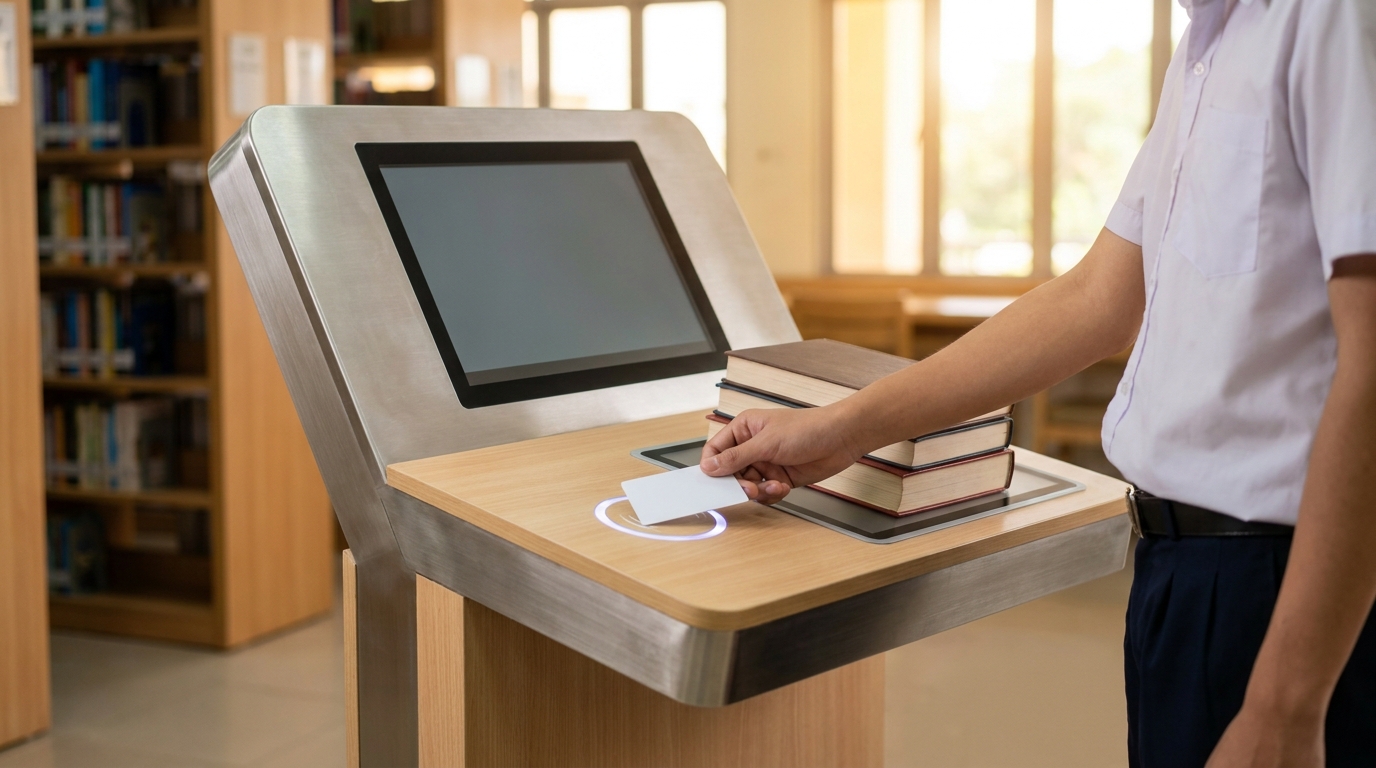
A self-service book borrowing and returning kiosk is a self-service station integrating an RFID reader and library software with SIP2 standard support, allowing students to scan their own card, borrow multiple books at once, and print a receipt without librarian intervention. In Vietnam, this model is being deployed at middle schools and high schools with libraries of 5,000-20,000 copies and universities with borrow volume above 200 transactions/day, in order to solve the problem of recess and shift-break overload.
A self-service book borrowing and returning kiosk is a self-service station consisting of an RFID reader + touchscreen + receipt printer, connected to library software via the SIP2 standard. Students scan their card, place books on the reader pad, the system reads multiple RFID chips simultaneously and prints a receipt in 30-45 seconds. An RFID security gate placed at the exit automatically detects books not recorded as borrowed, reducing losses by 60-80%.
Table of contents
- What is a self-service book borrowing and returning kiosk?
- How does the self-service book borrowing kiosk operational flow work?
- How does a self-service return kiosk differ from a borrow kiosk?
- Specific benefits for Vietnamese schools
- RFID equipment and security gates in the kiosk model
- International standards to check when choosing a kiosk
- Operating the kiosk under Vietnamese school conditions
- Common mistakes when deploying a self-service book borrowing and returning kiosk
- Glossary summary table for the self-service book borrowing and returning kiosk
- 3-phase deployment roadmap for schools
- Frequently asked questions
What is a self-service book borrowing and returning kiosk?
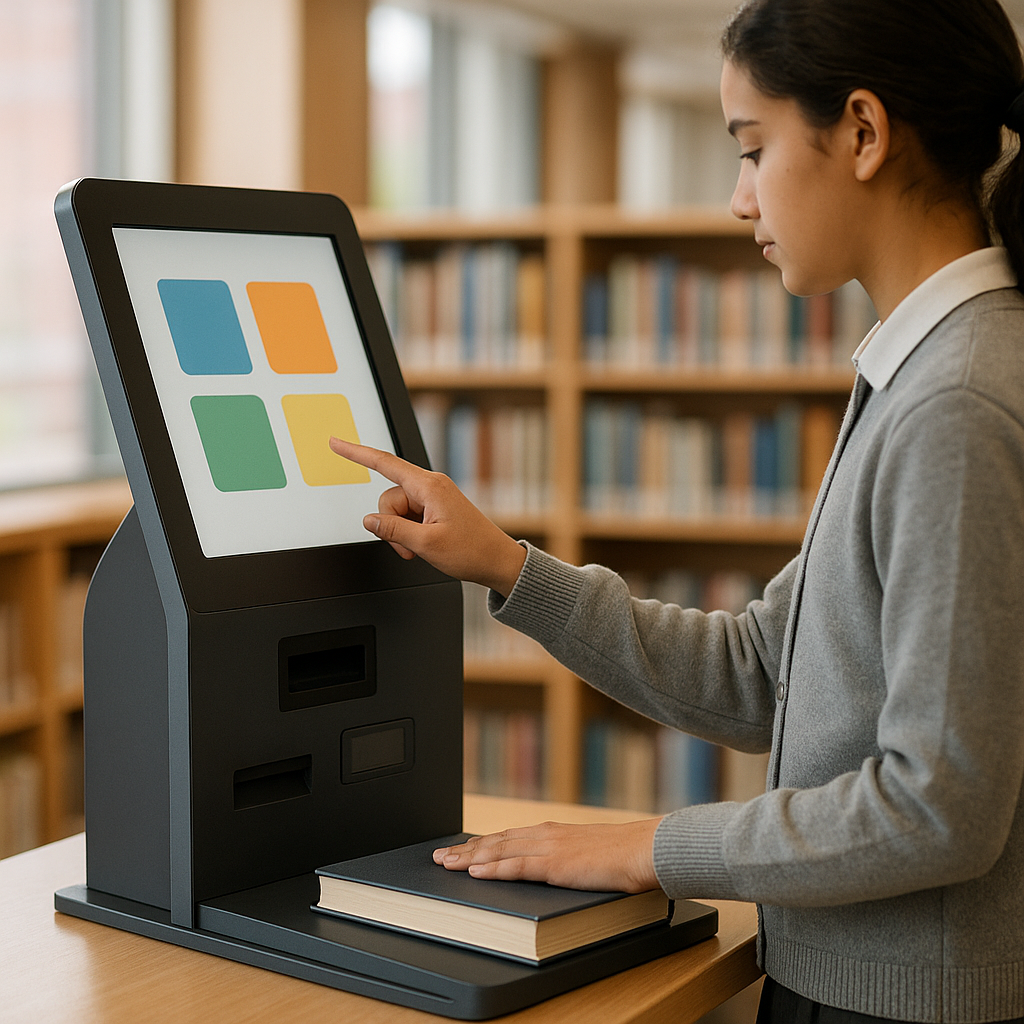
A self-service book borrowing and returning kiosk is a self-service station placed in the library, consisting of a touchscreen, an RFID card reader, a multi-tag reader pad, and a receipt printer. The device connects to library management software via the SIP2 standard to synchronize borrow/return transactions in real time, without the need for manual entry by a librarian.
How does the self-service book borrowing kiosk operational flow work?
Related products
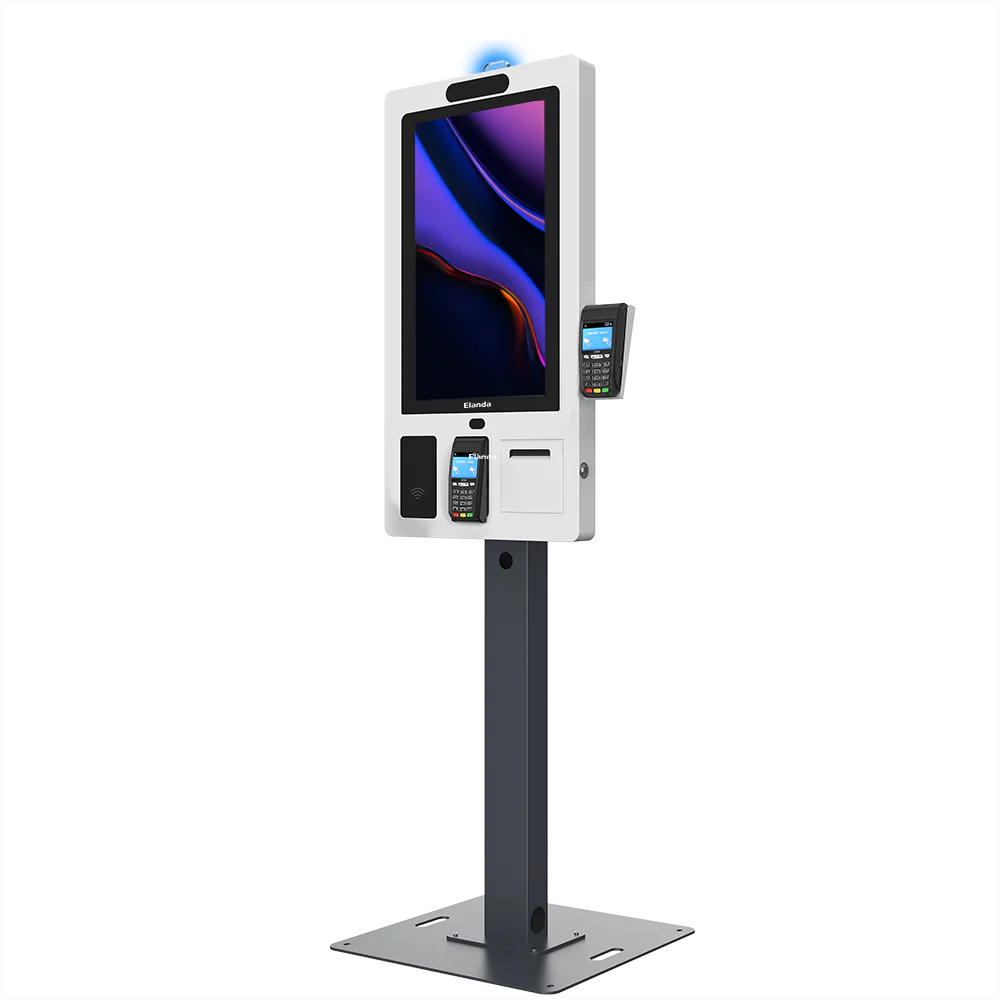
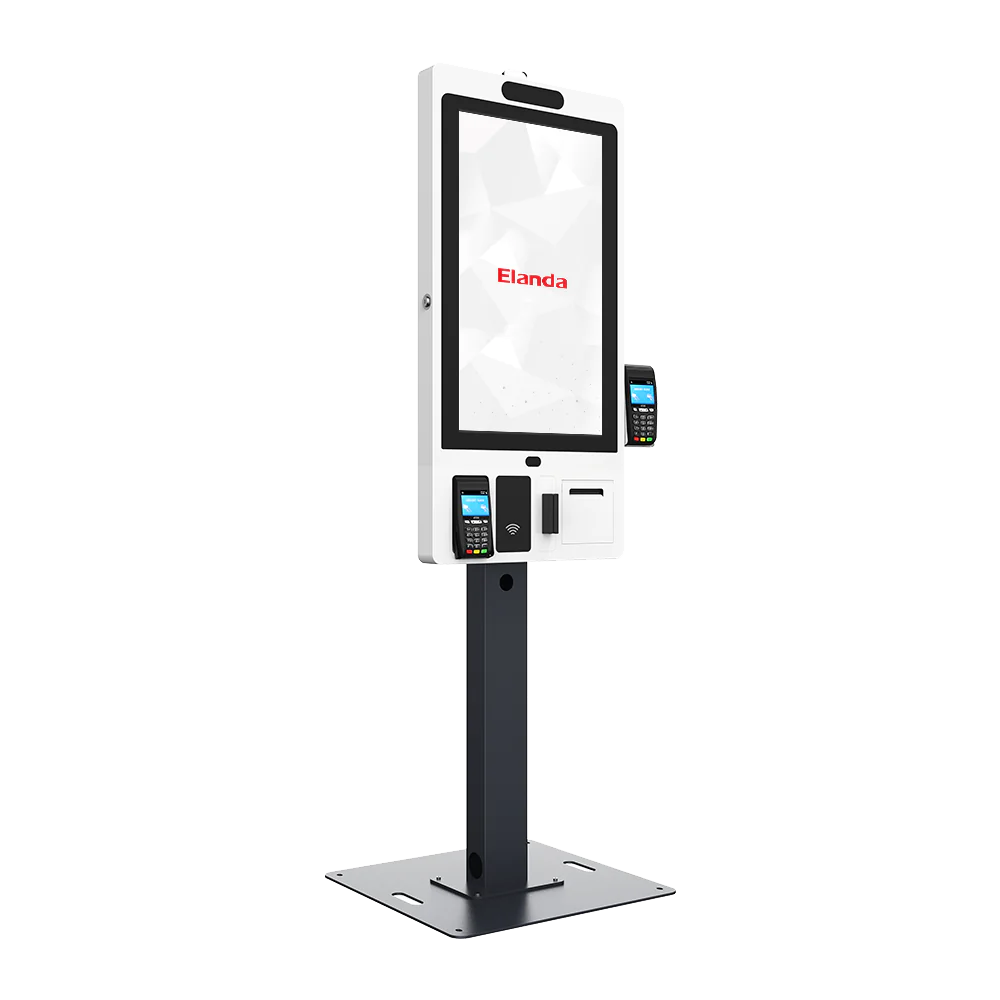
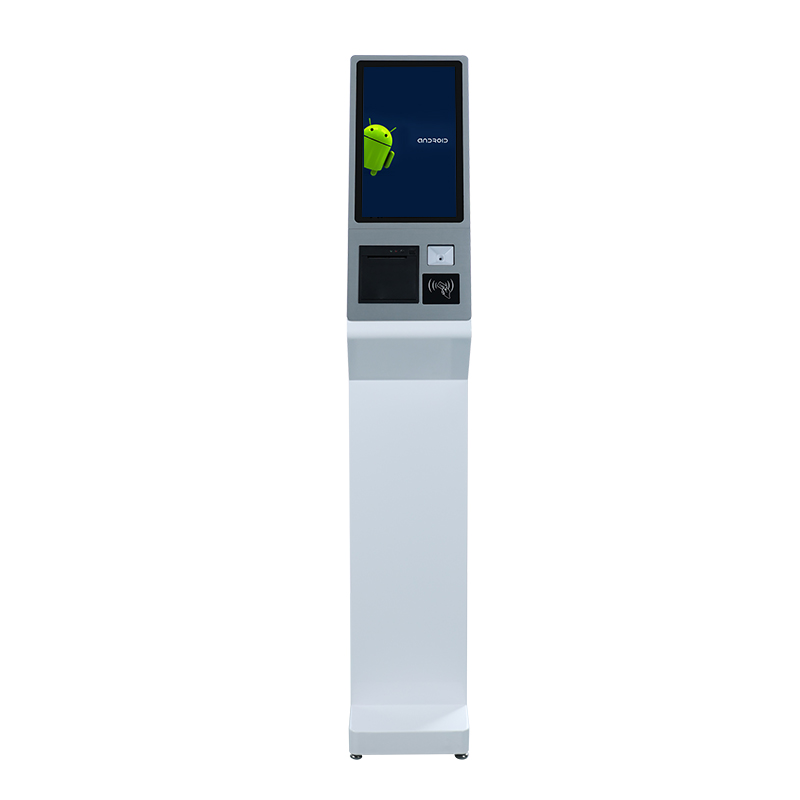
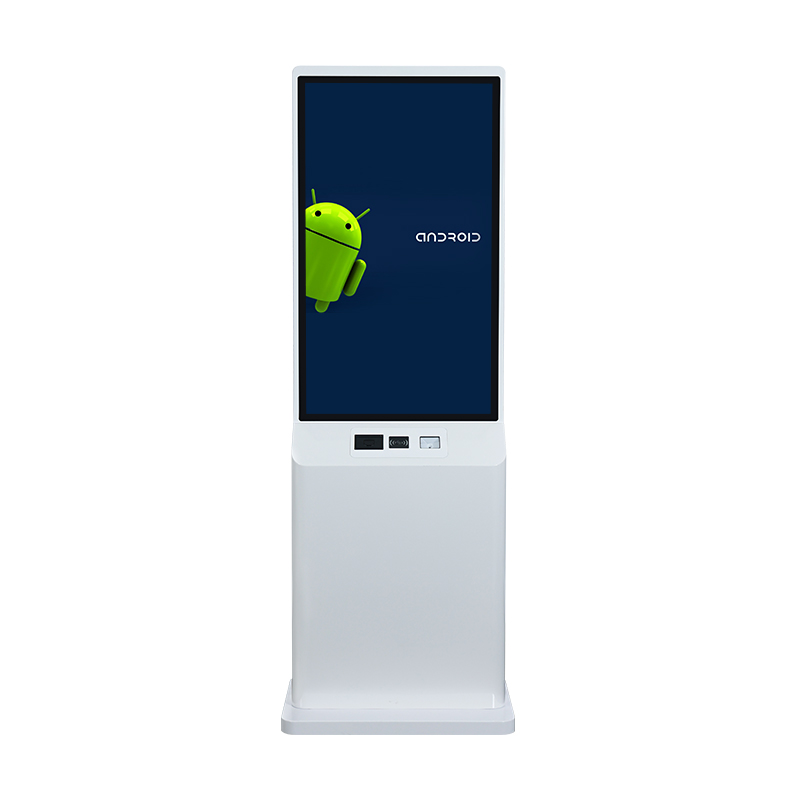
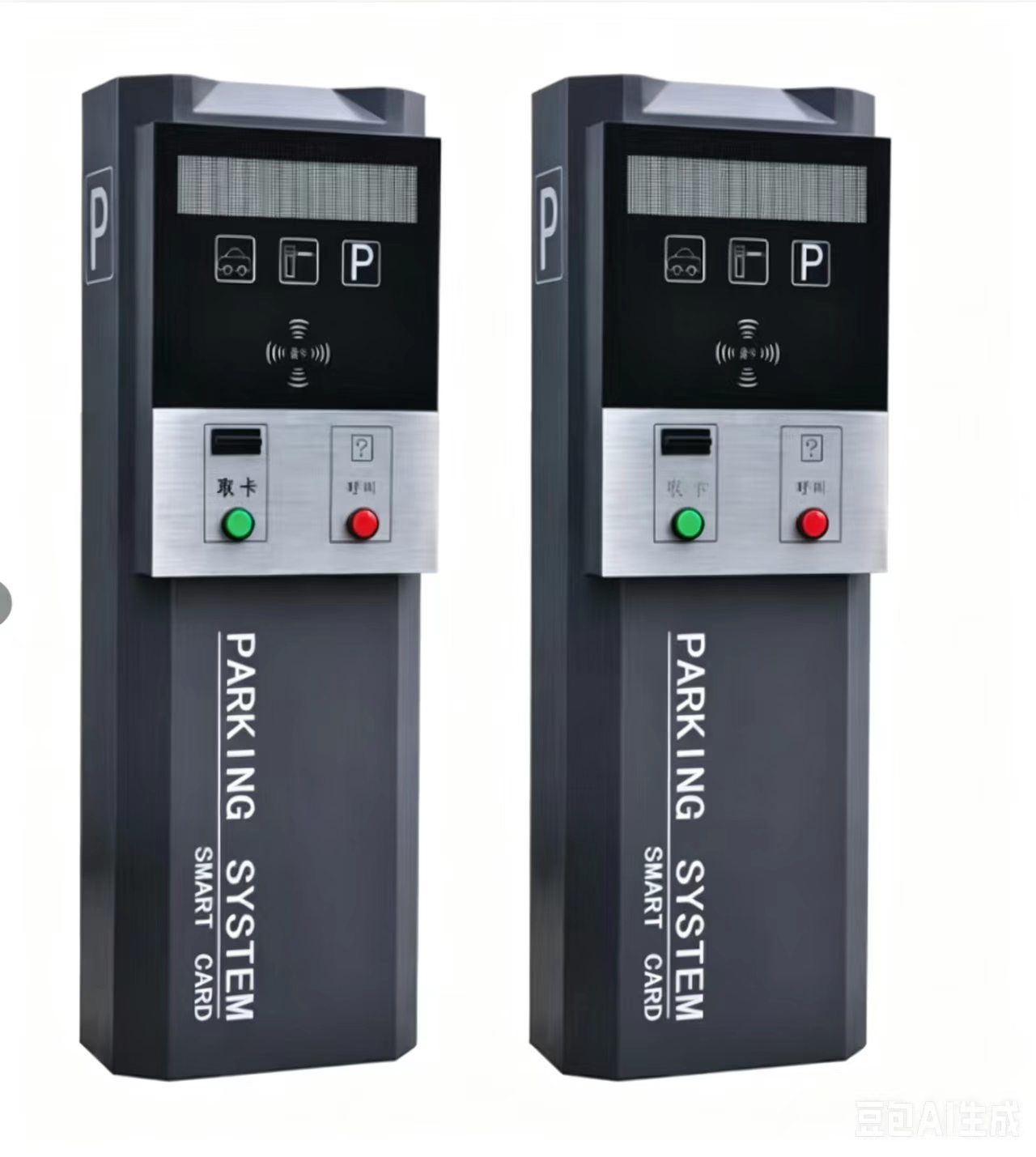
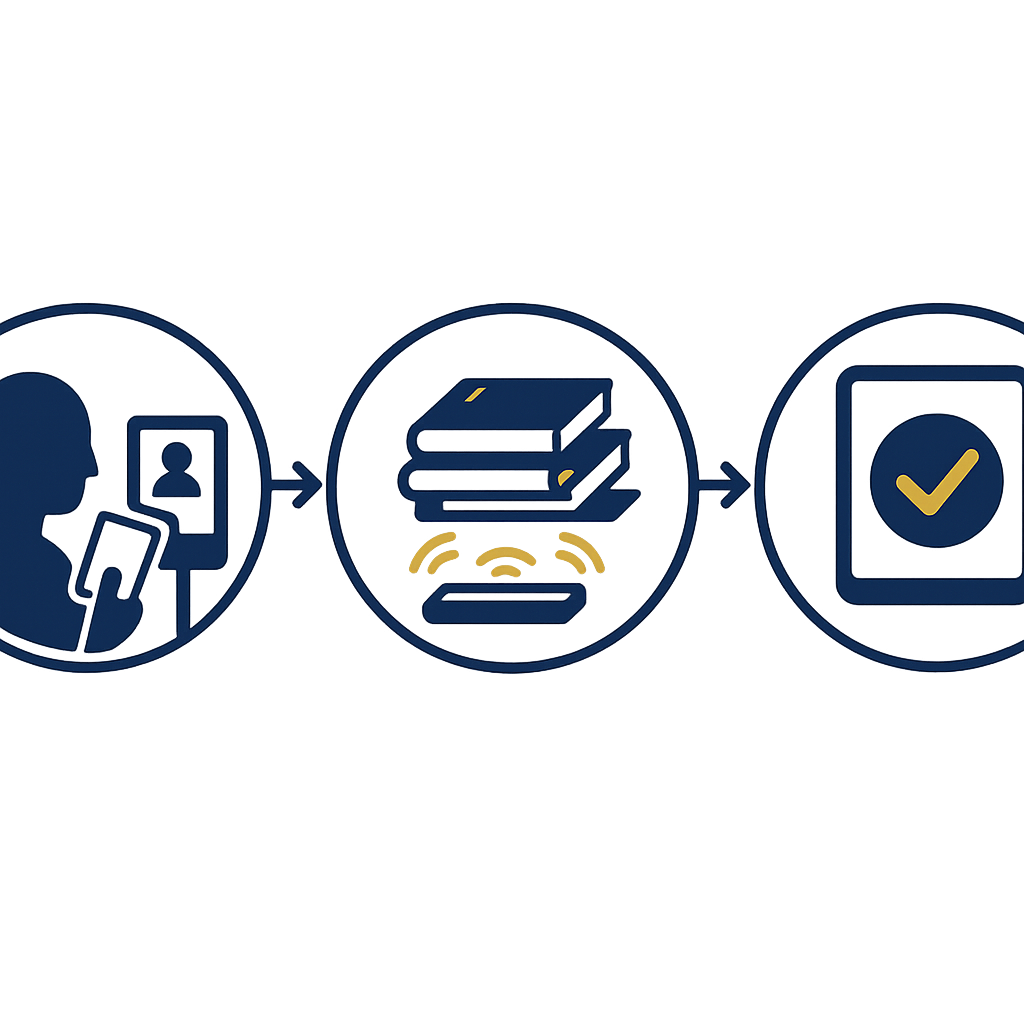
The process consists of 4 steps lasting 30-45 seconds per transaction, and students do not need librarian assistance. The system reads 3-5 RFID chips simultaneously in a single book placement, automatically checks the borrowing limit, prints a receipt, and logs the transaction to the library server.
- Scan the student card — The RFID reader identifies the card from 10-15 cm, displaying the student's photo and name on the screen to confirm the correct person.
- Place books on the reader pad — The multi-tag RFID reader pad identifies 3-5 books simultaneously, without the need to scan each one individually.
- Confirm on the screen — The system checks the borrowing limit by patron group (student/area/book type), displays the list and the expected return date.
- Print the receipt — The thermal printer prints a slip with the book code, borrow date, return date, and remaining borrow allowance. The transaction synchronizes to the server via SIP2 within 1-2 seconds.
How does a self-service return kiosk differ from a borrow kiosk?
A return kiosk does not require card authentication — students simply place books on the reader pad, and the system automatically identifies and records the return. With a 24/7 book-drop model, the return kiosk can be placed in a hallway or at the school gate, allowing students to return books at any time, even outside library opening hours.
- No card needed: Returning books does not require identity authentication, only placing the books on the reader pad.
- Multi-tag reading: Identifies multiple books at once, suitable for students returning 3-8 books after a reading period.
- Automatic fine calculation: If returned late, the system displays the number of overdue days and the fine amount according to library policy, and students can confirm and pay later.
- 24/7 book-drop: Some models allow returns through a book-drop slot equipped with an RFID reader, without needing to stay at the screen.
Specific benefits for Vietnamese schools
For middle and high schools with 800-1,500 students and libraries open 2-3 hours/day, a self-service borrowing kiosk helps reduce 60-80% of manual operations for librarians, increases borrow volume by 40-60% by shortening wait times, and provides reading data by class for the school to evaluate library operational effectiveness.
| Metric | Manual model | With self-service kiosk |
|---|---|---|
| Time per borrow transaction | 2-4 minutes (librarian manual entry) | 30-45 seconds (self-operated) |
| Transactions processed at peak hour | 15-25 transactions/15 minutes | 60-100 transactions/15 minutes |
| Books lost per year | 2-5% of collection | 0.5-1.5% thanks to security gates |
| Opening hours | During office hours | 24/7 book-drop outside hours |
RFID equipment and security gates in the kiosk model
A self-service borrowing kiosk is only effective when accompanied by synchronized RFID infrastructure: student cards with embedded chips, RFID labels affixed to books, security gates at the exit, and library management software connected via SIP2. These three layers of equipment work together to ensure accurate transactions and limit books being taken out without being recorded as borrowed.
- Student RFID cards: Plastic cards with a 13.56 MHz chip, printed with photo and student code, used for the borrowing kiosk, security gates, and library attendance.
- Book RFID labels: Thin labels affixed to the spine or inside cover, encoding the accession number (ĐKCB) matching the MARC21 record.
- Security gates: Two antenna pillars at the exit, detecting books not recorded as borrowed within a radius of 60-90 cm, emitting an audible and light alarm.
- Multi-tag reader pad: Placed at the kiosk, reading 3-5 chips simultaneously, with identification speed under 1 second.
International standards to check when choosing a kiosk
The three most important standards are MARC21 for records, RFID standard ISO 15693 or ISO 18000-3 for the 13.56 MHz frequency, and SIP2 for communication between the kiosk and library software. Missing any of these standards will make it difficult for the kiosk to integrate with the existing system or to interoperate with other libraries.
- MARC21 / AACR2: Ensures records accurately describe library professional standards, supports ISO 2709 exchange and record retrieval via Z39.50.
- RFID ISO 15693 / ISO 18000-3: The common standard for cards and book labels in Vietnam, compatible with most commercial readers.
- SIP2: The protocol connecting the kiosk to the ILS, handling borrow/return/renew/hold in real time.
- NCIP (optional): A next-generation standard replacing SIP2, supported in parallel by some modern ILS systems.
If the school is researching the overall system, refer to Library Management Software Combined with RFID: 2026 Selection Guide to understand the evaluation criteria before investing in a kiosk.
Operating the kiosk under Vietnamese school conditions
Actual conditions in Vietnamese schools differ from public libraries: short recess of 15-20 minutes, students concentrated in shifts, and power-network infrastructure that may be unstable. The kiosk needs a temporary offline mode, a simple Vietnamese interface, and a permission mechanism for librarians to handle exceptions quickly.
- Temporary offline mode: When the server connection is lost, the kiosk stores transactions locally and re-synchronizes when the network is available, avoiding disruption during peak hours.
- Vietnamese interface, few steps: A maximum of 3-4 touch steps, with illustrations for younger students.
- Librarian permissions: Librarians have a separate screen to handle damaged books, special renewals, or override transactions.
- Kiosk placement: Near the entrance, 1-2 m from the security gate to avoid RFID signal interference.
For schools wanting to expand the self-service model to other areas such as reading rooms, laboratories, or service areas, refer to Shopping Mall Information Kiosk: 7 Features That Increase Revenue to understand how to design a kiosk according to the usage context.
Common mistakes when deploying a self-service book borrowing and returning kiosk
The three most common mistakes are choosing a kiosk that is not SIP2-compatible with the existing ILS, affixing RFID labels with the wrong frequency standard, and skipping the security gate so that books are still lost despite having a kiosk. These errors usually only surface after 3-6 months of operation, when the cost of fixing them is much higher than investing correctly from the start.
- Not checking SIP2: The kiosk cannot connect to the library software, forcing manual entry or replacing the entire system.
- Affixing RFID labels with the wrong frequency: 125 kHz labels are not compatible with a 13.56 MHz reader, requiring the entire collection to be peeled and re-labeled.
- Skipping the security gate: The kiosk reduces librarian workload but does not reduce book losses, resulting in low ROI.
- No offline mode: A few minutes of network loss during peak hours causes students to queue up, defeating the purpose.
- Not training students: Borrow volume does not increase because students do not know how to operate it, requiring 1-2 orientation sessions at the start of the year.
Glossary summary table for the self-service book borrowing and returning kiosk
The table below summarizes the terms commonly encountered when working with kiosk and library software vendors, with brief definitions and specific examples in the context of Vietnamese schools.
| Term | Definition | Example in schools |
|---|---|---|
| RFID | Radio frequency identification technology, using chips embedded in cards or labels | Student cards and labels affixed to book spines |
| SIP2 | Protocol connecting self-service devices to library software | The kiosk sends borrow transactions to the ILS server |
| MARC21 | International library record standard | Records for textbooks and reference books |
| Security gate | Two antenna pillars detecting books not recorded as borrowed at the exit | Placed at the library door, emitting an alarm when needed |
| Book-drop | An automatic book return slot with an RFID reader | Placed in a hallway, students return outside hours |
3-phase deployment roadmap for schools
Deploying a self-service borrowing kiosk should be divided into 3 phases: preparing RFID infrastructure and records, installing the kiosk and security gate, then expanding the book-drop and self-service points. This approach helps schools control costs and evaluate effectiveness step by step.
- Phase 1 (1-3 months): Standardize MARC21 records, affix RFID labels to the entire collection, issue student RFID cards, install library software with SIP2 support.
- Phase 2 (1 month): Install 1-2 self-service borrowing and returning kiosks at a central location, install the security gate at the exit, train librarians and students.
- Phase 3 (3-6 months): Expand the 24/7 book-drop, add kiosks at branches or auxiliary reading rooms, integrate reading data into school reports.
If the school is considering expanding the model to other service areas such as an in-school convenience store or a multi-purpose self-service area, refer to Hospital Wayfinding Kiosk Reduces Exam Wait Time by 40% to understand how to design a self-service experience in crowded places.
Frequently asked questions
Does a self-service book borrowing and returning kiosk need librarian supervision?
It does not need continuous librarian supervision. The kiosk operates automatically, and the librarian only intervenes when there is an exception: damaged books, special renewals, or a student forgetting their card. During peak hours, one librarian can manage 2-3 kiosks at the same time instead of sitting at the counter entering transactions.
Can elementary school students use a self-service borrowing kiosk?
Yes, if the interface is designed simply with 2-3 touch steps and large illustrations. Many elementary schools use kiosks with 21.5-27 inch screens, large text, and image-based instructions instead of text. Homeroom teachers usually guide students for 1-2 sessions at the start of the school year.
How much does it cost to invest in a self-service book borrowing and returning kiosk?
The cost depends on the configuration (21.5-32 inch screen, multi-tag RFID reader, thermal printer) and the SIP2 middleware. In addition to the kiosk, the school needs to invest in student RFID cards, RFID labels affixed to books, and security gates. It is advisable to ask the vendor for a full-package quote for accurate comparison.
Can the kiosk connect to the library software currently in use?
Yes, if the library software supports the SIP2 or NCI
Cần tư vấn thiết bị/giải pháp cụ thể?
Việt POS phản hồi trong 30 phút · Hotline 4 vùng · Khảo sát miễn phí.
Bài viết cùng chủ đề