Mục lục bài viết (9)
- Problems Vietnamese Retail Chains Face at the Checkout Counter
- How Does the Zebra DS9308 Barcode Scanner Work?
- Specific Benefits of Deploying the DS9308 in Supermarkets and Retail
- DS9308 Applications in Mini-Supermarkets and Convenience Stores
- DS9308 Applications in Pharmacies and Specialty Stores
- DS9308 Applications at Receiving Areas and Retail Warehouses
- Comparing the DS9308 with Other Scanner Lines on the Market
- Criteria for Choosing a Zebra DS9308 Barcode Scanner for Your Store
- Related Products and Devices for Retail Systems
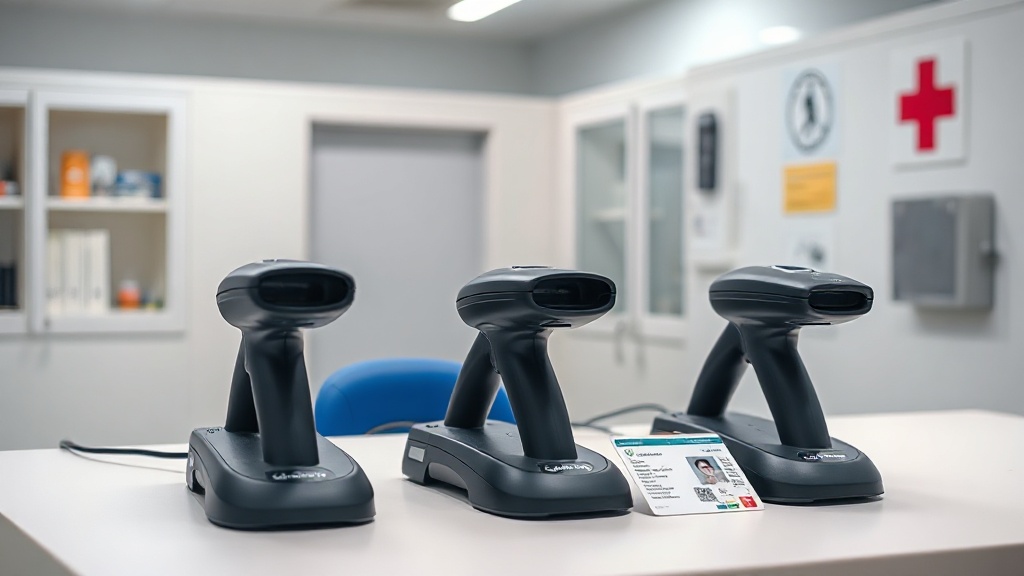
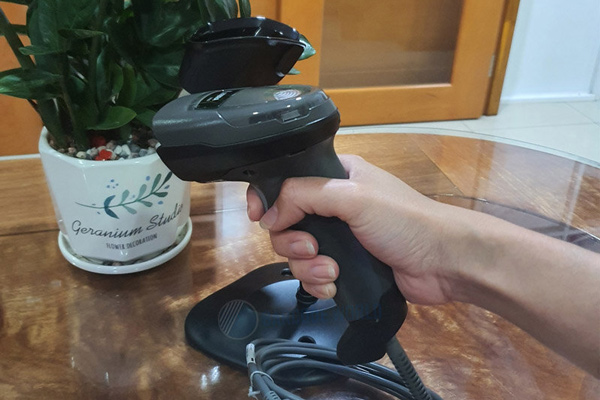
The Zebra DS9308 barcode scanner is a desktop scanner using area imager technology that reads both 1D and 2D codes on various surfaces — from thermal-printed paper labels and curved packaging to phone screens and chip-embedded CCCD cards. In Vietnam, this device is widely deployed at mini-supermarket checkout counters, convenience store chains, pharmacies, and retail warehouse receiving areas, thanks to its ability to scan continuously without aligning the code.
The Zebra DS9308 barcode scanner is a 1D/2D desktop scanner using imaging technology, reading codes on paper labels, curved packaging, phone screens, and chip-embedded CCCD cards. Suitable for mini-supermarket checkout counters, retail stores, and pharmacies with a transaction density of 300-800 visits/day. Connects via USB/RS232 to Windows, Android, iOS; supports both handheld and desktop modes.
Table of Contents
- Problems Vietnamese Retail Chains Face at the Checkout Counter
- How Does the Zebra DS9308 Barcode Scanner Work?
- Specific Benefits of Deploying the DS9308 in Supermarkets and Retail
- DS9308 Applications in Mini-Supermarkets and Convenience Stores
- DS9308 Applications in Pharmacies and Specialty Stores
- DS9308 Applications at Receiving Areas and Retail Warehouses
- Comparing the DS9308 with Other Scanner Lines on the Market
- Criteria for Choosing a Zebra DS9308 Barcode Scanner for Your Store
- Related Products and Devices for Retail Systems
- Frequently Asked Questions About the Zebra DS9308 Barcode Scanner
Problems Vietnamese Retail Chains Face at the Checkout Counter
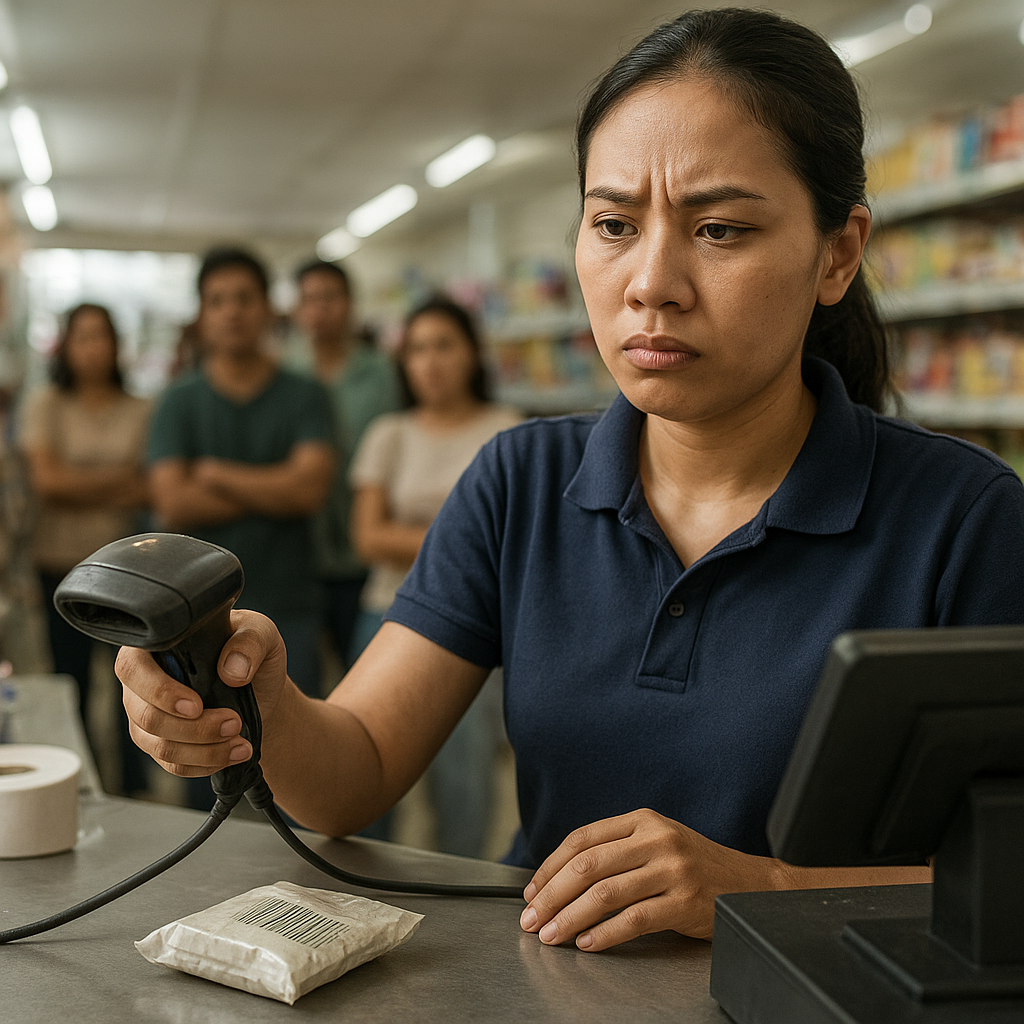
Most small and medium retail chains in Vietnam operate checkout counters with old 1D scanners or cheap 2D scanners, leading to scan errors, manual entry, and long customer waits during peak hours. Three recurring problem groups include scanning speed, accuracy with hard-to-read codes, and the ability to integrate with existing sales software.
⚠ Scan errors 3-5 times during peak hours — wrinkled, faded, or low-quality printed barcodes cause traditional 1D scanners to fail, forcing staff to manually enter product codes, extending each transaction by 15-30 seconds.
⚠ Cannot read codes on screens — for example, e-wallet payment QR codes, coupon codes, or product lookup codes on customer phones — forcing the counter to use a second device or skip the verification step.
⚠ Cannot read chip-embedded CCCD cards — many retail sectors require customer verification (prescription pharmacies, SIM cards, financial services) but old scanners cannot read the QR code on the card.
⚠ Devices fail after 6-12 months — cheap scanners using laser sensors have short lifespans, requiring constant replacement that disrupts operations and incurs hidden costs.
⚠ Difficult software integration — some scanner lines are not driver-compatible with existing POS software, forcing store owners to replace the entire system.
How Does the Zebra DS9308 Barcode Scanner Work?
Related Products
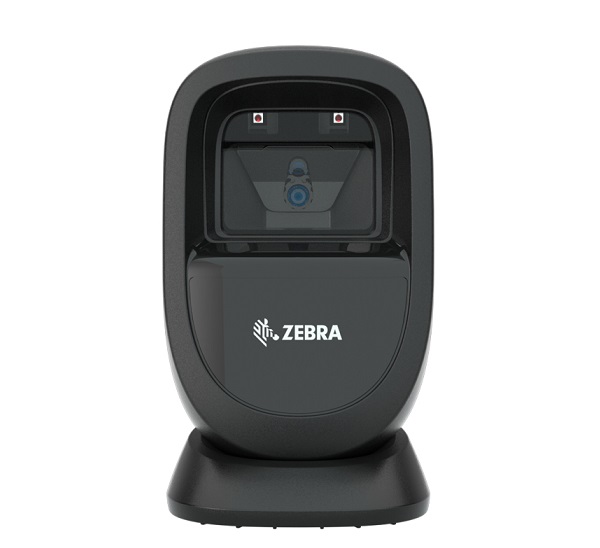
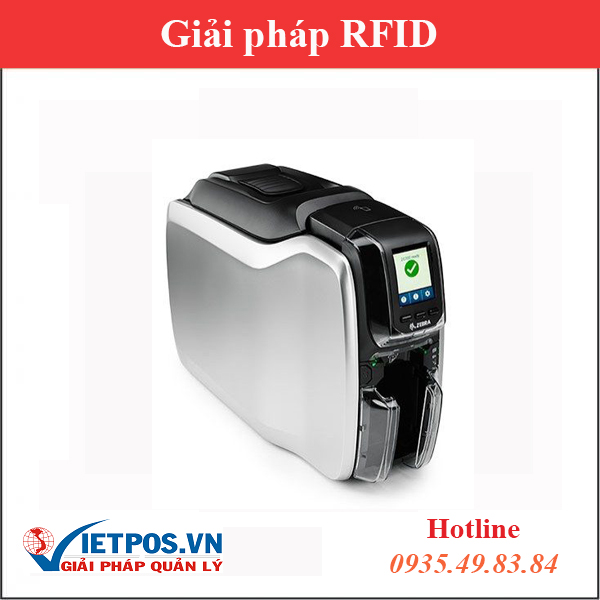


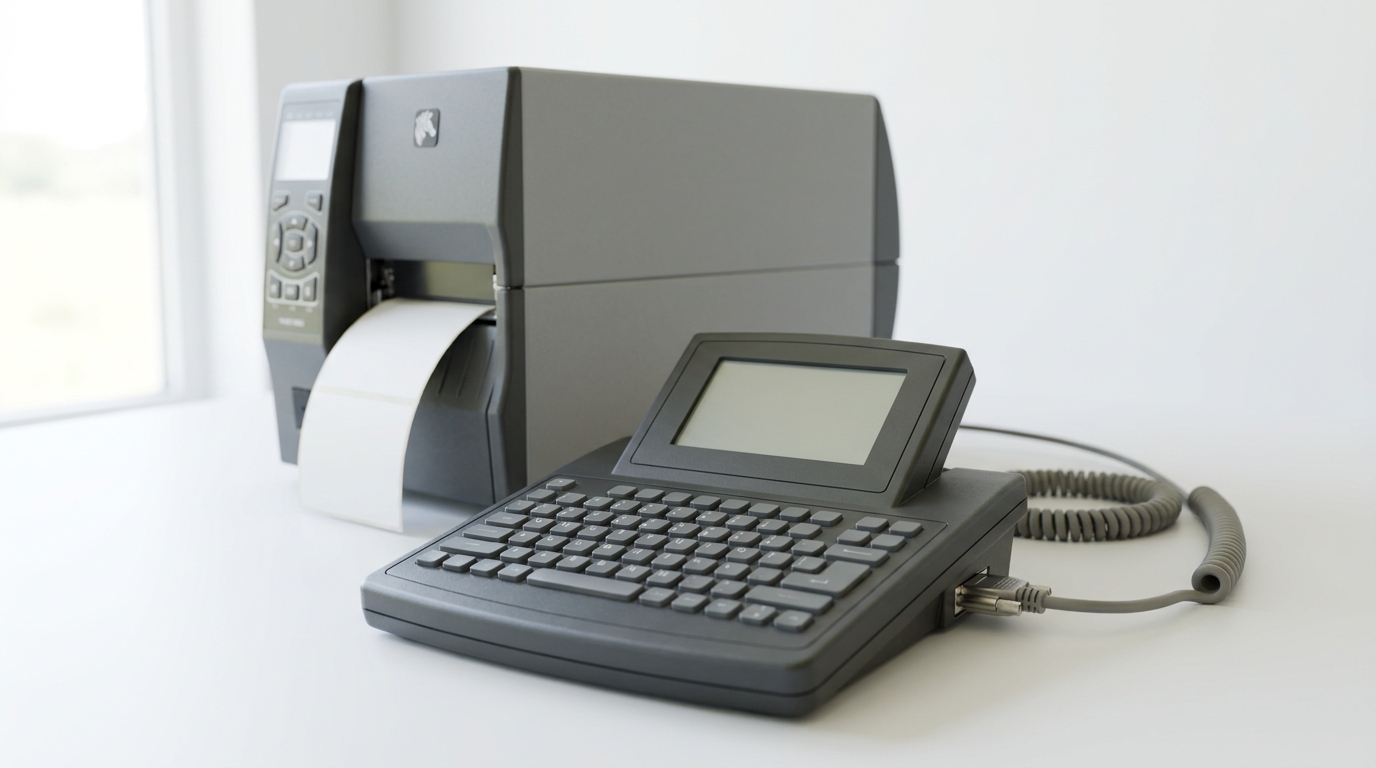
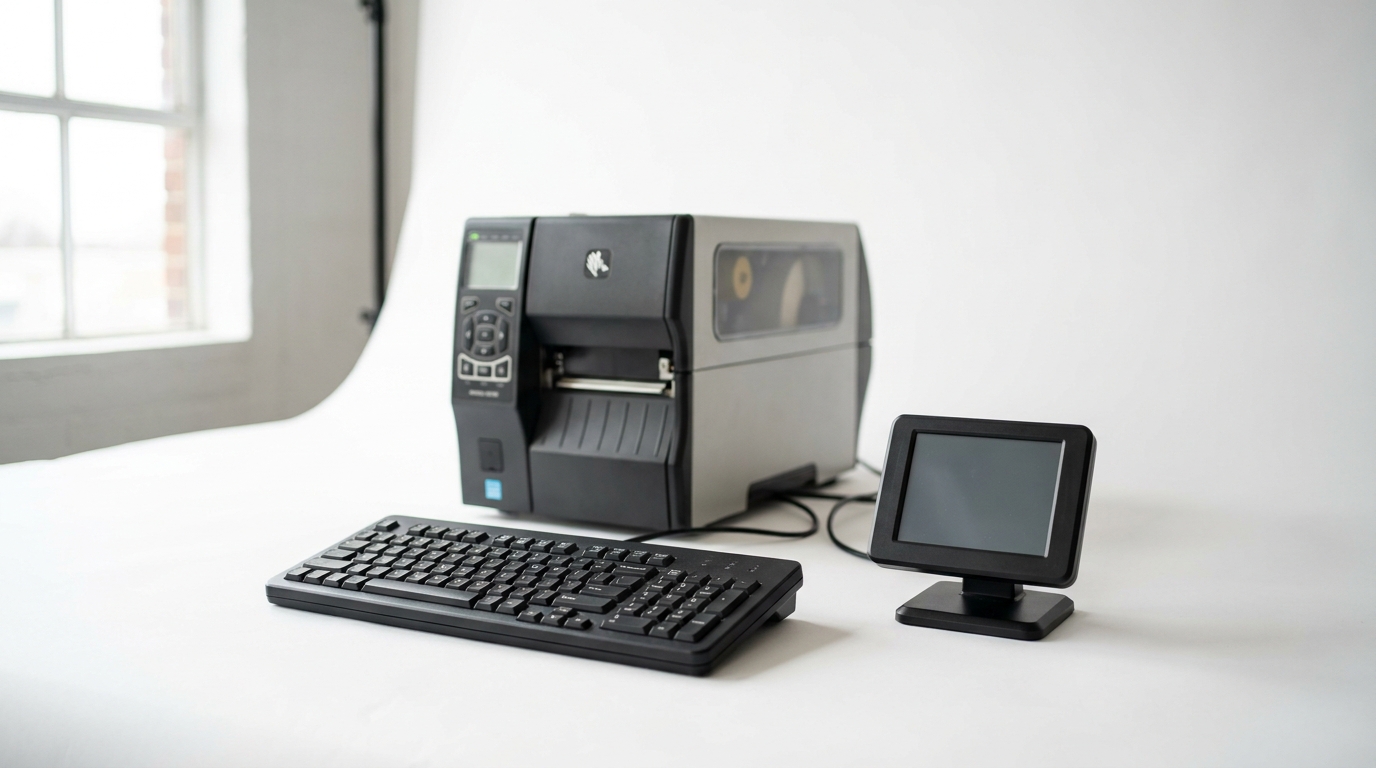
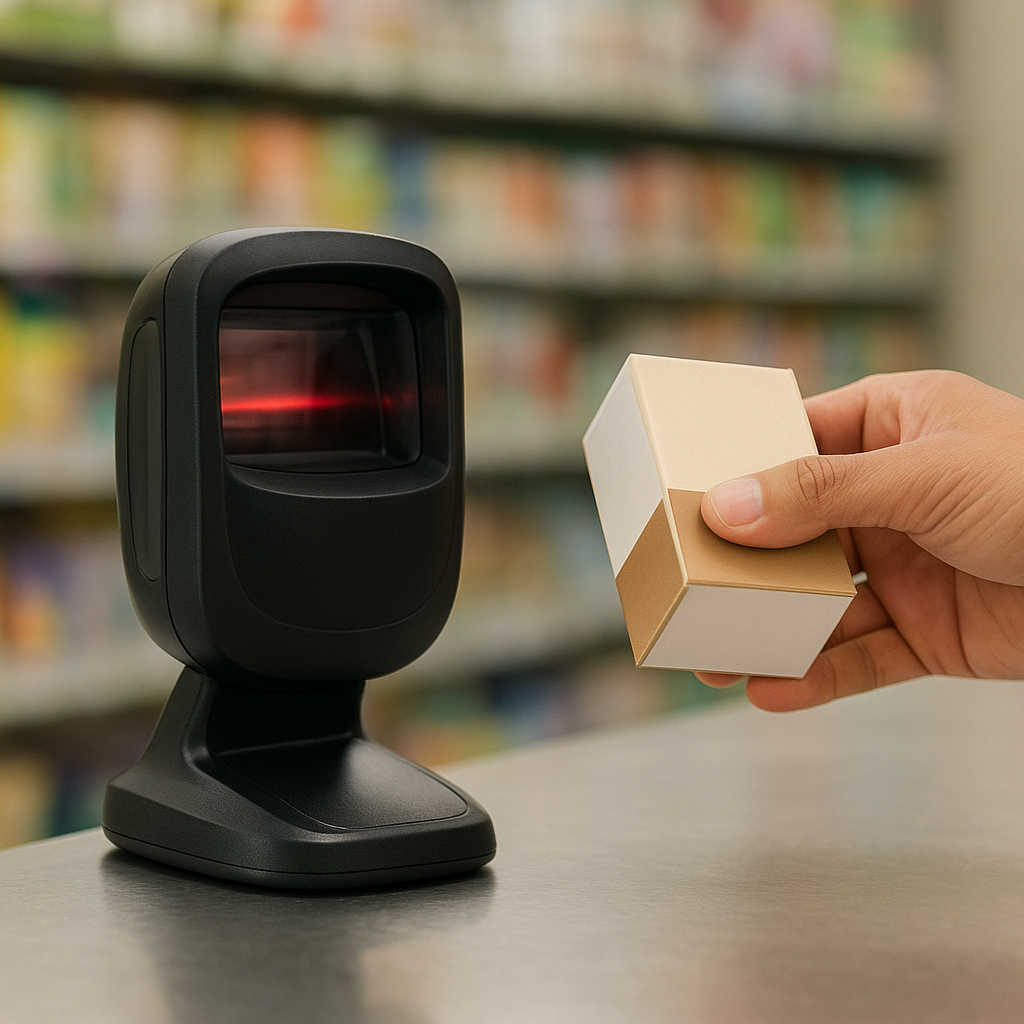
The DS9308 uses a 2D imaging sensor instead of a laser beam, allowing it to read codes on various surfaces and at various angles. The device has two operating modes: fixed on the base so customers can present codes into the scan zone, or detached from the base for staff to scan large items by hand. Connects via USB or RS232 to POS machines, Windows computers, Android and iOS devices.
- 🔌 Connect the device — plug the USB or RS232 cable into the POS/computer, the device automatically receives drivers on Windows and Android.
- ⚙️ Configure scan mode — choose presentation mode (desktop, auto-scan) or handheld mode (press button to scan), depending on counter operations.
- 📷 Capture the barcode image — the sensor captures multiple frames per second, processing 1D/2D decoding at various angles, including codes on phone screens.
- 💻 Output data — the code is decoded into a character string pushed into the sales software, automatically looking up product price and name.
- ✅ Complete the transaction — staff confirms quantity, prints the invoice via thermal printer, and moves to the next customer.
Specific Benefits of Deploying the DS9308 in Supermarkets and Retail
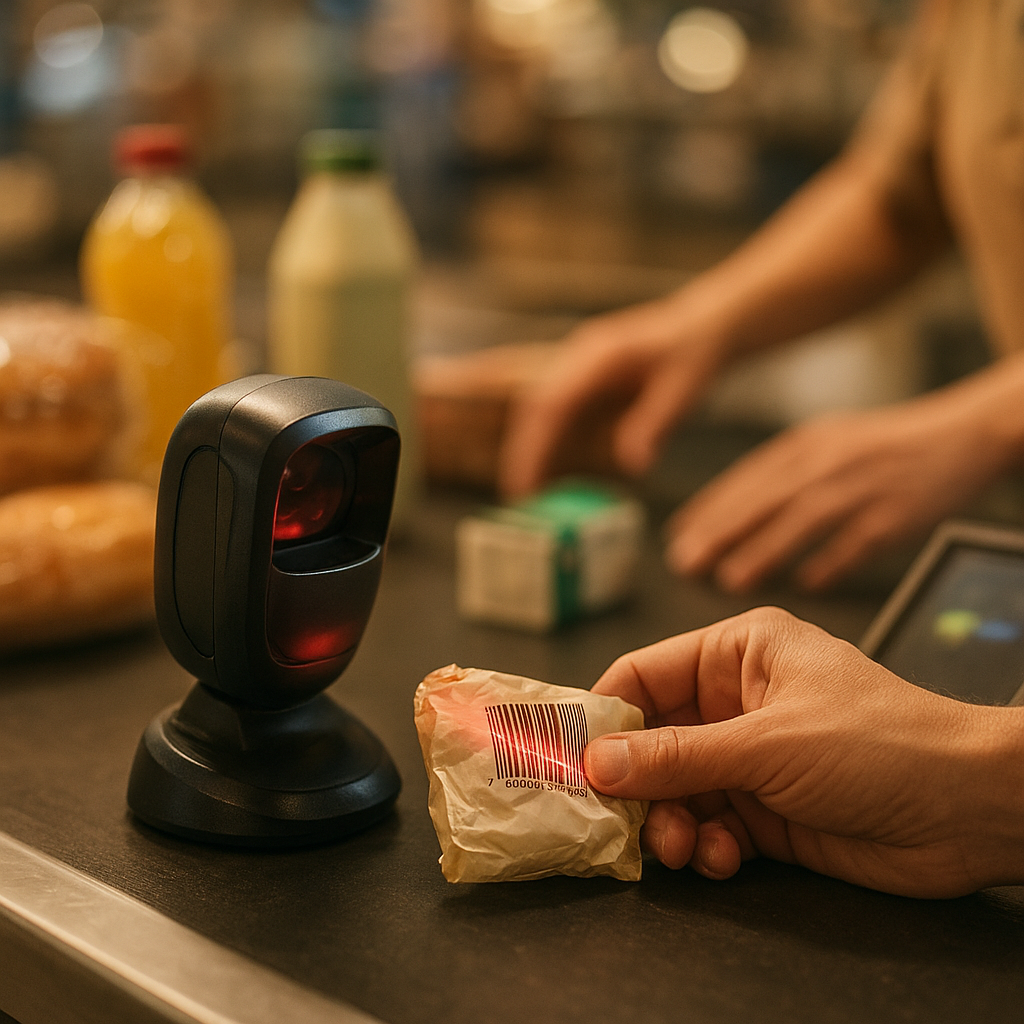
When replacing old scanners with the DS9308, retail chains typically record a 20-40% reduction in time per transaction, a lower scan error rate, and new features such as QR payment scanning, CCCD verification, and product lookups on screens. The benefits below follow actual operating metrics at the checkout counter.
Fast Scanning Speed
The imaging sensor reads codes in 0.1-0.3 seconds, supporting continuous scanning without alignment — suitable for peak hours.
Reads Hard Codes
Handles wrinkled, faded, low-quality printed codes and codes on curved packaging — reducing the manual entry rate to nearly zero.
Reads Codes on Screens
Scans e-wallet payment QR codes, coupons, and product lookup codes on customer phones and tablets.
Reads Chip-Embedded CCCD Cards
Supports customer verification at prescription pharmacies, SIM card stores, and financial services — no auxiliary device needed.
Multi-Platform Compatibility
Connects via USB/RS232 to Windows, Android, iOS; works with most popular sales software in Vietnam.
Durable in Retail Environments
Designed for high-density checkout counters, longer lifespan than cheap laser scanners, reducing annual replacement costs.
DS9308 Applications in Mini-Supermarkets and Convenience Stores
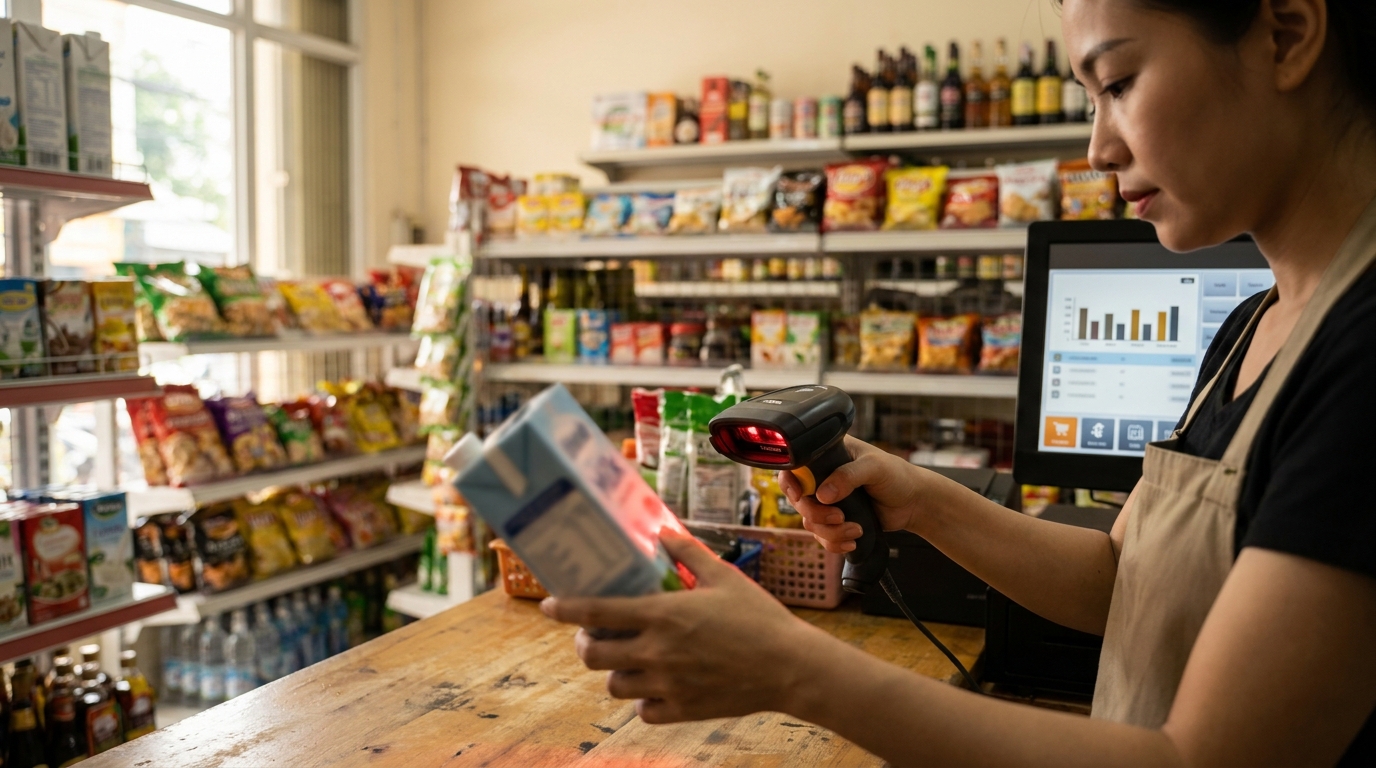
Mini-supermarkets and convenience stores have diverse product characteristics, barcodes printed on curved packaging, and high transaction density during 11 AM-1 PM and 5 PM-8 PM. The DS9308 is suitable because it reads codes on milk cartons, water bottles, and instant noodle packets — packaging types where 1D scanners frequently fail.
At mini-supermarket checkout counters, staff typically scan 15-30 products per transaction. With old laser scanners, each product with curved packaging or faded labels takes an extra 3-5 seconds to align. The DS9308, with its wide scan zone and imaging sensor, allows staff to simply present the product into the scan zone without rotating to the correct angle. As a result, time per transaction is significantly reduced, and checkout queues are shorter during peak hours.
Additionally, the DS9308 supports scanning e-wallet payment QR codes and coupon codes on customer phone screens. For mini-supermarkets deploying cashless payments, this is a feature that integrates the payment step into the same device, without needing a second scanner.

DS9308 Applications in Pharmacies and Specialty Stores
Pharmacies, cosmetics stores, and electronics stores have high-value product characteristics, requiring product information lookups and customer verification. The DS9308 meets these needs because it reads small barcodes on medicine boxes, QR codes on instruction sheets, and QR codes on chip-embedded CCCD cards during prescription processing.
For pharmacies, quickly looking up product codes helps limit confusion between medicines with similar names. The DS9308 reads small barcodes printed on medicine boxes — codes that 1D scanners frequently fail on due to their small size. Staff simply pass the medicine box through the scan zone, and the system automatically displays the name, active ingredient, expiration date, and selling price.
For electronics and cosmetics stores, the DS9308 supports scanning serial number codes to check warranty, scanning QR codes on packaging to look up genuine product information. The ability to read codes on phone screens is also useful when customers present discount codes or membership codes from apps.

DS9308 Applications at Receiving Areas and Retail Warehouses
Beyond the sales counter, the DS9308 can also be used at receiving areas and retail warehouses to count incoming goods, reconcile delivery notes, and check batch codes. The device connects to warehouse computers or industrial tablets, supporting fast scanning of multiple consecutive cartons.
The receiving process at retail warehouses typically includes: reconciling delivery notes, counting quantities, checking batch codes and expiration dates. With the DS9308, warehouse staff can continuously scan multiple codes on cartons without pressing a button, pushing data directly into warehouse management software. Combined with handheld devices such as the iData RS200 wearable barcode scanner, the warehouse team can handle both incoming goods and inventory counts in the same shift.
For retail chains with multiple locations, using the same scanner line at all stores helps standardize staff training processes and simplify software configuration. If you need devices specifically for cold storage or low-temperature warehouses, you can also refer to effective cold storage management solutions with iData K1 Cold and K8 Cold.
Comparing the DS9308 with Other Scanner Lines on the Market
The DS9308 sits in the mid-range 2D desktop scanner segment, competing directly with traditional 1D scanners and handheld 2D scanners. The choice depends on transaction density, the type of barcode to be read, and the software integration requirements of each store.
| Criteria | Zebra DS9308 | 1D Laser Scanner | Handheld 2D Scanner |
|---|---|---|---|
| Code types read | 1D + 2D + QR + CCCD | 1D only | 1D + 2D |
| Reads codes on screens | Yes | No | Yes |
| Usage mode | Desktop + handheld | Desktop or handheld | Handheld only |
| Suitable transaction density | 300-800 visits/day | Under 300 visits/day | 200-500 visits/day |
| POS software integration | USB/RS232, multi-platform | USB/RS232 | USB/Bluetooth |
For mini-supermarket chains with medium to high transaction density, the DS9308 is a balanced choice between performance and cost. For small stores under 200 visits/day, a 1D scanner may be sufficient but will be limited when expanding QR payment features.
Criteria for Choosing a Zebra DS9308 Barcode Scanner for Your Store
When choosing the DS9308, store owners need to clearly determine transaction density, the predominant barcode type, existing sales software, and expansion needs over the next 12-24 months. These are the criteria that determine the configuration and accompanying accessories.
- Daily transaction density — under 300 visits can use a 1D scanner; from 300 visits upward, consider the DS9308 to avoid peak-hour congestion.
- Predominant barcode type — if the store sells groceries, curved packaging, or needs to scan QR codes on screens, the DS9308 is a suitable choice.
- Existing sales software — check USB/RS232 driver compatibility with the POS software in use before purchasing.
- Expansion needs — if you plan to deploy QR payments, CCCD verification, or membership code scanning, choose a 2D scanner from the start.
- Usage mode — determine whether the counter needs handheld mode to scan bulky items or only desktop use.
Regarding accompanying accessories, prepare a backup cable and a desktop base suitable for the counter height. For stores that need to print internal labels or shelf codes, you can also refer to Zebra ZD421 203dpi and 300dpi barcode printers: Which version should you choose? to synchronize the printing system with the scanning device.
Related Products and Devices for Retail Systems
A complete retail system needs to combine scanners, receipt printers, barcode printers, and sales management software. Below are the devices commonly deployed alongside the DS9308 at Vietnamese store chains.
Need advice on configuring the DS9308 for your store chain? Call the hotline
Cần tư vấn thiết bị/giải pháp cụ thể?
Việt POS phản hồi trong 30 phút · Hotline 4 vùng · Khảo sát miễn phí.
Bài viết cùng chủ đề