Mục lục bài viết (7)
- What is the Zebra ZT411 300dpi barcode printer?
- Key features of the Zebra ZT411 300dpi barcode printer for warehouses
- Applications of the Zebra ZT411 300dpi barcode printer in warehouses
- Summary table of terms and specifications to know
- Quick comparison of Zebra ZT411 300dpi and other options in the warehouse
- Common mistakes when choosing the Zebra ZT411 300dpi barcode printer
- Frequently asked questions about the Zebra ZT411 300dpi barcode printer
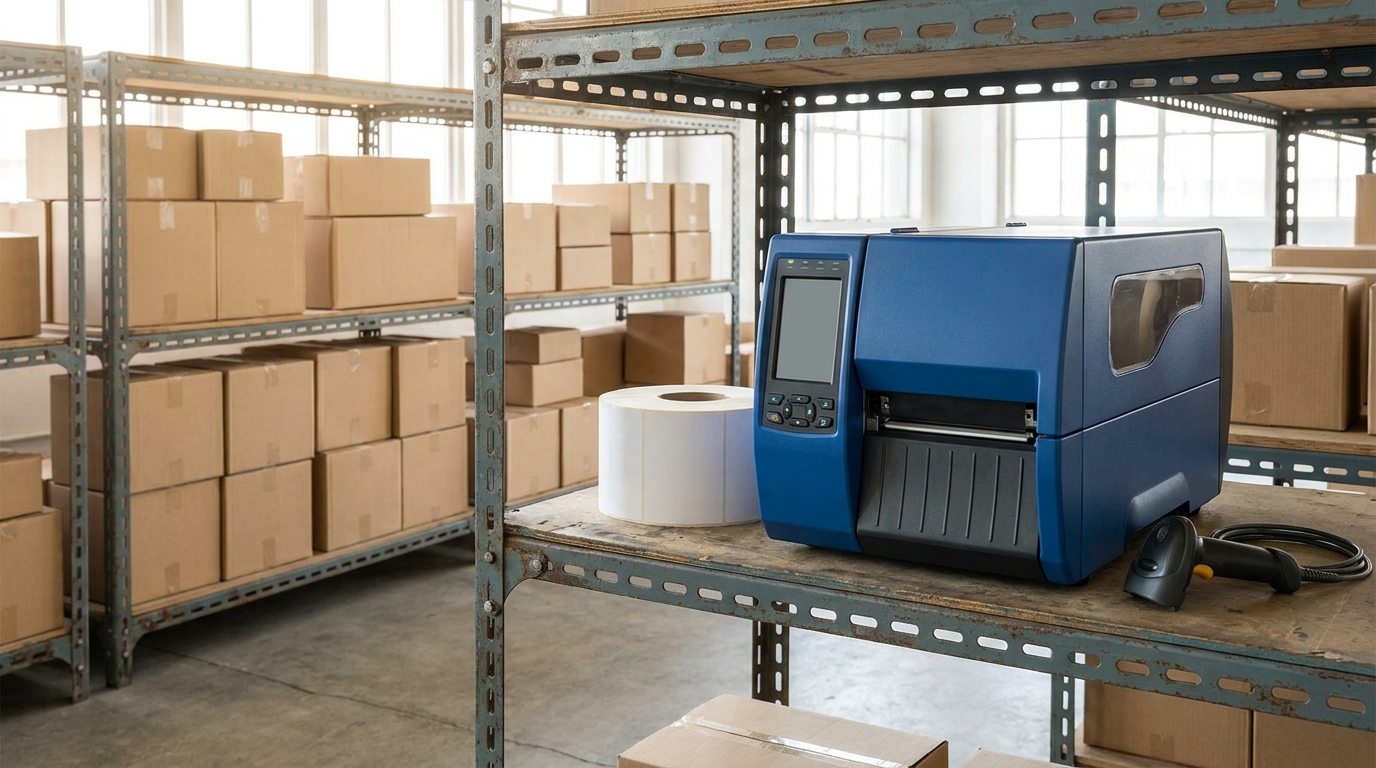
The Zebra ZT411 300dpi barcode printer is a 4-inch industrial printer in Zebra's ZT400 Series, designed for distribution warehouses, logistics centers, and factories that need to print labels in large volumes with high sharpness. In Vietnam, this printer line is being widely deployed in retail warehouses, cold storage, and packaging lines to print storage labels, shipping labels, and product labels with small 2D barcodes. The core difference from desktop printer lines is the ability to operate continuously 8-12 hours/day, a metal frame construction, and large memory of 512MB Flash + 256MB SDRAM to store label templates.
The Zebra ZT411 300dpi barcode printer is a 4-inch industrial printer, 300dpi resolution (12 dots/mm), maximum speed 356mm/s, direct thermal and thermal transfer printing, media size 25-102mm, 512MB Flash/256MB SDRAM memory, USB, RS-232, Ethernet, optional Bluetooth connectivity. Suitable for distribution warehouses, logistics, and factories needing sharp labels and small 2D barcodes.
Table of Contents
- What is the Zebra ZT411 300dpi barcode printer?
- Key features of the Zebra ZT411 300dpi barcode printer for warehouses
- Applications of the Zebra ZT411 300dpi barcode printer in warehouses
- Summary table of terms and specifications to know
- Quick comparison of Zebra ZT411 300dpi and other options in the warehouse
- Common mistakes when choosing the Zebra ZT411 300dpi barcode printer
- Frequently asked questions about the Zebra ZT411 300dpi barcode printer
What is the Zebra ZT411 300dpi barcode printer?
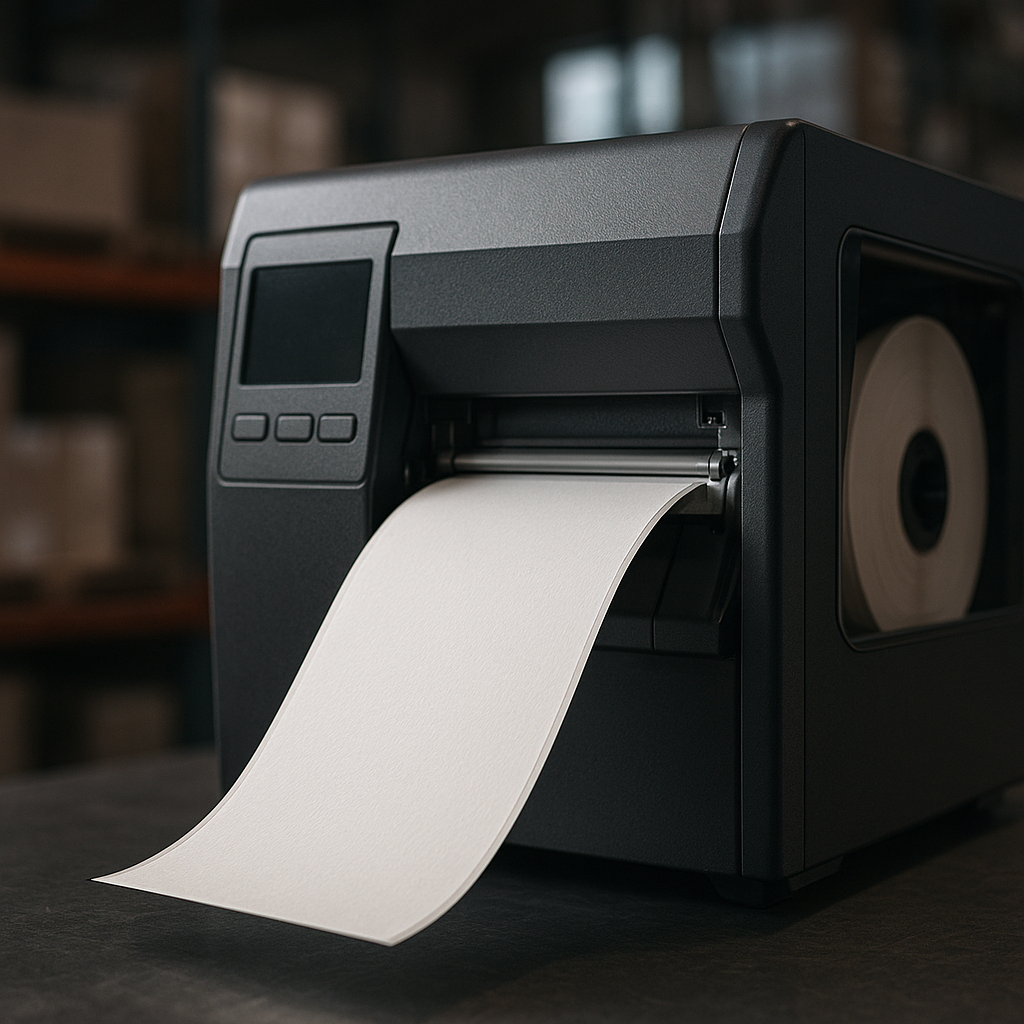
The Zebra ZT411 300dpi barcode printer is a 4-inch industrial label printer using direct thermal or thermal transfer printing technology, with 300dpi resolution equivalent to 12 dots/mm, and maximum print speed of 356mm/s (14 in/s). This printer line belongs to the ZT400 Series, inheriting and upgrading from the ZM400 and ZT410, aimed at warehouses, factories, and distribution centers that need sharp, durable, and stable label printing over many continuous hours.
A key point to distinguish clearly: 300dpi is not a "speed upgrade" over 203dpi, but a version with increased dot density to print smaller labels, smaller text, and sharper 2D barcodes (QR, DataMatrix, PDF417). For warehouses with 50 x 25mm storage labels or shelf labels with 2D barcodes, 300dpi is often the minimum threshold for scanners to read reliably on the first scan. If you are considering between the two resolution levels, you can refer to the article Zebra ZD421 203dpi and 300dpi Barcode Printer: Which Version to Choose? to understand the trade-off between print speed and sharpness.
Key features of the Zebra ZT411 300dpi barcode printer for warehouses
Related Products

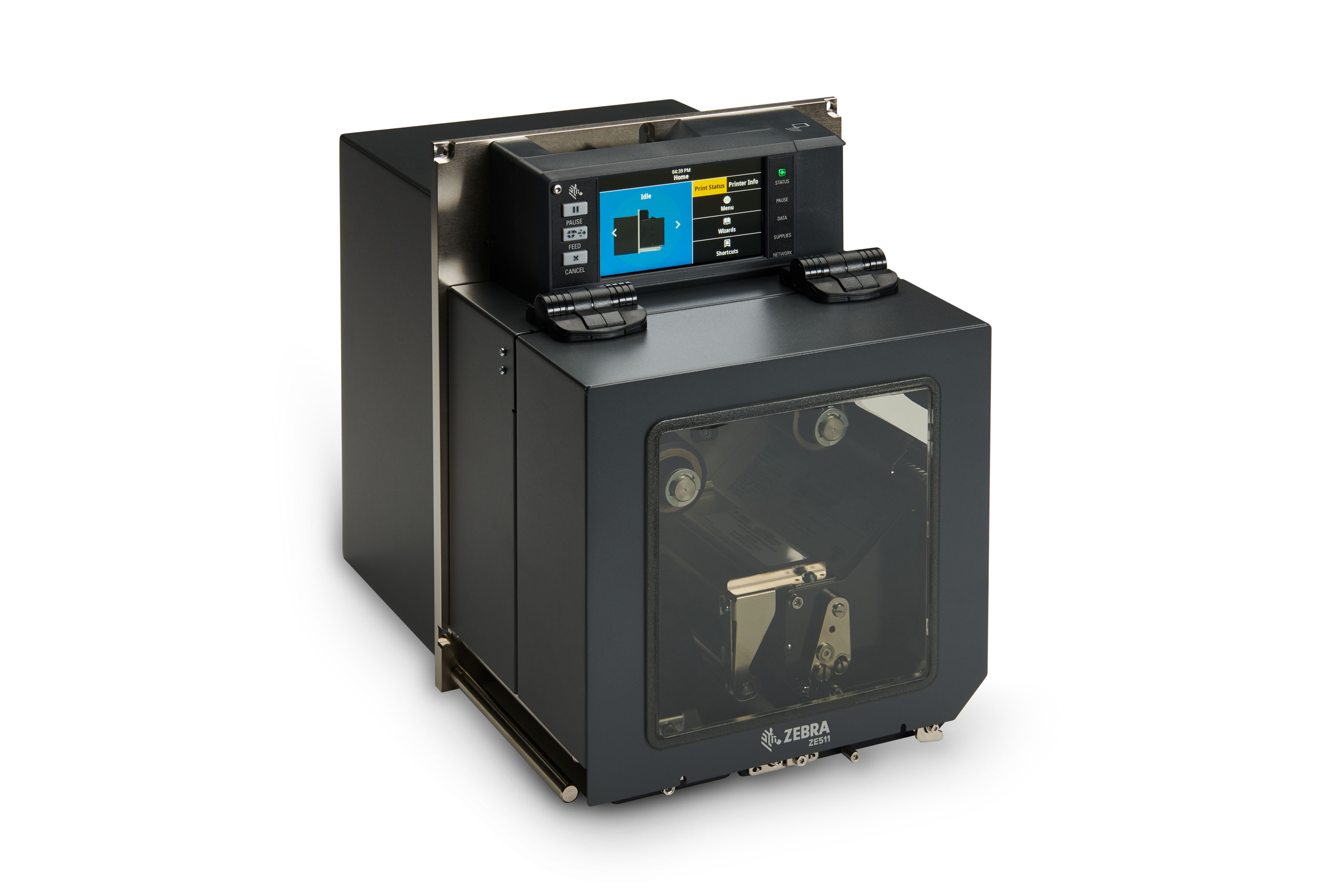
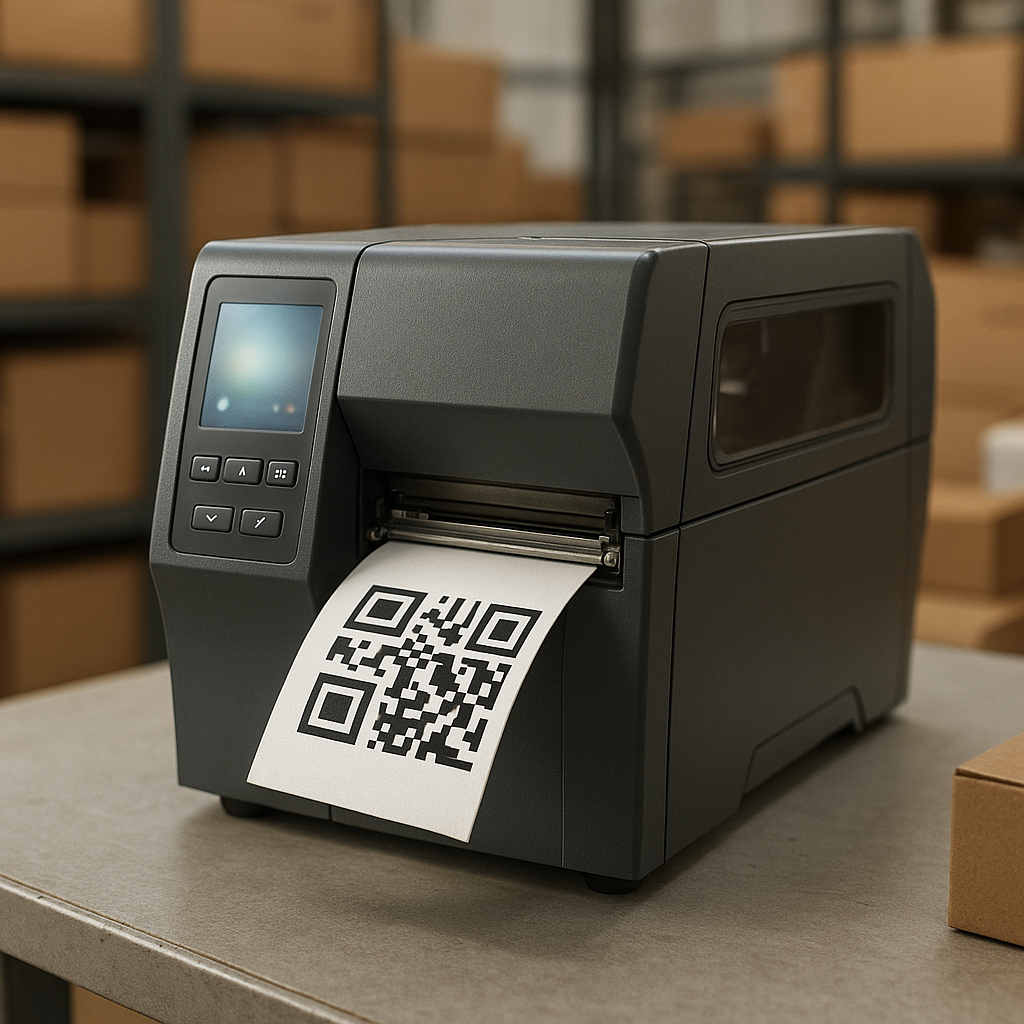
The three most notable feature groups of the Zebra ZT411 300dpi are: (1) 300dpi resolution for small labels and 2D barcodes; (2) 512MB Flash + 256MB SDRAM memory storing multiple label templates; (3) diverse connectivity with USB 2.0, RS-232, Ethernet, and optional Bluetooth for integration into warehouse management systems. Additionally, the printer supports both direct thermal and thermal transfer printing, allowing switching of label types depending on the warehouse environment.
- 300dpi resolution (12 dots/mm): can print 6-8pt small text, high-density 2D barcodes, and logos on 25-50mm labels.
- Maximum print speed 356mm/s: equivalent to 14 in/s, meeting the need to print 3,000-8,000 labels/shift depending on label length.
- Maximum print width 104mm: suitable for standard 4-inch label sizes for warehouse and shipping.
- 512MB Flash + 256MB SDRAM memory: stores multiple label formats, Vietnamese fonts, and templates per shipping partner.
- USB 2.0, RS-232, Ethernet, Bluetooth (optional) connectivity: integrates into WMS/ERP via LAN, connects handheld scanners via Bluetooth when on-site label printing is needed.
- Direct thermal and thermal transfer printing: choose thermal paper labels for short-term shipping labels, or decal labels + ribbon for storage labels lasting 1-2 years.
- Metal frame, weighing 7.2kg: withstands vibration when placed next to conveyors or forklifts, less print axis misalignment than plastic desktop printer lines.
Software support includes Zebra Setup Utilities for configuration, ZebraDesigner for label design, and Link-OS for remote device management. For multi-site warehouse chains, Link-OS helps push new templates to all ZT411 printers with one command instead of manually configuring each printer.
Applications of the Zebra ZT411 300dpi barcode printer in warehouses
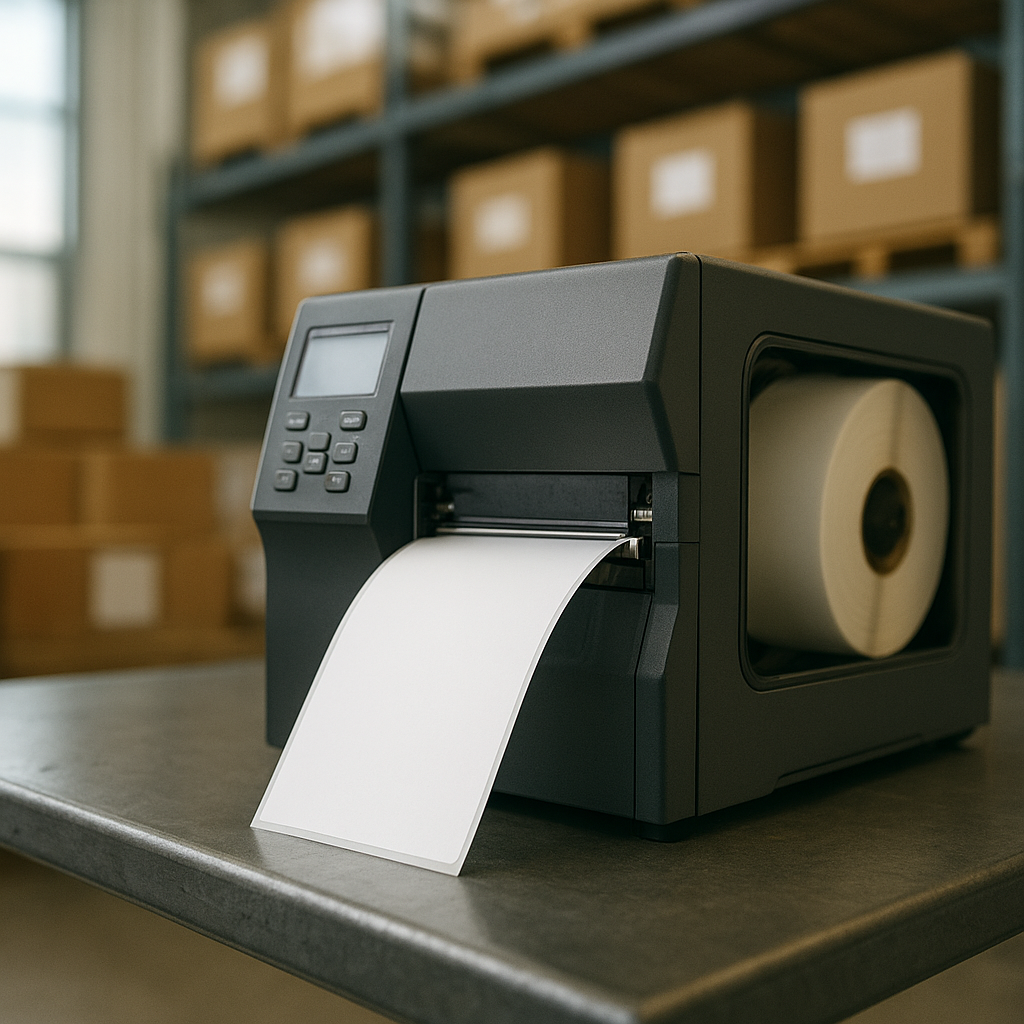
In warehouses, the Zebra ZT411 300dpi is commonly used for 4 label groups: storage labels (bin label, pallet label), shipping labels, product labels with 2D barcodes, and supermarket shelf labels. With 300dpi resolution, the printer handles 50 x 25mm labels and 100 x 50mm labels with QR or DataMatrix codes well, helping handheld barcode scanners read reliably on the first attempt.
- Storage labels and shelf location labels: print 1D/2D barcodes in 50 x 25mm size, affixed to V-hole racks or medium-duty racks for staff to scan during inbound/outbound.
- Pallet labels and carton labels: 100 x 150mm size printing waybill numbers, carrier unit codes, and QR codes for each shipment lot.
- Product labels for factories: print labels with lot numbers, production dates, GS1-128 codes for packaging lines.
- Shelf labels for supermarkets and retail chains: print price tags with small barcodes, ensuring POS machines scan quickly at the counter.
For cold storage or cool storage, attention must be paid to choosing low-temperature-resistant decal labels and suitable ribbons; the ZT411 supports an operating temperature range of 5°C-40°C and 20%-80% humidity, sufficient for most cold storage operating within this threshold. If your warehouse operates at deeper sub-zero temperatures, you should refer to Effective Cold Storage Management Solution with iData K1 Cold and K8 Cold to synchronize both printing and scanning devices in specialized environments.
Summary table of terms and specifications to know
The table below summarizes the most important terms and specifications when evaluating the Zebra ZT411 300dpi barcode printer for warehouses, with practical examples for business owners to quickly cross-reference when reading quotes or technical consultations.
| Term / Specification | Short Definition | Practical Warehouse Example |
|---|---|---|
| dpi (dots per inch) | Number of dots per inch, determining print sharpness | 300dpi = 12 dots/mm, can print 6-8pt text on 50 x 25mm labels |
| Direct thermal | Printhead directly heats the coating on thermal paper | Single-use shipping labels, no ribbon needed |
| Thermal transfer | Printhead heats ribbon, ink transfers from ribbon to label | Storage labels needing 1-2 year durability, using wax/resin ribbon |
| Print speed | Speed at which the printhead moves when printing labels | 356mm/s (14 in/s), approximately 4-6 labels/second with 50mm labels |
| Supported media size | Range of label widths the printer can run stably | 25mm, 50mm, 76mm, 102mm — suitable from shelf labels to pallet labels |
| Link-OS | Zebra's printing device management platform | Push new templates to 10-20 printers in a warehouse chain simultaneously |
Quick comparison of Zebra ZT411 300dpi and other options in the warehouse
When choosing a printer for the warehouse, businesses often consider between the ZT411 300dpi, ZT411 203dpi, and other industrial printer lines such as the Zebra ZT411 600dpi or desktop printers. The ZT411 300dpi is the balance point between sharpness and speed, suitable for most medium and large distribution warehouses in Vietnam.
| Criteria | ZT411 203dpi | ZT411 300dpi | ZT411 600dpi |
|---|---|---|---|
| Resolution | 203dpi (8 dots/mm) | 300dpi (12 dots/mm) | 600dpi (24 dots/mm) |
| Printable small text | 10-12pt | 6-8pt | 4-5pt |
| Small 2D barcodes | Limited on labels < 40mm | Stable on 25-50mm labels | Good for labels < 25mm |
| Maximum print speed | 356mm/s | 356mm/s | 152-203mm/s |
| Suitable for | Pallet labels, large shipping labels | Storage labels, shelf labels, 2D labels | Electronic labels, small components |
If the warehouse only prints large pallet labels and has no need for 2D barcodes, 203dpi may be sufficient. But if the warehouse has shelf labels, location labels, or product labels with QR/DataMatrix, 300dpi is the threshold to choose to avoid having to upgrade after 6-12 months. For accompanying scanning devices, you should also see iData K3 Pro: Android 14 Barcode Scanner with Integrated DS7500 Technology to synchronize 2D barcode reading capability with printed label quality.
Common mistakes when choosing the Zebra ZT411 300dpi barcode printer
Most mistakes when choosing the Zebra ZT411 300dpi barcode printer for warehouses come from only looking at the printer price while ignoring label type, ribbon type, label design software, and system integration capability. Below are the 5 most common mistakes that Vietnamese business owners often encounter.
- Choosing 203dpi to save money then having to upgrade: 50 x 25mm shelf labels with QR codes printed at 203dpi often require scanners to scan 2-3 times to read, slowing down warehouse inbound/outbound operations.
- Using thermal paper labels for storage labels: direct thermal labels fade after 3-6 months in hot, humid warehouses, forcing reprinting and re-labeling.
- Not checking supported media size: some special labels under 25mm or over 104mm are not within the supported range, causing the printer to run misaligned or jam.
- Ignoring label design software: not using ZebraDesigner or Link-OS causes changing label templates per shipping partner to take 15-25 minutes each time.
- Not accounting for LAN/Bluetooth connectivity: warehouses with multiple print stations need Ethernet to push commands from WMS, or Bluetooth to print labels on-site during inventory checks.
Another less-noticed mistake is not checking the warehouse environment temperature and humidity. The ZT411 operates well within 5°C-40°C and 20%-80% humidity; warehouses outside this threshold need shielding solutions or specialized equipment. If the warehouse operates with handheld scanners, you can refer to iData 50P: Detailed Review of Android 11 Large-Screen Handheld Computer to choose scanning devices synchronized with printed label resolution.
Frequently asked questions about the Zebra ZT411 300dpi barcode printer
Below are the most common questions that Vietnamese business owners send to the technical team when considering the Zebra ZT411 300dpi barcode printer for warehouses, with concise answers based on the printer's actual specifications.
What is the smallest label the Zebra ZT411 300dpi can print?
The printer supports media sizes from 25mm and up; with 300dpi resolution (12 dots/mm), it can print 6-8pt text and 2D barcodes on 25-50mm labels stably. Labels smaller than 25mm typically require the 600dpi version to ensure sharpness.
Can the ZT411 300dpi print both thermal and decal labels?
Yes. The printer supports both direct thermal printing (using thermal paper, no ribbon needed) and thermal transfer printing (using decal labels + wax/resin ribbon). Businesses can switch depending on label type: shipping labels use direct thermal, storage labels use thermal transfer.
Can the printer connect to warehouse management software?
Yes. The ZT411 has USB 2.0, RS-232, and Ethernet ports, with optional Bluetooth. The printer integrates with WMS/ERP via LAN or through middleware software, and supports Link-OS for remote device management in multi-site warehouse chains.
Is the 356mm/s print speed sufficient for a warehouse printing 5,000 labels/day?
Yes. With 50-100mm long labels, 356mm/s speed is equivalent to about 4-6 labels/second, or 14,000-21,000 labels/hour under ideal conditions. In practice, a warehouse operating 8 hours can comfortably print 5,000-8,000 labels/shift.
What about warranty and technical support in Vietnam?
According to product information, the Zebra ZT411 300dpi has a 12-month warranty. Businesses should choose a distributor that supports initial configuration, ZebraDesigner installation, and has on-site technical support when the printer encounters printhead or sensor errors.
Need consultation on configuring the Zebra ZT411 300dpi barcode printer for your warehouse — from choosing label types, ribbons to WMS integration — call now 0935 498 384 or email info@vietpos.vn for support. The Việt POS technical team will survey your actual label printing needs and propose a configuration suitable for your warehouse scale, t
Cần tư vấn thiết bị/giải pháp cụ thể?
Việt POS phản hồi trong 30 phút · Hotline 4 vùng · Khảo sát miễn phí.
Bài viết cùng chủ đề