Mục lục bài viết (6)
- What is free barcode printing software for Code128, EAN-13, QR Code?
- Top 5 popular free barcode printing software in Vietnam
- Guide to creating and printing Code128, EAN-13, QR Code barcodes with free software
- Comparison table of Code128, EAN-13, QR Code barcode types
- Common mistakes when printing barcodes for free and how to fix them
- Frequently asked questions about free barcode printing software
Free barcode printing software for Code128, EAN-13, QR Code is a tool that allows users to create and print popular barcode types without paying licensing fees. In Vietnam, this demand has increased sharply as retail stores and mini-supermarkets switch to managing goods with barcodes instead of manual data entry.
What is free barcode printing software for Code128, EAN-13, QR Code?
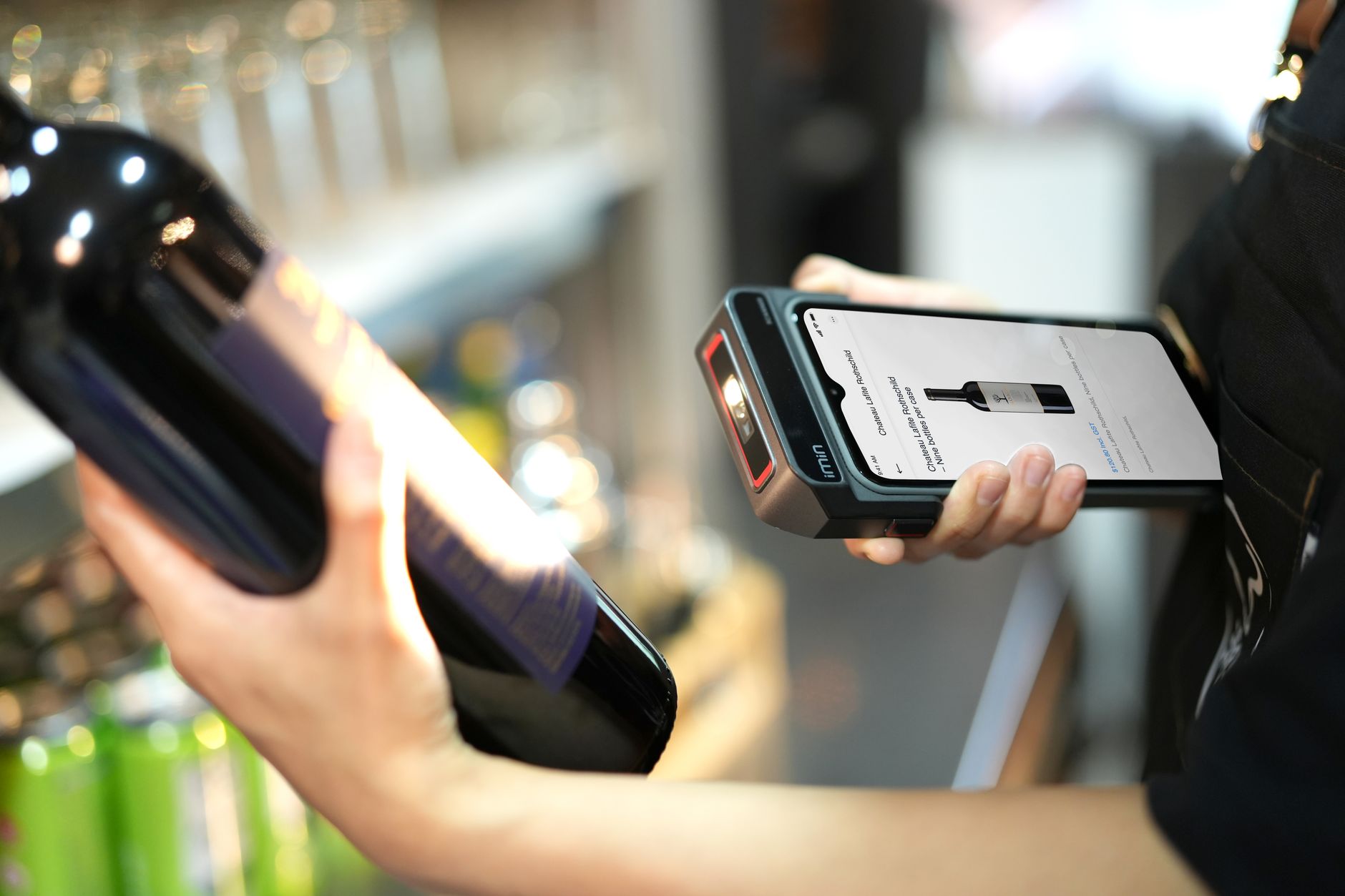
Free barcode printing software is an application or online tool that helps create barcodes in Code128, EAN-13, QR Code formats and print them on thermal or laser printers. These software typically support batch creation from Excel files, customizable label sizes, and export to SVG/PNG image files.
For small and medium enterprises in Vietnam, using free software helps save initial investment costs. Instead of purchasing professional software licenses (priced 5-15 million VND/year), you can use free solutions with sufficient basic features: barcode creation, label printing, and connection to popular printers like Zebra, TSC, Bixolon.
Top 5 popular free barcode printing software in Vietnam
Related Products
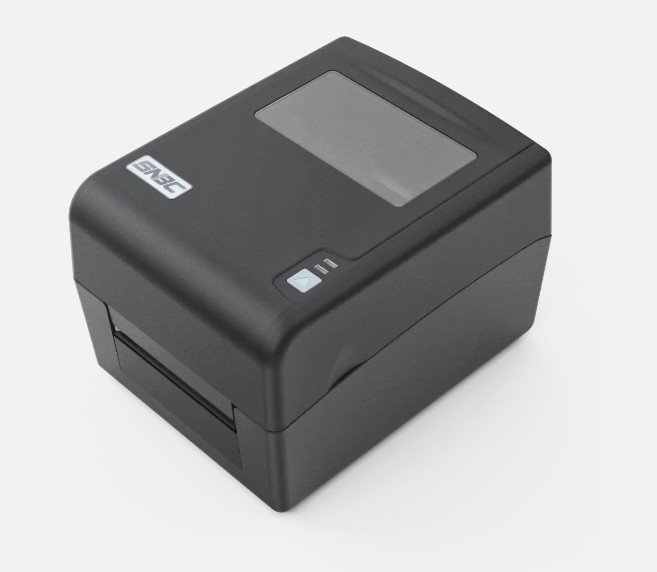
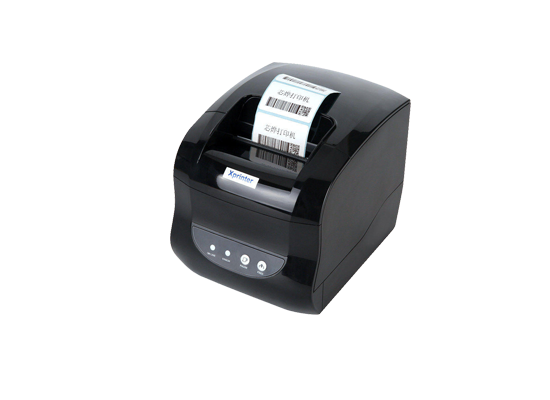
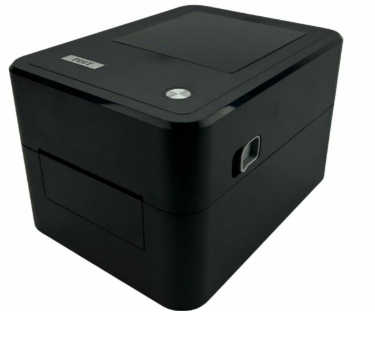
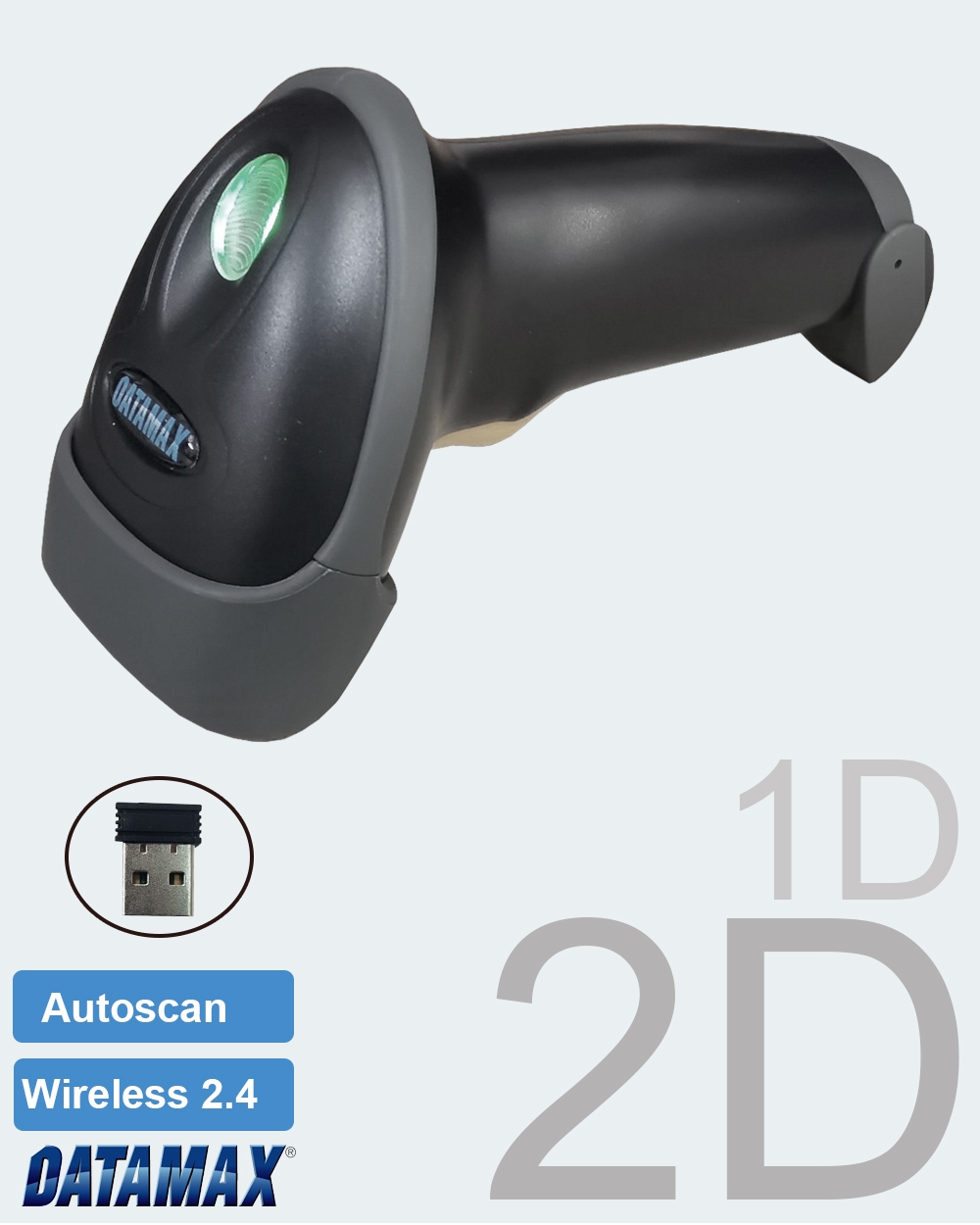
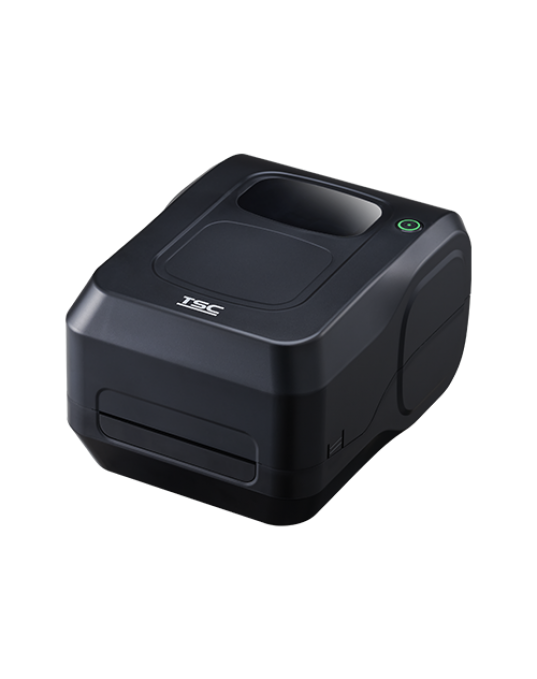
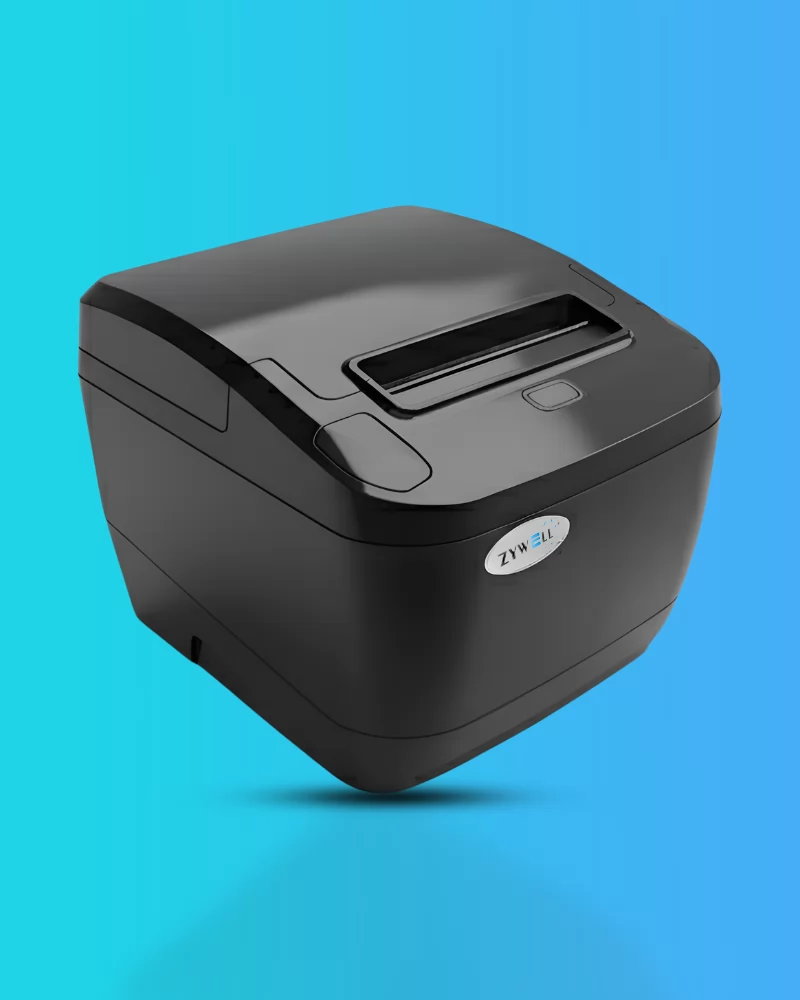
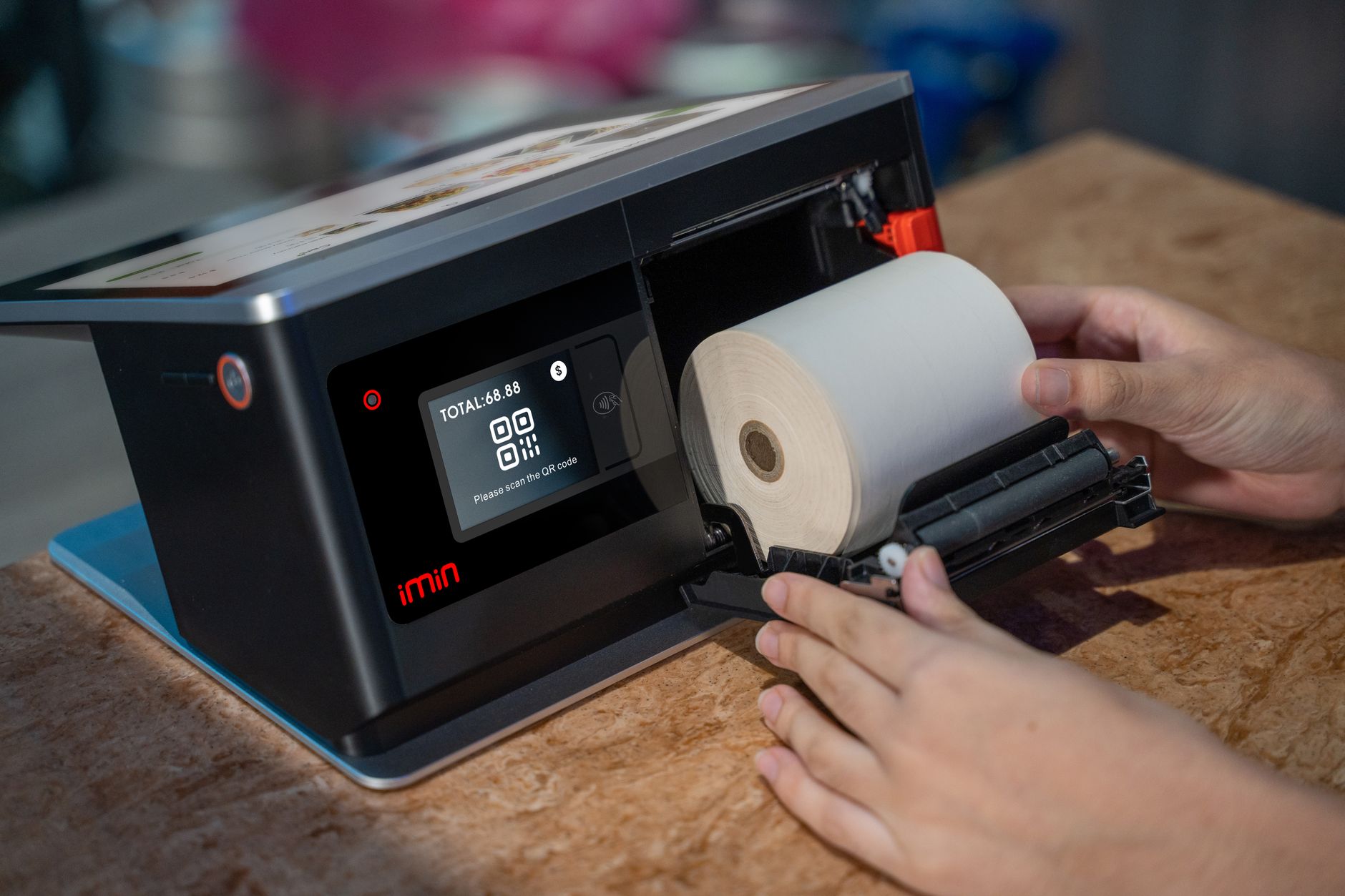
Below are the 5 most used free barcode printing software in Vietnam, from online tools to desktop applications, suitable for various needs.
- VietPOS Barcode – Free barcode printing software developed by Việt POS, supports Code128, EAN-13, QR Code, batch printing from Excel, and connection to Zebra/TSC/Bixolon thermal printers. Download and install in 5 minutes.
- CoderTools Barcode Generator – Online tool, creates barcodes directly in the browser, supports EAN-13, Code128, UPC-A. Download SVG vector files, no registration required.
- iCheckQR Barcode Generator – Create barcodes online in 30 seconds, supports EAN-8, EAN-13, Code128, UPC. Download PNG/PDF, use for Shopee products, warehouse management.
- Absolutool Barcode Generator – Free online tool, supports multiple formats: Code128, EAN-13, UPC-A, Code39. Export PNG/SVG, includes check digit instructions.
- BarTender Basic – Free version of the professional label printing software BarTender, supports basic barcode creation, suitable for businesses needing small print volumes.
Guide to creating and printing Code128, EAN-13, QR Code barcodes with free software
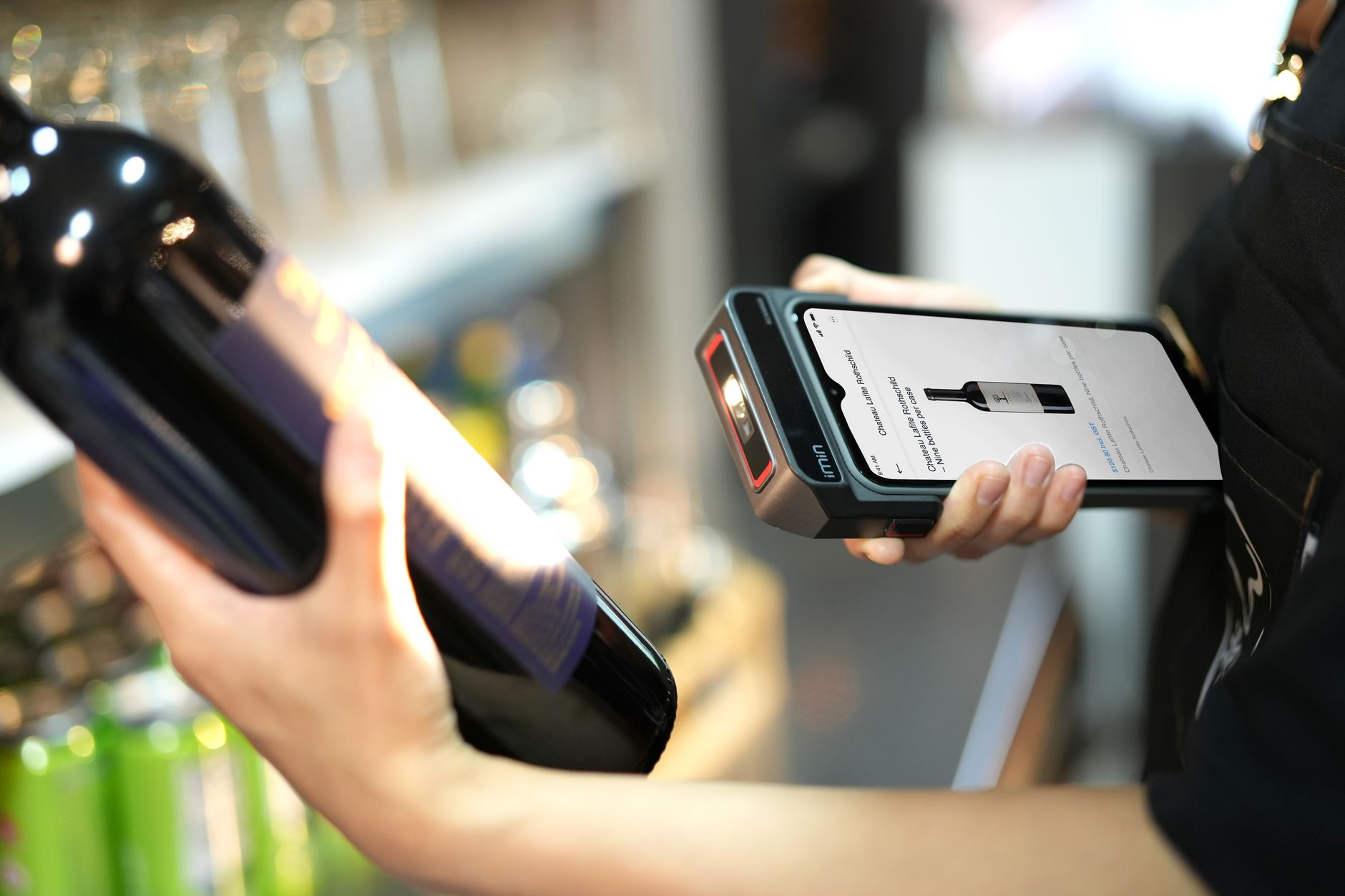
The barcode creation and printing process consists of 5 steps: choose software, enter data, create barcode, set up label, print. Below is a detailed guide using VietPOS Barcode – the optimal solution for Vietnamese users.
- Download and install the software: Access download the free VietPOS Barcode barcode printing software, install in 5 minutes. The software is compatible with Windows 7/10/11.
- Enter product data: Enter product code, item name, selling price into the spreadsheet. Supports manual entry or import from Excel file (see How to print barcodes from Excel file with free software).
- Select barcode type: Choose Code128 for internal codes, EAN-13 for GS1 retail products, QR Code for advertising links. The software automatically generates codes based on entered data.
- Set up label: Select label size: 50x30mm (milk tea label), 58x40mm (electronic scale), 100x70mm (box label). Customize font, barcode position.
- Connect printer and print: Connect barcode printer via USB/LAN. The software supports Zebra ZD421, TSC TE200, Bixolon TX403G printers. Print 1 test label, check quality, then batch print.
Comparison table of Code128, EAN-13, QR Code barcode types
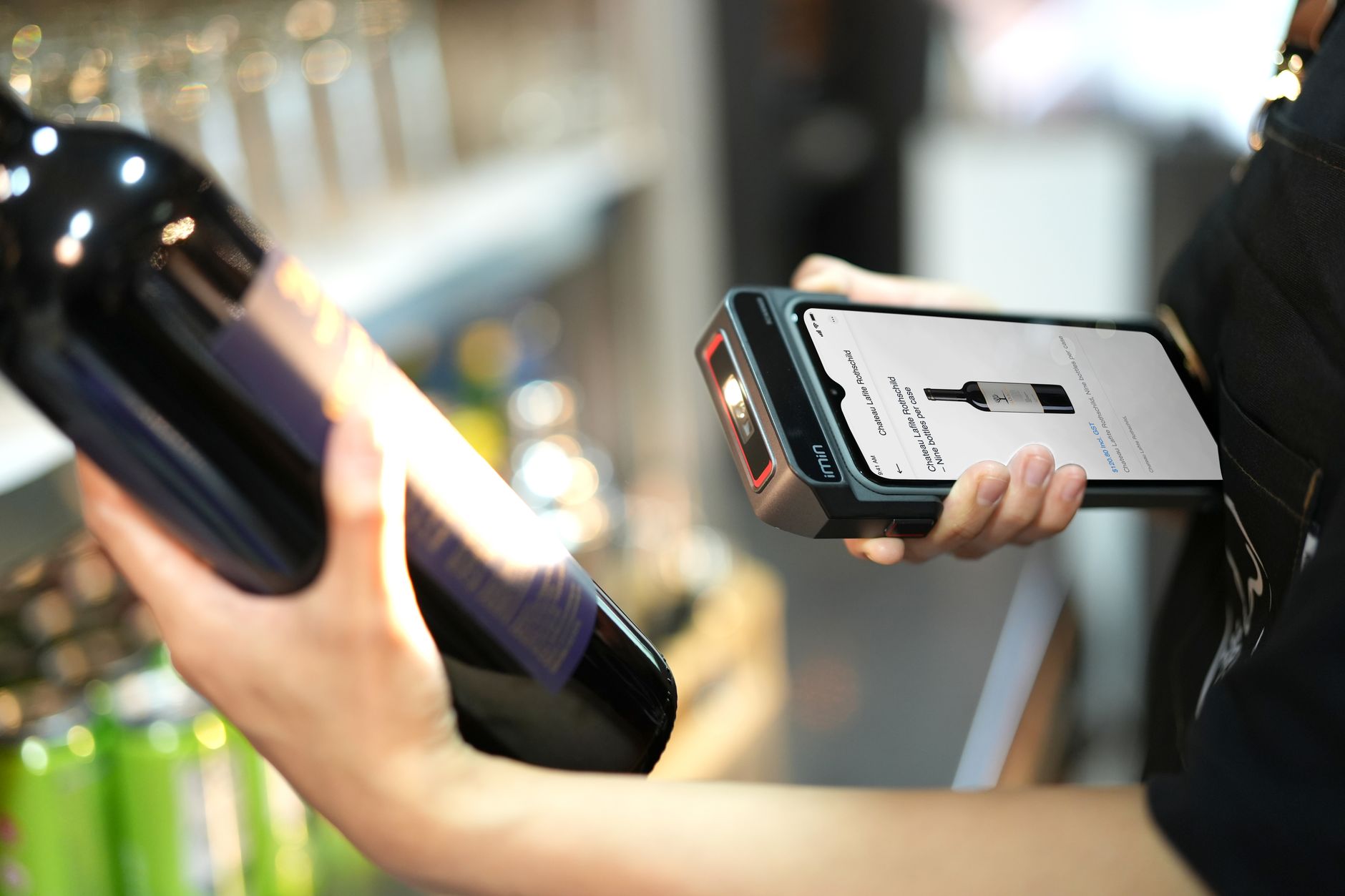
Each barcode type has different applications. The table below helps you choose the right type for your product.
| Barcode Type | Characteristics | Practical Applications | Minimum Size |
|---|---|---|---|
| Code128 | 1D barcode, high density, stores letters and numbers | Internal product codes, warehouse management, shipping labels | 20x10mm |
| EAN-13 | 1D barcode, 13 digits, global GS1 standard | Retail products, supermarkets, export | 30x20mm |
| QR Code | 2D code, stores URL, text, phone number | Advertising, product links, traceability | 20x20mm |
Common mistakes when printing barcodes for free and how to fix them
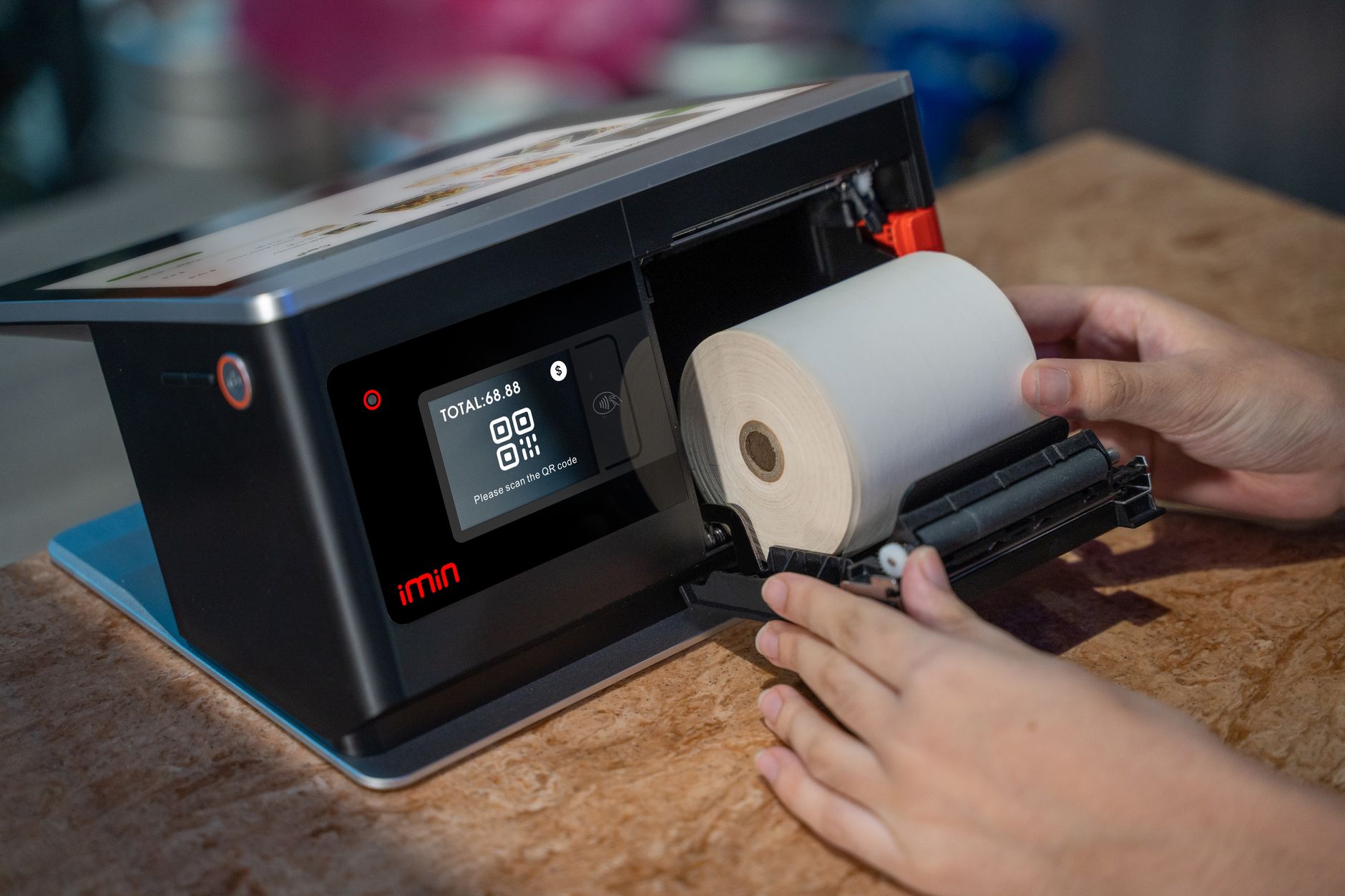
Many shop owners encounter errors when printing barcodes themselves: blurry labels, printer not receiving commands, unreadable barcodes. Below are 4 common mistakes and solutions.
- Wrong label size: Labels too small cause the printer to fail printing the barcode. Solution: use labels at least 30x20mm for EAN-13, 20x10mm for Code128.
- Wrong barcode type selected: Using Code128 for products going to supermarkets (requires EAN-13). Solution: check partner/customer requirements before printing.
- Not checking the check digit: EAN-13 requires an automatically calculated last digit. Solution: use software that auto-generates check digits like VietPOS Barcode.
- Printer incompatibility: Online software does not support thermal printer drivers. Solution: use desktop software with built-in drivers.
Frequently asked questions about free barcode printing software
Can free barcode printing software print in batches?
Yes. Most free software like VietPOS Barcode, CoderTools support batch creation and printing from Excel files. You just need to enter the product list, the software automatically generates barcodes and prints in 10-15 minutes for 500-1000 labels.
Do I need to register a barcode license for EAN-13?
Yes. EAN-13 is a GS1 standard, requiring company code registration with GS1 Vietnam (fee 2-5 million VND/year). The software only helps create and print codes, it does not issue valid codes. If only for internal use, you can use Code128 without registration.
Can free software print QR Codes?
Yes. VietPOS Barcode and most online tools support QR Code creation. You can enter a URL, text, or phone number, and the software will generate the corresponding QR code. Minimum QR size is 20x20mm for readability.
How to print barcodes directly from Excel?
You can use VietPOS Barcode software, which allows importing Excel files (.xlsx) with columns: product code, item name, price. The software automatically generates barcodes and prints according to the set label layout. See detailed guide at How to print barcodes from Excel file.
Is free software safe? Does it contain viruses?
Reputable software like VietPOS Barcode (from Việt POS, 6+ years in operation), BarTender Basic are security-vetted. Always download from the official website, avoid unknown sources. VietPOS Barcode is scanned by multiple antivirus programs and contains no malware.
Need to print Code128, EAN-13, QR Code barcodes for free? Download the free VietPOS Barcode barcode printing software now and start printing in 5 minutes. Contact hotline 0935 498 384 for free technical support.
Cần tư vấn thiết bị/giải pháp cụ thể?
Việt POS phản hồi trong 30 phút · Hotline 4 vùng · Khảo sát miễn phí.
Bài viết cùng chủ đề