Mục lục bài viết (6)
- What is Free Barcode Label Software?
- Top 5 Free Barcode Label Software for Mini Supermarkets and Grocery Stores
- Feature Comparison Table of Free Barcode Label Software
- Guide to Choosing Free Barcode Label Software for Mini Supermarkets and Grocery Stores
- Common Mistakes When Using Free Barcode Label Software
- Frequently Asked Questions
Free barcode label software is a software solution that allows users to create and print barcodes in bulk on standard printers or dedicated barcode printers, helping mini supermarkets and grocery stores manage inventory accurately and speed up checkout. With over 60% of mini supermarkets in Vietnam having adopted barcodes since 2025, choosing the right free tool is the first step to optimizing operations.
What is Free Barcode Label Software?
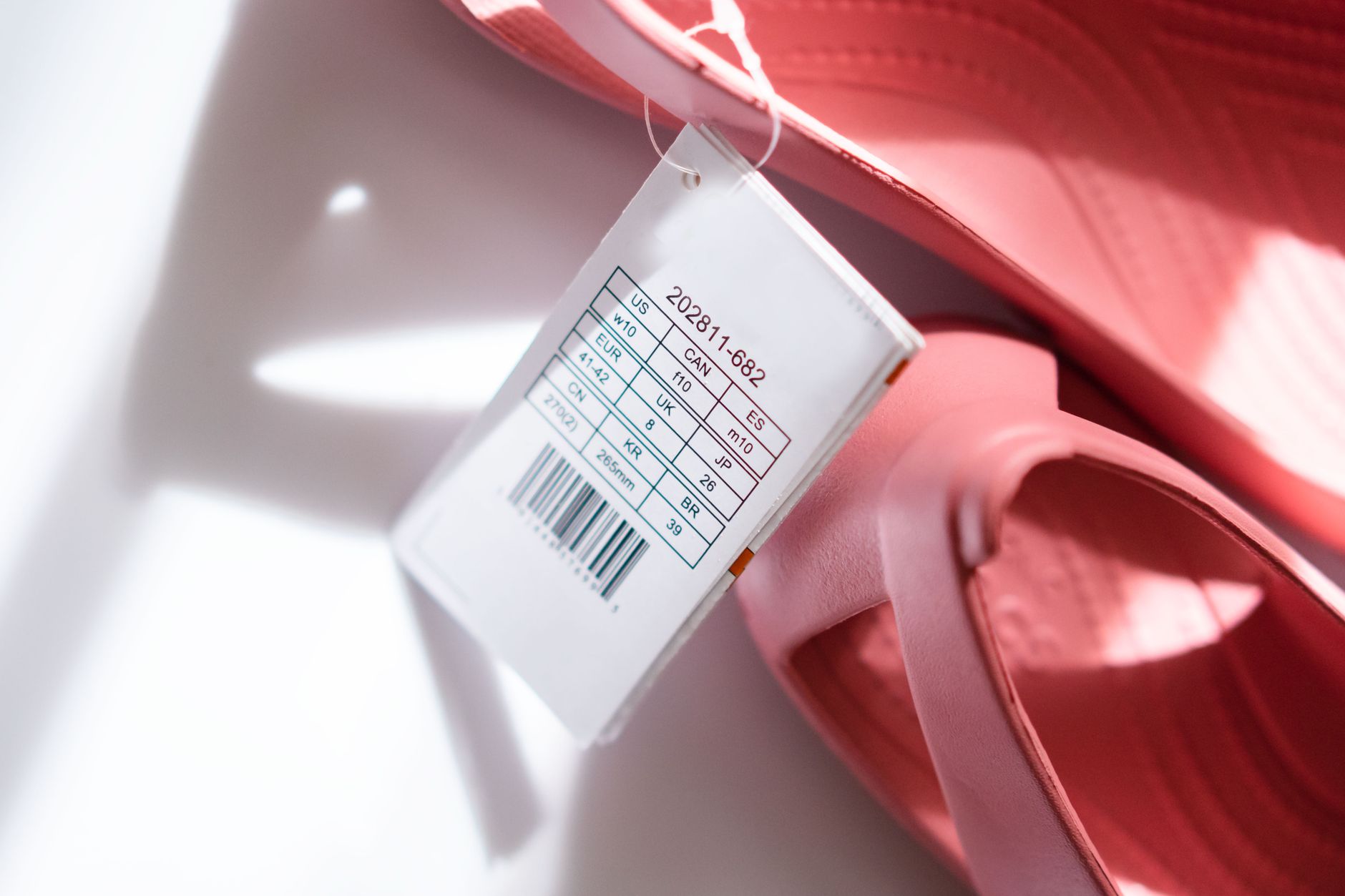
Free barcode label software is an application that allows users to generate barcodes (EAN-13, Code 128, QR…) from product data (name, price, SKU) and print directly onto labels to be affixed to goods. No programming skills are required; you only need to enter data via Excel or manually.
These software solutions typically support exporting PDF/PNG files for printing on office printers, or connecting directly to thermal barcode printers (Zebra, TSC, Xprinter) to print durable, water-resistant labels. For a 30-50m² mini supermarket, printing barcode labels on-site reduces warehouse entry time by 70% compared to manual recording.
Top 5 Free Barcode Label Software for Mini Supermarkets and Grocery Stores
Related Products


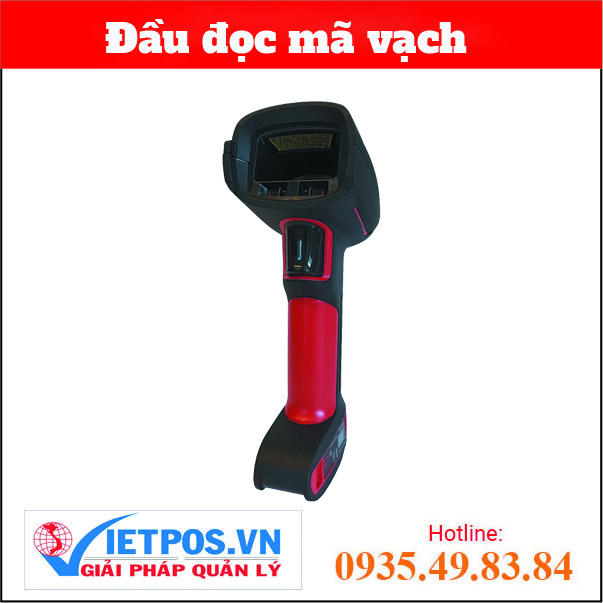

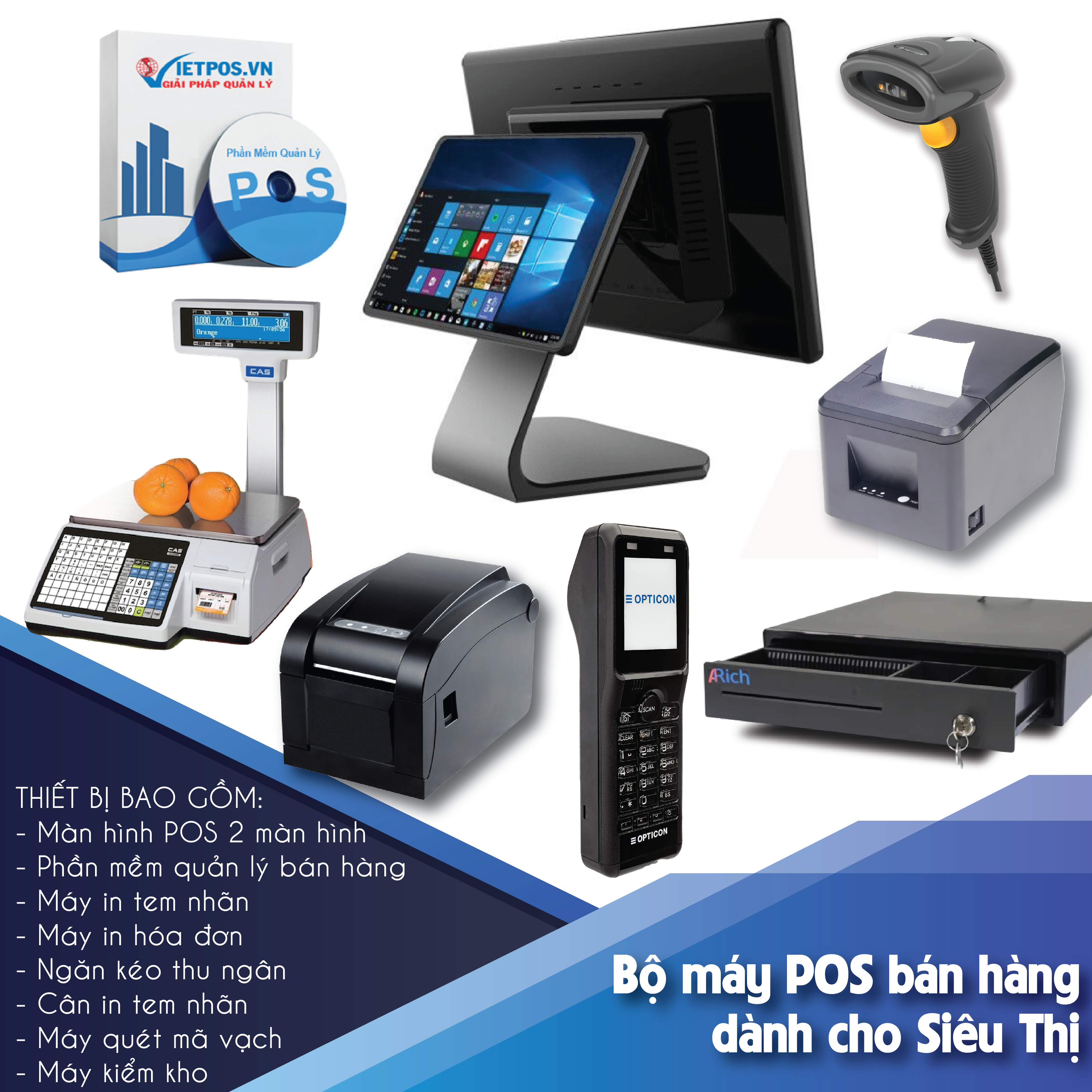

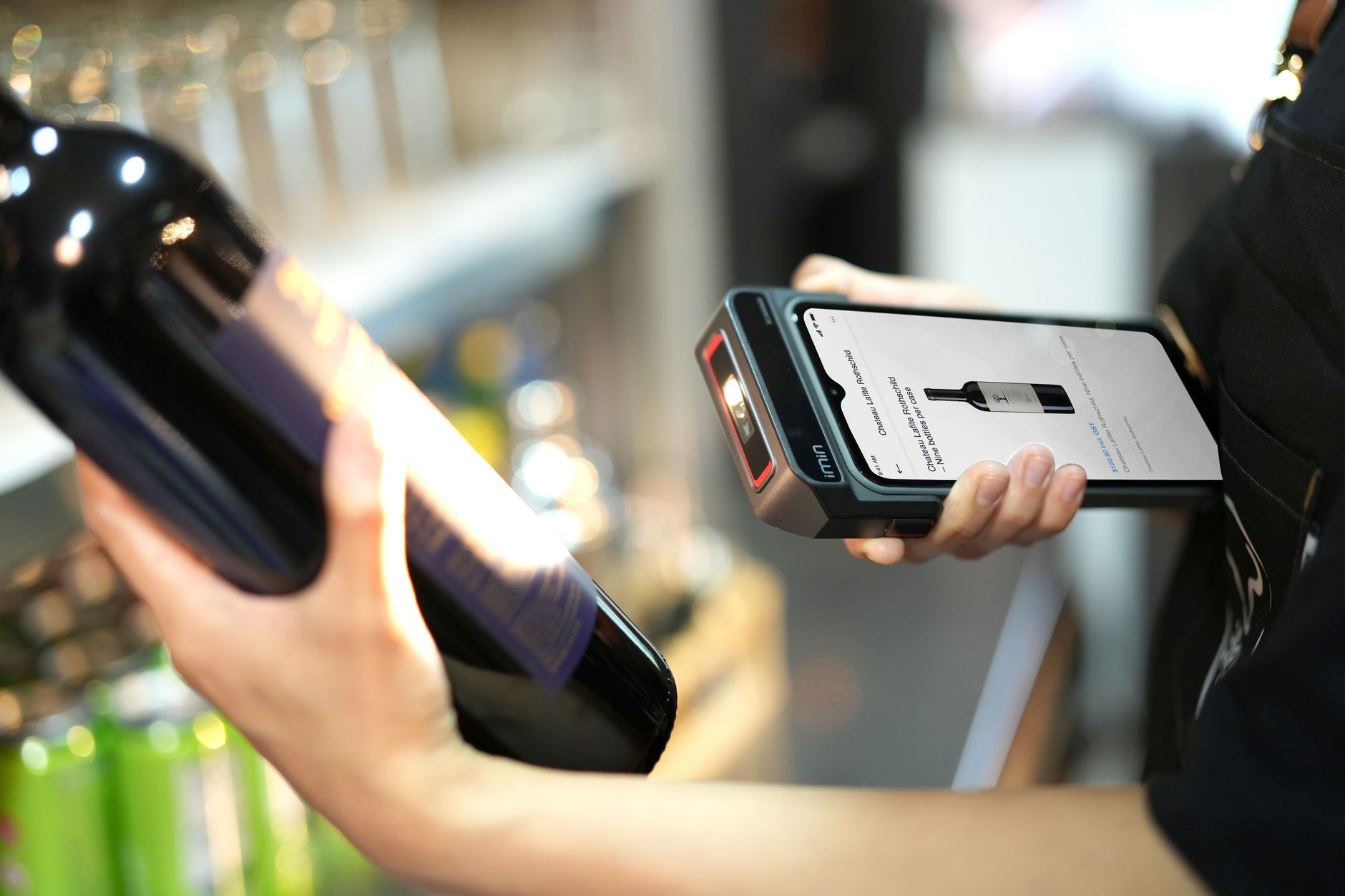
Below are 5 tools highly rated for their features, stability, and suitability for small-scale operations in Vietnam. Each software has its own pros and cons; you should choose based on your actual needs.
1. VietPOS Barcode – Free Barcode Label Software for Mini Supermarkets
VietPOS Barcode is a barcode label software developed by Việt POS, optimized for the Vietnamese retail market. It supports importing product lists from Excel, automatically generating EAN-13/Code 128 barcodes, and bulk printing on Zebra, TSC, Xprinter thermal printers or standard laser printers. The interface is in Vietnamese, with no limit on the number of products, and it is completely free. Download at: download free barcode label software VietPOS Barcode.
2. BarTender Basic – Professional Label Printing Software
BarTender Basic is the free version of the renowned BarTender series. It supports creating 1D/2D barcodes and designing labels with logos, text, and images. Limitations: only prints to 1 printer, limited number of label templates. Suitable if you need complex label design and already have a Zebra barcode printer.
3. iCheckQR – Free Online Barcode Generator Tool
iCheckQR is an online barcode generator website that requires no installation. It supports EAN-8, EAN-13, Code 128, and UPC. Simply enter the code, select the barcode type, and download the PNG/PDF file for printing. Suitable for small grocery stores with fewer than 50 products. However, it does not support bulk printing from Excel.
4. Zint Barcode Studio – Open Source, Powerful
Zint is an open-source software that supports over 50 barcode types. The interface is simple, allowing manual data entry or import from CSV files. Suitable for users with some technical skills who want deep customization. However, it has no Vietnamese interface and requires manual barcode printer driver installation.
5. Barcode Generator (TEC-IT) – Versatile Online Utility
TEC-IT Barcode Generator is a free website that supports creating barcodes as vector images (EPS, SVG). Suitable for printing small quantities of high-quality labels. It allows bulk barcode entry via URL parameters. Disadvantage: no template saving function; you must recreate each time.
Feature Comparison Table of Free Barcode Label Software
The table below summarizes key criteria to help you easily choose the most suitable software for your mini supermarket or grocery store.
| Software | Type | Bulk Print from Excel | Thermal Printer Support | Vietnamese Interface | Suitable For |
|---|---|---|---|---|---|
| VietPOS Barcode | Desktop | Yes | Yes (Zebra, TSC, Xprinter) | Yes | Mini supermarkets, grocery stores with 50-500 SKUs |
| BarTender Basic | Desktop | Yes | Yes | No | Stores needing complex label design |
| iCheckQR | Online | No | No (image download) | Yes | Small grocery stores with under 50 products |
| Zint | Desktop | Yes (CSV) | Yes (driver installation required) | No | Technical users, diverse barcode types |
| TEC-IT | Online | Yes (URL) | No | No | Small quantity, high-quality label printing |
Guide to Choosing Free Barcode Label Software for Mini Supermarkets and Grocery Stores
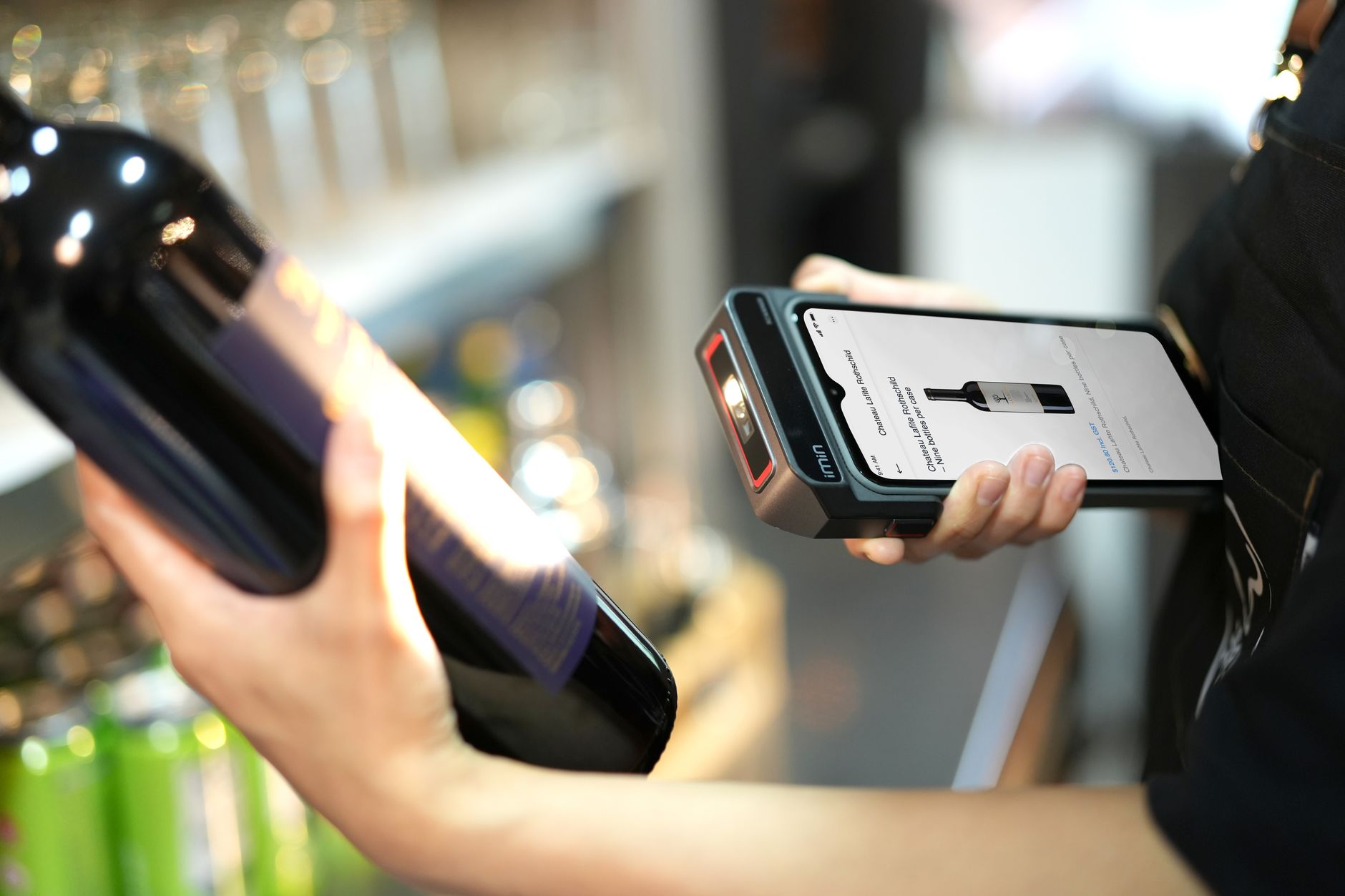
No software is "absolutely the best" – you need to choose based on your warehouse scale, existing printer type, and budget. Below are 3 core criteria.
- Number of Products (SKUs): If you have 50-200 SKUs, an online tool like iCheckQR is sufficient. If you have 200-500 SKUs, you need desktop software that supports bulk printing from Excel (VietPOS Barcode, BarTender).
- Printer Type: If you already have a thermal barcode printer (Zebra, TSC, Xprinter), choose software with built-in driver support. If you only have a standard laser printer, choose software that exports PDF/PNG files.
- Budget and Time: Free software often has feature limitations. VietPOS Barcode is the optimal choice because it is completely free, supports Vietnamese, and has built-in drivers for popular thermal printers.
Common Mistakes When Using Free Barcode Label Software
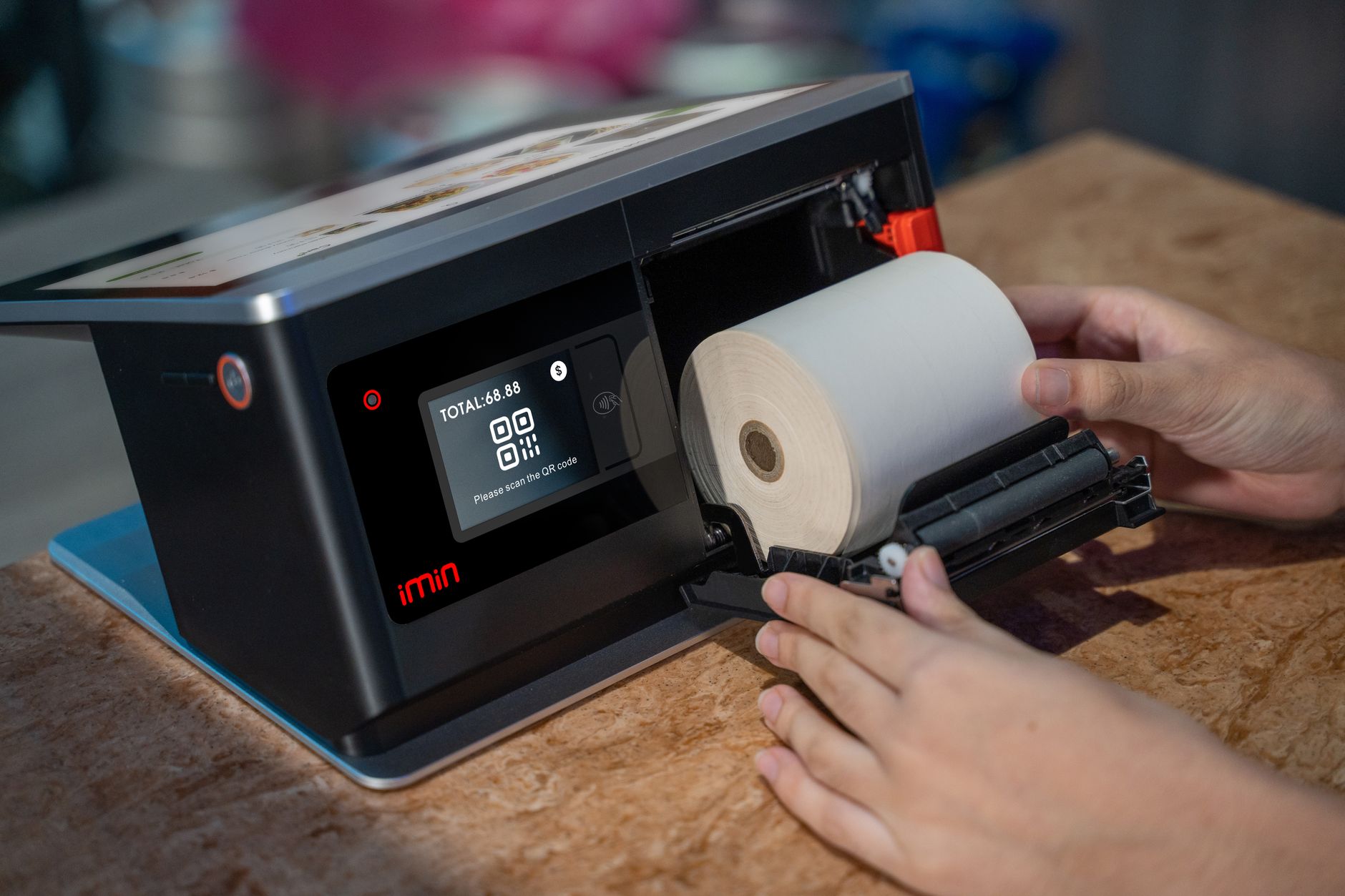
Many mini supermarket owners make mistakes when choosing or using barcode label software, leading to poor-quality labels and wasted time on corrections. Below are 4 common mistakes.
- Choosing software that does not support the required barcode type: Mini supermarkets typically use EAN-13 for consumer goods and Code 128 for internal items. Many online tools only generate EAN-8 or UPC.
- Printing labels on regular paper that is not moisture-resistant: Labels on bottles and food items easily peel off. Use water-resistant thermal labels or silver labels, combined with a direct thermal barcode printer.
- Not checking print quality before bulk application: Blurry or mis-scaled barcodes will not be readable by scanners, slowing down checkout. Always test-print 3-5 labels and check them with a barcode reader.
- Using software without data update functionality: When prices or SKUs change, you have to re-enter everything. Choose software that allows Excel import/export to sync with your POS.
Frequently Asked Questions
Does free barcode label software limit the number of labels I can print?
Most free software has some limitations. VietPOS Barcode has no limit on the number of products or labels. BarTender Basic limits you to 1 printer and 5 label templates. iCheckQR limits image downloads to 1 product at a time. You should check carefully before using it for large volumes.
Can I use a regular office printer to print barcode labels?
Yes, you can print barcode labels on a laser or inkjet printer, then affix the labels to products. However, labels printed on standard printers are prone to fading and peeling when exposed to water or high temperatures. For durability and speed, use a dedicated thermal barcode printer (Zebra, TSC, Xprinter) with thermal labels.
How do I sync product data from my POS to the barcode label software?
Barcode label software that supports Excel file import typically allows you to export your product list from your POS (KiotViet, Sapo, Việt POS…) to Excel, then import it into the barcode label software. VietPOS Barcode supports direct import, automatically generating barcodes and printing in bulk in just 3-5 minutes.
Is free barcode label software safe regarding copyright?
Open-source software like Zint or online tools like iCheckQR are completely safe and do not violate copyright. VietPOS Barcode is software developed by Việt POS and provided free to the community. You should download it from the official website to avoid malicious files.
Do I need programming knowledge to use barcode label software?
No. All the software listed in this article has a graphical interface with drag-and-drop or simple data entry operations. VietPOS Barcode has detailed instructions in Vietnamese, suitable for non-technical users. Basic Excel data entry skills are sufficient.
Are you looking for free, easy-to-use barcode label software that supports Vietnamese and is compatible with thermal printers? Download free barcode label software VietPOS Barcode now – completely free, with no feature limitations. Or call the hotline 0935 498 384 for detailed consultation.
Cần tư vấn thiết bị/giải pháp cụ thể?
Việt POS phản hồi trong 30 phút · Hotline 4 vùng · Khảo sát miễn phí.
Bài viết cùng chủ đề