Mục lục bài viết (7)
- What is Free Barcode Label Software VietPOS Barcode?
- Why Do Vietnamese Shop Owners Need Barcode Label Software?
- Guide to Download and Install VietPOS Barcode in 5 Minutes
- Key Features of VietPOS Barcode
- Comparison Table: VietPOS Barcode vs. Other Free Barcode Label Software
- Common Mistakes When Using Free Barcode Label Software
- Frequently Asked Questions About Free Barcode Label Software VietPOS Barcode
Free barcode label software VietPOS Barcode is a lightweight desktop tool that allows you to create and print barcode labels (EAN-13, Code 128, QR) directly from your computer, no Internet connection required. In Vietnam, over 3,000 retail stores, mini-supermarkets, and F&B outlets use this solution to manage inventory instead of manual data entry.
What is Free Barcode Label Software VietPOS Barcode?
VietPOS Barcode is free barcode label software, running on Windows, developed by Việt POS for the Vietnamese market. The software allows you to create barcodes according to international standards (EAN-13, Code 128, QR), design label templates with logos, product names, prices, and print directly to thermal printers (Zebra, TSC, Xprinter, HPRT) or standard laser printers.
Why Do Vietnamese Shop Owners Need Barcode Label Software?
Related Products


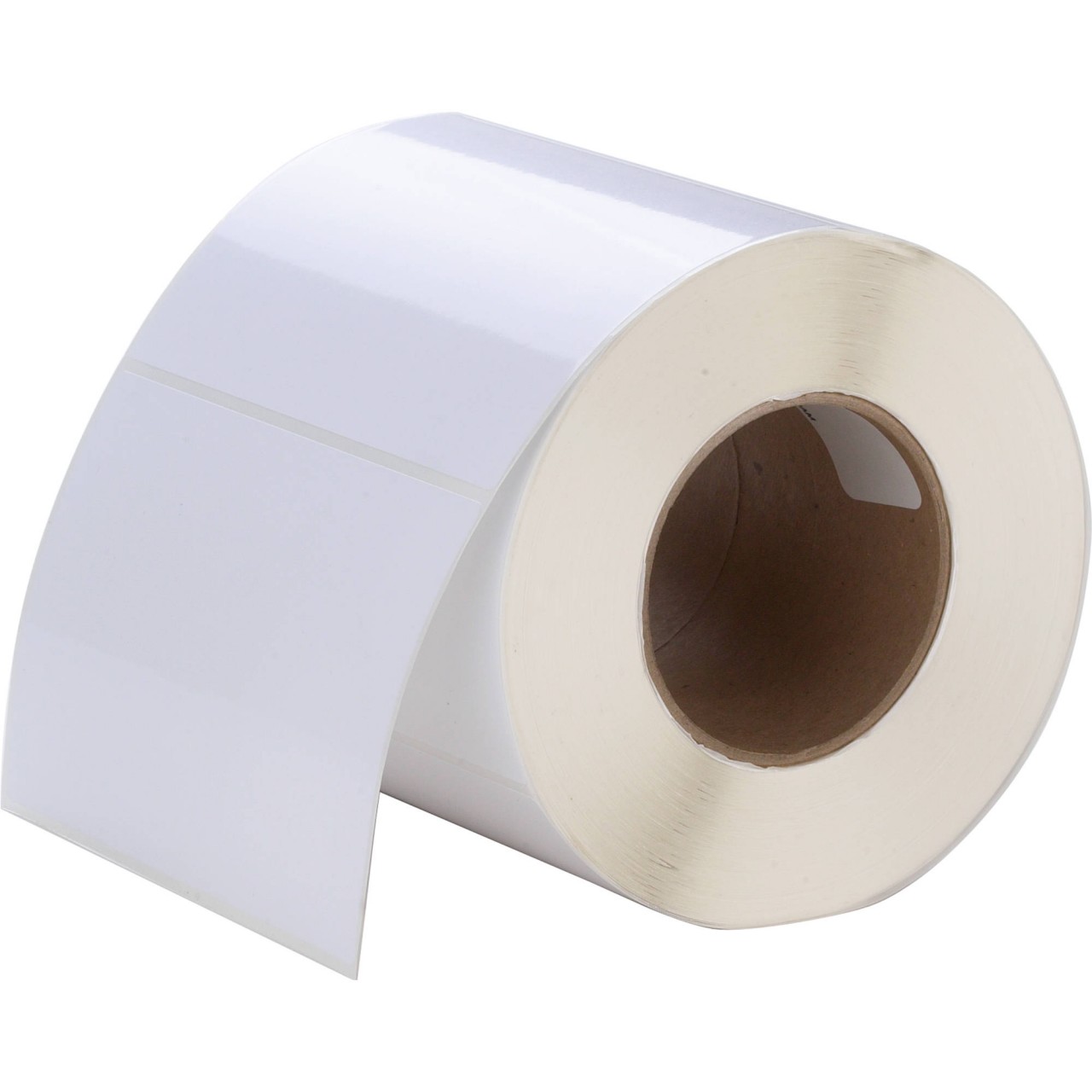
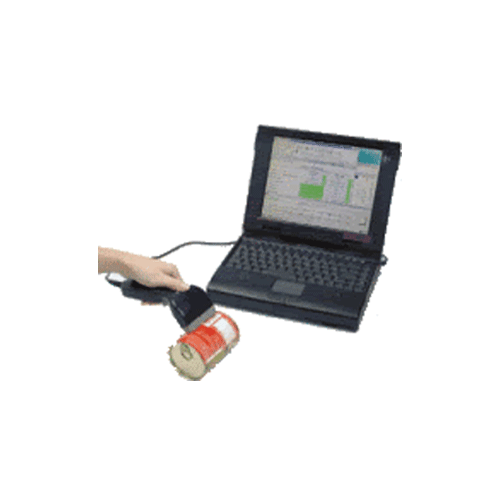
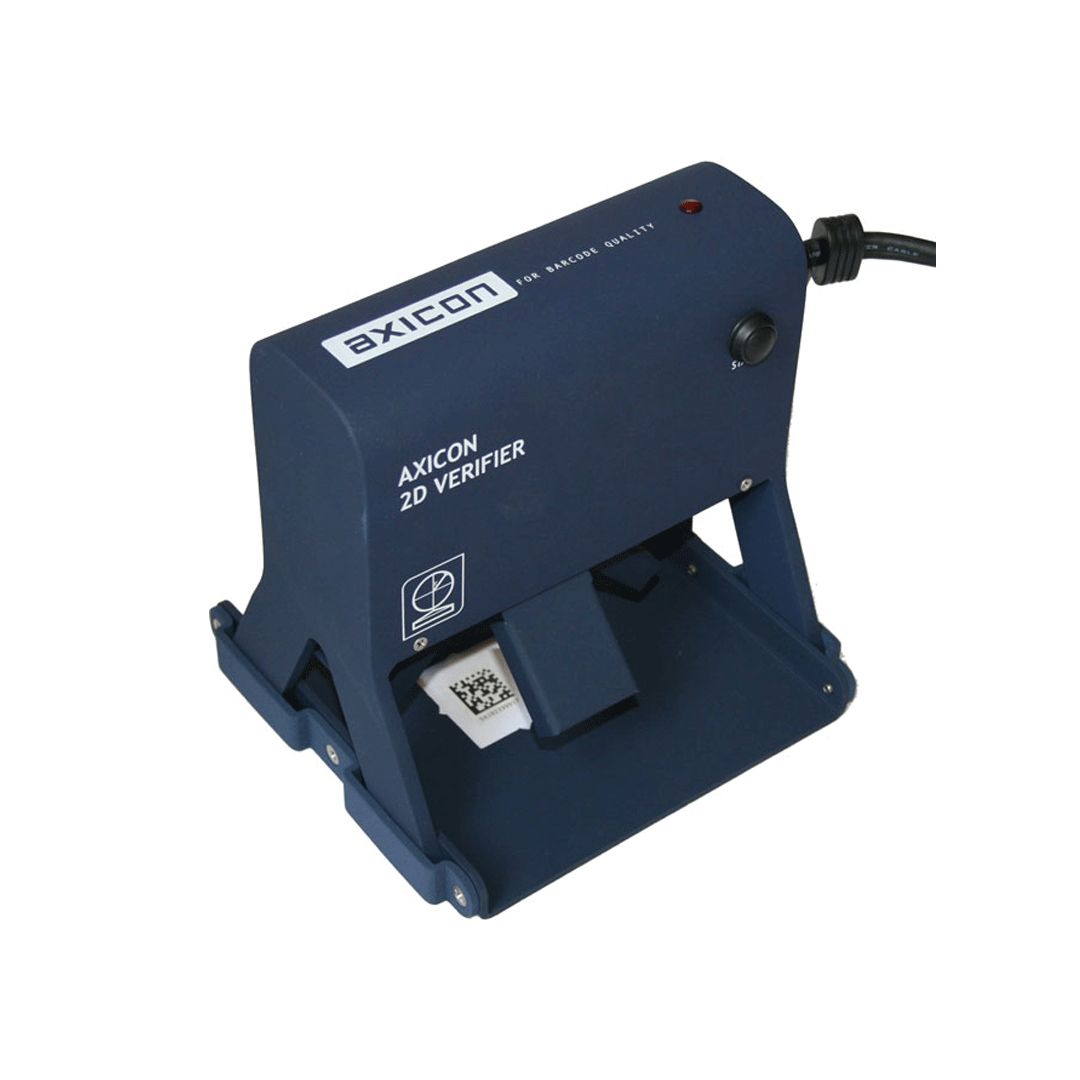
A 2025 survey by Việt POS shows that stores using barcode labels reduce warehouse entry time by 40% and checkout errors by 25%. Barcode label software allows shop owners to proactively create labels for each product, independent of external printing services, saving 50-70% on outsourced label printing costs.
Guide to Download and Install VietPOS Barcode in 5 Minutes

The software download and installation process consists of 4 simple steps, requiring no technical knowledge. The entire operation is completed in 3-5 minutes.
- Access the free barcode label software VietPOS Barcode download from the Việt POS website.
- Run the installation file (approximately 15-25 MB), click Next until complete.
- Connect the barcode printer (USB or LAN) and select the corresponding driver.
- Open the software, enter product code, item name, selling price → click Print.
Key Features of VietPOS Barcode
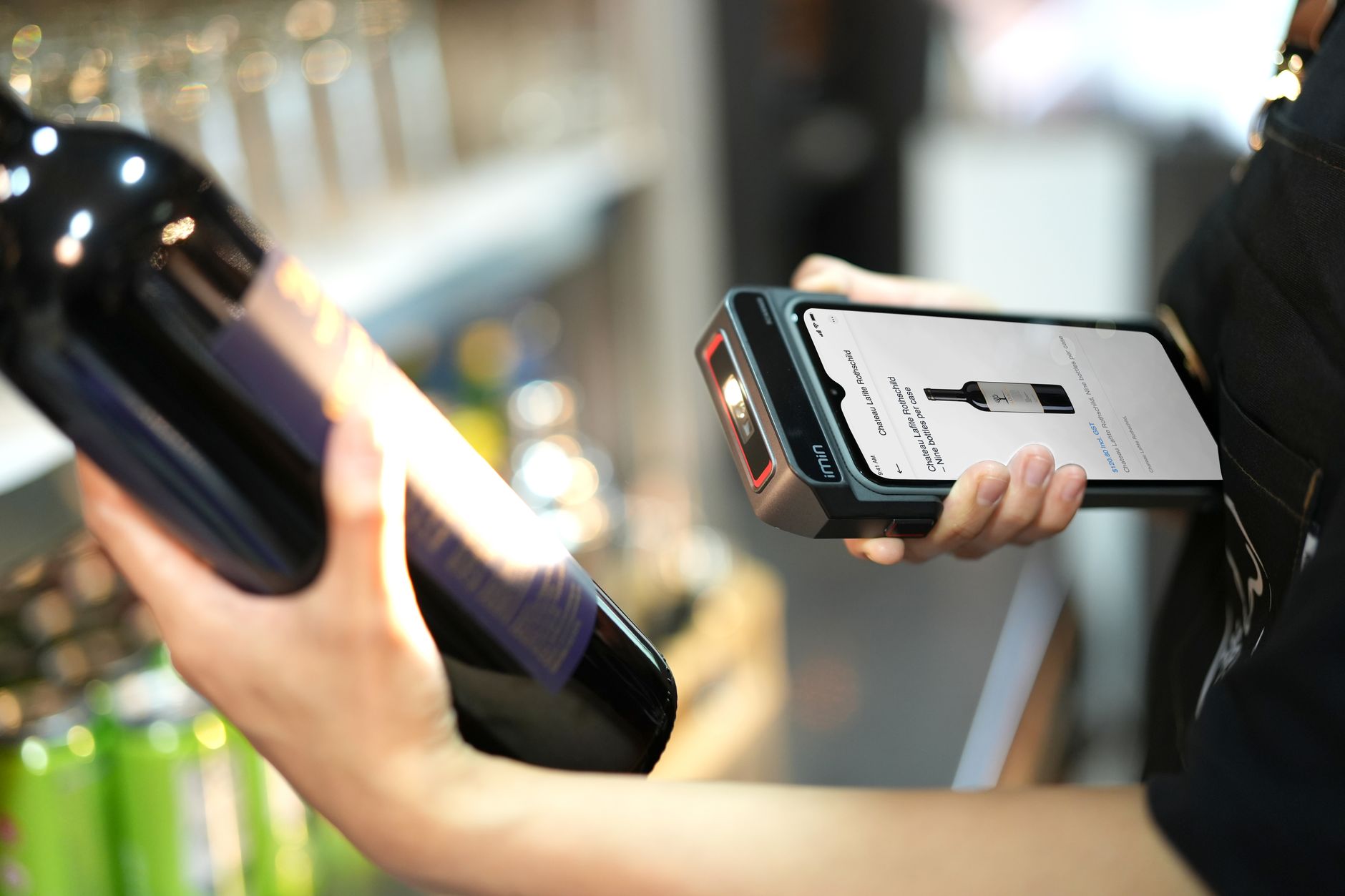
VietPOS Barcode provides full features for label design, batch barcode creation, printer connection, and data synchronization with POS software. Below are 5 core features.
- Multi-standard barcode creation: Supports EAN-13, Code 128, Code 39, QR code, Data Matrix.
- Label design: Drag-and-drop logo, product name, price, barcode, expiration date.
- Batch printing: Import list from Excel, print 50-500 labels at once.
- Printer connection: Compatible with Zebra ZD421, ZD230, TSC TE200, Xprinter XP-420B, HPRT HT800.
- POS synchronization: Integrates with Việt POS sales software to automatically create labels when receiving goods.
Comparison Table: VietPOS Barcode vs. Other Free Barcode Label Software
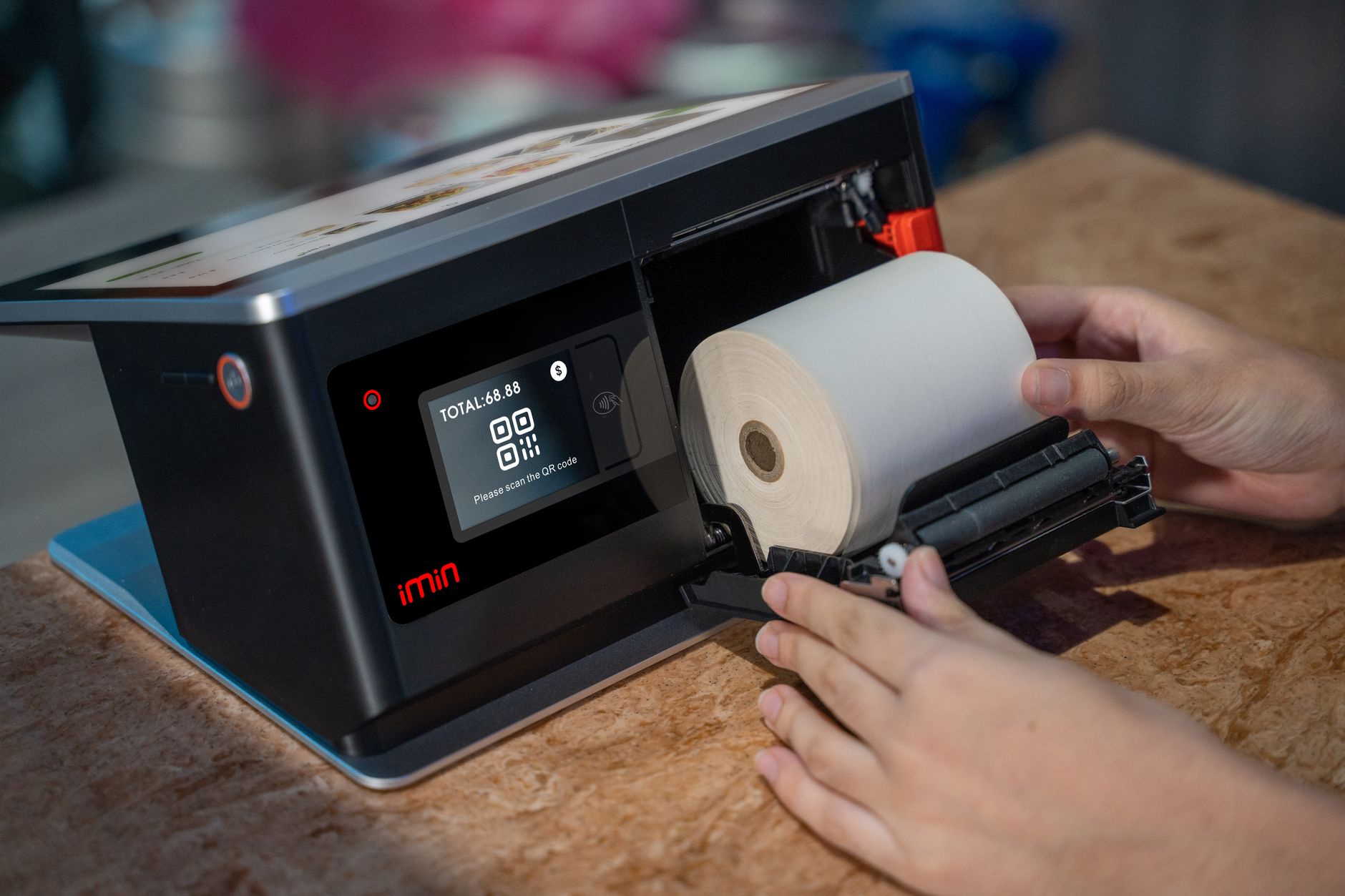
Compared to free software like BarTender Basic, NiceLabel Free, Barcode Generator, VietPOS Barcode has advantages in Vietnamese language support, drivers for popular printers in Vietnam, and POS integration.
| Criteria | VietPOS Barcode | BarTender Basic | NiceLabel Free |
|---|---|---|---|
| Language | Vietnamese | English | English |
| Zebra/TSC/Xprinter printer drivers | Built-in | Must install separately | Must install separately |
| Batch printing from Excel | Yes | Yes (limited to 50 labels) | Yes (limited to 100 labels) |
| POS integration | Yes (Việt POS) | No | No |
| Price | Free | Free (basic) | Free (basic) |
Common Mistakes When Using Free Barcode Label Software
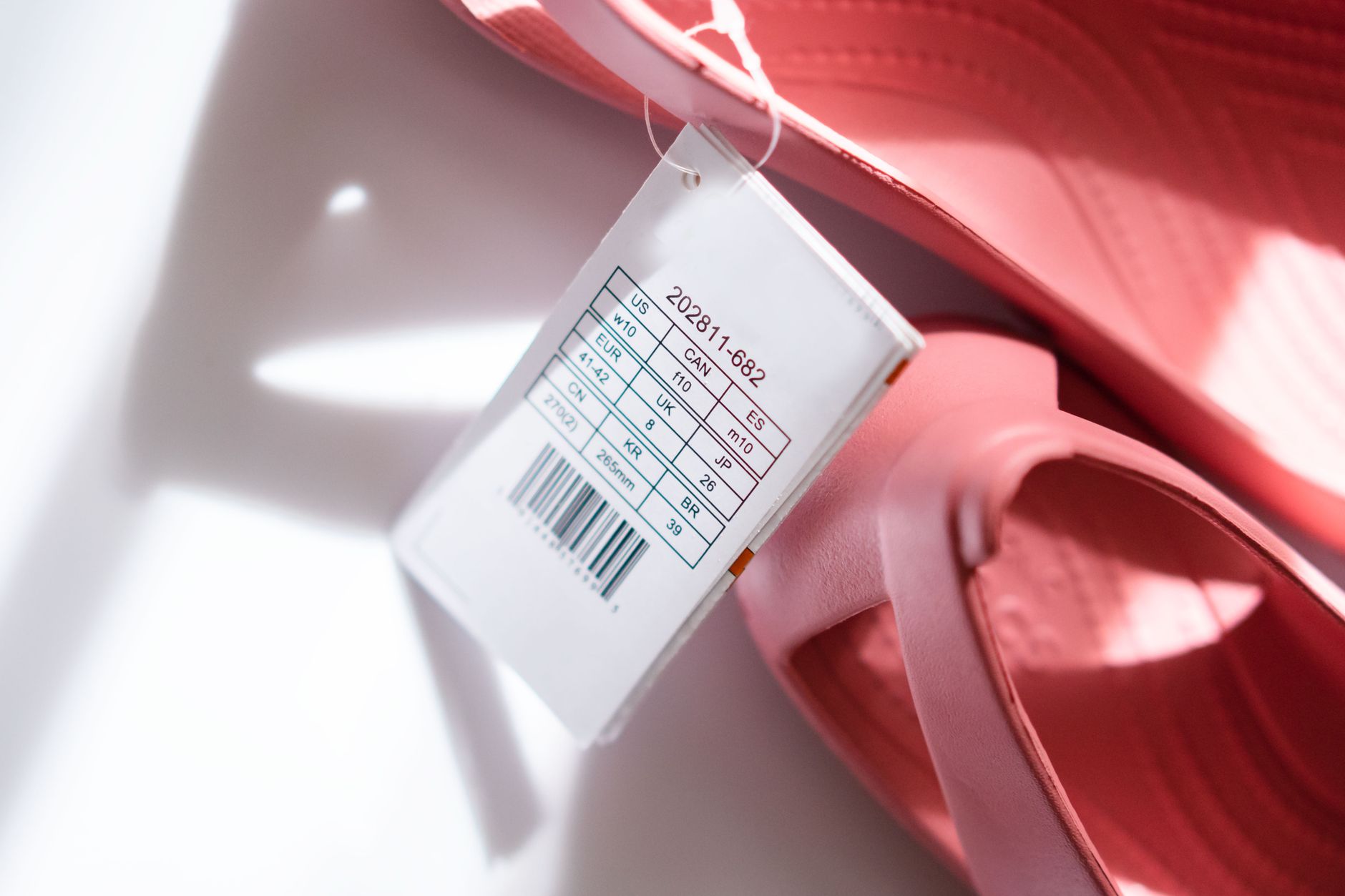
Based on actual technical support, Việt POS has recorded 4 common mistakes when shop owners self-print barcode labels.
- Using non-standard barcodes: Self-generated codes not following GS1 standards cause errors at checkout.
- Printing wrong label size: Labels too small cause scanner read failures; labels too large waste decal material.
- Not checking contrast: Printing on pale labels causes scanners to miss the code.
- Skipping driver updates: Printer does not receive print commands due to outdated drivers.
Frequently Asked Questions About Free Barcode Label Software VietPOS Barcode
Which barcode printers are compatible with VietPOS Barcode?
The software supports most popular thermal printers in Vietnam: Zebra ZD421, ZD230, ZT411, TSC TE200, TTP-345, Xprinter XP-420B, XP-350B, HPRT HT800, HT830. If your printer is not on the list, select the generic/text mode driver.
Do I need an Internet connection to use VietPOS Barcode?
No. The software runs completely offline after installation. You only need Internet for the initial download or to update to a new version.
How do I print barcode labels in batch from Excel?
In VietPOS Barcode, select Import from Excel, choose a .xlsx or .csv file with columns: Product Code, Item Name, Price. The software automatically creates labels for each row. You can print 50-500 labels at once.
Can barcodes created with VietPOS Barcode be scanned at supermarkets?
Yes, if you select the correct barcode standard (EAN-13 for retail, Code 128 for warehouse). However, to sell at large supermarkets, you need to register a GS1 company prefix. Self-generated codes are only for internal store or private chain use.
Is the software permanently free?
Yes. VietPOS Barcode is permanently free software, with no limit on the number of labels printed and no watermark. You can download and use it immediately without registration.
Are you spending 15-30 minutes each day manually labeling products? Download the free barcode label software VietPOS Barcode now — install in 5 minutes, save 40% on warehouse entry time. Contact Việt POS via hotline 0935 498 384 for technical support or consultation on complete barcode label solutions.
Cần tư vấn thiết bị/giải pháp cụ thể?
Việt POS phản hồi trong 30 phút · Hotline 4 vùng · Khảo sát miễn phí.
Bài viết cùng chủ đề