Mục lục bài viết (6)
- What is Free Label Printing Software? Why Do Retail Stores Need It?
- 5 Best Free Label Printing Software in 2025
- Feature Comparison Table of 5 Free Label Printing Software
- Criteria for Choosing Free Label Printing Software for Your Store
- Common Mistakes When Using Free Label Printing Software
- Frequently Asked Questions
Free label printing software is a software solution that allows users to design, manage data, and print barcode labels and product price tags directly from thermal printers or office printers without licensing fees. In Vietnam, over 65% of retail store owners still handwrite tags or use cut-and-paste in Excel — causing errors and wasting 3-5 hours per week. This article compares the 5 most popular free software options in 2025, helping you save costs and standardize your label printing process for your store.
What is Free Label Printing Software? Why Do Retail Stores Need It?
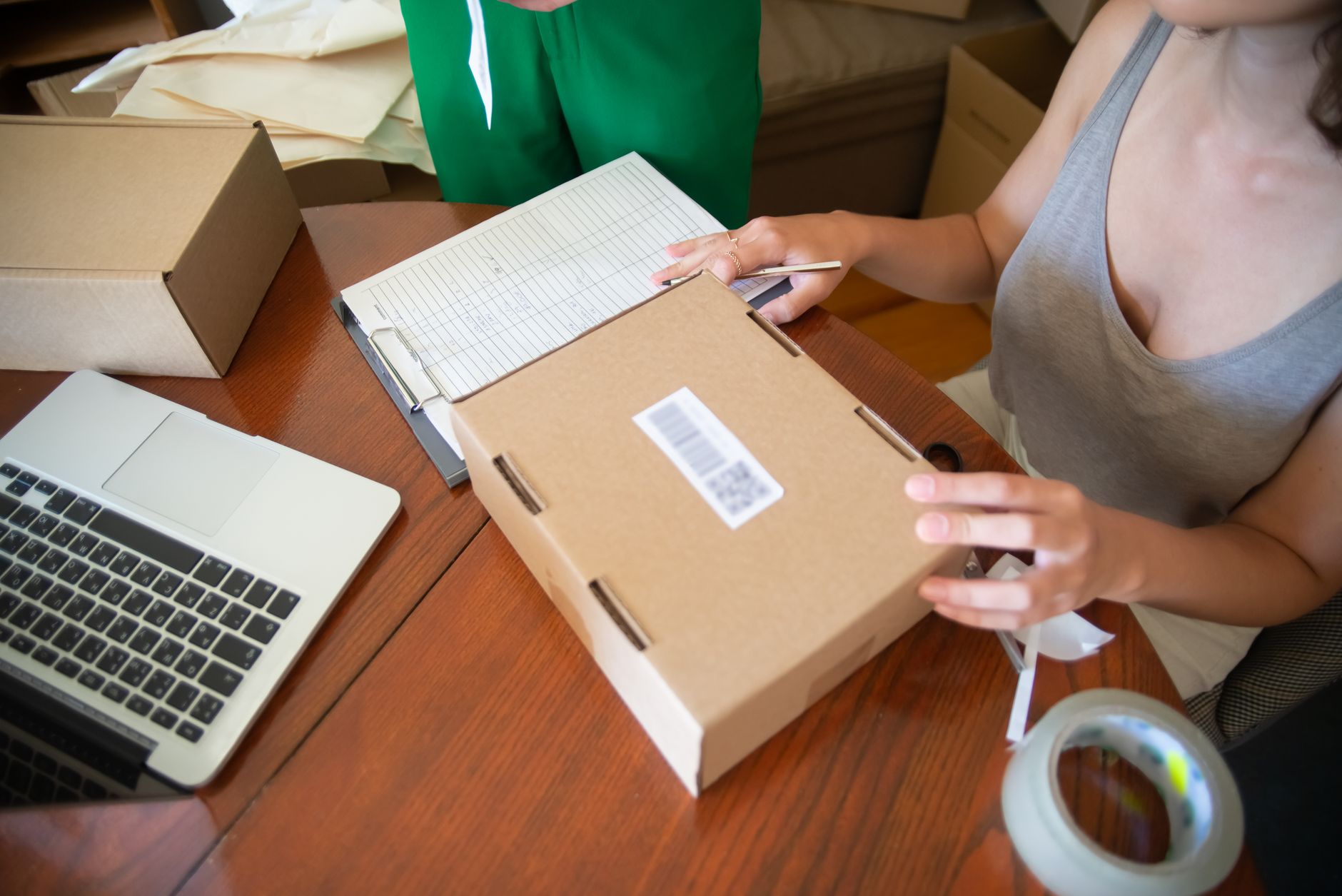
Free label printing software is a tool that allows you to design label templates, enter product data (name, barcode, price), and print directly onto decal paper or thermal labels. These software support batch printing formats, helping retail stores reduce manual labeling time by 80-90% and eliminate price entry errors.
For retail stores, using label printing software offers 3 main benefits: first, cost savings — no need to outsource label design or pay for printing services. Second, increased accuracy — price data is synced from an Excel file, minimizing shelf price errors. Third, a more professional image — labels are printed uniformly and clearly, building customer trust.
5 Best Free Label Printing Software in 2025
Related Products


1. Canva — Professional Graphic Label Design
Canva offers thousands of free product label templates, suitable for stores that need labels with logos, colors, and product images. The free plan is sufficient for 80-90% of basic design needs. Limitations: does not support direct printing from Excel, does not automatically generate barcodes.
Canva is the top choice for fashion, cosmetics, and gift stores — where labels require high aesthetics. You can drag and drop logos, choose fonts, and change colors in 10-15 minutes. However, to batch print price tags for 200-500 products, you will need to export a PDF file and print separately — adding 15-20 minutes of processing time.
2. VietPOS Barcode — Print Barcodes from Excel in 5 Minutes
VietPOS Barcode is a free label printing software specialized for Vietnamese retail stores, supporting data import from Excel files and direct printing to thermal printers (Xprinter, Zebra, TSC) in just 3 steps. The software is completely free with no limit on the number of labels printed.
This is the optimal solution for grocery stores, mini-supermarkets, and F&B businesses that need to batch print price tags daily. You only need to prepare an Excel file with 3 columns: Product Name, Barcode, Selling Price. Then open the software, select the file, choose the printer, and click print — the entire process takes 3-5 minutes for 100-500 labels. Download the free VietPOS Barcode barcode printing software here.
3. Avery Design & Print — Pre-Made Templates for Small Stores
Avery provides a free online label design tool with over 3,000 pre-made label templates, compatible with A4-sized decal paper. Suitable for stores with fewer than 50 products that do not require automatic barcode printing.
The advantage of Avery is its ease of use — you choose a template, enter the product name, and print immediately. However, this software does not support data import from Excel, cannot print EAN-13/UPC barcodes, and is not compatible with dedicated thermal printers (Zebra, TSC). Suitable for small clothing shops and handmade stores.
4. TemPro — Quick Online Price Tag Creation
TemPro is a free online product tag creation website that allows data import from Excel and exports DOCX files for printing on A4 paper. The first 100 tags are free; subsequent tags are charged at 500-1,000 VND per tag.
TemPro is suitable for stores that need to print temporary tags in small quantities (under 100 tags per month). The interface is simple and supports 3 pre-made tag templates. Limitations: cannot print directly to thermal printers, cannot save tag templates for reuse, and incurs costs when printing in larger volumes.
5. BarTender Basic — Professional Inventory and Label Printing
BarTender Basic is the free version of the professional barcode printing software BarTender, supporting complex label design, database connectivity, and industrial printing. The free version is limited to 1 printer and 1 user.
BarTender Basic is suitable for businesses with complex inventory management needs that require batch printing by lot or production date. However, this software is quite heavy (500MB+), requires relatively high computer specifications, and has a steeper learning curve compared to the other software options.
Feature Comparison Table of 5 Free Label Printing Software
| Software | Print from Excel | Automatic Barcode Printing | Thermal Printer Support | Quantity Limit | Suitable For |
|---|---|---|---|---|---|
| Canva | No | No | No | Unlimited | Stores needing beautiful label design |
| VietPOS Barcode | Yes | Yes (EAN-13, Code128…) | Yes (Xprinter, Zebra, TSC) | Unlimited | Mini-supermarkets, grocery stores, F&B |
| Avery Design | No | No | No | Unlimited | Small shops |
| TemPro | Yes | No | No | 100 free tags | Stores needing urgent printing |
| BarTender Basic | Yes | Yes | Yes | 1 printer | Businesses with inventory |
Criteria for Choosing Free Label Printing Software for Your Store
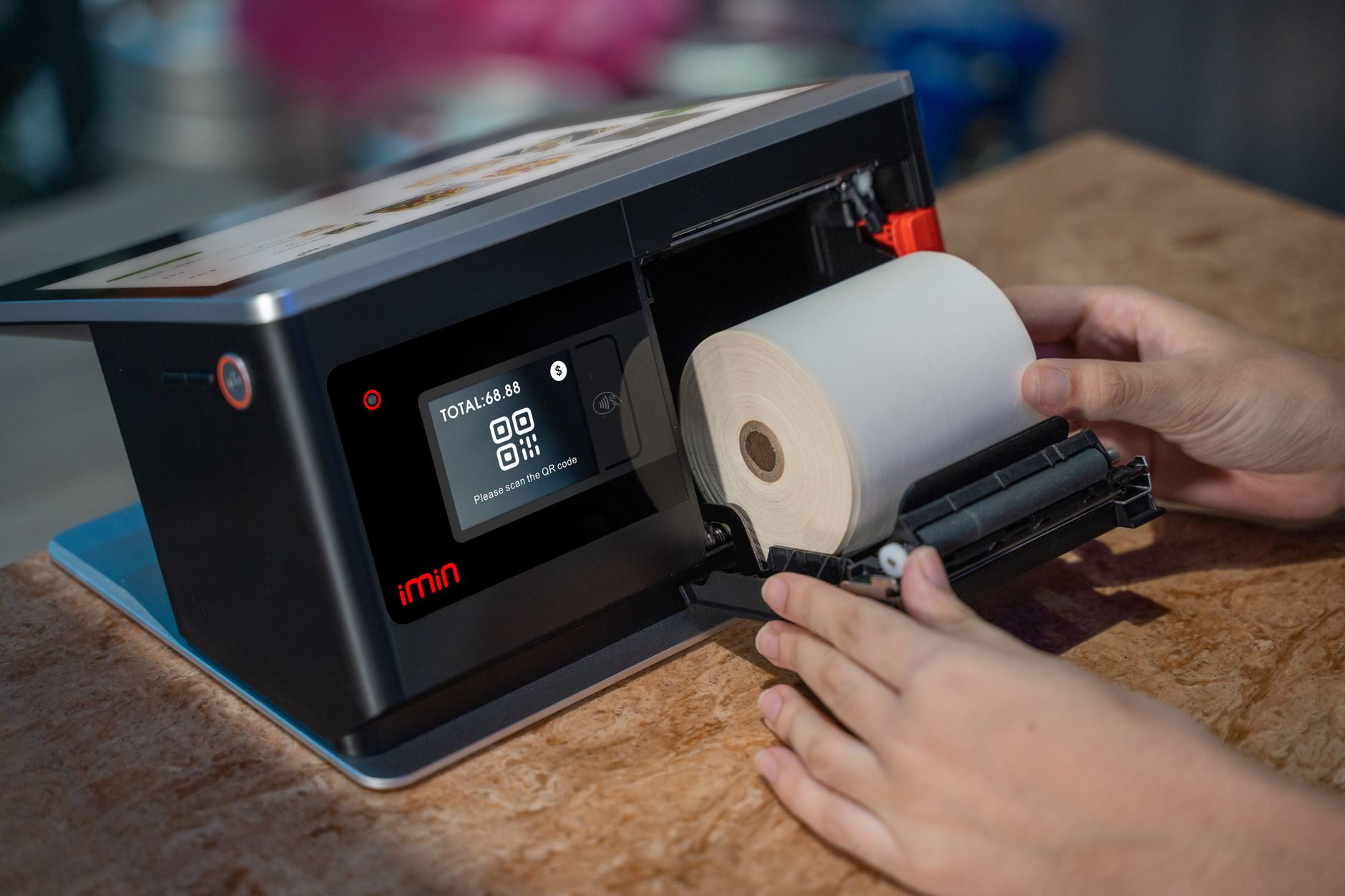
To choose the right software, your store needs to evaluate 3 factors: the type of printer you are using, the number of products needing labels each day, and the complexity of your label design requirements.
- If you use a thermal printer (Zebra, Xprinter, TSC): Choose VietPOS Barcode or BarTender Basic — because these 2 software support thermal printer drivers directly, printing quickly and accurately. Canva and Avery do not support thermal printing formats.
- If you print price tags daily for 100-500 products: Prioritize software that prints from Excel (VietPOS Barcode, TemPro) to automate the process and avoid manual entry for each tag. Save 20-30 minutes per day compared to manual design.
- If your labels need logos and images: Use Canva to design the original template, then export the image and merge data in Excel before printing via VietPOS Barcode — combining both tools for optimal results.
Common Mistakes When Using Free Label Printing Software
Mistake 1: Using Canva to batch print 500 labels — takes 60-90 minutes to export files, adjust margins, and run test prints. Solution: use VietPOS Barcode to print directly from Excel, taking only 5 minutes.
Mistake 2: Choosing software that does not support barcodes — printed labels lack barcodes and cannot be scanned at the checkout counter. Always check if the software supports EAN-13 or Code128.
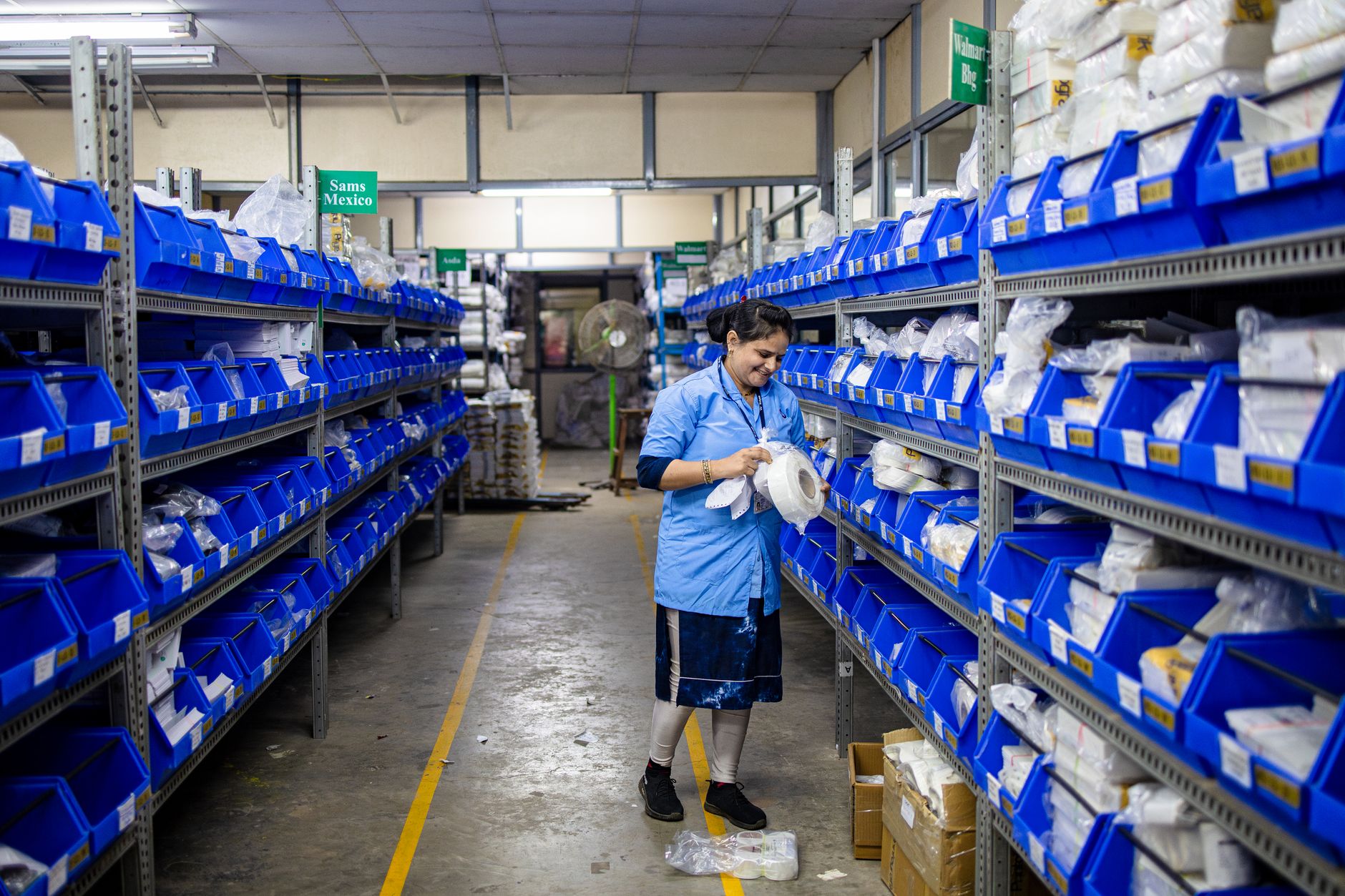
Mistake 3: Printing labels on decal paper incompatible with the printer — using regular decal paper in a thermal printer causes paper jams and smudging. Use the correct thermal decal paper for thermal printers.
Mistake 4: Not saving the original label template — having to redesign from scratch each time, wasting 15-20 minutes. Save the template file as .btw (BarTender) or .vpb (VietPOS Barcode) for reuse.
Frequently Asked Questions
Which free label printing software supports printing from Excel?
Can I print barcode labels using Canva?
Can free software print on Zebra thermal printers?
How to batch print price tags for 500 products in 5 minutes?
Is there any free label printing software with no quantity limit?
Do you want to print labels for free today? Download the free VietPOS Barcode barcode printing software — install in 5 minutes, print unlimited. Or call hotline 0935 498 384 for assistance in choosing the right software for your store.
Cần tư vấn thiết bị/giải pháp cụ thể?
Việt POS phản hồi trong 30 phút · Hotline 4 vùng · Khảo sát miễn phí.
Bài viết cùng chủ đề