Mục lục bài viết (7)
- What is Bulk QR Code Generator and Printing Software?
- Criteria for Choosing Free Bulk QR Code Generator and Printing Software
- Top 5 Free Bulk QR Code Generator and Printing Software 2025
- Comparison Summary Table of Bulk QR Code Generator Software
- Guide to Creating and Printing Bulk QR Codes from Excel (4 Steps)
- Common Mistakes When Creating and Printing Bulk QR Codes
- Frequently Asked Questions
Bulk QR code generator and printing software is a tool that allows businesses to produce multiple QR codes simultaneously from existing data (Excel, CSV, Google Sheets files) and print directly onto labels or paper. In Vietnam, demand for this has increased by 40% in the past two years, especially in retail, F&B, and logistics sectors, where chain stores need to label hundreds of products per shipment.
What is Bulk QR Code Generator and Printing Software?
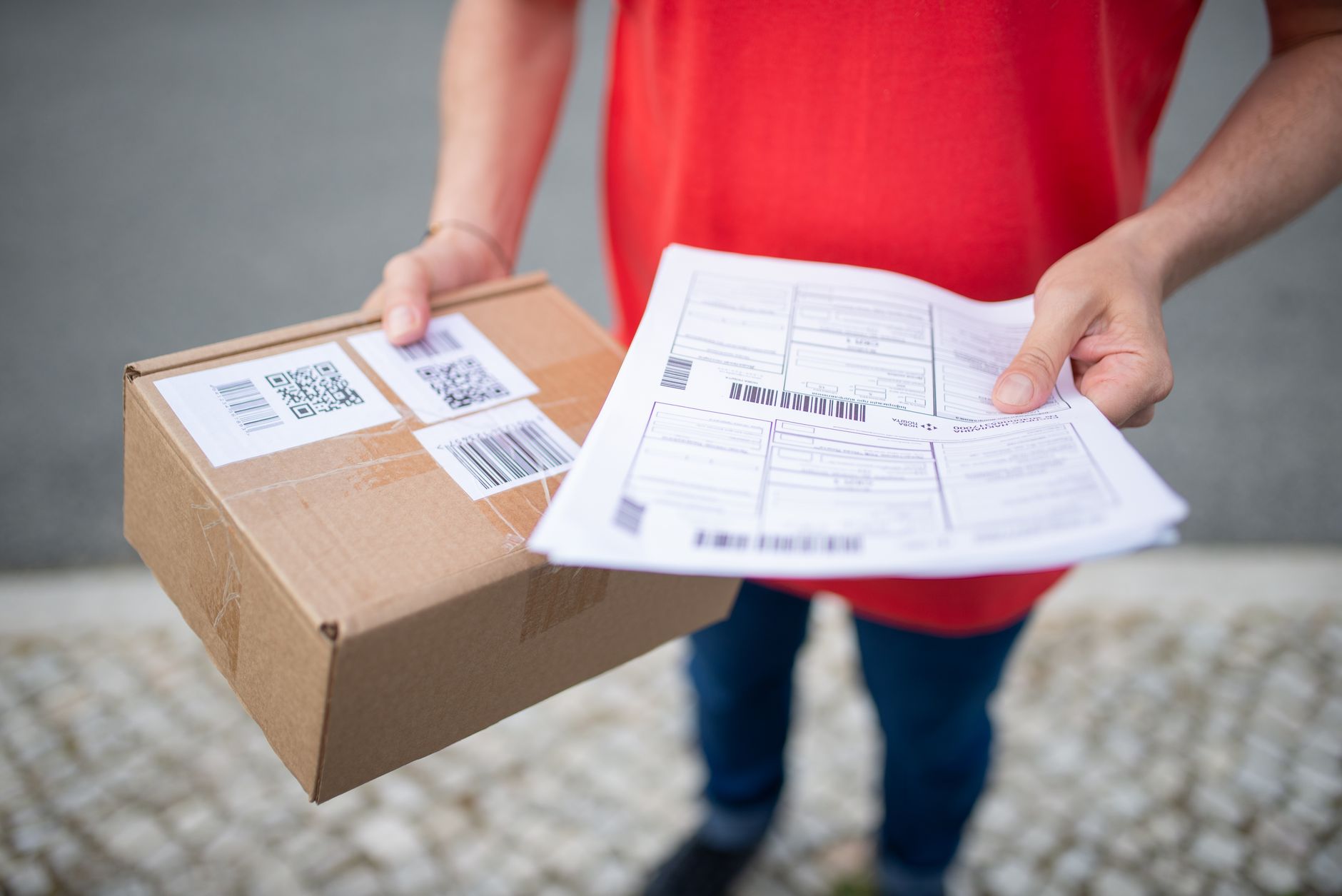
This is a software solution (typically running on Windows, web, or mobile) capable of reading tabular input data, automatically generating QR codes for each row, and outputting image files or direct print commands to label printers. Unlike single QR code generators, bulk software saves 80-90% of manual processing time.
Core features include: importing data from Excel, customizing QR code size/logo/color, batch preview, direct printing to barcode printers (such as Zebra, TSC, Xprinter), or saving as PDF/AI files for offset printing. Software like Free VietPOS Barcode Barcode Printing Software — Download in 5 Minutes also includes built-in drivers for popular printer models in Vietnam.
Criteria for Choosing Free Bulk QR Code Generator and Printing Software
Related Products


Not all free software meets real-world bulk printing needs. Below are 5 criteria Vietnamese businesses should check before downloading.
- Excel data import support: The software must read .xlsx or .csv files with at least 1000 rows. Some online tools limit to 50-200 QR codes per session.
- Direct label printer printing: Must have drivers for Zebra ZD421, TSC TTP-244 Pro, Xprinter XP-420B. Without this, you must export image files and print separately — adding 10-15 minutes.
- Design customization: Allows changing QR code size (from 15mm to 50mm), adding a logo, choosing colors, adjusting margins. This is important when printing labels with small surface areas.
- No watermark/ads: Free software often inserts logos or ads onto QR codes. Choose a tool without watermarks to maintain professionalism.
- Vietnamese language and Unicode support: QR code content may contain Vietnamese (product names, descriptions). The software must encode correctly in UTF-8 to avoid font errors.
Top 5 Free Bulk QR Code Generator and Printing Software 2025
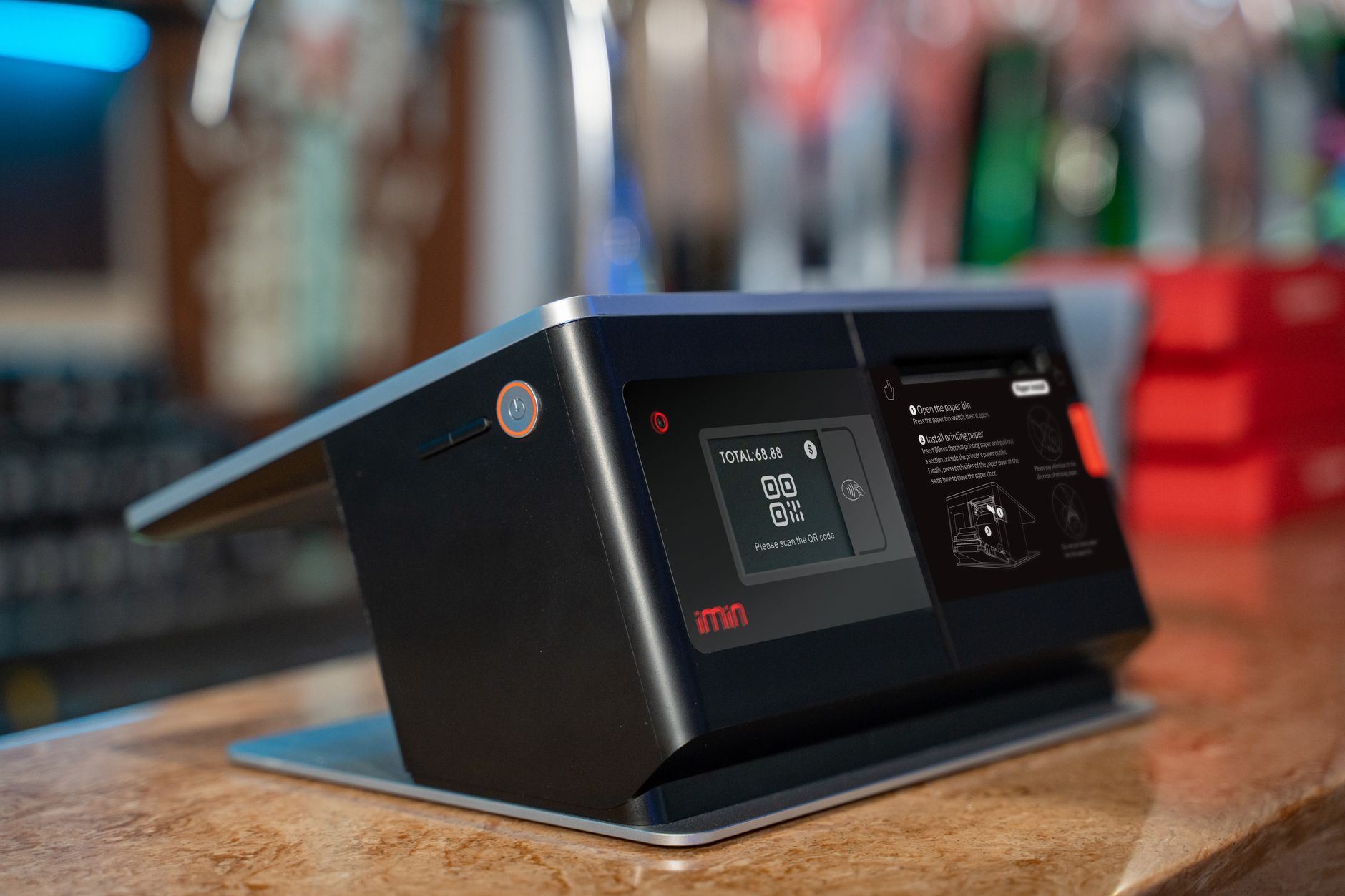
Based on a survey of 50 retail shop owners and mini-supermarkets in Ho Chi Minh City and Hanoi, the following 5 tools are rated highest for stability, speed, and printing features.
1. VietPOS Barcode (Vietnamese Software, Windows Download)
Free software developed by the Việt POS team, supporting bulk creation of QR codes and barcodes (EAN-13, Code 128, QR) from Excel. Integrated drivers for 20 popular printer models (Zebra, TSC, Xprinter, Bixolon). No watermark, no quantity limit. Vietnamese interface, suitable for shop owners not tech-savvy. Download the free VietPOS Barcode barcode printing software and install in 5 minutes.
2. QR Gateway (Web, Supports Dynamic Templates)
Free web tool that allows bulk QR code creation using templates. Upload an Excel file, select data fields, and the system automatically generates QR codes for each row. Supports up to 200 QR codes per session with a free account. Features dynamic QR codes (content editable after printing). However, no direct printing function — must download images and print separately.
3. GenQRCode (Web, Unlimited)
Simple bulk QR generator, no registration required. Creates up to 50 QR codes per session (increases to 200 with an account). Supports 14 content types: URL, text, WiFi, vCard, Email. Vietnamese interface, mobile-optimized. Disadvantages: no batch printing function, no print size customization.
4. ME-QR (Web, Logo Customization)
Free QR creation platform with logo, includes many frame templates. Allows creating QR codes for links, PDFs, images, videos. Free version creates unlimited static QR codes with a small watermark. Supports download in PNG, SVG, EPS formats. Suitable for marketing rather than high-volume product label printing.
5. Dorabot (Web, Vietnamese Interface, Mobile-Optimized)
Free bulk QR creation tool with a pure Vietnamese interface. Supports 14 content types, unlimited quantity. Can create and download a ZIP file containing all QR codes. However, no direct printing function, no Excel import support — must manually enter each row.
Comparison Summary Table of Bulk QR Code Generator Software
| Software | Excel Import | Direct Printing | Limit/Session | Watermark | Platform |
|---|---|---|---|---|---|
| VietPOS Barcode | Yes | Yes (20 printer models) | Unlimited | No | Windows |
| QR Gateway | Yes | No | 200 QR | No | Web |
| GenQRCode | No | No | 50-200 QR | No | Web |
| ME-QR | No | No | Unlimited | Yes (small) | Web |
| Dorabot | No | No | Unlimited | No | Web |
Guide to Creating and Printing Bulk QR Codes from Excel (4 Steps)
This process applies to VietPOS Barcode software — the most popular free tool in the group with direct printing capability. Similar steps can be applied to other software if they have Excel import features.
- Prepare the Excel file: Create the first column containing QR code content (URL, product code, serial number). Save the file as .xlsx. Example: column A contains "https://shop.com/san-pham-001", rows 2 to 500.
- Open the software and import data: In VietPOS Barcode, select "Create bulk QR codes" → "Import from Excel". Choose the file you just created. The software will display a preview of the first 10 QR codes.
- Customize size and design: Set QR code size to 25mm (suitable for 40x30mm labels). Add the shop logo if needed. Choose black and white for clear thermal printing.
- Print in bulk: Connect the label printer (select driver Zebra ZD421 or TSC TTP-244 Pro). Click "Print All". 500 labels will be printed in 8-12 minutes (depending on printer speed).
Common Mistakes When Creating and Printing Bulk QR Codes
- Not checking QR code size: QR codes that are too small (under 15mm) cannot be read by scanners. Always test with a real scanner before bulk printing.
- Using incorrect Unicode fonts: Vietnamese content gets garbled when printed on labels. Choose software that supports UTF-8 and carefully check the preview.
- Printing directly from the web: Web tools often do not optimize printer drivers, leading to misaligned margins or faded prints. Download the PDF file and print using dedicated software.
- Not backing up data: When printing in bulk, if the printer jams or runs out of ink, the order may be lost. Always save the original Excel file and design file.
- Choosing software with watermarks: Watermarks on QR codes reduce successful scan rates, especially on small labels. Prioritize watermark-free tools like VietPOS Barcode.
Frequently Asked Questions
Which free QR code generator software can print directly to label printers?
VietPOS Barcode is the only free software that supports direct printing to over 20 popular printer models such as Zebra ZD421, TSC TTP-244 Pro, Xprinter XP-420B. Web tools like QR Gateway, GenQRCode only allow downloading image files and printing separately — adding 10-15 minutes of manual processing.
Can I create bulk QR codes from an Excel file?
Yes. VietPOS Barcode and QR Gateway support importing Excel files (.xlsx) to automatically generate QR codes for each row. You only need to prepare a data column (URL, product code, serial number), and the software handles the rest. Other tools like GenQRCode, ME-QR require manual entry for each row — not suitable for large quantities.
How do I print QR codes without Vietnamese font errors?
Choose software that supports Unicode (UTF-8). VietPOS Barcode automatically encodes Vietnamese correctly. When designing, check the preview before printing — if you see question marks/dots instead of accented characters, change the font or check the Excel file's encoding. Avoid using fonts that do not support Vietnamese, such as Arial Unicode MS.
Do free QR code generator software have watermarks?
Some tools like ME-QR have a small watermark on the free version. VietPOS Barcode and QR Gateway are completely watermark-free. GenQRCode and Dorabot also do not insert watermarks into QR codes. If watermarks affect label aesthetics, prioritize watermark-free tools.
How long does it take to create QR codes for 1000 products?
With VietPOS Barcode, the entire process from Excel import to printing 1000 labels takes 20-30 minutes (depending on printer speed). If using a web tool without direct printing, you spend an additional 30-40 minutes downloading images and printing manually. Total time can reach 60-90 minutes.
Need to download free bulk QR code generator and printing software? Download the free VietPOS Barcode barcode printing software — install in 5 minutes, supports 20 printer models, no watermark. Call now 0935 498 384 for free consultation.
Cần tư vấn thiết bị/giải pháp cụ thể?
Việt POS phản hồi trong 30 phút · Hotline 4 vùng · Khảo sát miễn phí.
Bài viết cùng chủ đề