Table of contents (10)
- What is an RFID checkout?
- How does RFID differ from barcode scanning?
- Conditions for an RFID checkout counter to work
- Aura A033 desktop reader specifications and their operational meaning
- Summary table: terms, definitions, examples
- Practical limits: metal, liquids and list confirmation
- RFID UHF frequency band configuration in Vietnam
- Common mistakes when deploying RFID checkout counters
- When should you switch to RFID checkout?
- Frequently asked questions

An RFID checkout is a solution that uses UHF radio waves to identify multiple tagged products at the same time at the point of sale, instead of scanning each barcode. The core difference: barcodes must be scanned one item at a time and the code must be visible, while RFID can read multiple items placed on the reader without the code being visible. In Vietnam, this model is drawing interest from fashion, footwear and accessories chains because it shortens counter operations and reduces errors at checkout.
An RFID checkout uses UHF waves to read multiple tags at once, without needing to see each item's code as with barcodes. Requirements: items must have RFID tags attached; items without tags are scanned by barcode as a supplement. The Aura A033 desktop reader reads at 0–1 m, with power of 5–30 dBm. In Vietnam, the frequency band 918.4–923 MHz must be configured. Metal and liquids block the waves, so testing on real goods is required.
Table of contents
- What is an RFID checkout?
- How does RFID differ from barcode scanning?
- Conditions for an RFID checkout to work
- Aura A033 desktop reader specifications and their operational meaning
- Summary table: terms, definitions, examples
- Practical limits: metal, liquids and list confirmation
- RFID UHF frequency band configuration in Vietnam
- Common mistakes when deploying an RFID checkout
- When should you switch to RFID checkout?
- Frequently asked questions
What is an RFID checkout?
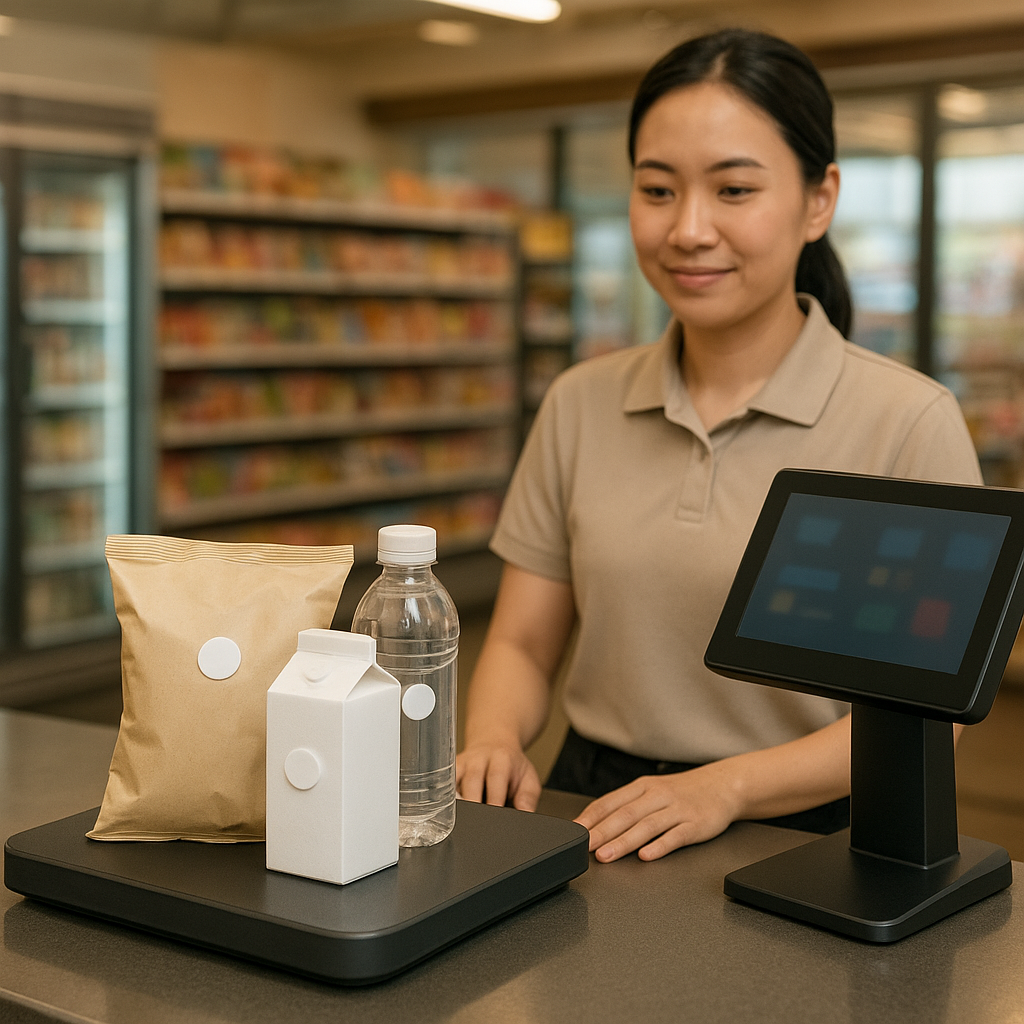
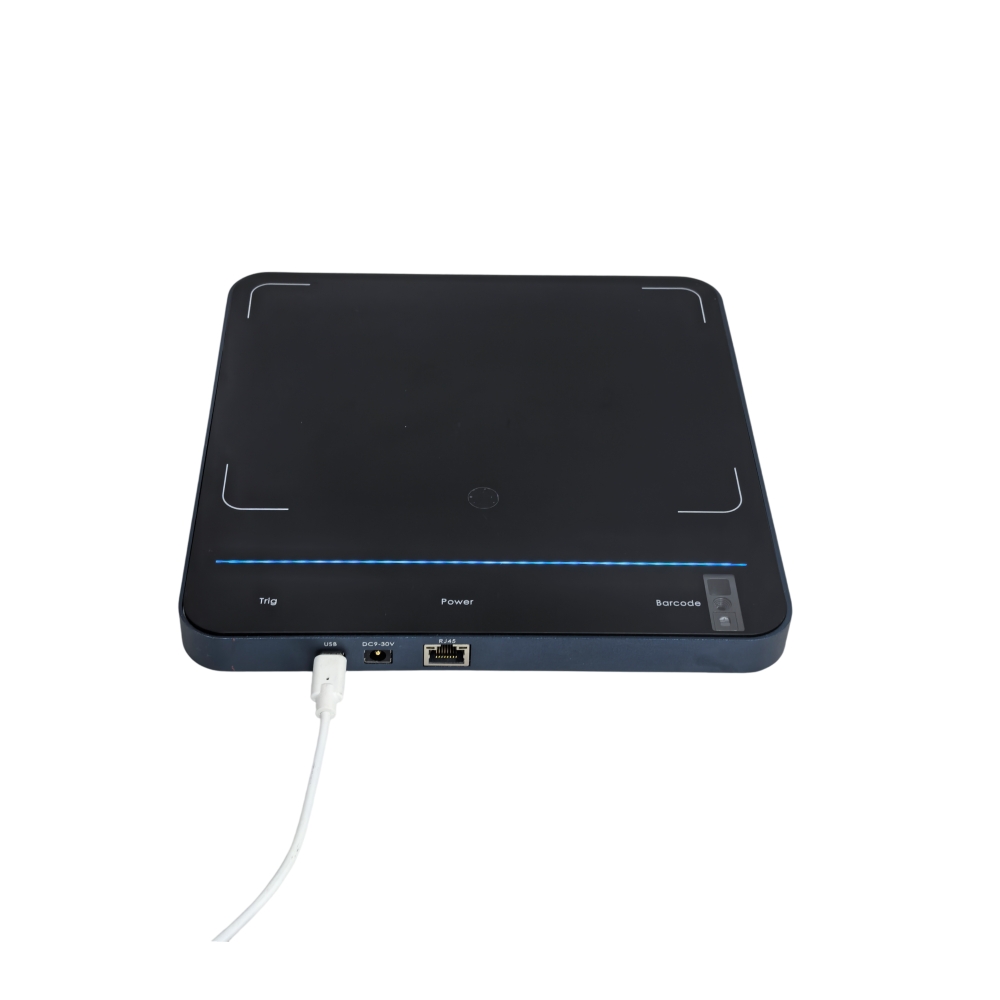
An RFID checkout is a point of sale equipped with a UHF reader to identify RFID-tagged goods within the device's read range. Instead of scanning each barcode, staff place a group of products on the reader, the system returns a list of tags, and the sales software reconciles it with the order. The Aura A033 desktop reader is one example: according to the manufacturer's specifications, the device measures 330 × 245 × 21 mm, weighs about 0.72 kg, supports EPC Gen2/Gen2X, has power of 5–30 dBm adjustable in 1 dB steps, and a read range of 0–1 m depending on power, tag type and environment.
See the deployment approach, devices and phased roadmap on the RFID checkout solution page.
How does RFID differ from barcode scanning?
Related products
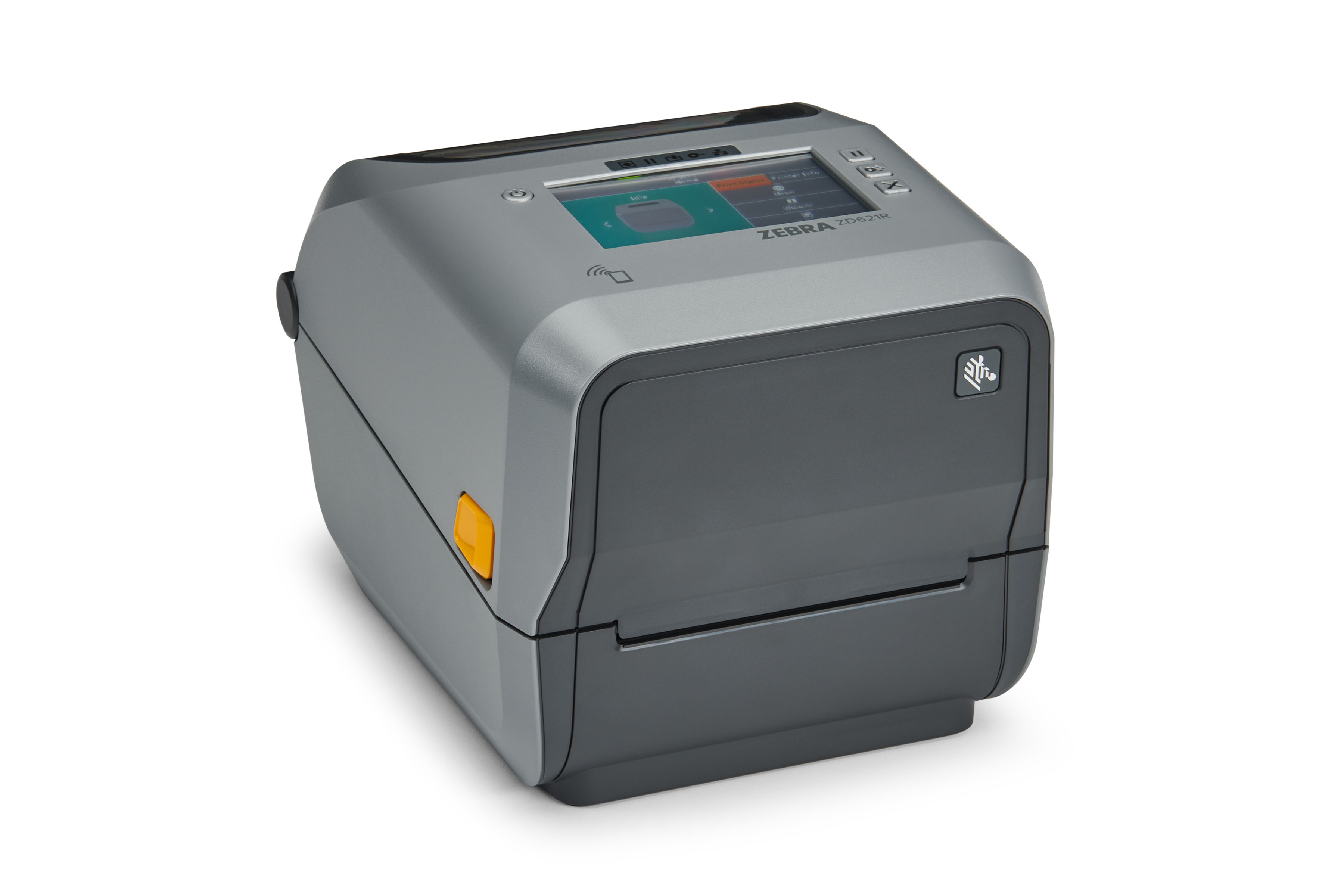
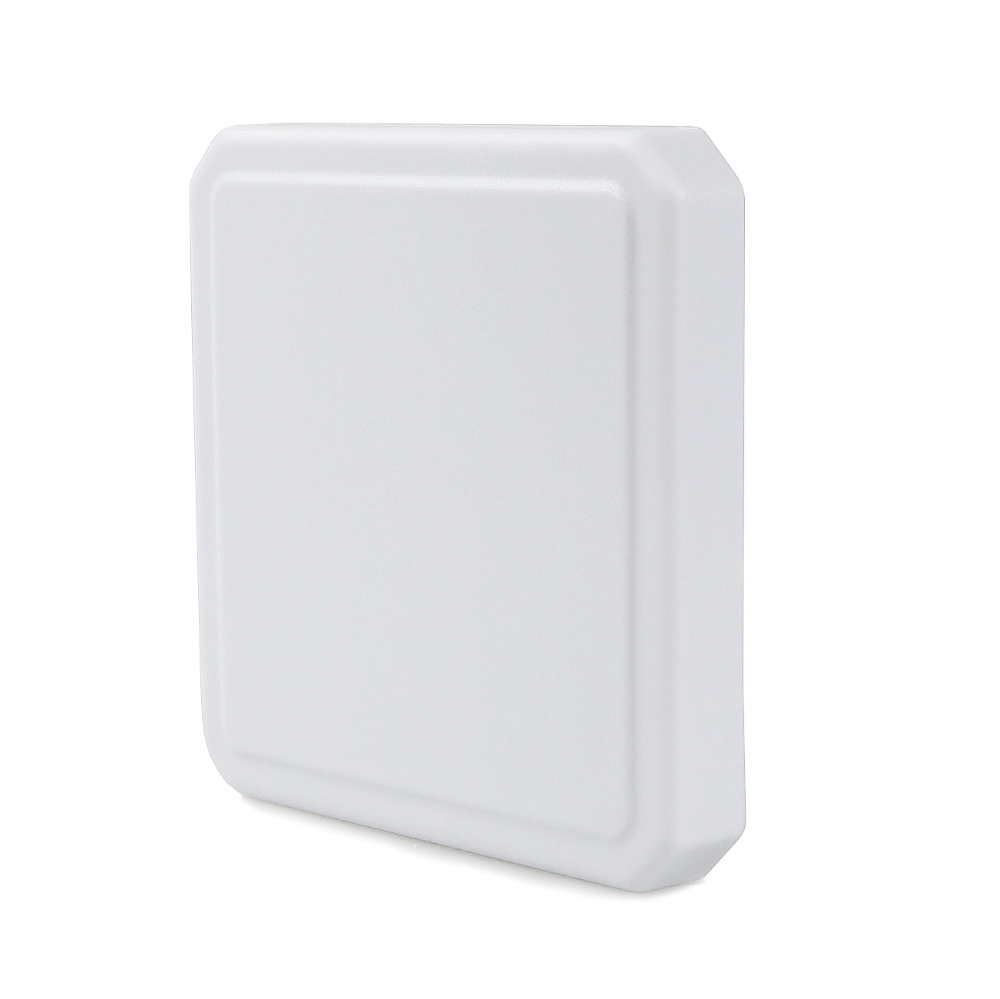
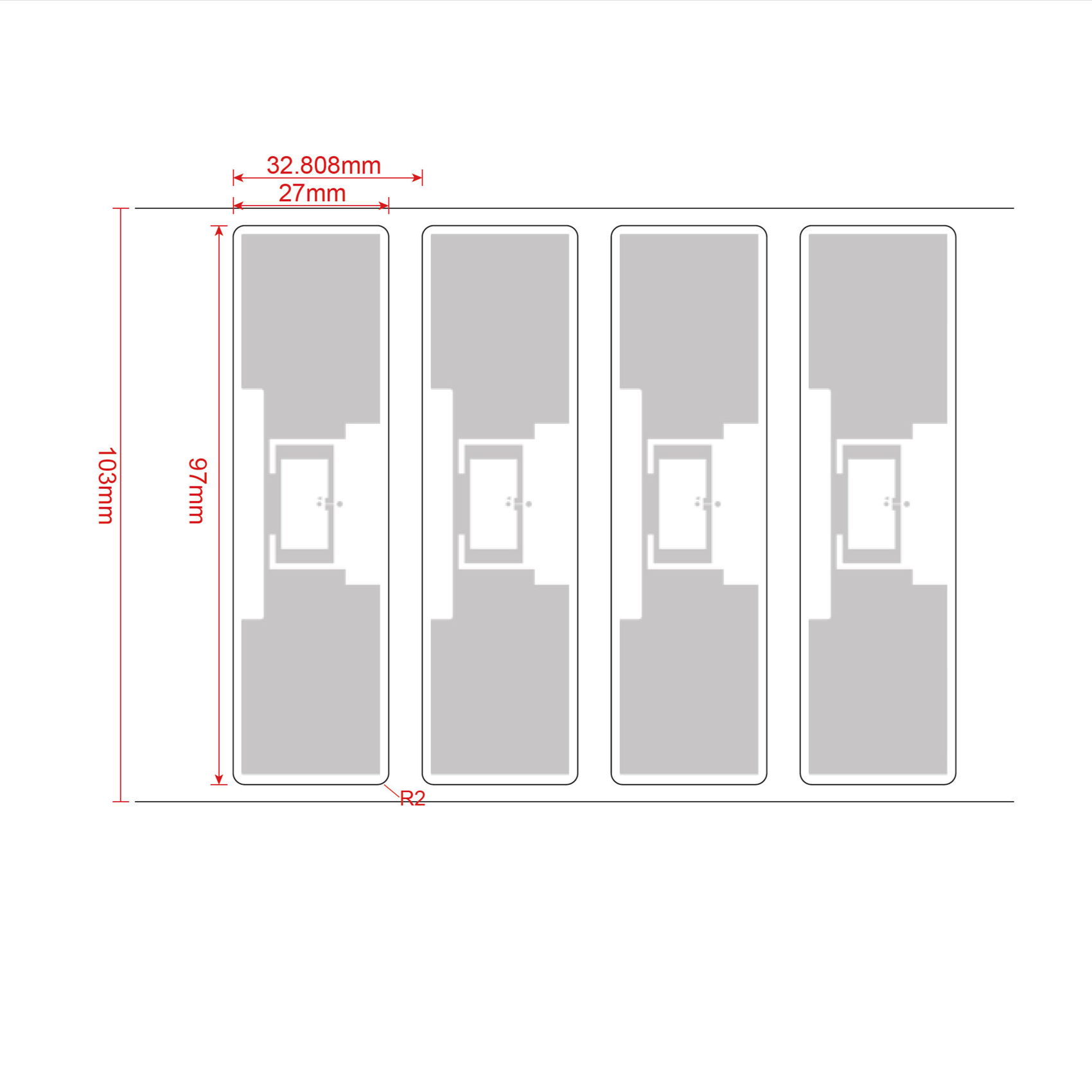
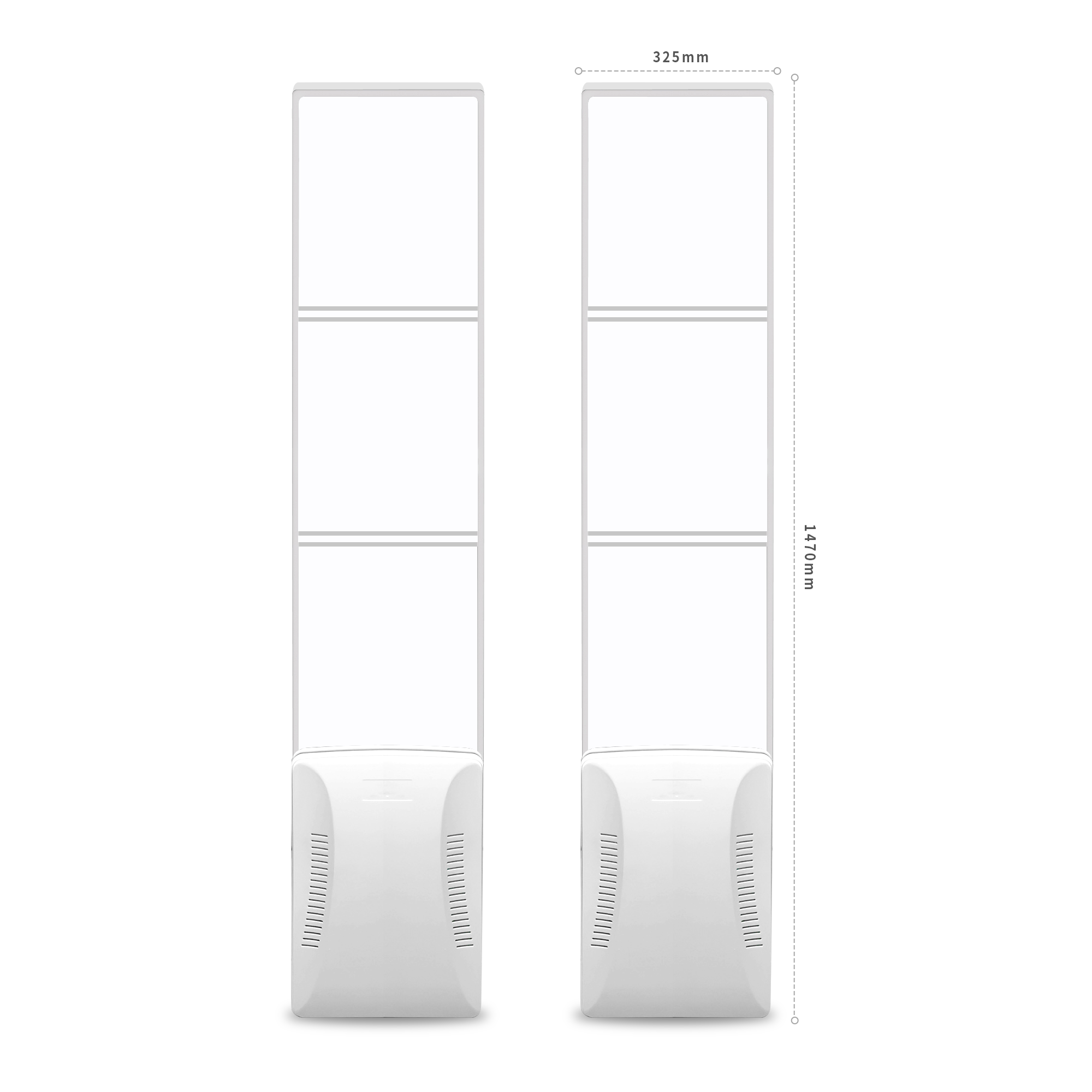
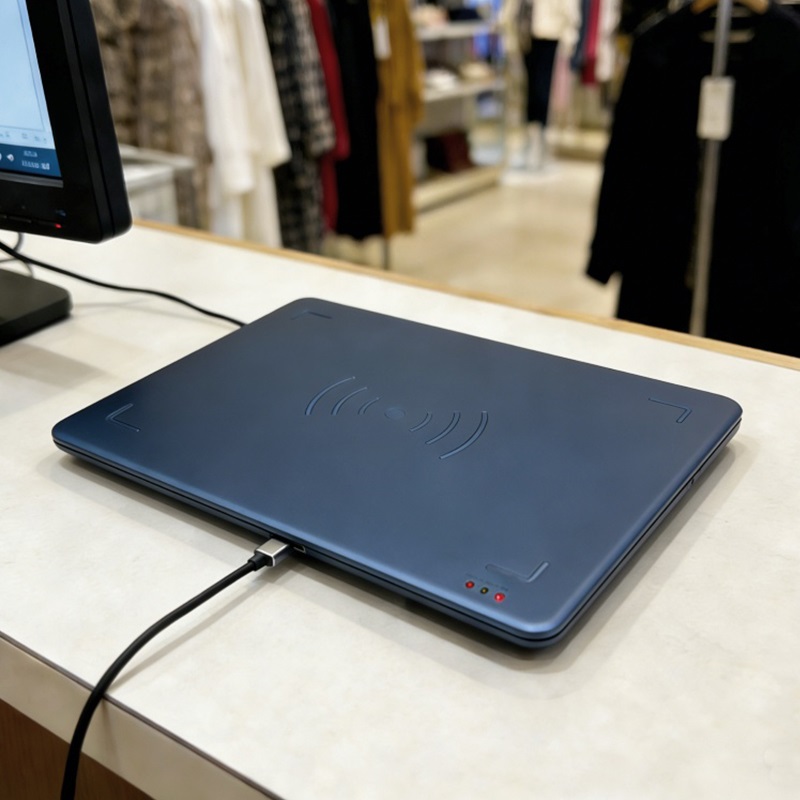
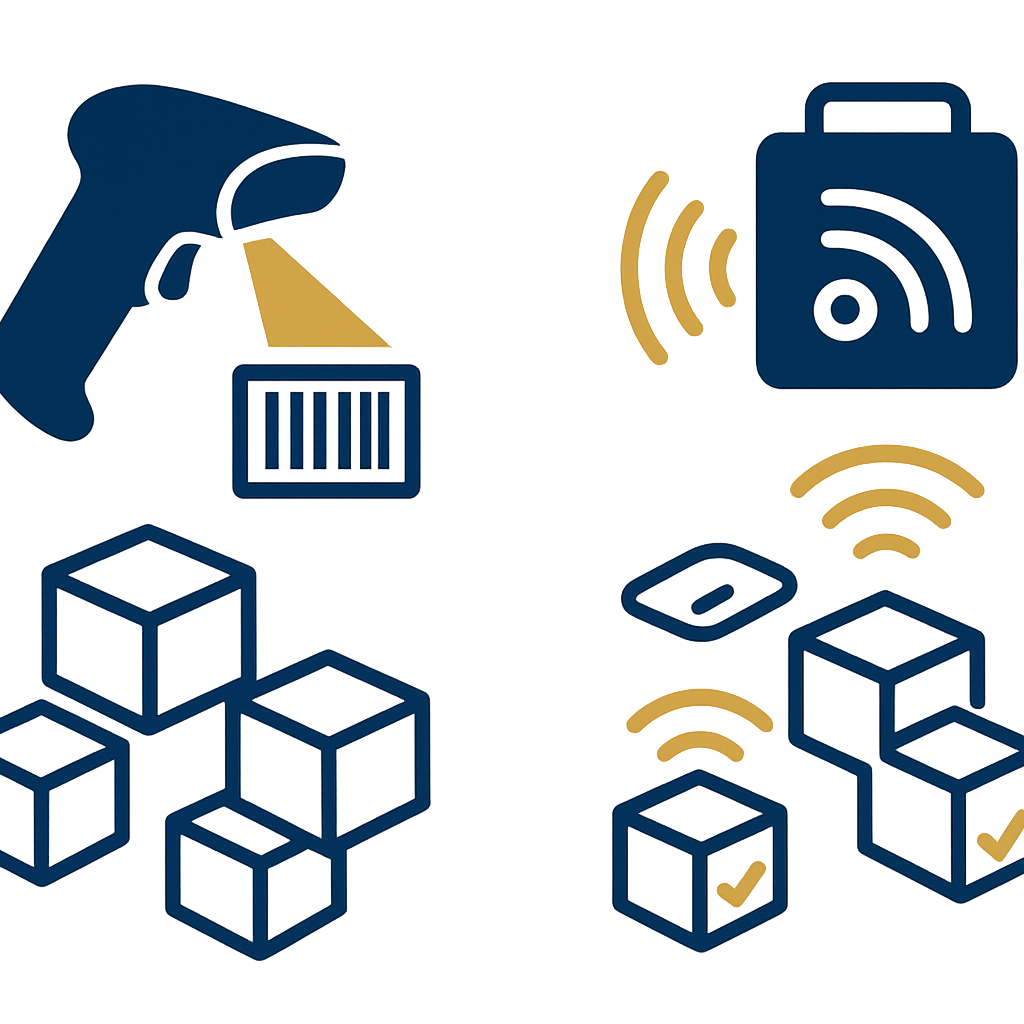
The biggest difference lies in the operation: barcodes must be scanned one item at a time and the code must be visible, whereas RFID reads multiple items placed on the reader without needing to see the code. With barcodes, staff must turn over each product, find the exact position of the label, bring the scanner to it and wait for the beep. With RFID, staff place the whole group of items on the reader surface, and the system returns a list of tags within read range. This shortens the operation at the counter, but in exchange the goods must have been tagged with RFID in advance.
Comparing counter operations
- Barcode: scan one item at a time, the code must be visible, labels may be faded or bent.
- RFID: place multiple items on the reader, no need to see the code, but the RFID tag must still be working.
- Combined: items not yet tagged with RFID can still be scanned by barcode as a supplement within the same invoice.
Conditions for an RFID checkout counter to work

The prerequisite is that items passing through the counter must have an RFID tag attached. Without a tag, the reader has nothing to identify. For untagged items, the process must allow supplementary barcode scanning within the same invoice so customers are not blocked. In addition, the permitted frequency band in Vietnam must be configured correctly, the tag type must be selected to suit the item material, and staff must be trained to confirm the list before payment.
Minimum preparation steps
- Choose suitable RFID tags: apparel uses UHF EPC Gen2 labels; small accessory items require prior testing.
- Attach tags to items at the receiving stage or from the manufacturer, not at the counter.
- Configure the reader to the correct 918.4–923 MHz frequency band per Vietnam regulations.
- Integrate the reader with the sales software so the returned tag list matches the order.
- Train staff to confirm the list before collecting payment.
Aura A033 desktop reader specifications and their operational meaning
According to manufacturer specifications, the Aura A033 measures 330 × 245 × 21 mm, weighs approximately 0.72 kg, supports the ISO18000-6C/EPC C1G2/Gen2X protocol, has a power output of 5–30 dBm adjustable in 1 dB steps, and a read range of 0–1 m depending on power, tag type and environment. Power adjustable in 1 dB steps helps reduce the read zone when the counter is narrow, avoiding reads spilling over to adjacent items. The 0–1 m read range suits the action of placing a group of items on the reader at the counter.
Why does 1 dB power adjustment matter?
At a counter with many items waiting, a high-power reader can read tags on nearby customers or items on the adjacent shelf. Lowering the power to the lowest level that still reads the items on the counter surface helps reduce misreads. This is a configuration step, not a daily operation, but it must be done at installation and rechecked when the counter layout changes.
Summary table: terms, definitions, examples
The table below summarizes common terms when deploying an RFID checkout counter, with practical operational examples. The goal is for store owners and technical staff to use the same language when communicating with suppliers.
| Term | Definition | Operational example |
|---|---|---|
| RFID UHF | Identification technology using ultra-high frequency radio waves | The counter reader reads the tag attached to a shirt |
| EPC Gen2 | A common air interface standard for UHF tags | Tags on apparel are compatible with the reader |
| 918.4–923 MHz band | The frequency band permitted for RFID UHF in Vietnam | Configure the reader before putting it into use |
| Power in dBm | The energy level emitted by the reader | Reduce power when the counter is narrow to avoid spillover reads |
| Multi-tag reading | The ability to identify multiple tags at once | Place 5–10 items on the reader, the system returns a list |
Practical limits: metal, liquids and list confirmation
RFID UHF is blocked by metal and liquids. Items with large metal details or liquid products may not read reliably. Therefore always test on real items before deploying at scale. In addition, a person must still confirm the list before payment: the reader returns a tag list, but staff need to cross-check it against the items the customer placed on the counter to avoid discrepancies.
Cases that require prior testing
- Items with metal clasps, metal pendants, or accessories with large metal details.
- Bottled liquid products, liquid cosmetics.
- Items packaged in multiple layers of foil or shielding bags.
- Counters placed near shelves holding many other RFID tags.
RFID UHF frequency band configuration in Vietnam
In Vietnam, RFID UHF must be configured to the permitted frequency band of 918.4–923 MHz. When selecting equipment, choose a version that supports the 902–928 MHz band, then set the frequency band during installation. Not every device is ready for this frequency band, so ask the supplier clearly before purchasing. Incorrect frequency band configuration can cause the device to not operate correctly or to fail to meet frequency management requirements.
Questions to ask the supplier
- Does the device support the 902–928 MHz band?
- Can it be configured to a fixed 918.4–923 MHz band during installation?
- Who is responsible for configuring and checking the frequency band after installation?
- Is there configuration documentation for technicians to re-check?
Common mistakes when deploying RFID checkout counters
The most common mistake is expecting RFID to completely replace barcodes from the start. In reality, untagged goods still need supplementary barcode scanning, and some materials such as metal and liquids require separate testing. The second mistake is skipping the list confirmation step before checkout, leading to discrepancies between the goods on the counter and the tag list. The third mistake is not checking the device's frequency band before purchasing.
- Expecting 100% barcode replacement: untagged goods still need supplementary scanning.
- Skipping list confirmation: the reader returns a list, and staff still have to reconcile it with the goods on the counter.
- Not testing on real goods: metal and liquids can reduce read capability.
- Not checking the frequency band: a device not on the 918.4–923 MHz band may not be usable.
- Setting power too high: reads spill over to neighboring tags, causing list confusion.
When should you switch to RFID checkout?
Consider RFID checkout when goods are already tagged from the production or warehousing stage, and when the counter frequently has to process groups of many items. For fashion, footwear, and accessories chains, tagging at the factory means the counter does not have to add tags. If goods are not yet tagged and the number of items per order is small, barcodes remain a suitable choice. The decision should be based on actual testing at the counter, not on expectations.
Checklist before deciding
- Are the goods already tagged with RFID from the manufacturer or warehousing stage?
- What is the average number of items per order?
- Have you tested reading on real goods with the intended reader?
- Is the sales software ready to receive tag lists?
- Have staff been trained to confirm the list before checkout?
To assess properly, schedule a survey and measure the read rate on real goods with Việt POS. Measuring on the store's own goods helps determine which items read reliably, which items need supplementary barcode scanning, and the reader power that suits the counter layout.
See also the RFID checkout counter solution for device configuration and deployment process. For chains with formal tag management needs, you can also see RFID tags for jewelry and how EAS anti-theft gates and RFID gates differ.
Frequently asked questions
Does an RFID checkout counter completely replace barcodes?
No. RFID reads multiple items placed on the reader without needing line of sight, but it only works with items that have an RFID tag attached. Untagged items still require an additional barcode scan within the same invoice. So the actual process is usually a combination: RFID for tagged items, barcodes for untagged items.
What is the read range of the Aura A033 reader?
According to the manufacturer's specifications, the Aura A033 has a read range of 0–1 m depending on power, tag type and environment. Power is adjustable in 1 dB steps across the 5–30 dBm range, allowing the read zone to be reduced when the counter is narrow. The actual distance needs to be measured on real goods because metal and liquids can reduce read performance.
Which frequency band does UHF RFID use in Vietnam?
The permitted frequency band for UHF RFID in Vietnam is 918.4–923 MHz. When selecting equipment, choose the version that supports the 902–928 MHz band and then configure the frequency band during installation. Ask the supplier clearly about this configuration capability before purchasing, because not every device is ready with the required frequency band.
Can metal or liquid items use RFID?
Metal and liquids block UHF waves, so read performance may be reduced or unstable. Do not draw conclusions before testing on real goods. For items with large metal parts or liquid products, measure the actual read rate and have a supplementary barcode scanning plan for items that do not read reliably.
Why is it still necessary to confirm the item list before payment?
The reader returns a list of tags within read range, but this list may include unintended tags if power is too high or the counter is placed near other goods. Staff must still reconcile the list against the goods the customer has placed on the counter before collecting payment. This is a mandatory control step, not an optional operation.
How does the cost of RFID labels compare with barcode labels?
RFID labels cost more than barcode labels, so the cost calculation depends on whether the goods already have tags from the manufacturer. If goods are tagged at the production stage, the store does not bear additional tagging costs. If tagging must be done in-house, factor in both the labor for tagging and the rate of damaged tags during use.
Need to measure the read rate on your store's own goods before deciding? Call 0935 498 384 or email info@vietpos.vn to schedule a survey and trial of the RFID checkout counter with Việt POS.
Need advice on specific equipment or a solution?
Việt POS replies within 30 minutes · Hotlines in 4 regions · Free site survey.
