Mục lục bài viết (10)
- Why does an electronic department map make patients wander?
- Mistake 1: Outdated Data — The map does not reflect the current state of the hospital
- Mistake 2: Overlooking the Elderly — Interface too small, complex operations
- Mistake 3: Not Synchronized with Physical Signage
- Mistake 4: Ignoring Actual Routes — The map does not account for obstacles
- Mistake 5: No Operational Plan for Network or Power Outages
- Summary Table: 5 Common Mistakes and How to Fix Them
- Standard Deployment Process for Electronic Department Maps
- Common Operational Mistakes After Installation
- Frequently Asked Questions
An electronic department map is a system of touchscreens or kiosks placed in hospital lobbies, helping patients find clinics, treatment departments, and testing areas on their own without asking staff. In Vietnam, this technology is being deployed in many public and private hospitals to reduce the load on information desks, but real-world operation shows that many systems fail due to the 5 common mistakes below.
The 5 common mistakes when deploying electronic department maps in hospitals include: outdated data, interfaces not friendly to the elderly, lack of synchronization with physical signs, ignoring actual routes, and lack of an offline plan. Solutions: use offline kiosk software, a periodic update process, and choose the right screen.
Table of Contents
- Why does an electronic department map make patients wander?
- Mistake 1: Outdated Data — The map does not reflect the current state of the hospital
- Mistake 2: Overlooking the Elderly — Interface too small, complex operations
- Mistake 3: Not Synchronized with Physical Signage
- Mistake 4: Ignoring Actual Routes — The map does not account for obstacles
- Mistake 5: No Operational Plan for Network or Power Outages
- Summary Table: 5 Common Mistakes and How to Fix Them
- Standard Deployment Process for Electronic Department Maps
- Common Operational Mistakes After Installation
- Frequently Asked Questions
Why does an electronic department map make patients wander?
An electronic department map makes patients wander mainly because data is not updated, the interface is difficult for the elderly to use, and there is a lack of synchronization with the physical signage system in the hospital. When the screen displays information that differs from reality, patients following the directions will go to the wrong room, have to turn back to ask, and waste time.
Real-world surveys at some provincial general hospitals show that patients take an average of 15-25 minutes to find the right clinic during peak hours. This number increases to 30-40 minutes if the hospital has multiple buildings and the patient is an elderly person visiting for the first time. A properly deployed electronic map system can reduce this time to 5-10 minutes.
Mistake 1: Outdated Data — The map does not reflect the current state of the hospital
Related Products
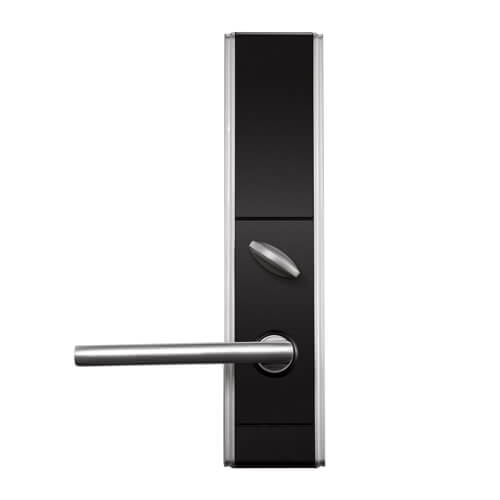

The most common mistake is the electronic map displaying outdated information that does not match the relocation of departments, renamed clinics, or newly opened areas. Patients following the map arrive at the old location, but the department has moved, causing frustration and loss of trust in the wayfinding system.
The root cause is that the hospital lacks a periodic update process. Typically, whenever there is a change in the department structure, the hospital must contact the vendor to edit the design file, re-render, and upload it to the system. If this process takes 2-4 weeks, the displayed data will always lag behind reality.
How to fix: Choose a system that allows remote content updates without reprinting or reprogramming. The electronic map update process should be standardized in 5 steps: identify the change, approve, edit in the software, sync to the kiosk, and verify the actual display. With this approach, update time is reduced from 2-4 weeks to 1-2 days.
Mistake 2: Overlooking the Elderly — Interface too small, complex operations
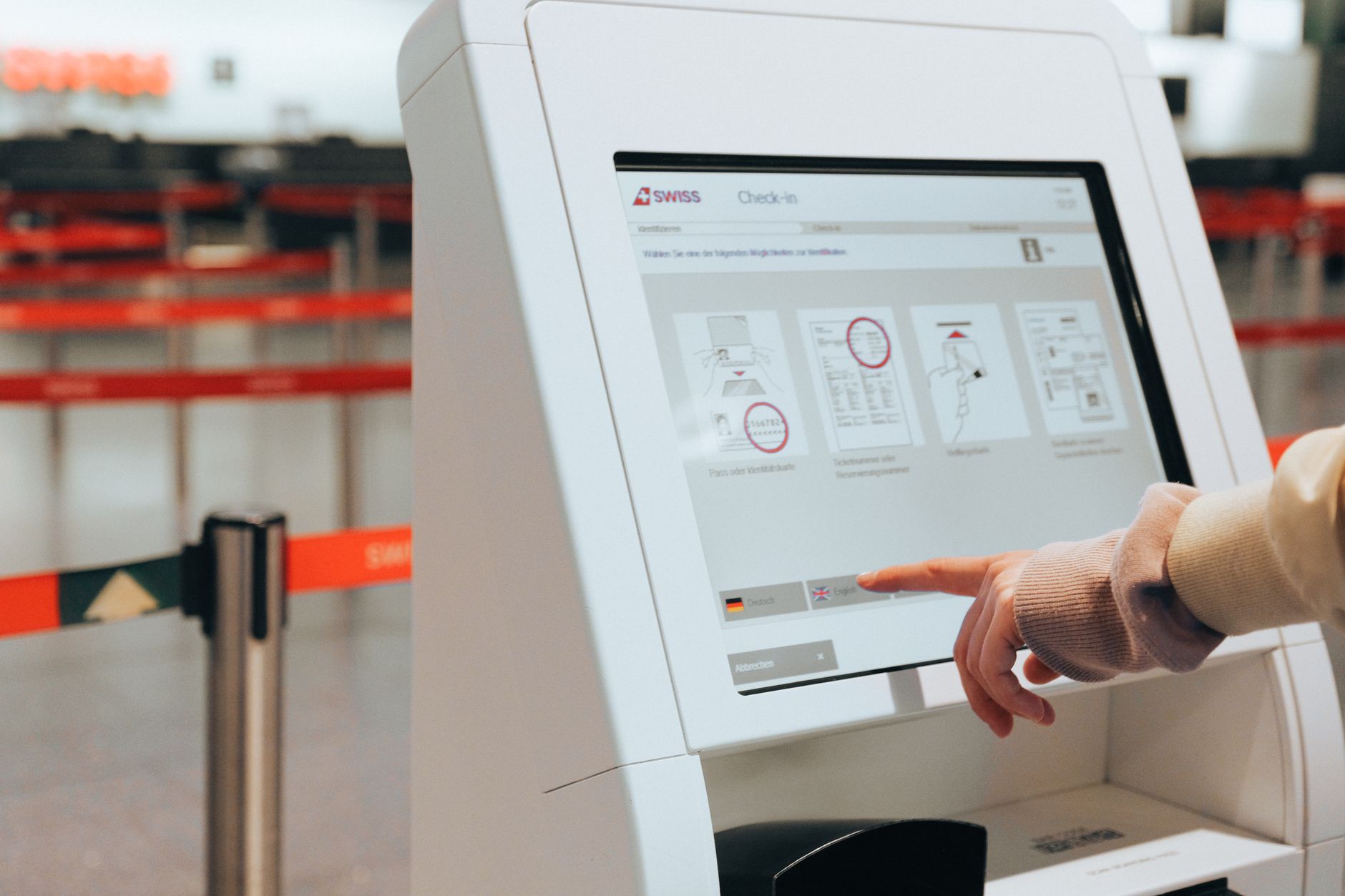
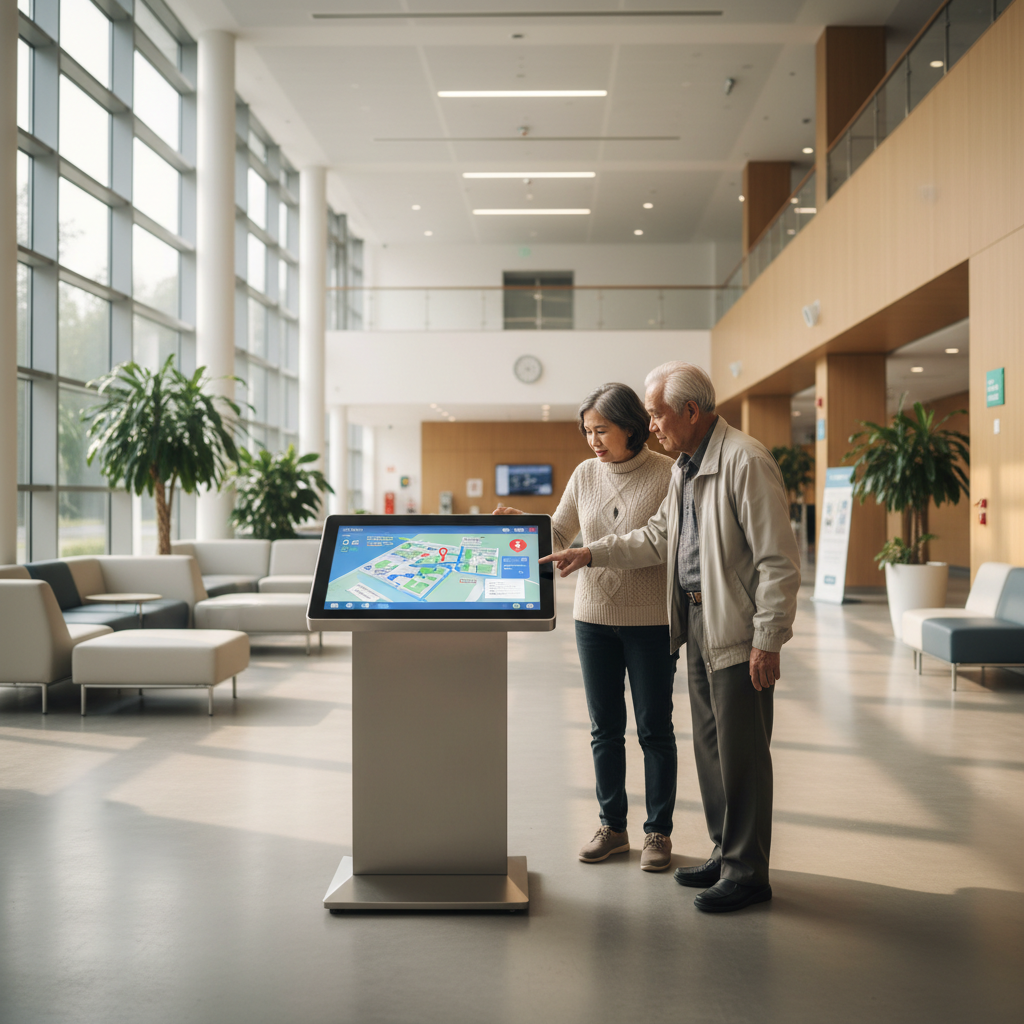
Many electronic department maps are designed with small text, tiny buttons, and require multiple steps — making them nearly unusable for the elderly, who are a primary group visiting hospitals. Patients over 60 often hesitate to touch the screen, fear making mistakes, and end up asking the receptionist.
Reality in geriatric hospitals shows that the rate of elderly patients successfully self-searching on the kiosk is only 20-30%. Reasons: text on the screen smaller than 16pt, spacing between buttons under 8mm, and navigation flows requiring users to understand technical terms like "General Internal Medicine Department" or "Day Treatment Area."
Solution: When deploying an electronic map, require the vendor to customize the interface with large text (at least 18-20pt), wide buttons, and a "quick search" mode with only 2-3 touches. Additionally, there should be an option for uppercase Vietnamese, high contrast between background and text to support those with poor vision. Choosing a 43 or 55 inch kiosk screen also directly affects readability for the elderly — the larger the screen, the easier the text is to see from a distance.
Mistake 3: Not Synchronized with Physical Signage

When the electronic map shows one direction but the wall-mounted sign points another way, patients become confused and disoriented. The contradiction between the two wayfinding systems makes patients unsure which source to trust, leading to wandering or giving up midway.
This situation is common in hospitals that have had wall-mounted signage for a long time and then added electronic kiosks. The two systems are designed independently without cross-checking. For example: the electronic map directs to the Laboratory Department via Door B, but the wall sign leads through Door C (which is locked for repairs).
Fix: Before going live, the hospital needs to review all routes on the electronic map against existing physical signs. Principle: the electronic map must be the most accurate source of information, with physical signs playing a supplementary role. If a contradiction is found, prioritize updating the electronic map first (since the cost of changing digital content is nearly zero), then consider reprinting wall signs. This approach saves significant printing costs — a considerable expense for hospitals with hundreds of signs.
Mistake 4: Ignoring Actual Routes — The map does not account for obstacles
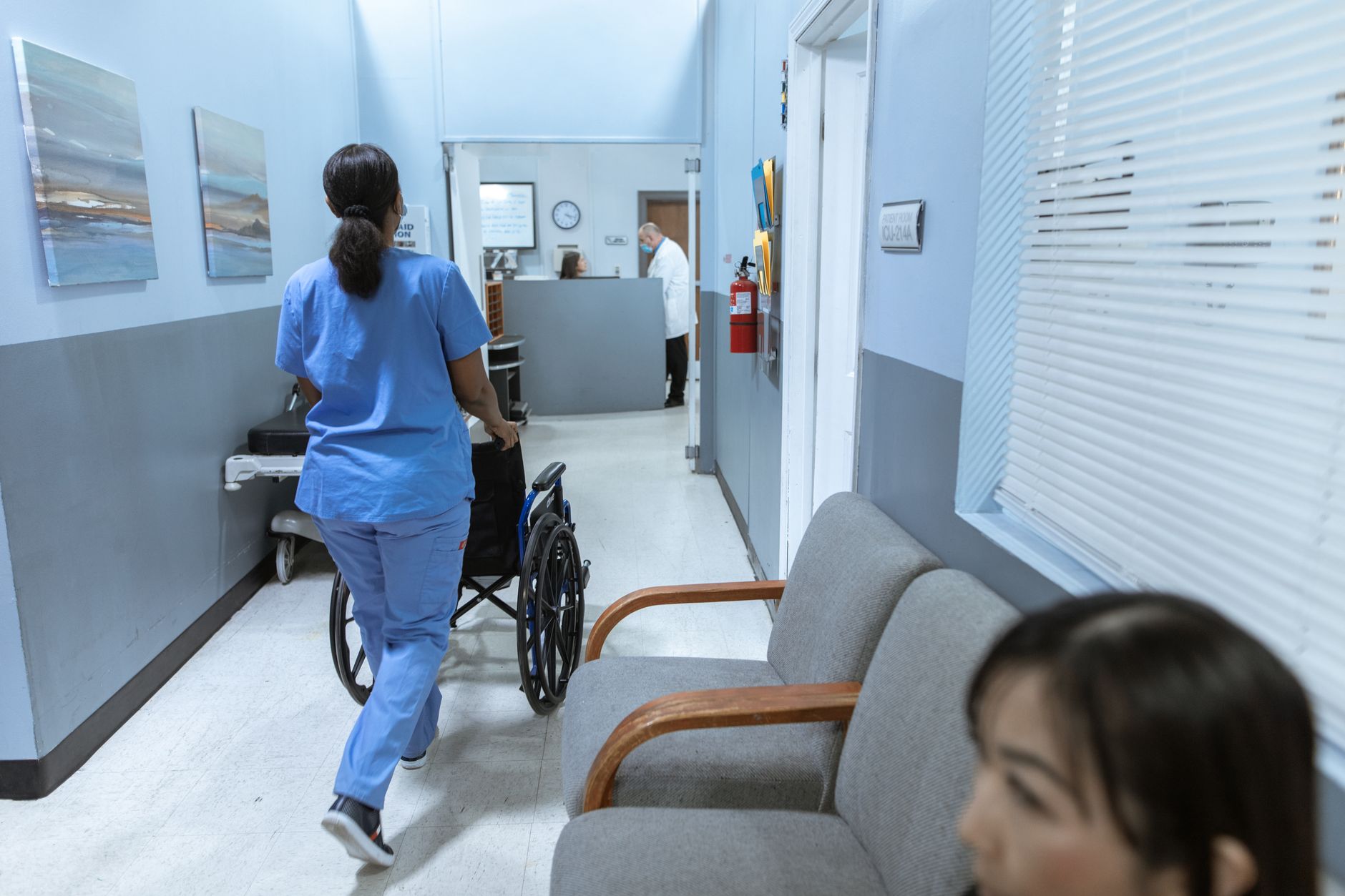
Electronic department maps are often just static floor plans that do not reflect real-world factors such as locked doors, elevators under maintenance, or corridors blocked by construction. Patients following the map reach a dead end and discover they cannot proceed, forcing them to turn back — wasting time and causing frustration.
This mistake is common when the map is designed from architectural drawings without verifying the actual conditions on site. For example, a map may show a corridor as passable, but in reality, it is used for storage or closed for security reasons. Additionally, routes for people with disabilities are often overlooked, such as ramps or accessible elevators.
Solution: During the design phase, conduct a site survey to record all actual obstacles, locked doors, and restricted areas. The map should include only routes that are truly accessible. For temporary obstacles (e.g., maintenance), the system should allow quick updates to redirect patients. Some advanced systems allow marking temporary closures directly on the map via the management interface.
Mistake 5: No Operational Plan for Network or Power Outages

Many electronic map systems depend entirely on the network and power supply. When the network goes down or there is a power outage, the kiosk becomes a black screen, leaving patients without guidance. This is a critical failure, especially during emergencies or peak hours.
Most hospitals do not have a backup plan. When the network fails, the kiosk is simply turned off, and patients must rely on staff or physical signs. This not only reduces efficiency but also undermines the investment in the system.
Solution: Choose software that supports offline mode, where all map data is stored locally on the kiosk. This ensures the system works even without an internet connection. Additionally, equip each kiosk with an uninterruptible power supply (UPS) to maintain operation during power outages. For critical areas, consider a backup generator. Regular testing of the offline mode and UPS is essential to ensure readiness.
Summary Table: 5 Common Mistakes and How to Fix Them
| Mistake | Impact | Solution |
|---|---|---|
| Outdated data | Patients go to wrong locations, lose trust | Remote update capability, 5-step update process |
| Interface not elderly-friendly | Low usage rate, patients still ask staff | Large text (18-20pt), wide buttons, quick search mode |
| Not synchronized with physical signs | Confusion, contradictory directions | Cross-check routes, prioritize electronic map updates |
| Ignoring actual routes | Dead ends, wasted time | Site survey, include only accessible routes, allow temporary closures |
| No offline plan | System down during outages | Offline software, UPS, regular testing |
Standard Deployment Process for Electronic Department Maps
To avoid the above mistakes, hospitals should follow a standardized deployment process:
- Needs Assessment: Identify the number of kiosks, locations, and target users (including elderly and disabled).
- Site Survey: Record actual routes, obstacles, locked doors, and elevator locations.
- Design and Content: Create the map with input from all departments, ensuring accuracy and clarity.
- Hardware Selection: Choose appropriate screen sizes (43 or 55 inch) and ensure offline capability and UPS.
- Software Configuration: Customize the interface for elderly users, set up remote update capabilities.
- Testing and Training: Test all routes, train staff on updates and troubleshooting.
- Go-Live and Maintenance: Launch the system, establish a periodic review and update schedule.
Common Operational Mistakes After Installation
Even after a successful deployment, hospitals often make operational mistakes that reduce the system's effectiveness:
- No owner: No department or person is responsible for updating the map, leading to outdated data.
- Ignoring feedback: Not collecting or acting on patient feedback about navigation issues.
- Lack of training: Staff do not know how to update the system or handle basic issues.
- No regular checks: Kiosks are not regularly checked for hardware issues (e.g., screen damage, unresponsive touch).
- Not updating after changes: When departments move, the map is not updated promptly.
To avoid these, assign a dedicated team, establish a maintenance schedule, and integrate the map update process into the hospital's change management procedures.
Frequently Asked Questions
Can an electronic department map work without internet?
Yes, if the hospital chooses offline kiosk software. This system stores all map data on the device, independent of the internal network connection. When the network is down, the kiosk still displays and searches normally. However, features requiring real-time data synchronization will pause. Additionally, equip a UPS to maintain operation during power outages.
What is the cost of deploying an electronic department map?
The cost depends on the number of kiosks, screen size, and software. A 43-inch kiosk with basic software costs from 25-45 million VND, excluding map design costs. For a medium-sized hospital (5-10 kiosks), the total package cost ranges from 200-500 million VND. Compared to traditional printing and hanging signs, the electronic system saves significantly in the long run because updates do not require reprinting.
How to update the map when departments change?
With a system that allows remote management, the responsible staff member simply logs into the management software, edits the department locations on the drawing, saves, and syncs to all kiosks. This process takes 1-2 working days, including time to verify the actual display. No need to contact the vendor or reprint.
What screen size should be chosen for a hospital lobby?
For a small lobby under 50m², a 43-inch screen is suitable. For larger lobbies or high-traffic areas, use 55 inches or larger. The larger the screen, the easier the text is to read from a distance — especially important for the elderly. Additionally, choose a screen with brightness ≥ 350 nits and a wide viewing angle for clear display under lobby lighting.
Can the elderly use the electronic map?
Yes, if the interface is designed appropriately. Minimum requirements: large text from 18-20pt, buttons at least 50x50px, spacing between buttons ≥ 8mm, high contrast colors. There should be a "quick search" mode with only 2-3 touches, avoiding multiple menu layers. Some systems also offer text enlargement or Vietnamese voice reading options.
Can the electronic map system integrate advertisements or notifications?
Yes. Kiosk screens in the lobby can display clinic schedules, hospital news, or healthcare service advertisements when not in use. However, prioritize the map search function as the main feature; other content should only display in standby mode. Utilizing the screen as an internal information channel helps optimize the initial investment.
Cần tư vấn thiết bị/giải pháp cụ thể?
Việt POS phản hồi trong 30 phút · Hotline 4 vùng · Khảo sát miễn phí.
Bài viết cùng chủ đề