Mục lục bài viết (9)
- What is school library RFID equipment?
- How to choose RFID book tags and patron cards?
- RFID readers: handheld or fixed, which to choose?
- Security gate antennas: choose by entrance width
- How do self-checkout kiosks and self-return stations work?
- Which international standards are mandatory?
- Suitable for Vietnamese schools: choose by scale
- Common mistakes when buying library RFID equipment
- Frequently asked questions
School library RFID equipment is a set of hardware — tags, patron cards, readers, gate antennas — operating on the 13.56 MHz frequency standard (ISO 15693 / ISO 18000-3 Mode 1) to automate check-in/check-out, inventory, and security control. In Vietnam, K-12 schools and universities are gradually transitioning from manual management to a model combining RFID equipment with MARC21-compliant integrated library system (ILS) software. Choosing the right equipment from the start saves 30-50% in future upgrade costs.
School library RFID equipment needs to be selected across 4 groups: tags (ISO 15693 standard, applied to cover or inside book), patron cards, readers (handheld for inventory, fixed for desk), gate antennas (2-4 antennas for 90-120cm entrances). All must be SIP2-compatible to connect to MARC21-compliant ILS software. K-12 schools with 5,000-10,000 volumes only need 1 self-checkout kiosk + 1 security gate; universities with 50,000+ volumes need 2-4 kiosks and handheld readers for periodic inventory.
Table of Contents
- What is school library RFID equipment?
- How to choose RFID book tags and patron cards?
- RFID readers: handheld or fixed, which to choose?
- Security gate antennas: choose by entrance width
- How do self-checkout kiosks and self-return stations work?
- Which international standards are mandatory?
- Suitable for Vietnamese schools: choose by scale
- Common mistakes when buying library RFID equipment
- Frequently asked questions
What is school library RFID equipment?
School library RFID equipment is a hardware set using 13.56 MHz radio frequency waves to identify books and patrons without scanning each barcode. The equipment set includes book tags, patron cards, readers, and gate antennas. When connected to ILS software via the SIP2 protocol, the system automatically records check-in/check-out, detects unactivated books, and supports inventory of thousands of volumes in a few hours.
In essence, a school library RFID equipment system operates in 3 layers: the tag layer (identification), the reader/antenna layer (reading and transmission), and the ILS software layer (business processing). Missing any layer means the system does not work. Many schools buy cheap tags but the reader cannot read them, or buy a good reader but the software does not support SIP2 — leading to incomplete investment. International standards to comply with: ISO 15693 (book tags), ISO 18000-3 Mode 1 (reader-tag communication), ISO 28560-2 (data structure on tag), MARC21/AACR2 (cataloging), SIP2 (software connection protocol).
How to choose RFID book tags and patron cards?
Related Products







RFID book tags need to be chosen by cover material, book thickness, and borrowing frequency. For thin books under 100 pages, use thin 0.3-0.5mm tags applied inside the spine. For thick books or hardcovers, use 0.8-1.2mm cover tags applied outside. Patron cards should be 0.8mm PVC plastic printed with photo + student ID, compatible with the same 13.56 MHz frequency to share the reader.
Criteria for choosing book tags
- Frequency standard: ISO 15693 (13.56 MHz) — most common in Vietnam, compatible with multi-vendor readers.
- Thickness: 0.3-0.5mm for thin books applied inside the spine; 0.8-1.2mm for thick books applied on the cover.
- Memory capacity: minimum 256-bit user memory to write accession number and EAS (security).
- Rewritability: 100,000 write/erase cycles — enough for the 5-10 year lifecycle of library books.
- Adhesive: acrylic adhesive resistant to heat and humidity, does not peel after 2-3 years in Southern climate conditions.
Criteria for choosing patron cards
- PVC plastic 0.76-0.84mm, printed with card photo + patron ID + school name.
- Same 13.56 MHz frequency as book tags to share the reader at the desk and kiosk.
- Can be rewritten when a patron transfers schools or changes courses.
- For schools with multiple campuses, choose cards printed with QR codes plus RFID chips as backup when the reader fails.
For Vietnamese schools, the tag budget typically accounts for 15-25% of total RFID system cost. Do not choose the cheapest tags because adhesive peeling after 1-2 years will cost labor to reapply the entire collection. See also Library Management Software Combined with RFID: 2026 Selection Guide to understand how tags align with ILS software.
RFID readers: handheld or fixed, which to choose?
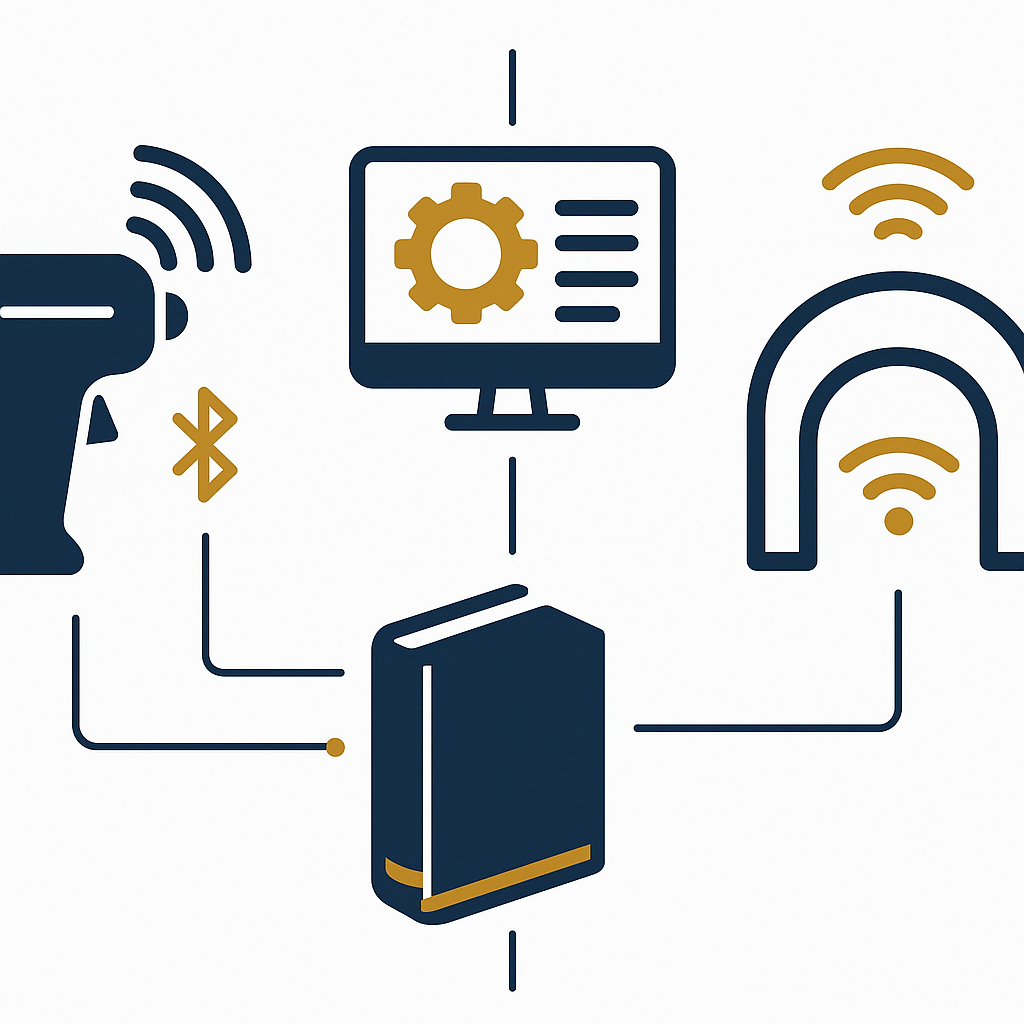
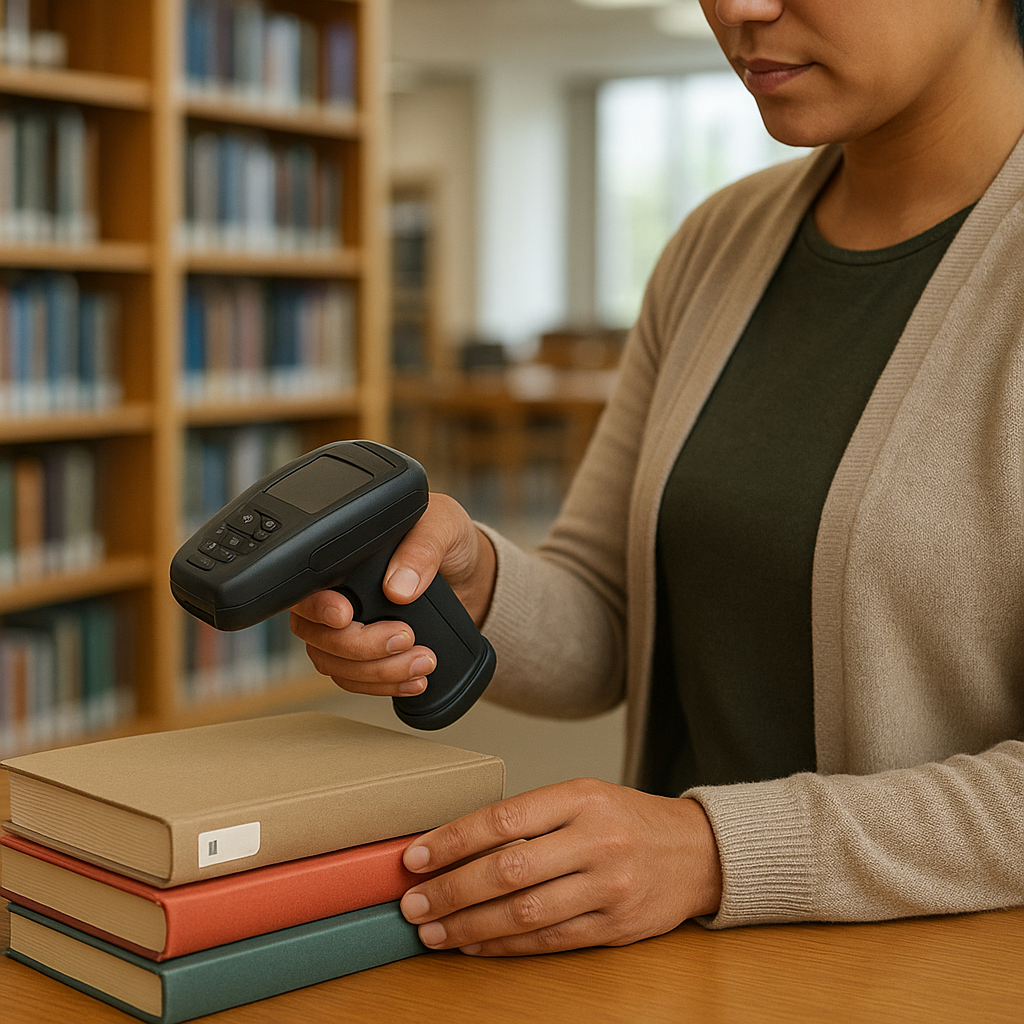
Library RFID readers are divided into 2 groups: handheld for periodic inventory and locating lost books, fixed for check-in/check-out desks and self-checkout kiosks. Schools under 10,000 volumes should have 1 handheld reader + 1-2 fixed readers. Schools over 50,000 volumes need 3-5 handheld readers to inventory the entire collection in 1-2 days.
Handheld readers
- Read range 20-40cm, reads 100-200 tags/second.
- Battery 6-10 hours, connects via Wi-Fi or Bluetooth to ILS software.
- Used for: end-of-term inventory, locating reserved books, scanning misplaced shelves.
- A good handheld reader can inventory 5,000-8,000 volumes/day.
Fixed readers
- Mounted fixed at check-in/check-out desks, self-checkout kiosks, or security gates.
- Connects via USB or LAN to the workstation; transmits data via SIP2.
- Reads 5-10 tags simultaneously within coverage area, avoiding confusion with the next patron's books.
- Popular brands: Datalogic, Honeywell, Zebra, TSC — all support the ISO 15693 standard.
One note for Vietnamese schools: if you buy readers of unknown origin, the firmware may not be updatable, leading to conflicts with ILS software when the vendor upgrades. Choose readers with technical support in Vietnam and publicly available SIP2 protocol documentation.
Security gate antennas: choose by entrance width
Security gate antennas are used to detect books not activated for checkout when patrons pass through. Entrances 90-120cm wide need 2 opposing antennas; 150-180cm wide need 3-4 antennas. Antennas must be compatible with the same 13.56 MHz frequency as tags and readers, and be able to distinguish book tags from patron cards to avoid false alarms.
How to choose the number of antennas
| Entrance width | Number of antennas | Suitable for |
|---|---|---|
| 90-120 cm | 2 antennas | K-12 schools, district libraries |
| 150-180 cm | 3 antennas | Large high schools, colleges |
| 200-300 cm | 4 antennas | Universities, provincial libraries |
| Over 300 cm | 6+ antennas | Central libraries, multiple entrances |
Security gates need to be configured with 2 modes: (1) security mode — alarm when an unchecked-out tag is detected; (2) counting mode — only count entrance/exit traffic for statistics. Schools with multiple entrances should install people-counting cameras in parallel for cross-reference, see more Smart People Counting Camera - Surveillance Solution 2024.
How do self-checkout kiosks and self-return stations work?
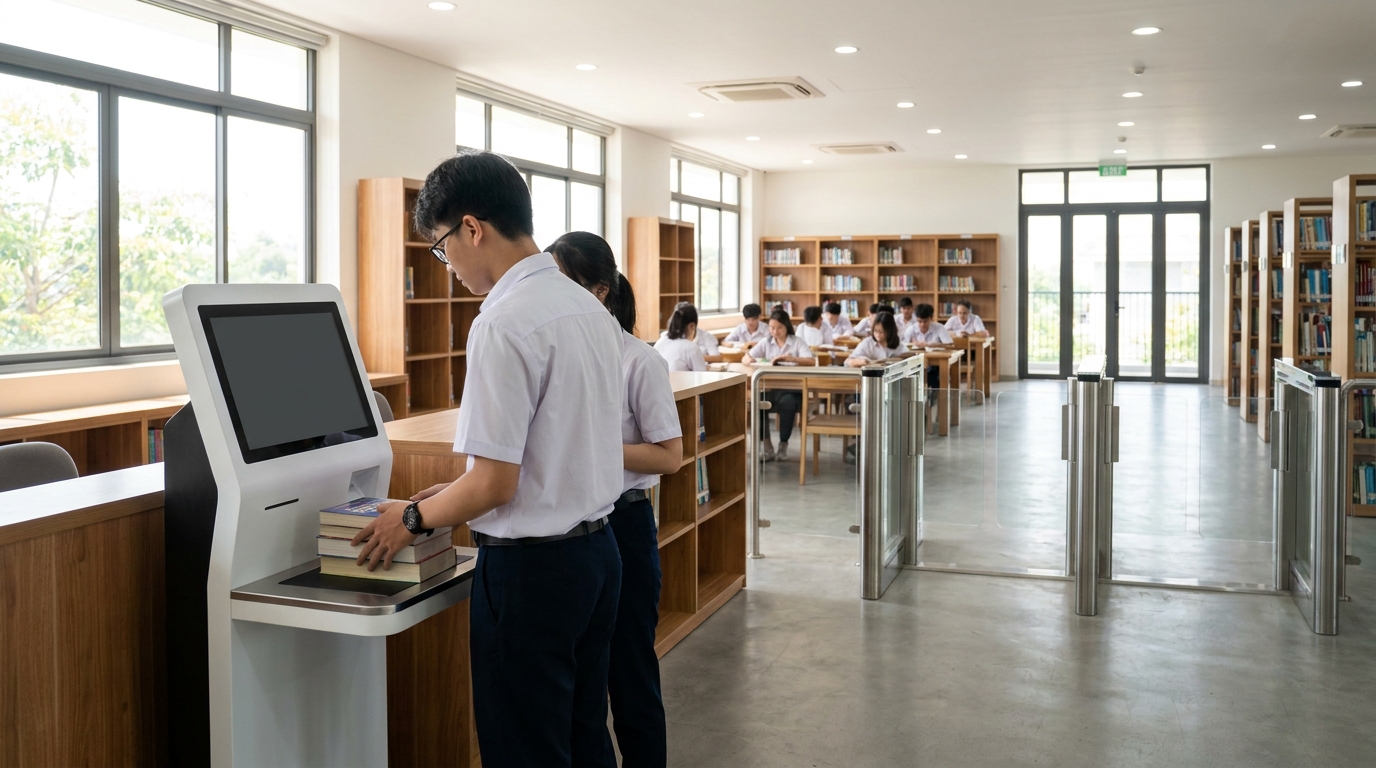
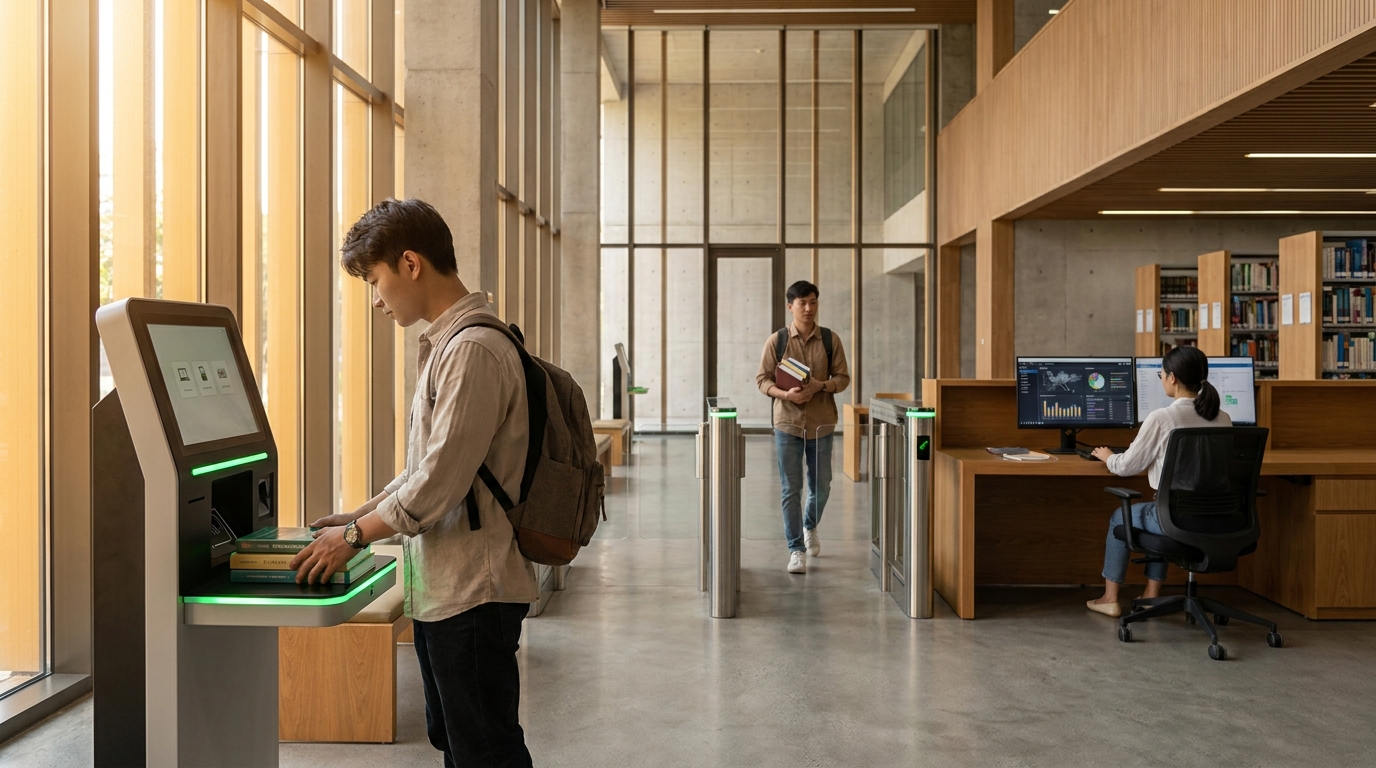
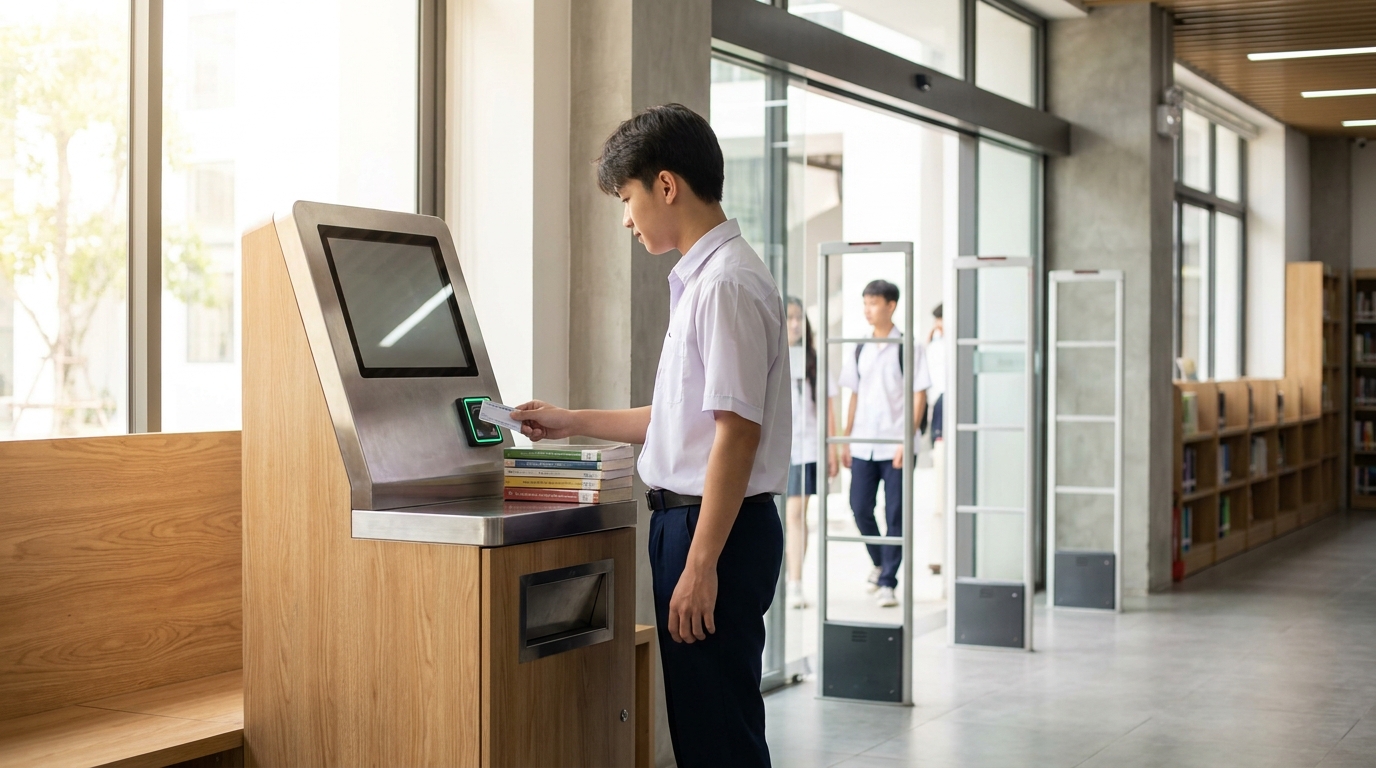
A self-checkout kiosk is a station integrating a touchscreen, fixed RFID reader, and receipt printer, allowing patrons to self-scan their card and books to complete checkout in 15-25 seconds. Self-return stations (book-drop) allow returns outside hours, recorded via SIP2 to ILS software. This is the biggest difference from manual checkout — reducing wait time at the desk by 60-80%.
A standard self-checkout kiosk includes:
- 21.5-27 inch touchscreen, displaying patron information and list of currently borrowed books.
- Fixed RFID reader with 20-30cm coverage, reading 5-10 books simultaneously.
- Thermal receipt printer printing loan slips or return receipts.
- SIP2 connection module to ILS software, real-time sync.
- (Optional) Automatic book return slot, confirmation camera, instruction speaker.
For schools, self-checkout kiosks help reduce the load on library staff, especially during peak hours 11am-1pm and 4pm-6pm. See How to Set Up a Booth in a Shopping Mall to see how to arrange kiosks and optimize traffic flow for public spaces.
Which international standards are mandatory?
A school library RFID equipment system needs to comply with 5 standards: ISO 15693 (tags), ISO 18000-3 Mode 1 (communication), ISO 28560-2 (tag data structure), MARC21/AACR2 (cataloging), and SIP2 (device-software connection protocol). Missing any standard makes the system difficult to expand or unable to interoperate with other libraries.
International standards summary table
| Term | Definition | Example / Application |
|---|---|---|
| ISO 15693 | 13.56 MHz RFID tag standard, read range up to 1m | Book tags, patron cards |
| ISO 18000-3 Mode 1 | High-frequency reader-tag communication standard | Handheld readers, gate antennas |
| ISO 28560-2 | Data structure standard written on RFID tags | Accession number, school code, security code |
| MARC21 / AACR2 | International library cataloging standard | Book records in ILS software |
| SIP2 | Protocol connecting self-service devices to ILS | Self-checkout kiosks, security gates |
Some schools in Vietnam currently use the HF standard (13.56 MHz) for libraries, different from the UHF standard used for warehouse management. Do not mix the two standards because readers cannot cross-read, causing wasted investment.
Suitable for Vietnamese schools: choose by scale
Vietnamese schools have 3 main scale groups: K-12 with 3,000-8,000 volumes, high schools/colleges with 10,000-30,000 volumes, universities with 50,000-200,000 volumes. Each group needs a different RFID equipment configuration to avoid over- or under-investment. Hot and humid climate factors also affect tag and adhesive lifespan.
- K-12 (3,000-8,000 volumes): 1 self-checkout kiosk, 1 security gate with 2 antennas, 1 handheld reader, 1 fixed reader at the desk.
- Large high schools / colleges (10,000-30,000 volumes): 2 kiosks, 1 gate with 3 antennas, 2 handheld readers, 2 fixed readers.
- Universities (50,000-200,000 volumes): 3-4 kiosks, 2-3 security gates, 3-5 handheld readers, 4-6 fixed readers, may add book-drop self-return stations outside hours.
In terms of budget, RFID equipment costs typically account for 40-55% of total investment, ILS software 25-35%, and the rest is deployment, training, and tags. Vietnamese schools should prioritize equipment with 2-3 year on-site warranty and Vietnamese-language technical support.
Common mistakes when buying library RFID equipment
The most common mistake is buying separate equipment from multiple vendors without checking SIP2 compatibility and frequency standard. This leads to readers that cannot read tags, kiosks that cannot connect to software, or gates that constantly false-alarm. Below are the 5 most costly mistakes.
- Buying UHF tags for the library: UHF (860-960 MHz) is not compatible with the HF readers (13.56 MHz) common in libraries. Must use ISO 15693.
- Ignoring SIP2: Kiosks and security gates cannot connect to ILS software without SIP2 support, forcing the purchase of separate software.
- Choosing antennas by price, not by entrance width: A 150cm entrance using 2 antennas will have dead zones, books passing through undetected.
- Not testing tag adhesive: Poor adhesive peels after 1-2 years in hot and humid climate, costing labor to reapply the entire collection.
- Buying readers without firmware updates: When ILS software upgrades, old readers become incompatible, requiring full replacement.
To avoid the above mistakes, require the vendor to demo directly with the school's sample data, test 3-5 tags simultaneously within the coverage area, and check SIP2 protocol documentation before signing the contract.
Frequently asked questions
What does school library RFID equipment include?
The system includes 4 main groups: book tags (ISO 15693 standard), patron cards, readers (handheld and fixed), and security gate antennas. Additionally, self-checkout kiosks, book-drop self-return stations, and thermal receipt printers can be added. All connect to ILS software via the SIP2 protocol to automatically sync check-in/check-out data.
How much does RFID equipment cost for a school with 1
Cần tư vấn thiết bị/giải pháp cụ thể?
Việt POS phản hồi trong 30 phút · Hotline 4 vùng · Khảo sát miễn phí.
Bài viết cùng chủ đề