Mục lục bài viết (4)
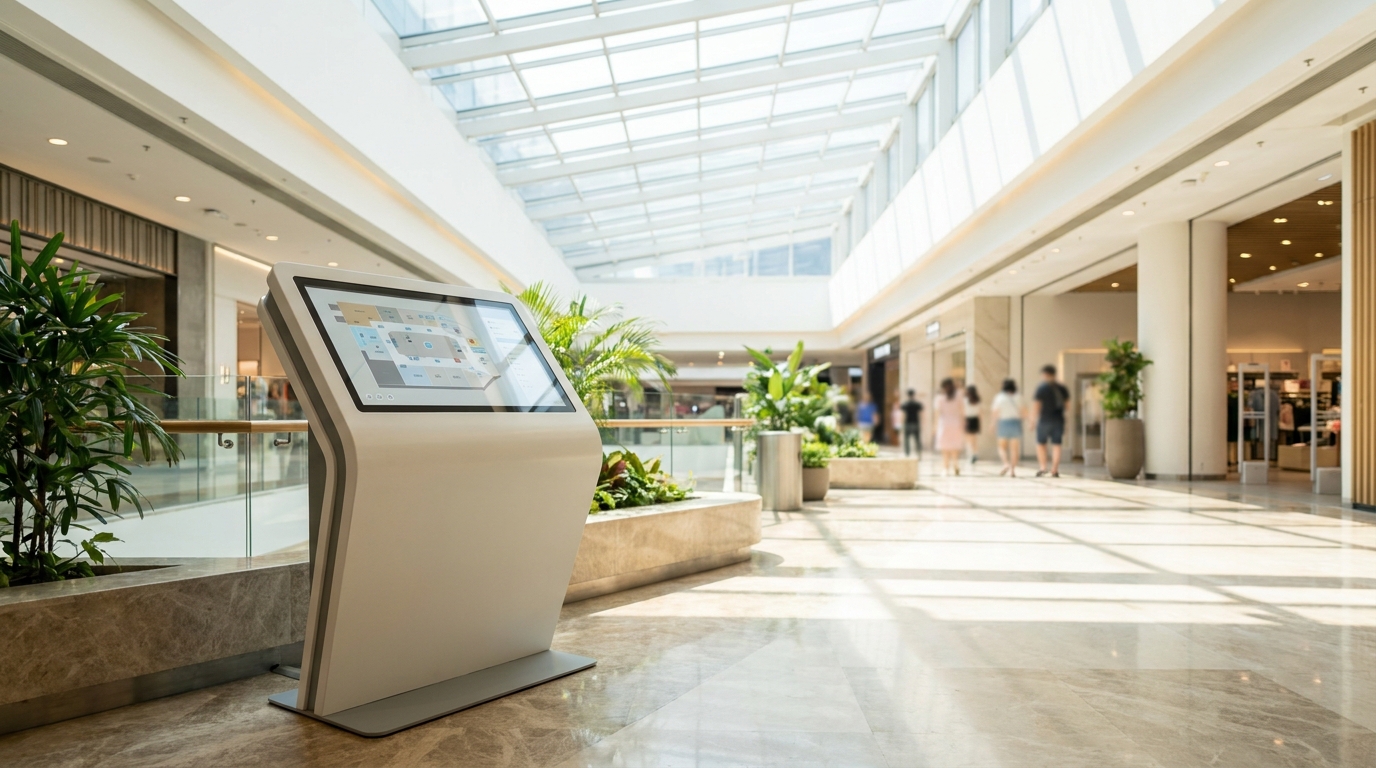
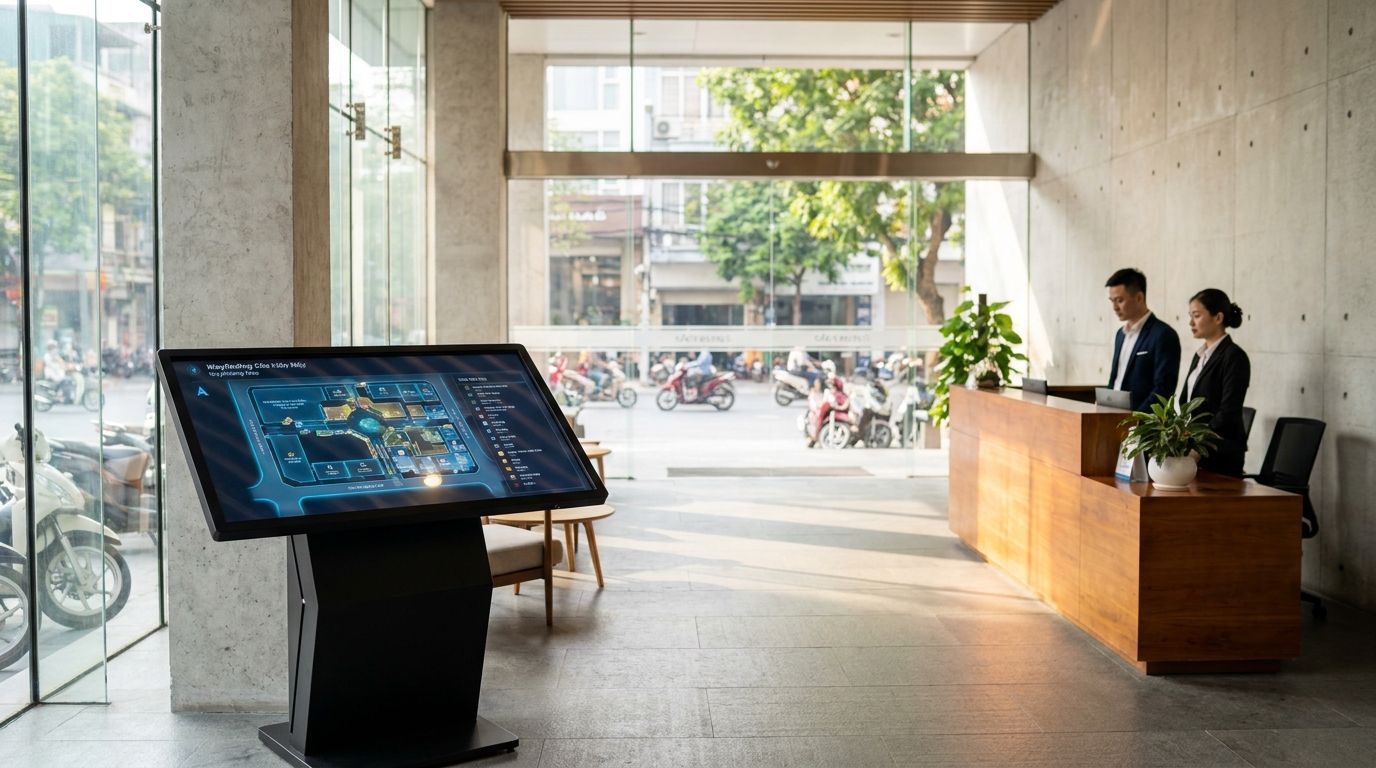
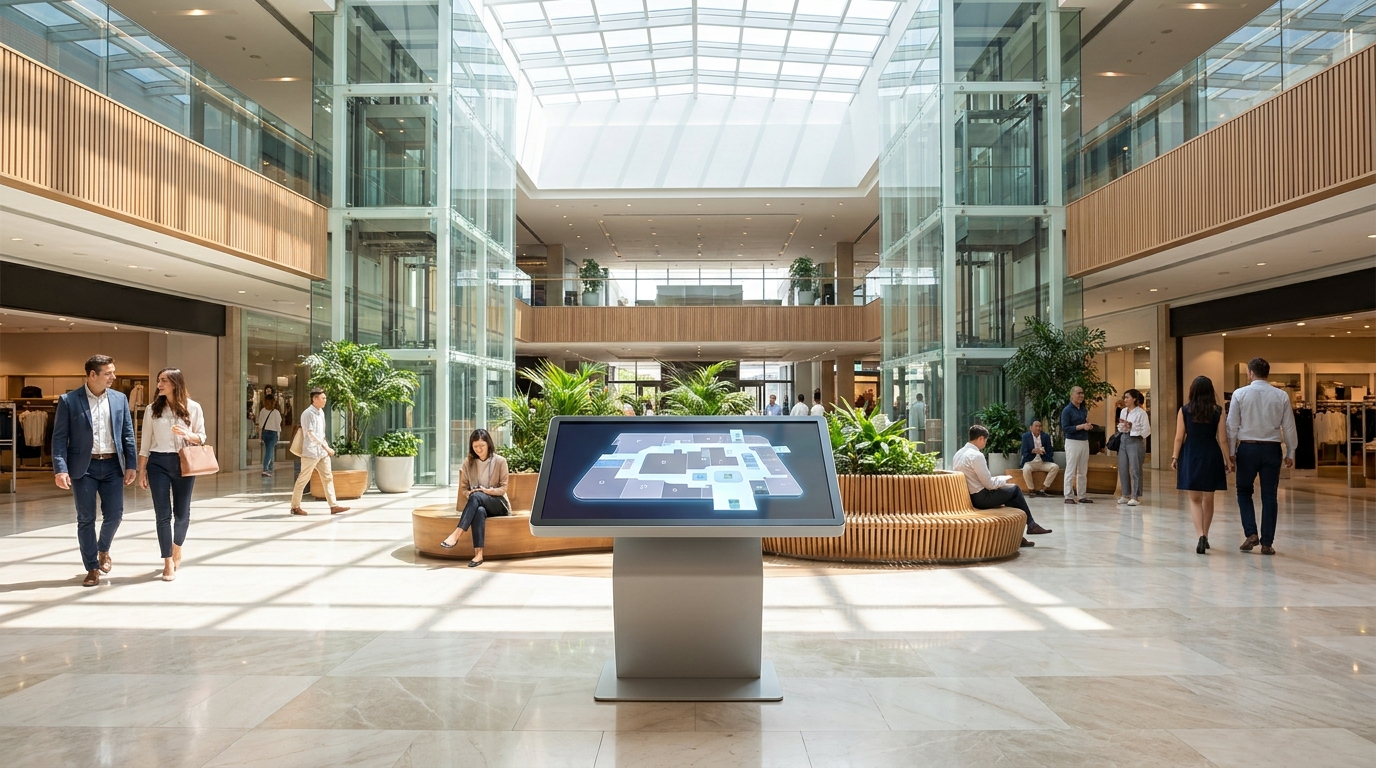
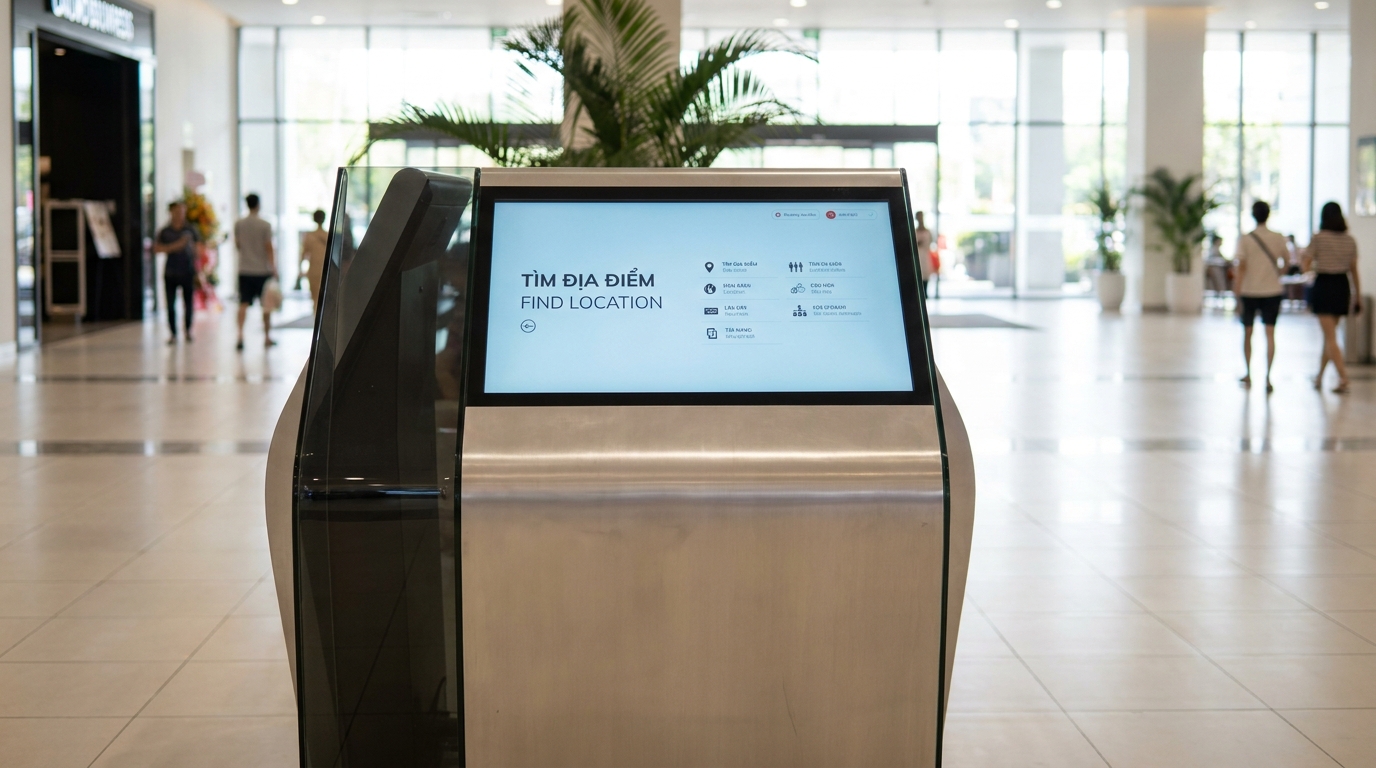
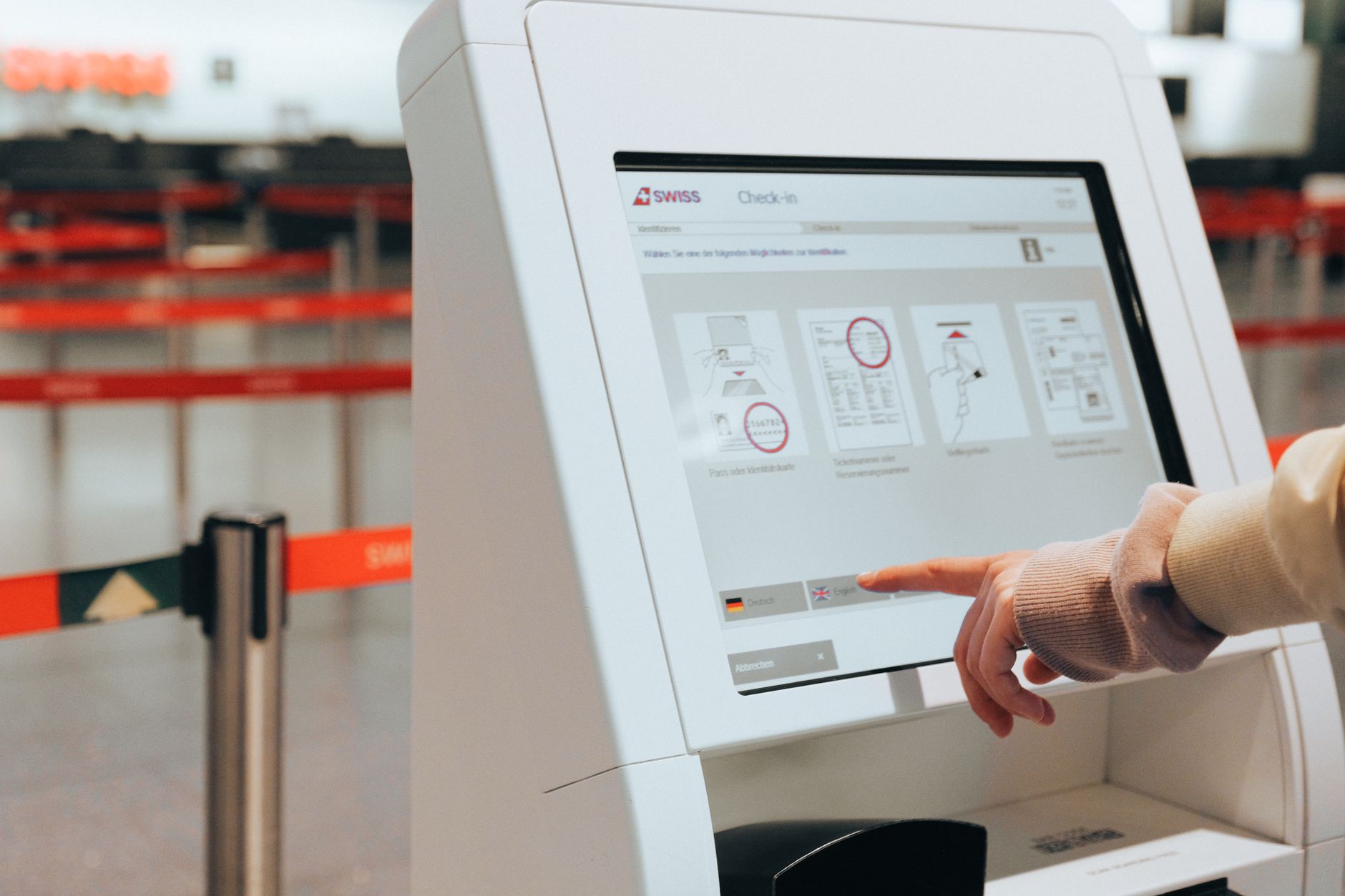
Multilingual touchscreen kiosks are a solution that integrates touch hardware and content management software, allowing users to switch the display language (Vietnamese, English, Chinese, Korean...) directly on the screen. In Vietnam, this technology is being widely deployed in retail chains, F&B, shopping malls, and hospitals to serve both domestic customers and international tourists.
Multilingual touchscreen kiosks are becoming the standard for retail chains, F&B, and shopping malls in Vietnam. But incorrect font configuration, improper handling of special characters, or lack of an offline plan will severely degrade the customer experience.
Table of Contents
- Why do multilingual touchscreen kiosks fail in Vietnam?
- Standard 6-step multilingual kiosk configuration process
- Specific benefits of implementing multilingual kiosks correctly
- Applications in retail chains and supermarkets
- Applications in F&B and self-service restaurants
- Applications in hospitals and shopping malls
- Choosing a kiosk screen: 21.5, 32, or 55 inches?
- The role of management software in multilingual configuration
- How much does it cost to deploy a multilingual kiosk?
- Frequently Asked Questions
Why do multilingual touchscreen kiosks fail in Vietnam?
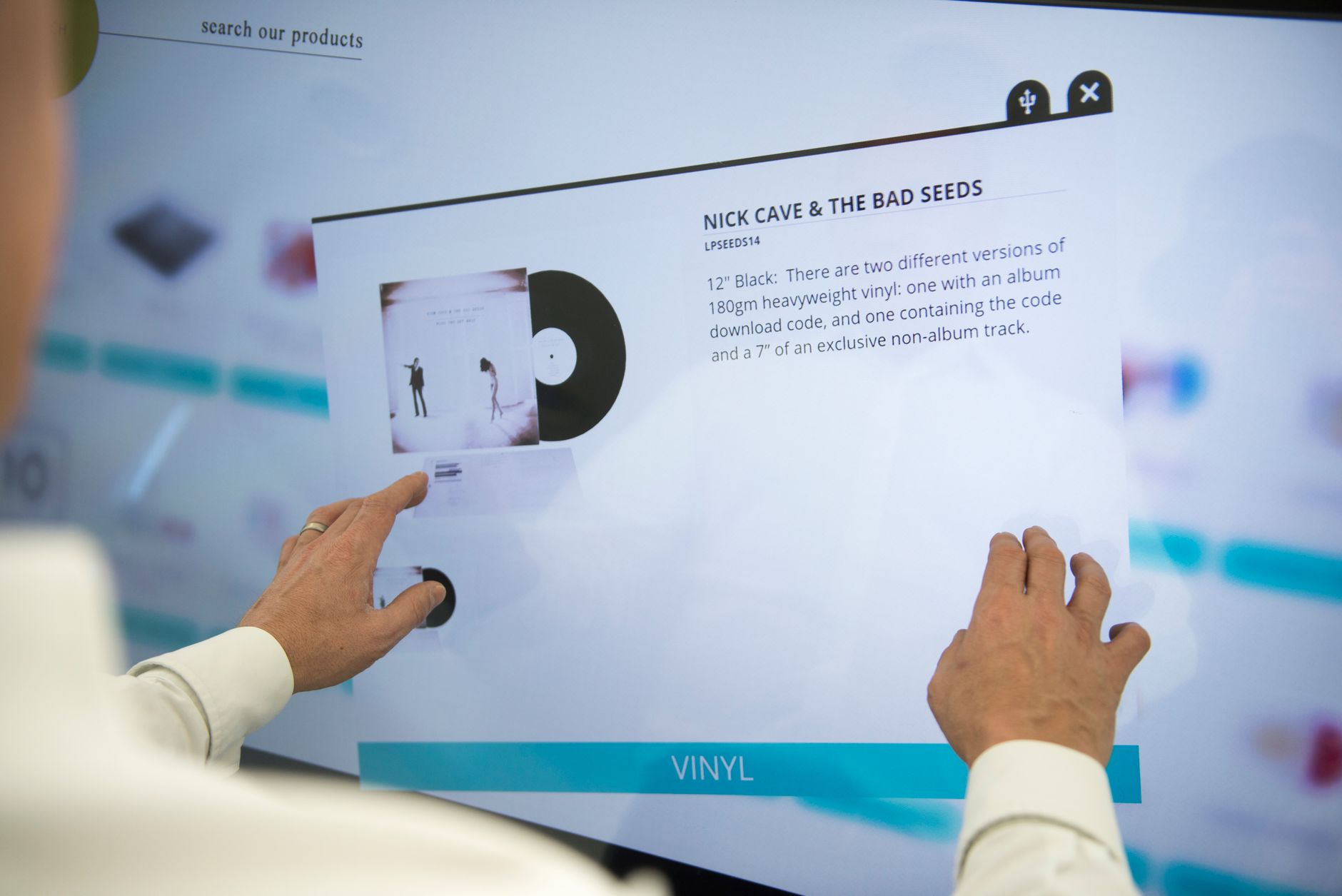
Most multilingual kiosks fail not because of hardware but due to 3 common configuration errors: fonts that do not support Vietnamese diacritics, interfaces that do not scale with word length, and lack of an offline operation plan. Understanding these errors helps businesses avoid 15-25% of project budget in additional processing costs.
⚠ Non-standard Unicode fonts: Many imported kiosks use old system fonts, displaying incorrect Vietnamese diacritics — for example, "trường" becomes "truong" or errors with characters "ư", "ơ", "đ".
⚠ Non-scaling interface: German is 30-40% longer than Vietnamese, Chinese is 50% shorter. Fixed layouts cause text to be cut off, buttons overlapping.
⚠ No offline plan: Kiosks depend on the internet — when the network is unstable, the screen freezes, customers cannot search, creating a bad impression.
⚠ Lack of content synchronization mechanism: Every time floor plans or promotions change, decals must be reprinted or technicians sent to each machine — costing 2-3 days of labor.
Standard 6-step multilingual kiosk configuration process
Related Products
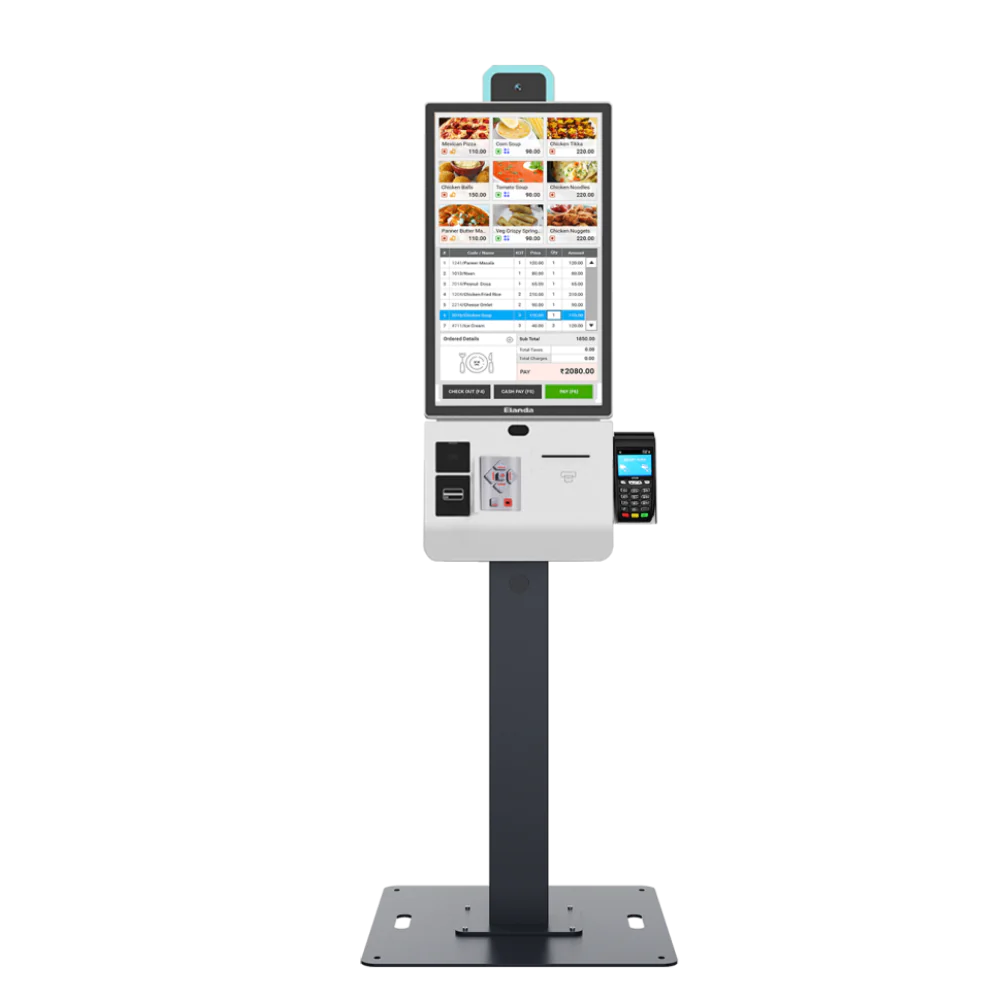
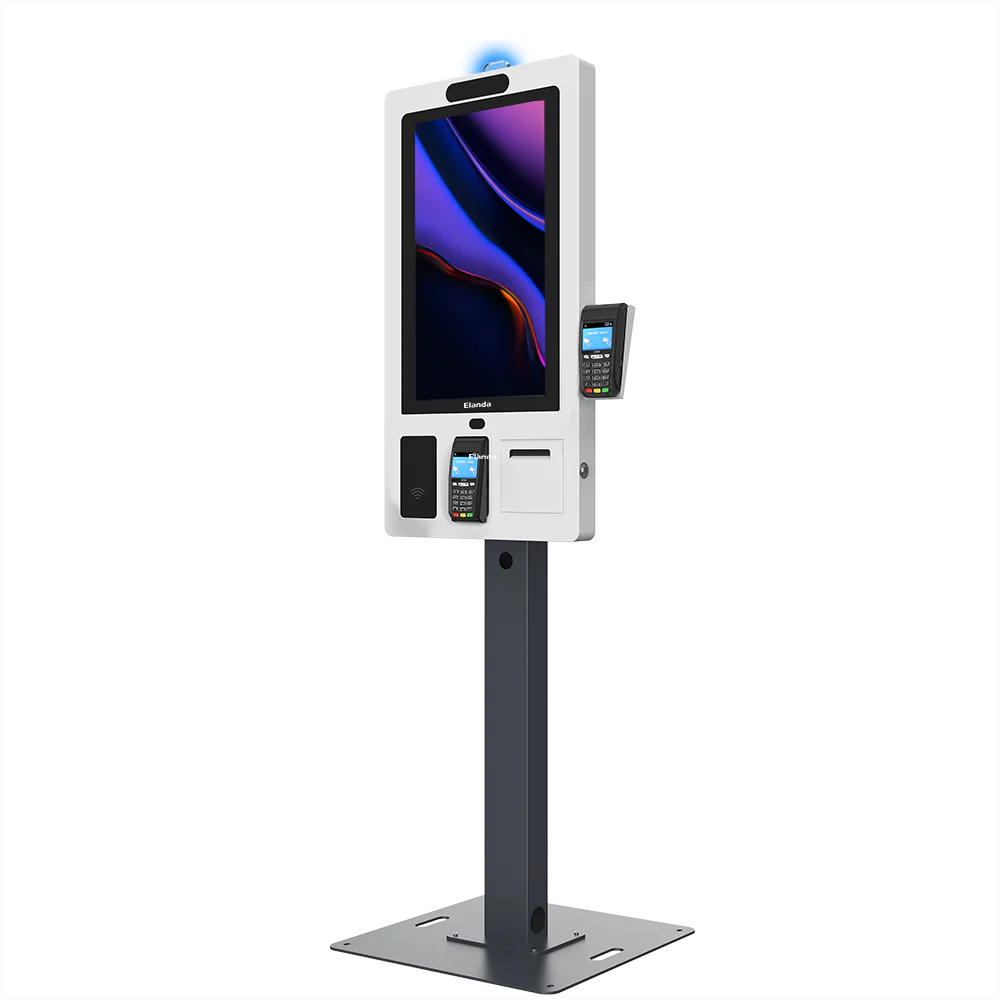
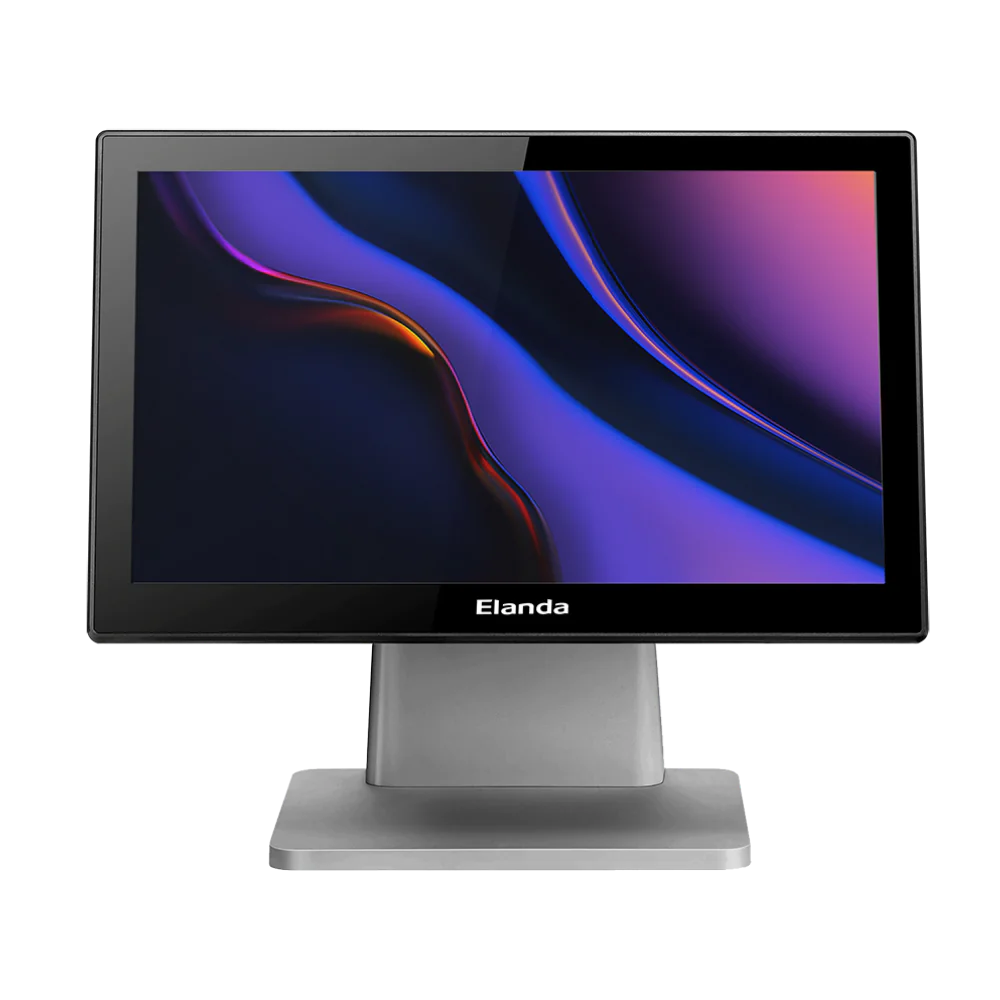
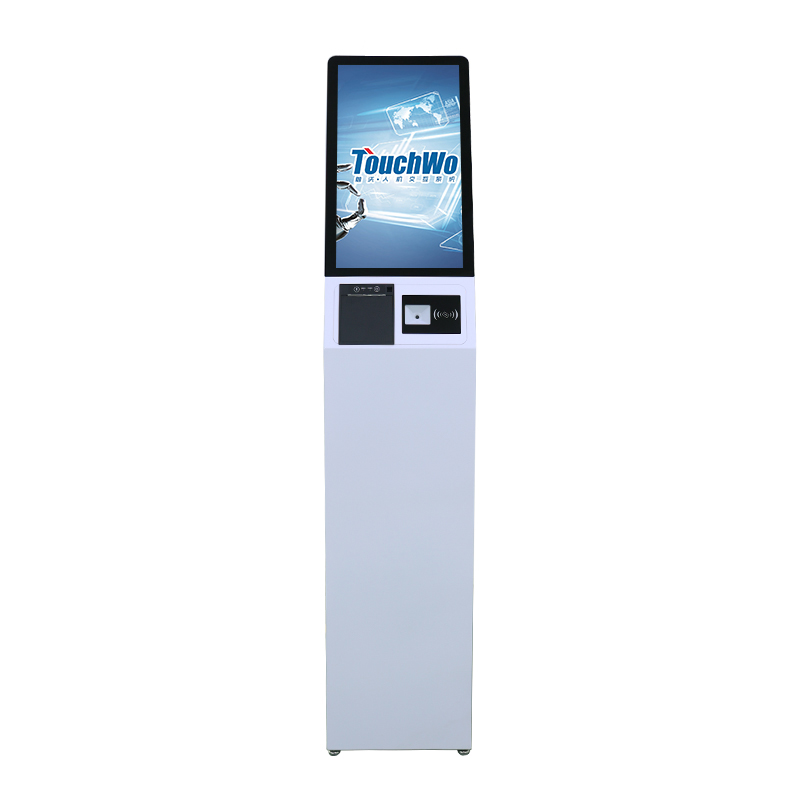
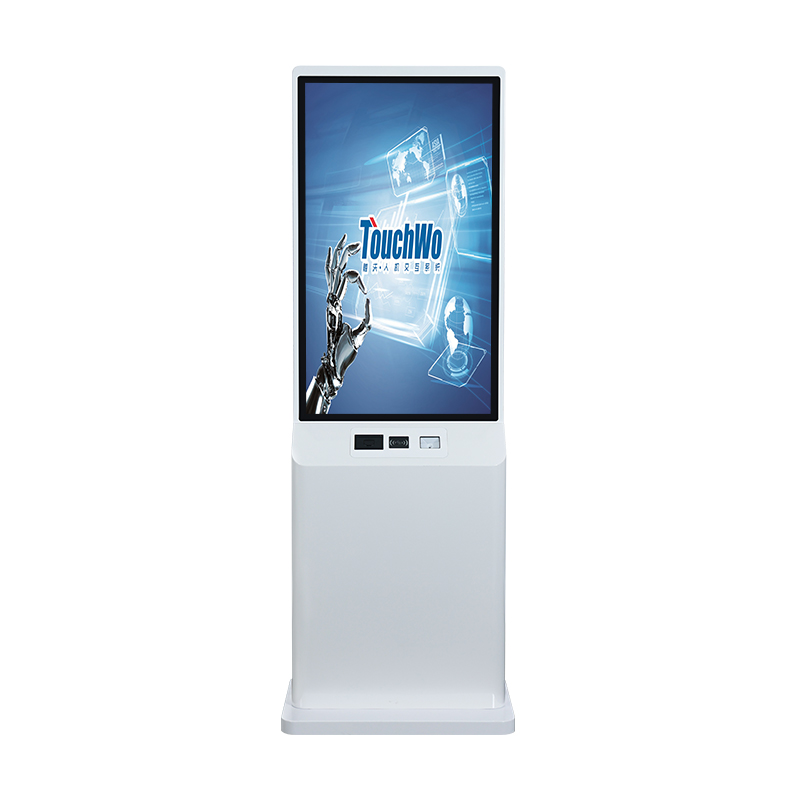
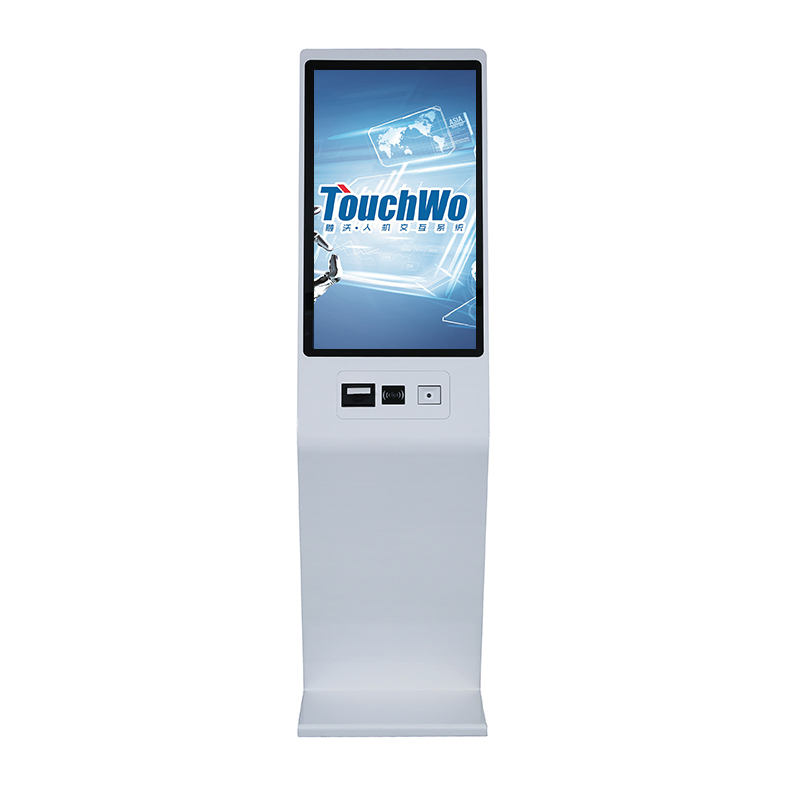
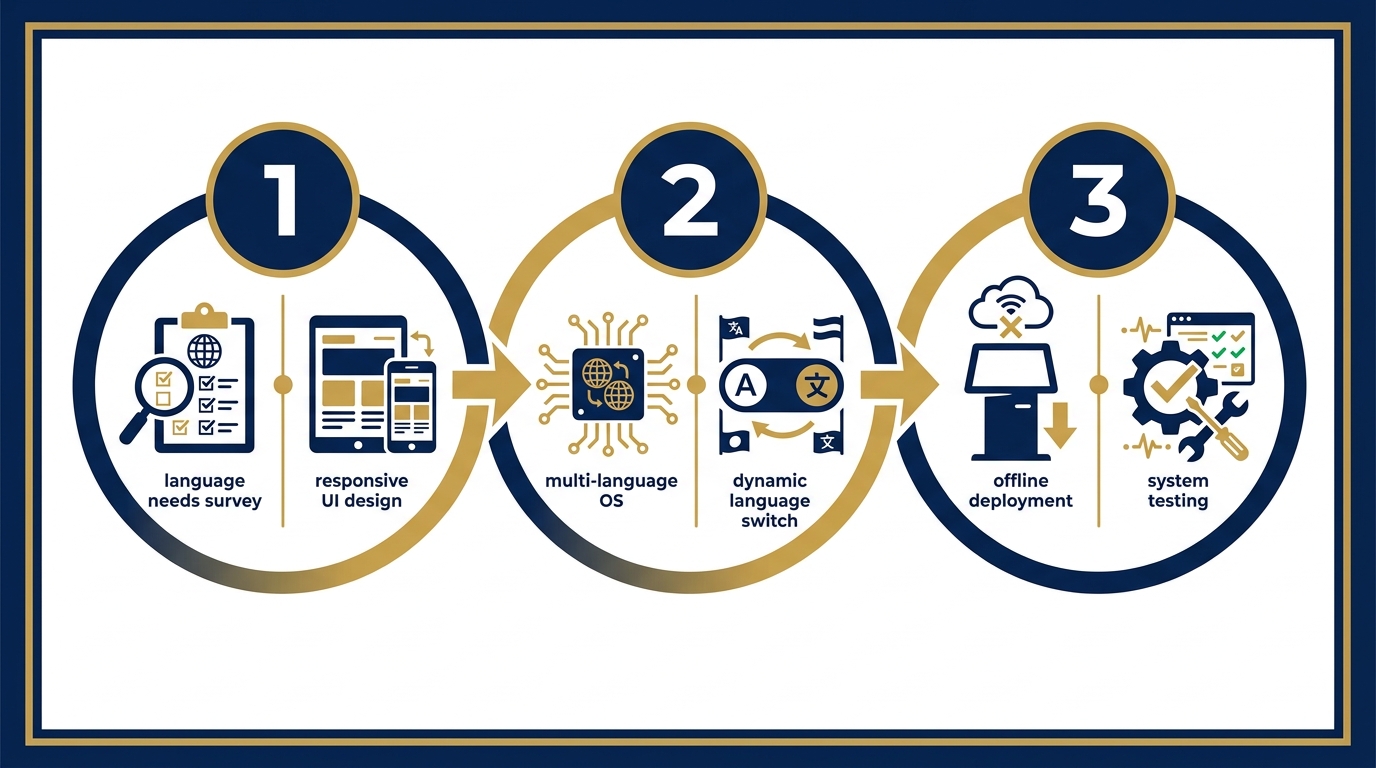
The professional multilingual touchscreen kiosk configuration process consists of 6 steps: surveying language needs, choosing fonts and designing a scalable interface, configuring the multilingual operating system, building a dynamic switching mechanism, implementing an offline plan, and comprehensive testing before handover.
- Survey user demographics: Identify 2-4 main languages based on customer profiles. For malls in central Ho Chi Minh City, prioritize Vietnamese-English-Chinese-Korean. For coastal resorts, add Russian or Japanese.
- Choose standard Unicode fonts: Use Roboto, Noto Sans, or Open Sans — fully supporting Vietnamese character sets, no diacritic errors. Avoid default system fonts on older Android.
- Design a scalable layout: Use a flexible grid system, automatic text wrapping, buttons at least 44x44px for accurate touch on all screen sizes from 15.6 to 55 inches.
- Configure dynamic language switching: Place the language switch button in the top right corner, displaying language names in their own language (Tiếng Việt, English, 中文). Save the selection to local storage — returning customers do not need to select again.
- Implement an offline plan: All content, maps, and images are synced to the kiosk's local storage. When the network is lost, the kiosk still operates fully for search functions — only temporarily hiding features that require connectivity like online ticket booking.
- Multilingual testing: Test at least 50-100 actions per language, checking for font errors, text overflow, and misplaced buttons. Create a checklist for each language before handover.
Specific benefits of implementing multilingual kiosks correctly
Properly configured multilingual kiosks deliver 5 measurable benefits: reducing information lookup wait times by 40-60%, increasing international customer satisfaction by 25-35%, reducing signage printing costs by 70%, remote content synchronization in 5-10 minutes, and creating a professional brand image.
International customers can search for information in their native language without needing staff interpreters — reducing the load on operations teams.
Change floor plans, opening hours, and promotions via remote management software — no reprinting or sending technicians to each machine.
Locally synced data allows the kiosk to serve 100% of basic search functions in any weak network situation.
Reduce static signage printing costs by 70-80%, saving 2-3 days of staff labor per content update.
Software records the most selected languages and interaction times — a basis for optimizing content and kiosk placement.
A modern, multilingual digital signage system reflects international standards — a plus in the eyes of partners and customers.
Applications in retail chains and supermarkets

For mini-supermarket chains and convenience stores, multilingual kiosks placed at the entrance help customers look up product locations, promotions, and floor information — especially useful for shopping tourists.
A 300m² mini-supermarket in District 1, Ho Chi Minh City, serving 40-50% foreign customers, deployed a 21.5-inch kiosk with 3 languages: Vietnamese-English-Chinese. Results after 2 months: average product search time dropped from 8-12 minutes to 3-5 minutes, cashier staff saw a 30% reduction in questions about product locations. The kiosk also displays new product ads by time slot — t
Cần tư vấn thiết bị/giải pháp cụ thể?
Việt POS phản hồi trong 30 phút · Hotline 4 vùng · Khảo sát miễn phí.
Bài viết cùng chủ đề