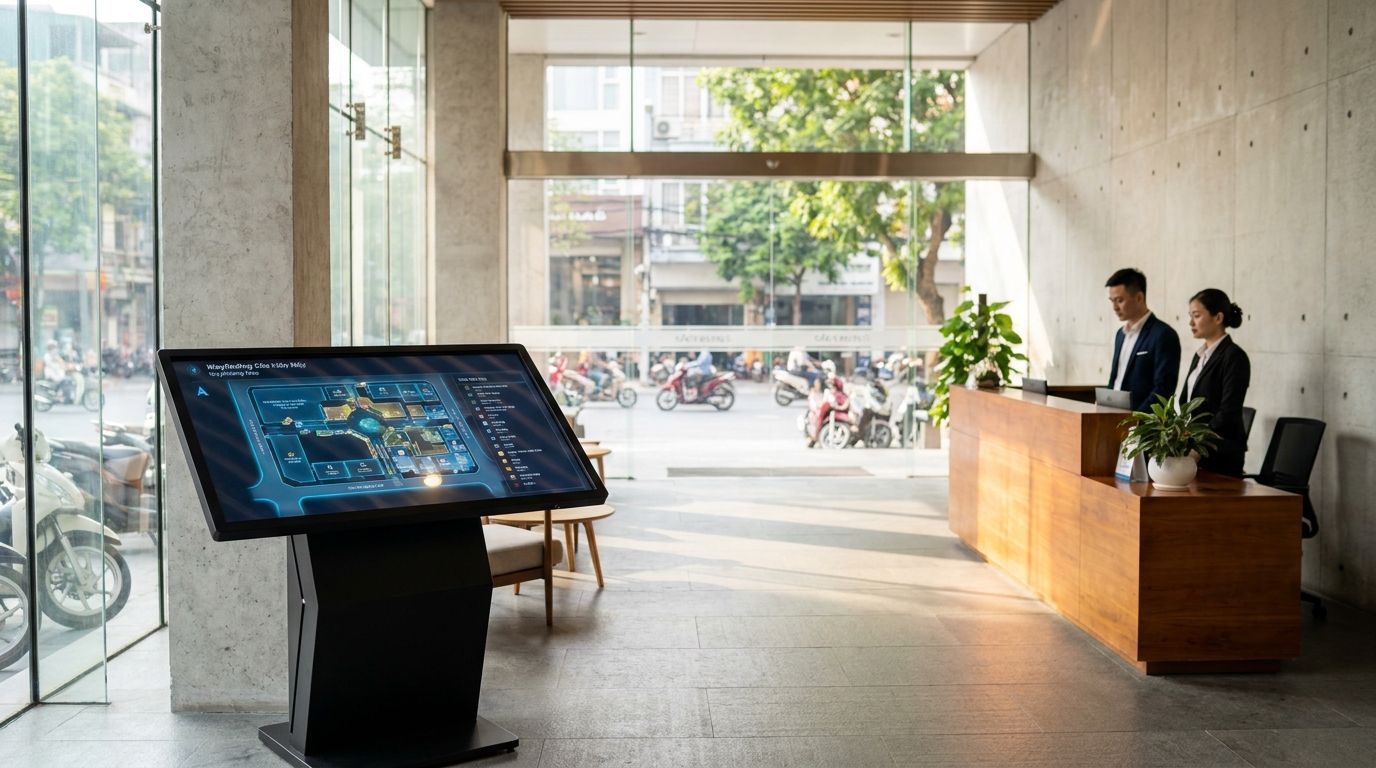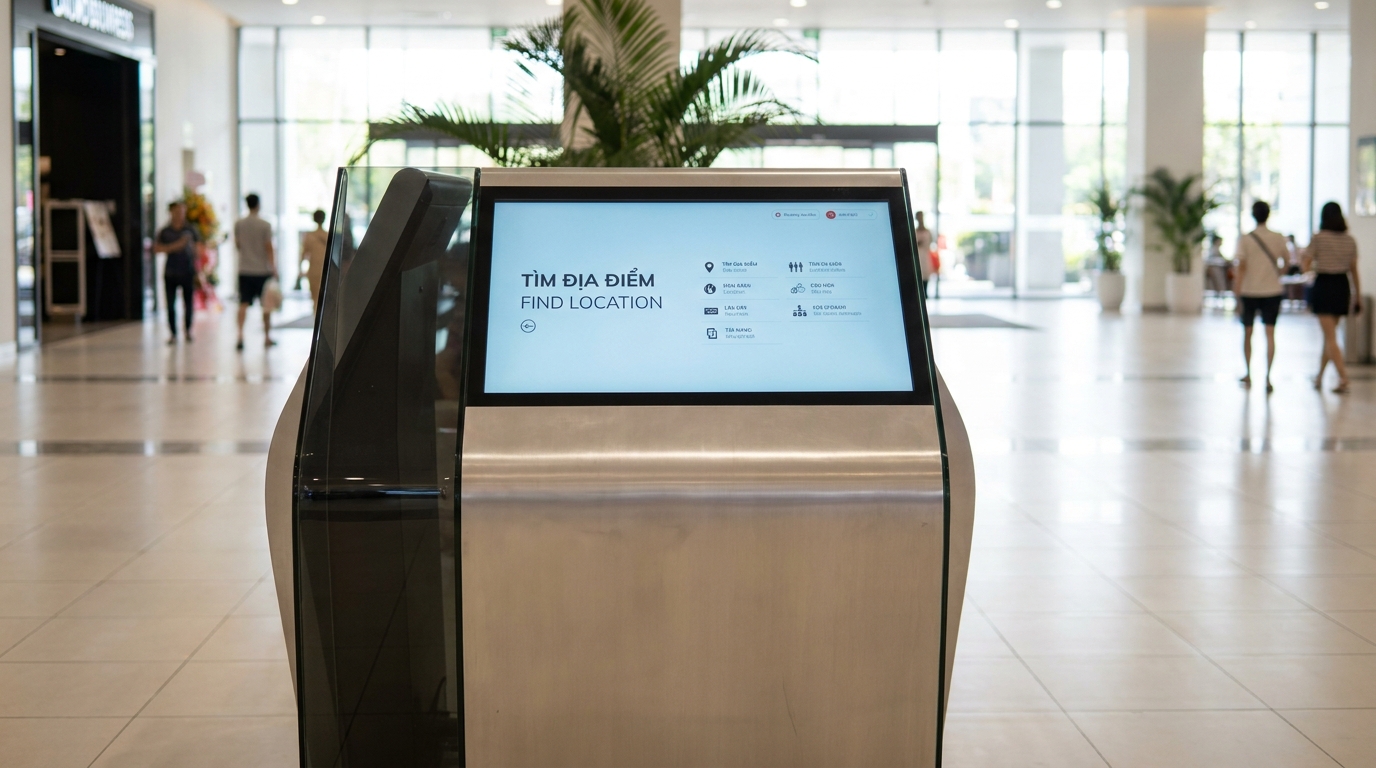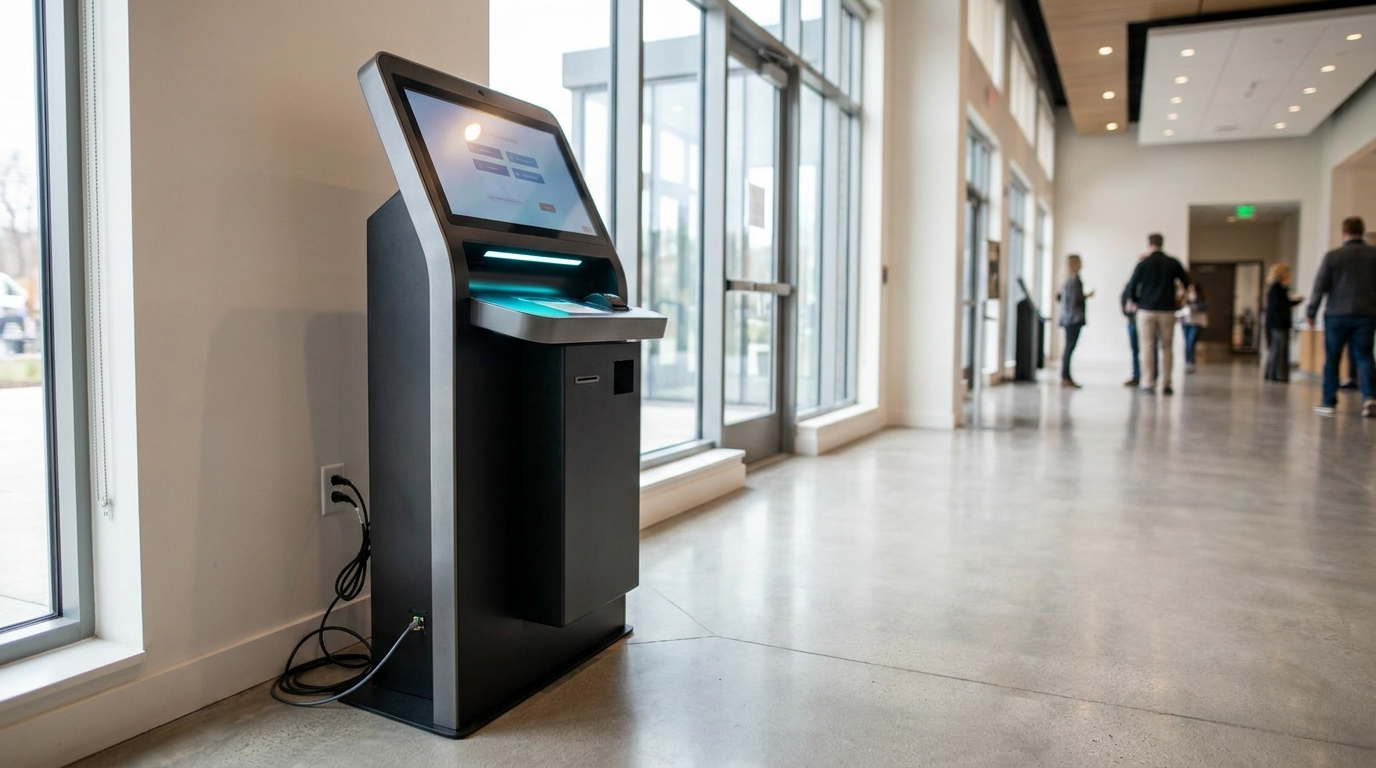
Mục lục bài viết (11)
- Why do power and network infrastructure determine 90% of kiosk stability?
- Kiosk power checklist: Capacity, voltage stabilization, surge protection
- LAN or Wi-Fi: Which choice for wayfinding kiosks?
- Power outage backup: How much UPS is enough for a kiosk?
- Offline kiosk: Operating solution when network is lost
- Kiosk installation location: Should power and network come first or later?
- Periodic maintenance: How often to check power and network infrastructure?
- Kiosk infrastructure applications in special environments
- How much does infrastructure investment cost for one kiosk station?
- Related articles
- Frequently asked questions
Power and network infrastructure are the foundation that determines whether an information kiosk operates stably or 'freezes' during peak hours. Unlike regular POS machines, large touchscreen kiosks (43-55 inches) consume power continuously 24/7 and require a stable network connection for data synchronization. This article provides a practical checklist for power supply, LAN/Wi-Fi, surge protection, and power outage backup — helping you avoid downtime from day one of operation.
For a kiosk to run stably, you need a 220V power source with voltage stabilization, a minimum capacity of 300VA, plus a UPS backup for 30-60 minutes. For network, use LAN (RJ45) instead of Wi-Fi for stability; if using Wi-Fi, ensure signal strength ≥ -60dBm. An offline kiosk can run without internet but still needs power. Install surge protective devices (SPD) for both power and network lines to protect the equipment.
Table of Contents
- Why do power and network infrastructure determine 90% of kiosk stability?
- Kiosk power checklist: Capacity, voltage stabilization, surge protection
- LAN or Wi-Fi: Which choice for wayfinding kiosks?
- Power outage backup: How much UPS is enough for a kiosk?
- Offline kiosk: Operating solution when network is lost
- Kiosk installation location: Should power and network come first or later?
- Periodic maintenance: How often to check power and network infrastructure?
- Kiosk infrastructure applications in special environments
- How much does infrastructure investment cost for one kiosk station?
- Related articles
- Frequently asked questions
Why do power and network infrastructure determine 90% of kiosk stability?

A wayfinding kiosk is a continuously running device, unlike a regular desktop computer. Unstable power causes sudden shutdowns, damaging the SSD and touchscreen. Weak network prevents content synchronization, causing the kiosk to display outdated information. Checking infrastructure before installation saves 60-70% of future troubleshooting costs.
According to statistics from real deployment projects, 75% of kiosk incidents in Vietnam originate from unstable voltage (voltage drops, sudden surges), and the remaining 20% are due to weak or lost network connections. Only 5% are hardware failures. Therefore, preparing power and network infrastructure for kiosks before installation is an indispensable step.
⚠ 5 typical problems when skipping infrastructure preparation
- Peak-hour voltage drop: Building shares power with elevators and central air conditioning → kiosk restarts 3-5 times/day, touchscreen loses calibration.
- Unstable Wi-Fi: Kiosk placed in lobby, far from router → signal below -70dBm, content fails to load, poor user experience.
- Surge through network line: Thunderstorms damage the Ethernet port, requiring mainboard replacement (cost 5-8 million VND).
- No UPS: 5-minute power outage → kiosk shuts down suddenly → SSD damage, configuration data loss.
- No wiring inspection: Old in-wall electrical wires, 1.5mm² cross-section insufficient for load → wires overheat, fire risk.
Kiosk power checklist: Capacity, voltage stabilization, surge protection
Related products
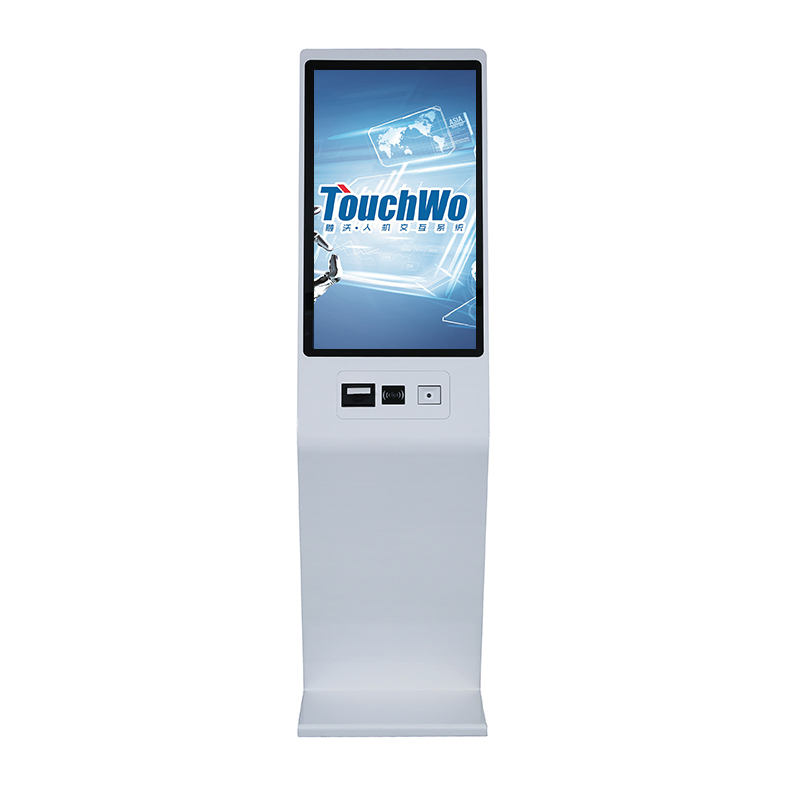
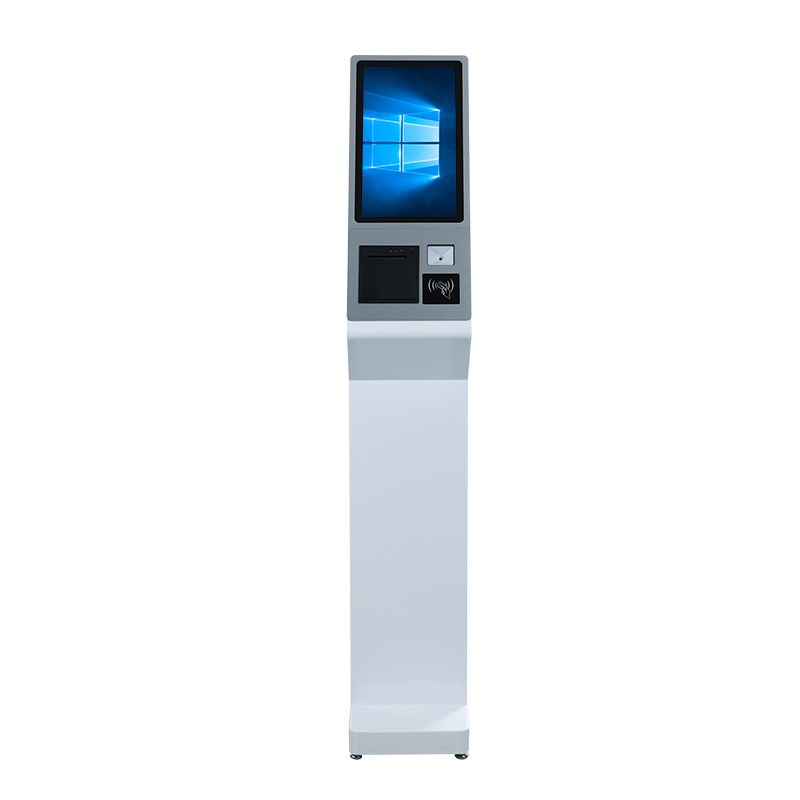

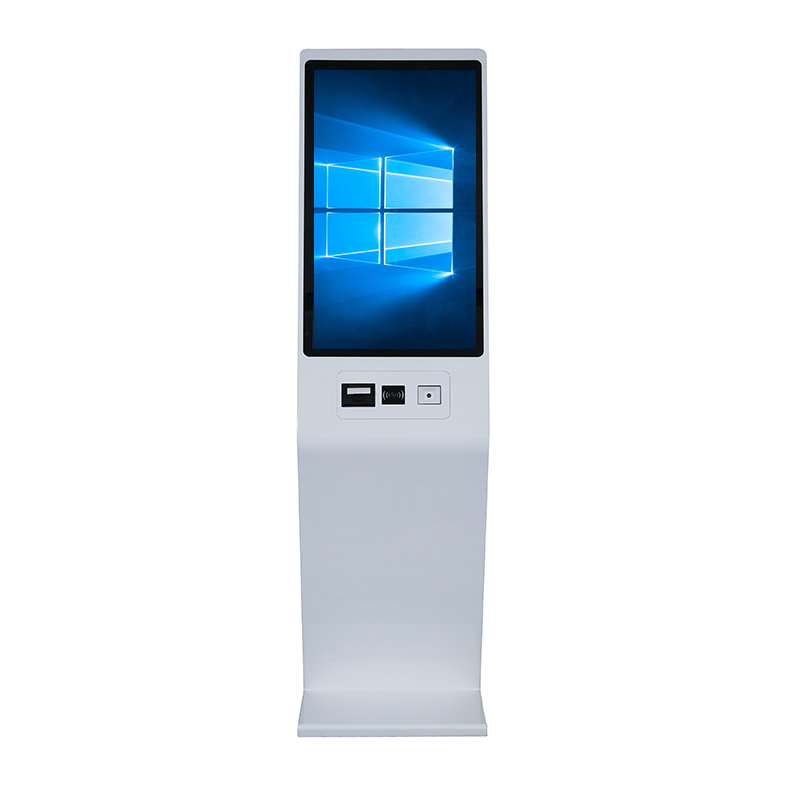
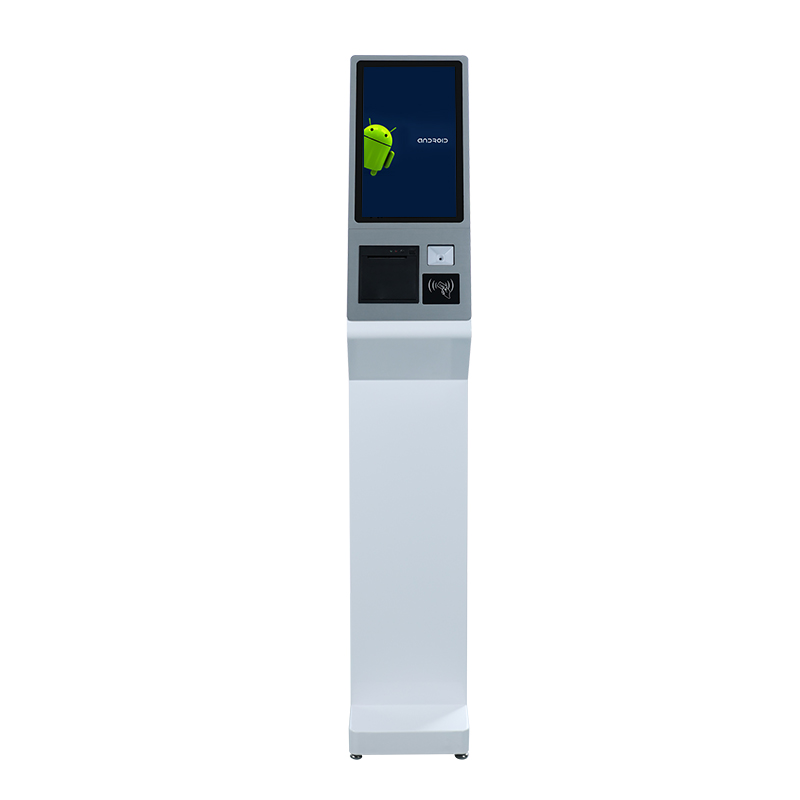
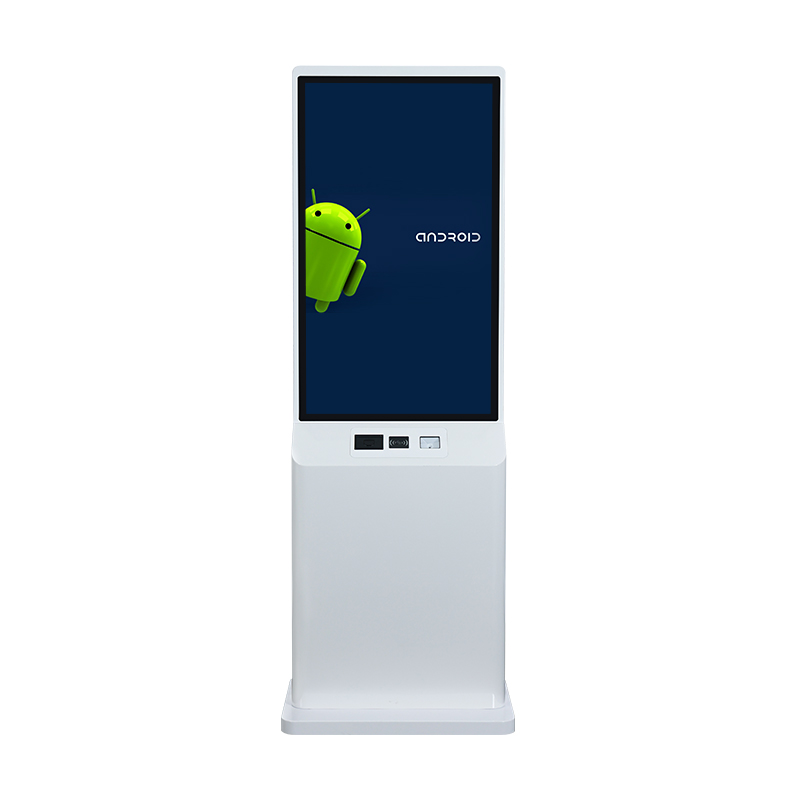
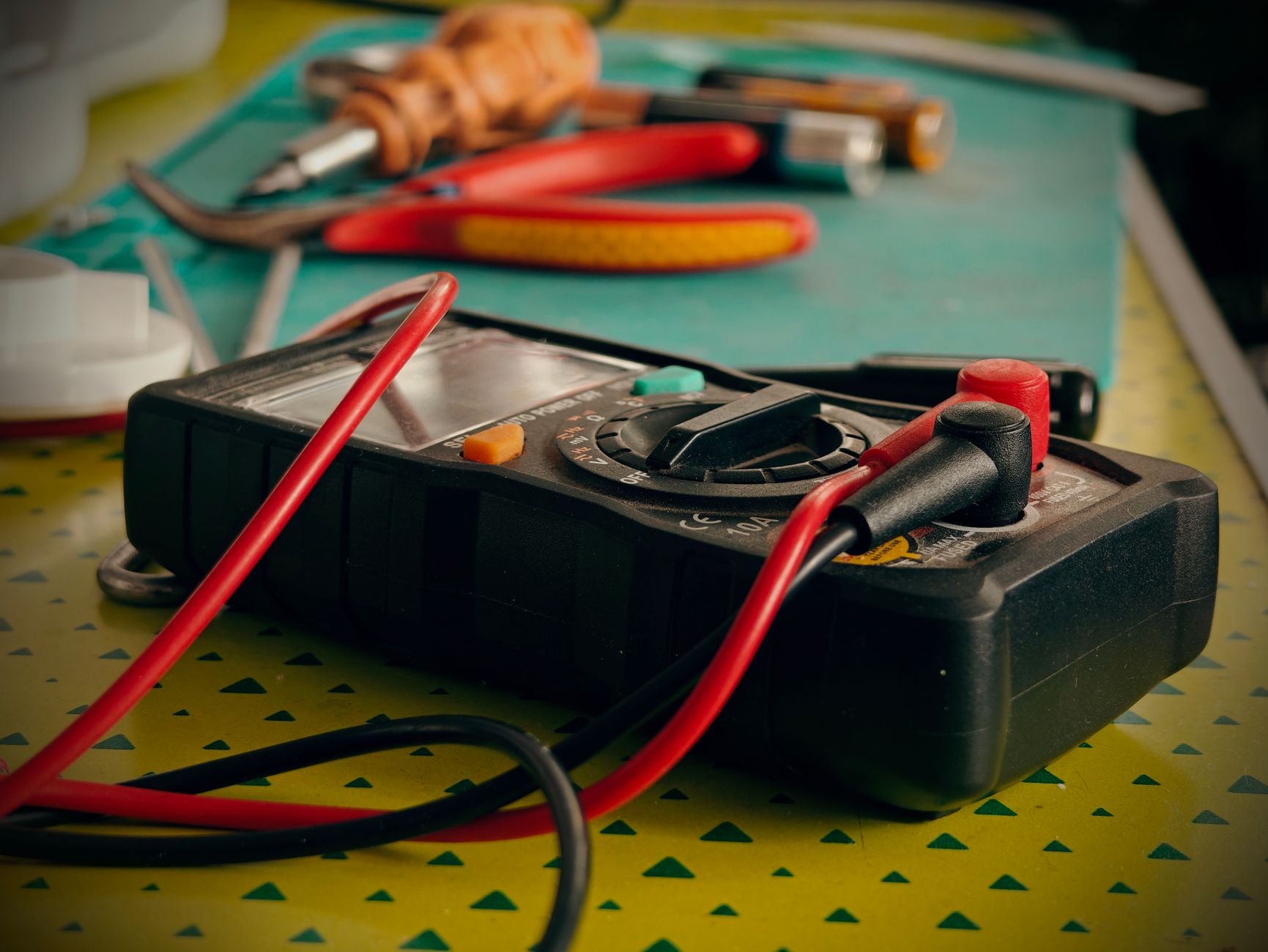
A 43-inch kiosk consumes 80-120W, a 55-inch kiosk from 120-180W. You need a stable 220V power source, with voltage stabilization if the building is old, and install Type 2 surge protective devices (SPD) for both the power and network lines. A minimum 600VA UPS backup allows the kiosk to run an additional 20-40 minutes during a power outage.
When surveying the location, check the following 4 factors:
- Measure actual voltage: Use a digital multimeter to measure at the outlet where the kiosk will be placed at 3 time slots: 9 AM, 2 PM, 7 PM. Standard voltage is 220V ± 10% (198-242V).
- Determine kiosk power consumption: Add up the total power of the screen, embedded computer (mini PC), speakers, and LED lights. Multiply by a safety factor of 1.3 to choose the appropriate UPS.
- Check wiring: The outlet near the kiosk must use wire of 2.5mm² or larger, with a separate ground wire. Absolutely do not use cheap multi-outlet power strips for 24/7 devices.
- Install surge protection: Type 2 SPD (Class C) installed at the area's electrical panel, protecting both AC power and RJ45 network ports.
Stable power supply: Solutions for old buildings and industrial zones
In Vietnam, many old office buildings in District 1, District 3, Ho Chi Minh City have deteriorated electrical systems. The solution is to install an additional household voltage stabilizer with 1-2KVA capacity (price 1.5-3 million VND) or an online double-conversion UPS for critical kiosks. Online UPS has a higher price (from 4-6 million VND for 1KVA) but provides completely clean output voltage, offering absolute protection for touchscreens and SSDs.
LAN or Wi-Fi: Which choice for wayfinding kiosks?
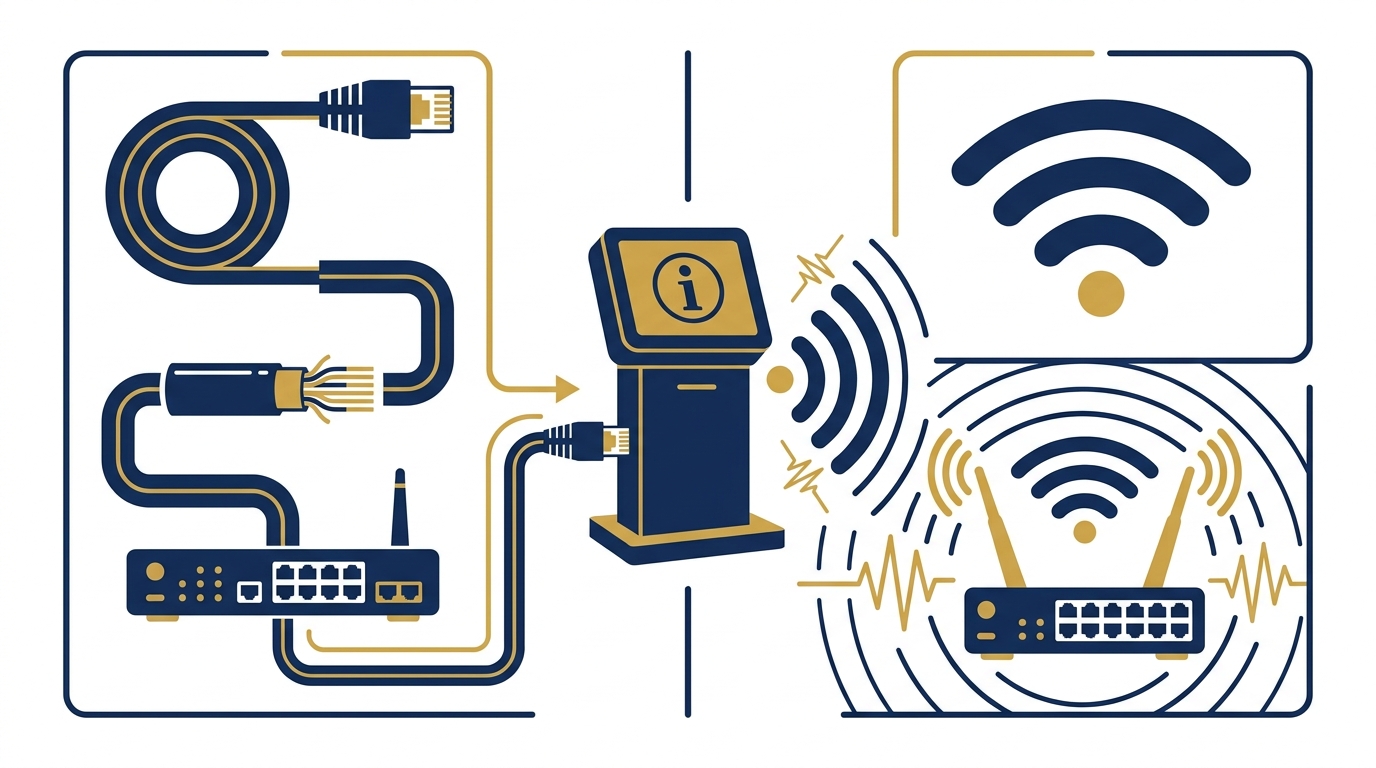
LAN (RJ45 cable) is always the preferred choice for fixed kiosks due to high stability, low latency, and no interference. Wi-Fi should only be used when absolutely necessary (when cabling is impossible), and must ensure signal strength ≥ -60dBm at the kiosk location. The safe distance from the kiosk to the switch/router is no more than 80m for CAT6 cable.
Real deployment experience shows:
- Kiosk using LAN: Stable speed of 100Mbps, never loses connection if the cable is good and connectors are standard. Cabling cost ~50,000 VND/m.
- Kiosk using Wi-Fi: Saves cabling costs but is easily interfered with by concrete walls, elevators, and Bluetooth devices. If mandatory, use 5GHz band and install an additional access point near the kiosk.
Standard power supply
Stable 220V, with voltage stabilizer/UPS, 2-layer surge protection.
LAN priority network
RJ45 CAT6, latency < 5ms, no signal interference concerns.
Comprehensive surge protection
SPD for both AC power and network ports, protecting the mainboard.
Power outage backup: How much UPS is enough for a kiosk?
For a 43-inch kiosk consuming 80-120W, a 600VA UPS provides 20-40 minutes of backup, enough for a safe shutdown. For a 55-inch kiosk (120-180W), use a 1000VA UPS for 15-30 minutes. If the kiosk must continue operating during outages, consider a 2000VA UPS or a lithium battery backup system for 2-4 hours.
UPS selection guide:
- 600VA UPS (offline/standby): Suitable for kiosks in areas with rare outages, price 1.5-2.5 million VND. Switching time 4-8ms, acceptable for most kiosks.
- 1000VA UPS (line-interactive): Recommended for kiosks in old buildings with unstable voltage, price 2.5-4 million VND. Built-in AVR stabilizes voltage without switching to battery.
- Online double-conversion UPS: For critical kiosks (hospitals, airports), price from 4-6 million VND for 1KVA. Zero switching time, clean output, protects all components.
Offline kiosk: Operating solution when network is lost
An offline kiosk can operate without an internet connection because all content (floor maps, directories, advertisements) is stored locally on the device. This is the optimal solution for basements, remote areas, or locations with unstable networks. Content updates can be done via USB or scheduled synchronization during low-traffic hours.
Việt POS's offline kiosk software is designed to handle network loss gracefully:
- Local content storage: All maps, directories, and promotional content are stored on the kiosk's SSD. Users can still search, view maps, and get directions without internet.
- Smart synchronization: When the network returns, the kiosk automatically syncs updated content from the server. No manual intervention needed.
- Remote management: Administrators can schedule content updates during off-peak hours (2-4 AM) to avoid network congestion.
- USB update option: For kiosks in areas with no network at all, content can be updated via USB drive — simply plug in and the kiosk detects and applies the update.
Kiosk installation location: Should power and network come first or later?
Power and network infrastructure should be prepared BEFORE the kiosk arrives. This includes running electrical wires, network cables, installing outlets, and testing voltage and signal strength. Doing this first avoids delays and ensures the kiosk can be installed and operational on day one.
Recommended sequence:
- Site survey (1-2 weeks before): Measure voltage, check network availability, determine cable routes, and identify any obstacles.
- Infrastructure preparation (3-5 days before): Run electrical and network cables, install outlets, mount SPDs, and set up UPS.
- Pre-installation testing (1 day before): Verify voltage stability, network connectivity, and UPS functionality.
- Kiosk installation (day 0): Position the kiosk, connect power and network, and perform initial configuration.
- Go-live and monitoring (day 1+): Monitor kiosk performance, check for any issues, and ensure content is synced.
Periodic maintenance: How often to check power and network infrastructure?
Check power and network infrastructure every 3 months. This includes measuring voltage, testing UPS battery health, checking network cable connections, and cleaning dust from vents. Annual maintenance should include replacing UPS batteries (every 2-3 years) and inspecting all electrical connections.
Maintenance checklist:
- Quarterly: Measure voltage at the kiosk outlet, test UPS battery (run a self-test), check network cable connections, and verify signal strength (if Wi-Fi).
- Bi-annually: Clean dust from kiosk vents and UPS, inspect power cords for damage, and check SPD status indicators.
- Annually: Replace UPS batteries (if lifespan is 2-3 years), test full UPS discharge, and review network infrastructure for any upgrades needed.
Kiosk infrastructure applications in special environments
Special environments like hospitals, factories, and basements have unique infrastructure requirements. Hospitals need clean power for medical-grade kiosks; factories may have unstable voltage; basements often lack network signals. Each environment requires tailored solutions for power and network.
Environment-specific considerations:
- Hospitals: Use online UPS to ensure zero downtime, and consider isolated power for patient safety. Network should be on a separate VLAN to avoid interference with medical devices.
- Factories: Industrial-grade power protection is essential due to voltage fluctuations from heavy machinery. Use industrial UPS with wide voltage input range and ruggedized network switches.
- Basements: If no network cable is available, use a 4G/5G router with an external antenna to boost signal. Ensure the antenna is placed where signal is strong (near a window or entrance).
- Shopping malls: Coordinate with mall management for power and network access. Use PoE (Power over Ethernet) if possible to simplify cabling.
How much does infrastructure investment cost for one kiosk station?
Infrastructure costs for one kiosk station range from 3-10 million VND, depending on existing conditions. This includes electrical wiring, network cabling, UPS, surge protection, and installation labor. For a new installation with no existing infrastructure, budget 5-8 million VND.
Cost breakdown (approximate):
- Electrical wiring and outlet installation: 1-2 million VND (if not existing)
- Network cabling (CAT6, up to 80m): 500,000 - 1 million VND
- UPS (1000VA line-interactive): 2.5-4 million VND
- Surge protective devices (SPD): 500,000 - 1.5 million VND
- Installation labor and testing: 1-2 million VND
Need a complete kiosk solution?
Việt POS provides kiosk hardware, software, and installation support. Contact us for a free consultation.
Contact Việt POSRelated articles
- Offline kiosk software: Wayfinding solution without fear of network loss
- What is an information lookup kiosk?
- Wayfinding kiosk applications in shopping malls
Frequently asked questions
Can a kiosk run on a large-capacity power bank?
Yes, but not recommended for 24/7 operation. A large power bank (1000Wh) can run a 43-inch kiosk for 6-8 hours, but the cost is high (8-15 million VND) and battery lifespan decreases rapidly with deep discharge. A dedicated UPS is still the better choice for cost and durability.
If the building has no LAN, can I use 4G/5G via a USB router?
Yes. Many kiosks in Vietnam use industrial 4G/5G routers (price 2-5 million VND) for connectivity. However, you need to check coverage at the kiosk location, especially in basements. Choose an unlimited data plan and have a backup SIM for switching when signal is lost.
Is surge protection (SPD) really necessary for kiosks in buildings?
Very necessary. Lightning doesn't need to strike the building directly; a strike near external power or network lines can create voltage surges that propagate into indoor equipment. Type 2 SPD costs only 500,000 - 1,500,000 VND but protects a kiosk mainboard worth 5-10 million VND. It's a cheap and effective insurance.
How do I check Wi-Fi signal quality at the kiosk location?
Use a smartphone with a Wi-Fi analyzer app (e.g., NetSpot, WiFi Analyzer). Stand at the exact kiosk location and measure. Good signal is RSSI from -50dBm to -60dBm. If below -70dBm, the kiosk will experience frequent disconnections. You need to add an access point or switch to LAN.
After a prolonged power outage, will the kiosk restart and operate normally when power returns?
Yes. Kiosks running Windows or Android have a feature to auto-restart when power is restored (Restore on AC Power Loss). However, if sudden power loss occurs multiple times, the SSD may develop errors. A UPS allows the kiosk to shut down safely, preventing data corruption and extending SSD lifespan.
What is the annual maintenance cost for kiosk power and network infrastructure?
Periodic maintenance (every 3 months) costs about 2-4 million VND per year per kiosk, including inspection labor, cleaning, and UPS battery replacement (if needed). If you purchase a full-service maintenance package from a provider, costs can range from 5-10 million VND per year depending on support level. This investment keeps the kiosk running, avoiding disruptions that damage reputation.
Does an offline kiosk need a network to update new map content?
An offline kiosk only doesn't need a network during operation. When you need to update content (floor maps, directories), you can: (1) temporarily connect to the network to sync, (2) use a USB drive to copy new data, or (3) schedule synchronization during off-peak hours (2-4 AM) when the network is free. Việt POS supports all three methods.
Cần tư vấn thiết bị/giải pháp cụ thể?
Việt POS phản hồi trong 30 phút · Hotline 4 vùng · Khảo sát miễn phí.
Bài viết cùng chủ đề