Mục lục bài viết (10)
- What is wayfinding kiosk content sync?
- Why do Vietnamese businesses need remote kiosk content sync?
- 5 effective ways to remotely sync wayfinding kiosk content
- Comparison table of 5 kiosk content sync methods
- Criteria for choosing a sync solution suitable for current infrastructure
- Common mistakes when syncing wayfinding kiosk content
- Roadmap for deploying remote sync for new kiosk systems
- Investment costs for kiosk content sync in Vietnam
- When to upgrade from USB to automatic sync solutions?
- Frequently Asked Questions
Wayfinding kiosk systems are becoming the standard at shopping centers, hospitals, and large retail chains in Vietnam. The biggest operational challenge is not hardware but how to update content — floor plans, tenant information, advertisements — when changes occur. Remote wayfinding kiosk content sync helps businesses avoid reprinting signage or plugging USB drives into each machine.
There are 5 main ways to remotely sync wayfinding kiosk content: USB (low cost, manual), LAN (stable internal), Cloud (flexible, needs internet), centralized CMS (manage multiple points), hybrid (optimizes both). For a chain of 5-20 kiosks, CMS or hybrid achieves update speeds under 15 minutes and reduces operational effort by 80% compared to USB.
Table of Contents
- What is wayfinding kiosk content sync?
- Why do Vietnamese businesses need remote kiosk content sync?
- 5 effective ways to remotely sync wayfinding kiosk content
- Comparison table of 5 kiosk content sync methods
- Criteria for choosing a sync solution suitable for current infrastructure
- Common mistakes when syncing wayfinding kiosk content
- Roadmap for deploying remote sync for new kiosk systems
- Investment costs for kiosk content sync in Vietnam
- When to upgrade from USB to automatic sync solutions?
- Frequently Asked Questions
What is wayfinding kiosk content sync?
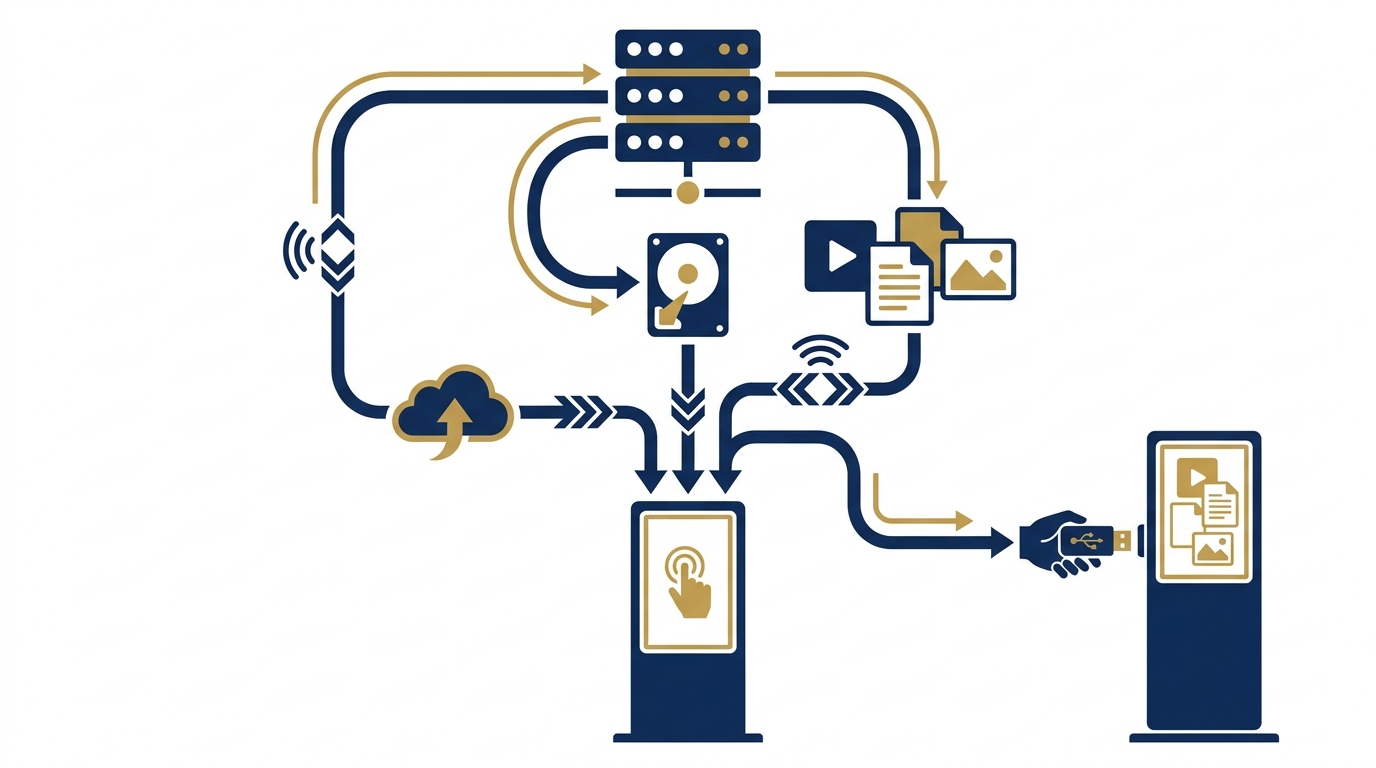
Wayfinding kiosk content sync is the process of pushing new data (images, videos, configuration files, maps) from a central server or storage device to one or more display kiosks. The goal is to ensure all touchpoints display the same content version, without data discrepancies between areas.
Wayfinding kiosk systems in Vietnam are typically deployed in two models: standalone or network-connected. With the standalone model, updates often require direct interaction with each machine. With the connected model, administrators can push content remotely, saving travel time between floors or branches.
Why do Vietnamese businesses need remote kiosk content sync?
Related Products
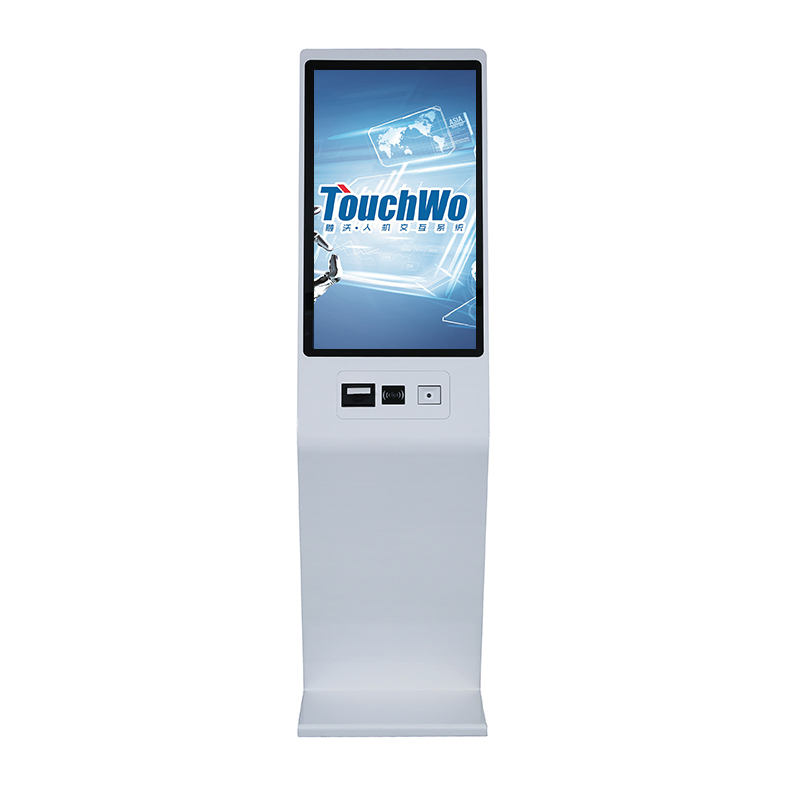
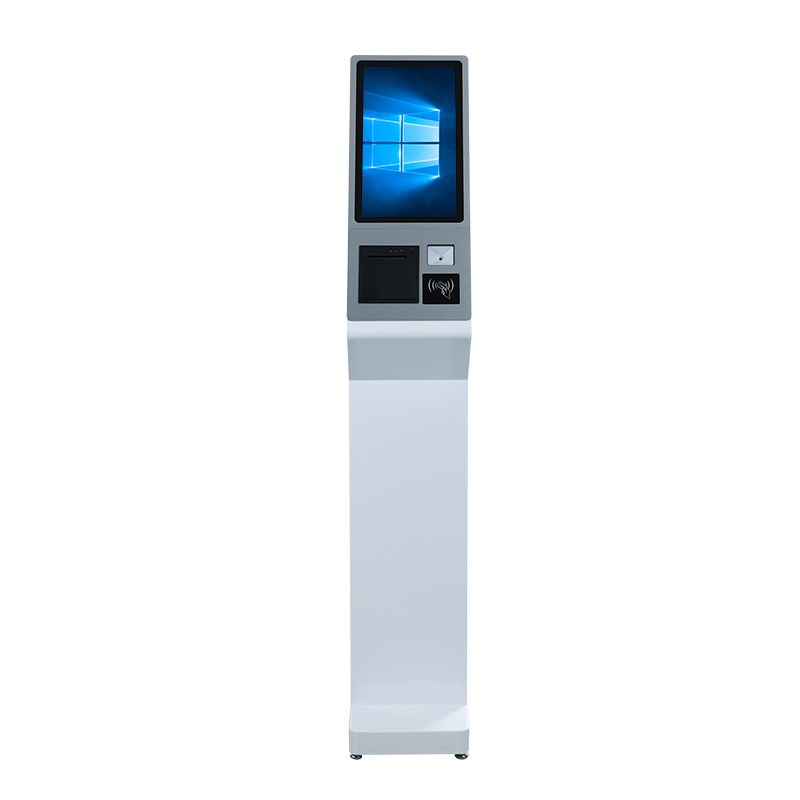
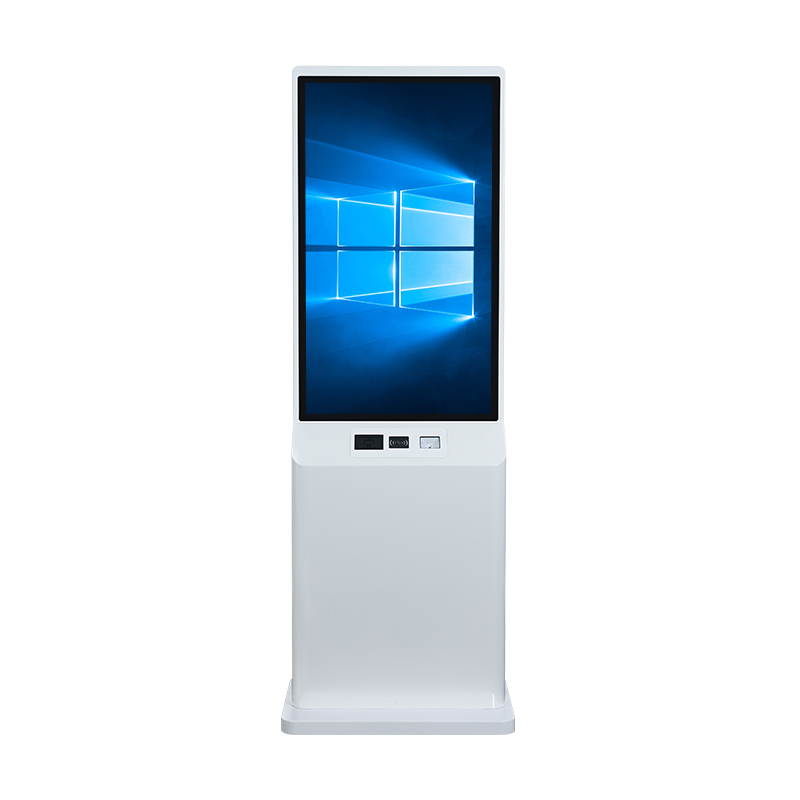
The need for remote sync increases when businesses operate 3 or more kiosks across multiple locations. Internal statistics from deployment projects show that each time floor plans or tenant information change, businesses lose 2-3 working days if done manually via USB — not to mention the risk of missing machines or updating the wrong version.
The cost of reprinting static wayfinding signs is also a pressure. A large wayfinding board in a building lobby can cost 2-5 million VND for design and printing. If changes occur 2-3 times per year, the accumulated cost is enough to invest in a digital kiosk system. Remote sync allows businesses to update new floor plans in 15-30 minutes without reprinting any materials.
5 effective ways to remotely sync wayfinding kiosk content
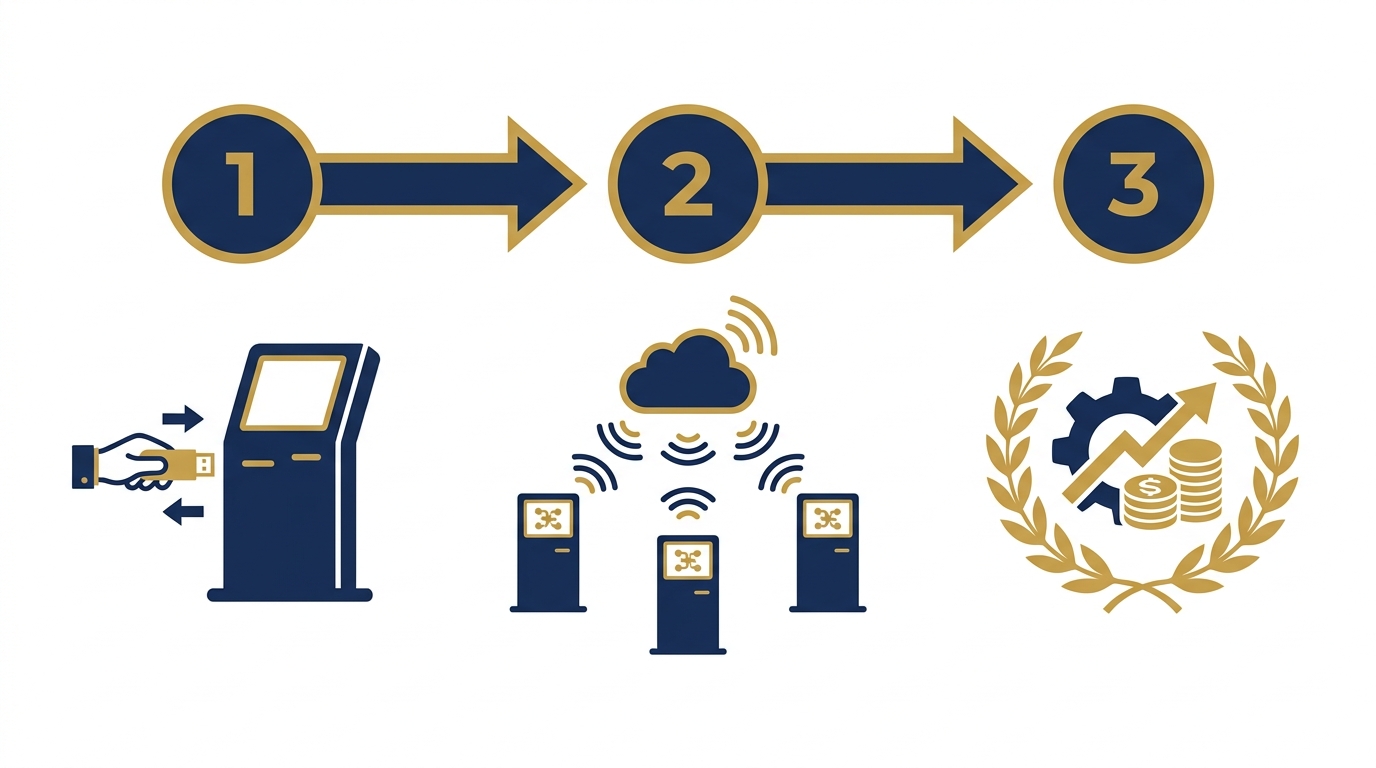
There are 5 common methods, each suitable for different scales and infrastructures. Choosing the right one helps businesses save 50-70% of operational costs compared to manual methods.
1. USB sync — low cost, suitable for 1-3 kiosks
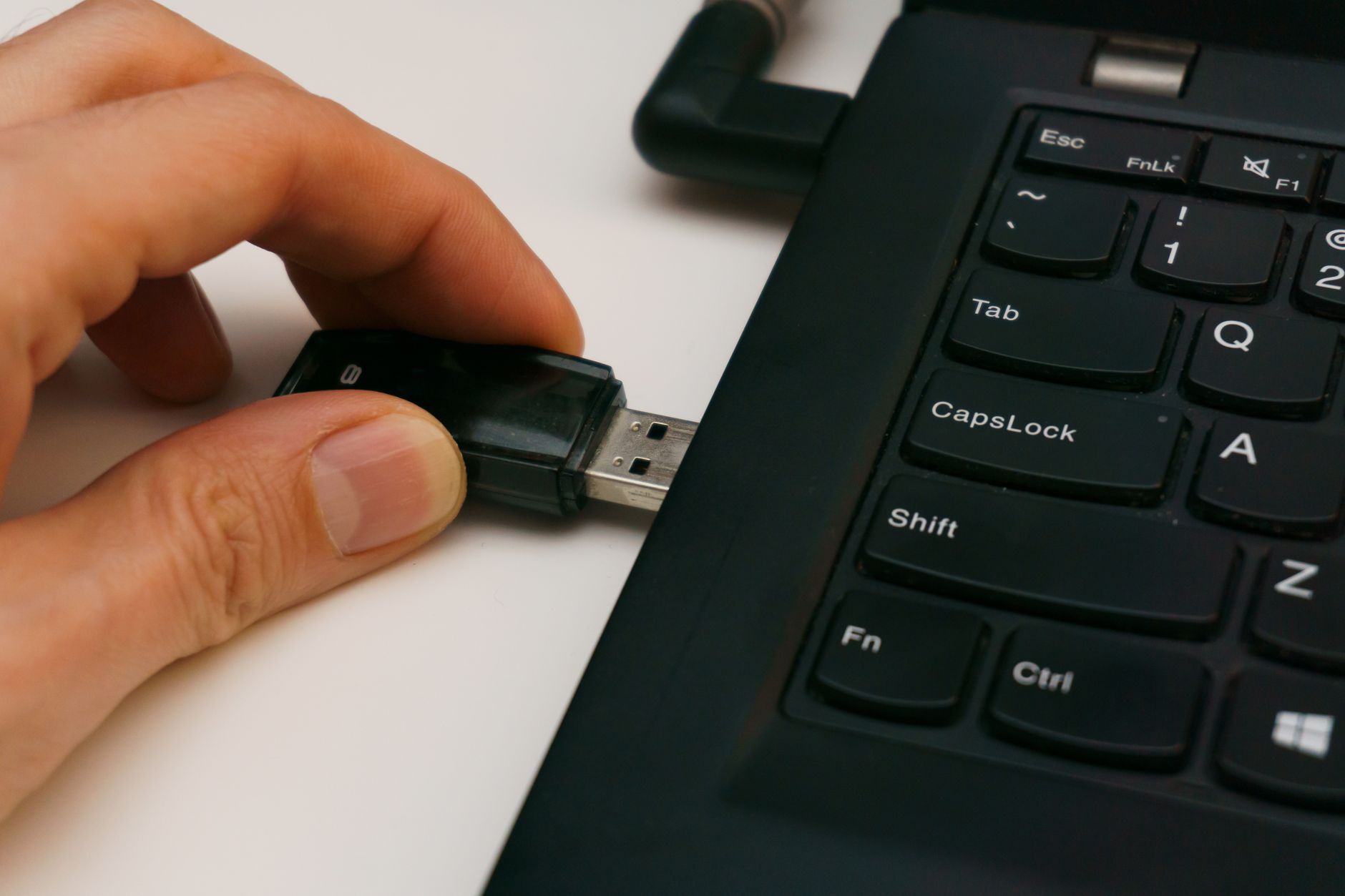
The most traditional method: staff copy new content to a USB drive, plug it into each kiosk, and perform manual update operations. The advantage is no network infrastructure is needed, and the cost is nearly zero. The disadvantage is time-consuming, error-prone, and cannot update multiple machines simultaneously.
2. LAN sync — stable, no internet required
Kiosks are connected to the building's LAN. An administrator computer acts as the content server, and kiosks automatically download new data when signaled. This method works well when all kiosks are in the same building or campus. The strength is high speed, independent of external internet — suitable for hospitals and shopping centers with existing network infrastructure.
3. Cloud sync — flexible for multi-location chains
Content is pushed to cloud servers, and kiosks at different branches automatically pull it down. Suitable for retail chains and showrooms across multiple provinces. Requires kiosks to have a stable internet connection. Update speed depends on bandwidth, typically taking 1-5 minutes for a 50-100MB content file.
4. Centralized management software (CMS) sync
This is the most professional solution: businesses use a CMS (Content Management System) platform to manage all content displayed on all kiosks from a single interface. CMS allows scheduling display by time slots, by individual kiosk, or by kiosk groups. With a system of 10-50 kiosks, CMS reduces operational time by 80-90% compared to USB.
5. Hybrid sync — optimized for network outage environments
Combines local content storage on each kiosk with remote sync mechanisms when the network is available. Kiosks still display the latest downloaded content when internet is lost. When the network recovers, the system automatically checks and updates to the new version. This method is suitable for industrial parks and factories where network infrastructure is unstable.
Comparison table of 5 kiosk content sync methods
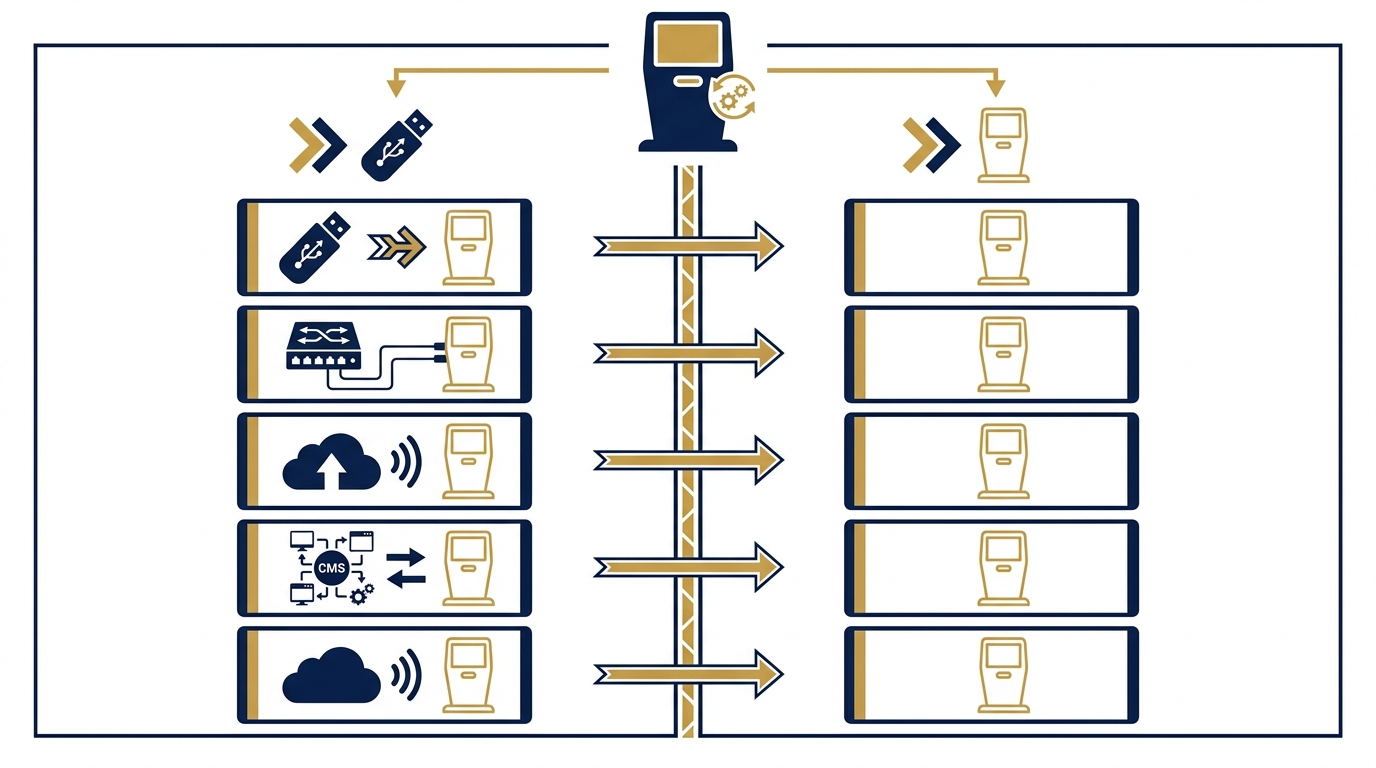
The table below summarizes the cost, speed, and suitability of each method for businesses to easily compare with their operational scale.
| Method | Investment cost | Update speed | Suitable scale | Works during network outage |
|---|---|---|---|---|
| USB | Nearly 0 VND | 15-30 min/kiosk | 1-3 kiosks | Yes |
| Internal LAN | Low (network cables, switch) | 1-3 minutes | 3-20 kiosks in same building | Yes |
| Cloud | Medium (storage fees) | 1-5 minutes | Multi-location chains | No |
| Centralized CMS | High | Under 15 minutes | 10-50 kiosks | Yes (with local cache) |
| Hybrid | Medium-High | 1-5 minutes | All scales, unstable networks | Yes |
Criteria for choosing a sync solution suitable for current infrastructure
When choosing a sync solution, businesses need to evaluate 4 criteria: number of kiosks, network infrastructure quality, update frequency, and IT staff capability. These factors determine whether a simple USB or a professional CMS is the right choice.
For businesses with 1-3 kiosks and no IT staff, USB or LAN is sufficient. For chains with 5+ kiosks and frequent content changes, CMS or hybrid is recommended. If the network is unstable, prioritize solutions with local storage and offline operation capabilities.
Common mistakes when syncing wayfinding kiosk content
Common mistakes include: not testing content before deployment, ignoring version control, lacking backup plans, and not monitoring kiosk status. These lead to outdated information, errors, and increased operational costs.
Another mistake is choosing a solution based solely on initial cost without considering long-term operational expenses. For example, USB seems cheap but costs more in labor over time. Businesses should calculate total cost of ownership (TCO) over 3-5 years.
Roadmap for deploying remote sync for new kiosk systems
A standard deployment roadmap includes 5 steps: assessing needs and infrastructure, choosing the sync method, setting up hardware and software, testing on a pilot kiosk, and full deployment with staff training. Each step takes 1-2 weeks, totaling 1-2 months.
During the pilot phase, run the system for at least 1 week to identify issues. Train staff on content management and troubleshooting. Document procedures for content updates and error handling to ensure smooth operations.
Investment costs for kiosk content sync in Vietnam
Costs range from 0 VND for USB to 15-25 million VND for a full CMS package for 10 kiosks. LAN infrastructure costs 3-7 million VND. Cloud services cost 200-500 thousand VND per month. Additional costs include staff training and maintenance, typically 10-15% of initial investment per year.
For a 10-kiosk system, the total cost of ownership over 3 years for CMS is about 30-40 million VND, while USB costs 20-30 million VND in labor but with higher error risks. The choice depends on the business's long-term strategy.
When to upgrade from USB to automatic sync solutions?
Upgrade when the number of kiosks exceeds 3, update frequency is more than once a month, or when errors from manual updates cause operational issues. Automatic solutions pay off within 6-12 months through labor savings and reduced errors.
Signs that it's time to upgrade: staff spend more than 2 days per month on updates, missed updates cause customer complaints, or the business plans to expand to new locations. Start with a pilot on a few kiosks before full deployment.
Frequently Asked Questions
Can wayfinding kiosks operate during network outages?
Yes, if the kiosk is configured to run offline with locally stored content. The kiosk will display the latest downloaded content version. When the network recovers, the system automatically checks and updates if a new version is available. To ensure this, businesses should choose a solution with local storage or a hybrid model.
Is Cloud-based kiosk content sync secure?
It is secure if the business chooses a provider with security certifications and proper access control configuration. Content is encrypted during transmission and storage. However, businesses should require the provider to commit to data backup procedures and recovery time in case of incidents. For sensitive content, use internal LAN instead of public Cloud.
How much does wayfinding kiosk content sync cost?
Costs range from 0 VND (USB) to 15-25 million VND for a full CMS package for 10 kiosks. Internal LAN costs 3-7 million VND for infrastructure. Cloud costs 200-500 thousand VND per month. Businesses should also factor in staff training and periodic maintenance, typically 10-15% of initial investment per year.
Can multilingual wayfinding kiosks be synced?
Yes. Modern CMS systems support managing multilingual content on the same kiosk. Administrators upload different language versions and set display rules — automatically based on system language or allowing user selection. Sync applies simultaneously to all language versions.
How to check if a kiosk has received new content?
Professional CMS systems have an admin page showing each kiosk's status: running content version, last update time, connection status. Businesses can check remotely without visiting the site. For LAN or USB solutions, manual checks are needed by viewing version information on the kiosk screen.
What kiosk configuration should be chosen for wayfinding content?
For static content and basic interactive maps, a kiosk with Intel Core i3 CPU or equivalent, 4GB RAM, and 64GB SSD is sufficient. For 4K video or heavy applications, use 8GB RAM. A 43-inch or 55-inch touch screen is suitable for large lobbies. Higher configurations run smoother but increase initial investment.
Cần tư vấn thiết bị/giải pháp cụ thể?
Việt POS phản hồi trong 30 phút · Hotline 4 vùng · Khảo sát miễn phí.
Bài viết cùng chủ đề