Mục lục bài viết (7)
- What is printing barcode labels for warehouses? Real benefits
- Suitable barcode types for warehouse labels
- Warehouse barcode label printing process: 5 basic steps
- Criteria for choosing a warehouse barcode label printer
- Common mistakes when printing warehouse barcode labels
- Comparison of popular free barcode label printing software
- Frequently asked questions about printing warehouse barcode labels
Printing barcode labels for warehouses using free software is a solution that helps small businesses and mini-supermarkets transition from manual management to automation, reducing errors and saving time. With just a computer and a basic label printer, you can create a professional label system right in your warehouse.
What is printing barcode labels for warehouses? Real benefits
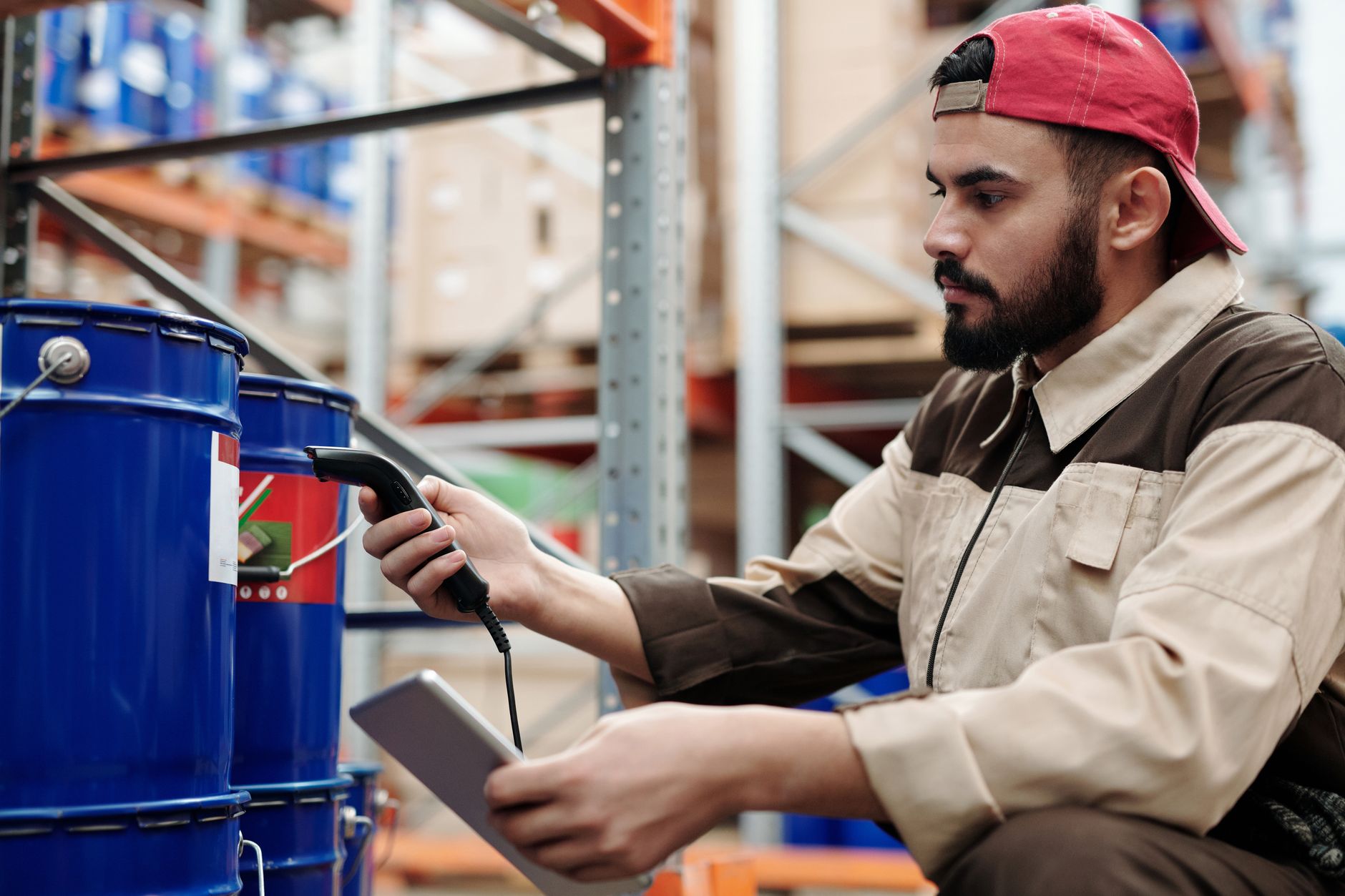
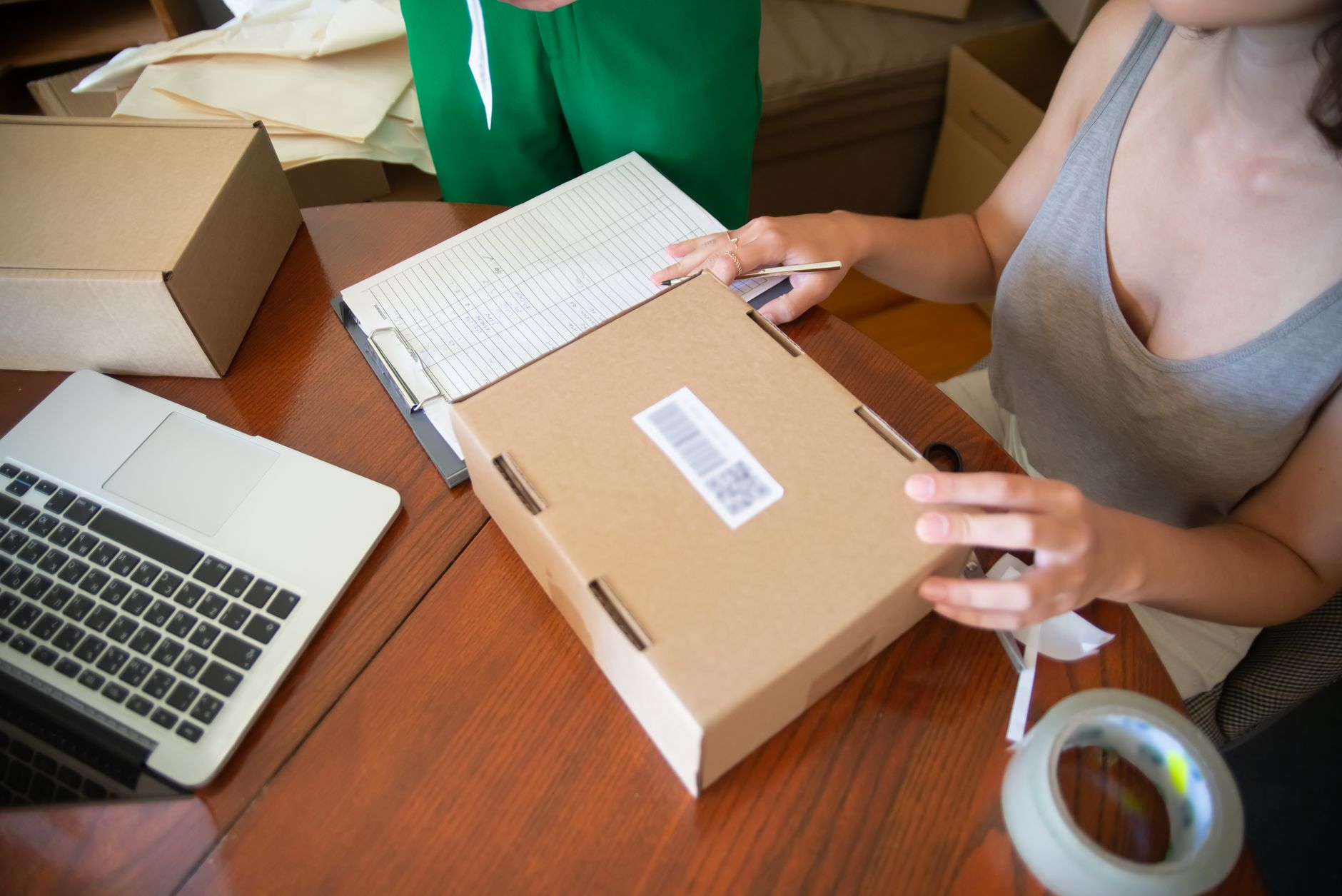
Printing barcode labels for warehouses is the process of creating and printing labels containing barcodes onto boxes, shelves, or products, allowing staff to scan codes for fast receiving-shipping-inventory. Key benefits: reduces search time from 15-25 minutes to 1-2 minutes, cuts data entry errors from 5-8% to under 0.5%.
For warehouses with 500-2,000 SKUs or more, printing barcode labels delivers clear efficiency. According to real surveys from retail chains using this solution, inventory productivity increases 3-5 times compared to manual recording.
Suitable barcode types for warehouse labels
Related products


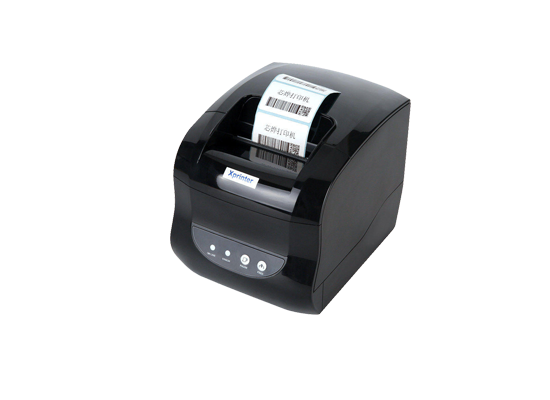
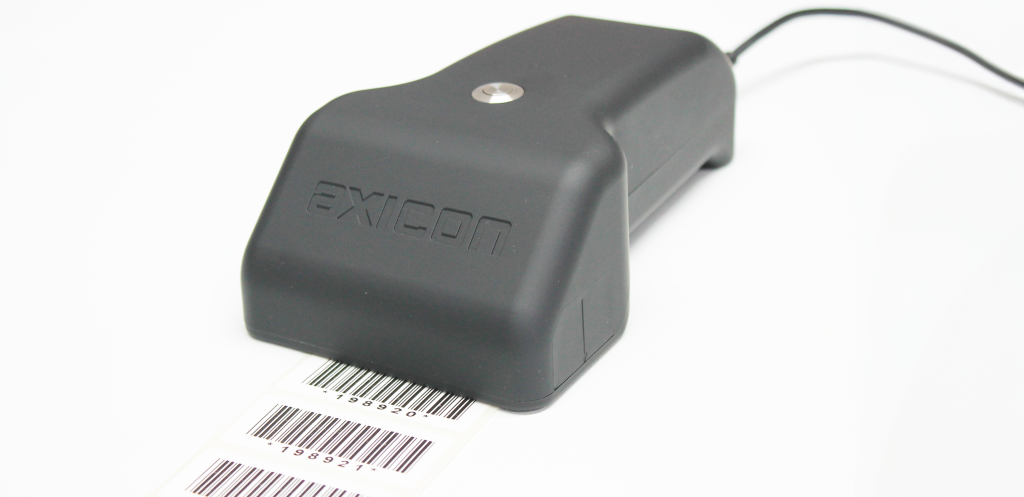
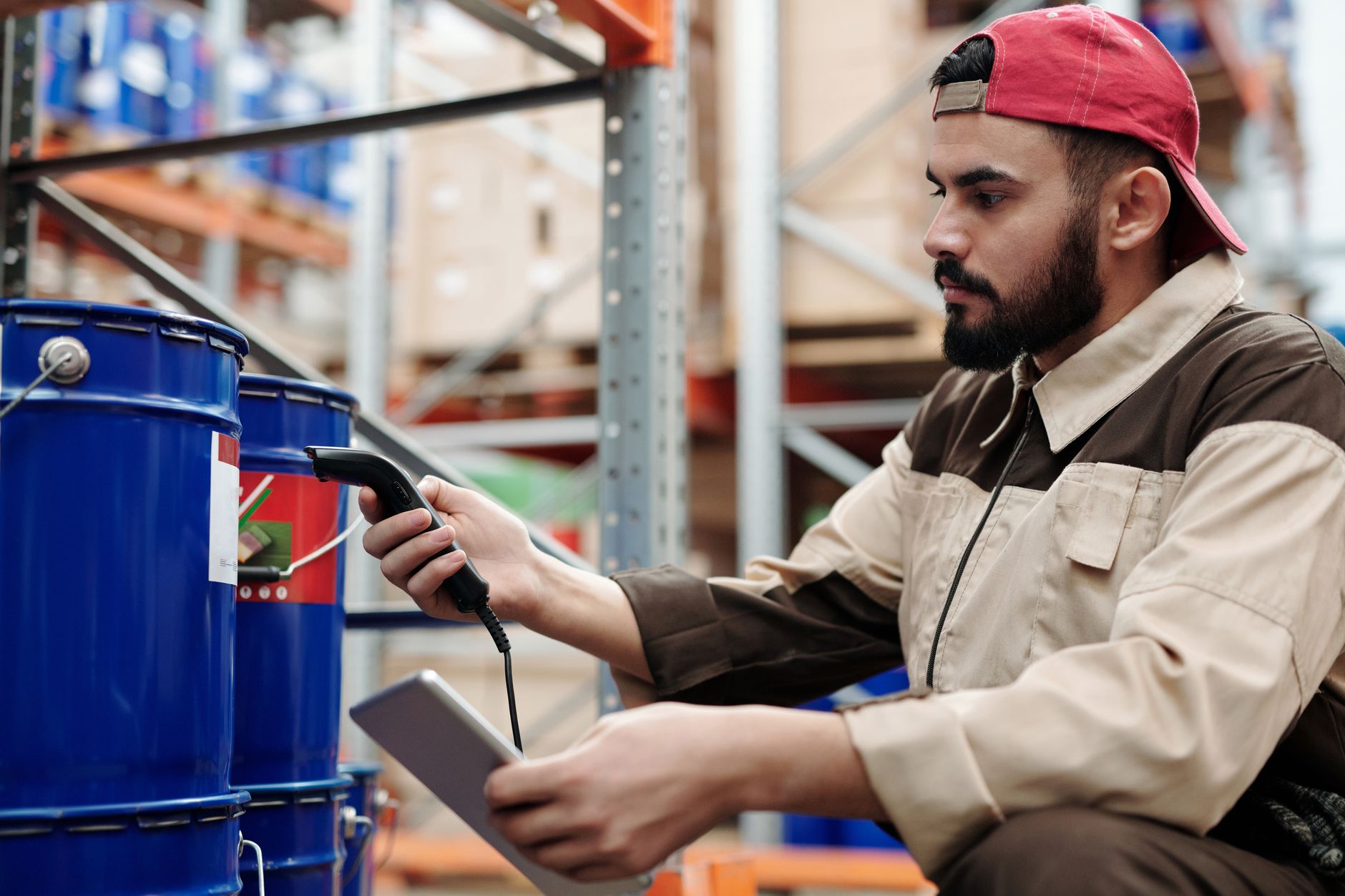
Each barcode type serves a different purpose: Code 128 for internal item codes, EAN-13 for retail products, QR Code for extended information. Choosing the right barcode type optimizes scan speed and data capacity.
| Barcode type | Character length | Main warehouse application |
|---|---|---|
| Code 128 | Up to 48 characters | Internal SKU codes, pallet codes, lot numbers |
| EAN-13 | 13 digits | Retail products, packaged consumer goods |
| QR Code | Up to 4,296 characters | Warranty info, instruction links, production lot codes |
| ITF-14 | 14 digits | Cartons, shipping pallets |
For typical warehouses, Code 128 and ITF-14 are the two most popular choices because they are easy to print, fast to scan, and compatible with most barcode readers.
Warehouse barcode label printing process: 5 basic steps
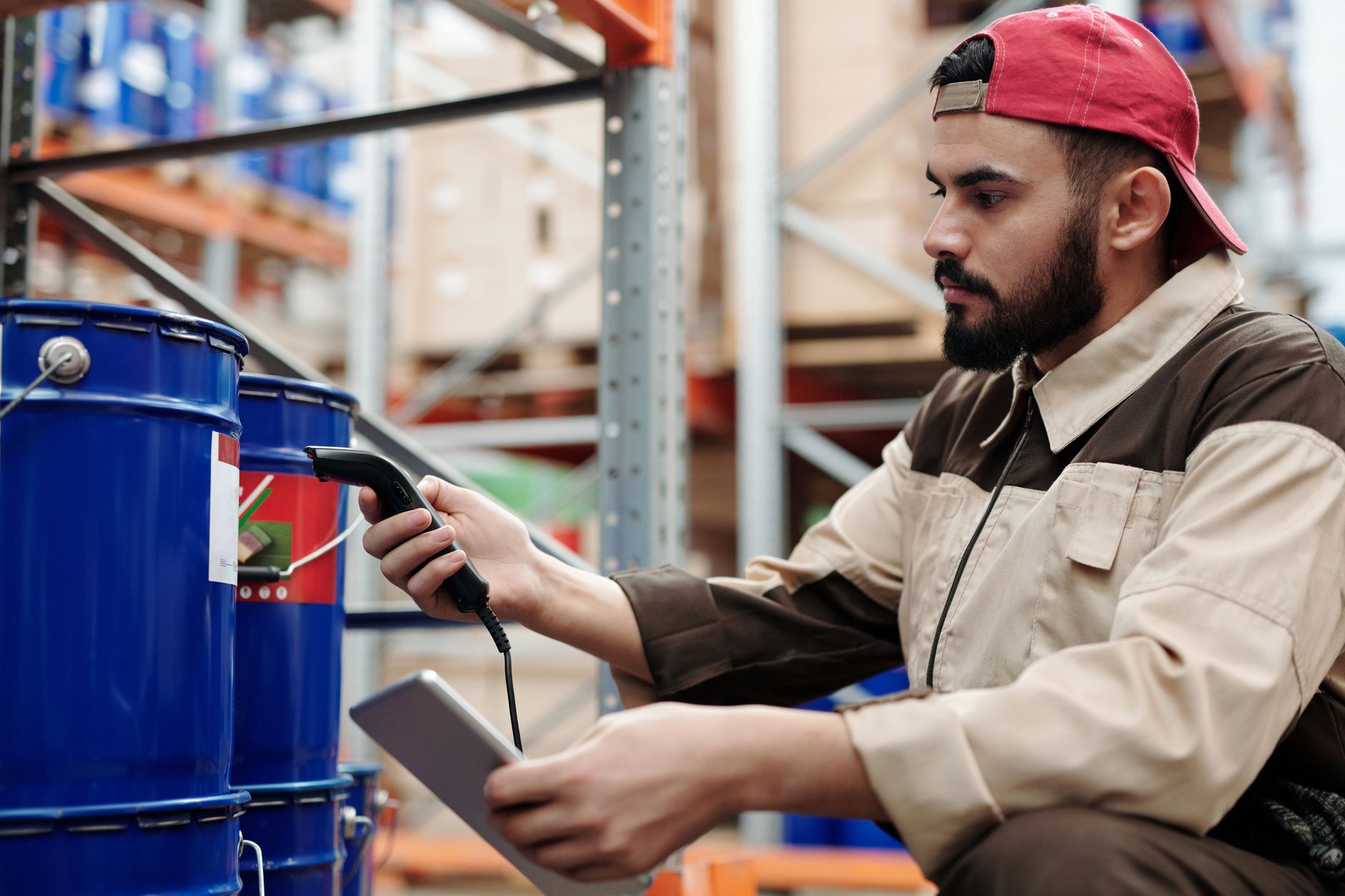
The barcode label printing process consists of 5 steps: data preparation, choosing free software, label design, test printing, and batch printing. Each step can be performed with free tools like VietPOS Barcode or BarTender Basic.
- Data preparation: Export the product list from Excel with columns: Item code, Item name, Unit of measure, Price. Ensure item codes are unique (no duplicates).
- Choose free software: Download and install the free barcode printing software VietPOS Barcode – supports direct connection to Excel files, automatically generates barcodes in bulk.
- Design the label: Select label size (commonly 50x30mm for boxes, 30x20mm for small products), arrange data fields and barcode.
- Test printing: Print 1-3 test labels on a barcode printer such as Zebra ZD421 or Xprinter XP-420B to adjust position and sharpness.
- Batch printing: Connect the printer, select quantity, and print. For 500 labels, printing time is only 8-12 minutes.
Criteria for choosing a warehouse barcode label printer
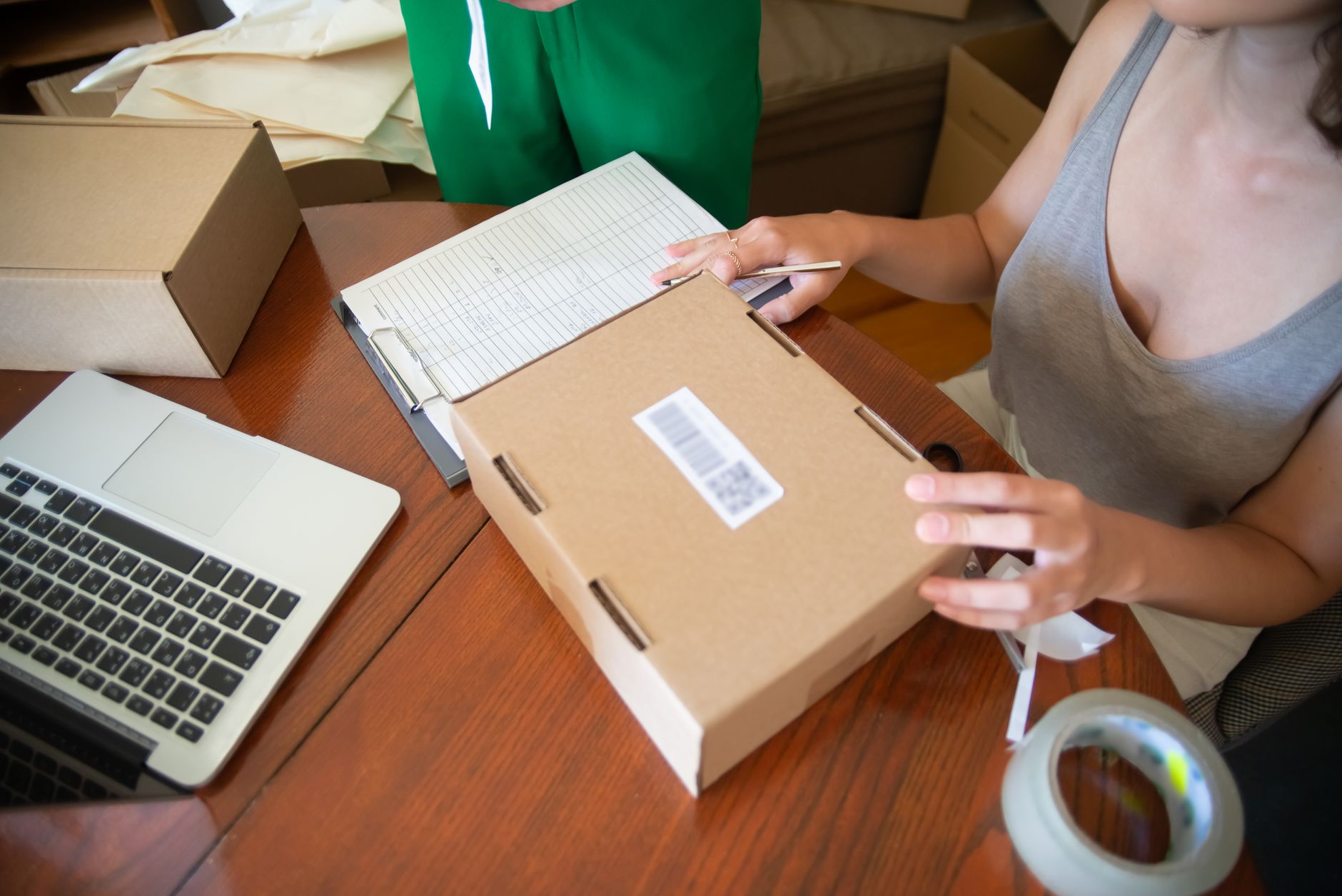
A warehouse barcode label printer must meet: minimum print speed of 100mm/s, resolution of 203dpi (or 300dpi for small labels), USB/LAN connectivity, support for paper rolls 50-110mm wide. Investment cost ranges from 3-8 million VND for desktop models, 10-25 million VND for industrial models.
- Desktop models (warehouse < 500 SKU): Zebra ZD421, Xprinter XP-420B – price 3-6 million VND, prints 3-5 rolls/day.
- Industrial models (warehouse > 1,000 SKU): Zebra ZT411, TSC MH261 – price 12-25 million VND, prints 8-15 rolls/day, dust and high temperature resistant.
- Mobile models (large warehouse, staff scan on-site): HPRT HM-T3 – price 4-7 million VND, prints at shelf location.
Common mistakes when printing warehouse barcode labels
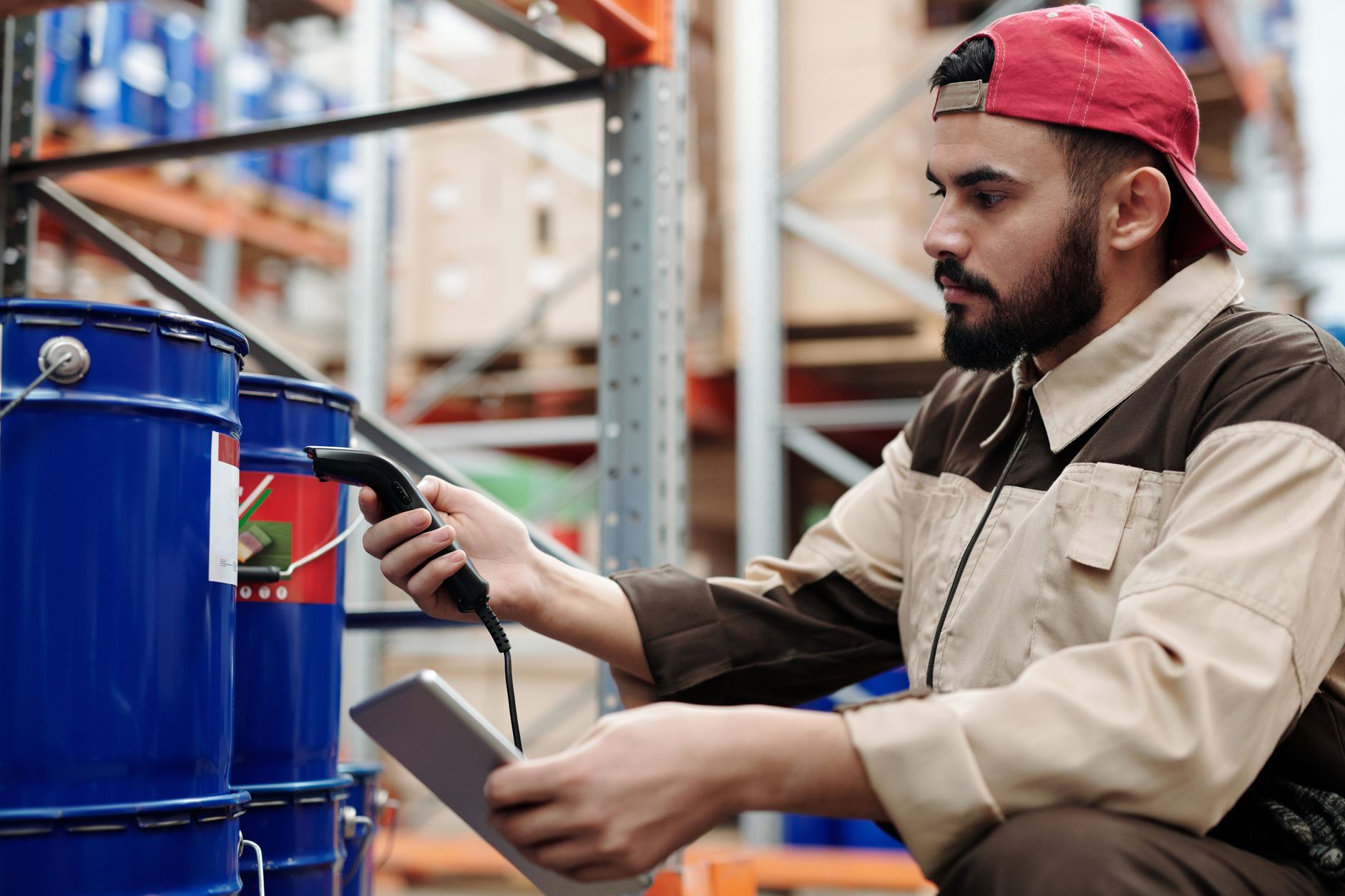
Many warehouse owners make mistakes such as using barcode fonts instead of dedicated software, printing labels on plain paper instead of thermal decals, or not checking label scanability. These errors cause waste and time-consuming rework.
- Using Barcode fonts in Excel/Word: Non-standard barcode fonts, scanners cannot read them. Only use for test printing, not for actual production.
- Printing labels on plain paper: Paper easily smudges, tears after 1-2 weeks in a humid warehouse. Always use thermal decals or silver-coated waterproof decals for warehouse environments.
- Not test printing: Print 500 labels in bulk only to discover margin errors. Always print 3-5 test labels on the same paper type you will use.
- Ignoring label size: Labels too small for large boxes (e.g., 20x15mm) make it hard for staff to scan. Choose labels with a minimum width of 50mm for cartons.
- Not syncing data: Print barcode labels but do not enter them into the warehouse management software. Barcodes are only effective when scanned and cross-referenced with the database.
Comparison of popular free barcode label printing software
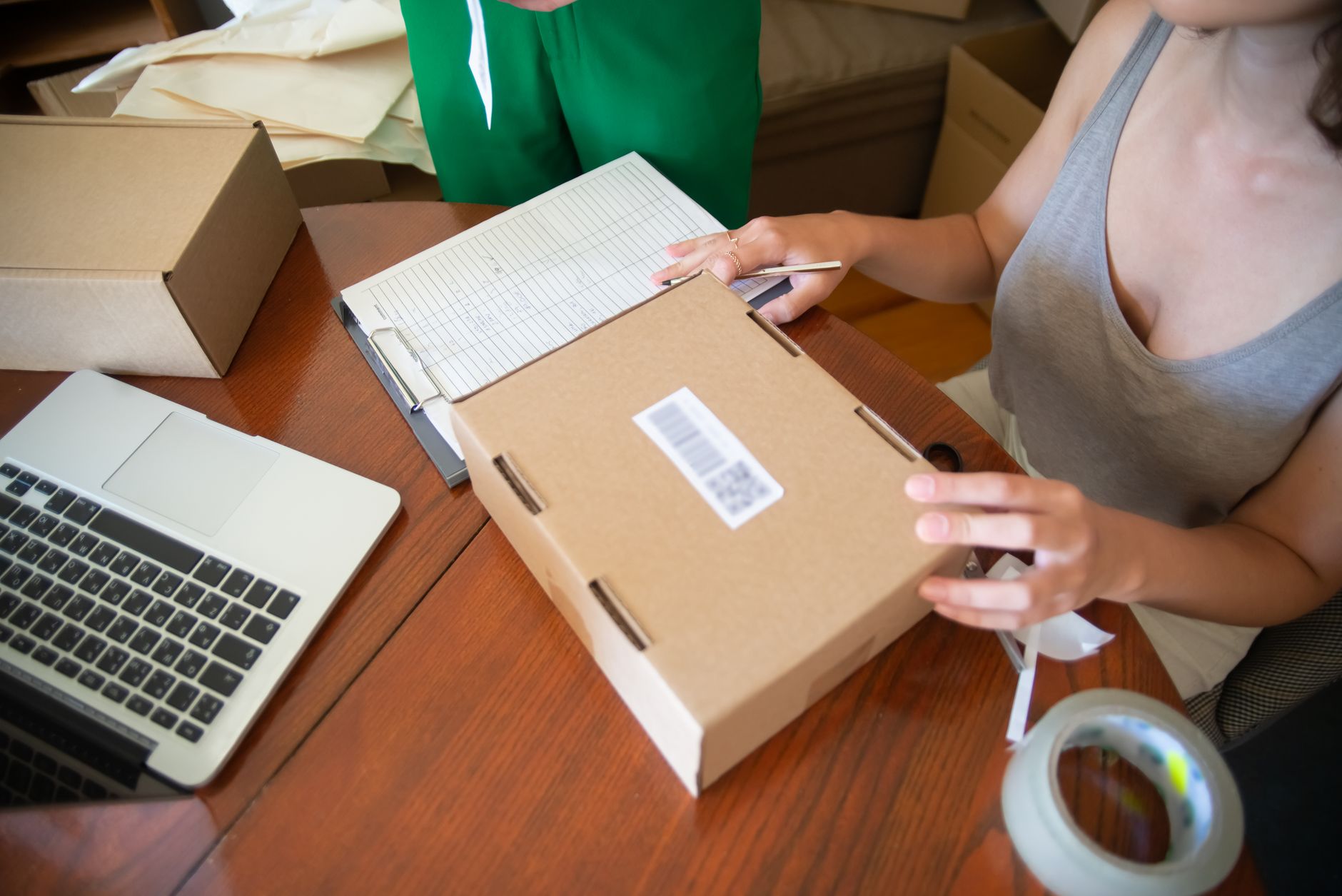
There are many free barcode label printing software options on the market, but not all are suitable for warehouses. The table below compares 4 popular tools based on features and target users.
| Software | Platform | Batch printing from Excel | Supports Code 128/QR | Suitable for |
|---|---|---|---|---|
| VietPOS Barcode | Windows | Yes (direct connection) | Yes | Small warehouses, mini-supermarkets |
| BarTender Basic | Windows | Yes (via CSV import) | Yes (limited to 1 printer) | Medium warehouses, need complex label design |
| ZebraDesigner Free | Windows | Yes (basic) | Yes | Warehouses using Zebra printers |
| iCheckQR (online) | Web | No (create one at a time) | Yes | Small quantity label printing, testing |
For regular warehouse barcode label printing needs (over 100 labels/week), VietPOS Barcode and BarTender Basic are the two most optimal choices because they support batch printing and connection to dedicated devices.
Frequently asked questions about printing warehouse barcode labels
Which free barcode printing software best supports warehouse label printing?
VietPOS Barcode and BarTender Basic are the two most suitable free software for warehouses. VietPOS Barcode is developed specifically for the Vietnamese market, supports direct connection to Excel files, automatically generates batch codes, and is compatible with most popular barcode printers (Zebra, Xprinter, TSC, Bixolon).
Can I print barcode labels with a regular laser printer?
Yes, but it is not recommended. Regular laser printers use A4 paper, requiring manual label cutting, which is time-consuming and prone to size errors. Dedicated barcode printers (direct thermal or thermal transfer) print directly onto decal rolls, automatically cut labels, are 5-10 times faster, and have higher label durability.
What is the cost of printing one warehouse barcode label?
Cost ranges from 50-200 VND/label, depending on the decal type and size. Thermal decals 50x30mm cost about 70-100 VND/label, waterproof silver-coated decals 200-300 VND/label. For a warehouse printing 1,000 labels/month, total decal cost is only 70,000-100,000 VND.
How to ensure barcode labels scan accurately?
Three determining factors: print quality (printer with resolution of 203dpi or higher), decal type (smooth surface, high contrast), and standard barcode generation software (according to GS1-128 or Code 128 standards). Use Free barcode printing software VietPOS Barcode to create standard codes from the start.
Can I print warehouse barcode labels without an Internet connection?
Yes. Software like VietPOS Barcode or BarTender Basic works completely offline on Windows computers. You only need to install once, then print without Internet. This is very important for warehouses in remote areas or places with unstable network connections.
Which barcode printer should I choose for a warehouse with under 1,000 SKUs?
Desktop printer models like Zebra ZD421 (price 4-6 million VND) or Xprinter XP-420B (price 2.5-3.5 million VND) are optimal choices. Both support printing 50x30mm labels, speed 100-150mm/s, USB/LAN connectivity, and meet the demand of printing 200-500 labels/day.
To start printing warehouse barcode labels today, download the free barcode printing software VietPOS Barcode here. Contact hotline 0935 498 384 for advice on choosing the right printer and decals for your warehouse scale.
Cần tư vấn thiết bị/giải pháp cụ thể?
Việt POS phản hồi trong 30 phút · Hotline 4 vùng · Khảo sát miễn phí.
Bài viết cùng chủ đề