Mục lục bài viết (4)
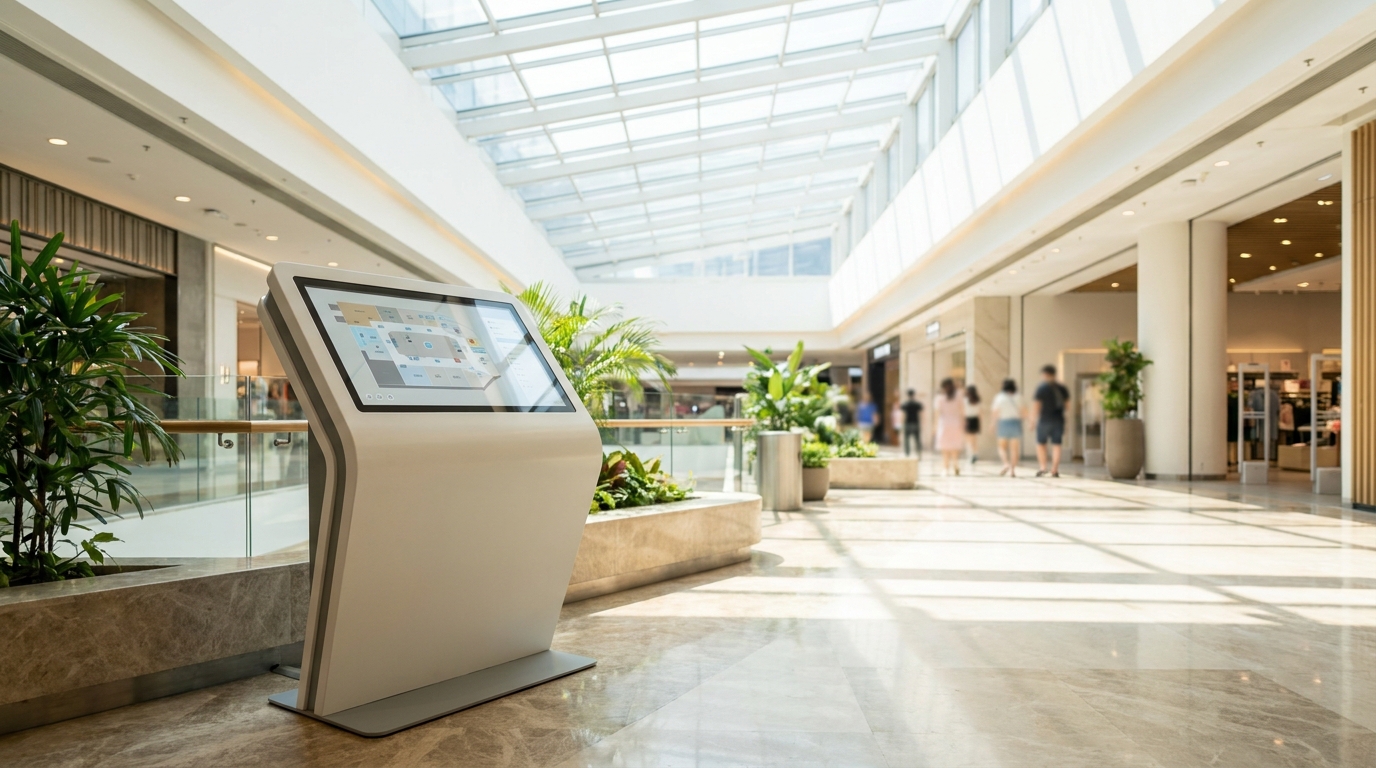
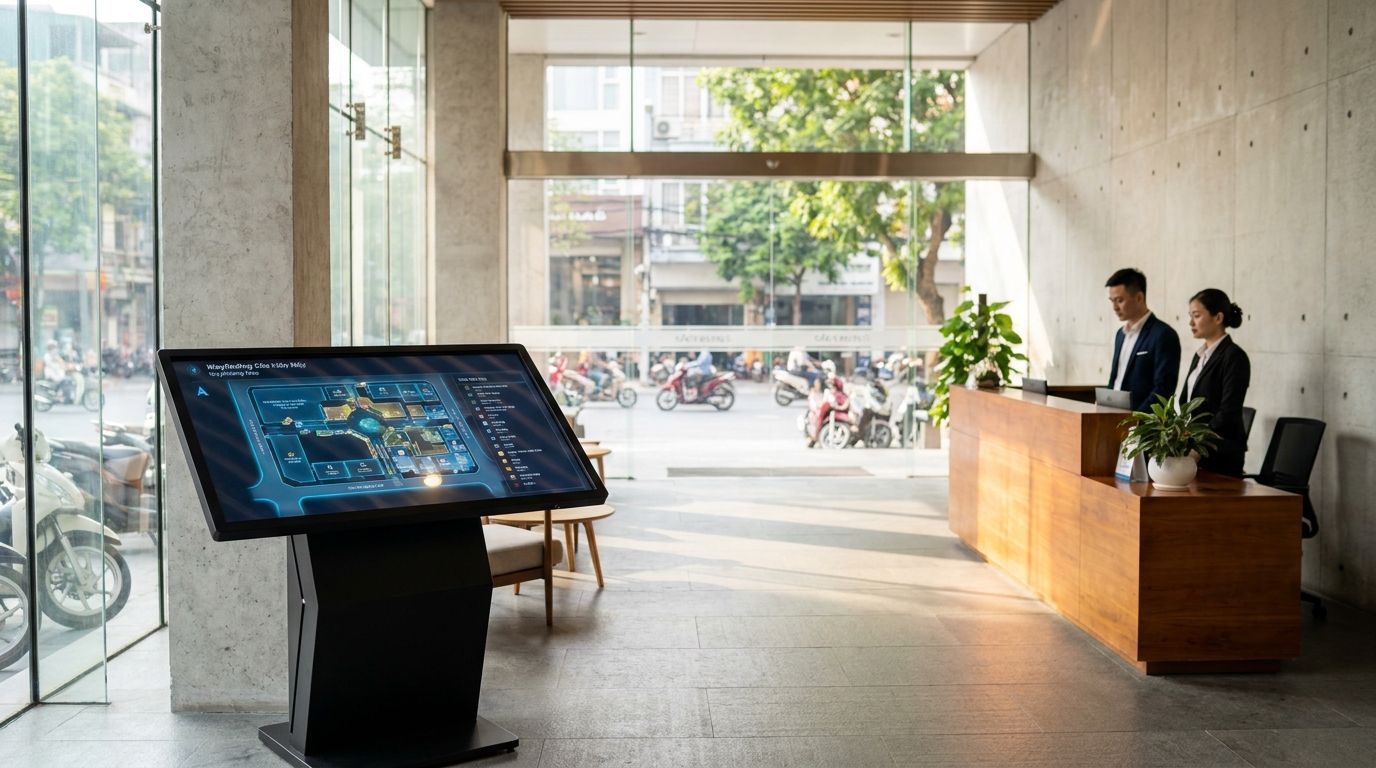
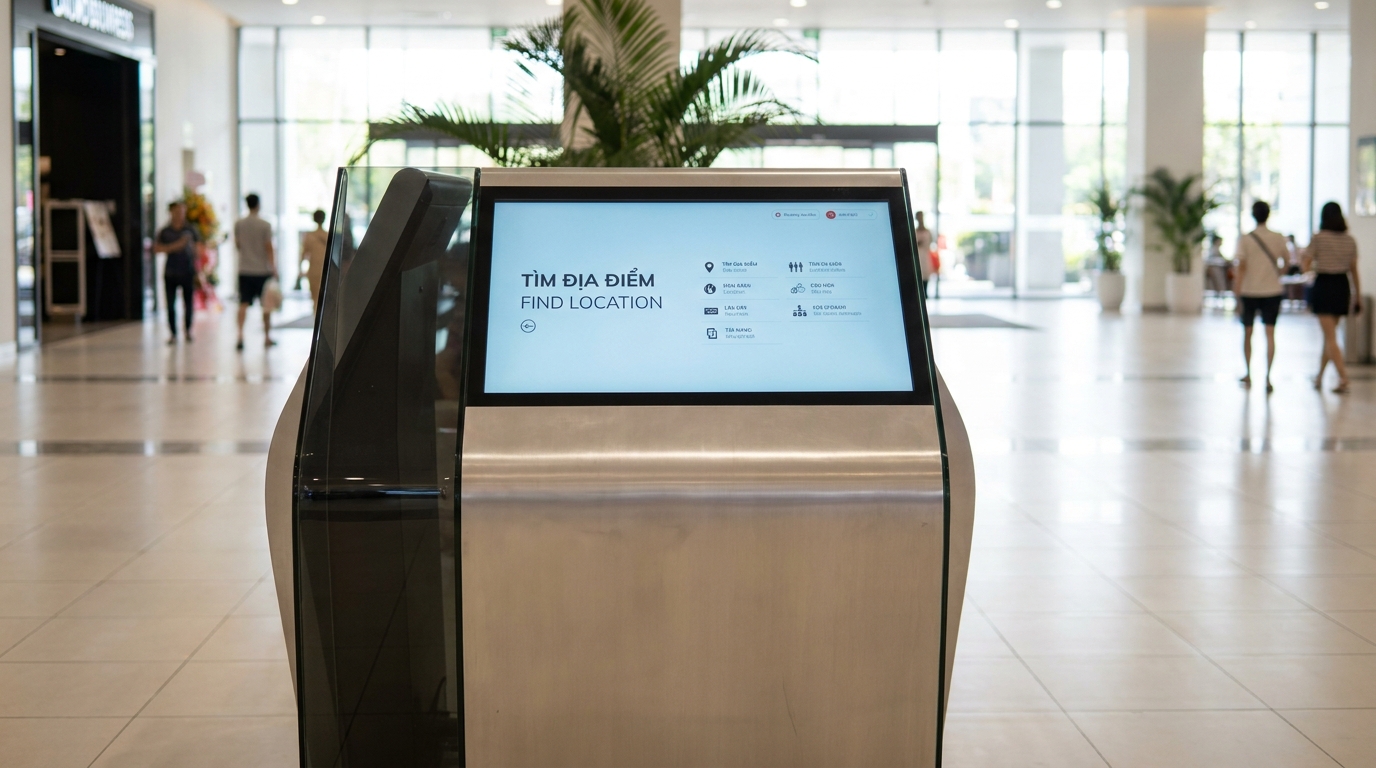
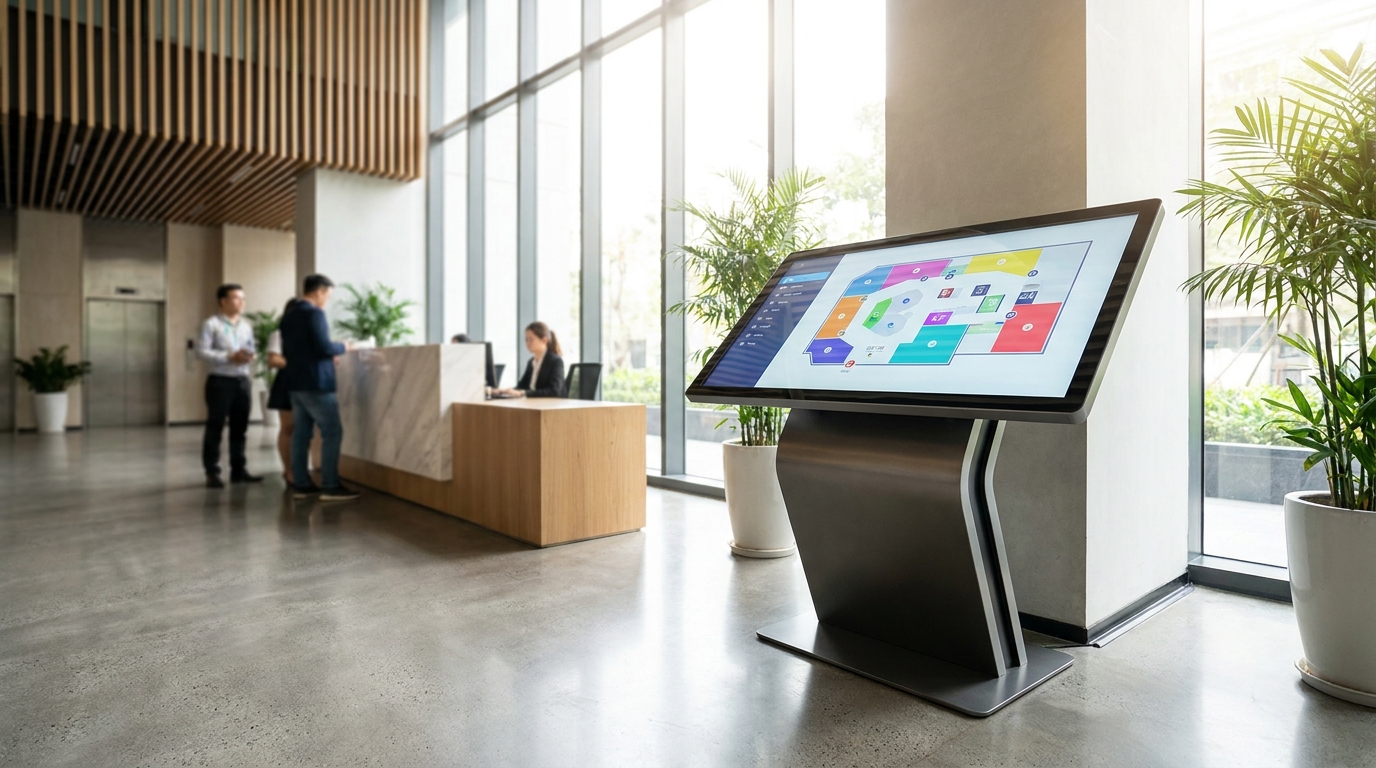
A wayfinding kiosk is a digital wayfinding system using a touchscreen placed in a building lobby, allowing users to search for locations, view interactive maps, and receive visual directions. In Vietnam, this technology is being widely deployed in office buildings, shopping centers, and hospitals to reduce front desk workload and enhance customer experience.
A wayfinding kiosk is a touchscreen device placed in a building lobby, helping users search for locations, view maps, and get directions. This solution reduces front desk inquiries by 40-60%, works well when internet connection is lost thanks to local data, and allows quick map updates without reprinting.
Table of Contents
- Problems buildings face when visitors cannot find their way
- How the wayfinding kiosk solution works
- Specific benefits of deploying wayfinding kiosks
- Applications in Grade A office buildings
- Applications in shopping centers
- Applications in hospitals and healthcare facilities
- Related equipment products
- Related articles
- Frequently asked questions
Problems buildings face when visitors cannot find their way
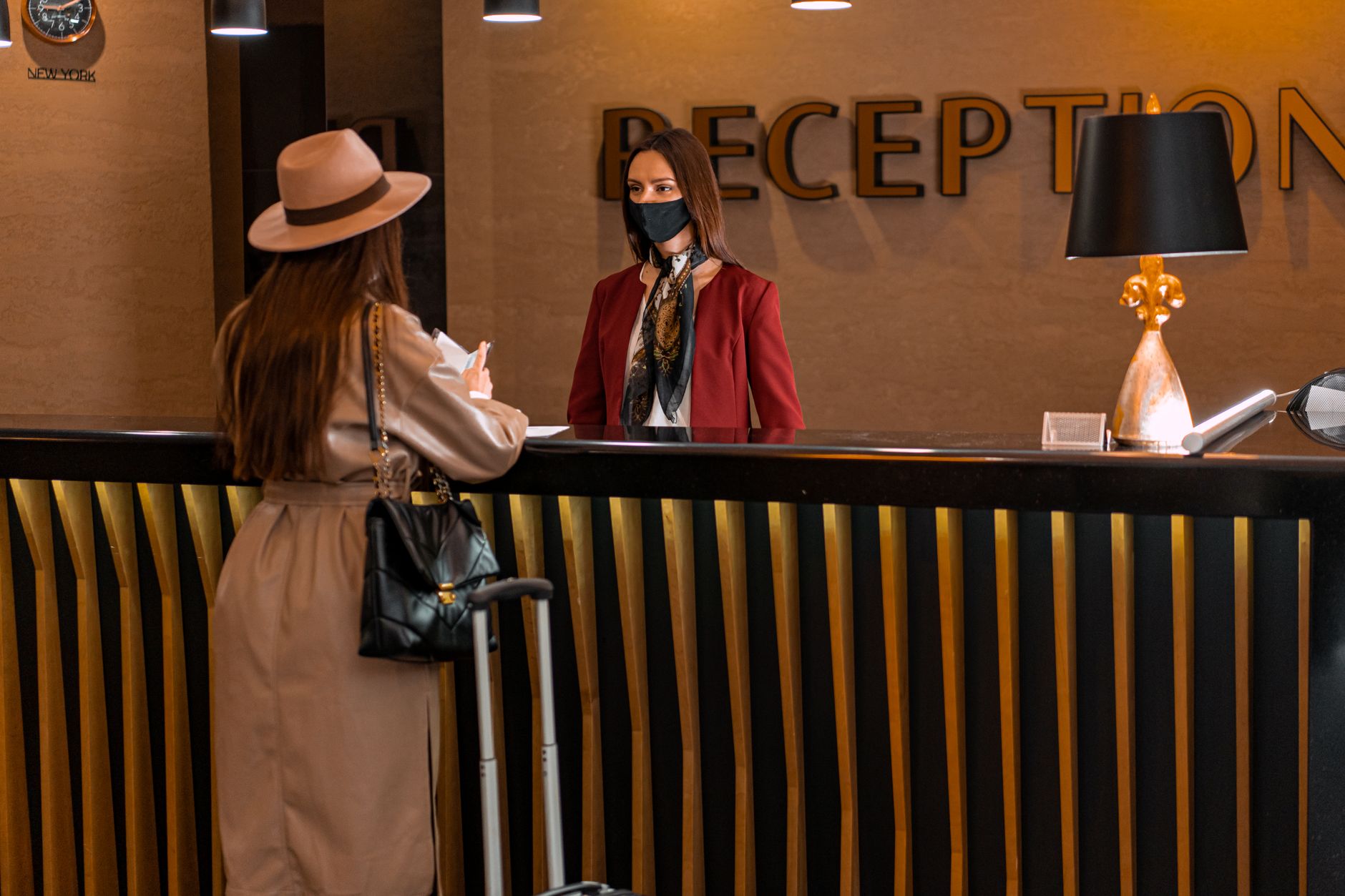
Visitors to a building often take 5-10 minutes to find a meeting room or store, causing delays and confusion. Front desk staff have to repeatedly answer the same questions, affecting work performance and the overall visitor experience.
⚠ Visitors get lost in large spaces: Buildings over 10 floors or shopping centers over 20,000m² make orientation with static signage difficult, especially for first-time visitors.
⚠ Front desk overload: Each receptionist handles 30-50 direction questions per day, accounting for 40-60% of work time and affecting other important tasks.
⚠ Outdated static signage: When there are changes to stores or departments, printed signage takes 3-5 days to produce and install, causing misinformation during the wait.
⚠ Poor customer experience: Visitors who are confused when finding their way tend to rate service quality lower, affecting the building's image.
⚠ No measurement data: The building does not know which areas are crowded or what movement patterns are, making it difficult to optimize space layout.
How the wayfinding kiosk solution works
Related Products
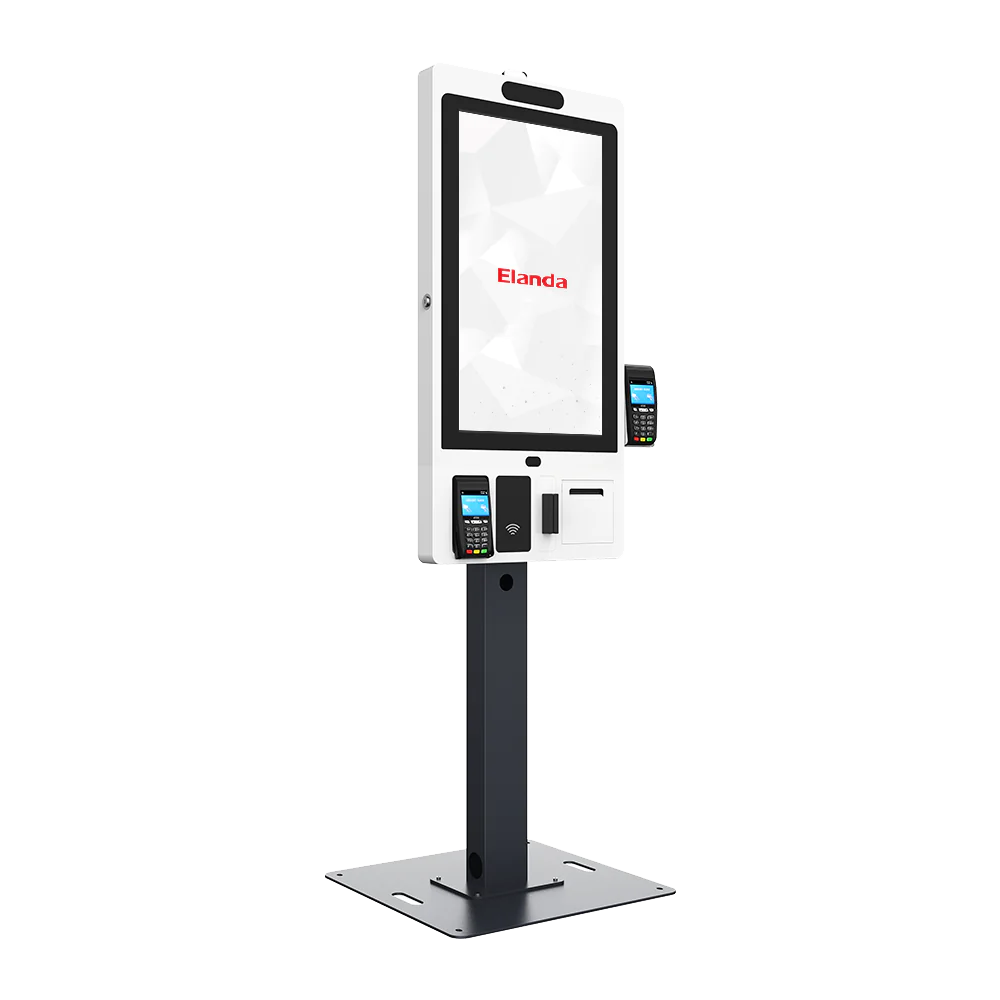
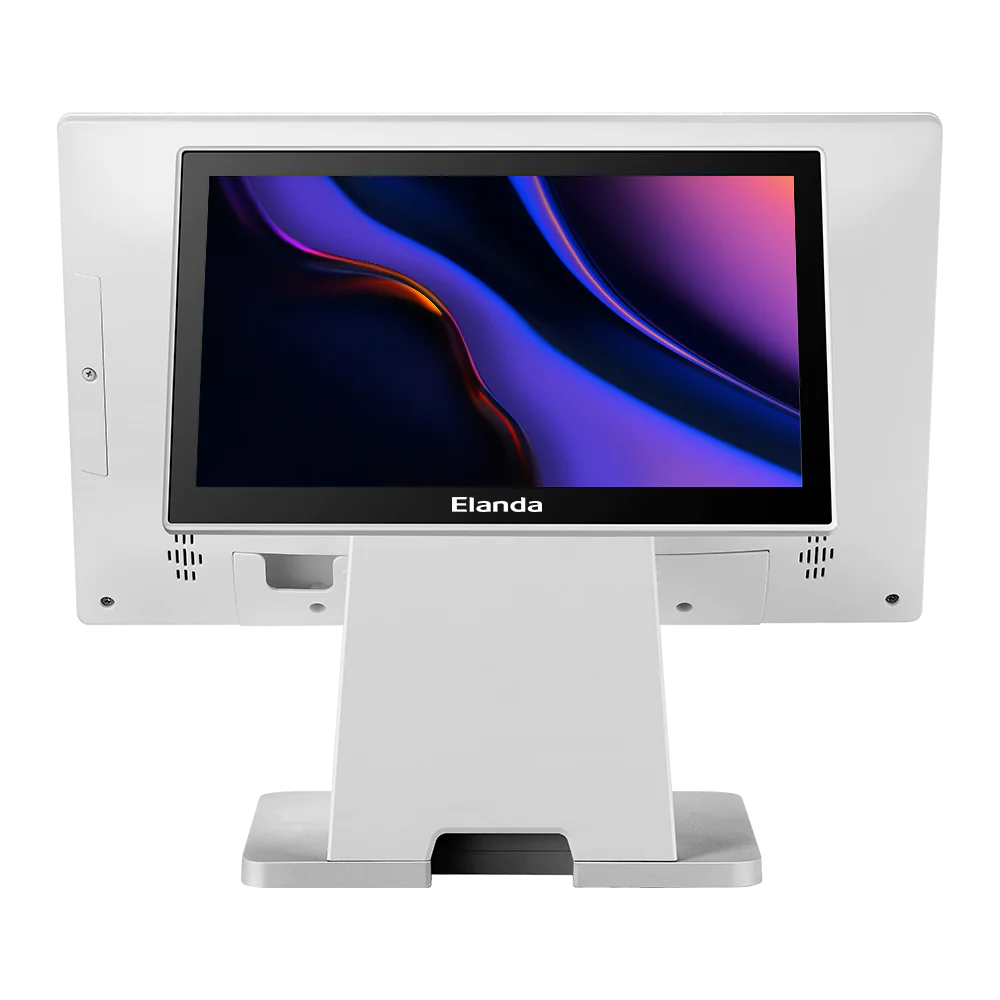
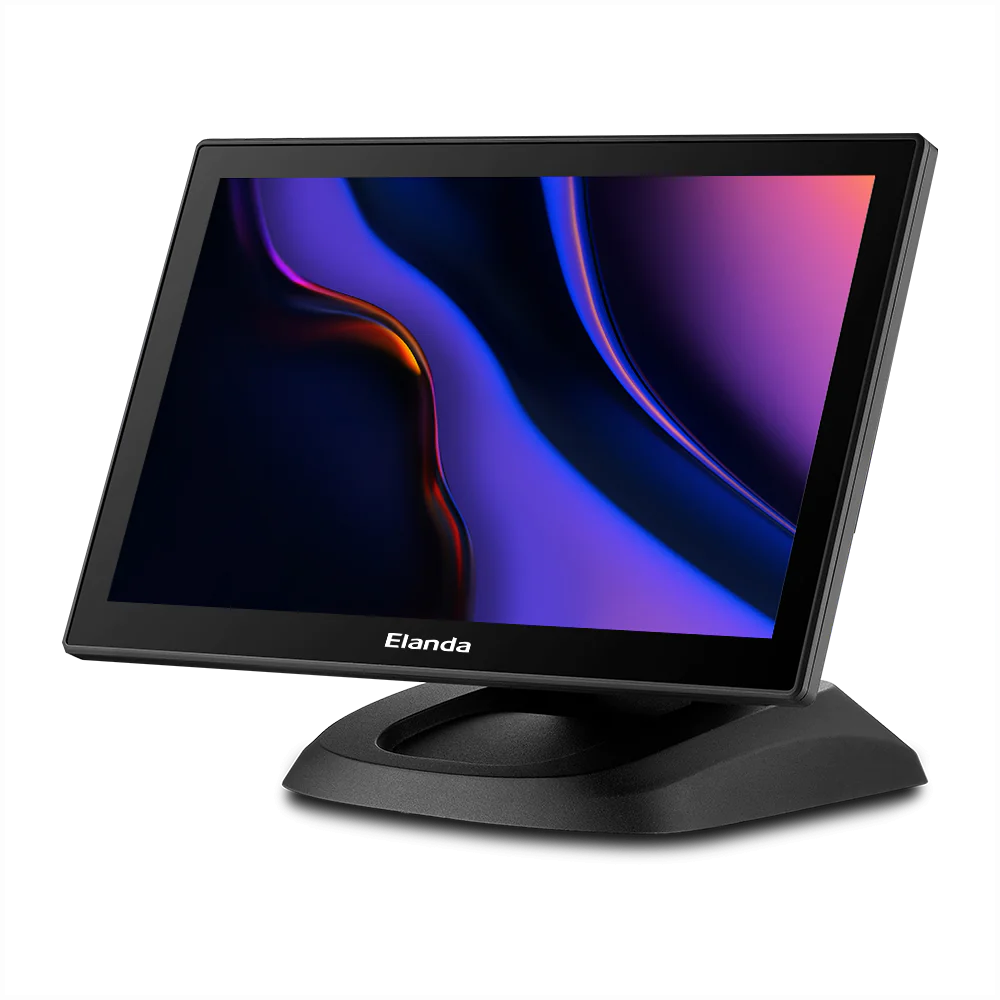
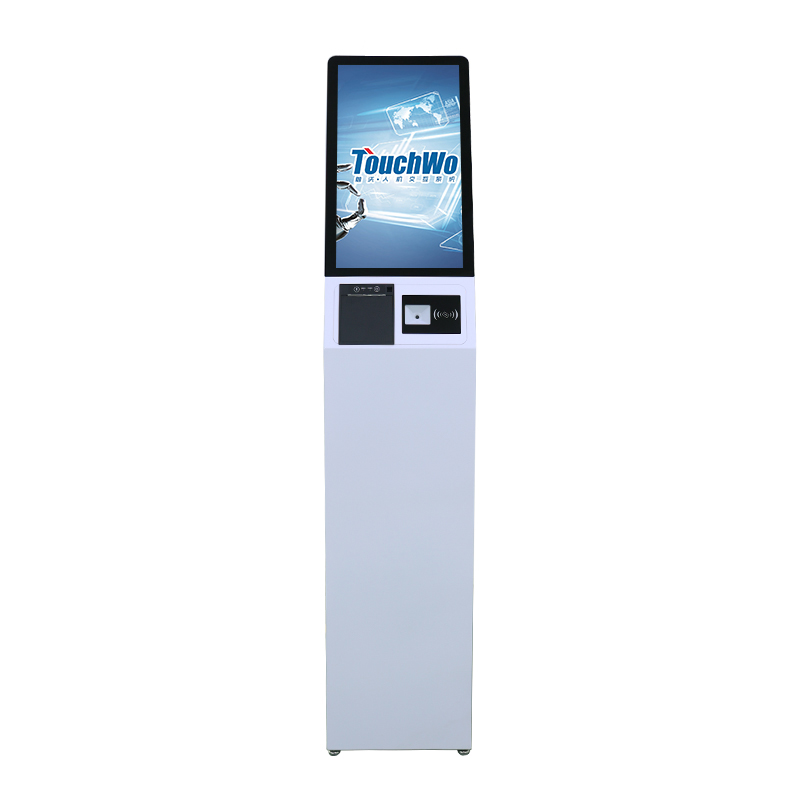
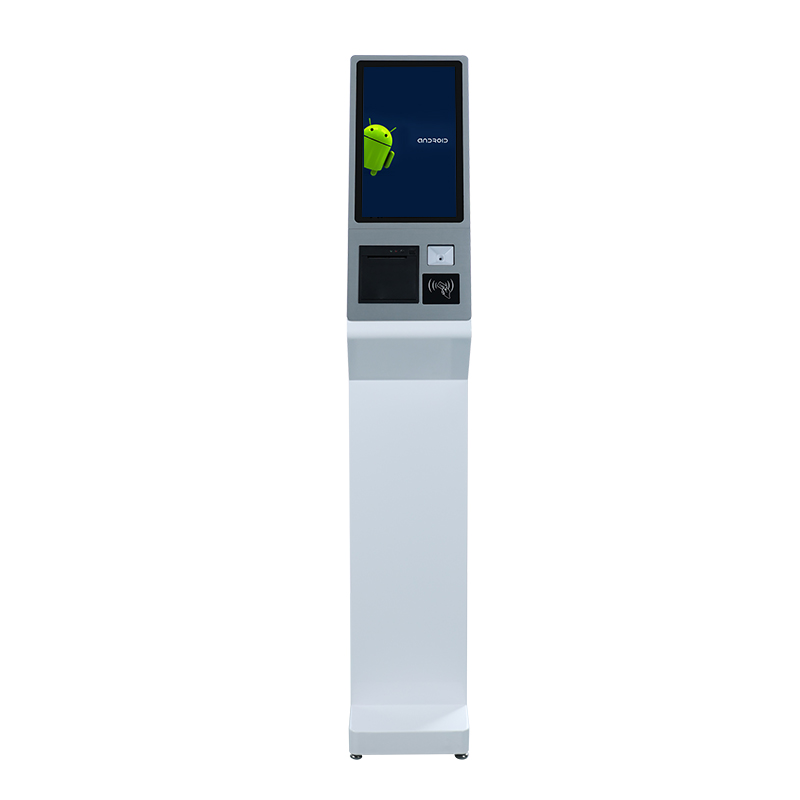
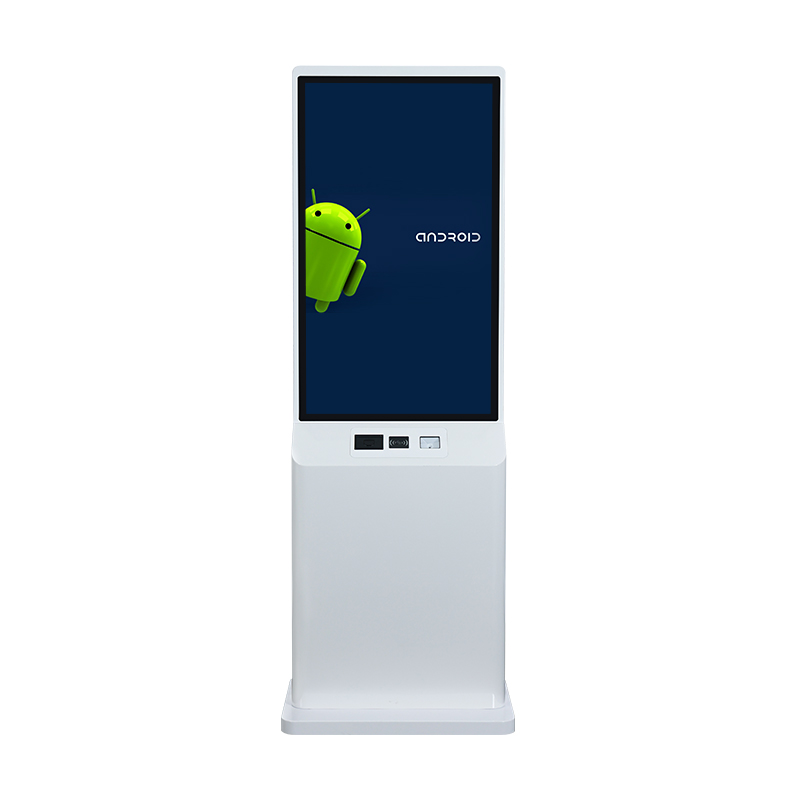
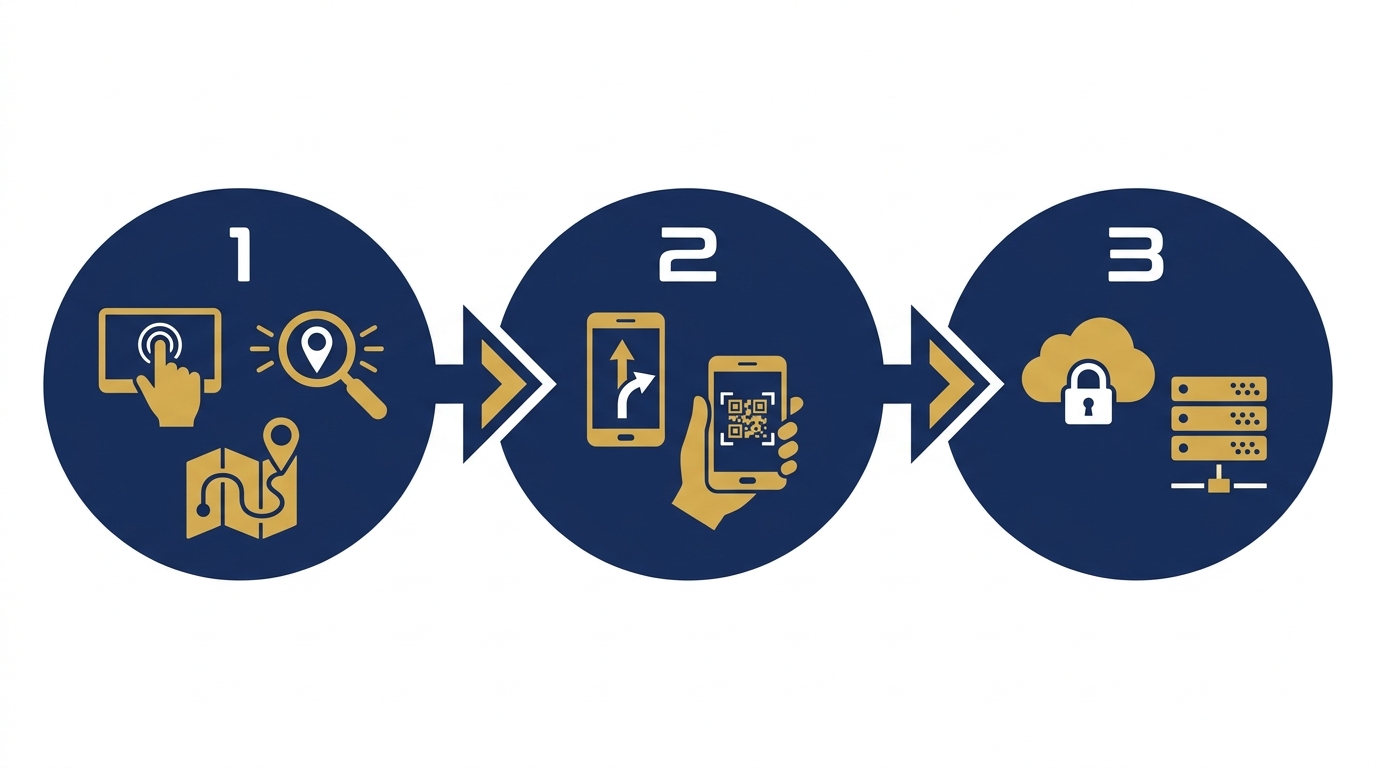
Việt POS's wayfinding kiosk system operates in a 5-step process: users touch the touchscreen, search for a location, view an interactive map, receive directions, and scan a QR code to save to their phone. All data is stored locally, working well even when internet connection is lost.
- Step 1 — Touch to start: The 21.5-55 inch touchscreen is always in standby mode, displaying a greeting and popular search suggestions. Users touch anywhere to activate the main interface.
- Step 2 — Search for a location: The interface supports searching by name, category (restaurant, office, meeting room), or by floor. The virtual keyboard supports Vietnamese with diacritics, English, and Chinese.
- Step 3 — View interactive map: The 2D map displays the current location (marked "You are here"), the destination, and suggested routes. Users can zoom in, zoom out, and view details of each floor.
- Step 4 — Get directions: The system provides step-by-step instructions with text and visual icons, along with estimated travel time. For example: "Go straight 20m, turn right, take the elevator to floor 5".
- Step 5 — Save to phone: The screen displays a QR code containing the route; users scan it with their phone to save the instructions and view them on their mobile device throughout the journey.
Specific benefits of deploying wayfinding kiosks
Wayfinding kiosks bring measurable benefits to buildings: reducing front desk inquiries by 40-60%, cutting static signage printing costs by 70-80%, and improving customer satisfaction by 15-25% in internal surveys.
Front desk staff focus on handling important requests instead of repeatedly answering direction questions, increasing productivity by 30-40%.
Building map changes are updated within 15-30 minutes via management software, without printing and installing new signs.
The system records the most searched locations, helping management optimize store and functional area layouts.
The interface supports Vietnamese, English, Chinese, and Korean — suitable for international visitors at Grade A office buildings.
Map and search data are stored locally on the device; the system continues to operate normally when internet is lost.
The screen displays advertising banners, event notifications, or building news when no one is interacting, creating an additional revenue stream.
Applications in Grade A office buildings
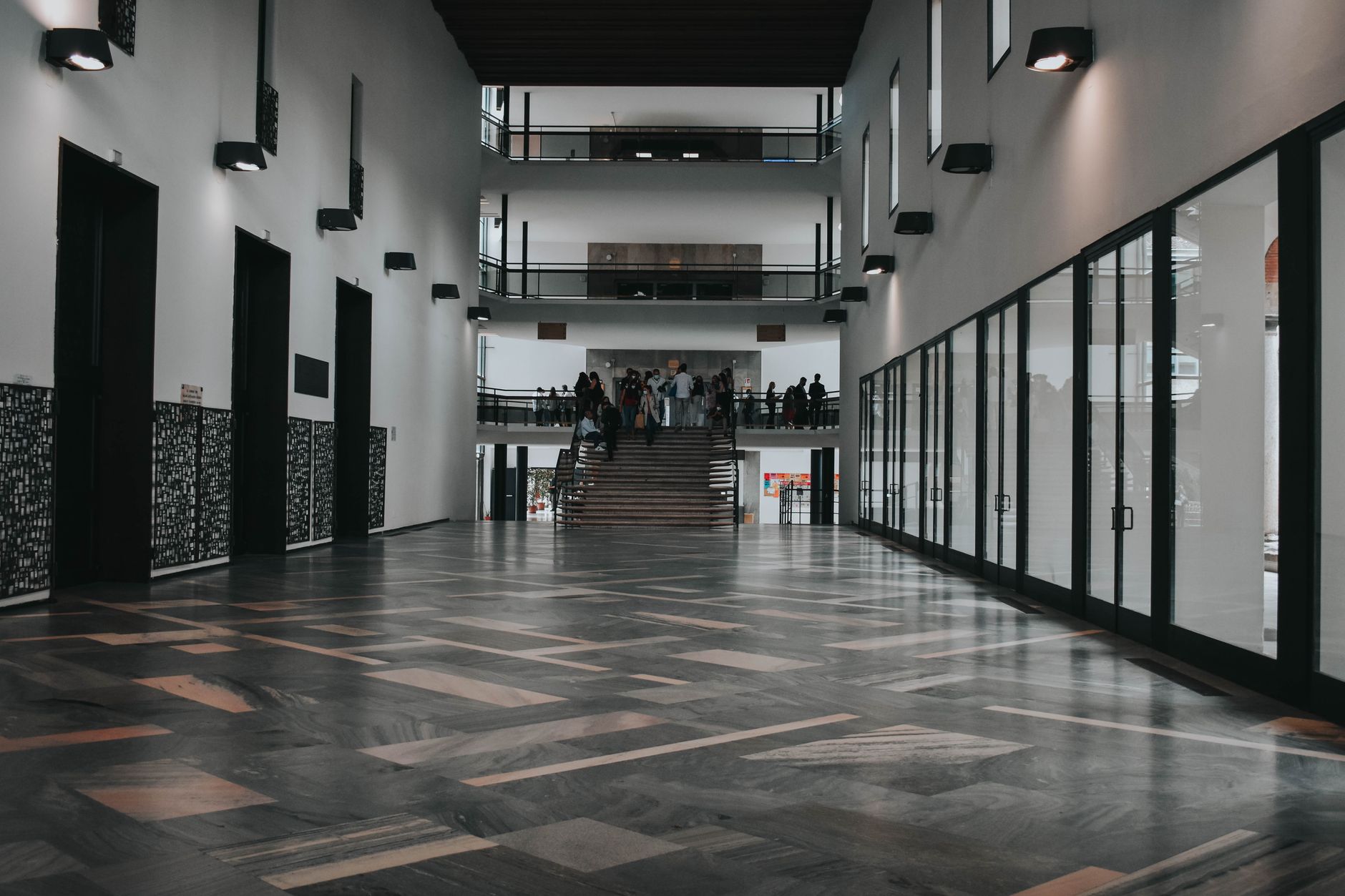
Grade A office buildings in Ho Chi Minh City and Hanoi with floor areas of 30,000-60,000m² are the primary deployment targets. Kiosks placed in the main lobby help visitors find meeting rooms quickly, reducing lateness due to getting lost.
Visitors to office buildings usually have specific purposes: meeting with departments, meeting partners, or using services. They need to find their way quickly, accurately, and without asking multiple times. Wayfinding kiosks solve this by displaying detailed floor plans, meeting room locations, and step-by-step directions. The system also integrates a company directory, allowing visitors to search by employee name or department. For buildings with multiple security-controlled areas, the kiosk clearly shows permitted areas and access card requirements.
An important point is offline capability. When internet is lost due to infrastructure issues, the kiosk still displays maps and directions because all data is stored locally.
Cần tư vấn thiết bị/giải pháp cụ thể?
Việt POS phản hồi trong 30 phút · Hotline 4 vùng · Khảo sát miễn phí.
Bài viết cùng chủ đề