Mục lục bài viết (7)
- What is a bank eKYC inquiry kiosk?
- Benefits of deploying eKYC kiosks at banks
- Comparison of popular eKYC kiosk configurations
- Deployment process for eKYC kiosks at transaction offices
- Criteria for selecting an eKYC kiosk for banks
- Frequently asked questions about bank eKYC kiosks
- Conclusion and contact for quote
The bank eKYC inquiry kiosk is a multi-functional self-service device integrating queue number dispensing, account information inquiry, statement printing, and biometric authentication via chip-embedded citizen ID cards. In Vietnam, banks such as Vietcombank, BIDV, and Techcombank have deployed this kiosk, helping reduce counter transaction time by 40-55% and increasing customer satisfaction by 30%.
What is a bank eKYC inquiry kiosk?
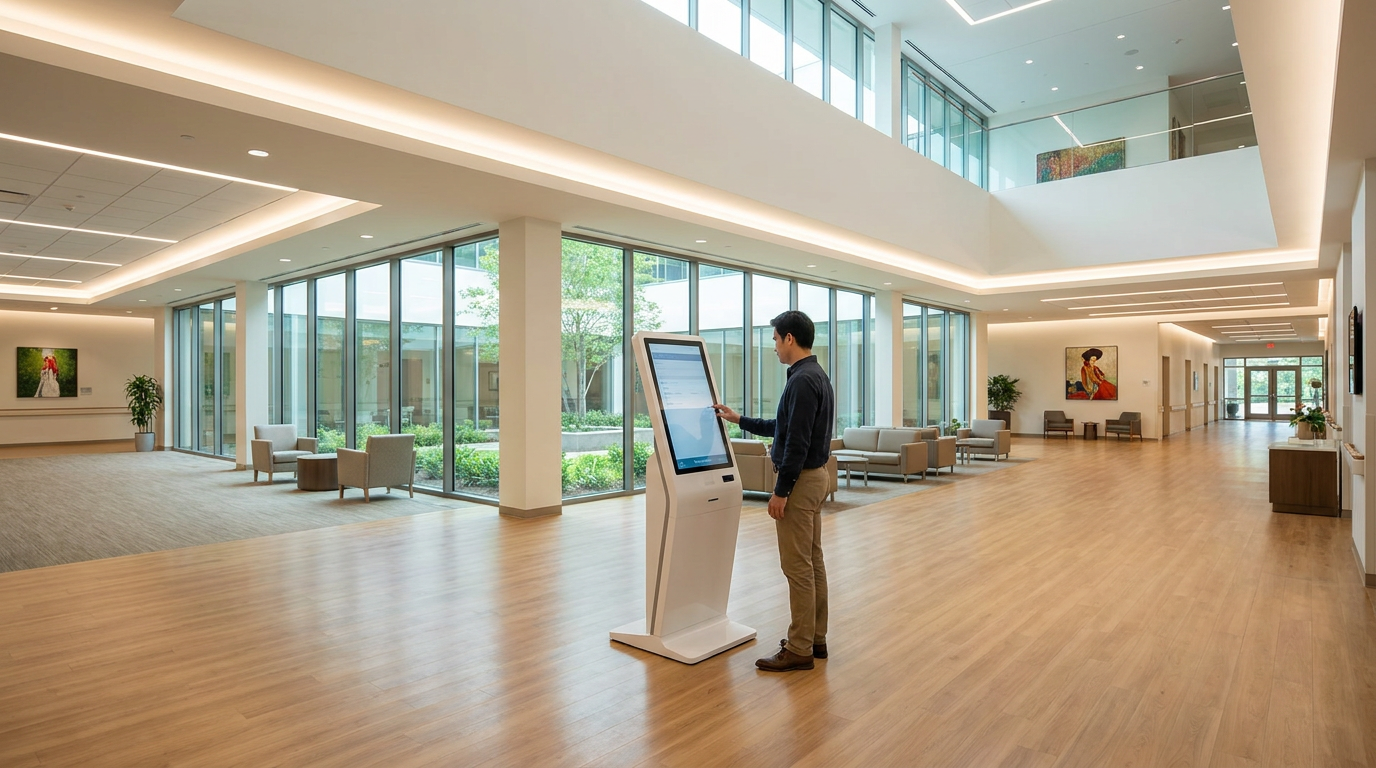
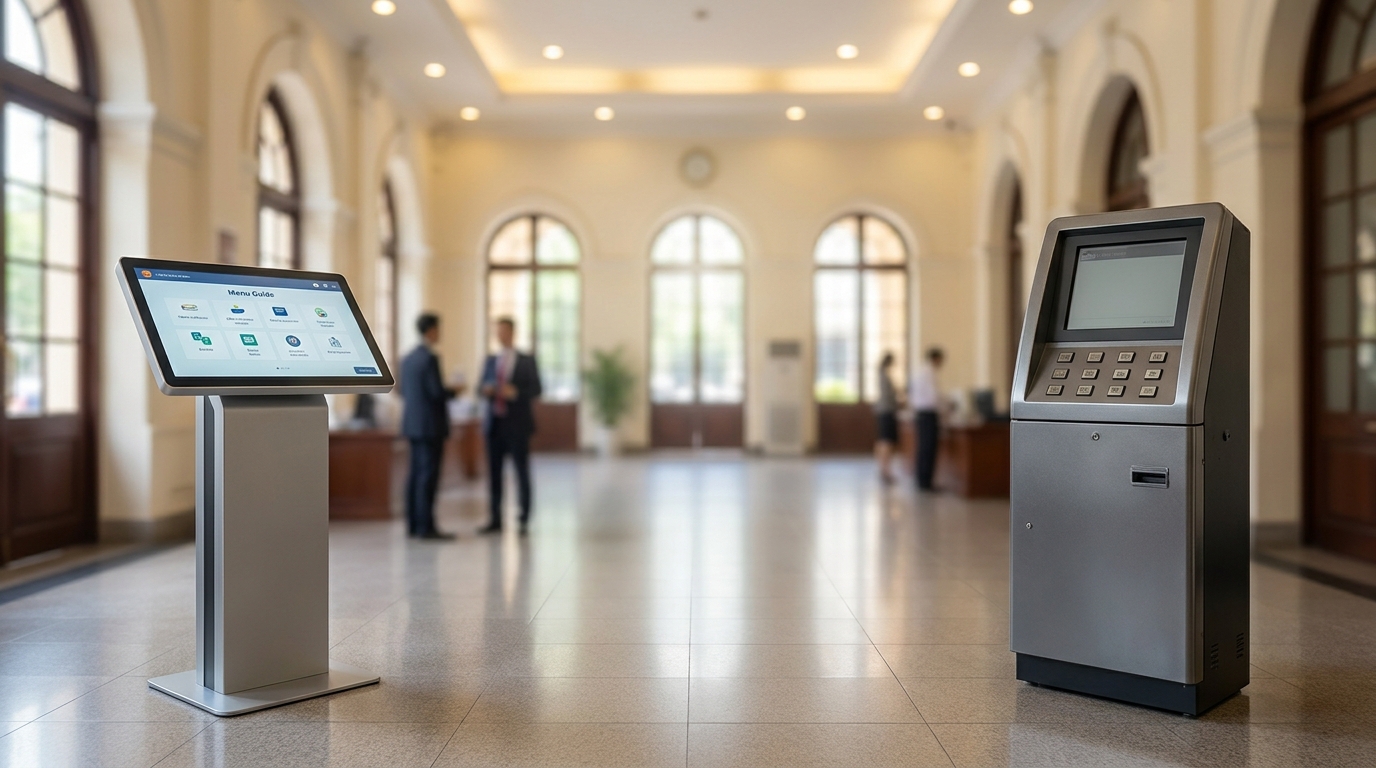
A bank eKYC inquiry kiosk is a self-service station combining three main functions: transaction and balance inquiry, queue number dispensing, and electronic customer identification (eKYC) via chip-embedded citizen ID cards or facial recognition. The device is typically placed in the main lobby or waiting area of a transaction office.
Unlike standard kiosks that only support one function, the eKYC kiosk integrates an AI camera, chip card reader, thermal receipt printer, and a 19-22 inch touchscreen. Users can touch to get a queue number, scan their citizen ID to check their account, or perform eKYC to open a new account without staff assistance. This system is particularly effective for transaction offices with a customer volume of 300-800 visits per day.
Benefits of deploying eKYC kiosks at banks
Deploying a bank eKYC inquiry kiosk helps reduce counter workload, optimize staffing, and enhance customer experience. Data from commercial banks shows transaction processing time reduced by 40-55%, and counter operating costs reduced by 25-35%.
Bạn đang tìm sản phẩm cho chủ đề này?
Việt POS phân phối chính hãng — bảo hành 24-36 tháng, hỗ trợ kỹ thuật 24/7.
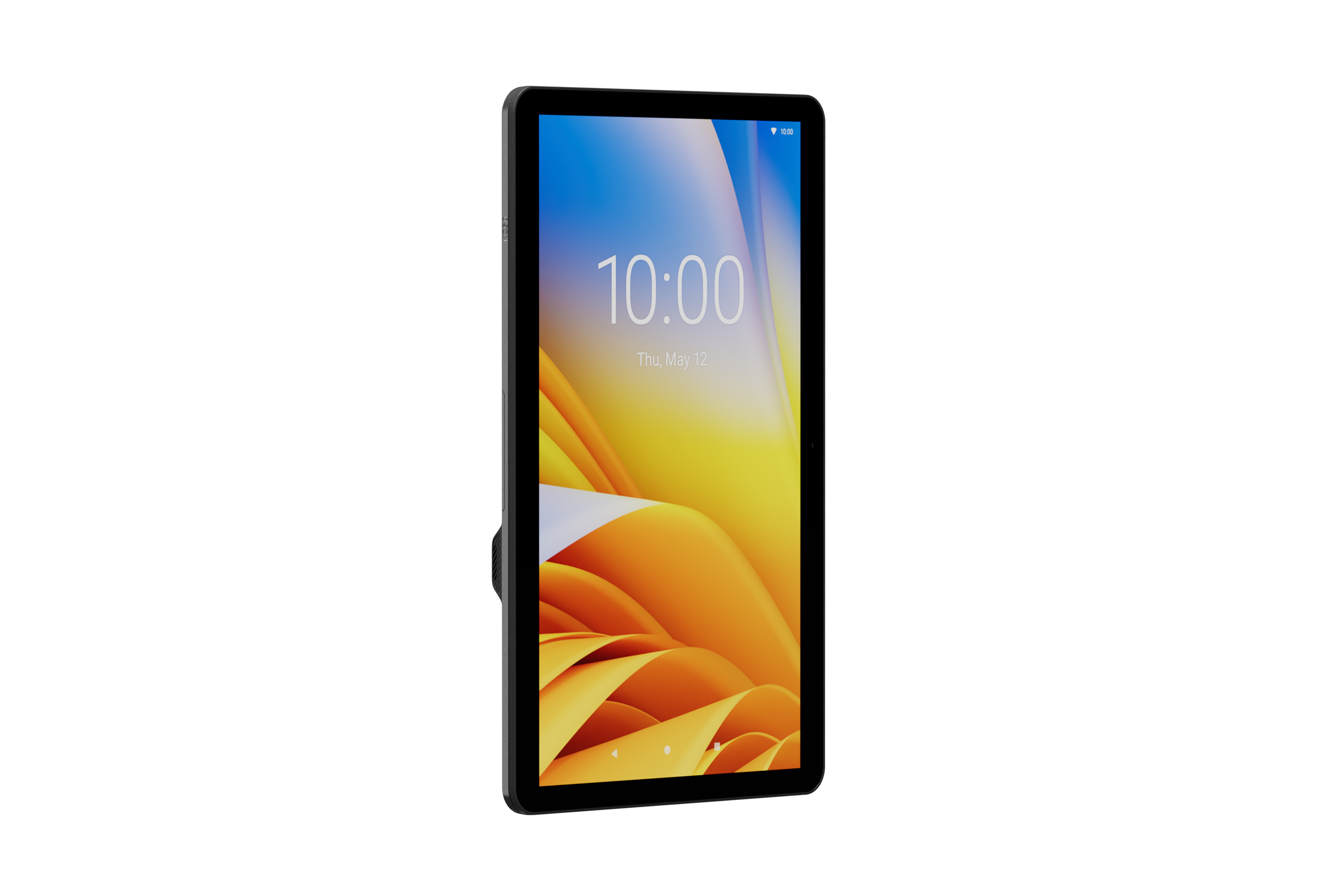
Zebra KC50 Kiosk Computer — Self-Service Kiosk with 15" or 22" Display
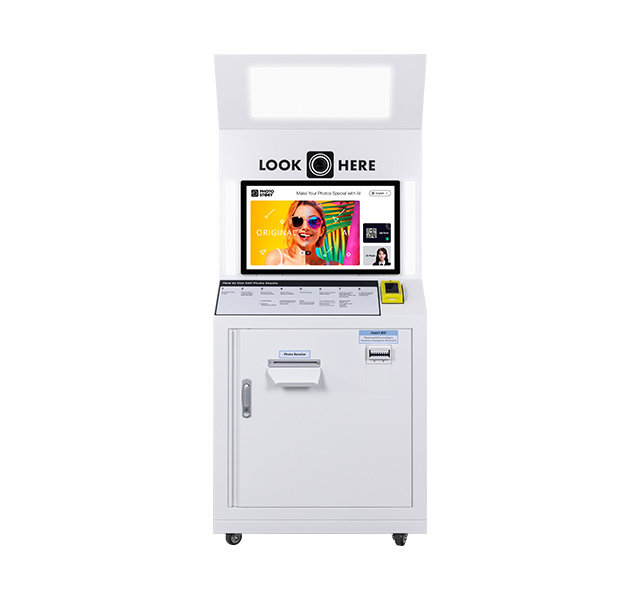
Photo Kiosk Hanasis — AI-Integrated Photo Kiosk
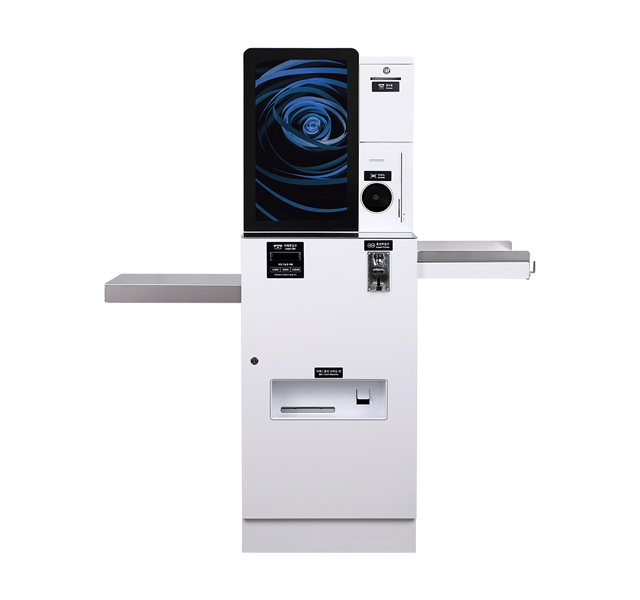
Hanasis Kiosk Machines - POS Kiosk & Vending Machine Devices
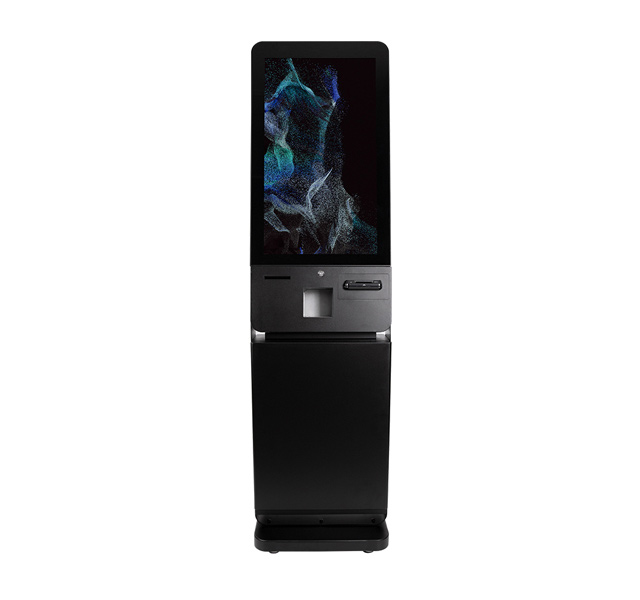
HANASIS K-320PC Kiosk — Modern Interactive Kiosk Design
Reduce customer waiting time
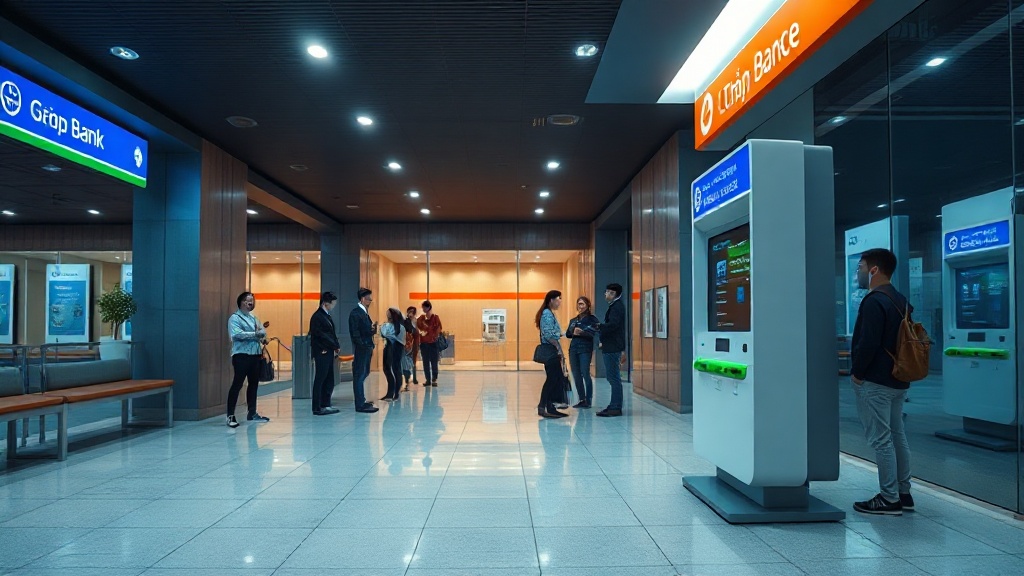
With the kiosk, customers no longer need to stand in long lines to get a queue number or ask basic questions. Balance inquiries or statement printing take only 15-25 seconds instead of 3-5 minutes at the counter. The automatic queue number system routes customers to appropriate counters, reducing congestion during peak hours (8-10 AM and 2-4 PM).
Increase staff productivity
Transaction staff spend 60-70% of their time on repetitive tasks such as information inquiries, statement printing, and customer guidance. The eKYC kiosk handles these tasks, freeing up staff to focus on complex product consultations like loans, credit card applications, or investments. A transaction office can reduce 1-2 counter staff while maintaining service quality.
Ensure security and compliance
The eKYC kiosk meets PCI DSS security standards and Decree 52/2013/NĐ-CP on e-commerce. The identification process uses an AI camera to match the face with the photo on the chip-embedded citizen ID card, achieving 99.5% accuracy. Data is encrypted and stored locally, not transmitted over public networks.
Comparison of popular eKYC kiosk configurations
The market currently offers three main eKYC kiosk configurations: basic (queue number + inquiry only), standard (adds eKYC via citizen ID), and premium (fully integrated features). The table below provides a detailed comparison for businesses to choose according to their needs and budget.
| Feature | Basic Configuration | Standard Configuration | Premium Configuration |
|---|---|---|---|
| Touchscreen | 19 inch HD | 21.5 inch Full HD | 22 inch Full HD + anti-glare |
| Chip card reader | No | Yes (reads chip-embedded citizen ID) | Yes (multi-purpose: citizen ID, ATM card, credit card) |
| AI eKYC camera | No | Yes (2MP, infrared) | Yes (5MP, anti-spoofing) |
| Receipt printer | No | Yes (A4 statement printing) | Yes (receipt + A4 statement printing) |
| Queue number dispensing | Yes (basic) | Yes (software integrated) | Yes (integrated + smart routing) |
| Connectivity | LAN, WiFi | LAN, WiFi, 4G | LAN, WiFi, 4G, Bluetooth |
| Reference price (VND) | 25-35 million | 45-60 million | 70-95 million |
Deployment process for eKYC kiosks at transaction offices
Deploying an eKYC kiosk typically takes 2-4 weeks, including site survey, hardware installation, management software integration, and staff training. The detailed steps are below.
- Survey and consultation: Measure the lobby space, assess customer volume (visits/day), and determine the optimal kiosk location (near the entrance or waiting area).
- Configuration selection: Based on budget and needs, choose a basic, standard, or premium configuration. For transaction offices with 200-500 customers/day, the standard configuration is suitable.
- Software integration: Connect the kiosk to the core banking system via API, configure the queue number and queue management software. Integration time is 5-7 working days.
- Installation and testing: Install the device, run test transaction scenarios (inquiry, eKYC, statement printing), and check security and performance.
- Training and handover: Train 2-3 operations staff, provide user manuals and periodic maintenance documentation.
Criteria for selecting an eKYC kiosk for banks
When selecting an eKYC kiosk, evaluate based on 4 main criteria: software compatibility, hardware durability, security features, and total cost of ownership.
- System compatibility: The kiosk must support standard REST/SOAP APIs for integration with core banking systems (T24, Flexcube, Silverlake). Verify before purchase to avoid additional integration costs.
- Durability and warranty: The kiosk operates 12-16 hours/day, 7 days/week. Choose equipment with a minimum 24-month warranty and readily available spare parts in Vietnam.
- Biometric security: The AI camera must meet anti-spoofing standards (PAD) per ISO 30107-3 Level 2. The chip card reader must support EMV standards and be compatible with Vietnam's chip-embedded citizen ID cards.
- Total cost of ownership: In addition to the purchase price, consider annual maintenance costs (5-10% of equipment price), software fees (if any), and power consumption. Premium kiosks often have a lower 3-year total cost of ownership due to fewer breakdowns.
Frequently asked questions about bank eKYC kiosks
Below are common questions when businesses research and deploy bank inquiry kiosks integrated with eKYC.
Can the eKYC kiosk integrate with legacy banking systems?
Yes, most eKYC kiosks today support integration via standard REST and SOAP APIs, compatible with popular core banking systems in Vietnam such as T24 (Temenos), Flexcube (Oracle), and Silverlake. The integration process typically takes 5-7 working days, including API configuration, testing, and trial operation. Việt POS supports connection with a technical team experienced in deployments at 15+ commercial banks.
What is the annual maintenance cost for an eKYC kiosk?
Annual maintenance costs typically range from 5-10% of the equipment value. For a standard configuration kiosk priced at 45-60 million VND, the maintenance fee is approximately 2.5-6 million VND/year. The maintenance package includes hardware cleaning, firmware updates, camera and card reader checks, and replacement of consumable parts (printer, sensors). Some suppliers offer extended maintenance packages with a 4-8 hour response time.
Does the eKYC kiosk support facial recognition for Vietnamese people?
Yes, the AI camera on the eKYC kiosk is trained on a dataset of Vietnamese faces, ensuring 99.5% accuracy with features such as monolids, dark skin, and black hair. The system matches the face with the photo on the chip-embedded citizen ID card, supporting recognition in low-light conditions (50-200 lux). The anti-spoofing feature detects photos, videos, or masks with 97% accuracy.
How long does it take to deploy an eKYC kiosk for one transaction office?
The average deployment time is 2-4 weeks, depending on scale and integration requirements. For transaction offices with existing network infrastructure and core banking, the process can be completed in 10-14 days. Steps include: survey (1-2 days), API integration (5-7 days), installation and testing (2-3 days), training (1 day). Việt POS has a deployment team in all 63 provinces, supporting installation within 24-48 hours after contract signing.
Can the eKYC kiosk be expanded with additional features later?
Yes, the eKYC kiosk is designed modularly, allowing hardware and software upgrades later. You can add an A4 receipt printing module, QR code reader, or integrate additional digital banking services such as credit card issuance or online loans. For premium configuration kiosks, upgrades only require firmware updates and replacement of compatible components. Việt POS provides on-demand upgrade packages at 15-30% of the equipment value.
Conclusion and contact for quote
The bank eKYC inquiry kiosk is not just a technology device but also an operational optimization strategy for transaction offices. With the ability to reduce transaction time by 40-55%, increase customer satisfaction by 30%, and save 25-35% on staffing costs, this is an investment with a clear ROI within 12-18 months.
Việt POS is a consultant, supplier, and deployer of eKYC kiosks for banks with over 6 years of experience in retail equipment and financial technology. We offer free surveys, detailed quotes, and a 24-month warranty. Contact the hotline 0935 498 384 or email info@vietpos.vn for consultation on an eKYC kiosk solution suitable for your transaction office scale.
📞 Call now 0935 498 384 to receive a quote for the bank eKYC inquiry kiosk and queue number dispenser — free installation promotion this month.
Cần tư vấn thiết bị/giải pháp cụ thể?
Việt POS phản hồi trong 30 phút · Hotline 4 vùng · Khảo sát miễn phí.
Bài viết cùng chủ đề