Mục lục bài viết (4)
Self-service kiosk maintenance is the process of regularly inspecting, cleaning, and calibrating both hardware and software to ensure public information lookup devices are always ready for operation. In Vietnam, kiosks in office buildings, hospitals, and shopping malls need a clear maintenance schedule to avoid operational disruptions and reduce unexpected repair costs.
To keep a self-service kiosk running reliably, clean the screen and check the power supply weekly; check the touchscreen, network connectivity, and recalibrate maps monthly; perform deep hardware maintenance and software updates quarterly. 80% of freeze errors are resolved by restarting and checking the power supply. With offline systems, operation continues even when the network is lost thanks to locally synchronized data.
Table of Contents
- Why do self-service kiosks commonly encounter issues after 6-12 months of use?
- What is the weekly/monthly/quarterly self-service kiosk maintenance schedule?
- 7 common self-service kiosk issues and quick fixes
- What tasks does self-service kiosk software maintenance include?
- What is the average self-service kiosk maintenance cost?
- When should you upgrade instead of repair a kiosk?
- Common mistakes when maintaining self-service kiosks
- Case study: A chain of 12 hospital kiosks reduced issues by 70% after applying a standard maintenance schedule
- Frequently Asked Questions
Why do self-service kiosks commonly encounter issues after 6-12 months of use?
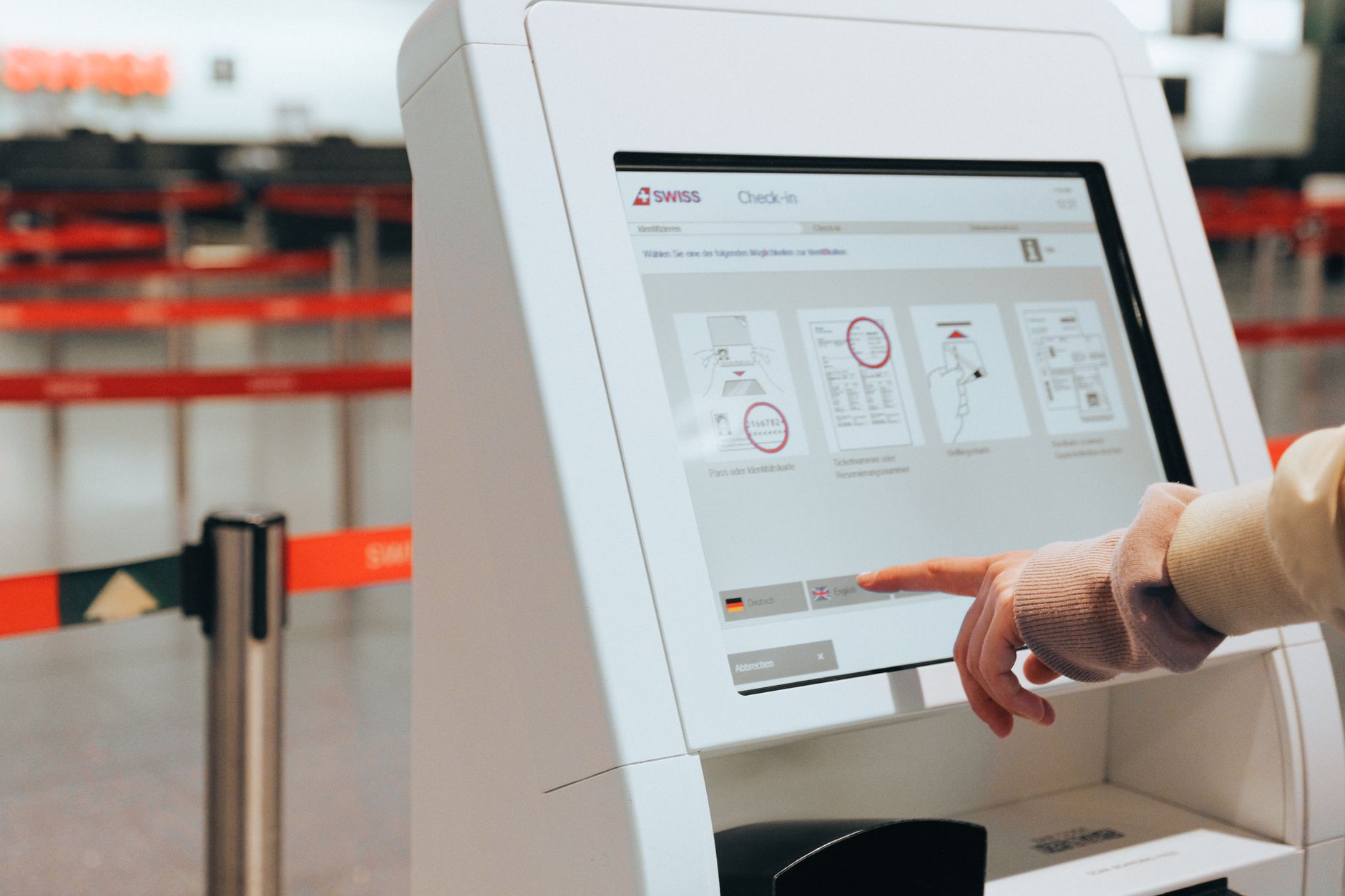
After 6-12 months of continuous operation in public spaces, self-service kiosks begin to degrade due to dust, high temperatures, and constant user interaction. Dust accumulating in ventilation slots increases component temperatures, the touchscreen becomes dull due to fingerprints, and the protective layer degrades, causing a noticeable drop in performance.
A kiosk operating 12-14 hours per day will experience approximately 300-500 touch interactions daily. After 6 months, this number reaches 90,000-180,000 touches — enough to wear down the oleophobic coating on the screen and reduce touch sensitivity if not maintained. Additionally, fine dust environments in major cities like Hanoi and Ho Chi Minh City cause cooling fans to accumulate dust 30-40% faster than in clean-room conditions.
What is the weekly/monthly/quarterly self-service kiosk maintenance schedule?
Related Products
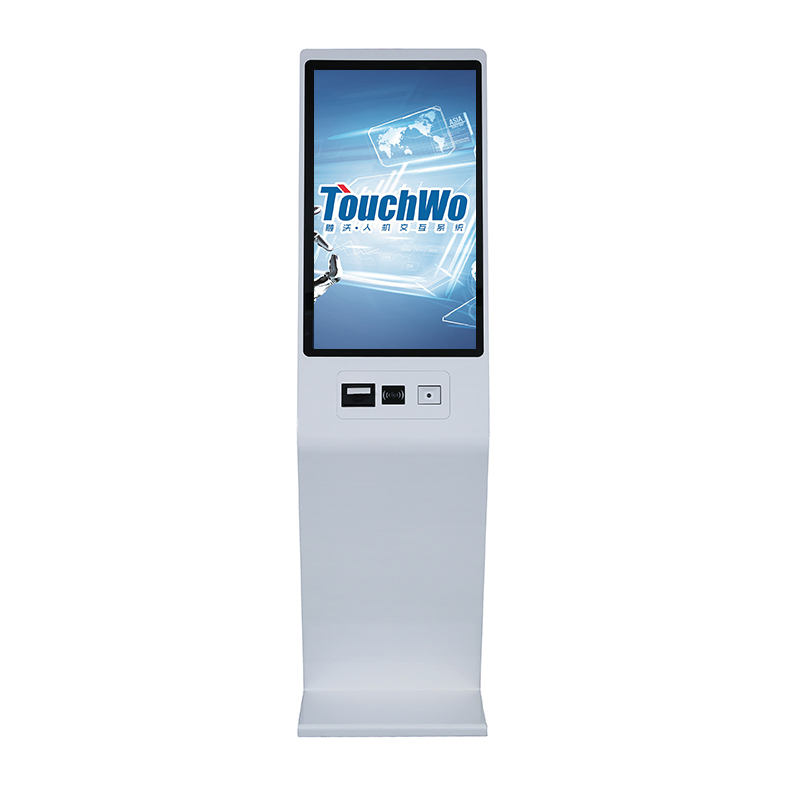
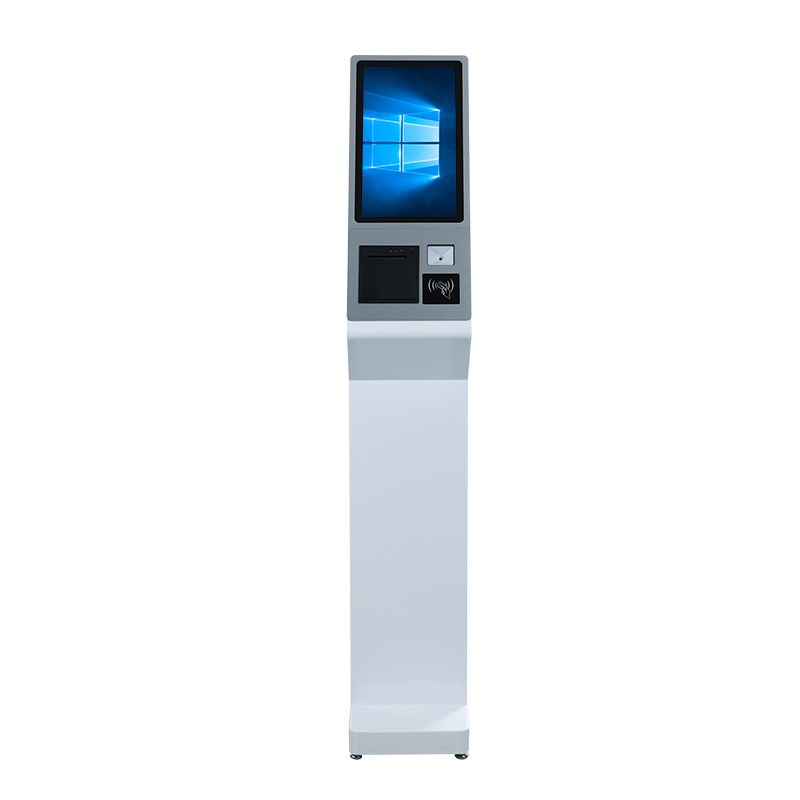
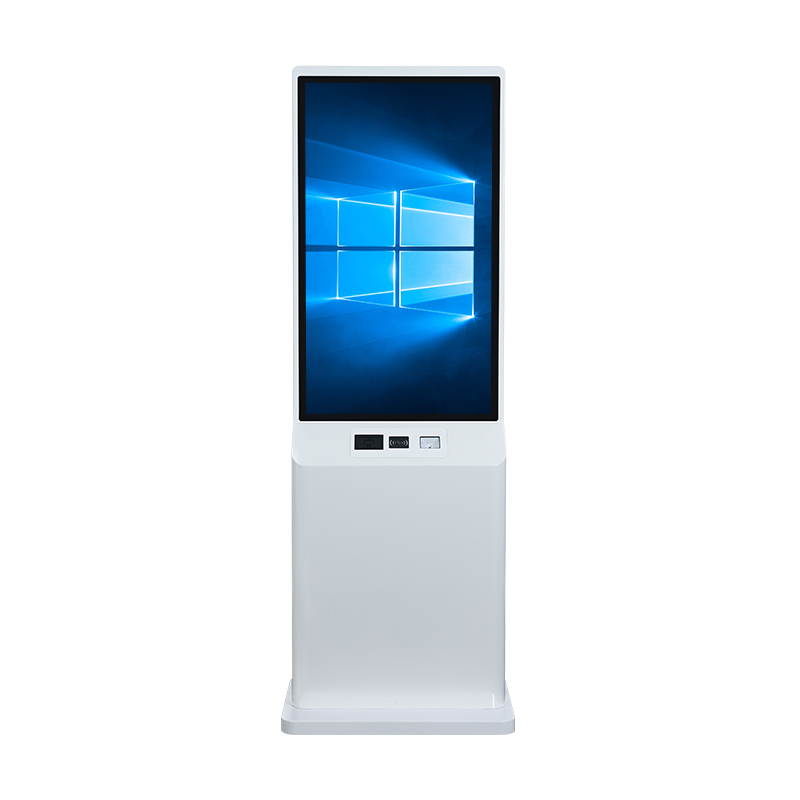
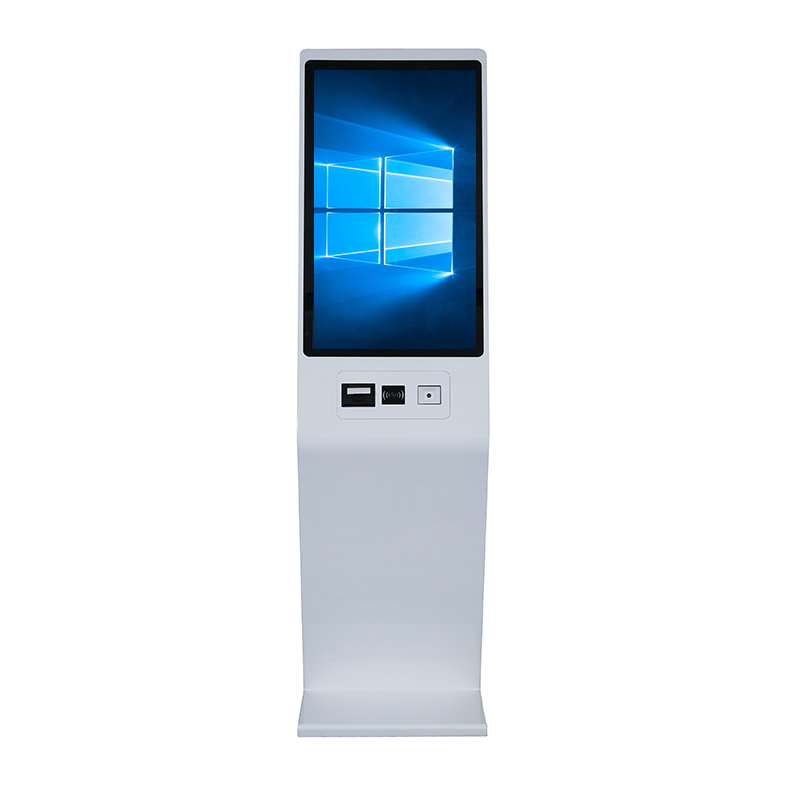
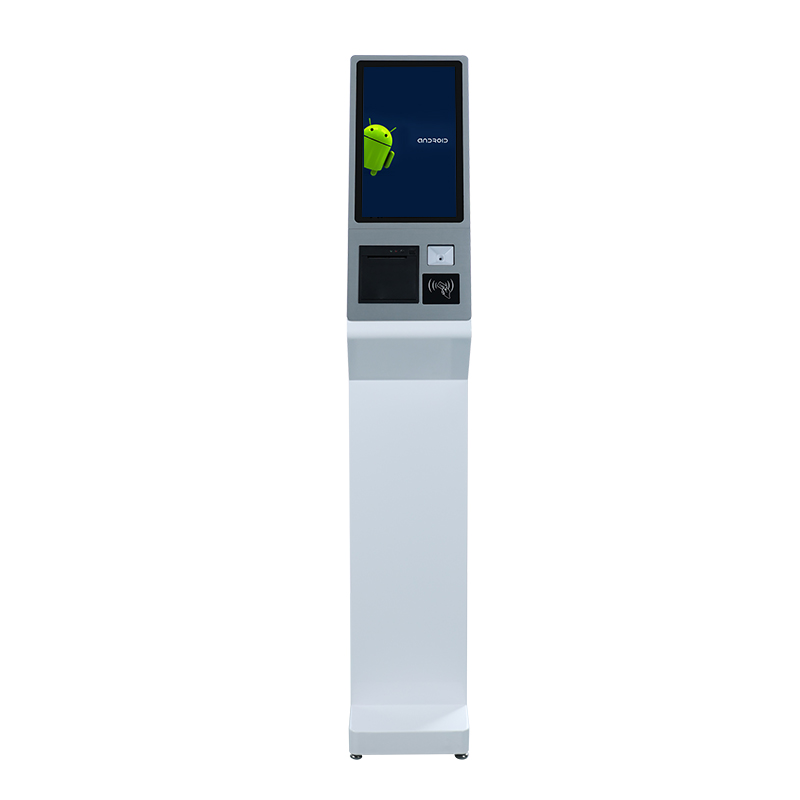
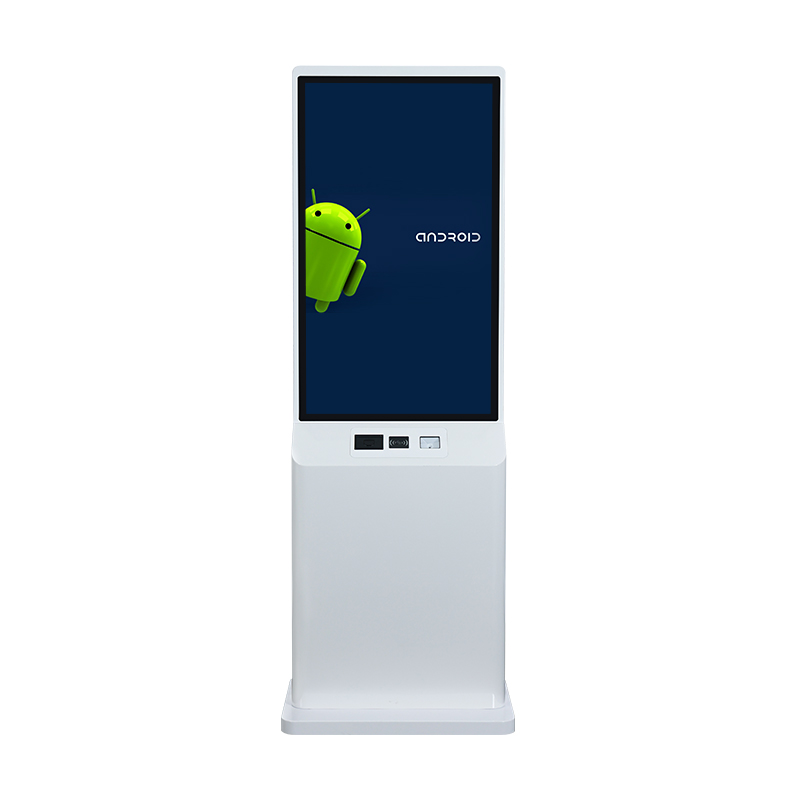
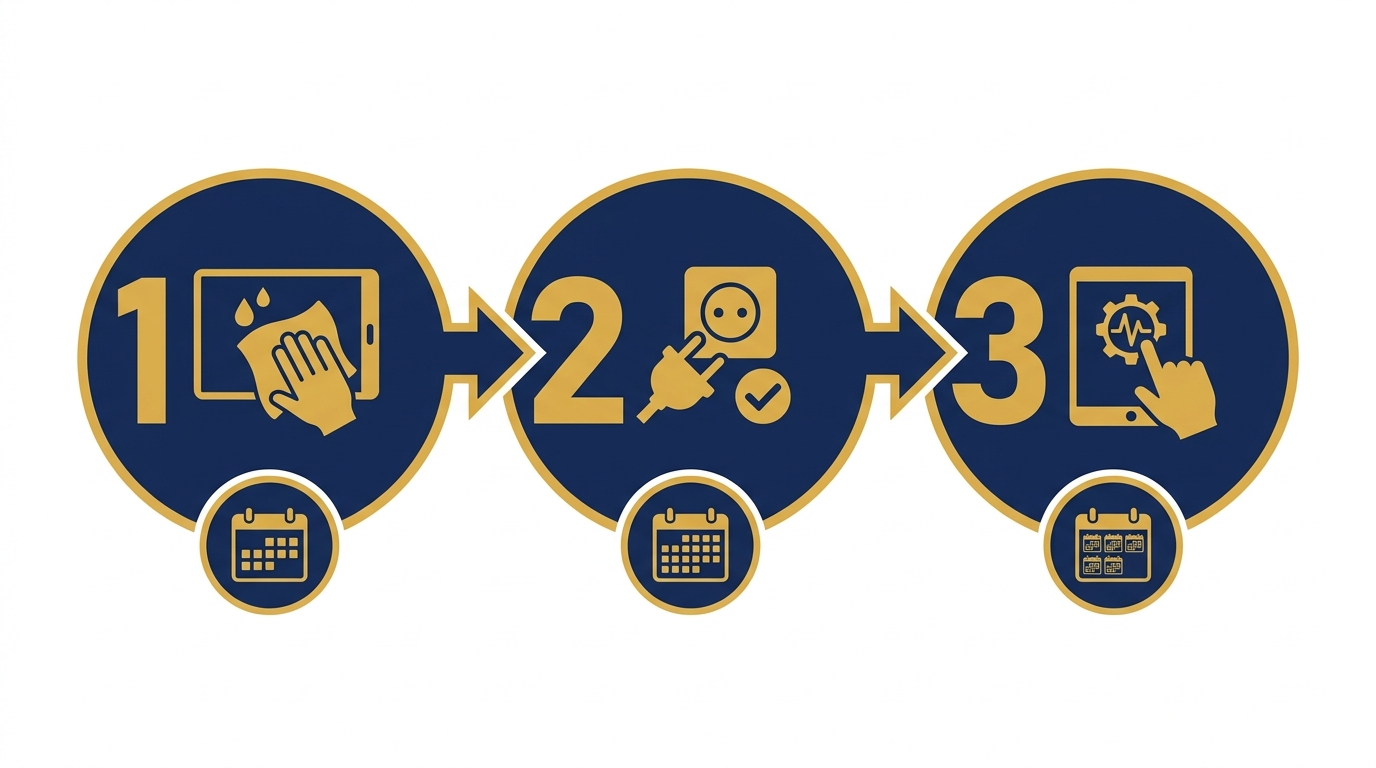
A standard self-service kiosk maintenance schedule includes 3 levels: weekly surface cleaning and power checks, monthly touchscreen and network connectivity checks, and quarterly deep hardware maintenance and software updates. This process helps detect errors early before they cause complete disruption.
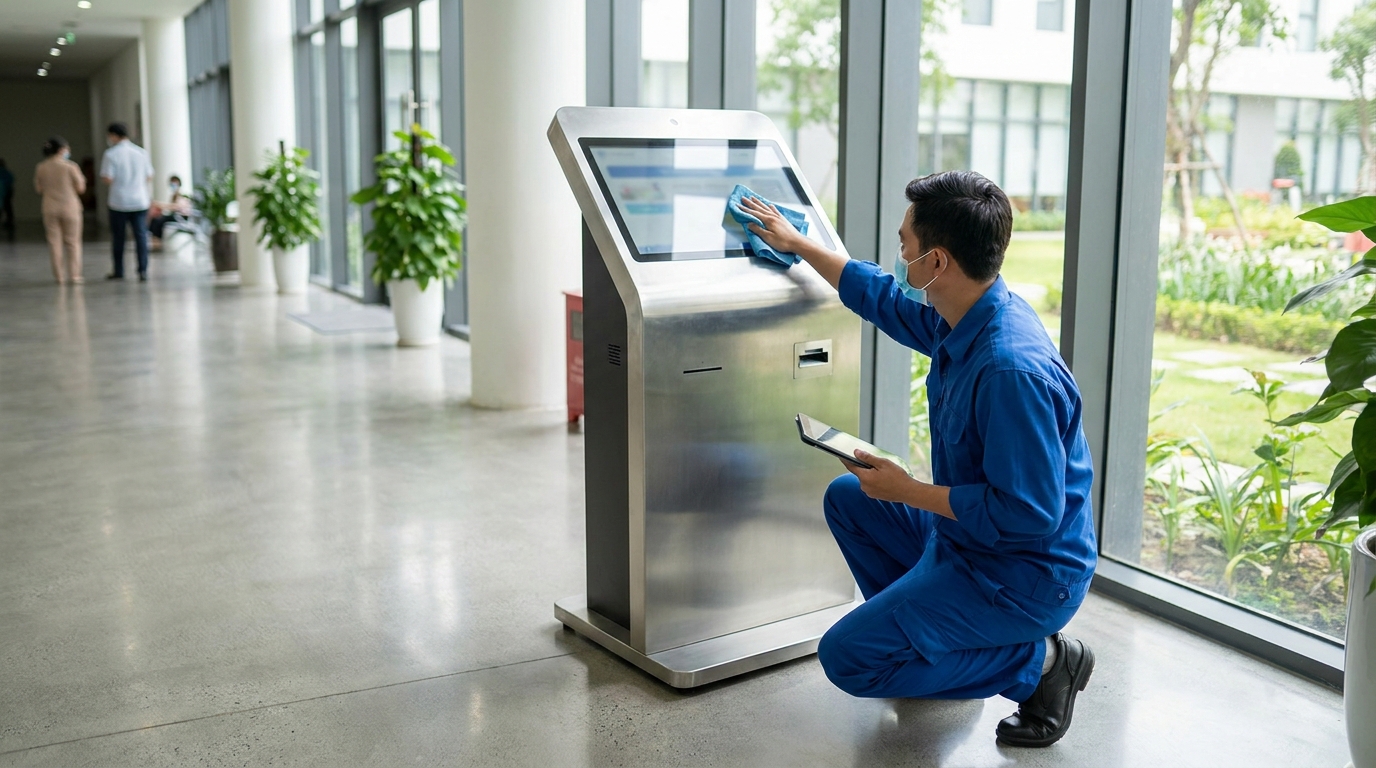
Weekly maintenance (15-20 minutes per session)
- Wipe the screen with a dry microfiber cloth and specialized cleaning solution, removing fingerprints and dust from the touch surface.
- Check the power supply: ensure the power LED and connecting cables are secure, not loose.
- Observe the screen during startup: check for dead pixels, abnormal bright spots, or screen tearing.
- Check the device casing temperature: if too hot (above 45°C when touched), inspect the cooling fan and air vents.
Monthly maintenance (45-60 minutes per session)
- Check touch sensitivity: test 9 points on the screen, recalibrate if there is lag or coordinate drift.
- Check network connectivity: ping latency, ability to access the central server, check LAN cable or WiFi signal.
- Compare wayfinding map content with reality: detect changes in departments, stores, or areas that have closed/newly opened.
- Check the receipt printer (if any): print a test page, check if paper is sufficient, and if the print head has dust buildup.
Quarterly maintenance (2-3 hours per session)
- Open the casing, clean the cooling fan, replace CPU thermal paste if needed, check capacitors on the motherboard.
- Run comprehensive diagnostic software: test RAM, SSD, graphics card, USB ports.
- Update the operating system, drivers, and the latest kiosk software version from the provider.
- Back up system configuration, log data, and set a restore point.
- Check all internal power and signal cables: replace if there are signs of breakage or oxidation.
7 common self-service kiosk issues and quick fixes
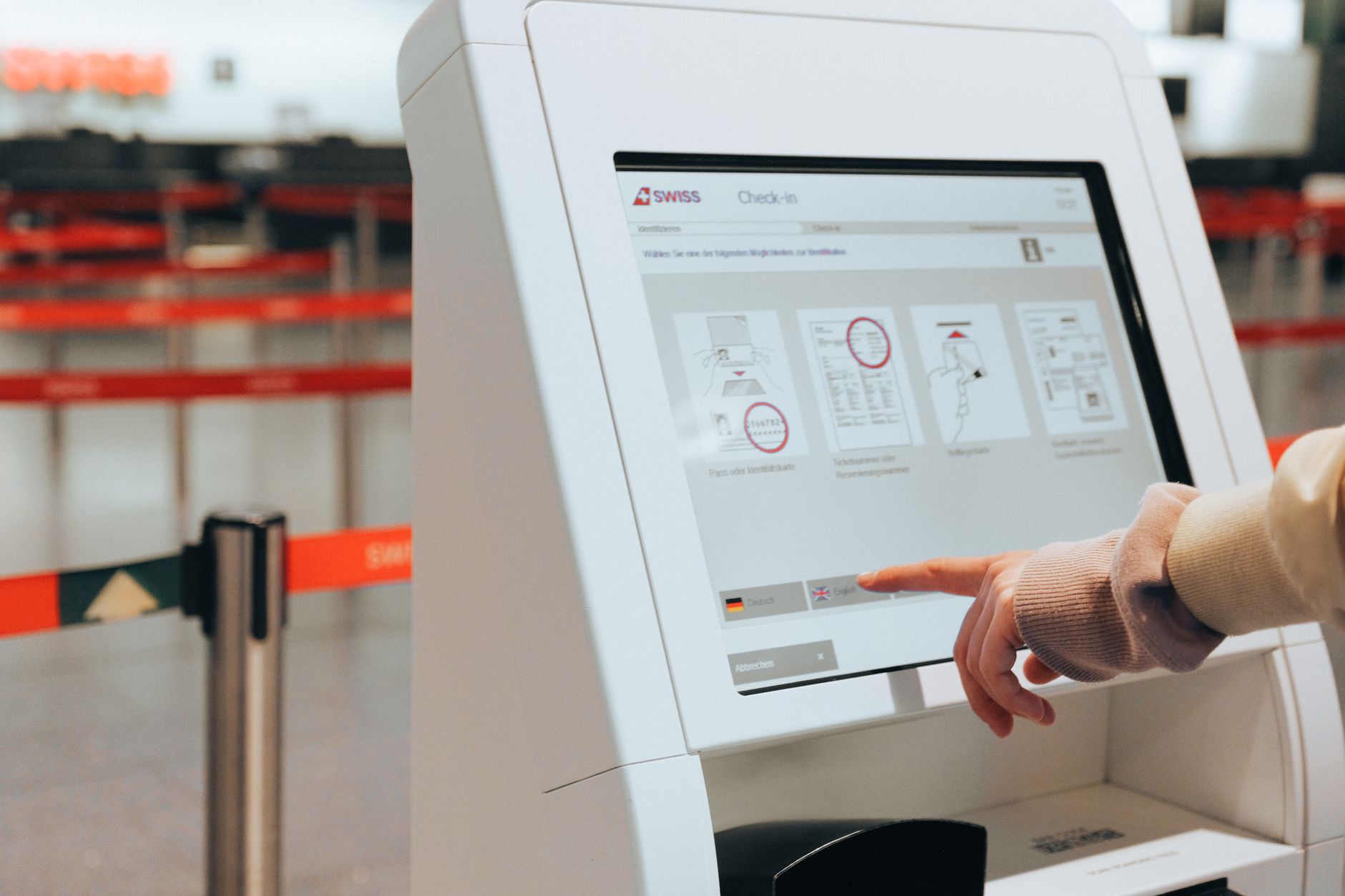
The most common errors include: unresponsive touchscreen, machine freezing during startup, network disconnection, incorrect map display, noisy fan, unstable power, and paper jams in the printer. Each error has its own handling procedure, most of which can be resolved on-site within 15-30 minutes.
| Issue | Common Cause | Quick Fix | Time |
|---|---|---|---|
| Touchscreen not responding | Dust, worn protective layer, driver error | Clean screen, restart, update driver | 10-15 minutes |
| Machine freezes during startup | Software conflict, RAM error | Force restart, run Safe Mode, check RAM | 15-30 minutes |
| Network disconnection | Loose LAN cable, router error, incorrect IP configuration | Check cable, ping gateway, reconfigure IP | 10-20 minutes |
| Incorrect/outdated map display | Data not updated from server | Resync data, check software version | 15-25 minutes |
| Noisy cooling fan | Dust buildup, dry bearings | Clean or replace fan | 20-30 minutes |
| Unstable power | Faulty adapter, unstable outlet | Replace adapter, use a voltage stabilizer | 15-20 minutes |
| Printer paper jam | Misaligned paper roll, dusty print head | Open cover, remove jammed paper, clean print head | 10-15 minutes |
What tasks does self-service kiosk software maintenance include?
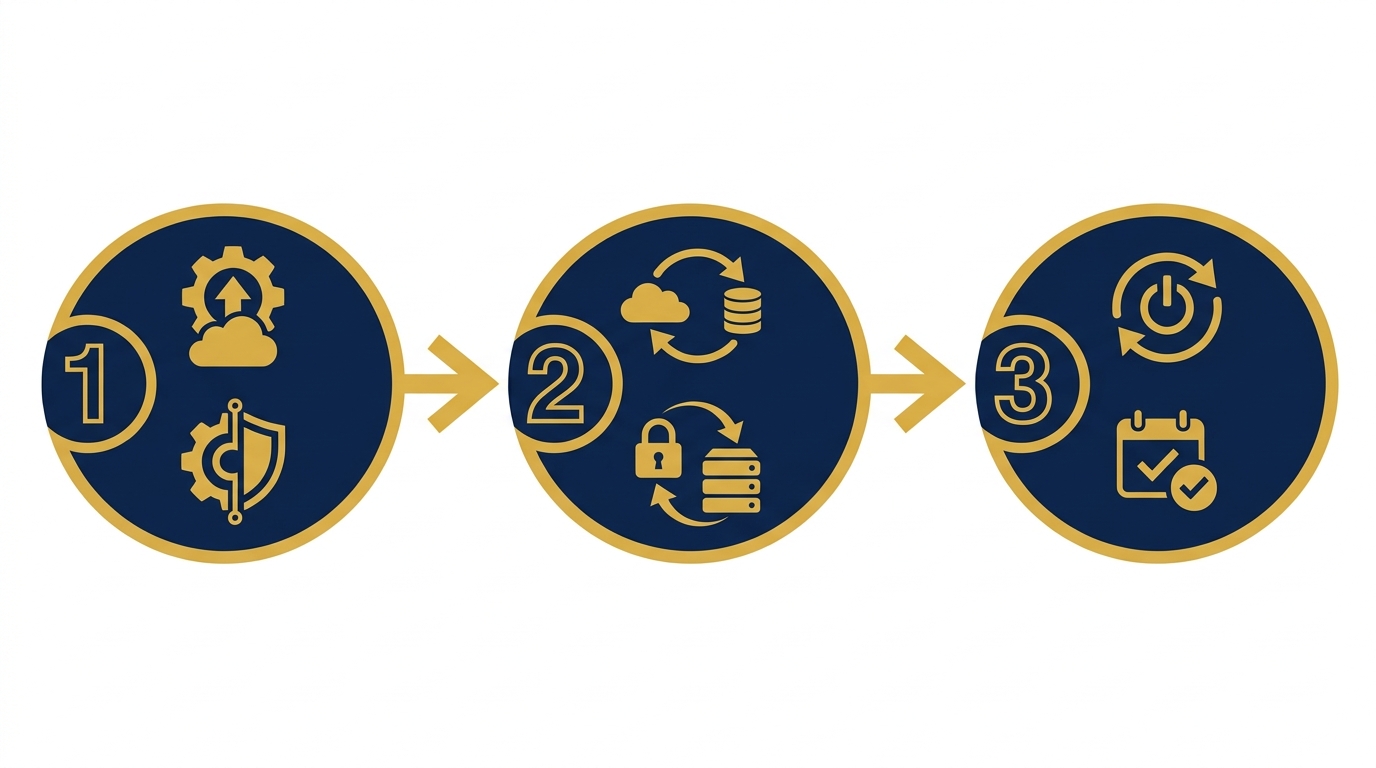
Kiosk software maintenance includes: updating to new versions, checking compatibility with the operating system, syncing map data, backing up configurations, and checking the auto-restart mechanism when errors occur. This is the decisive factor for long-term stability.
Modern kiosk software, such as the solution from Việt POS, is designed with self-healing capabilities: if the application freezes for more than 30 seconds, the system automatically restarts. However, this mechanism needs to be checked periodically to ensure it works correctly. If the watchdog is disabled due to an update error, the kiosk can freeze indefinitely until manual intervention.
Cần tư vấn thiết bị/giải pháp cụ thể?
Việt POS phản hồi trong 30 phút · Hotline 4 vùng · Khảo sát miễn phí.
Bài viết cùng chủ đề