Mục lục bài viết (11)
- What problems are restaurant chains facing with kitchen printing systems?
- How does standardizing LAN kitchen printers with a headquarters server model work?
- Why is the principle "errors must surface immediately" important for kitchen printing?
- What criteria are needed when choosing LAN kitchen printers for restaurant chains?
- Application in multi-branch restaurants
- Application in cafes and beverage chains
- Application in central kitchens and cloud kitchen models
- Comparison table of kitchen printer connection methods
- Related products and devices
- Related articles
- Frequently Asked Questions
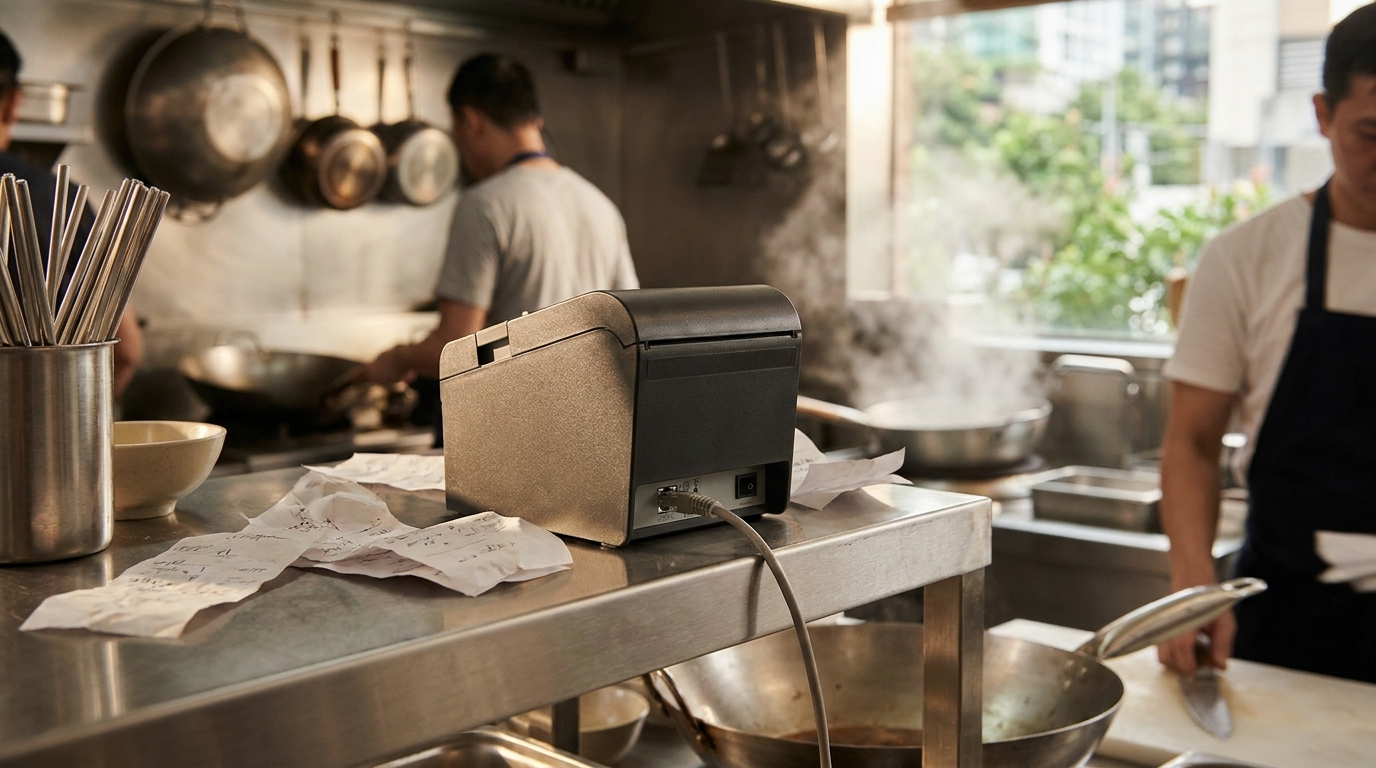
A LAN kitchen printer for restaurant chains is a thermal printing device connected directly to the store's local network, allowing multiple POS machines or order devices to send print commands to one or more kitchen printers without plugging in USB. For multi-branch chains, standardizing kitchen and bill printing devices goes beyond choosing high-speed printers; it also involves the connection model between stores and headquarters, how to handle network loss, and design principles to make errors visible immediately instead of hanging silently.
A LAN kitchen printer for restaurant chains is a thermal printer connected directly to the local network instead of via USB, enabling multiple POS machines or order devices to reliably send print commands to one or more kitchen printers. To standardize across branches, businesses should use a server hosted at headquarters, connect stores via VPN, store data on their own machines, and design so that connection loss errors surface immediately.
Table of Contents
- What problems are restaurant chains facing with kitchen printing systems?
- How does standardizing LAN kitchen printers with a headquarters server model work?
- Why is the principle "errors must surface immediately" important for kitchen printing?
- What criteria are needed when choosing LAN kitchen printers for restaurant chains?
- Application in multi-branch restaurants
- Application in cafes and beverage chains
- Application in central kitchens and cloud kitchen models
- Comparison table of kitchen printer connection methods
- Related products and devices
- Related articles
- Frequently Asked Questions
What problems are restaurant chains facing with kitchen printing systems?
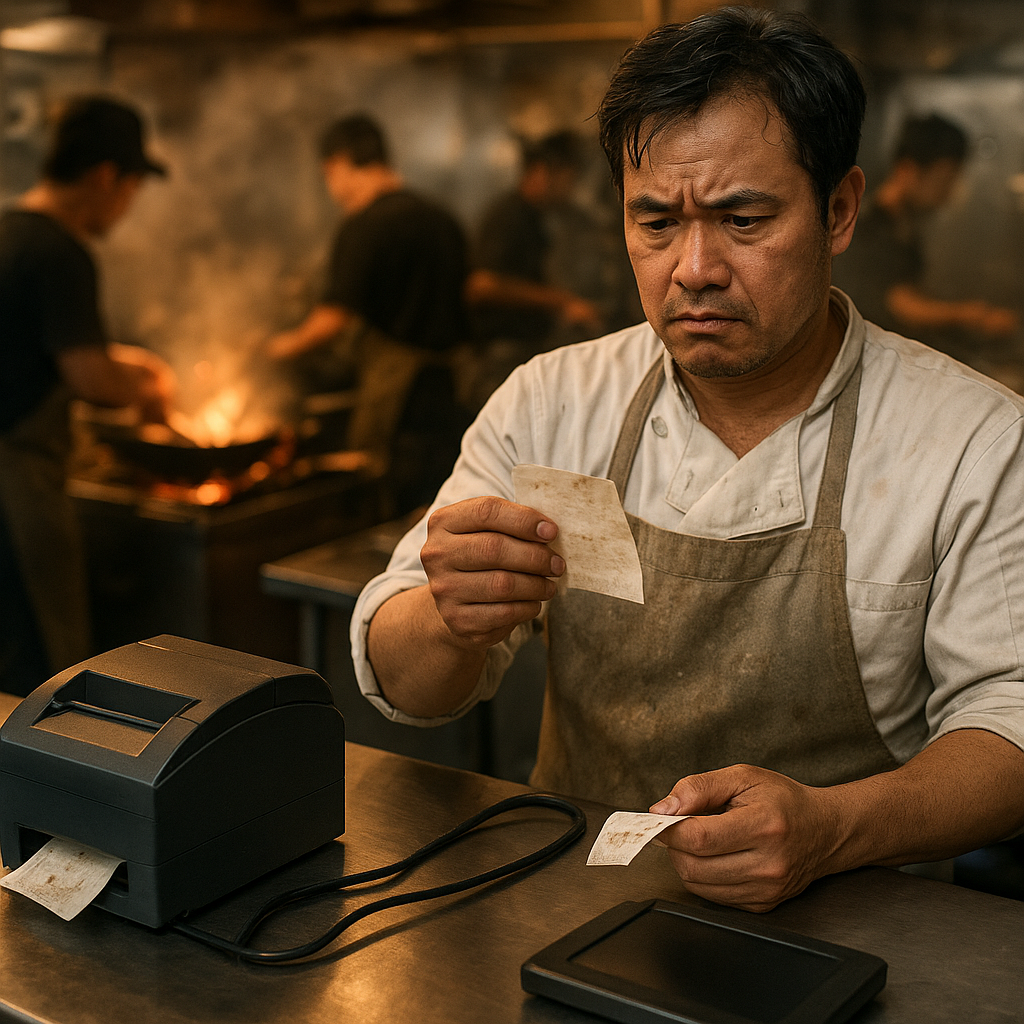
The most common problem is that kitchen printing devices are purchased separately per branch, each with a different model and connection type, so when opening a new location or replacing a machine, IT must reconfigure from scratch. USB printers plugged into a single POS machine prevent other machines from printing, while network printers with unsynchronized IP addresses across branches cause print commands to go to the wrong address, resulting in slow or lost bills.
⚠ Late printing during peak hours: low-capacity kitchen printers or USB connections through weak POS machines cause bills to come out 15-30 seconds late per order, creating backlogs in the kitchen.
⚠ Connection loss goes unnoticed: the printer reports a network error but the software still shows as sent, the kitchen thinks there is no order, and customers wait.
⚠ No synchronization between branches: each location sets different printer IPs, so when headquarters wants to check or change configurations, it must do so manually at each location.
⚠ Inconsistent devices: each branch has a different model, different replacement accessories, and new staff must relearn how to handle paper jams.
⚠ Scattered data: bill printing history is scattered across individual machines, making it difficult to reconcile when there are item complaints or shift checks.
How does standardizing LAN kitchen printers with a headquarters server model work?
Related Products


How does standardizing LAN kitchen printers with a headquarters server model work?
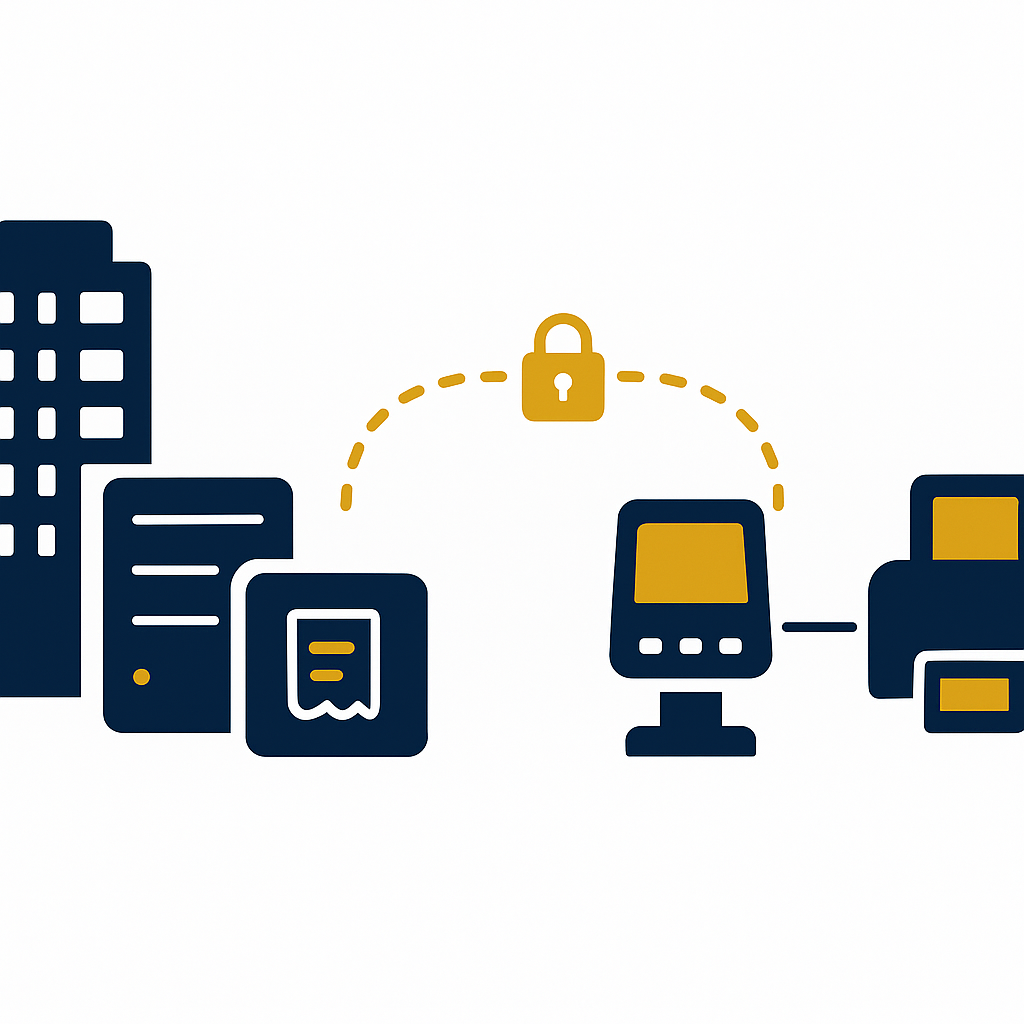
The standardization model consists of a server hosted at the company's own headquarters, running VietPOS, managing all categories, prices, and print commands. Stores in the chain connect to this server via a virtual private network (VPN), without exposing server ports to the internet. Kitchen printers at each branch are local LAN printers, receiving print commands from the on-site POS machine or from the server when reports or bill reprints are needed.
- Place the server at headquarters: choose a computer with stable configuration, SSD, and backup power, install VietPOS on the company's own server. All sales data, menu categories, and printer configurations reside on this machine.
- Connect stores to headquarters via VPN: each branch has a router that connects via VPN to headquarters, creating a virtual private link. Stores do not need to expose server ports to the internet, reducing security risks and avoiding dependence on public IPs.
- Assign kitchen printers by local network address: the LAN printer at each store is assigned a fixed address within the local network range and declared in VietPOS. When opening a new branch, IT only needs to copy the template configuration and change the address.
- Design errors to surface immediately: when the printer loses connection or runs out of paper, the software reports the error at the counter and logs it, without showing "printed" if the command has not reached the printer. Staff know immediately to handle it instead of assuming it was saved.
- Check and reprint from headquarters: when needed, managers at headquarters can view the printer status of each branch, reprint bills or reports over the same VPN connection, without being present at the store.
Why is the principle "errors must surface immediately" important for kitchen printing?
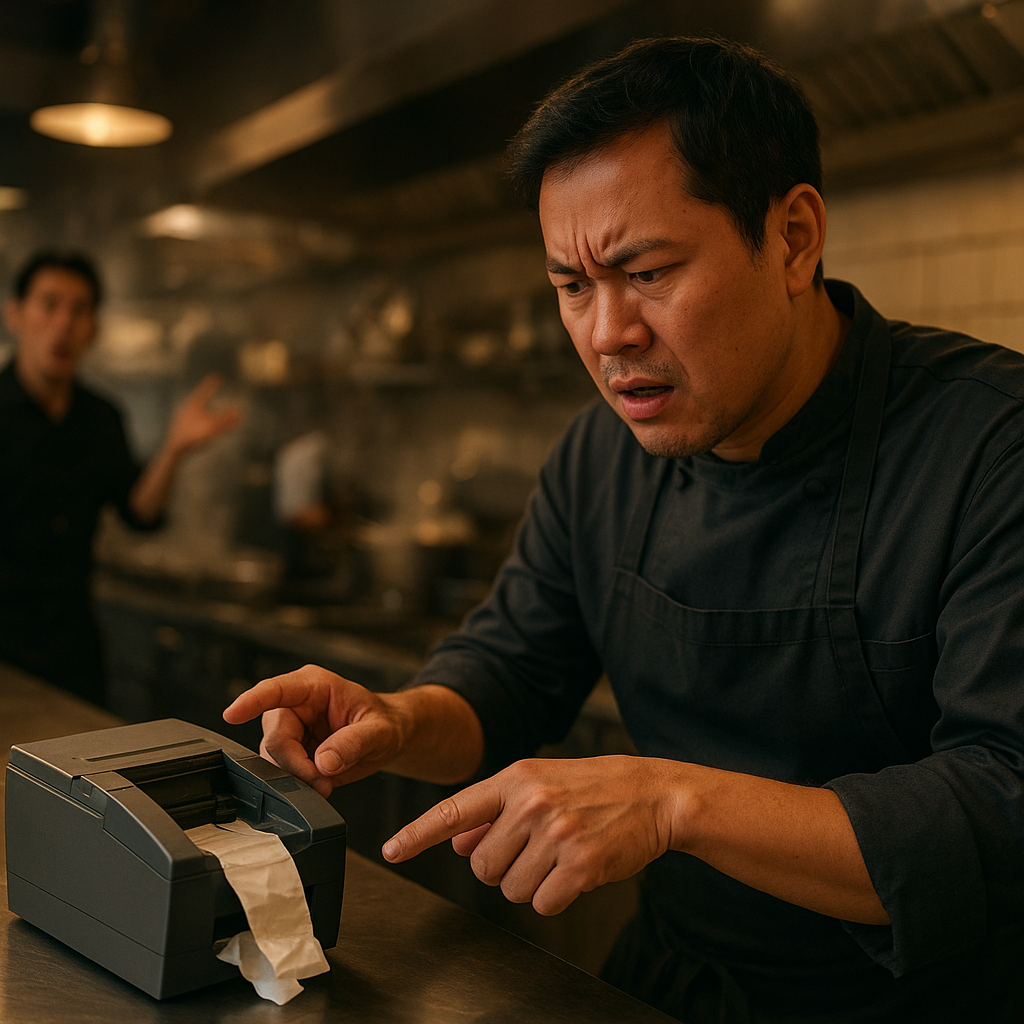
In a restaurant, a kitchen bill that fails to print is not just a device error but an operational error: the kitchen doesn't know the item, customers wait longer, and staff must run to check. If the software still shows a sent status while the printer is disconnected, the entire meal service can be delayed without anyone noticing until customers complain. The correct design principle is that all connection errors, out-of-paper, and paper jams must appear at the counter or on the kitchen screen immediately when they occur.
With the VietPOS model installed on the company's own server, printer status is checked per print command. When the VPN link between the store and headquarters is interrupted, the system reports a disconnection instead of hanging silently. This differs from the common practice of just sending the print command and considering it done, leading to the "thought it was printed" situation.
What criteria are needed when choosing LAN kitchen printers for restaurant chains?
A LAN kitchen printer needs to meet four groups of criteria: print speed fast enough for peak hours, durability in hot, humid, and greasy environments, a stable network port with a fixed address, and clear error reporting capability. Additionally, multi-branch chains should choose a few consistent models to reduce spare accessories and simplify staff training.
| Criterion | Recommended Level | Reason |
|---|---|---|
| Print speed | 200-300 mm/s | Fast enough for 20-40 bills during peak hours, avoiding kitchen backlogs. |
| Paper width | 80mm | Common for kitchen and cashier bills, easy to purchase paper. |
| Connection port | LAN (RJ45) + backup USB | LAN for multiple machines printing together, USB for handling when needed. |
| Environmental durability | Moisture and grease resistant | Kitchen areas are hot, humid, and prone to grease buildup. |
| Error reporting | Indicator lights, buzzer, error log | Staff know immediately when out of paper or network lost. |
Application in multi-branch restaurants
For restaurant chains, LAN kitchen printers allow each branch to print bills on-site while still receiving configuration and checks from headquarters. When opening a new location, IT only needs a standard configuration template, assign the printer address, and connect VPN, instead of reconfiguring from scratch. This shortens opening time and reduces operational errors in the first days.
During peak hours, multiple POS machines at the counter can send print commands to a single LAN kitchen printer without any machine acting as an intermediary. If the kitchen printer has an issue, the software reports the error immediately at the counter so staff can switch to a backup printer or reprint. Bill data remains on the server at headquarters, serving post-shift reconciliation.

Application in cafes and beverage chains
Cafes and beverage chains typically have two printing areas: the cashier counter and the bar counter. A LAN kitchen printer at the bar counter receives orders from multiple POS machines or handheld order devices, reducing paper ticket transfers. For chains, standardizing on the same printer model and the same network address range helps new staff get up to speed faster.
One point to note is that bar areas often have fluctuating humidity and temperature, so choose printers with moisture resistance and place them away from direct water splashes. LAN printers should also be assigned fixed addresses so that when changing routers or replacing network devices, the print configuration is not affected.
Application in central kitchens and cloud kitchen models
Central kitchens serving multiple sales points or multiple brands often need to print bills by preparation area. LAN kitchen printers can be assigned by item group or by station, helping bills go to the right place. With the cloud kitchen model, connecting to the server at headquarters via VPN enables centralized print configuration management without exposing server ports to the internet.
When a central kitchen has multiple stations, name printers by station (e.g., hot station, cold station, bar station) and document them clearly in operational procedures. This helps new staff know which machine prints which items, reducing confusion when there are multiple simultaneous orders.
Comparison table of kitchen printer connection methods
The three common connection methods are USB, local LAN, and LAN combined with VPN to headquarters. Each method has its own advantages and disadvantages regarding cost, stability, and centralized management capability. For multi-branch chains, the combination of LAN and VPN is often more suitable because it ensures on-site printing while allowing remote configuration management.
| Connection Method | Advantages | Limitations | Suitable For |
|---|---|---|---|
| USB | Cheap, easy to plug in | Only one POS machine can print, short cable | Small single-counter shop |
| Local LAN | Multiple machines print together, stable | Requires network configuration, difficult to manage multiple locations | Single branch |
| LAN + VPN to headquarters | On-site printing, centralized management, data at the business | Requires investment in VPN router and server | Multi-branch chain |
Need to standardize kitchen printers for your restaurant chain? Call 0935 498 384 for consultation on the headquarters server model, VPN connection, and choosing suitable LAN printers.
Related products and devices
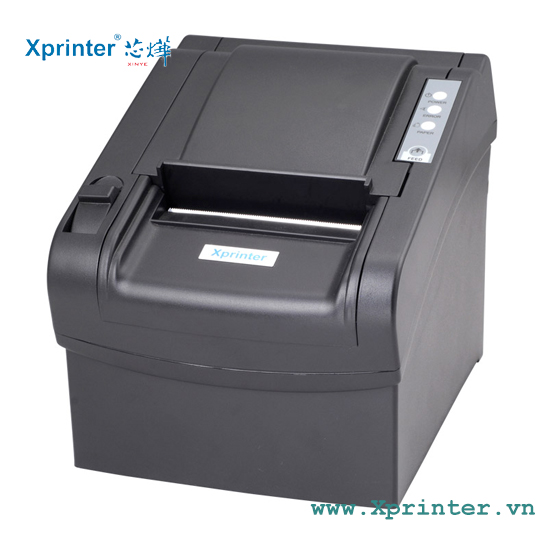
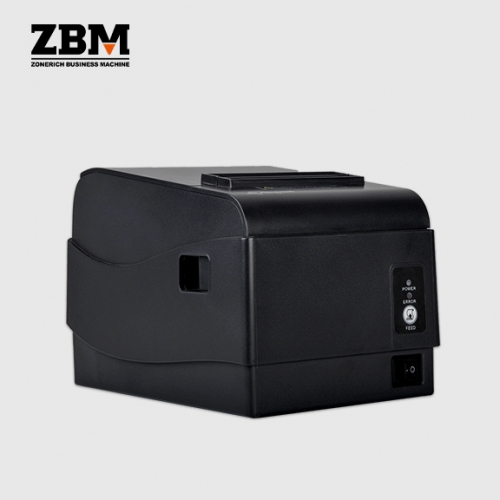
Below are thermal printer lines suitable for kitchens and cashier counters, with flexible LAN or USB connectivity, and print speeds that meet peak-hour demands. Businesses should choose a few consistent models for the entire chain to simplify operations and spare accessories.
Related articles
To deploy a stable kitchen printing system, businesses need to consider both network infrastructure and servers. See also these articles:
- VPN connecting stores to headquarters servers: why F&B chains should not expose server ports to the internet
- UPS for restaurant POS machines: choosing capacity & backup time
- Dual-WAN fiber + 4G backup router for F&B chains: why headquarters must have one
- Choosing a computer as POS server for restaurant chains: configuration, SSD, power, location
Frequently Asked Questions
How does a LAN kitchen printer differ from a USB printer?
A LAN kitchen printer connects directly to the local network, so multiple POS machines or order devices can send print commands to one printer without depending on any computer. A USB printer can only be plugged into one machine at a time, has a short cable, and is easily affected when that machine is turned off. For restaurant chains, LAN reduces failure points and is easier to manage.
What does the cost of deploying a LAN kitchen printing system for a chain include?
Costs typically include LAN kitchen printers, VPN-capable routers at each branch, a server at headquarters, and configuration labor. Businesses should also budget for backup printers and printing paper. The investment level depends on the number of branches and print stations, but is generally lower than dealing with late printing incidents during peak hours.
If the network is lost, will the kitchen printer automatically reprint when the network returns?
It is not advisable to design around the promise of automatic reprinting when the network returns, as it easily leads to duplicate or missed prints. The correct principle is that when the connection is lost, the system reports the error immediately so staff know and handle it, then reprint manually if needed. This helps control which bills have been printed and which have not.
Do we need to expose the server port to the internet for stores to connect?
No. Stores should connect to headquarters via VPN, creating a virtual private link. This reduces security risks compared to exposing server ports to the internet and does not depend on the public IP address of headquarters. Data remains on the business's server and does not pass through third-party services.
Should we choose one printer model for the whole chain or multiple models?
It is advisable to choose a few consistent models, for example one model for the cashier counter and one model for the kitchen. Consistency reduces spare accessories, facilitates staff training, and simplifies configuration. If there are specialized areas, additional dedicated models can be used but should still be within the same product line for easy support.
Do LAN kitchen printers need a fixed IP address?
It is advisable to assign a fixed IP address within the local network range for each printer. A fixed address keeps the print configuration unchanged when the router restarts or when network devices are replaced. For chains, assigning addresses by a common rule helps IT easily check and troubleshoot remotely.
How should warranty and replacement of kitchen printers in a chain be handled?
There should be at least one backup printer in each area or ready to transfer between branches. When a printer has an issue, staff switch to the backup and record it for IT to handle. Choosing a supplier with technical support and commonly available replacement parts helps reduce waiting time.
Should we use kitchen printers with a buzzer?
Buzzers and LED lights help kitchen staff recognize new bills without looking at the screen. During peak hours or in noisy kitchen areas, sound and light signals are useful. However, the volume should be set appropriately to avoid noise and ensure staff do not miss bills.
Cần tư vấn thiết bị/giải pháp cụ thể?
Việt POS phản hồi trong 30 phút · Hotline 4 vùng · Khảo sát miễn phí.
Bài viết cùng chủ đề