Mục lục bài viết (7)
- What is the Zebra ZD421 203dpi and who is it for?
- What is the Zebra ZD421 300dpi and who is it for?
- Detailed comparison of Zebra ZD421 203dpi and 300dpi
- Choosing Zebra ZD421 by real use case in Vietnam
- Pros and cons of each Zebra ZD421 version
- Operating costs and ROI when choosing the right version
- Frequently asked questions about Zebra ZD421 203dpi and 300dpi
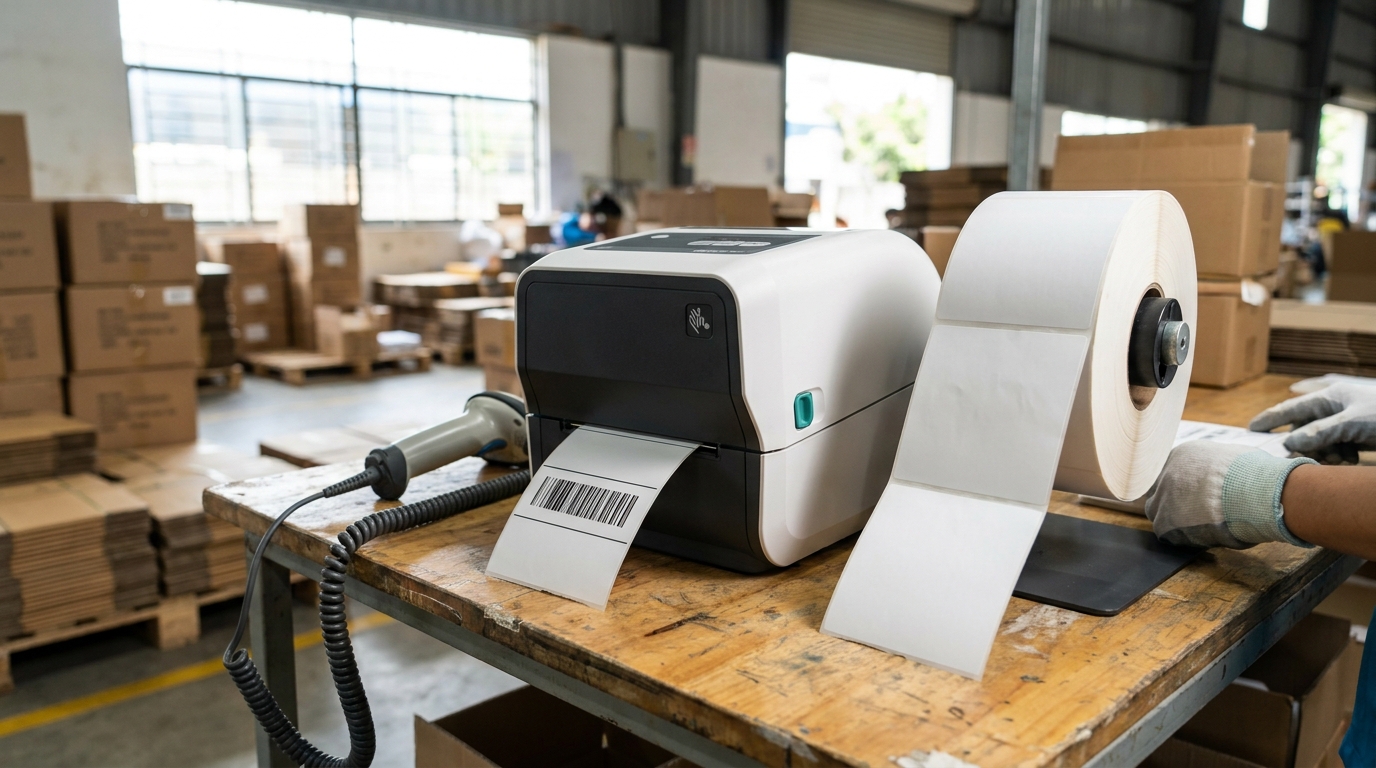
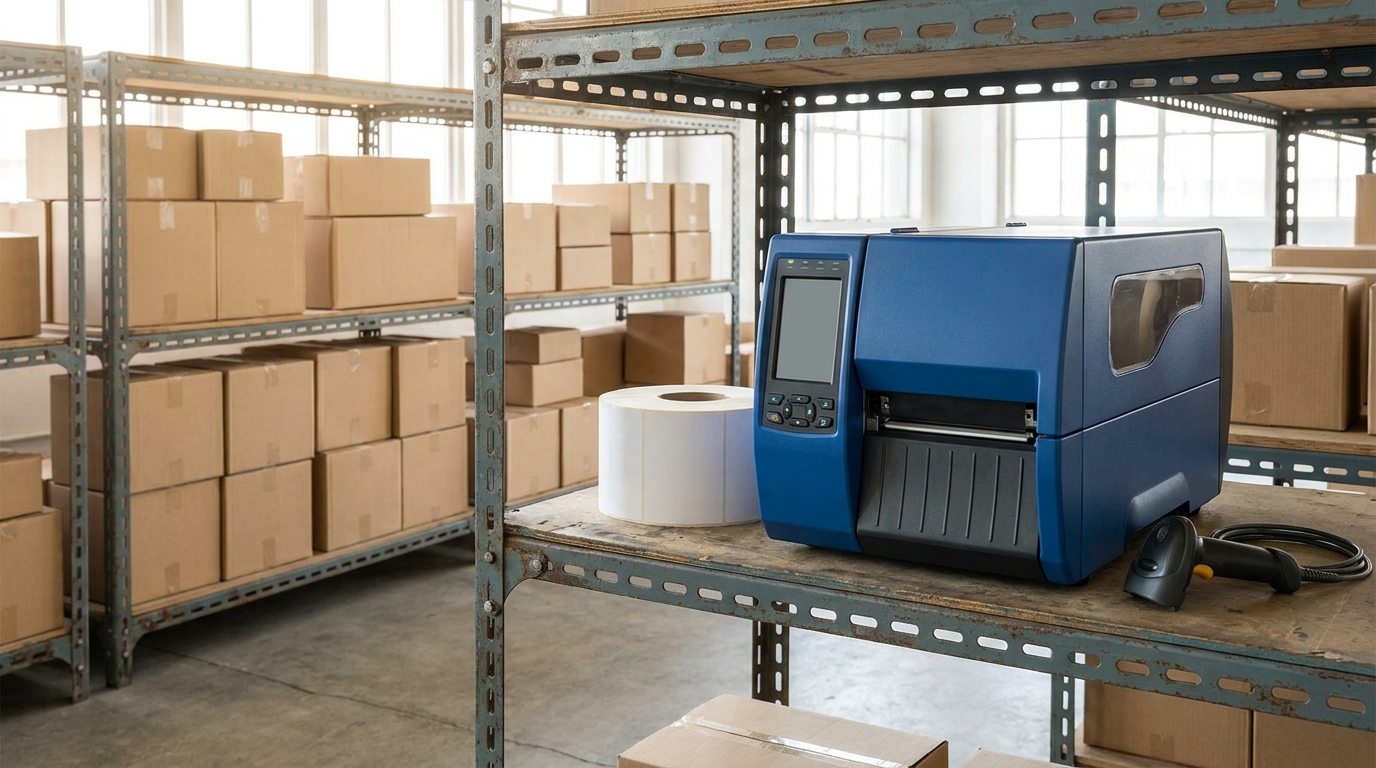
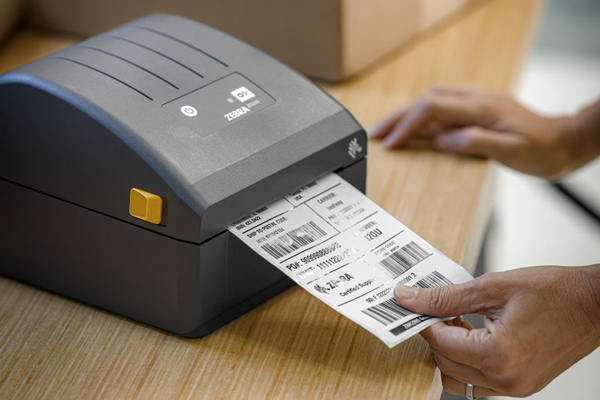
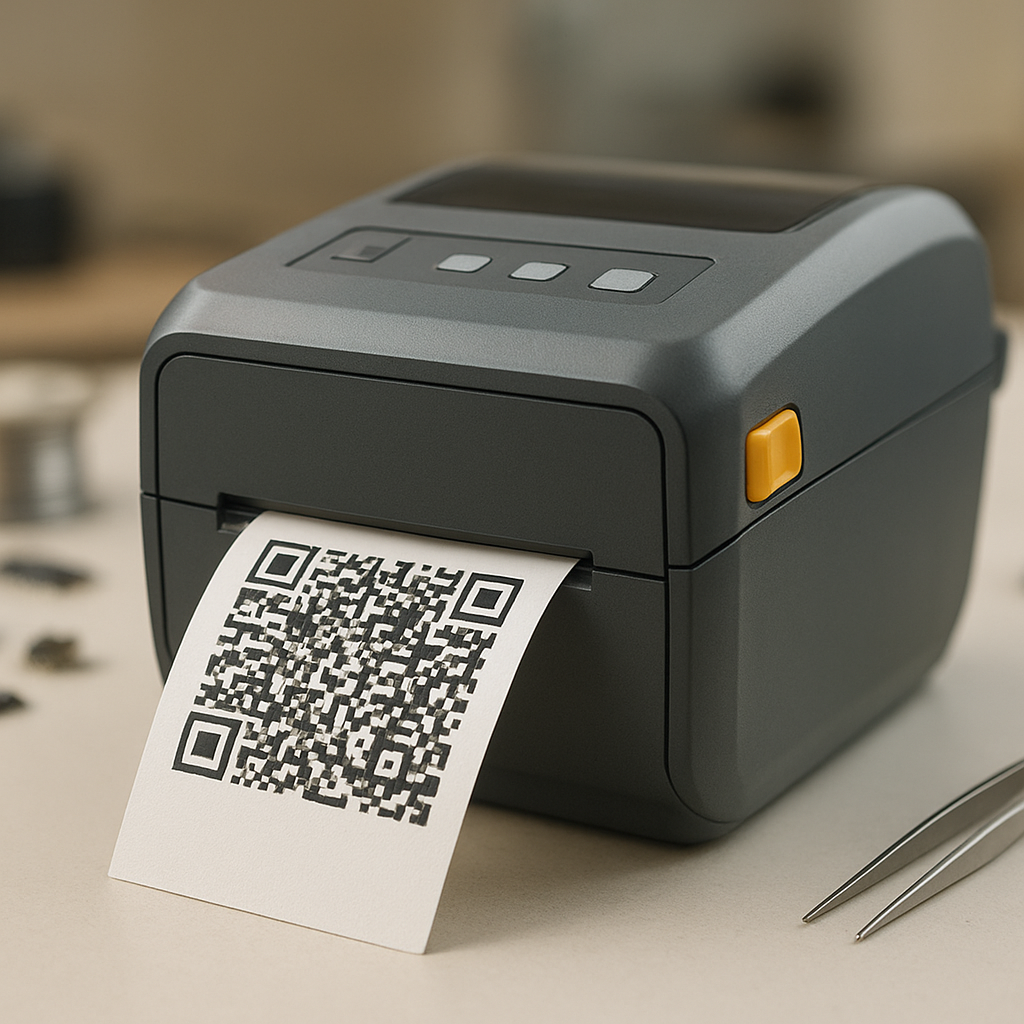
The Zebra ZD421 barcode printer is a 4-inch desktop series launched in 2022, replacing the earlier ZD420 series, positioned by Zebra for retail, warehousing, healthcare, and manufacturing. The printer comes in two main resolution versions: 203dpi (8 dots/mm) and 300dpi (12 dots/mm) — same chassis, same maximum print speed of 102mm/s, but the difference in print dot density determines which labels can be printed and which cannot. This article directly compares the Zebra ZD421 203dpi and 300dpi across 7 technical criteria, provides a detailed comparison table, and recommends choices for each use case in Vietnam — you will be able to choose the right version after reading through.
The Zebra ZD421 203dpi suits shipping labels, shelf labels, and large product labels that need fast printing and cost savings — printing up to 102mm/s. The 300dpi version is mandatory when labels contain small QR codes, text under 2mm, pharmaceutical labels, electronic components, or jewelry, because the 12 dots/mm print density keeps barcodes sharp and scanners read correctly on the first attempt. Choosing the wrong resolution is a common cause of retail chains having to replace machines after 6-12 months.
Table of Contents
- What is the Zebra ZD421 203dpi and who is it for?
- What is the Zebra ZD421 300dpi and who is it for?
- Detailed comparison of Zebra ZD421 203dpi and 300dpi
- Choosing Zebra ZD421 by real use case in Vietnam
- Pros and cons of each Zebra ZD421 version
- Operating costs and ROI when choosing the right version
- Frequently asked questions about Zebra ZD421 203dpi and 300dpi
What is the Zebra ZD421 203dpi and who is it for?
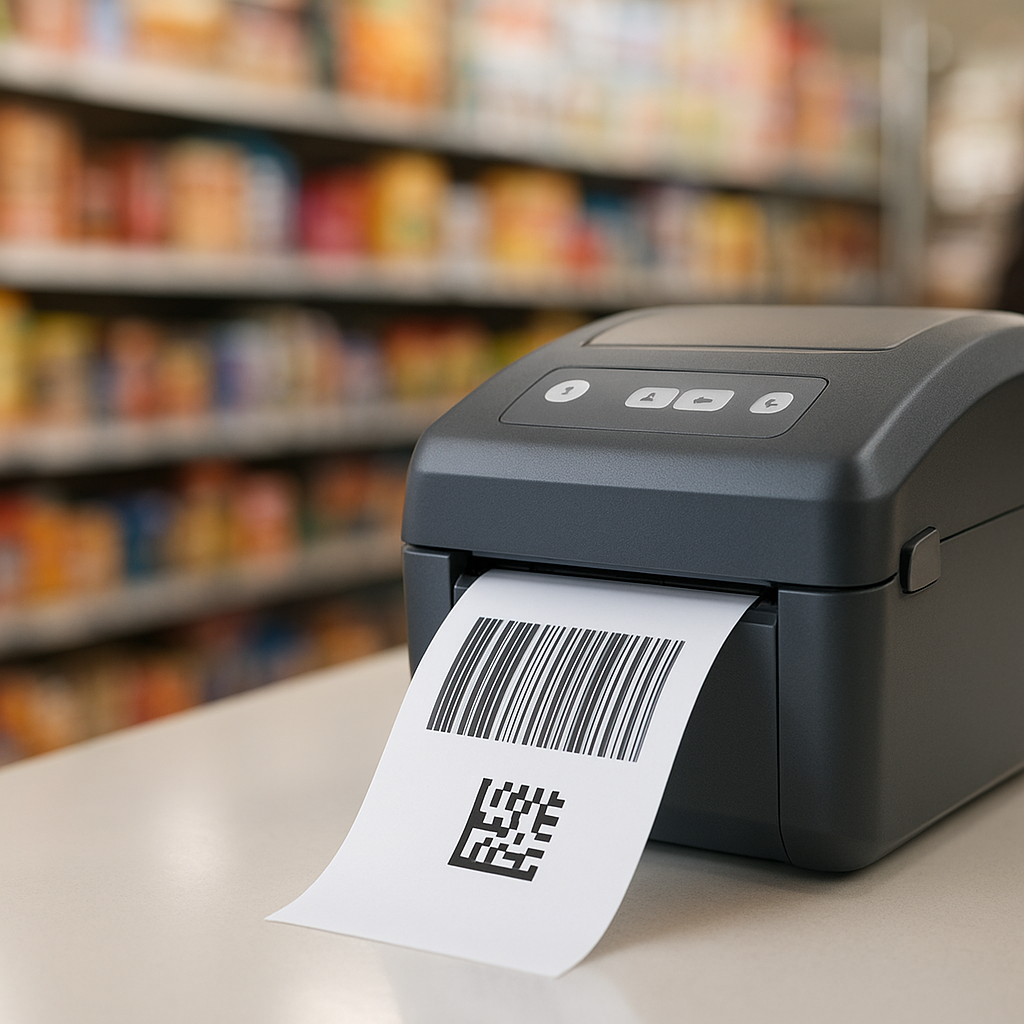
The Zebra ZD421 203dpi is the version that prints at 8 dots/mm density, with a maximum speed of 102mm/s, maximum print width of 104mm, and support for media widths from 25mm to 102mm. This version suits retail shop owners, mini supermarkets, F&B chains, and distribution warehouses printing shipping labels, shelf labels, and large product labels — where fast printing, low label cost, and standard-size 1D/2D barcodes that still scan reliably are needed.
With 8 dots/mm density, the 203dpi version is sharp enough for most 1D barcodes (Code 128, EAN-13, UPC-A) and QR codes sized 15mm and above. The printer shares the same chassis as the 300dpi version: dimensions 229 x 182 x 145mm, weight 2.2kg, white color, 512MB Flash and 256MB SDRAM memory, USB 2.0 connectivity with optional Bluetooth 4.2 and Ethernet. The strength of the 203dpi version is speed — you can print hundreds of shipping labels during peak shifts without waiting for the machine. If you are operating a warehouse with many SKUs, you can also refer to iData RS200 Wearable Barcode Scanner: A Solution to Boost Warehouse Productivity to synchronize scanning devices with the printer.
What is the Zebra ZD421 300dpi and who is it for?
Related Products



The Zebra ZD421 300dpi is the version with 12 dots/mm density — 50% sharper than the 203dpi version. This version is mandatory for labels containing small QR codes, text under 2mm, pharmaceutical labels, electronic components, jewelry, and labels with high-density barcodes. Print speed is slower than the 203dpi version, but in return the scanner reads correctly on the first attempt, reducing scan errors at the counter.
The Zebra ZD421 300dpi is 30% more powerful than the ZD420 series and over 700% more than the GK series — according to manufacturer specifications. The printer still keeps the same 4-inch desktop chassis, direct thermal or thermal transfer printing, and supports Zebra Setup Utilities, ZebraDesigner, and the Link-OS ecosystem. For healthcare, pharmaceutical, or component manufacturing businesses, one wrong small barcode can cause an entire shipment to be returned — the cost of replacing the machine is not worth the operational risk. You can also refer to iData 55HC: Smart Android 11 Medical Device Solution for Hospitals and Clinics if deploying synchronized devices in a healthcare environment.
Detailed comparison of Zebra ZD421 203dpi and 300dpi
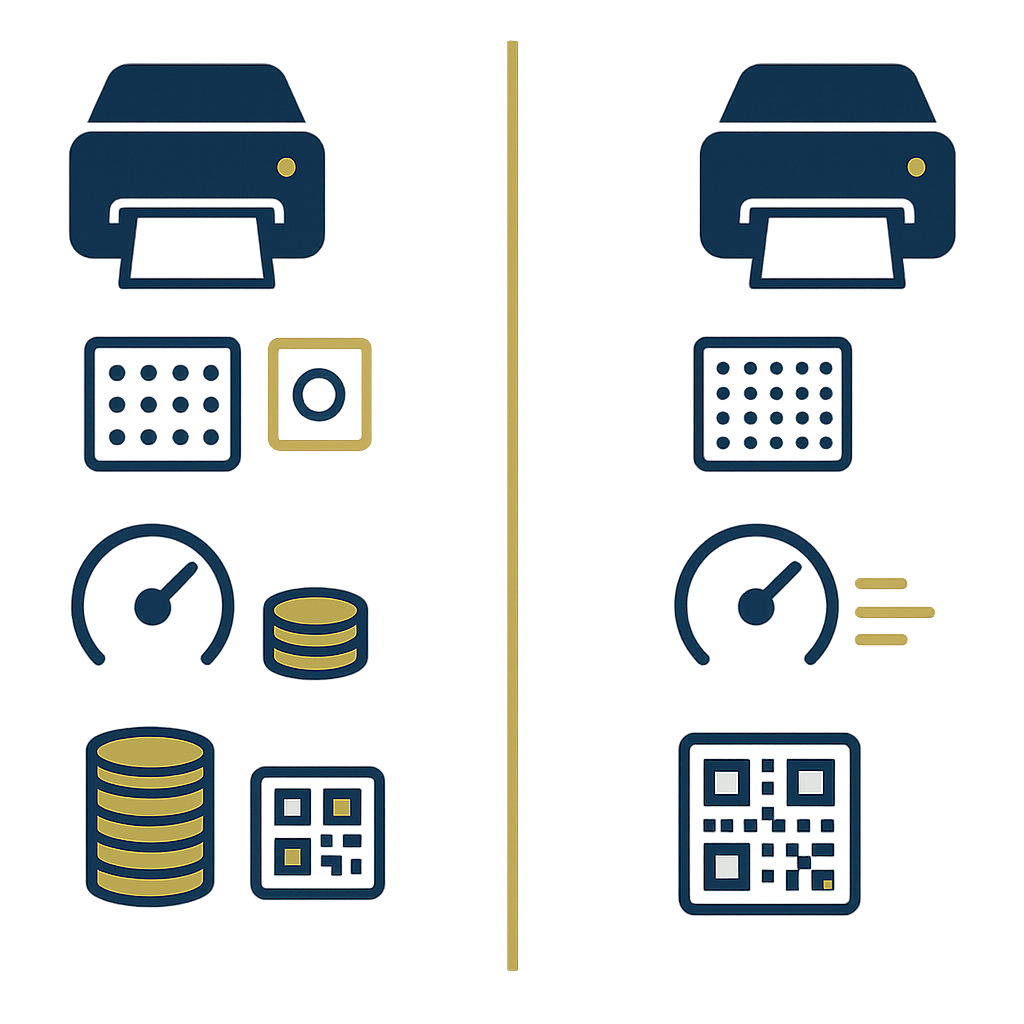
The two Zebra ZD421 versions share almost all chassis specifications, differing only in print dot density and the resulting consequences for speed, sharpness, and label cost. The table below compares the 8 most important criteria so you can match them against your actual printing needs.
| Criterion | Zebra ZD421 203dpi | Zebra ZD421 300dpi | Operational Impact |
|---|---|---|---|
| Resolution | 203dpi (8 dots/mm) | 300dpi (12 dots/mm) — Best for small labels | Determines minimum font size and QR code size |
| Maximum print speed | 102mm/s — Best for large-volume printing | Slower than the 203dpi version | Affects printing time per shift |
| Print width | Up to 104mm | Up to 104mm | Equal |
| Supported media widths | 25 / 50 / 76 / 102mm | 25 / 50 / 76 / 102mm | Equal |
| Media thickness | 0.08 – 0.254mm | 0.08 – 0.254mm | Equal |
| Memory | 512MB Flash / 256MB SDRAM | 512MB Flash / 256MB SDRAM | Equal |
| Connectivity | USB 2.0 + Bluetooth 4.2 (optional) + Ethernet (optional) | USB 2.0 + Bluetooth 4.2 (optional) + Ethernet (optional) | Equal |
| Minimum legible font / QR size | Text ≥ 3mm, QR ≥ 15mm | Text ≥ 1.5mm, QR ≥ 8mm — Best for high-density labels | Determines which label types can be used |
One point to note: both versions share accessories, labels, and ribbon — you do not have to buy separate consumables when switching versions. If your business needs to print labels with high-density barcodes, you can also check out the Effective Cold Storage Management Solution with iData K1 Cold and K8 Cold to synchronize scanning devices in specialized environments.
Choosing Zebra ZD421 by real use case in Vietnam
There is no version that is absolutely "better" — only the version that fits your label type and print volume. Below are 5 typical use cases in Vietnam with specific recommendations based on label characteristics and printing frequency.
Use case 1 — Retail shop / mini supermarket printing shelf labels and price tags: choose 203dpi. Shelf labels use large text, standard-size 1D barcodes, and are printed in large quantities every week. The 203dpi version prints faster, has lower label cost, and there is no reason to pay extra for 300dpi.
Use case 2 — F&B chain printing cup labels, box labels, and internal shipping labels: choose 203dpi. Cup labels typically print preparation time and order codes, and do not need high print dot density. If you want to synchronize with a handheld POS, refer to Sunmi V2s vs V2 Pro: Detailed Comparison and Choosing the Right Handheld POS.
Use case 3 — Warehousing / 3PL printing shipping labels and pallet labels: choose 203dpi for A6-size shipping labels and pallet labels. If the warehouse requires printing small QR codes to track each package, consider 300dpi.
Use case 4 — Pharmacy, hospital, clinic printing pharmaceutical labels: choose 300dpi. Medication labels require small text (active ingredient name, dosage, lot, expiry date) and high-density barcodes. The 203dpi version easily prints text under 2mm blurry, creating risks for patients.
Use case 5 — Manufacturing electronic components, jewelry, automotive parts: choose 300dpi. Component labels typically have small QR codes of 8-10mm and serial text under 2mm. This is the group that must use 300dpi for scanners to read correctly on the first attempt.
Pros and cons of each Zebra ZD421 version
Each Zebra ZD421 version has a clear trade-off: the 203dpi version wins on speed and operating cost, while the 300dpi version wins on sharpness and the ability to handle high-density labels. Below is a detailed pros and cons analysis so you can balance them against your budget and current workflow.
Zebra ZD421 203dpi — Pros
- Maximum print speed of 102mm/s, faster than the 300dpi version
- Lower initial investment cost
- Stable printed labels for standard-size 1D barcodes and QR codes
- Suits large print volumes and peak shifts
- Shares consumables with the 300dpi version
Zebra ZD421 203dpi — Cons
- Cannot clearly print text under 3mm
- Small QR codes under 15mm are prone to scanner read errors
- Not suitable for pharmaceutical labels or electronic components
Zebra ZD421 300dpi — Pros
- 12 dots/mm density, 50% sharper than 203dpi
- Clearly prints text from 1.5mm and QR codes from 8mm
- Meets standards for medical, pharmaceutical, and component labels
- Reduces scan errors at the counter, reduces customer complaints
- Full support for Link-OS and PrintDNA
Zebra ZD421 300dpi — Cons
- Slower print speed than the 203dpi version
- Higher initial investment cost
- Unnecessary if only printing shelf labels and price tags
Operating costs and ROI when choosing the right version
The cost of owning a Zebra ZD421 printer is not in the machine price but in the total 2-3 year operating cost: labels, ribbon, printing time per shift, and the cost of handling scan errors. Choosing the right version helps reduce label printing time by 20-40% and nearly eliminates scan errors caused by blurred labels — savings that are usually larger than the price difference between the two versions.
For example, with a chain of 5 retail stores printing about 800-1,200 labels/day: the 203dpi version helps shorten printing time per shift by 15-25 minutes, while the 300dpi version can cause peak shifts to bottleneck if labels do not require high density. Conversely, a pharmacy printing 200-300 medication labels/day that chooses the 203dpi version will suffer 3-5% of labels failing scanner reads — staff must reprint, slowing down the medication dispensing process. If you want to refer to additional scanning devices, you can check out iData K3 Pro: Android 14 Barcode Scanner with Integrated DS7500 Technology — a scanner line that supports high-density barcode decoding very well when combined with the ZD421 300dpi.
Frequently asked questions about Zebra ZD421 203dpi and 300dpi
Below are common questions from business owners when considering between the two Zebra ZD421 versions, with concise answers based on manufacturer specifications and practical deployment experience in Vietnam.
Can the Zebra ZD421 203dpi print QR codes?
Yes, but only with QR codes sized about 15mm and above. With QR codes smaller than 15mm, the 203dpi version easily prints modules that stick together, causing scanner read errors. If your workflow requires small QR codes to track each product or each package, you should choose the 300dpi version to ensure a higher first-attempt read rate.
Can I upgrade from 203dpi to 300dpi after purchase?
No. Resolution is determined by the printhead and cannot be upgraded via software. To switch from 203dpi to 300dpi you must replace the printhead or buy a new machine. Therefore, determine the smallest label type your business will print in the next 2-3 years before finalizing the version — this is a one-time decision that affects the entire machine lifecycle.
Do the two ZD421 versions share labels and ribbon?
Yes. Both versions support media widths of 25mm, 50mm, 76mm, 102mm, maximum print width of 104mm, and media thickness of 0.08-0.254mm. Direct thermal paper labels, decal labels, synthetic material labels, and ribbon are shared. This means switching between the two versions does not incur new consumable costs — you only need to change the machine and keep the same printing workflow.
How much slower is the Zebra ZD421 300dpi than the 203dpi?
The 203dpi version reaches a maximum speed of 102mm/s (4 inch/s). The 300dpi version is slower due to 1.5x higher print dot density, with longer processing time per label depending on the complexity of the print data. With shelf labels or simple shipping labels, the difference may be negligible; with labels containing many QR codes and small text, the 300dpi version can be 20-40% slower than 203dpi.
If my business prints both shelf labels and pharmaceutical labels, which version should I choose?
Choose 300dpi. The 300dpi version still prints shelf labels well because high print dot density does not harm large-text labels — it only adds negligible printing time. Conversely, the 203dpi version cannot print pharmaceutical labels to standard. If budget allows, investing in one 300dpi machine shared for both label types is a more optimal option than buying two separate machines.
Where can I buy a genuine Zebra ZD421 in Vietnam?
You should buy through an authorized distributor to get a 12-month genuine warranty and technical support when configuring Link-OS and ZebraDesigner. When purchasing, request verification of the correct print resolution version on the machine label and test printing your business's actual label sample before receiving. For businesses deploying multiple locations, you should ask about printhead replacement policies and long-term consumable supply.
Need advice on choosing the Zebra ZD421 203dpi or 300dpi based on the exact label type you are using? Call the hotline now at 0935 498 384 or email info@vietpos.vn — the Việt POS technical team will test your actual label sample before finalizing the version, avoiding a m
Cần tư vấn thiết bị/giải pháp cụ thể?
Việt POS phản hồi trong 30 phút · Hotline 4 vùng · Khảo sát miễn phí.
Bài viết cùng chủ đề