Mục lục bài viết (5)
Barcode price tag printing software is a tool that allows users to create, design, and print price labels with barcodes on decal stickers, thermal paper, or regular paper—without needing to use professional graphic design software. In Vietnam, retail shop owners often spend 2-3 hours per week manually pricing and handwriting product tags; this solution reduces the time to 15-30 minutes per restocking batch.
What is barcode price tag printing software?
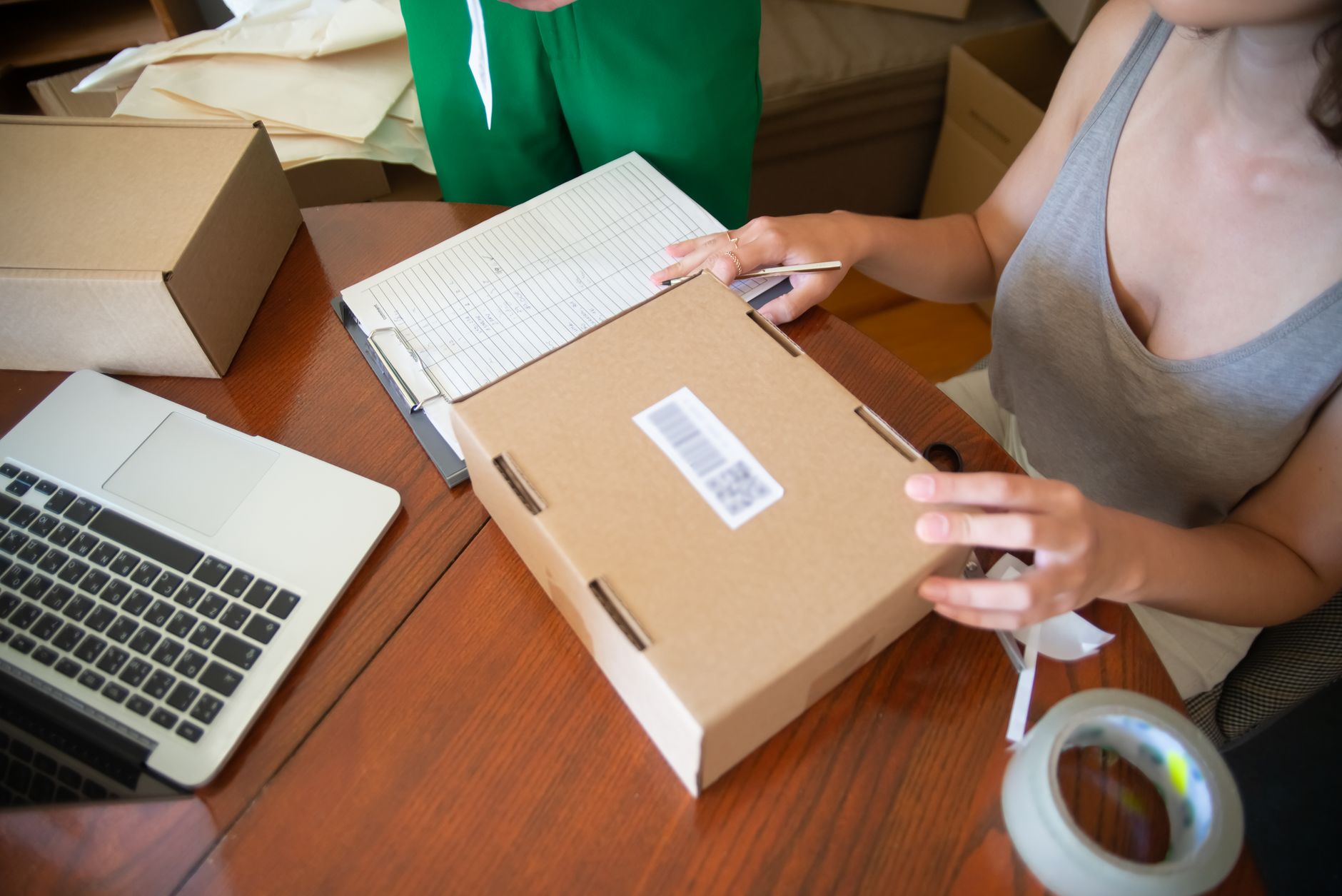
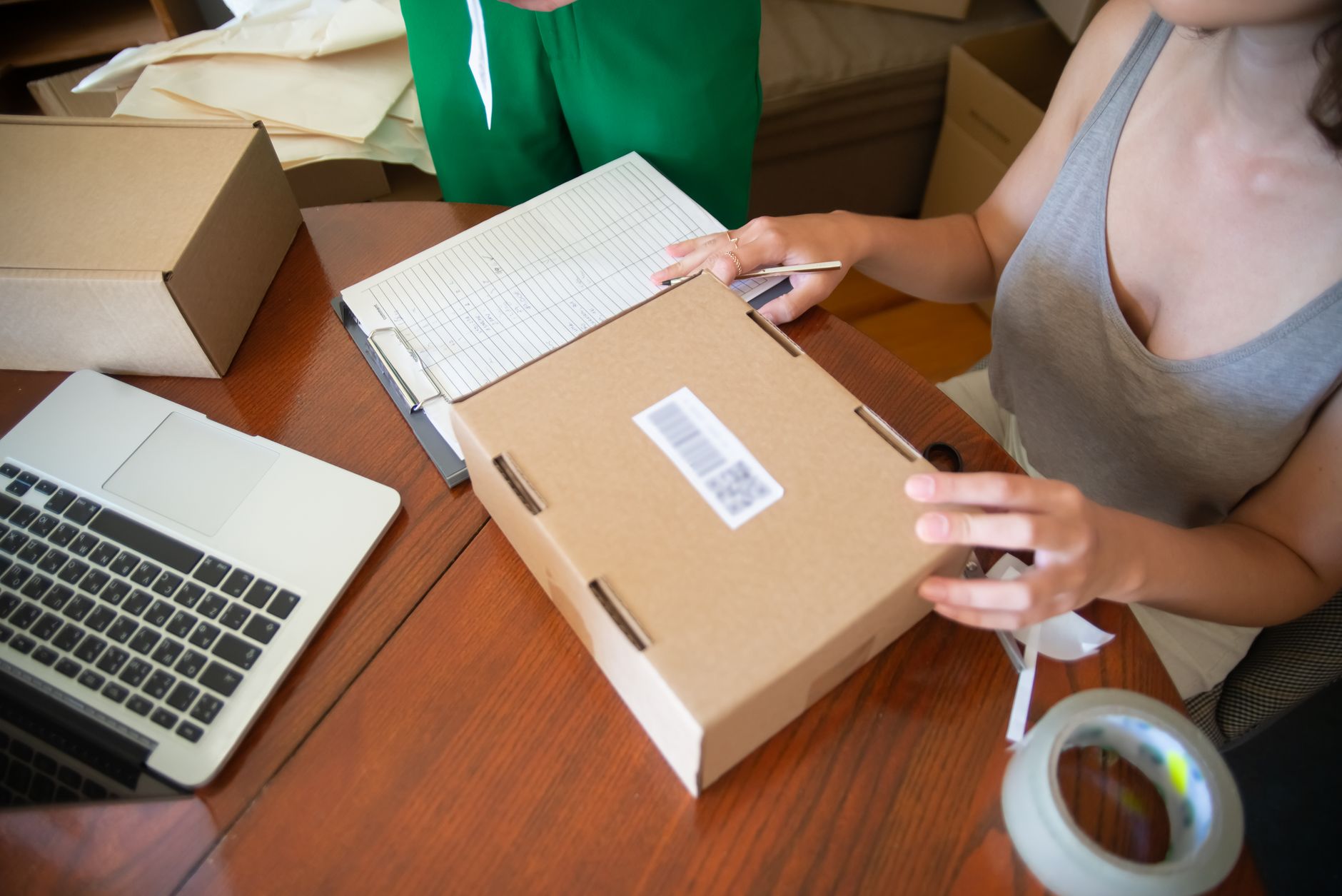
Barcode price tag printing software is a specialized application that helps create, design, and print labels containing barcodes (Code128, EAN-13), product names, selling prices, entry dates, and other information. Users only need to enter data, select a pre-made label template, and the software automatically generates the barcode and arranges the print layout.
Unlike graphic design software such as Adobe Illustrator or CorelDraw—which require professional skills—these tools are built with intuitive interfaces, drag-and-drop operations, and support direct connection to thermal label printers or standard laser printers.
5 popular price tag printing software for Vietnamese stores
Related Products


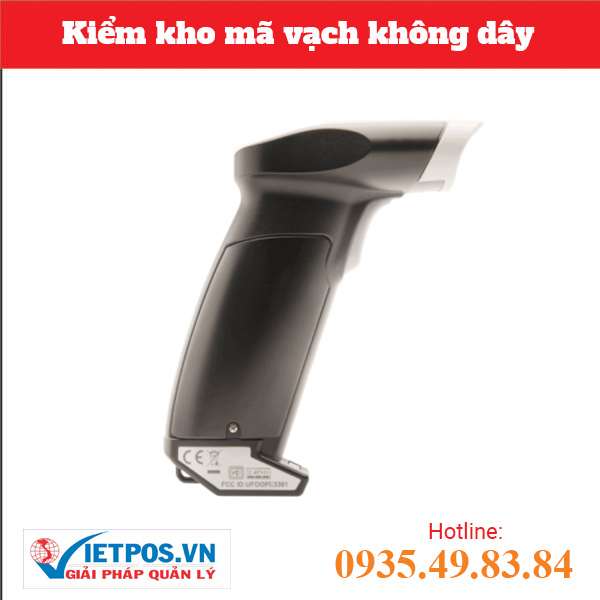
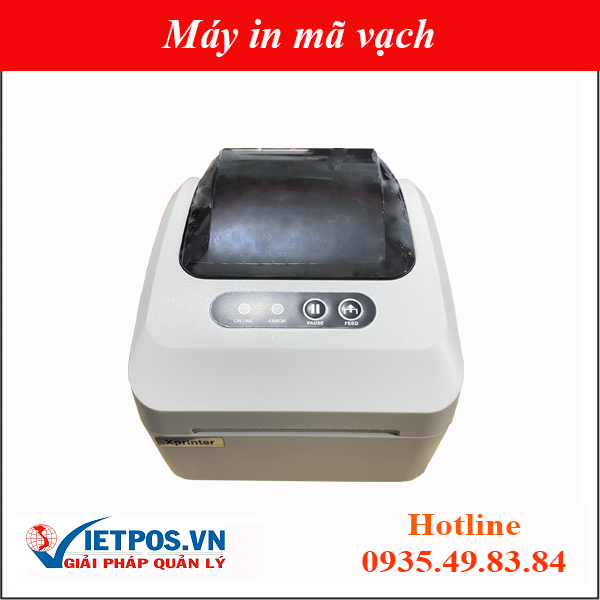

Below are 5 tools commonly used in Vietnamese retail stores, from free to paid, suitable for scales ranging from small shops of 20-30m² to chains of 5-10 branches.
1. VietPOS Barcode — Free, specialized for the Vietnamese market
The free VietPOS Barcode software download is developed specifically for small and medium enterprises in Vietnam. It fully supports popular barcode standards: Code128, EAN-13, QR Code. Users can import data from Excel files or enter manually, select pre-made label templates (sizes 40x30mm, 50x30mm, 60x40mm, 100x60mm) and print directly to thermal or laser printers. Familiarization time is only 3-5 minutes, with no complex driver installation required.
2. Canva — Basic free, visually appealing design
Canva is a popular online design tool with hundreds of pre-made product label templates. However, Canva does not support automatic barcode generation—users must import barcode images from external sources or use barcode fonts. Suitable for shops needing aesthetically designed price tags with low print volumes (under 50 tags per batch). Limitation: cannot batch print from a product list; each tag must be handled manually.
3. Microsoft Excel + Barcode Font — Free if you already have Office
This is the most popular solution for grocery stores and mini-supermarkets. Simply install a barcode font (Code128, EAN-13), enter data into the spreadsheet, use the CONCATENATE function to combine codes, then print onto decal paper. Advantages: completely free, leverages existing software. Disadvantages: takes 30-60 minutes for initial setup, difficult to precisely align label sizes, and no long-term product list management. Refer to How to print barcodes from Excel using free software for detailed instructions.
4. BarTender — Professional, paid
BarTender is the world's leading label printing software, supporting most industrial barcode printer lines (Zebra, TSC, Bixolon, Honeywell). It allows complex label design, SQL database connectivity, and batch management. Suitable for enterprises with warehouse scales of 500-1000m² or larger, needing to print labels for 300-500 products daily. License cost ranges from 200-600 USD/year depending on the version.
5. NiceLabel — Cloud-based, monthly subscription
NiceLabel is a cloud-based label printing solution, allowing remote management via a web browser. Suitable for chains of 3-5 branches or more, needing to synchronize label templates and product data across points of sale. Supports integration with POS and ERP systems. Cost ranges from 30-80 USD/month.
Barcode price tag printing software comparison table
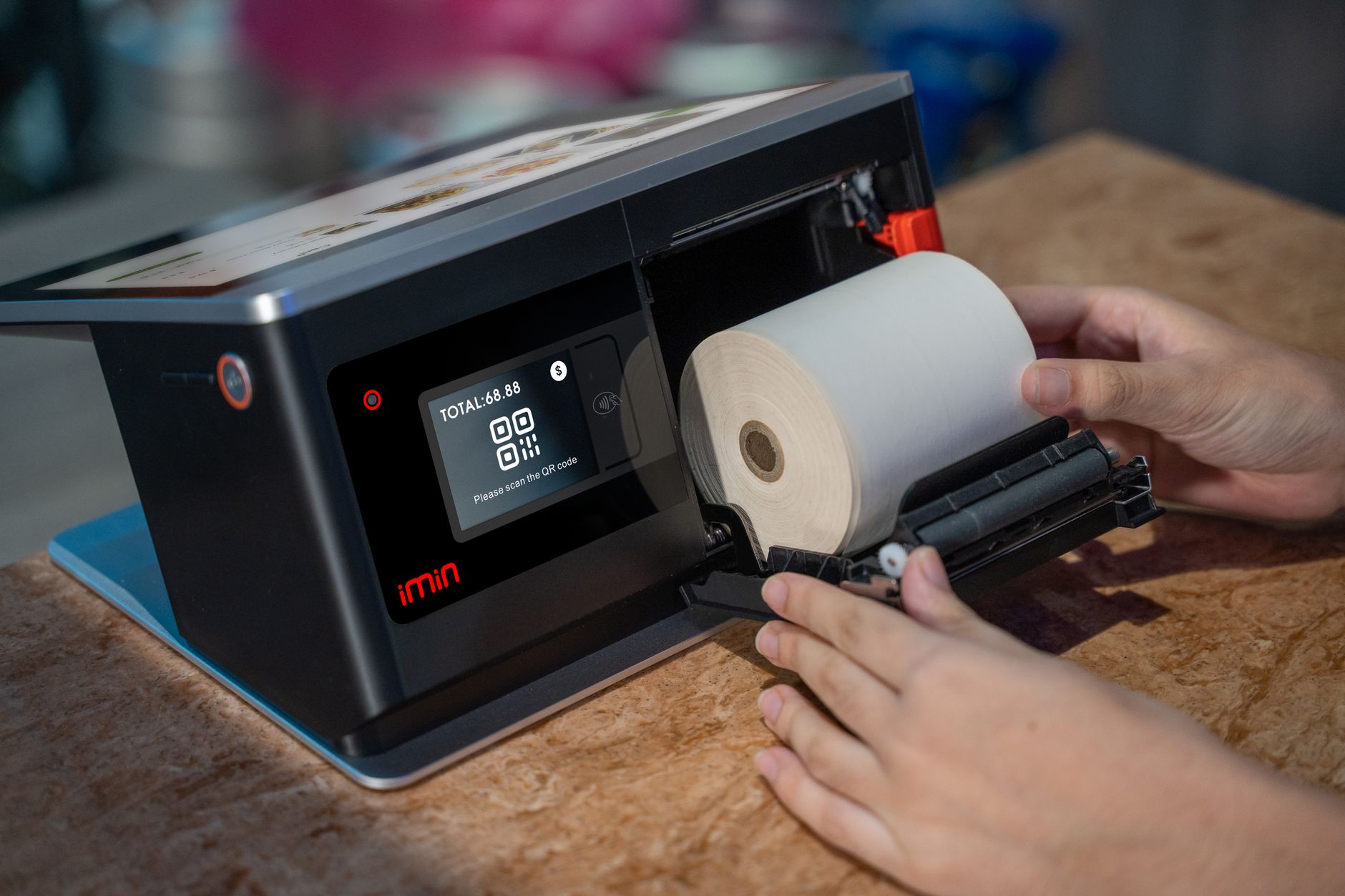
The table below summarizes 5 key criteria for comparing tools: cost, skill requirements, batch printing support, barcode printer connectivity, and product data management capability.
| Software | Cost | Skill Requirements | Batch Printing | Barcode Printer Support | Product Data Management |
|---|---|---|---|---|---|
| VietPOS Barcode | Free | None | Yes (from Excel file) | Full (thermal, laser) | Basic (save list) |
| Canva | Free / Pro 12 USD/mo | Basic design | No | No (laser only) | No |
| Excel + Font | Free | Basic (formulas) | Yes (manual) | Limited (needs alignment) | No |
| BarTender | 200-600 USD/year | Intermediate | Yes (professional) | Full (industrial) | Yes (DB connectivity) |
| NiceLabel | 30-80 USD/month | Intermediate | Yes (cloud) | Full (industrial) | Yes (cloud) |
Common mistakes when choosing price tag printing software
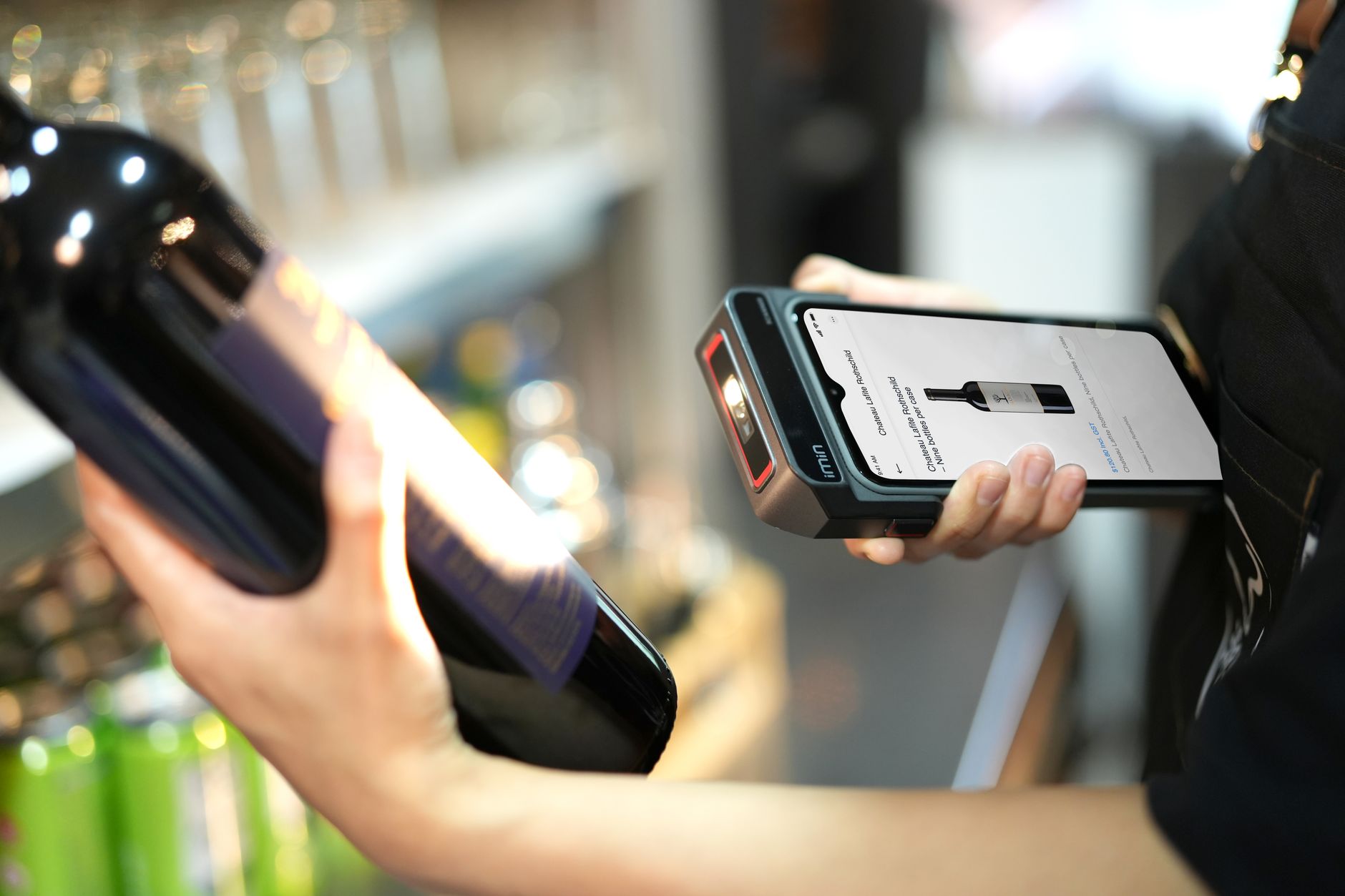
Many shop owners waste time and money due to choosing the wrong tool. Below are 4 common mistakes and how to avoid them.
- Choosing overly complex software for simple needs: A store that only needs to print 50-100 tags/day buys a BarTender license for 600 USD/year—wasting resources. Solution: start with a free tool like VietPOS Barcode or Excel.
- Not checking printer connectivity: Some online software does not support dedicated thermal printers—users must print on regular paper and then stick, adding 1-2 minutes per tag. Choose software with built-in drivers for the printer model in use.
- Ignoring product list management features: Manually entering each barcode for 200 products every time prices change—takes 3-5 hours. Software with list saving and price update from Excel files saves 70-80% of time.
- Not testing a print sample before batch printing: Incorrect label size or barcode errors can ruin an entire decal roll (cost 50,000-150,000 VND per roll). Always print 1-2 test tags and use a scanner to verify the barcode.
Frequently Asked Questions
Which free barcode price tag printing software is best for small shops?
VietPOS Barcode is the optimal choice for small shops (under 50m²) with a need to print 50-200 tags/day. The software is completely free, supports data import from Excel, has pre-made popular label templates (40x30mm, 50x30mm, 60x40mm), and is compatible with most desktop thermal printers. Familiarization time is only 3-5 minutes.
Can I use Canva to print barcode price tags?
Yes, but Canva does not support automatic barcode generation. You must create barcode images from another tool (like VietPOS Barcode or a barcode generator website), upload them to Canva, and embed them into the label template—taking 3-5 minutes per tag. Only suitable when printing fewer than 20 tags per batch and the tags need an attractive design. For larger quantities, use dedicated software.
How to print price tags from an Excel file without software?
You can install a barcode font (Code128 or EAN-13), enter barcodes into a column, use the CONCATENATE function to create data, then set up the print page with the corresponding label size. However, this method takes 30-60 minutes for initial setup and is difficult to align precisely. Refer to the detailed guide on printing barcodes from Excel for specific steps.
Does price tag printing software support QR code printing?
Most dedicated software (VietPOS Barcode, BarTender, NiceLabel) supports printing QR codes alongside traditional barcodes. QR codes are often used to store extended information such as product links, usage instructions, or promotional programs. Canva and Excel do not support automatic QR code generation.
What is the monthly cost of using price tag printing software?
Free software (VietPOS Barcode, Excel) has no cost. Canva Pro costs 12 USD/month. BarTender offers perpetual licenses or subscriptions at 200-600 USD/year. NiceLabel subscriptions are 30-80 USD/month. For small shops with fewer than 200 products, free solutions fully meet the need.
Would you like to try free barcode price tag printing software for your store? Contact Việt POS via hotline 0935 498 384 for consultation and to download VietPOS Barcode—designed specifically for small and medium enterprises in Vietnam.
Cần tư vấn thiết bị/giải pháp cụ thể?
Việt POS phản hồi trong 30 phút · Hotline 4 vùng · Khảo sát miễn phí.
Bài viết cùng chủ đề