Mục lục bài viết (8)
- Why do Vietnamese schools need international standard library software?
- The core international standards you must check
- Criteria for choosing library software suitable for Vietnamese schools
- How do RFID devices, self-checkout kiosks, and security gates work?
- Summary table of international standard terms in library software
- Common mistakes when choosing library software for schools
- Implementation roadmap for standard library software for schools
- Frequently asked questions

International standard library software is an integrated library system (ILS) that complies with global professional standards — MARC21, AACR2, ISO 2709, Z39.50, DDC, and SIP2 — enabling standard cataloging, data exchange with other libraries, and integration with self-service devices. In Vietnam, K-12 schools, colleges, and universities are gradually moving from simple book management software to standards-compliant ILS, mainly due to accreditation requirements, data sharing needs, and plans to connect RFID devices, self-checkout kiosks, and security gates in the next 2-3 years.
International standard library software for Vietnamese schools needs to meet at least 5 standards: MARC21 for cataloging, AACR2 for describing materials, ISO 2709 for record exchange, Z39.50 for downloading data from other libraries, and DDC for classification. This standards foundation is a mandatory condition for integrating RFID, self-checkout kiosks, and security gates — while also helping schools meet accreditation criteria and share data with provincial and university libraries.
Table of contents
- Why do Vietnamese schools need international standard library software?
- The core international standards you must check
- Criteria for choosing library software suitable for Vietnamese schools
- How do RFID devices, self-checkout kiosks, and security gates work?
- Summary table of international standard terms in library software
- Common mistakes when choosing library software for schools
- Implementation roadmap for standard library software for schools
- Frequently asked questions
Why do Vietnamese schools need international standard library software?
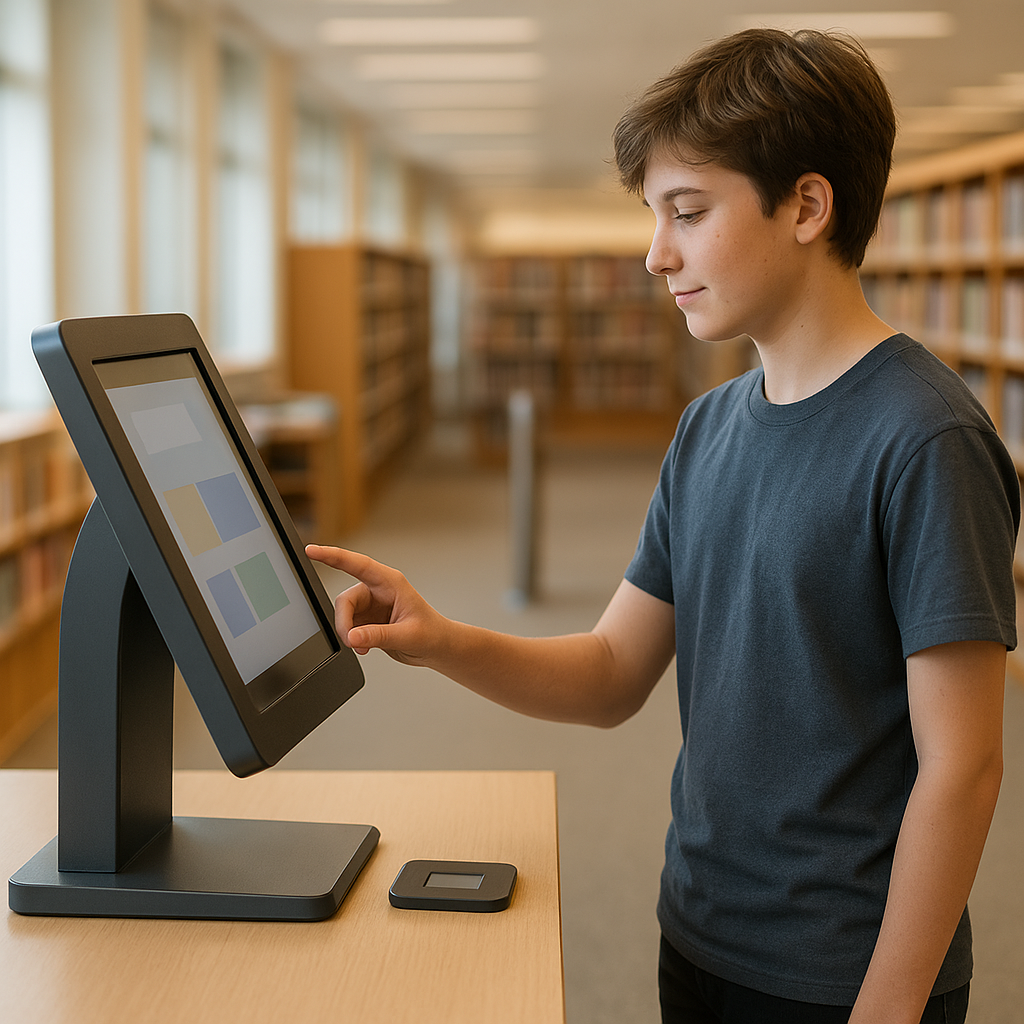
Three main reasons: first, education quality accreditation requires the library to have standards-compliant cataloging data for comparison; second, sharing data with provincial or university libraries is only feasible when both sides can export ISO 2709 or connect via Z39.50; third, RFID devices, self-checkout kiosks, and security gates can only communicate with the software through the SIP2 protocol — a standard that only exists in professional ILS.
A high school has 8,000-15,000 book copies, adding 500-1,000 new titles each year. If using non-standard manual-entry software, librarians must retype all metadata from scratch — averaging 12-20 minutes per full record. Multiplied by 1,000 titles, that is 200-330 working hours per year just for data entry, not counting errors. Standards-compliant software with Z39.50 allows downloading existing records from the National Library or university libraries, cutting time to 2-4 minutes per record.
The core international standards you must check
Related products
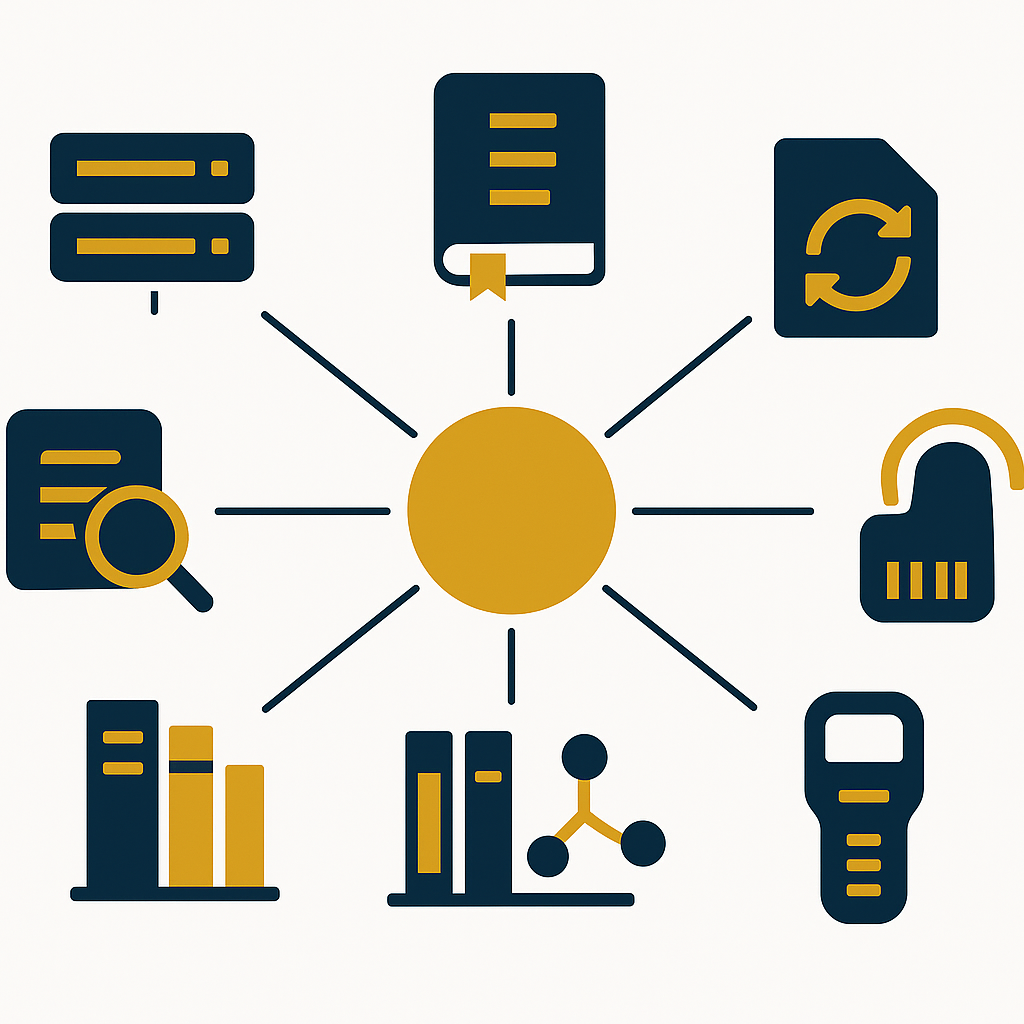
Six minimum standards are required: MARC21 (record format), AACR2 (description rules), ISO 2709 (data exchange), Z39.50 (interlibrary query), DDC (classification), and SIP2 (self-service device communication). Missing any of these 6 standards forces the school to re-enter data or replace software when scaling up.
- MARC21 — Machine-Readable Cataloging 21: the standard format for describing all types of materials (books, magazines, CDs, digital documents). There are 5 basic fields: 245 (title), 100 (author), 260 (publisher), 020 (ISBN), 650 (subject).
- AACR2 — Anglo-American Cataloguing Rules 2: rules standardizing how author names, titles, and punctuation are written in records. Ensures two libraries describe the same book identically.
- ISO 2709 — the file format for exchanging records between systems. Thanks to it, schools can export/import thousands of records in just a few minutes.
- Z39.50 — the protocol for remote library queries. When cataloging, staff can search for books at the Vietnam National Library, Vietnam National University library, then copy records back instead of retyping.
- DDC — Dewey Decimal Classification: a classification system with 10 main groups, helping shelve and look up by subject consistently worldwide.
- SIP2 — Standard Interchange Protocol 2: communication between software and self-service devices (RFID readers, kiosks, security gates). Without SIP2, RFID devices are just decoration.
Some software also supports UNIMARC (the European standard, common in France, Italy) and RDA (Resource Description and Access — the successor to AACR2). For Vietnamese schools, MARC21 + AACR2 is enough for 90% of needs; RDA is only necessary if the school plans international data sharing.
Criteria for choosing library software suitable for Vietnamese schools

Four deciding criteria: data scale (under 5,000 or over 30,000 records), ability to integrate RFID/kiosk/security gate devices, Vietnamese interface for student OPAC search, and 5-year operating cost (license + server + training). K-12 schools prioritize a simple interface; universities prioritize data sharing and digital documents.
| School size | Records | Standard priority | Suggested devices |
|---|---|---|---|
| Small primary / lower secondary | 2,000-5,000 | MARC21, DDC, OPAC | Barcode reader, label printer |
| High school / large lower secondary | 5,000-20,000 | MARC21, Z39.50, SIP2 | + Self-checkout kiosk, security gate |
| College | 20,000-50,000 | + ISO 2709, digital documents | + Full RFID, two-way kiosk |
| University | Over 50,000 | + UNIMARC, ILL sharing | + 24/7 book-drop, EAS security gate |
For schools, the second criterion — device integration capability — is often undervalued at purchase time, but it is the most costly factor during upgrades. Some cheap software has no SIP2 module, so when the school wants to install a self-checkout kiosk after 1-2 years, it must replace the entire system. See also library management software combined with RFID: 2026 selection guide to understand the bridge between ILS and hardware devices.
How do RFID devices, self-checkout kiosks, and security gates work?
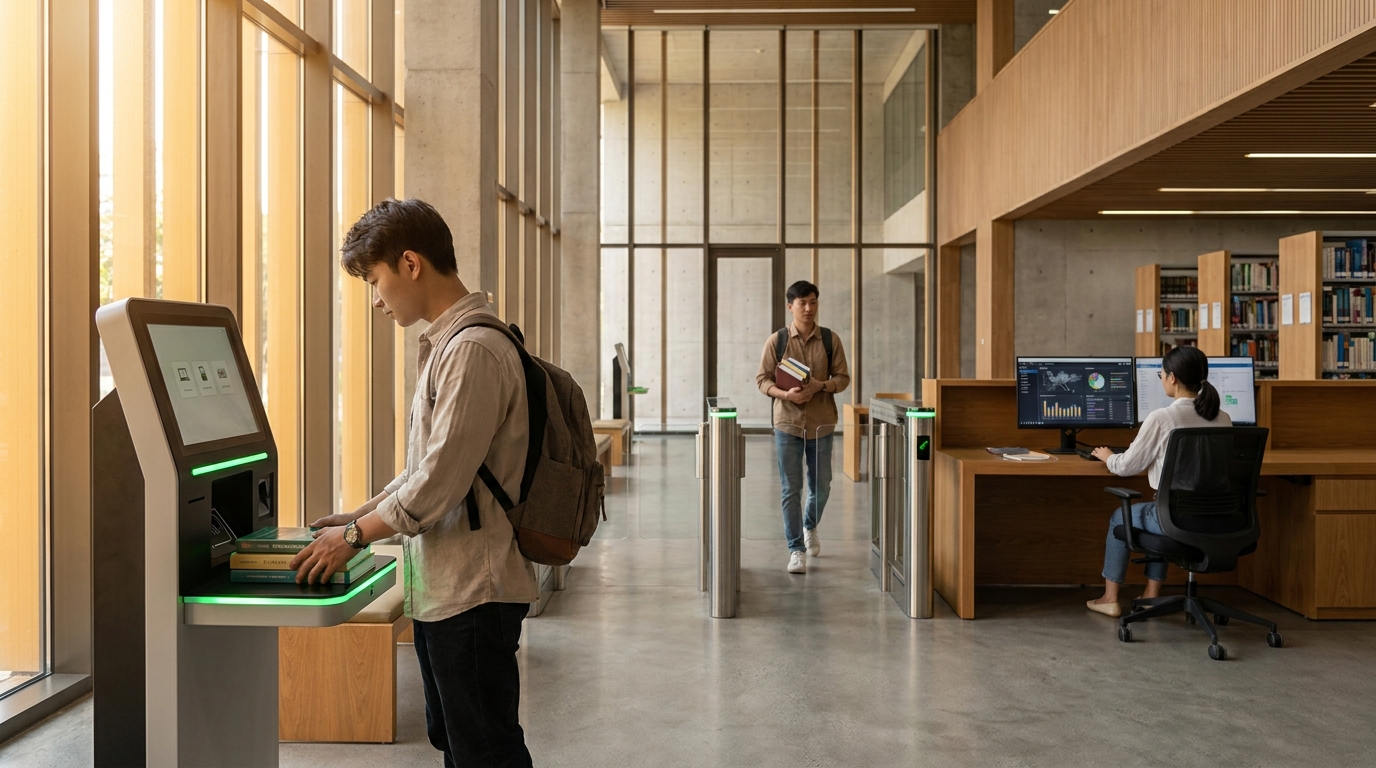
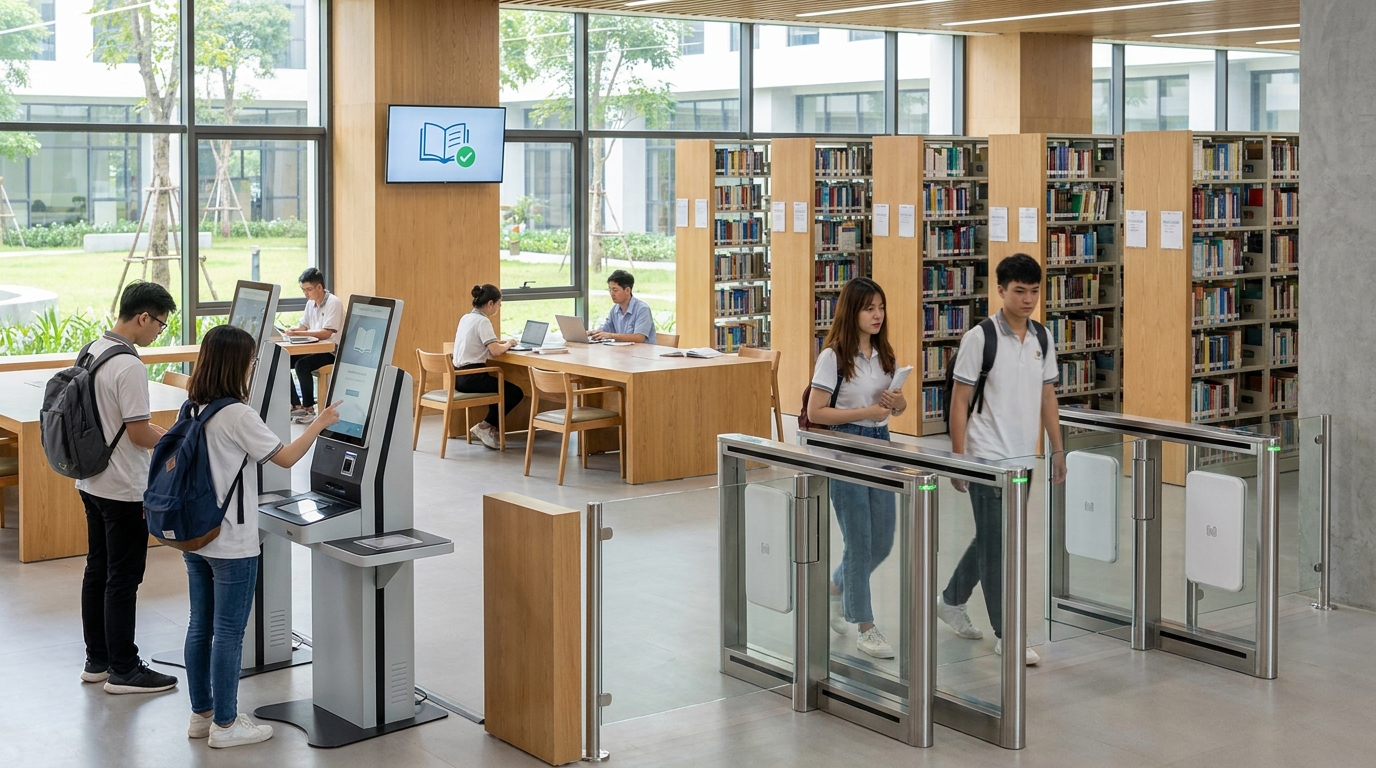
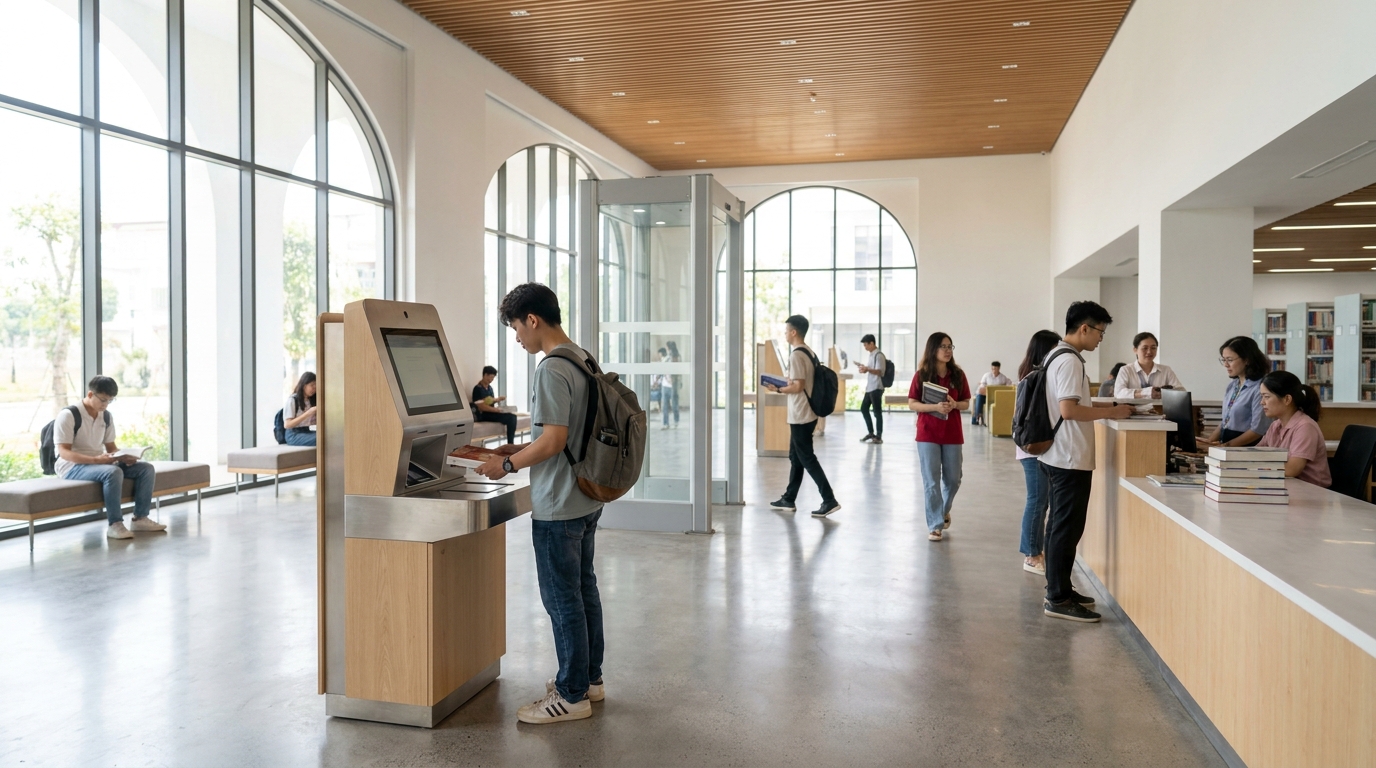
These three device groups connect to library software via the SIP2 protocol or a proprietary API. RFID tags attached to books replace barcodes, self-checkout kiosks read patron cards and record transactions without staff, and security gates detect books that have not been checked out when students pass through. All three significantly reduce the load on librarians during peak hours.
RFID tags — replacing barcodes, anti-theft, fast inventory
Each book is affixed with a passive RFID tag (usually 13.56 MHz). The tag stores the item number, loan/return status, and security bit. Staff can inventory 5,000 copies in 60-90 minutes using a handheld reader, compared to 2-3 days if scanning barcodes one by one. RFID tags are also the foundation for smart people-counting camera - surveillance solution when the school wants to measure student traffic using the library.
Self-checkout kiosks — reducing waiting time by 40-60%
A self-checkout kiosk is a touch station placed at the library entrance; students scan their patron RFID card and place a stack of books on the reader pad — the system reads 5-10 books simultaneously in 3-5 seconds. The kiosk connects via SIP2 to the ILS to record transactions and print due-date slips. A high school with 1,200 students can reduce counter staff from 2 people to 1 during recess. Similar kiosk lines such as tourism area information kiosk: multilingual digital map but with an interface optimized specifically for check-in/check-out operations.
Security gates — preventing book loss
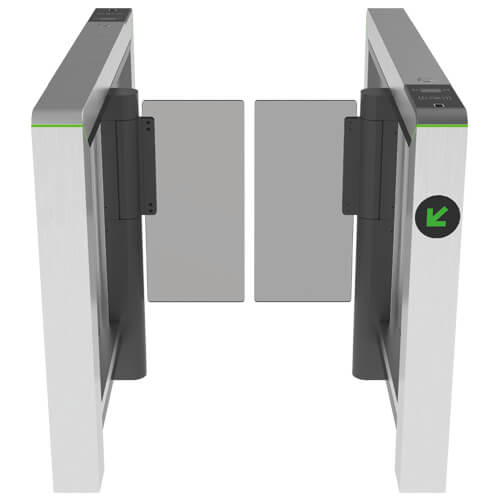
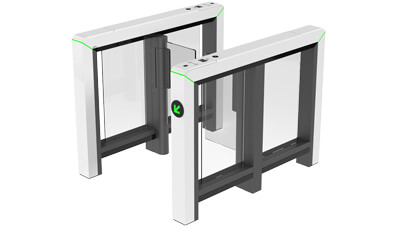
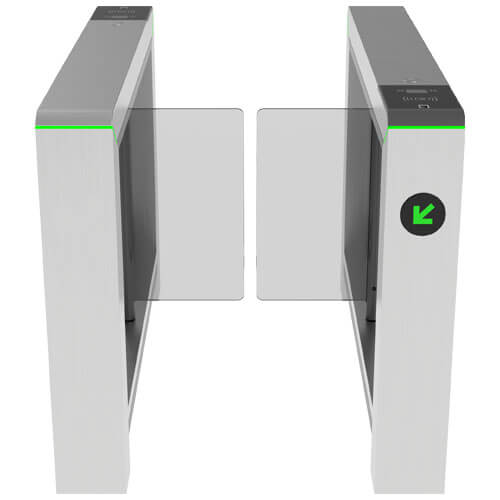
Security gates (EAS gates) are placed at the exit, reading the security bit on RFID tags. If a book that has not been checked out passes through the gate, the system sounds an alarm and displays the item number for staff to verify. Schools typically lose 0.5-1.5% of their collection each year; security gates bring this rate down below 0.2%. This is the investment item with the clearest payback in 3-5 years.
Summary table of international standard terms in library software
The table below summarizes 8 common terms when reading tender documents or communicating with vendors. Understanding each term correctly helps schools ask precise questions and avoid buying software that is "labeled standard" but lacks actual modules.
| Term | Definition | Real example |
|---|---|---|
| MARC21 | Machine-readable record format | Field 245 $a "The Tale of Kieu" $c Nguyen Du |
| AACR2 | Rules for describing materials | Author name: "Nguyen Du, 1765-1820" |
| ISO 2709 | Record exchange file format | Export 10,000 records to the provincial library |
| Z39.50 | Remote library query protocol | Download records from the National Library |
| DDC | Dewey Decimal Classification system | Grade 10 Math book shelved at 510 |
| SIP2 | Software communication with self-service devices | Self-checkout kiosk, book-drop |
| OPAC | Public search portal for patrons | Students search for books via the school website |
| RFID | Radio frequency identification technology | Book tags, patron cards |
Common mistakes when choosing library software for schools
Five common mistakes: buying software at the lowest price, ignoring RFID/kiosk integration capability, not testing Z39.50 in practice, not training librarians, and not calculating 5-year operating costs. Each mistake can force the school to redo the project after 12-24 months.
- Comparing only license prices: a 15 million VND software may save money initially but lacks SIP2 — installing a kiosk later requires replacing the entire system, costing 4-6 times more.
- Not testing Z39.50 in practice: the vendor says "supported" but when staff try to download records from the National Library, there are connection errors or missing field 245.
- Skipping training: the software meets standards but staff do not know how to use MARC21 fields — entered data is still wrong and cannot be shared.
- Not calculating operating costs: server, backup, version upgrades, and technical support over 5 years typically account for 40-60% of total project cost.
- Choosing software without Vietnamese support: the OPAC for students must support accent-insensitive, case-insensitive search; many foreign ILS do not handle Vietnamese well.
Implementation roadmap for standard library software for schools
A 4-phase roadmap over 8-14 weeks: collection survey (1-2 weeks), installation and standard configuration (2-3 weeks), record entry and RFID tagging (3-6 weeks), training and acceptance (2-3 weeks). Schools can break it into smaller parts to avoid disrupting check-in/check-out operations during the school year.
- Collection survey: count total records, classify by DDC, determine how many records need new entry versus downloading via Z39.50.
- Installation and configuration: install the ILS on the school server or cloud, configure loan policies by patron group (students, teachers), set up mandatory MARC21 fields.
- Record entry and RFID tagging: download existing records via Z39.50, manually enter the rest, attach RFID tags and print backup barcodes, run a test inventory.
- Training and acceptance: train librarians on MARC21 cataloging, circulation, and troubleshooting; accept with 20-30 real check-out/check-in/hold scenarios.
Frequently asked questions
How is international standard library software different from ordinary book management software?
Ordinary book management software only stores book titles, authors, and quantities — enough for a small library under 1,000 books. International standard software (ILS) stores records in MARC21 with 20-40 metadata fields, supports data exchange via ISO 2709, connects via Z39.50 to download records, and has SIP2 to connect RFID devices and self-checkout kiosks. In the long run, ILS makes data sharing and accreditation much easier for schools.
Do K-12 schools need the full set of standards like universities?
Not the full set. Lower secondary and high schools only need MARC21, AACR2, DDC, OPAC, and are recommended to add Z39.50 and SIP2 to be upgrade-ready. UNIMARC, RDA, and ILL sharing standards are usually only necessary at colleges and universities with international cooperation. However, if the budget allows, choosing fully standards-compliant software from the start will save replacement costs after 3-5 years.
How much does it cost to deploy standard library software for a high school?
For a high school with 5,000-15,000 records, software costs typically range from 25-80 million VND for a perpetual license or 8-25 million VND/year for cloud rental. Add devices: barcode reader 1.5-3 million, label printer 4-8 million, self-checkout kiosk 45-120 million, security gate 60-150 million, RFID tags 4,000-9,000 VND/tag. Total phase 1 project (without k
Cần tư vấn thiết bị/giải pháp cụ thể?
Việt POS phản hồi trong 30 phút · Hotline 4 vùng · Khảo sát miễn phí.
Bài viết cùng chủ đề