Mục lục bài viết (8)
- What is high school library software and who is it for?
- What is university library software and who is it for?
- Detailed comparison of high school and university library software
- RFID devices, self-checkout kiosks, and security gates — how do they differ?
- Choose by use case — 4 real-world scenarios
- Pros and cons of each option
- Suggested device configurations by school level
- Frequently asked questions
University library software is a system that manages the entire collection and the check-in/check-out lifecycle at the academic level: MARC21/AACR2 cataloging, ISO 2709 record exchange, Z39.50 search, DDC classification, and interlibrary loan. High schools need only a small subset of those functions, but they do need fast class-based check-in/check-out and simple inventory reports. This article compares the two options across 8 criteria — you will be able to choose the right configuration after reading.
Library software for universities must meet international standards MARC21/AACR2, ISO 2709, Z39.50 and support interlibrary loan (ILL), while high schools only need class-based check-in/check-out management, simple cataloging, and inventory reports. Both levels need RFID devices, self-checkout kiosks, and security gates, but universities configure at 24/7 multi-point level, while high schools configure at 1-2 service stations.
Table of contents
- What is high school library software and who is it for?
- What is university library software and who is it for?
- Detailed comparison of high school and university library software
- RFID devices, self-checkout kiosks, and security gates — how do they differ?
- Choose by use case — 4 real-world scenarios
- Pros and cons of each option
- Suggested device configurations by school level
- Frequently asked questions
What is high school library software and who is it for?

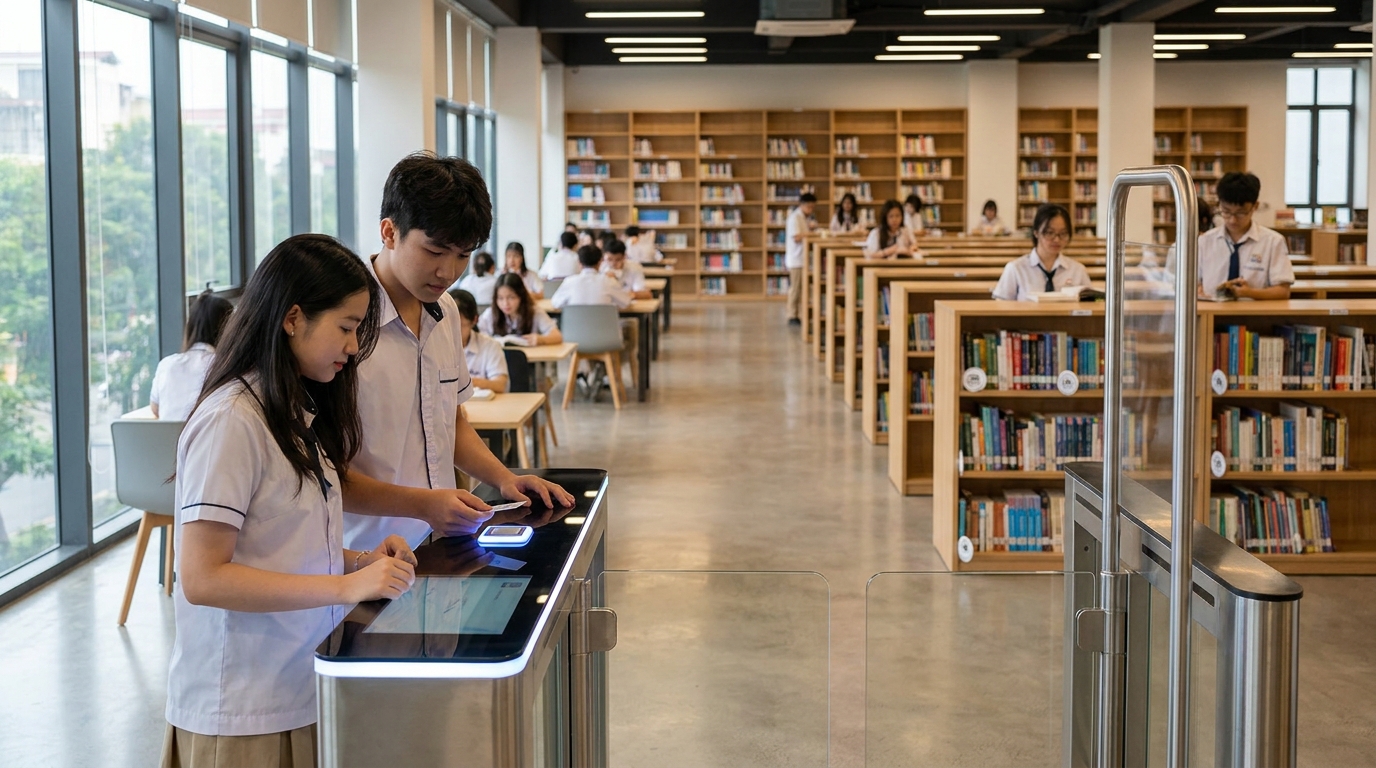
High school library software is a system that manages the collection of textbooks, reference books, children's stories, and magazines serving 800-2,500 students. Core functions include: patron management by class, loan policies by grade level (10-14 days), printing student cards in barcode or RFID format, and inventory reports by school year. The system does not need full MARC21 cataloging, does not need Z39.50 or interlibrary loan.
Workflow characteristics
- Patrons identified by class, grade level, school year — not by student ID.
- Simple loan policies: 1-3 books per transaction, 10-14 day loan period, daily fines.
- Materials are mainly print; digital materials are limited to a repository of lecture PDFs and exam papers.
- Collection scale of 5,000-20,000 copies, growing at the start of each school year.
- Operational requirements: 1-2 service stations, office hours + peak break times.
Who is it for?
High schools, middle schools, and multi-level schools with fewer than 3,000 students and an equipment budget under 150 million VND. If the school already has a reading room with 100-200 seats and wants to reduce checkout queue times, the minimum configuration is 1 self-checkout kiosk with an integrated RFID reader and 1 security gate placed at the exit. See also Library Management Software Combined with RFID: 2026 Selection Guide to understand the standard configuration.
What is university library software and who is it for?
Related products


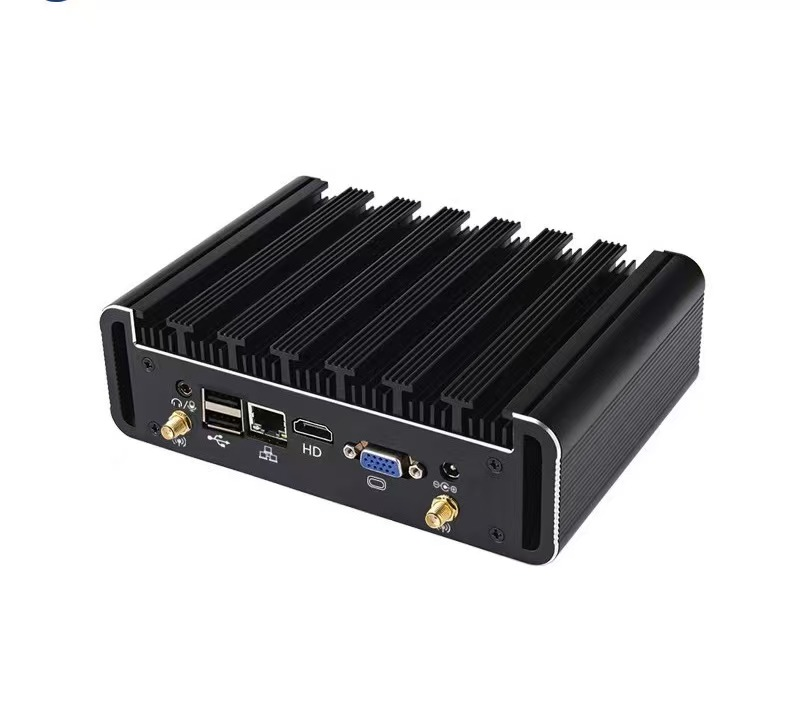
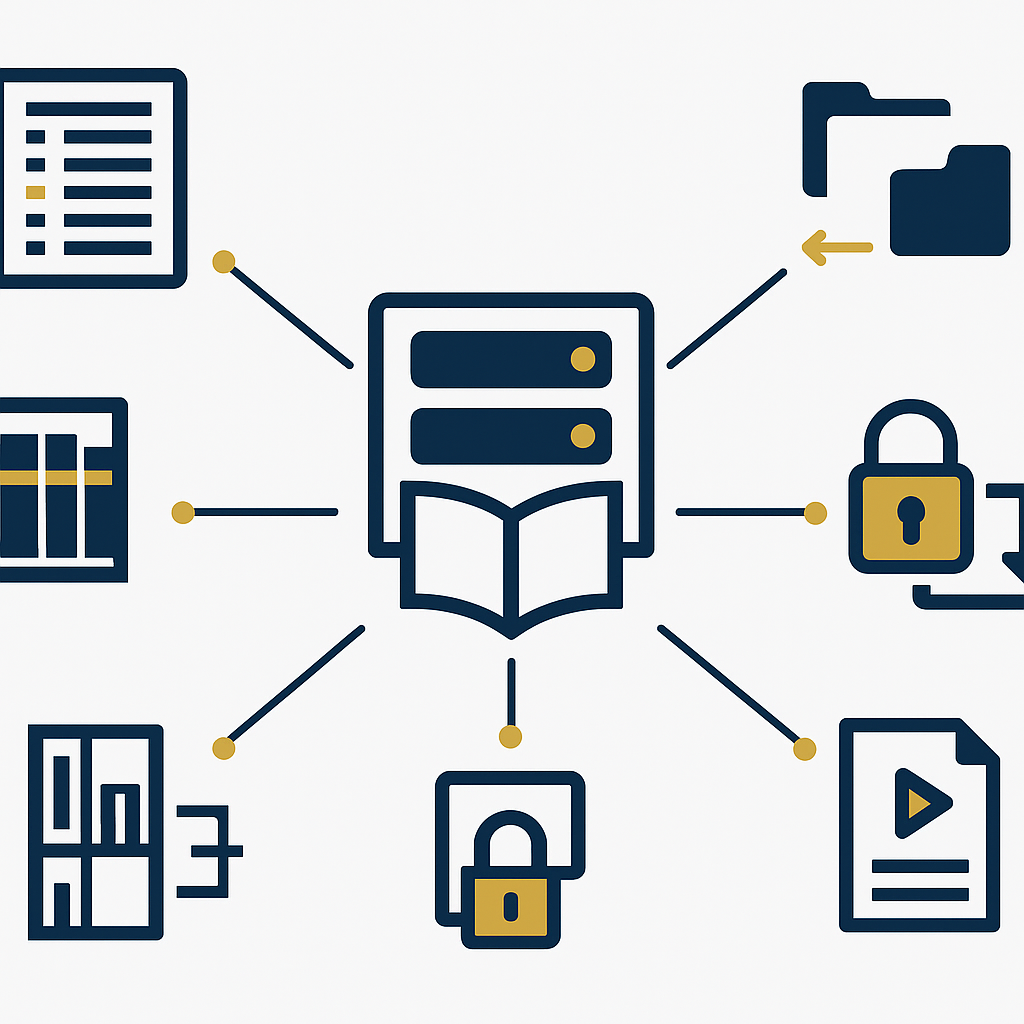
University library software (ILS — Integrated Library System) is a system that meets academic library workflow standards: MARC21 cataloging per AACR2, ISO 2709 record exchange, record download via Z39.50, DDC classification, DRM-protected digital material management, and interlibrary loan (ILL). The system serves 5,000-30,000 students, faculty, and research fellows with a collection of 50,000-500,000 copies.
Workflow characteristics
- MARC21/AACR2 cataloging, a single record for both print and digital versions.
- Full-text OPAC search, merging print + digital results, supporting diacritic-free search.
- Loan policies by patron group × material type × collection (faculty 30-60 days, students 14-21 days).
- Interlibrary loan (ILL) between schools in the same system or provincial interoperability via LGSP.
- DRM-protected digital materials: IP restrictions, concurrent access limits, percentage of content readable online.
- Operational requirements: multiple 24/7 self-service stations, book-drop, security gates at all exits.
Who is it for?
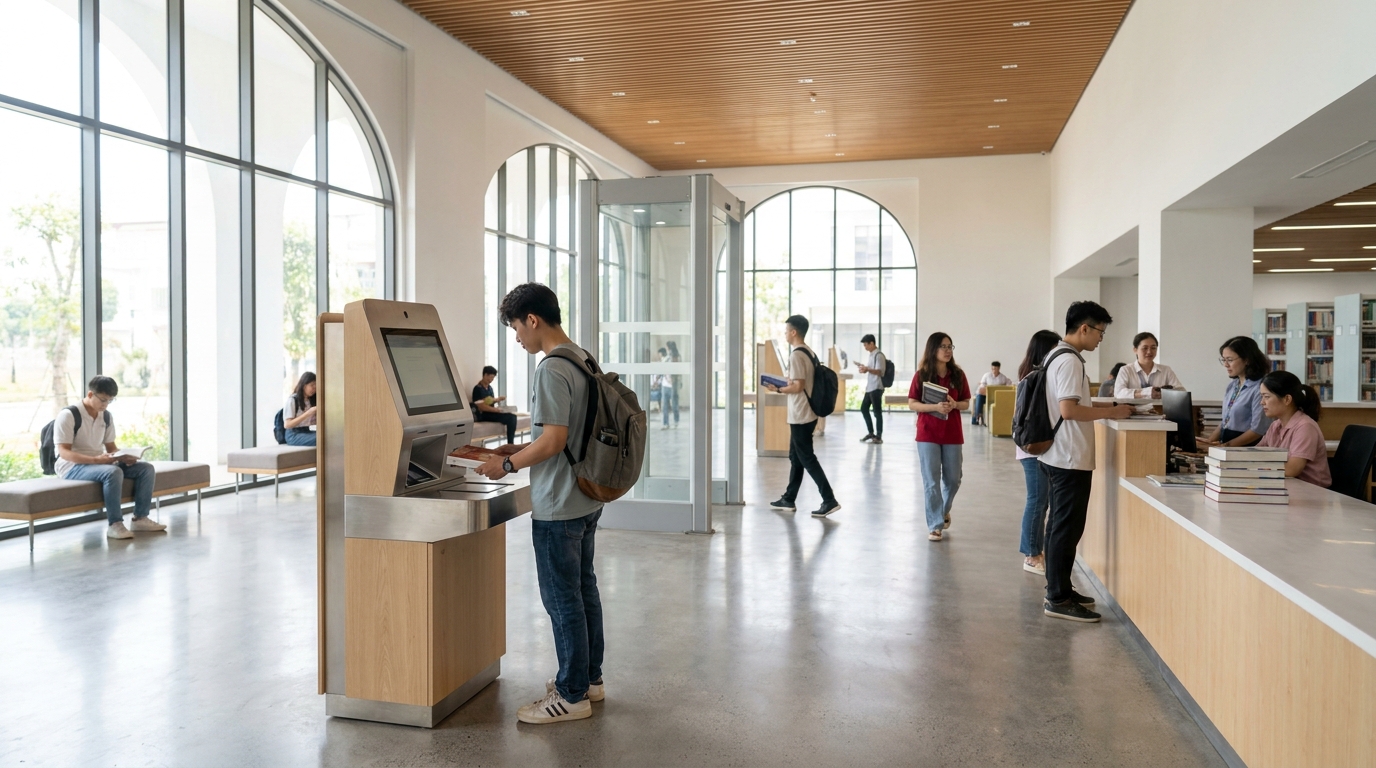
Universities, academies, colleges, schools with specialized libraries, and research units. This is also the level required to meet international standards if the school participates in AUN-QA accreditation or QS ranking — accreditation dossiers require proof that the library system uses MARC21 and has data interoperability capability. For a suggested configuration, see How to Set Up a Stall in a Shopping Mall — the principle of arranging traffic flow applies to university library lobbies.
Detailed comparison of high school and university library software
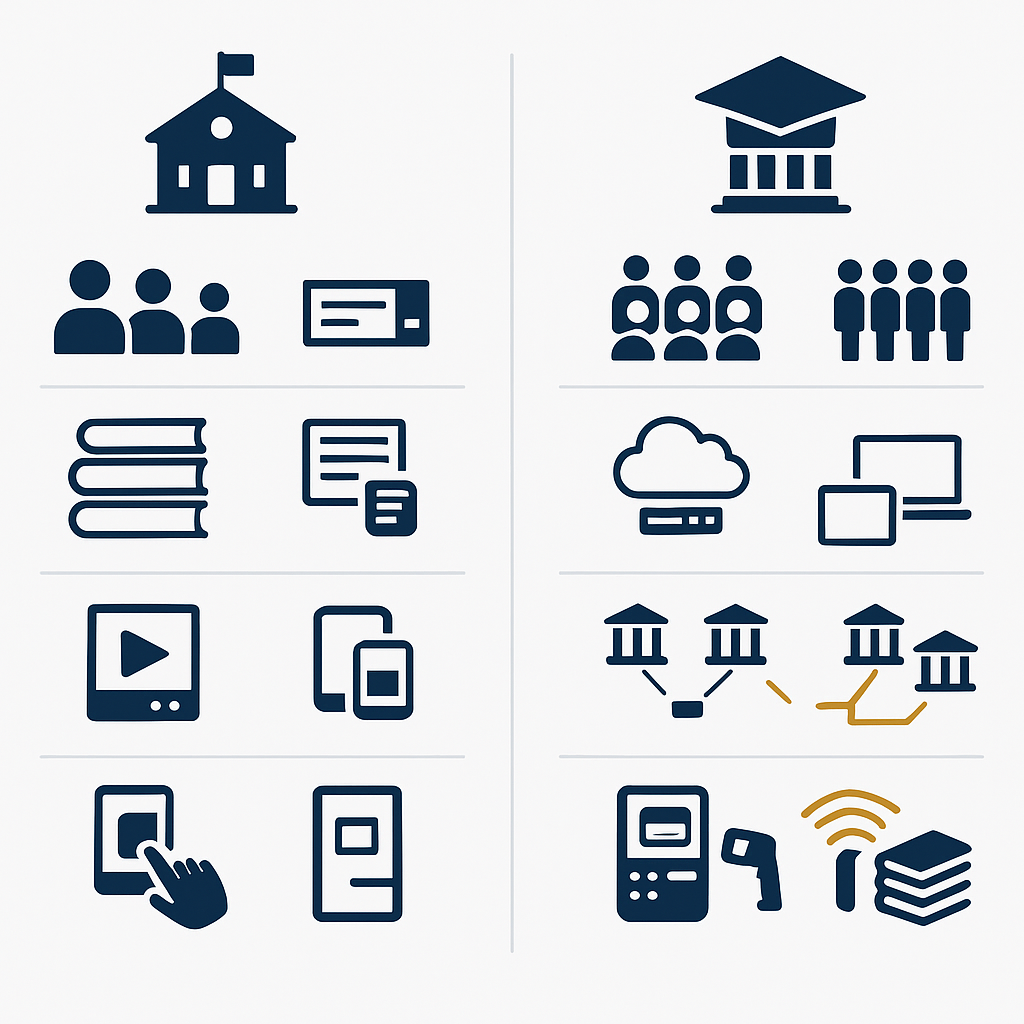
The table below compares the 8 most important criteria when choosing university and high school library software: patron scale, cataloging standards, digital materials, interlibrary loan, self-service, RFID devices, self-checkout kiosks, and security gates. The "Best" column marks the superior option for each criterion.
| Criterion | High school | University | Best |
|---|---|---|---|
| Patron scale | 800-2,500 | 5,000-30,000 | University (scalability) |
| Cataloging standards | Simple, barcode | MARC21 · AACR2 · ISO 2709 · DDC | University |
| Digital materials | Lecture PDFs, exam papers | DRM, IP restrictions, online reading | University |
| Interlibrary loan (ILL) | Not required | Required, LGSP interoperability | University |
| Self-service (SIP2) | 1-2 stations during office hours | Multiple 24/7 stations + book-drop | University |
| RFID devices | Basic cards + RFID tags | Cards + tags + multi-point RFID stations | University |
| Self-checkout kiosks | 1 kiosk in the reading room | 2-5 kiosks in lobby, floors, open stacks | University |
| Security gates | 1 gate at the exit | Multiple gates at all entrances and exits | University |
RFID devices, self-checkout kiosks, and security gates — how do they differ?
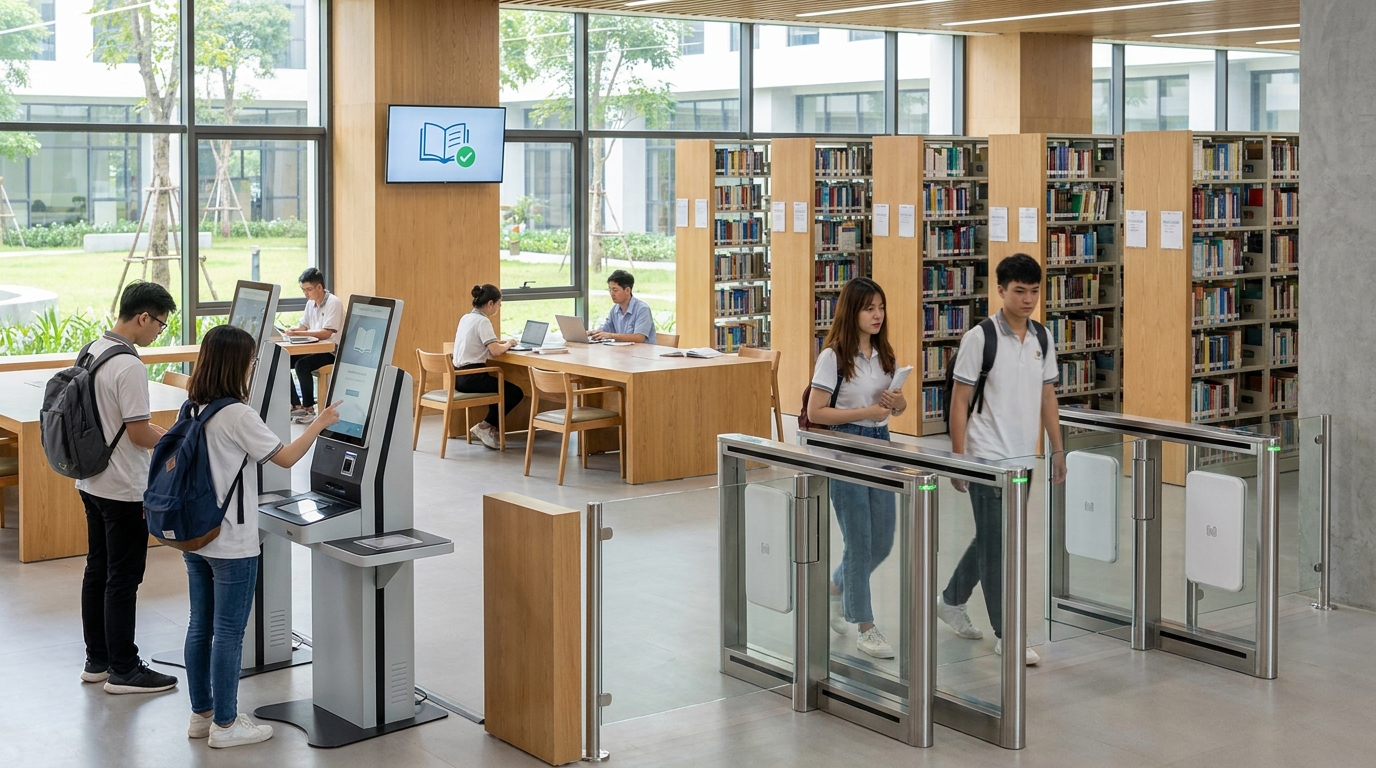
Both levels need three groups of devices: RFID (patron cards + book tags), self-checkout kiosks, and security gates. The difference lies in the number of installation points and service hours. High schools typically need only 1 kiosk and 1 gate; universities need 2-5 kiosks placed in the lobby, on floors, and in open stacks, plus security gates at all exits, operating 24/7.
RFID devices
RFID cards identify patrons and replace barcode cards; RFID tags attached to book spines allow multiple books to be read simultaneously at the kiosk. For high schools, 1 handheld RFID reader is enough to inventory 5,000-20,000 copies each school year. For universities, a fixed reader mounted on the kiosk and a handheld reader are needed to inventory a collection of 50,000-500,000 copies quarterly.
Self-checkout kiosks
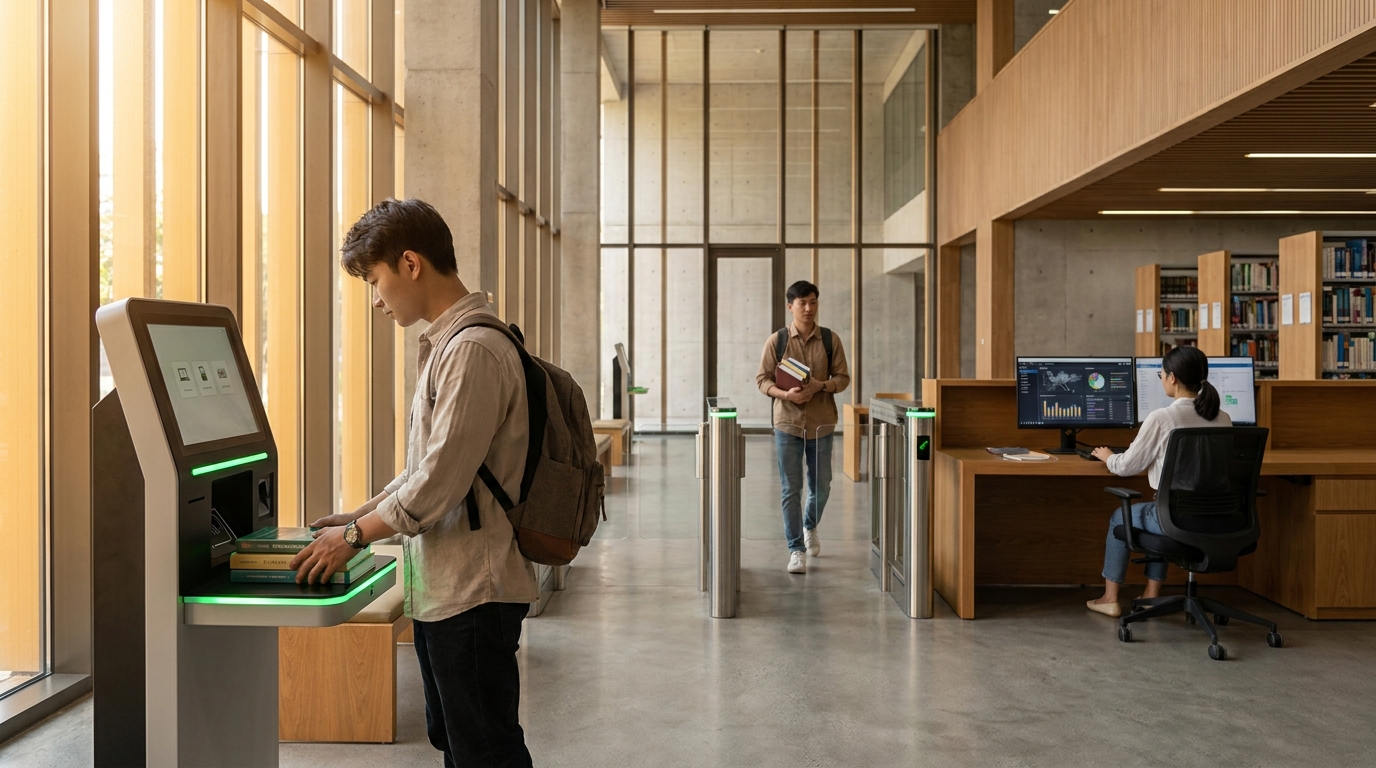
A self-checkout kiosk is a station where patrons scan their RFID card and books to check out and return without a librarian. At high schools, the kiosk is placed in the reading room, serving break times and the start/end of class hours. At universities, kiosks are placed in the main lobby and on open-stack floors, operating 24/7, connected via SIP2 to the university library software. See Tourist Information Kiosk: Multilingual Digital Maps to Keep Visitors Engaged to understand self-service kiosk design principles.
Security gates
A security gate reads RFID tags and triggers an alarm if a book has not been recorded as checked out when passing through. High schools need 1 gate at the single exit to control students taking books home. Universities need gates at all exits — main lobby, elevators, staircases — because students move through multiple paths.
Choose by use case — 4 real-world scenarios
Choosing a configuration depends on patron scale, budget, and accreditation requirements. Below are the 4 most common scenarios at Vietnamese schools, with specific configuration suggestions for each case.
Use case 1 — Public high school with 1,500 students, collection of 8,000 copies: choose lightweight high school library software, 1 self-checkout kiosk + 1 security gate + 1 handheld RFID reader. Equipment budget 80-120 million VND, deployment in 4-6 weeks.
Use case 2 — Multi-level school with 2,800 students, collection of 15,000 copies: choose high school software with a basic digital materials module, 2 self-checkout kiosks, 1 security gate, RFID cards issued to students. Budget 150-220 million VND.
Use case 3 — University with 8,000 students, collection of 80,000 copies: choose university library software meeting MARC21 standards, 3 24/7 self-checkout kiosks, security gates at 3 exits, fixed and handheld RFID readers. Budget 400-700 million VND.
Use case 4 — University with 20,000 students, collection of 300,000 copies, AUN-QA accreditation: choose a full ILS with ILL and LGSP, 5 self-checkout kiosks across floors, security gates at all exits, multi-point RFID system. Budget from 1.2 billion VND upward.
Pros and cons of each option
No option is absolutely best — each level has its own trade-offs between cost, operational complexity, and scalability. Below are the pros and cons of each software group when applied to the reality of Vietnamese schools.
High school library software
- Pros: low cost, fast deployment in 4-6 weeks, simple interface for part-time librarians, no technical staff required.
- Cons: does not meet full MARC21 standards, difficult to interoperate data when the school upgrades to university level or joins a provincial interlibrary system.
University library software
- Pros: meets international standards, satisfies accreditation and ranking, scales to hundreds of thousands of copies, supports ILL and data interoperability.
- Cons: high initial investment cost, requires cataloging staff with professional certification, deployment time of 3-6 months.
Suggested device configurations by school level
For high schools, the minimum configuration includes 1 self-checkout kiosk, 1 security gate, RFID cards for students, and a handheld reader for inventory. For universities, the standard configuration includes 2-5 kiosks placed at multiple points, security gates at all exits, a multi-point RFID system, and SIP2 integration with the ILS software to run 24/7.
Việt POS supplies a full package of library management software, RFID devices, self-checkout kiosks, and security gates for schools in Vietnam, with SIP2 integration for popular library management systems. See also Building Directories: Designing for a 10,000m² Building Where No One Gets Lost to apply signage principles to multi-floor library areas.
Frequently asked questions
How does university library software differ from high school library software?
The core difference lies in workflow standards and interoperability capability. University library software requires MARC21/AACR2 cataloging, ISO 2709 record exchange, Z39.50 search, DDC classification, and interlibrary loan support. High school software only needs class-based check-in/check-out management, student card printing, and inventory reports — it does not need the academic standards above.
Do high schools need MARC21 standards?
Not required. Most high schools use simple cataloging with barcodes or RFID, which is sufficient. However, if the school plans to interoperate with the provincial library or upgrade to a multi-level model, it should choose a system that supports MARC21 from the start to avoid having to convert data later — conversion costs are typically 2-3 times the initial investment cost.
Are self-checkout kiosks and security gates mandatory?
Not technically mandatory but highly recommended if you want to reduce librarian workload. Self-checkout kiosks let patrons scan their RFID card and books themselves, reducing peak-hour queue times by 50-70%. Security gates read RFID tags and alert on books not recorded as checked out, significantly reducing material loss each school year.
How much does it cost to deploy university library software?
For a university with 5,000-10,000 students and a collection of 50,000-100,000 copies, software and equipment costs typically fall in the 400-700 million VND range, including software licenses, 2-3 self-checkout kiosks, multi-point security gates, and an RFID system. For universities with 20,000+ students and AUN-QA accreditation requirements, the budget is from 1.2 billion VND upward due to the need for ILL, LGSP, and 24/7 multi-point configuration.
What does RFID equipment for school libraries include?
A standard library RFID set includes: RFID cards identifying patrons (replacing barcode cards), RFID tags attached to book spines allowing multiple books to be read simultaneously, fixed RFID readers mounted on self-checkout kiosks, and handheld RFID readers for inventory. High schools typically need 1 handheld reader; universities need both fixed and handheld for quarterly inventory.
How can data be interoperated between school libraries?
Data interoperability requires two conditions: software that supports ISO 2709 record exchange and Z39.50 connections to download records from other libraries, plus provincial interoperability infrastructure via LGSP. Universities often use the ILL protocol to allow students from one school to borrow materials from another school in the same system or province.
Need advice on library software configuration, R
Cần tư vấn thiết bị/giải pháp cụ thể?
Việt POS phản hồi trong 30 phút · Hotline 4 vùng · Khảo sát miễn phí.
Bài viết cùng chủ đề