Mục lục bài viết (9)
- What is Minimart POS Inventory Control?
- Feature 1: Real-time Inbound/Outbound Stock Updates (Real-time Sync)
- Feature 2: Automatic Low Stock Alert
- Feature 3: Product Classification by Sales Performance (ABC Analysis)
- Feature 4: Detailed Daily, Weekly, Monthly Reports (Advanced Reporting)
- Feature 5: Automated Expiry Date and FIFO Management
- Comparison Table: Manual Inventory Management vs. Automated POS
- Common Mistakes When Implementing POS Inventory Control
- Frequently Asked Questions
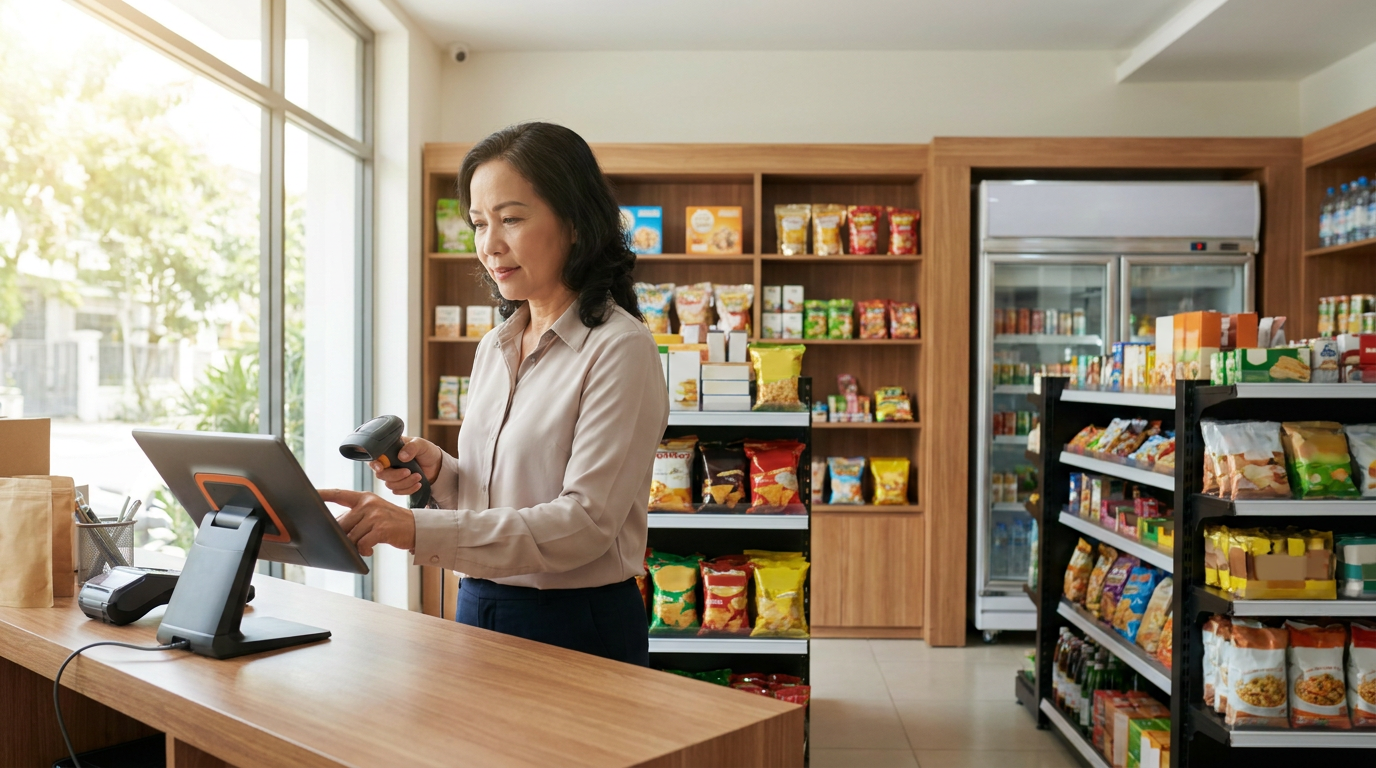
Minimart POS inventory control is the process of using a software system to automatically track the quantity of each product type, update inbound and outbound stock in real-time, and issue alerts when items are running low or overstocked. In Vietnam, minimart chains, small supermarkets, and convenience stores are transitioning from manual management to integrated POS systems to avoid errors, save time, and optimize working capital.
What is Minimart POS Inventory Control?
Minimart POS inventory control is the ability of a POS system to automatically record, track, and alert about the quantity of each SKU (Stock Keeping Unit) in the store. Each time an item is sold, returned, or received, inventory is updated instantly in the software, helping store owners always know the exact stock level without manual counting.
Feature 1: Real-time Inbound/Outbound Stock Updates (Real-time Sync)
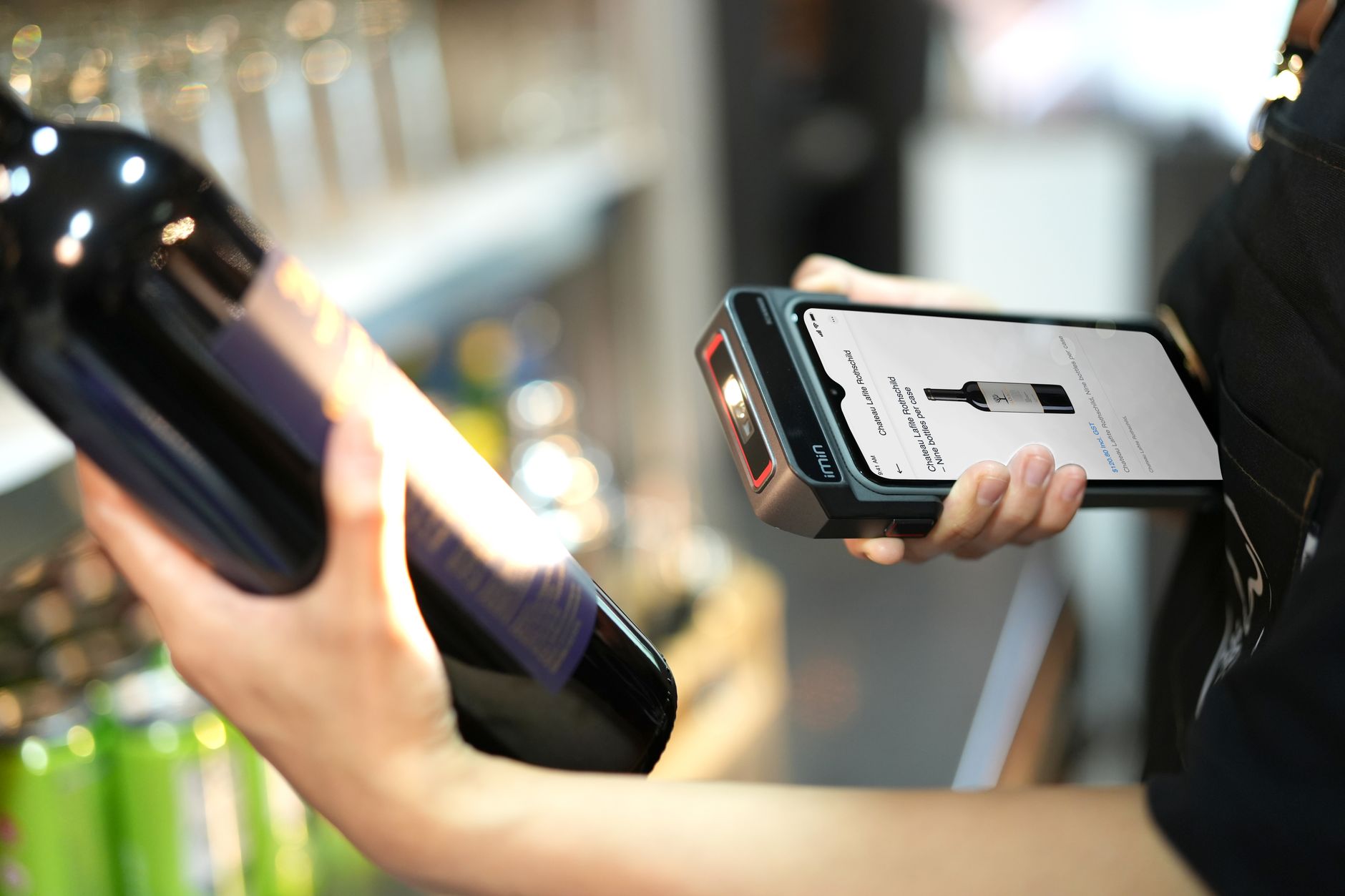
Whenever a customer makes a purchase or the store owner receives new products, modern minimart POS automatically updates inventory within seconds. This prevents situations where "sales are made but not updated," leading to overselling available stock or discrepancies with physical inventory.
Bạn đang tìm sản phẩm cho chủ đề này?
Việt POS phân phối chính hãng — bảo hành 24-36 tháng, hỗ trợ kỹ thuật 24/7.


- Benefits: Store owners no longer fear "selling out" while still showing stock in records, or conversely, missing customers due to unawareness of available stock.
- How it works: When staff scan product barcodes at the counter, the POS software automatically deducts the quantity from inventory. If more items are received, the quantity is immediately added back.
- Real-world application: A minimart in District 7, Ho Chi Minh City, manages 800 SKUs. Before using POS, the owner had to manually count inventory weekly, taking 3-4 hours. After implementing real-time POS, only 30 minutes of monthly counting is needed to reconcile discrepancies.
Feature 2: Automatic Low Stock Alert
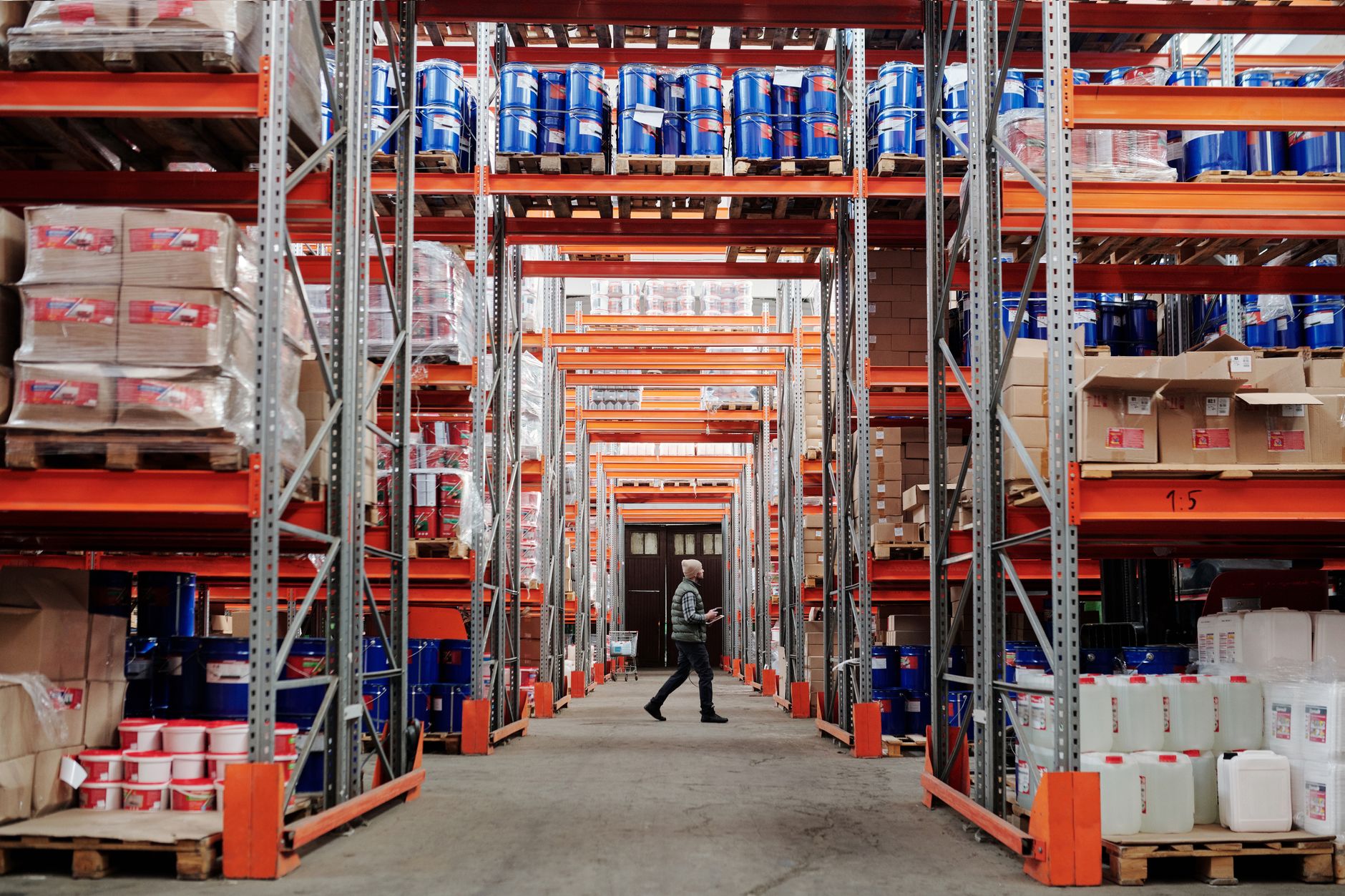
Minimart POS allows store owners to set minimum stock levels for each product (e.g., a minimum of 10 cartons of fresh milk). When inventory falls to this level, the system sends an alert to a phone or POS screen, enabling staff to place orders promptly and prevent unexpected stockouts.
- Benefits: Avoid losing sales due to stockouts; prevent overstocking from haphazard ordering.
- How to set: Managers access the POS software, select a product, enter the minimum quantity (reorder point), and the system then automatically monitors it.
- Application: A convenience store in Hanoi sells an average of 5 bags of rice per day. With POS alerts, they set a minimum of 10 bags. When 10 bags remain, an alert appears, allowing them to order in time before running out, increasing sales by 8-12% compared to before.
Feature 3: Product Classification by Sales Performance (ABC Analysis)

Modern minimart POS classifies products into 3 groups: A (fast-moving, accounting for 70-80% of revenue), B (medium-moving), and C (slow-moving). This helps store owners prioritize monitoring Group A items, reduce Group C inventory, and optimize display space effectively.
- Benefits: Focus management on "high-value" items, avoiding wasted time on slow-moving products.
- How it works: The POS software automatically analyzes sales performance for each product over 1-3 months, ranks them, and then suggests reorder levels for each group.
- Application: A minimart in Da Nang discovered that soft drinks, instant noodles, and snack cakes were Group A items (60% of revenue). They then increased shelf space for this group and reduced shelves for Group C (old-fashioned cakes, old candies), resulting in a 15% sales increase in 2 months.
Feature 4: Detailed Daily, Weekly, Monthly Reports (Advanced Reporting)

Minimart POS automatically generates reports on inventory, sales, inventory turnover rate, and cost of goods sold. Store owners can view these reports on their phones, eliminating the need to wait for an accountant.
- Benefits: Fast, accurate decisions; easy to detect sales trends (which season sells best, which products are declining).
- Key reports:
- Current inventory report (quantity, inventory value)
- Sales report (top 10 best-selling products)
- Inventory discrepancy report (stock variance from actual)
- Out-of-stock or low-stock report
- Monthly Cost of Goods Sold (COGS) report
- Application: A store owner in Binh Duong used POS reports to discover instant noodle inventory increased by 40% compared to the previous month (unsold stock), immediately reduced the price by 10%, sold out within 1 week, preventing losses.
Feature 5: Automated Expiry Date and FIFO Management
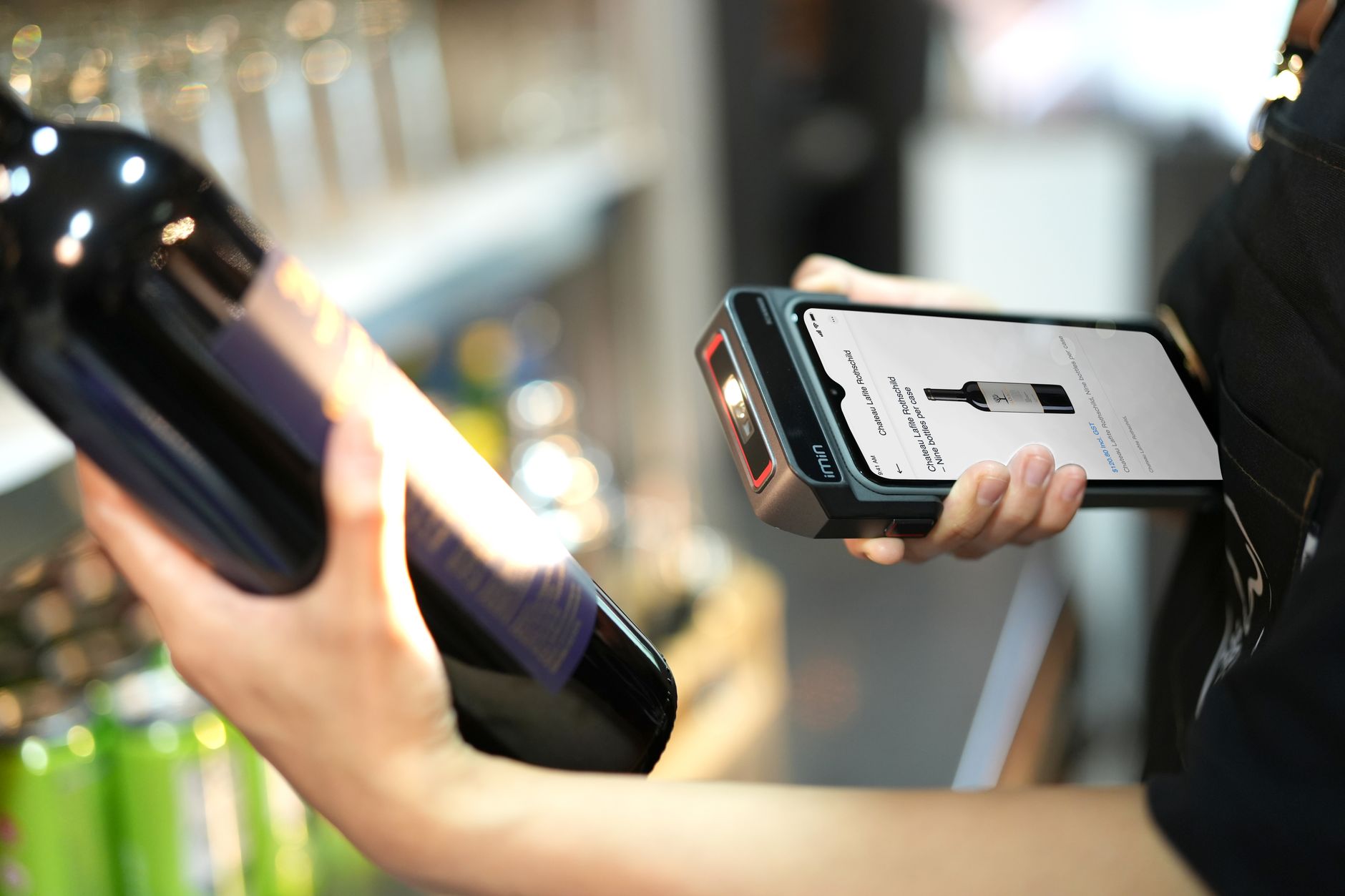
Minimart POS allows entering product expiry dates. The system automatically reminds staff when items are nearing expiration (e.g., 7 days prior), helping them sell products before they expire and prevent losses. Concurrently, POS applies the FIFO (First In First Out) principle — items received first are sold first.
- Benefits: Avoid spoilage, expired goods being discarded; comply with food safety and hygiene regulations.
- How it works: When receiving goods, POS records the manufacturing and expiry dates. When selling, if there are multiple batches of the same product, POS prioritizes the batch closest to expiration.
- Application: A mini-supermarket in Can Tho sells milk, oats, and bread. Previously, they lost 50-80 million VND/month due to expired goods. After implementing POS with expiry alerts, losses decreased to 5-10 million VND/month.
Comparison Table: Manual Inventory Management vs. Automated POS
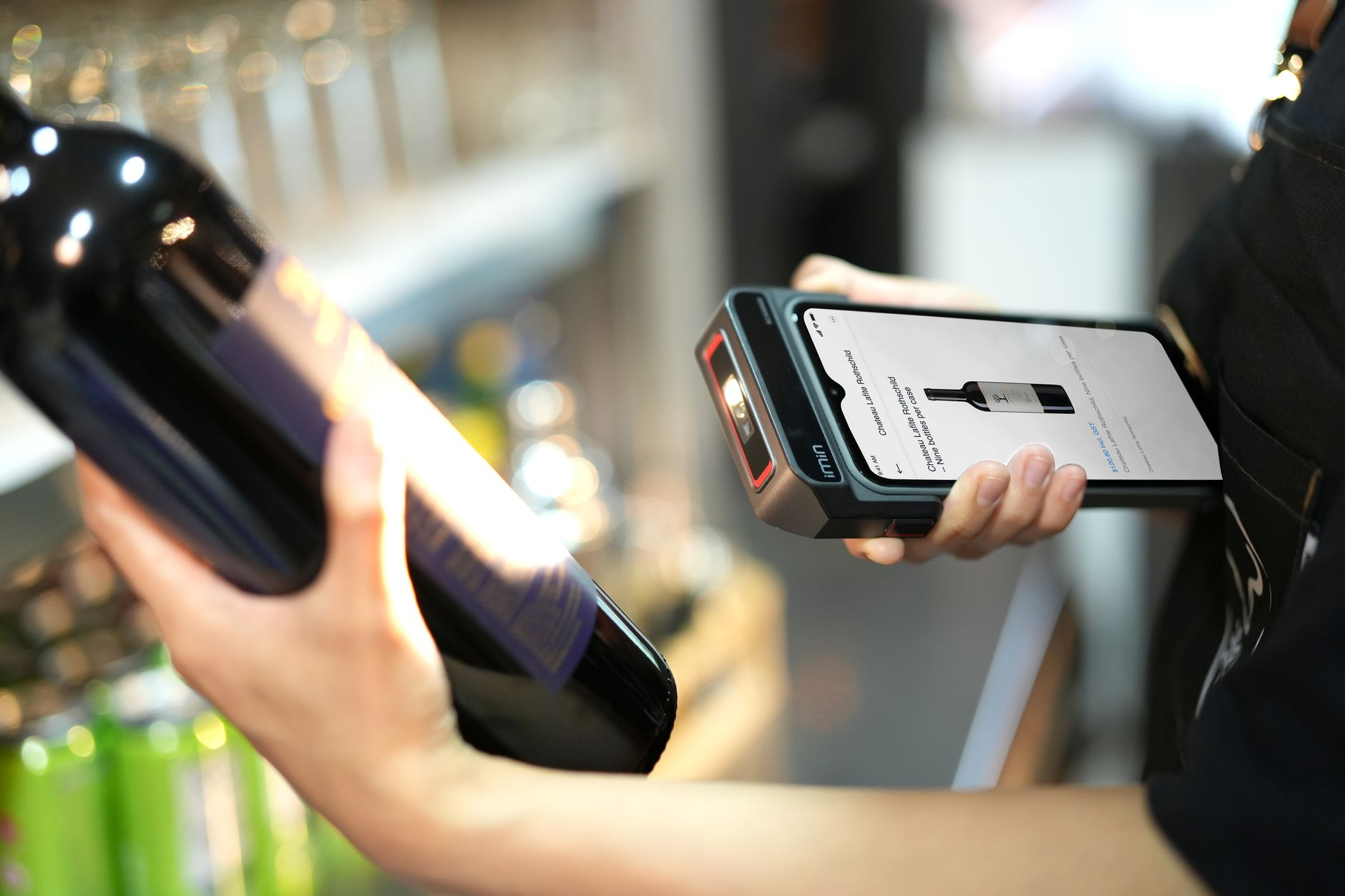
| Criterion | Manual Management (Ledgers, Manual Calculation) | Automated POS (Software) |
|---|---|---|
| Inventory Update | Daily, manual ledger entry (prone to error, slow) | Instant, automatic barcode scanning |
| Inventory Count Time | 3-5 hours/week (takes away from sales time) | 30-60 minutes/month (discrepancy verification) |
| Inventory Discrepancy | 3-8% (due to manual error or loss) | 0.5-1% (automated, with reports) |
| Out-of-Stock Alert | None (only known when customers ask) | Automatic, 5-7 days before stock runs out |
| Sales Report | Manual calculation, takes 2-3 days | Automatic, view instantly on phone |
| Damaged, Expired Goods | High (40-80 million VND/month for supermarkets) | Low (5-10 million VND/month) |
Common Mistakes When Implementing POS Inventory Control
Mistake 1: Not updating barcodes for all products
Staff forget to scan barcodes when selling (due to fast sales or faded codes), leading to POS inventory not matching actual stock. Solution: Train staff, conduct daily checks, and set up error alerts if barcodes are not scanned.
Mistake 2: Setting minimum stock levels too high or too low
If too high, inventory is tied up too long; if too low, stockouts are frequent. Solution: Use the formula: Minimum stock = (Daily sales) × (Supplier lead time) + 10-15% buffer. Adjust monthly based on POS reports.
Mistake 3: Entering incorrect or no expiry dates
Products are sold past their expiry date, posing health risks to customers. Solution: Mandate staff to enter expiry dates when receiving goods. If not entered, POS should not allow saving the receiving order.
Mistake 4: Not verifying inventory discrepancies periodically
Despite having POS, physical inventory counts are still needed monthly to detect losses or theft. Solution: Schedule a monthly inventory count, compare POS inventory with actual stock, record discrepancies, and investigate causes.
Mistake 5: Not utilizing POS reports for business decisions
Reports are available but not reviewed or used to make ordering or pricing decisions. Solution: Each week, store owners should dedicate 15 minutes to review POS reports, identify sales trends, and adjust strategies.
Frequently Asked Questions
The FAQ section will be rendered below
Does minimart POS require a separate barcode scanner?
Yes. For optimal POS operation, you need a barcode scanner connected to the POS terminal. Modern scanners (like Zebra, Honeywell, Datalogic) scan quickly, accurately, and are affordable (1-3 million VND). Without barcodes, staff must manually enter SKUs, which is slow and error-prone.
Does minimart POS software support multi-branch management?
Yes. Modern POS software like Việt POS supports remote inventory management via the internet. Store owners can view inventory and sales for all branches on a single dashboard, and even adjust minimum stock levels for different branches.
What is the cost of implementing POS inventory control?
It depends on the scale. A small minimart (1 counter, 200-300 SKUs) can be implemented with a total cost of 5-8 million VND (POS terminal 3-4 million + software 1-2 million + scanner 1-2 million). Larger supermarkets (3-5 counters, 1000+ SKUs) cost 15-25 million VND. Although the initial cost is high, the ROI is typically 3-6 months due to reduced losses, saved inventory counting time, and increased sales.
Can POS integrate with accounting systems (like Misa, FastAccounting)?
Yes. Most modern POS systems support data export or API integration with popular accounting software. This allows sales data to be automatically pushed into the accounting system, reducing manual entry and avoiding errors.
If the internet is interrupted, will minimart POS still function?
It depends on the POS type. Cloud POS (data stored on a server) requires internet. However, most modern POS systems have an offline feature — when the internet is interrupted, POS still operates normally, data is temporarily stored locally, and then synchronized once the internet connection is restored. Nevertheless, for optimal performance, stable internet (3-4 Mbps is sufficient) is recommended.
How do I choose the right POS for my minimart?
Consider these criteria: (1) Automated inventory management support, (2) Low stock alerts, (3) Detailed reporting, (4) Barcode scanning support, (5) Ease of use, (6) Suitable price, (7) Good customer support. Contact Việt POS for consultation on a POS solution tailored to your store's scale.
Ready to upgrade your minimart sales management system? Contact Việt POS today for consultation on an automated POS inventory control solution that fits your store's scale and budget. Hotline: 0935 498 384 | Email: info@vietpos.vn
Cần tư vấn thiết bị/giải pháp cụ thể?
Việt POS phản hồi trong 30 phút · Hotline 4 vùng · Khảo sát miễn phí.
Bài viết cùng chủ đề