Mục lục bài viết (4)
- Why do electronic directory maps on kiosks frequently become outdated?
- What is the standard 5-step process for updating kiosk electronic directory maps?
- Specific benefits of standardizing the electronic directory map update process
- Updating electronic directory maps for shopping malls—handling continuous tenant changes
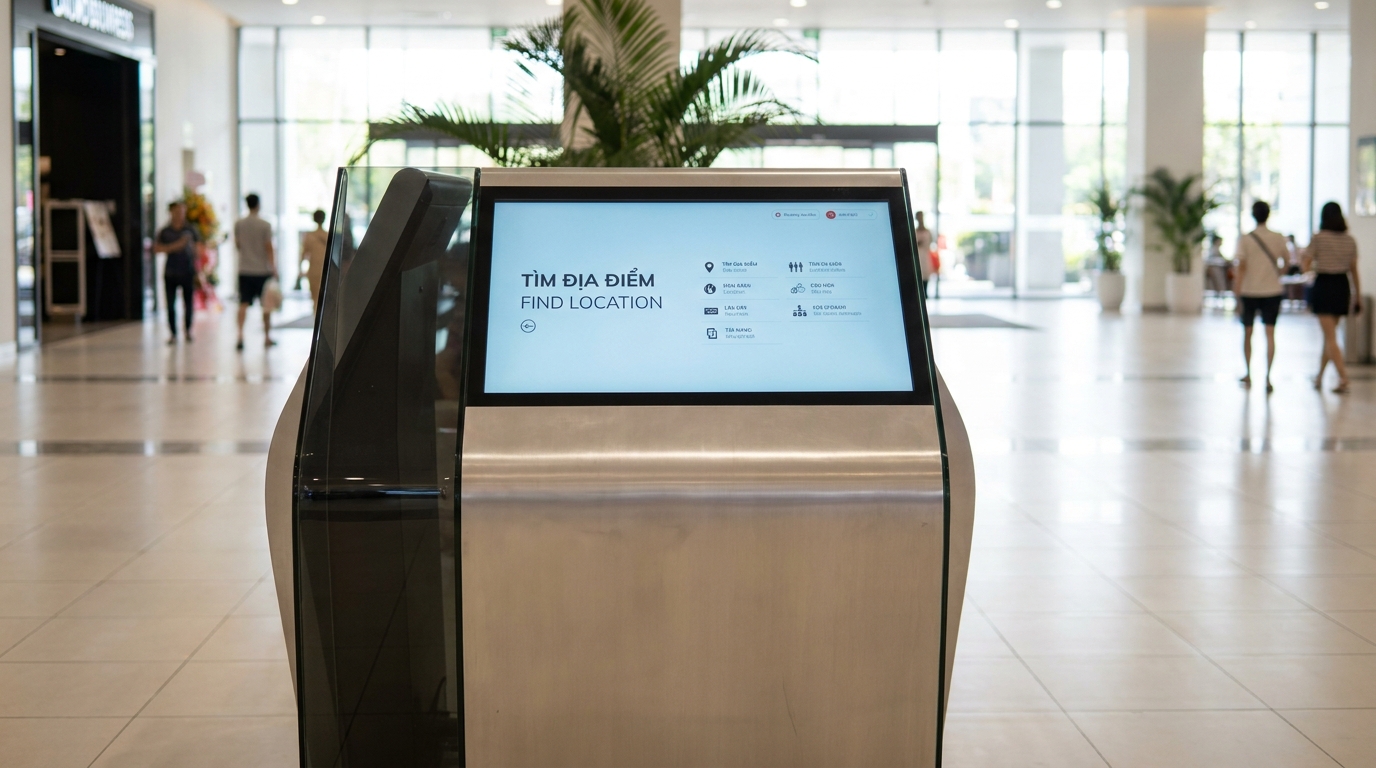
Updating electronic directory maps on wayfinding kiosks is a routine and ad-hoc operational process to ensure that directory maps accurately reflect the current state of the floor plan. In Vietnam, many office buildings, shopping malls, and hospitals still operate kiosks with data that is months old—causing visitors to get lost and reception staff to lose credibility. The 5-step process below helps standardize updates, applicable to both offline and online kiosk systems.
Properly updating kiosk electronic directory maps involves 5 steps: reviewing the current version, confirming floor plan changes, editing design files, syncing content remotely, and conducting on-site verification at the kiosk. This process helps avoid displaying outdated information, especially when operating offline—no need to reprint maps, no worries about losing internet connectivity.
Table of Contents
- Why do electronic directory maps on kiosks frequently become outdated?
- What is the standard 5-step process for updating kiosk electronic directory maps?
- Specific benefits of standardizing the electronic directory map update process
- Updating electronic directory maps for shopping malls—handling continuous tenant changes
- Updating electronic directory maps for hospitals—ensuring absolute accuracy for departments
- Updating electronic directory maps for office buildings—managing changes in meeting rooms and service areas
- How to check the version of the electronic directory map currently displayed on the kiosk?
- Common errors when updating electronic directory maps and how to avoid them
- Products supporting the electronic directory map update process
- Related articles
- Frequently asked questions about updating kiosk electronic directory maps
Why do electronic directory maps on kiosks frequently become outdated?

Electronic directory maps become outdated mainly because the update process is not standardized: there is no clear person in charge, no regular inspection schedule, and reliance on external vendors for every minor change. The result is that displayed information becomes inconsistent with the actual floor plan for extended periods.
⚠ Lack of a standard process: Without regular inspection steps, maps are only updated when customers complain or an incident occurs.
⚠ Dependence on external vendors: Every floor plan change requires waiting for the vendor to handle it, taking 3-7 days—outdated information persists for too long.
⚠ No version control: It is unclear which map version is running and which is outdated, leading to confusion during verification.
⚠ Continuous floor plan changes: New tenants, closed areas, temporary walkways—every minor change affects the accuracy of the map.
⚠ Offline operation without synchronization: If kiosks run embedded content (offline), manually updating each device is labor-intensive and prone to omissions.
What is the standard 5-step process for updating kiosk electronic directory maps?
Related Products



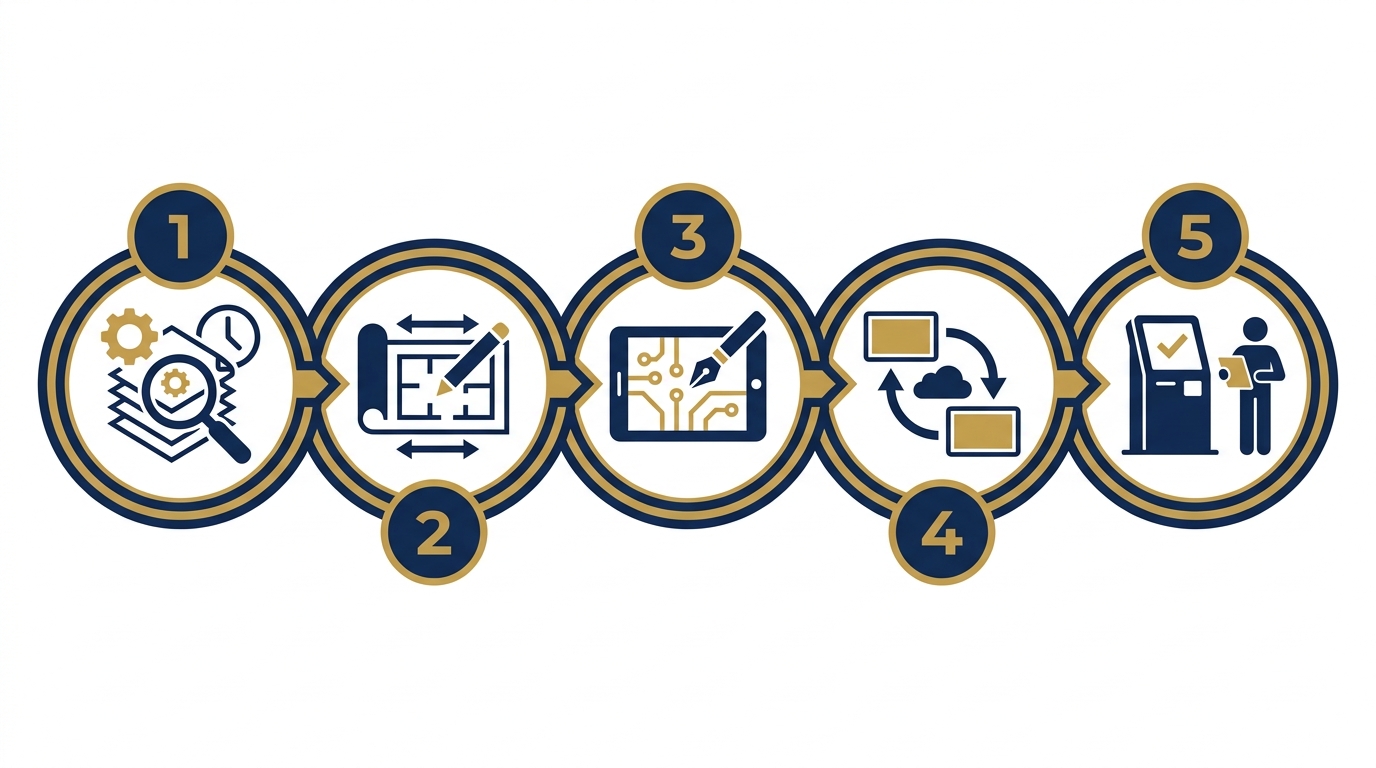
The 5-step process for updating electronic directory maps includes: reviewing the current version, confirming floor plan changes, editing design files, syncing content to kiosks, and conducting on-site verification. This process applies to both scheduled updates (quarterly) and ad-hoc updates when there are floor plan changes.
- Step 1 — Review the current version: Check the version information displayed on each kiosk, and compare it with the update log. Identify which kiosks are running old versions and which have been synchronized.
- Step 2 — Confirm floor plan changes: Create a list of changes: new tenants, closed areas, renamed rooms, changed walkways. Obtain confirmation from the operations department or building management.
- Step 3 — Edit design files: Update the source files (AI, PSD, or specialized software), add notes for the new version, and archive old files with clear naming conventions (e.g., so-do-v2-2026-06-15.ai).
- Step 4 — Sync content to kiosks: Push the new file to the centralized management system, or use USB/storage devices if kiosks run offline. Ensure all kiosks in the system are synchronized.
- Step 5 — Conduct on-site verification: Visit each kiosk to confirm the new map displays correctly, information is accurate, and there are no font errors or layout issues. Record in the operations log.
Specific benefits of standardizing the electronic directory map update process
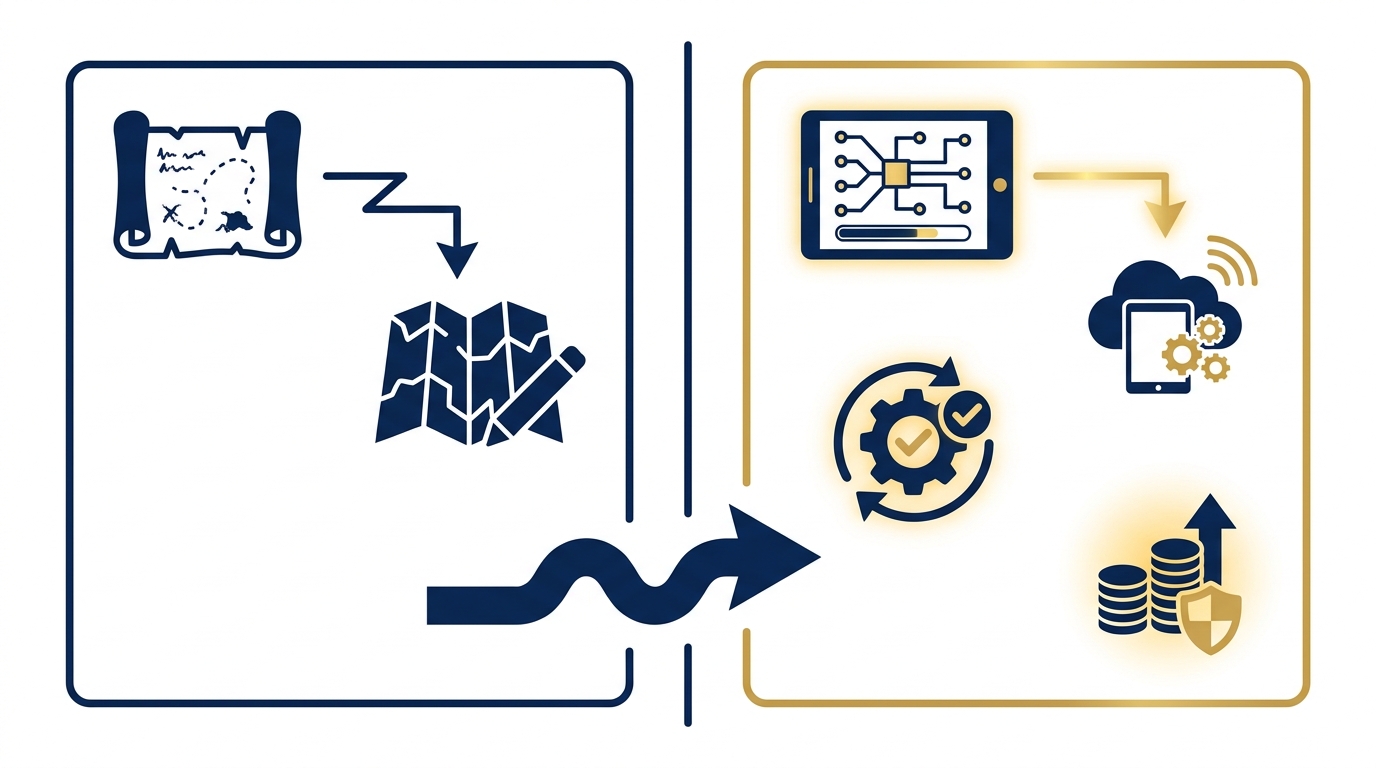
Standardizing the update process delivers measurable benefits: reducing change processing time from 3-7 days to 1-2 days, eliminating outdated information display, and saving costs on printing paper maps. Below are the detailed benefits.
Know exactly which map version is running on each kiosk, avoiding confusion during verification.
Handle updates in 1-2 days instead of waiting 3-7 days for external vendors.
No need to reprint paper maps for every minor change, saving 15-30% of operational costs.
Offline kiosks can still be updated via USB or storage devices, independent of the internet.
Accurate maps help visitors navigate easily, reduce complaints, and enhance the experience.
Update logs help trace issues, supporting reporting and audits.
Updating electronic directory maps for shopping malls—handling continuous tenant changes
Updating electronic directory maps for shopping malls—handling continuous tenant changes Shopping malls are characterized by continuous tenant changes: expired leases, ownership changes, and area expansions.

Shopping malls have the specific characteristic of continuous tenant changes: expired leases, ownership changes, and area expansions.
Cần tư vấn thiết bị/giải pháp cụ thể?
Việt POS phản hồi trong 30 phút · Hotline 4 vùng · Khảo sát miễn phí.
Bài viết cùng chủ đề