Mục lục bài viết (7)
- What is a Government Information Kiosk with Touchscreen?
- What is a Government Information Kiosk with Keypad?
- Government Information Kiosk Comparison: Touchscreen vs. Keypad
- Should You Choose a Touchscreen or Keypad Kiosk for Public Administration Offices?
- Case Study: Hai Chau District Public Administration Center, Da Nang
- Notes for Manufacturing Government Information Kiosks
- Frequently Asked Questions
Information kiosks at public administration centers, hospitals, and libraries are gradually replacing paper signage and traditional help desks. The two most common types today are touchscreen kiosks and physical keypad kiosks. The choice between these two technologies not only affects user experience but also directly impacts production costs, durability, and long-term maintenance expenses.
What is a Government Information Kiosk with Touchscreen?
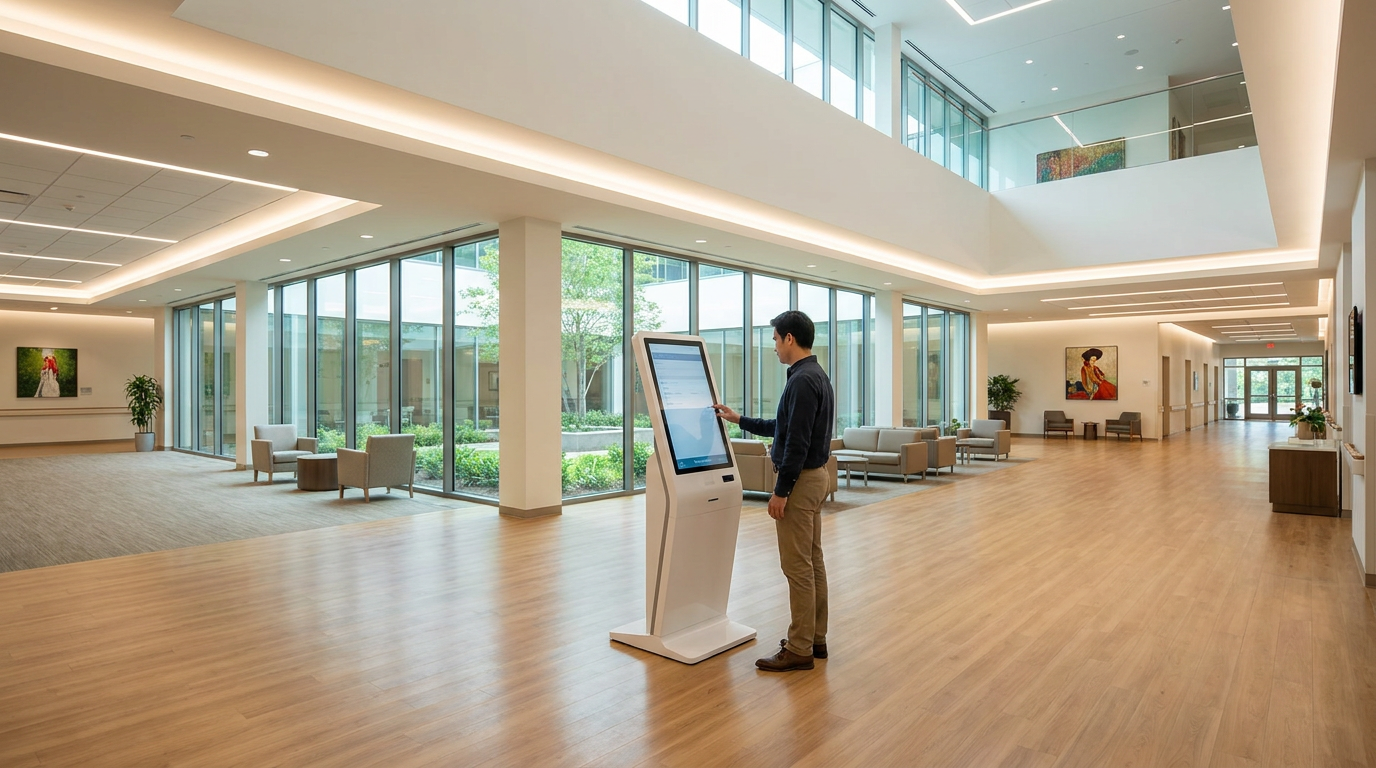
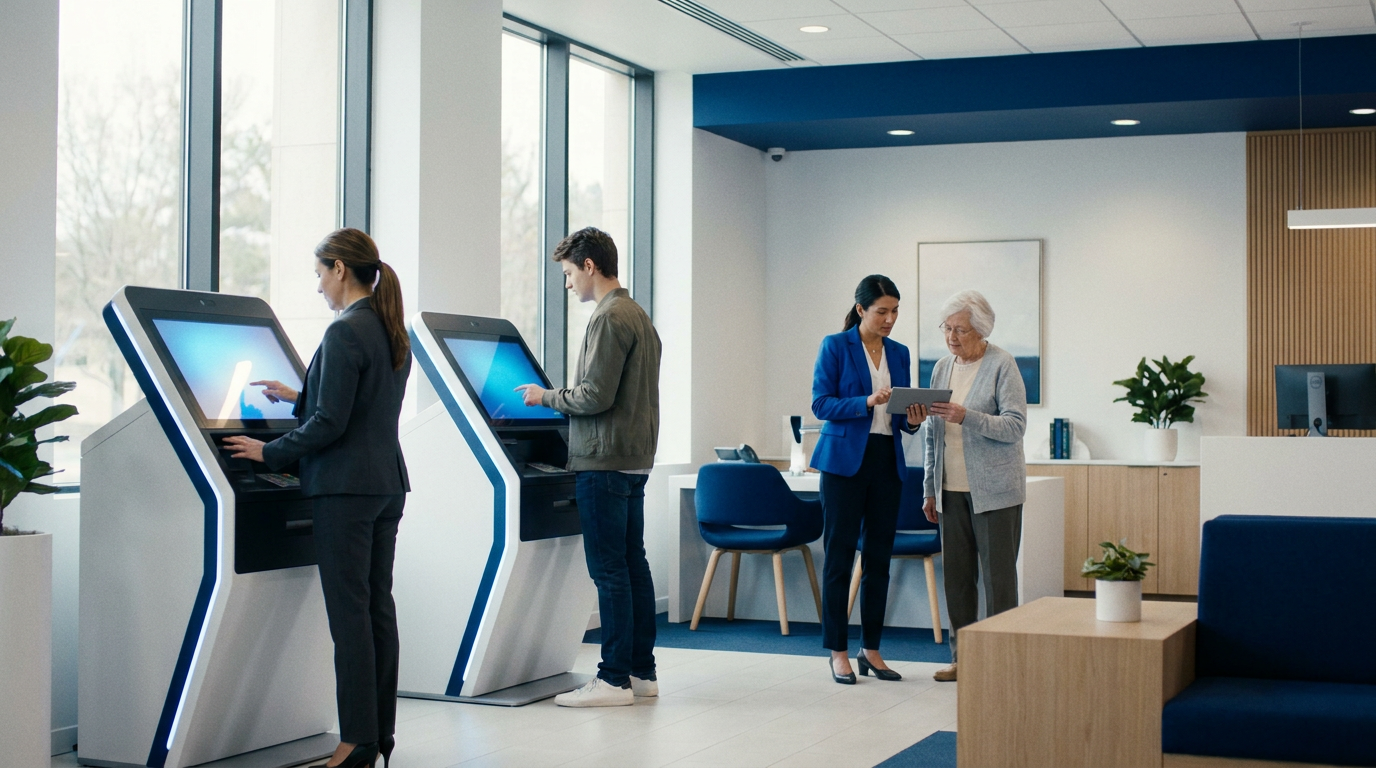
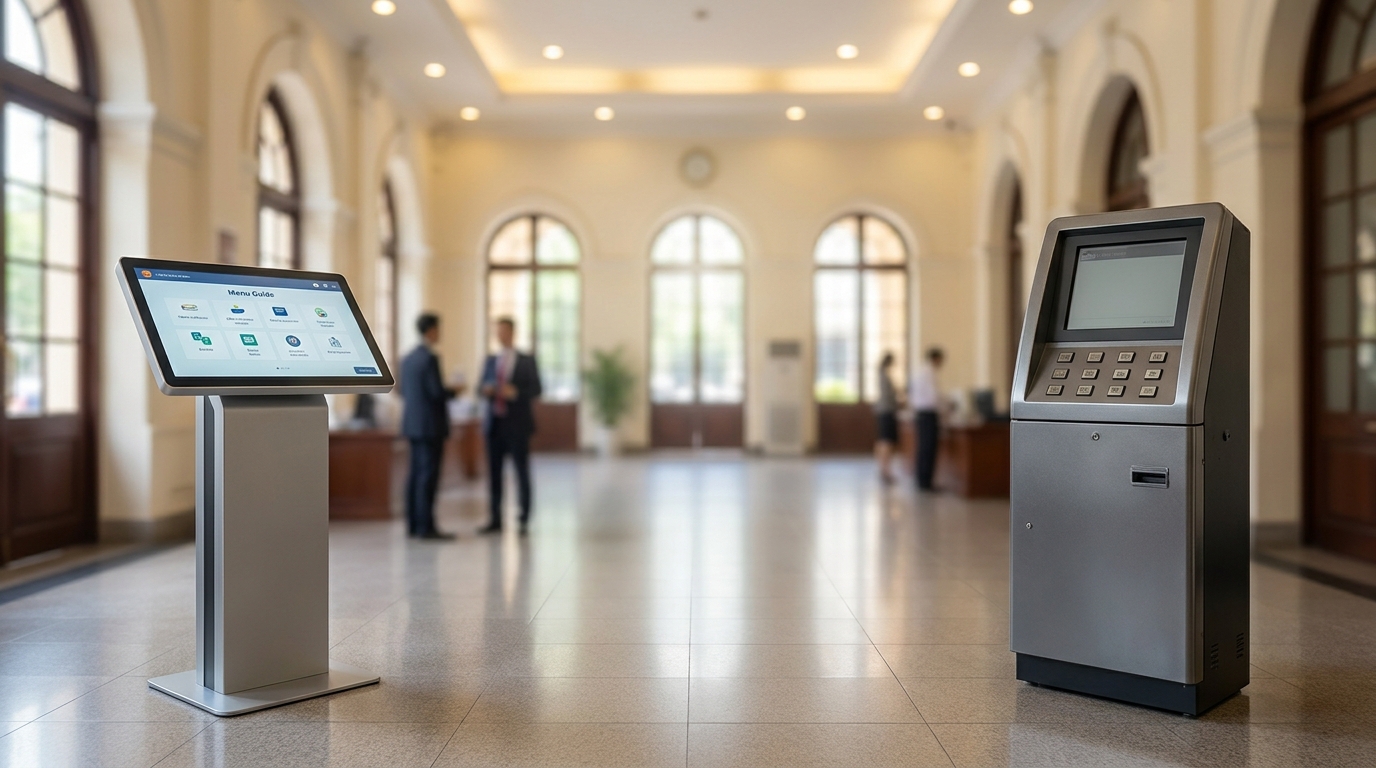
A touchscreen kiosk uses a capacitive or resistive touch panel, allowing users to interact directly with their fingers or a stylus. This type typically features an intuitive graphical interface, supports multi-touch, and allows for easy software content updates.
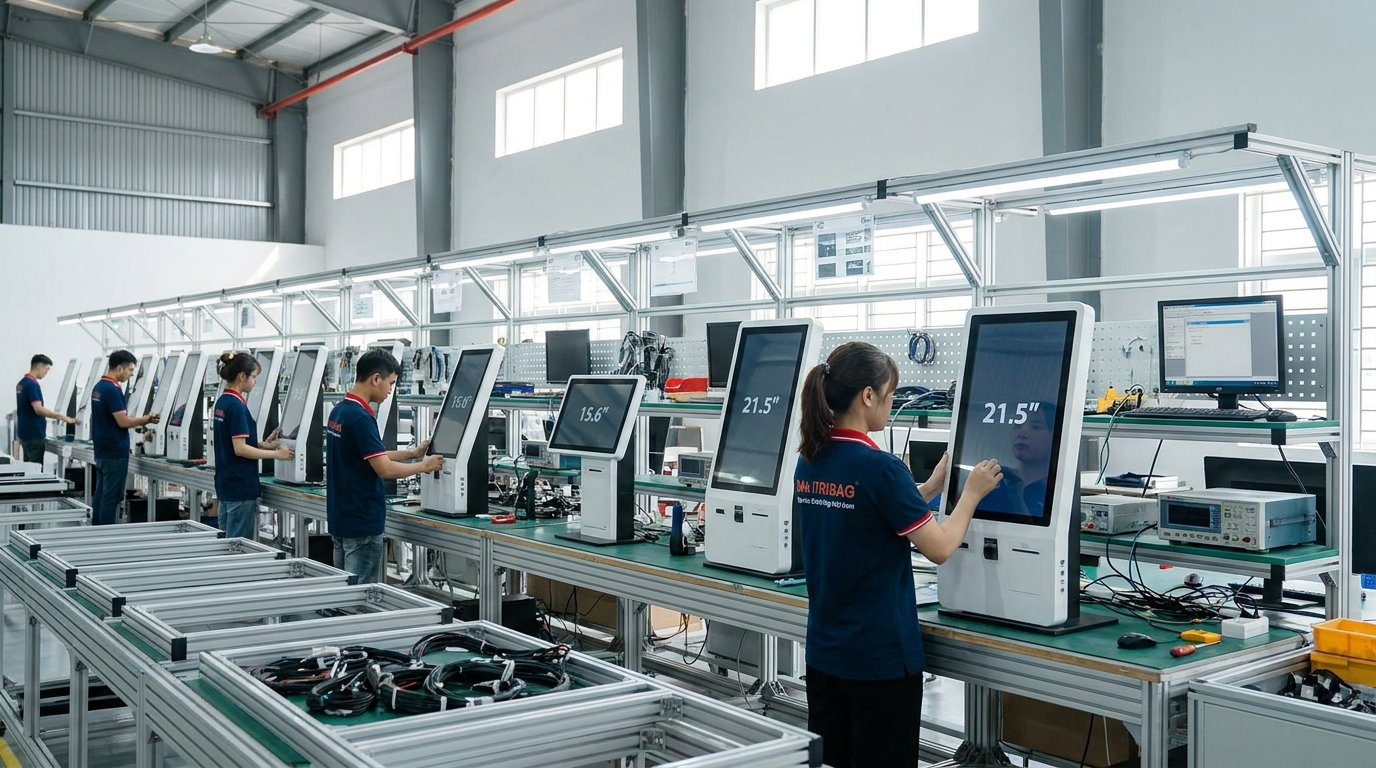
Touchscreen kiosks are suitable for dynamic lookup applications such as interactive maps, phone directories, and administrative procedure guides. In Vietnam, models like the 15.6-inch wall-mounted touchscreen kiosk (X86) GD156 or the 21.5-inch floor-standing kiosk KD215B are often installed in waiting areas. Their biggest advantage is eliminating the need for a separate keyboard, saving space and simplifying cleaning.
What is a Government Information Kiosk with Keypad?
A keypad kiosk uses a numeric or dedicated function keypad (typically mechanical or silicone membrane keys) combined with a static or semi-dynamic information display. This type operates stably in harsh environments and is less affected by grease, water, or strong light.
Bạn đang tìm sản phẩm cho chủ đề này?
Việt POS phân phối chính hãng — bảo hành 24-36 tháng, hỗ trợ kỹ thuật 24/7.
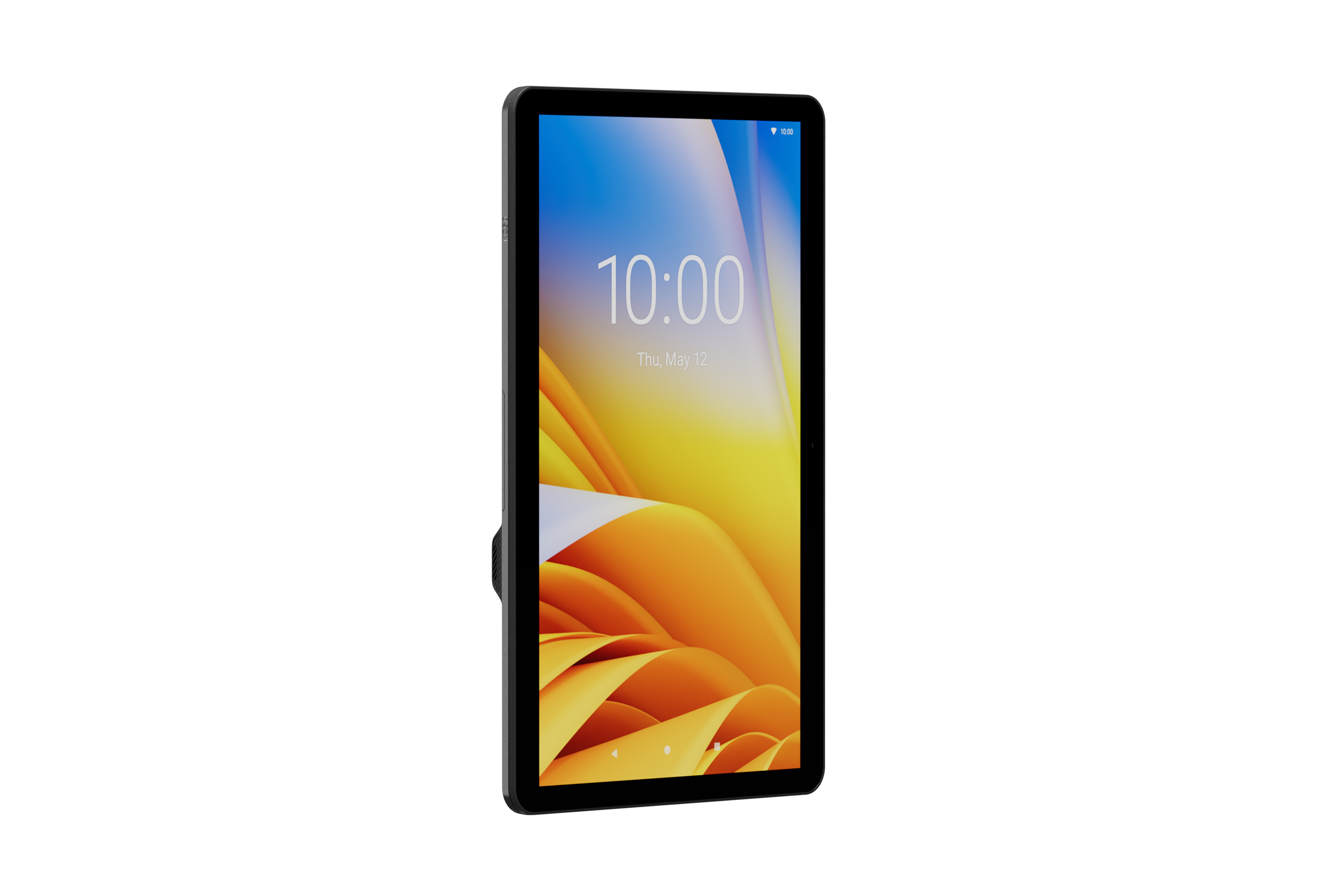
Zebra KC50 Kiosk Computer — Self-Service Kiosk with 15" or 22" Display
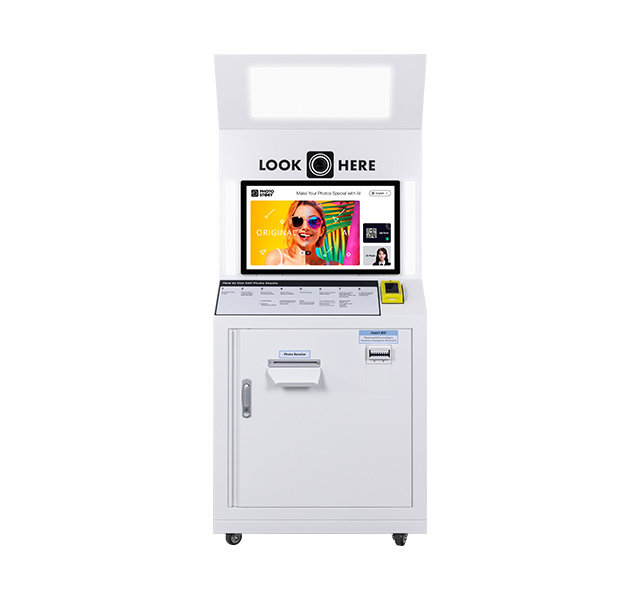
Photo Kiosk Hanasis — AI-Integrated Photo Kiosk
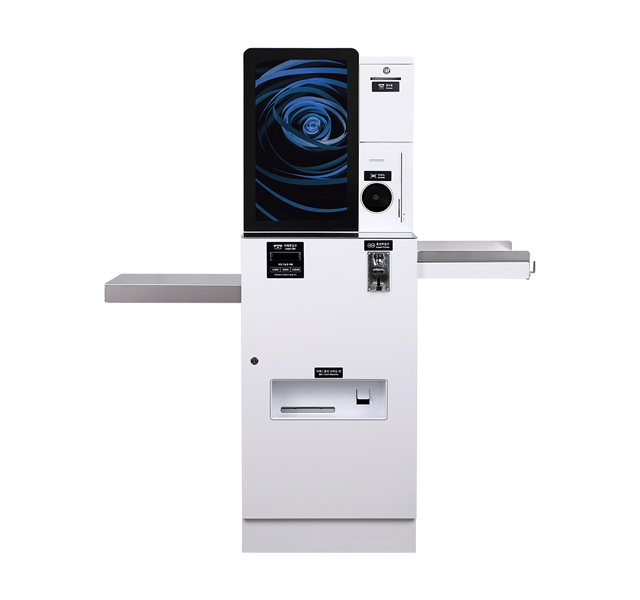
Hanasis Kiosk Machines - POS Kiosk & Vending Machine Devices
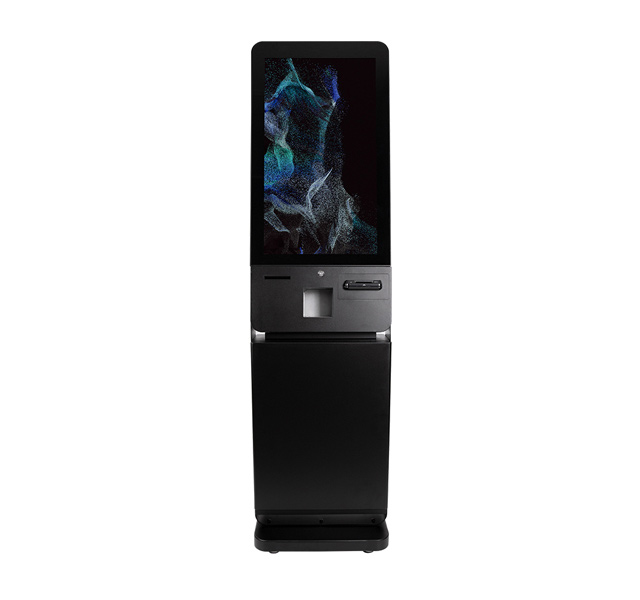
HANASIS K-320PC Kiosk — Modern Interactive Kiosk Design
Keypad kiosks are commonly seen at queue number stations, price checkers in supermarkets, or outdoor signage. Production costs are 20-40% lower than touchscreen kiosks of the same screen size, but the user interface is fixed and content updates are difficult without a technician.
Government Information Kiosk Comparison: Touchscreen vs. Keypad
Both types have their own advantages and disadvantages. The table below compares the 6 most important criteria for manufacturers, helping make decisions based on budget and actual installation environment.
| Criteria | Touchscreen Kiosk | Keypad Kiosk |
|---|---|---|
| Production Cost (15-21.5" screen) | 8-18 million VND | 5-12 million VND |
| Durability in Public Environments | 3-5 years (depends on panel) | 5-8 years (mechanical keys) |
| Water/Dust Resistance (IP) | IP54 (capacitive touch) | IP65 (silicone membrane keys) |
| User Experience for Elderly | Average (requires guidance) | Good (familiar, tactile feedback) |
| Annual Maintenance Cost | 1.5-3 million VND | 0.5-1.5 million VND |
| Ease of Content Update | High (remote update) | Low (requires hardware change) |
Should You Choose a Touchscreen or Keypad Kiosk for Public Administration Offices?
The answer depends on the primary user group and installation environment. If the kiosk is placed in an indoor lobby serving people of all ages (including the elderly and visually impaired), a keypad kiosk with tactile feedback and Braille will be more suitable. Conversely, if the kiosk is at a help desk requiring frequent content updates (maps, announcements), a touchscreen kiosk is the optimal choice.
Some manufacturers are developing hybrid kiosks: a touchscreen combined with a physical numeric keypad alongside — a solution balancing cost and experience. For example, the 21.5-inch Android self-service floor-standing kiosk KD215B can integrate an optional keypad module.
Case Study: Hai Chau District Public Administration Center, Da Nang
In 2024, the Hai Chau District Public Administration Center installed 12 information kiosks in the first-floor lobby. After 6 months of operation, 8 touchscreen kiosks recorded a 12% panel failure rate due to forceful user interaction, while 4 keypad kiosks had no hardware issues. However, a satisfaction survey showed that 73% of users under 40 preferred the touchscreen kiosks, while 84% of users over 60 chose the keypad kiosks because they were "familiar and not afraid of accidental touches."
Conclusion: The center decided to keep both types, placing touchscreen kiosks in the online procedure lookup area and keypad kiosks in the queue number dispensing area. Initial investment increased by 15%, but complaints about user experience decreased by 30%.
Notes for Manufacturing Government Information Kiosks
Regardless of the type chosen, manufacturers must ensure the kiosk meets standards: appropriate height for wheelchair users (viewing range 1000-1200mm), anti-glare screen tilt, and a cooling system for 24/7 operation. For touchscreen kiosks, choose a panel with a durability rating of 10 million touches instead of 1-3M to extend lifespan. For keypad kiosks, silicone membrane keys with a durability of 5-10 million presses are suitable.
Việt POS currently offers a wide range of kiosk configurations, from the 13.3-inch wall-mounted touchscreen kiosk GD133 to the 43-inch floor-standing kiosk KD43B, supporting custom keypad hardware as required. See more 21.5-inch TouchWo floor-standing touchscreen kiosk KD215B and 21.5" 3-in-1 self-service kiosk K21 for public administration models.
Frequently Asked Questions
Are touchscreen kiosks more prone to damage than keypad kiosks?
In public environments, touchscreen kiosks have a 15-20% higher panel failure rate than keypad kiosks, especially when users interact forcefully or use sharp objects. However, if an industrial-grade capacitive touch panel (10 million touches) is chosen and protective tempered glass is installed, lifespan can reach 5-7 years. Keypad kiosks are less prone to failure, but when a key breaks, replacing the entire keypad costs 15-25% of the kiosk's value.
Which kiosk is suitable for the elderly?
Physical keypad kiosks with large keys, Braille, and tactile feedback are the best choice for the elderly. If a touchscreen is mandatory, design the interface with virtual buttons at least 40x40 pixels, 10-pixel spacing between buttons, and support for slow swipe gestures. Some hybrid kiosks like the KD215B series can integrate an additional numeric keypad module next to the touchscreen.
What is the annual maintenance cost for an information kiosk?
The average maintenance cost for a touchscreen kiosk is 1.5-3 million VND/year (including panel cleaning, software updates, and sensor replacement if damaged). Keypad kiosks have lower costs, around 0.5-1.5 million VND/year, mainly for key cleaning and power supply checks. However, if the kiosk is placed outdoors, it requires an additional UV-resistant coating and bi-annual maintenance, potentially doubling the cost.
Can a touchscreen kiosk operate outdoors?
Yes, but it requires a capacitive touch panel with a minimum brightness of 1000 nits, anti-glare tempered glass, and water resistance meeting IP65 standards. Keypad kiosks with silicone membrane keys naturally offer better water resistance, typically achieving IP65 with sealed rubber gaskets. For harsh outdoor environments (intense sunlight, acid rain), keypad kiosks remain a more durable choice with 30-40% lower maintenance costs.
Should a manufacturer choose a touchscreen or keypad kiosk to save costs?
For large-volume orders (over 50 units) and indoor installation, touchscreen kiosk component costs decrease with scale, and the price may be only 10-15% higher than keypad kiosks. However, for small orders (under 10 units) or high durability requirements, keypad kiosks save 25-35% on total cost of ownership (including production, installation, and 3-year maintenance). Việt POS provides consultation on optimal configurations based on budget and specific technical requirements.
Need detailed advice on the right government information kiosk model for your setup? Contact Việt POS immediately via hotline 0935 498 384 or email info@vietpos.vn for quotation support and custom configuration design.
Cần tư vấn thiết bị/giải pháp cụ thể?
Việt POS phản hồi trong 30 phút · Hotline 4 vùng · Khảo sát miễn phí.
Bài viết cùng chủ đề