Mục lục bài viết (8)
- What is SIP2 and why is it a mandatory 'bridge' in an RFID library?
- 3-tier integration architecture: RFID devices → SIP2 server → ILS
- 7 criteria for choosing 'open' library software to avoid vendor lock-in
- RFID-to-ILS integration roadmap via SIP2 for Vietnamese schools
- RFID – ILS integration glossary summary table
- Common mistakes when integrating RFID with library software
- Cost and ROI: when does SIP2 integration pay back?
- Frequently asked questions
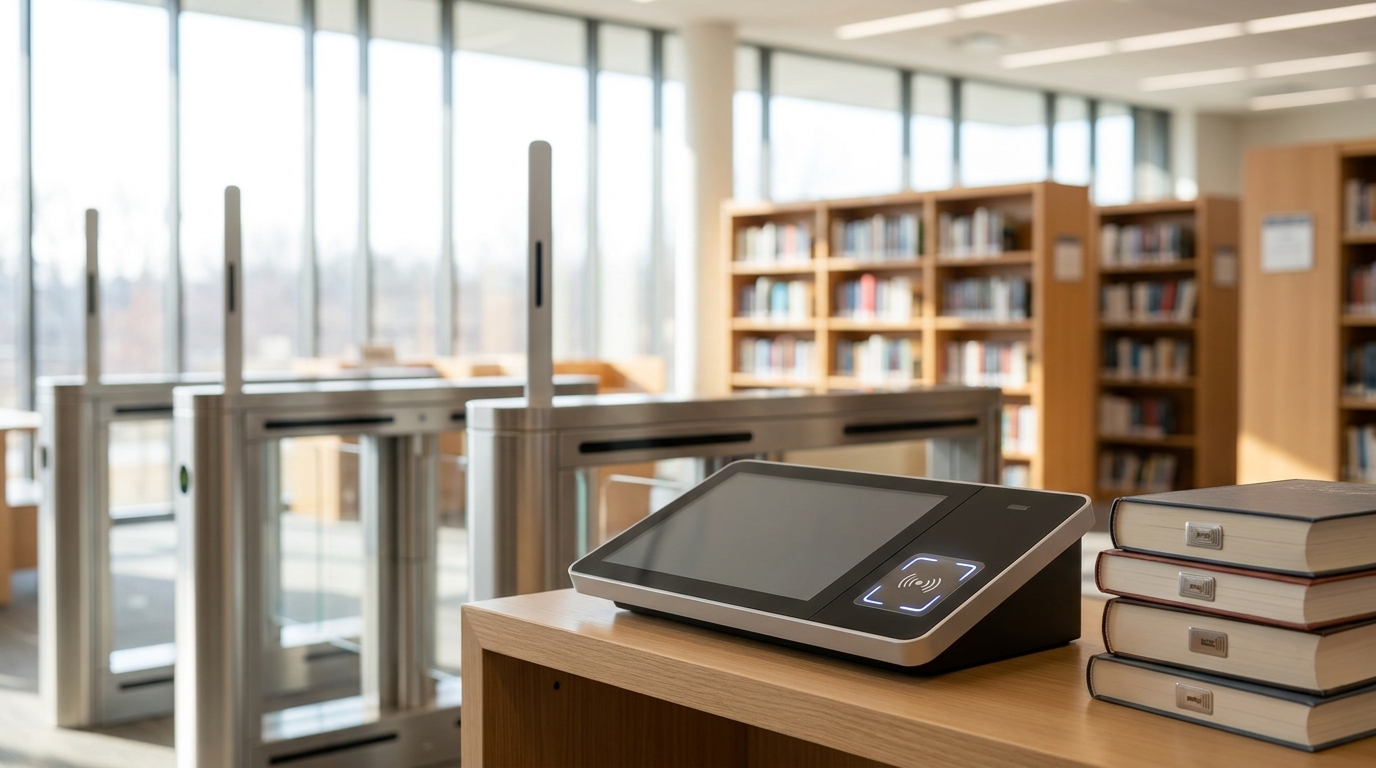
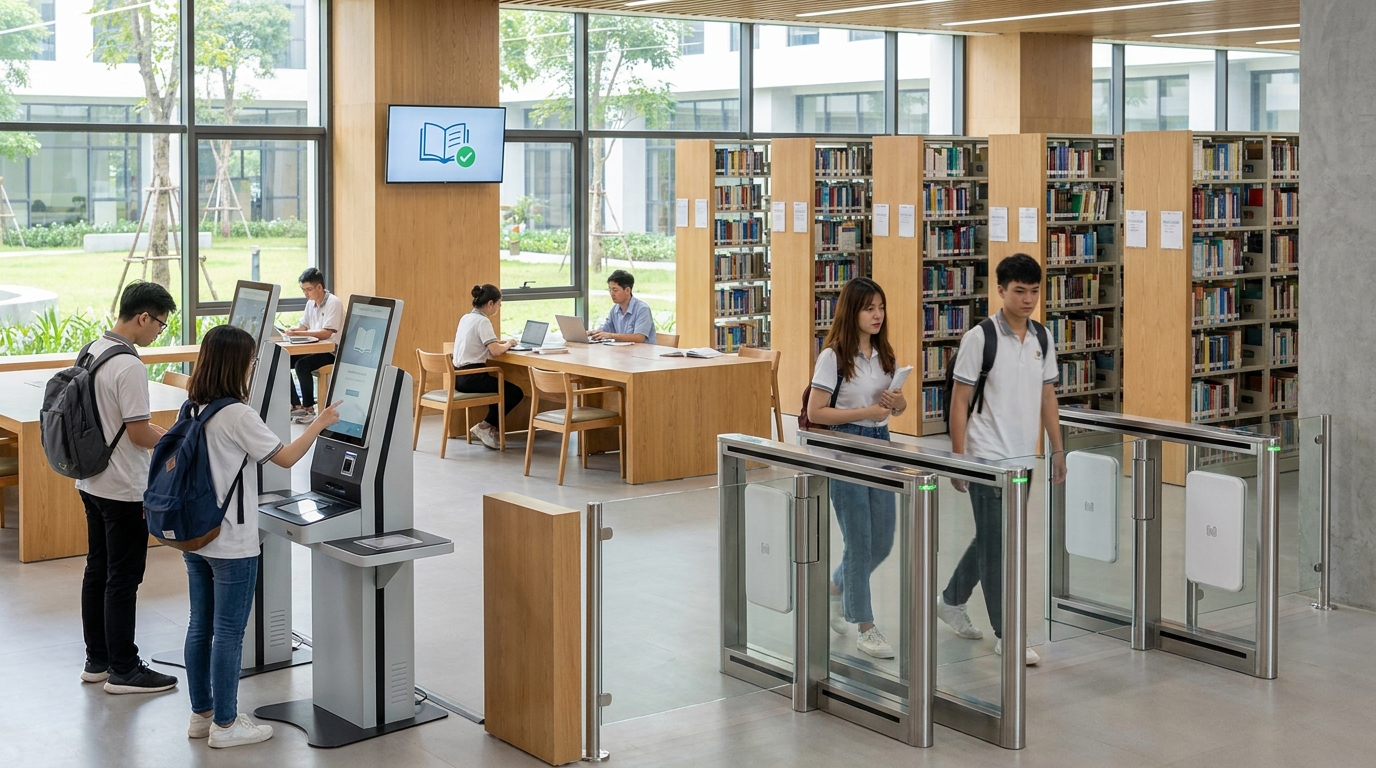
RFID library software integration via SIP2 is the process of connecting RFID devices (self-checkout kiosks, security gates, handheld readers) to an integrated library system (ILS) through the NISO Z39.83 / 3M SIP2 standard protocol. In Vietnam, school libraries and resource centers are moving from manual checkout and return workflows to 24/7 self-service models — and SIP2 is the bridge layer that determines whether the project works or not.
SIP2 (Standard Interchange Protocol v2) is the international standard NISO Z39.83 protocol that lets self-checkout kiosks, RFID security gates, and handheld readers connect to library management software (ILS) without depending on a single vendor. Vietnamese school libraries need to choose an ILS that supports open SIP2 to integrate multi-vendor RFID devices and avoid vendor lock-in.
Table of contents
- What is SIP2 and why is it a mandatory 'bridge' in an RFID library?
- 3-tier integration architecture: RFID devices → SIP2 server → ILS
- 7 criteria for choosing 'open' library software to avoid vendor lock-in
- RFID-to-ILS integration roadmap via SIP2 for Vietnamese schools
- RFID – ILS integration glossary summary table
- Common mistakes when integrating RFID with library software
- Cost and ROI: when does SIP2 integration pay back?
- Frequently asked questions
- Summary and next steps for school libraries
What is SIP2 and why is it a mandatory 'bridge' in an RFID library?
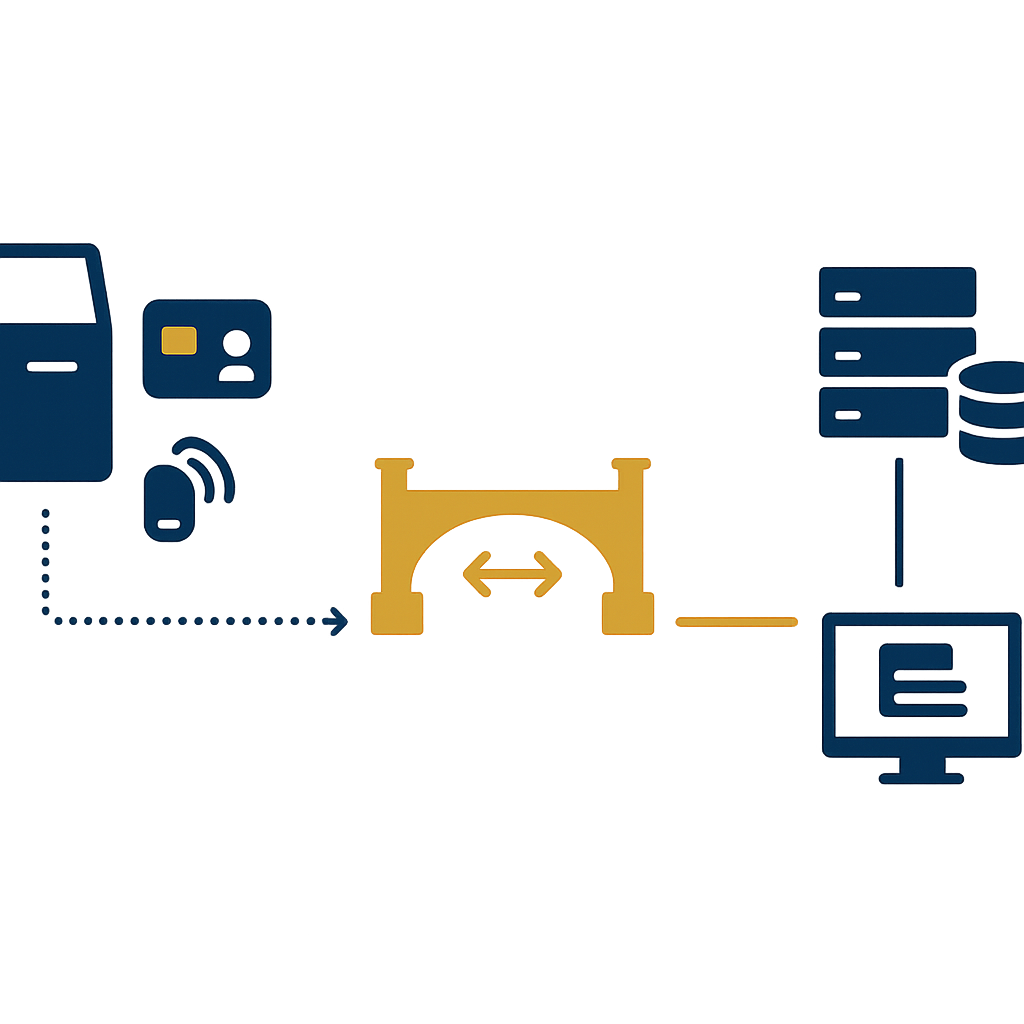
SIP2 is a text-based (ASCII) data exchange protocol between self-service devices and library management software. A self-checkout kiosk reads the patron card and RFID tag, sends a request via SIP2 to the ILS, the ILS checks borrowing privileges and returns the result within 1-2 seconds. Without SIP2, every operation must be entered manually or run through each device vendor's closed software.
In an RFID library model, 4 types of devices all need SIP2 to operate correctly: self-checkout kiosks, self-return kiosks (book-drop), security gates, and handheld inventory readers. If the ILS does not expose open SIP2, these devices can only run as standalone barcode readers — losing the entire value of automation.
3-tier integration architecture: RFID devices → SIP2 server → ILS
Related products
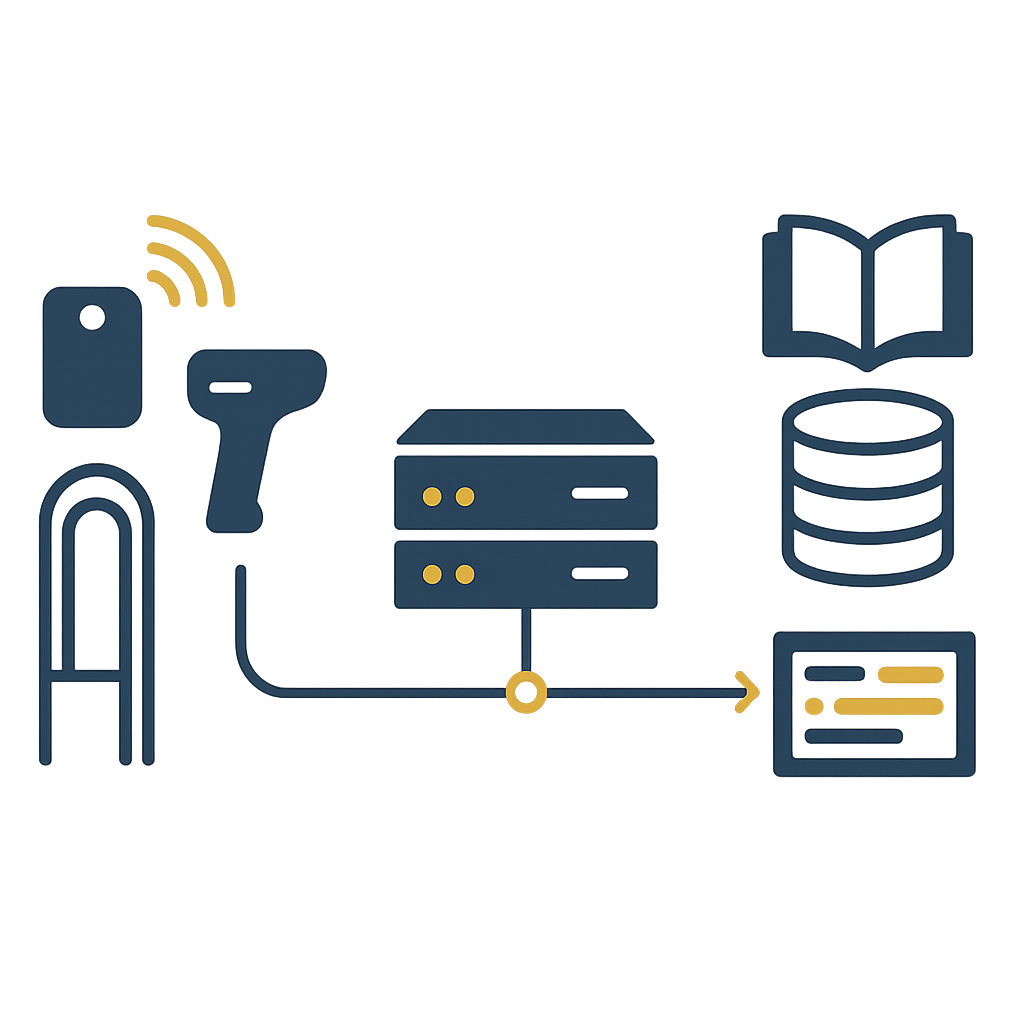
A standard RFID library system has 3 tiers: the device tier (RFID tags, readers, kiosks, security gates), the middleware tier (SIP2 server or middleware), and the business tier (ILS with MARC21 records). The middleware tier converts RFID signals into SIP2 messages, the ILS processes them and returns results. This is the architecture widely used by university and international school libraries.
Three tiers in detail
- RFID device tier: RFID tags attached to books (typically 13.56 MHz per ISO 15693 or ISO 18000-3), RFID patron cards, fixed readers at kiosks, security gates, handheld readers for inventory.
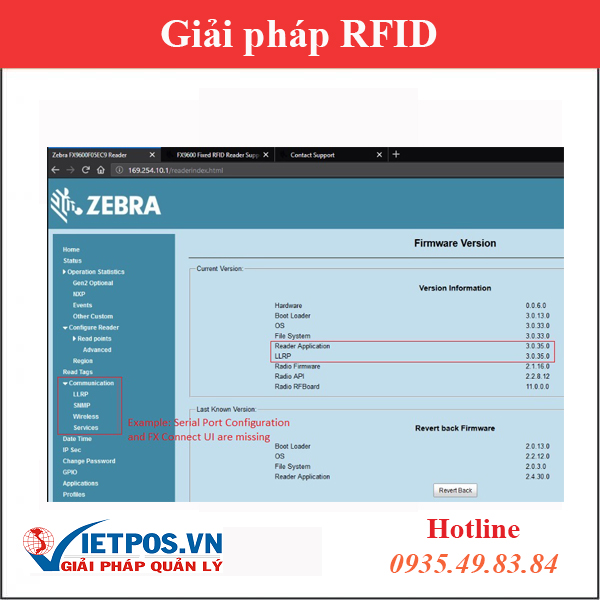
- Middleware tier (SIP2 server / middleware): translates RFID signals into SIP2 messages, manages TCP/IP connections to the ILS, handles timeout and retry. Some ILS platforms include a built-in SIP2 server; others require separate middleware.
- Business tier (ILS): stores MARC21 records, borrowing policies by patron group, handles check-out/check-in, calculates fines, updates item status.
For school libraries with 5,000-50,000 records, this 3-tier model allows replacing RFID devices without replacing the ILS — and vice versa. This is the core benefit of choosing library software that supports RFID with open SIP2.
7 criteria for choosing 'open' library software to avoid vendor lock-in
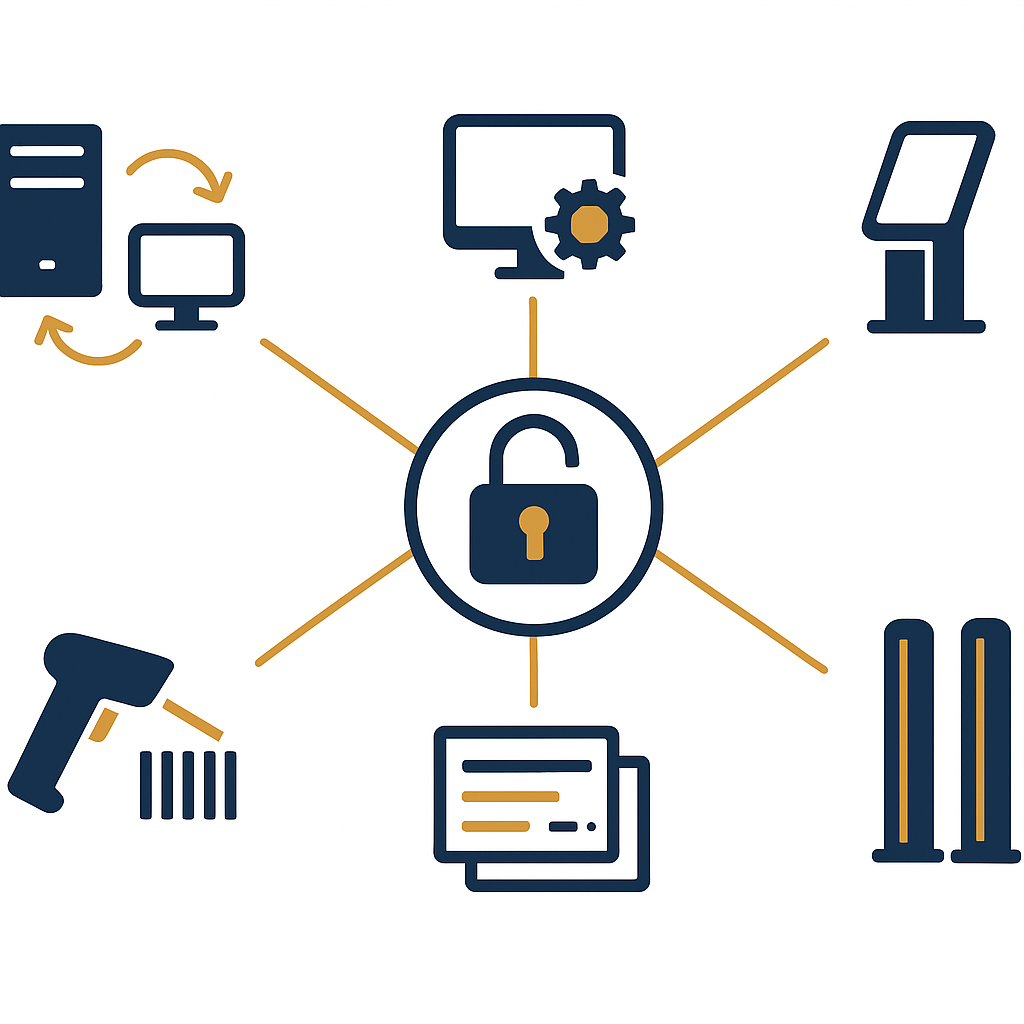
The most important criterion is that the ILS must publish SIP2 documentation and allow endpoint configuration without device vendor restrictions. The seven criteria below help selection committees avoid buying a closed system that prevents the school from changing kiosks, security gates, or readers when upgrades are needed.
- 1. Open SIP2 with documentation: the ILS provides SIP2 documentation (field mapping, supported messages) and does not restrict connecting device vendors.
- 2. MARC21 + AACR2 support: records comply with international standards, exchangeable via ISO 2709 and Z39.50.
- 3. Flexible borrowing policy configuration: by patron group × material type × collection, not hard-coded.
- 4. Extensible API/Webservice: REST API or XML to integrate with the school portal, SSO, LGSP.
- 5. Multi-frequency RFID support: compatible with both HF (13.56 MHz) and UHF (860-960 MHz) depending on scale.
- 6. SIP2 reports & logs: transaction logs for debugging when kiosks return errors, hourly traffic reports.
- 7. Clear upgrade roadmap: vendor commits to SIP2 support for at least 5 years, no forced software upgrades to maintain connectivity.
During evaluation, ask the vendor to demo connecting a self-checkout kiosk from a different manufacturer to prove openness. This is the fastest real-world test, rather than trusting brochures.
RFID-to-ILS integration roadmap via SIP2 for Vietnamese schools
The standard roadmap has 5 phases: survey and MARC21 data cleanup, RFID device selection, SIP2 server configuration, pilot in one reading room, then school-wide rollout. It typically takes 6-12 weeks for a library with 10,000-30,000 records, depending on how clean the legacy data is.
Phase 1 — Survey and data cleanup (1-3 weeks)
Inventory the current state, review MARC21 records, normalize fields 245, 100, 020, 650. Dirty data is the number one cause of SIP2 returning 'item not found' errors when the kiosk reads a tag.
Phase 2 — RFID device selection (1-2 weeks)
Choose HF tags for thin books, UHF for large collections requiring long-range reading. Readers, self-checkout kiosks, and security gates should be chosen from vendors with publicly available SIP2 documentation (for example Datalogic, Honeywell, Zebra device lines).
Phase 3 — SIP2 server configuration (1-2 weeks)
Enable SIP2 on the ILS, configure IP/port, authentication accounts, field mapping. Test each message: Patron Status, Checkout, Checkin, Item Information.
Phase 4 — Pilot in one reading room (2-4 weeks)
Run in parallel with the old workflow, measure average checkout time, SIP2 error rate, patron feedback. This step catches borrowing policy or internal network issues early.
Phase 5 — School-wide rollout (2-4 weeks)
Deploy additional kiosks, security gates, train librarians and patrons, enable traffic reports. For schools with multiple campuses, configure multi-tenant from the start.
RFID – ILS integration glossary summary table
The table below summarizes the core terms that library software selection committees and school IT staff need to know before signing a contract. Each term comes with a short definition and a practical example for easy reference when working with vendors.
| Term | Short definition | Practical example |
|---|---|---|
| SIP2 | NISO Z39.83 standard protocol for data exchange between self-service devices and the ILS | Kiosk sends message '11' (Checkout), ILS returns '12' with the result |
| ILS | Integrated library system: cataloging, circulation, OPAC, digital resources | ILS stores MARC21 records and the school's borrowing policies |
| RFID | Radio frequency identification technology, using tags attached to books and patron cards | HF 13.56 MHz tag reads at 20-30cm, UHF reads at 3-5m |
| MARC21 | International cataloging standard for bibliographic records | Field 245 holds the title, field 100 holds the main author |
| OPAC | Online public access catalog for patrons | Students search for books, place holds, view borrowing history |
| RFID security gate | RFID antenna at the exit, detecting items not checked out | Alerts when a patron carries an unchecked-out book out of the room |
| Self-checkout kiosk | Self-service station allowing patrons to check out/return books themselves | Placed in the library lobby, operating outside office hours |
Common mistakes when integrating RFID with library software
The most common mistake is choosing RFID devices before checking whether the ILS supports open SIP2. Many schools buy kiosks and security gates from one vendor, then discover the existing ILS only supports connecting to their own devices — forcing them to replace the ILS or pay extra integration fees.
- Buying devices first, checking SIP2 later: leads to buying additional middleware or changing the ILS, adding 20-40% to costs.
- Not cleaning MARC21 data: the kiosk reads the tag correctly but the ILS reports 'item not found' because the accession number is mismatched.
- Ignoring school-specific borrowing policies: for example borrowing by class period, borrowing by class, fines by holiday schedule — the ILS cannot configure these.
- No SIP2 logs: when the kiosk fails, there is no data to debug, forcing a wait for the vendor.
- Choosing the wrong RFID tag frequency: using UHF for thin books causes overlapping reads, using HF for large collections slows inventory.
One additional note: for libraries with multiple reading rooms or campuses, check whether the ILS supports multi-tenant and unit-based permissions. If not, future expansion will require running separate instances, making shared records difficult.
Cost and ROI: when does SIP2 integration pay back?
For a school library with 10,000-30,000 records and 1,000-3,000 patrons, RFID + SIP2 integration costs typically pay back within 18-36 months through reduced librarian labor hours, fewer lost books, and higher checkout volume. The decisive ROI factor is the actual level of automation, not the number of devices purchased.
The main savings usually come from 3 sources: (1) 40-60% reduction in counter checkout/return processing time; (2) 60-80% reduction in inventory time thanks to handheld readers; (3) reduced book loss rate thanks to RFID security gates. If the school has multiple campuses, sharing MARC21 records through a multi-library ILS also saves cataloging costs.
For more on how to choose library software with proper RFID integration, you can read Library Management Software with RFID Integration: 2026 Selection Guide. If your school is also considering investing in self-service infrastructure, the article Smart People Counting Camera - 2024 Surveillance Solution will help you understand how to measure patron traffic by hour.
Frequently asked questions
The FAQ section below compiles the most common questions from school library software selection committees and IT staff when deploying RFID integration via SIP2.
Is SIP2 a mandatory international standard?
SIP2 is the NISO Z39.83 standard, developed by 3M and now supported by most major ILS platforms. No authority mandates SIP2, but if the ILS does not support it, the library will be locked into one vendor's device ecosystem. Therefore, when choosing library software for schools, open SIP2 is a minimum technical criterion.
Does a self-checkout kiosk need SIP2 or just RFID?
A self-checkout kiosk needs both. RFID enables contactless reading of book tags and patron cards; SIP2 lets the kiosk ask the ILS whether the patron still has borrowing privileges, whether the book is on hold, and records the transaction. Without SIP2, the kiosk is just an expensive barcode reader and cannot automate workflows.
Does an RFID security gate need a SIP2 connection?
RFID security gates have two modes. Standalone mode only detects tags still in 'not checked out' status and triggers an alarm — no SIP2 needed. SIP2-integrated mode lets the gate query the ILS the moment it detects an item, reducing false alarms when patrons have just checked out. For school libraries with high checkout volume, integrated mode reduces false alarms by 30-50%.
Should small school libraries invest in SIP2?
For libraries under 5,000 records and under 500 patrons, consider a barcode solution first, then upgrade to RFID as scale grows. However, if the school has expansion plans t
Cần tư vấn thiết bị/giải pháp cụ thể?
Việt POS phản hồi trong 30 phút · Hotline 4 vùng · Khảo sát miễn phí.
Bài viết cùng chủ đề