Mục lục bài viết (9)
- #What is a WiFi-connected receipt printer and why do retail shops need it?
- #What are the popular types of WiFi-connected receipt printers for retail shops?
- #How to connect a WiFi receipt printer to a POS system?
- #What are the advantages of WiFi-connected receipt printers compared to USB/LAN printers?
- #What to consider when choosing a WiFi-connected receipt printer for a shop?
- #Comprehensive WiFi-connected receipt printer implementation solution from Việt POS?
- #Next steps
- Related products
- Related articles
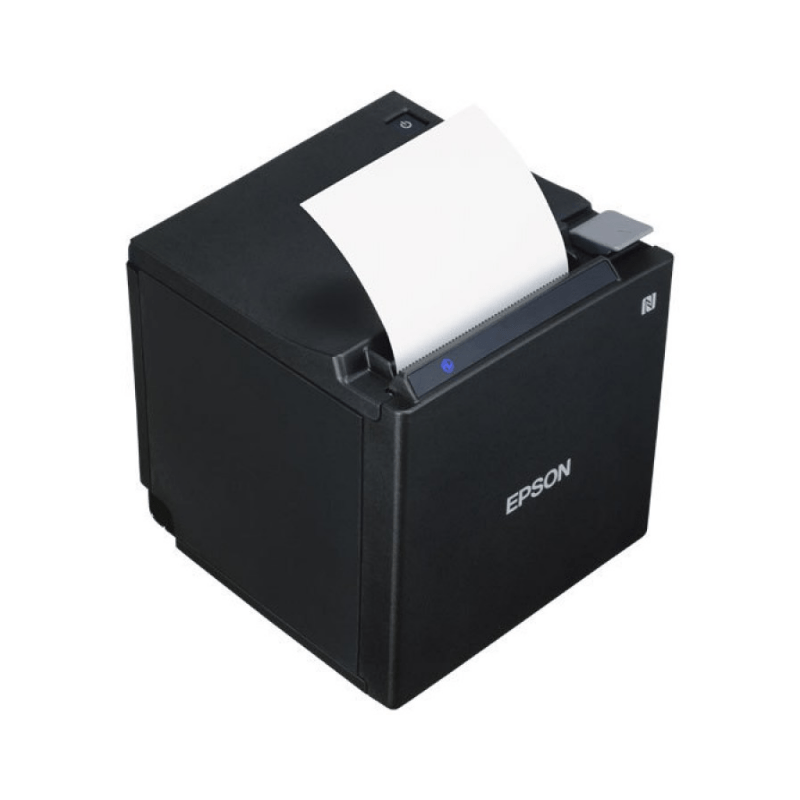
A WiFi-connected receipt printer is a thermal or dot-matrix printer equipped with a WiFi, Bluetooth, or LAN module for wireless connection to POS systems, sales computers, or mobile devices. For small and medium retail shops (cafes, cosmetics, fashion, mini-supermarkets), a WiFi-connected receipt printer optimizes the payment process, reduces data loss, and enhances customer experience.
What is a WiFi-connected receipt printer and why do retail shops need it?
A WiFi-connected receipt printer is a thermal or dot-matrix printer with an integrated WiFi/Bluetooth/LAN module, allowing wireless connection to POS or mobile devices. Small and medium retail shops need this printer to reduce receipt printing time by 40-60%, increase counter layout flexibility, and support integrated inventory management.
Key benefits of WiFi-connected receipt printers:
- Wireless connectivity: eliminates long USB/LAN cables, increasing flexibility in checkout counter layout.
- Fast printing speed: 150-300mm/s depending on the model, reducing customer waiting time.
- POS integration: connects directly with sales software, automatically printing receipts upon payment.
- Remote management: monitor printer status, print test pages from a phone or computer.
- Cost savings: reduces printing errors, optimizes paper usage, lowers operating costs.
What are the popular types of WiFi-connected receipt printers for retail shops?
Popular WiFi-connected receipt printers include 3 main lines: Xprinter (K200W, N160I), Zywell (ZY908, ZY303), and Rongta (RP335U). Each line has its own advantages in terms of speed, durability, and price, suitable for different shop sizes.
Bạn đang tìm sản phẩm cho chủ đề này?
Việt POS phân phối chính hãng — bảo hành 24-36 tháng, hỗ trợ kỹ thuật 24/7.

Xprinter N160I Wifi Receipt Printer
SKU: Xprinter N160I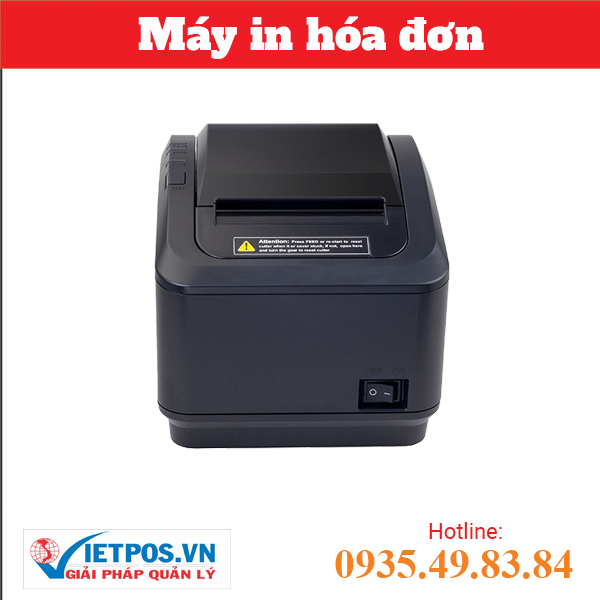
XP-K200U USB + WIFI receipt printer, affordable, high quality
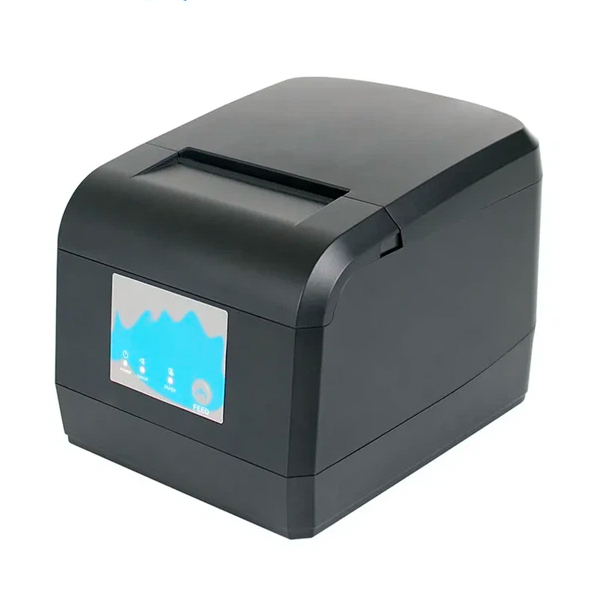
Genuine Zywell ZY908 Receipt Printer (USB+Wifi)
SKU: ZY908![Zywell ZY905 Receipt Printer [Kitchen Printer] (USB+LAN+RS232)](https://vietpos.sgp1.digitaloceanspaces.com/wp-content/uploads/2024/03/18170848/may-in-hoa-don-zywell-zy905-usblanrs232.jpg)
Zywell ZY905 Receipt Printer [Kitchen Printer] (USB+LAN+RS232)
SKU: ZY905Are you looking for products for this topic?
Việt POS distributes genuine products — 24-36 month warranty, 24/7 technical support.
| Vendor | Model | Print speed | Connectivity | Reference price | Suitable for |
|---|---|---|---|---|---|
| Xprinter | K200W | 150mm/s | USB + Wifi | 3.5-4.5 million | Medium shops, cafes, cosmetics |
| Xprinter | N160I | 150mm/s | Wifi | 3-3.8 million | Small shops, eateries |
| Zywell | ZY908 | 200mm/s | USB + Wifi | 4.5-5.5 million | Medium shops, mini-supermarkets |
| Zywell | ZY303 | 150mm/s | USB + LAN | 3.8-4.5 million | Medium shops, restaurants |
| Rongta | RP335U | 150mm/s | USB | 2.5-3.2 million | Small shops, budget-friendly |
Based on Việt POS's implementation experience, medium retail shops (50-100m2, 2-3 counters) often choose Xprinter K200W or Zywell ZY908 for their balance of speed, durability, and price. Small shops (under 50m2, 1 counter) can opt for Xprinter N160I or Rongta RP335U to save costs.
How to connect a WiFi receipt printer to a POS system?
Connecting a WiFi receipt printer to a POS involves 3 steps: (1) configuring WiFi on the printer via menu or mobile app, (2) configuring the printer's IP in the POS software, (3) test printing a receipt to verify the connection. Most WiFi printers support automatic configuration or QR codes to simplify the process.
Detailed connection procedure:
- Turn on the printer, go to Settings → Network → Wifi, select the store's WiFi SSID and enter the password.
- Record the printer's IP address (displayed on the screen or printed on a test page).
- Open the POS software (or sales software), go to device settings → Printer → enter the printer's IP and port (usually 9100).
- Test print a receipt from the POS to check the connection. If printing is successful, configuration is complete.
Note: ensure the printer and POS computer are on the same WiFi network, the firewall does not block port 9100, and update the printer's firmware to the latest version for optimal performance.
What are the advantages of WiFi-connected receipt printers compared to USB/LAN printers?
WiFi-connected receipt printers have 3 main advantages over USB/LAN: (1) flexible placement – no long cables needed, the printer can be placed anywhere in the store, (2) easy scalability – add a second printer without reconfiguring cables, (3) remote management – monitor status, print test pages from a phone or another computer.
Detailed comparison:
- USB printers: cheapest (2-3 million), but require long USB cables, inflexible placement, difficult to scale.
- LAN printers: more stable than USB, but still require network cables, less flexible than WiFi.
- WiFi printers: most flexible, no cables needed, easy to scale, but 10-20% higher price, requires stable WiFi.
For small and medium retail shops, a WiFi-connected receipt printer is the optimal choice because it reduces cable installation costs by 30-50%, increases counter layout flexibility, and supports future expansion.
What to consider when choosing a WiFi-connected receipt printer for a shop?
When choosing a WiFi-connected receipt printer, consider 5 criteria: (1) print speed of 150-300mm/s suitable for customer traffic, (2) durability and warranty of 12-24 months, (3) stable 2.4GHz/5GHz WiFi connectivity support, (4) compatibility with current POS software, (5) reasonable paper and maintenance costs.
- Print speed: small shops (under 50 customers/day) choose 150mm/s, medium shops (50-200 customers/day) choose 200-300mm/s.
- Durability: choose printers from reputable vendors (Xprinter, Zywell, Rongta, Epson), with genuine warranty of 12-24 months.
- WiFi connectivity: prioritize printers that support 2.4GHz + 5GHz WiFi, with USB/LAN fallback mode in case of WiFi issues.
- POS compatibility: check the list of supported POS software (Sunmi, Bixolon, Epson, Honeywell…) before purchasing.
- Operating costs: 80x80mm or 80x150mm receipt paper costs 1-2 million/year, ink/ribbon costs 500k-1 million/year depending on the model.
Comprehensive WiFi-connected receipt printer implementation solution from Việt POS?
Việt POS provides a comprehensive WiFi-connected receipt printer implementation solution including: (1) free survey of store size and customer traffic, (2) consultation on suitable printer models, (3) WiFi + POS connection configuration, (4) staff training, (5) 12-24 month warranty + 24/7 technical support.
Implementation process:
- Contact Việt POS hotline 0935 498 384 to schedule a free survey.
- Việt POS technical team visits the store, measures locations, checks WiFi, and advises on suitable printer models.
- Install the printer, configure WiFi + POS connection, test print receipts.
- Train store staff on printer usage and basic troubleshooting.
- Provide warranty contract, 24/7 technical support via hotline or email.
This solution is suitable for small and medium retail shops that want to optimize their payment process without worrying about technical configuration.
Next steps
Việt POS technical team provides free surveys and advises on WiFi-connected receipt printer configurations based on store size and customer traffic. Contact hotline 0935 498 384 or refer to:
Need specific equipment/solution consultation?
Việt POS responds in 30 minutes · 4 regional hotlines · Free survey.
Related products
Related articles

Cần tư vấn thiết bị/giải pháp cụ thể?
Việt POS phản hồi trong 30 phút · Hotline 4 vùng · Khảo sát miễn phí.
Bài viết cùng chủ đề