Mục lục bài viết (12)
- #Error 1: Irregular Money Counter Cleaning — Causes Wheel Mechanism Failure
- #Error 2: Inserting Damp or Dirty Money into the Machine — Causes Paper Jams and InaccuraciesDamp money, stained with sweat, grease, or dirt, reduces friction between the wheels and the paper, causing jams or counting errors (counting 1 bill as 2). The error rate can be up to 30-40% if the money is too damp.
- #Error 3: Setting Counting Speed Too High — Causes Inaccuracies and Sensor Damage
- #Error 4: Irregular Machine Calibration — Causes Cumulative Inaccuracies
- #Error 5: Placing the Machine in an Overheated Area or Near Heat Sources — Causes Electronic Component Damage
- #Error 6: Not Replacing Backup Battery or Letting Battery Die — Data Loss
- #Error 7: Not Training Staff on Proper Operating Procedures — Causes Inaccuracies and Machine Damage
- #Comparison Table: Impact of Each Error on Machine Lifespan
- #Weekly Money Counter Maintenance Procedure
- #Next Steps
- Related products
- Related articles
Money counters are essential devices in retail stores, supermarkets, banks, casinos, and businesses with high cash flow. However, based on Việt POS's experience deploying at over 500 retail locations nationwide, approximately 60-70% of users encounter operational, maintenance, or incorrect setup errors, leading to reduced machine lifespan, counting inaccuracies, or sudden malfunctions.
This article summarizes the 7 most common errors when using money counters and provides detailed troubleshooting instructions, helping you optimize machine performance and extend its lifespan to 5-7 years.
Error 1: Irregular Money Counter Cleaning — Causes Wheel Mechanism Failure
Irregular money counter cleaning is the most common error, causing dust, lint, and paper fragments to accumulate in the wheel mechanism and sensors. This reduces counting accuracy by 15-25% and can lead to motor damage within 6-12 months.
Solution: Clean the machine weekly with a soft brush or lint-free cloth. Open the machine cover (if possible), wipe the wheels, money slot, and optical sensors. Use compressed air to blow dust from narrow crevices. Avoid using water or chemical solutions directly on the machine.
Error 2: Inserting Damp or Dirty Money into the Machine — Causes Paper Jams and Inaccuracies
Damp money, stained with sweat, grease, or dirt, reduces friction between the wheels and the paper, causing jams or counting errors (counting 1 bill as 2). The error rate can be up to 30-40% if the money is too damp.
Looking for products related to this topic?
Việt POS is an authorized distributor — 24-36 month warranty, 24/7 technical support.
Bạn đang tìm sản phẩm cho chủ đề này?
Việt POS phân phối chính hãng — bảo hành 24-36 tháng, hỗ trợ kỹ thuật 24/7.
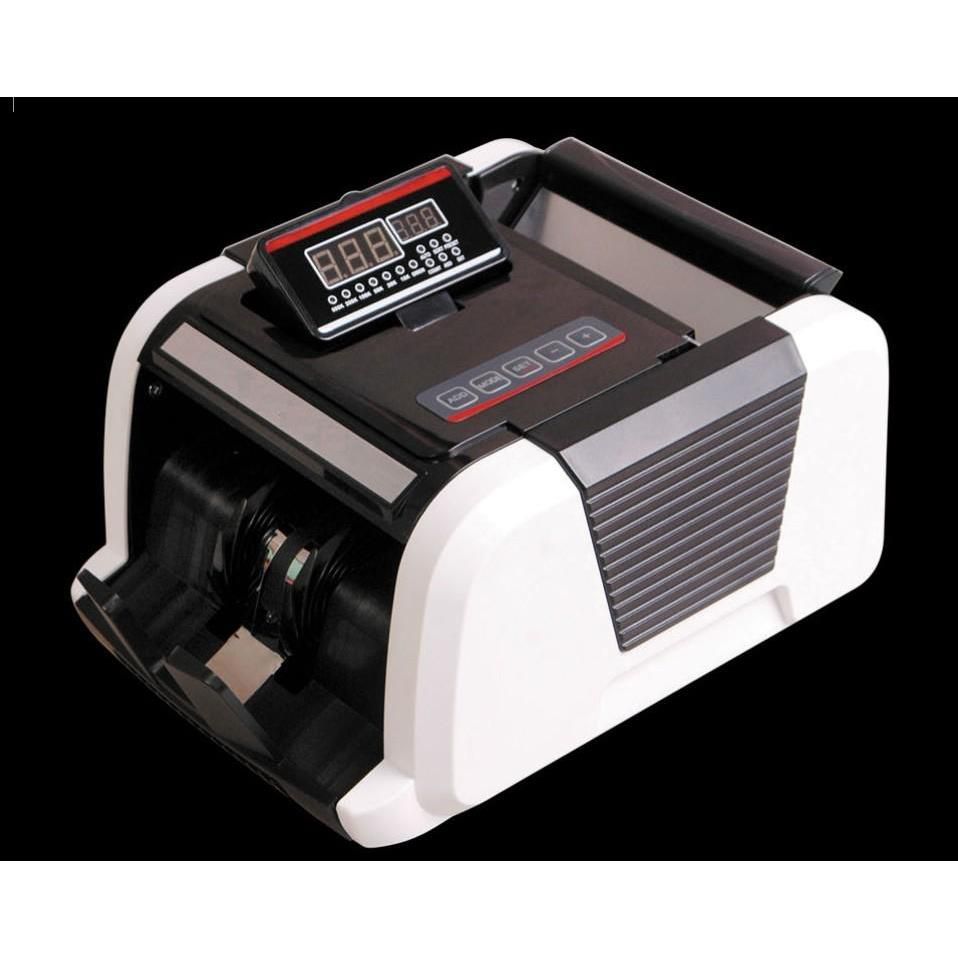
Latest CASHTA 3900UV money counter at a low price
SKU: 3900UV
Premium money counter CASHTA 2010UV
SKU: 2010UV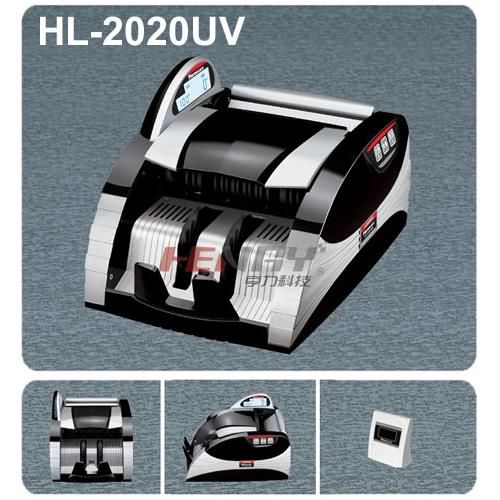
HENRY HL 2020UV Money Counter - Affordable
SKU: HL-2020UV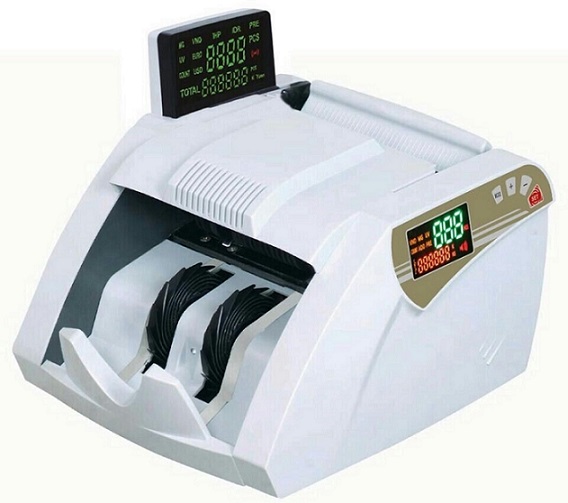
New model CASHTA A12 money counter at a low price
SKU: CASHTA-A12Solution: Store money in a dry place, at 18-25°C and 40-60% humidity. Before counting, wash and dry hands thoroughly. If money is too damp, air dry it for 2-3 hours before counting. Avoid placing money near water sources, air conditioners, or high-humidity areas.
Error 3: Setting Counting Speed Too High — Causes Inaccuracies and Sensor Damage
Many users set the counting speed to the highest level (1000-1500 bills/minute) to save time, but this prevents optical sensors from reacting quickly enough, causing 5-15% inaccuracies and sensor damage within 2-3 years.
Solution: Set the counting speed to a medium level (600-900 bills/minute) to allow sensors enough time for accurate reactions. This speed still ensures counting 1000 bills in 1-2 minutes while maintaining 99.9% accuracy. Only increase speed when money is clean, dry, and the machine is in good condition.
Error 4: Irregular Machine Calibration — Causes Cumulative Inaccuracies
Calibration is the process of adjusting sensors to accurately recognize paper thickness. Not calibrating every 3-6 months causes cumulative inaccuracies, especially when changing currency types or seasons (humidity changes).
Solution: Calibrate the machine every 3 months or when changing currency types. Use 100 standard bills (new, clean, dry) for calibration. Most Oudis, Henry, Cashta machines have a calibration button on the control panel — press it and follow the instructions. If unsure, contact Việt POS for free calibration support.
Error 5: Placing the Machine in an Overheated Area or Near Heat Sources — Causes Electronic Component Damage
Excessive heat (above 35°C) damages electronic components, backup batteries, and sensors. Placing the machine near ovens, air conditioners, or direct sunlight causes a 20-30% performance degradation and a risk of complete failure within 1-2 years.
Solution: Place the machine in an area with a temperature of 15-30°C, away from direct sunlight, ovens, and air conditioners. Ensure at least 10cm of clear space around the machine for ventilation. If the store is hot, use a fan to blow cool air around the machine. Check the machine's temperature by touch — if it's too hot (above 40°C), turn it off and let it cool before continuing use.
Error 6: Not Replacing Backup Battery or Letting Battery Die — Data Loss
The backup battery (usually AA or lithium) retains counting data during power outages. Not replacing the battery every 1-2 years or letting it die causes data loss, resets the machine to factory settings, and prevents recovery of counting history.
Solution: Replace the backup battery every 12-18 months, or when the machine displays a low battery warning. Use genuine batteries (Panasonic, Energizer) to prevent leakage. Check the battery every 6 months by opening the battery compartment and observing its condition — if corroded or leaking, replace immediately.
Error 7: Not Training Staff on Proper Operating Procedures — Causes Inaccuracies and Machine Damage
Untrained staff often skip preparation steps (cleaning money, checking the machine), set incorrect speeds, or attempt self-repairs, leading to 10-20% inaccuracies and rapid machine damage.
Solution: Train staff every 3 months on standard operating procedures: checking the machine before turning it on, cleaning money, setting appropriate speeds, handling jams, and weekly cleaning. Create an instruction chart to post near the machine. Contact Việt POS to arrange free training for all staff.
Comparison Table: Impact of Each Error on Machine Lifespan
| Error | Short-term Impact (1-3 months) | Long-term Impact (1-3 years) | Repair Cost |
|---|---|---|---|
| No cleaning | 15-25% inaccuracy, paper jams | Motor, wheel damage | 3-8 million VND |
| Damp/dirty money | 30-40% inaccuracy, frequent jams | Sensor, motor damage | 4-10 million VND |
| Too high speed | 5-15% inaccuracy | Optical sensor damage | 2-6 million VND |
| No calibration | 5-10% cumulative inaccuracy | 20-30% inaccuracy, irreparable | 1-3 million VND (calibration) |
| High temperature | 20-30% performance degradation | Complete electronic component failure | 5-15 million VND (mainboard replacement) |
| Dead battery | Counting data loss | Machine reset, no recovery | 0.5-1 million VND (battery replacement) |
| Untrained staff | 10-20% inaccuracy, rapid damage | 50% reduced lifespan, high repair costs | 5-20 million VND (continuous repairs) |
According to Việt POS's experience, properly maintained money counters have a lifespan of 5-7 years, while unmaintained machines only last 2-3 years. Investing in regular maintenance saves 50-70% in long-term repair costs.
Weekly Money Counter Maintenance Procedure
- Turn off the machine and unplug it.
- Open the machine cover (if possible) and clean the wheels and money slot with a soft brush.
- Blow dust from narrow crevices with compressed air (do not use water).
- Check the backup battery — if weak, replace immediately.
- Check the power cord — if damaged, replace with a new one.
- Turn on the machine, run 50-100 clean bills to check operation.
- Record the maintenance date in the logbook.
Performing this procedure weekly will reduce the risk of machine failure by 80% and maintain counting accuracy at 99.9%.
To learn more about professional money counter models suitable for your store's scale, please refer to Việt POS money counter catalog or comprehensive sales management solutions.
Next Steps
Việt POS technical team provides free periodic maintenance, machine calibration, and staff training for customers. Contact hotline 0935 498 384 for advice on the appropriate maintenance procedure for your machine type.
Need specific equipment/solution consultation?
Việt POS responds within 30 minutes · 4 regional hotlines · Free on-site survey.
Related products
Related articles

Cần tư vấn thiết bị/giải pháp cụ thể?
Việt POS phản hồi trong 30 phút · Hotline 4 vùng · Khảo sát miễn phí.
Bài viết cùng chủ đề