Mục lục bài viết (8)
- #What type of ribbon does the Godex 1100 Plus printer use?
- #What is the ribbon replacement process for the Godex 1100 Plus printer?
- #How to distinguish between WAX and resin ribbons for the Godex 1100 Plus printer?
- #How to maintain the Godex 1100 Plus printer to optimize its lifespan?
- #Is the Godex 1100 Plus printer compatible with other ribbon types?
- #Comprehensive barcode printing solution for Vietnamese businesses?
- Related products
- Related articles
The Godex 1100 Plus printer is a popular barcode printing device in Vietnamese retail, warehouse, and logistics businesses. To maintain stable printing performance, correctly replacing the ribbon is a crucial factor. This article provides detailed instructions on the ribbon replacement process, choosing the appropriate ribbon type, and maintenance tips for the Godex 1100 Plus printer.
What type of ribbon does the Godex 1100 Plus printer use?
The Godex 1100 Plus printer is compatible with standard 110mm x 300m ribbons, supporting two main types: WAX (for regular paper) and resin (for durable materials like plastic, fabric). Based on implementation experience in Vietnamese businesses, WAX ribbons are suitable for price tags and retail invoices, while resin is used for cold, humid environments or when high durability (12-24 months) is required.
Việt POS supplies WAX 110mm x 100m out-type ribbons and genuine resin types, ensuring print quality and machine lifespan.
What is the ribbon replacement process for the Godex 1100 Plus printer?
Replacing the Godex 1100 Plus ribbon does not require special tools and takes only 2-3 minutes:
Bạn đang tìm sản phẩm cho chủ đề này?
Việt POS phân phối chính hãng — bảo hành 24-36 tháng, hỗ trợ kỹ thuật 24/7.
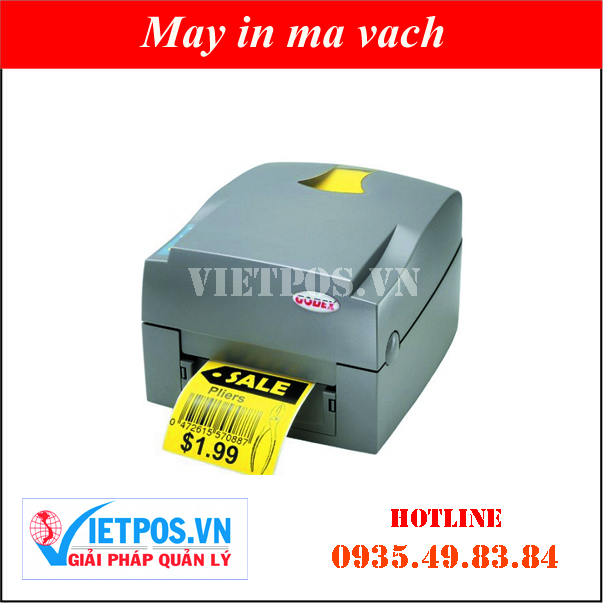
EZ-1100 Plus Barcode Printer
SKU: EZ-1100 Plus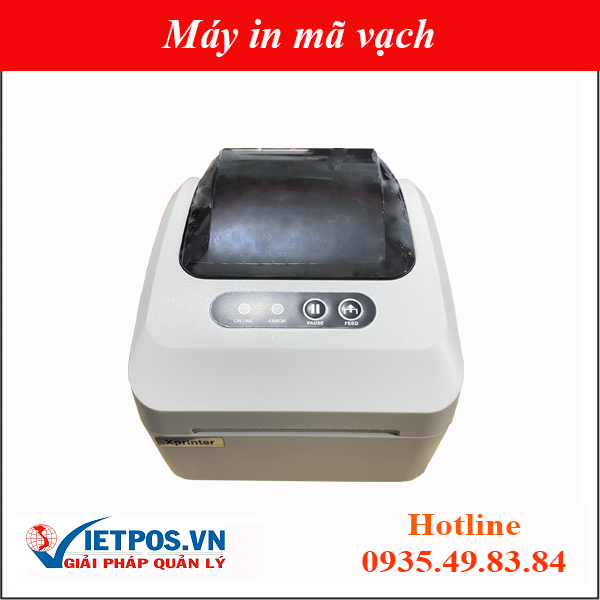
Xprinter XP-350 Plus Barcode Printer (Barcode + Bill Printing)
SKU: XP-350
Barcode Printer TSC TTP-245 Plus/ TTP-343 Plus
SKU: TSC TTP-245 PLUS/ TTP-343 PLUS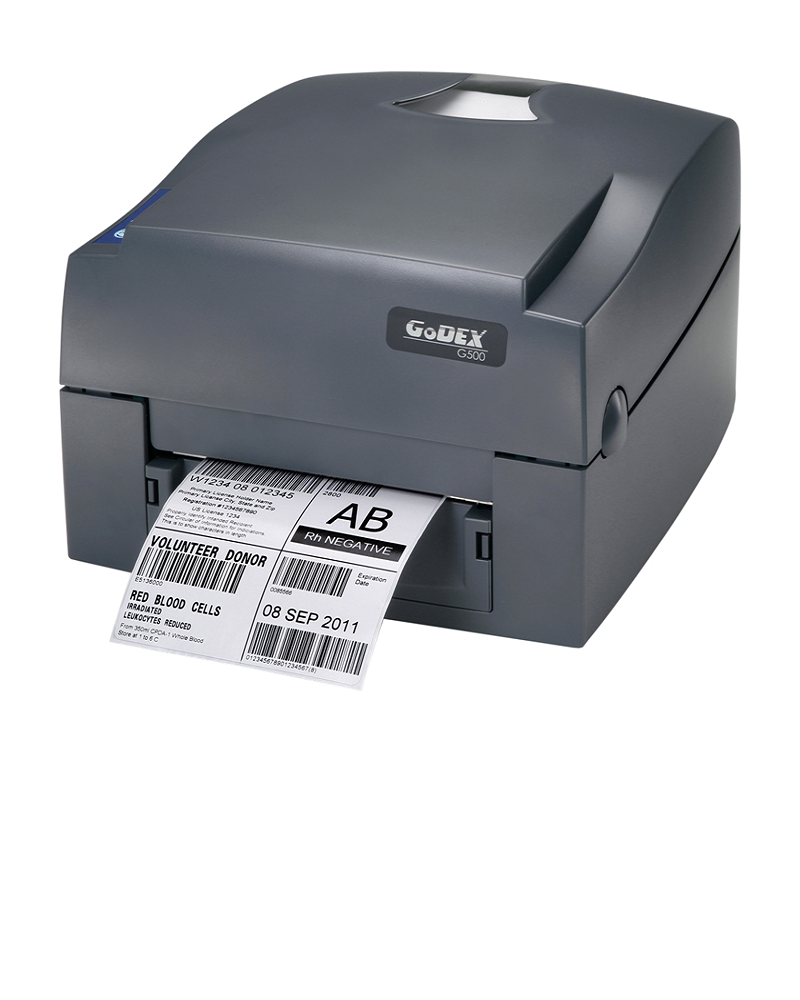
Godex G500 Barcode Printer
SKU: G500Are you looking for products related to this topic?
Việt POS officially distributes — 24-36 month warranty, 24/7 technical support.
- Turn off the printer and open the top cover.
- Press the release buttons on both sides to remove the old ribbon roll.
- Take the new ribbon roll, align it with the positioning holes on the machine.
- Close the cover and run a test print of 5-10 labels to check quality.
Note: When installing a new ribbon, ensure the tension is not too tight (to prevent tearing) or too loose (causing faded prints). The Việt POS technical team recommends checking ribbon tension every 2-3 months to reduce printing errors by 30-40% and extend print head lifespan.
How to distinguish between WAX and resin ribbons for the Godex 1100 Plus printer?
The two ribbon types have different characteristics:
| Ribbon Type | Application | Lifespan | Price |
|---|---|---|---|
| WAX | Price tags, retail invoices, regular paper | 6-12 months | Lower |
| Resin | Durable labels, cold environments, plastic/fabric materials | 12-24 months | 20-30% Higher |
Choose the ribbon type based on the printing material and storage conditions. If labels need to withstand water, chemicals, or low temperatures, use resin. If only temporary price tags are printed, WAX is sufficient.
How to maintain the Godex 1100 Plus printer to optimize its lifespan?
Regular maintenance helps the Godex 1100 Plus printer operate stably for 3-5 years:
- Weekly: Wipe the print head with a soft, damp cloth (do not use water), check that the ribbon is not wrinkled.
- Monthly: Check ribbon tension, clean the paper roll with compressed air.
- Quarterly: Replace ribbon if necessary, check temperature and humidity sensors.
- Annually: Send the machine to a professional maintenance center for a complete system check.
Based on warehouse operation experience in Vietnamese businesses, regular maintenance reduces emergency repair costs by 40-50% and increases printing productivity by 15-20%.
Is the Godex 1100 Plus printer compatible with other ribbon types?
The Godex 1100 Plus printer is only compatible with standard 110mm x 300m ribbons. Using non-standard or incorrect size ribbons can damage the print head, sensors, or motor. Việt POS recommends using only genuine ribbons from reputable suppliers to ensure print quality and machine warranty.
If you need to change ribbon types or encounter technical issues, contact warehouse management solutions or barcode printer catalog of Việt POS for detailed advice.
Comprehensive barcode printing solution for Vietnamese businesses?
The Godex 1100 Plus printer is part of a smart retail solution or sales management comprehensive system. Combined with barcode scanners, warehouse management software, and access control, businesses can optimize processes from warehousing to sales. Việt POS provides printers, accessories, and 24/7 technical support nationwide.
Need specific equipment/solution consultation?
Việt POS responds within 30 minutes · 4 regional hotlines · Free survey.
Related products
Related articles

Cần tư vấn thiết bị/giải pháp cụ thể?
Việt POS phản hồi trong 30 phút · Hotline 4 vùng · Khảo sát miễn phí.
Bài viết cùng chủ đề