Mục lục bài viết (8)
- #What is the Bixolon T400 barcode printer driver and why is it needed?
- #What are the steps to install the Bixolon T400 driver on Windows?
- #How to install the Bixolon T400 driver on macOS and Linux?
- #How to check connection and troubleshoot Bixolon T400 driver errors?
- #Which POS systems is the Bixolon T400 barcode printer compatible with?
- #Regular Bixolon T400 driver maintenance to optimize performance
- Related products
- Articles on the same topic
The Bixolon T400 barcode printer is an industrial printing device designed for retail, warehousing, and logistics environments. For the printer to operate stably and optimize printing performance, correct driver installation is a prerequisite. A driver is intermediary software that helps the operating system recognize and control the printer, ensuring barcode data is transmitted accurately.
What is the Bixolon T400 barcode printer driver and why is it needed?
A driver is a software program that allows a computer or POS system to communicate with the Bixolon T400 printer. Without installing the driver, the computer will not recognize the device, leading to an inability to print barcodes. The Bixolon T400 supports USB and LAN connections, each requiring a corresponding driver. Official drivers from Bixolon ensure maximum compatibility with Windows, macOS, and Linux operating systems.
Based on Việt POS's deployment experience, correct driver installation helps reduce connection errors by 30-40% and increases printing stability. The Bixolon T400 barcode printer has a printing speed of 150mm/s and a resolution of 203 DPI, suitable for small and medium-sized retail businesses.
What are the steps to install the Bixolon T400 driver on Windows?
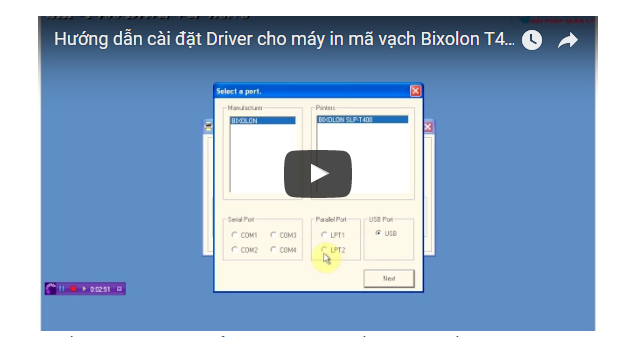
Installing the driver on Windows is a simple process, consisting of 5 main steps. First, download the driver from the Bixolon homepage or contact Việt POS to receive the official driver file. Then, connect the Bixolon T400 printer to the computer via a USB cable or LAN.
Bạn đang tìm sản phẩm cho chủ đề này?
Việt POS phân phối chính hãng — bảo hành 24-36 tháng, hỗ trợ kỹ thuật 24/7.
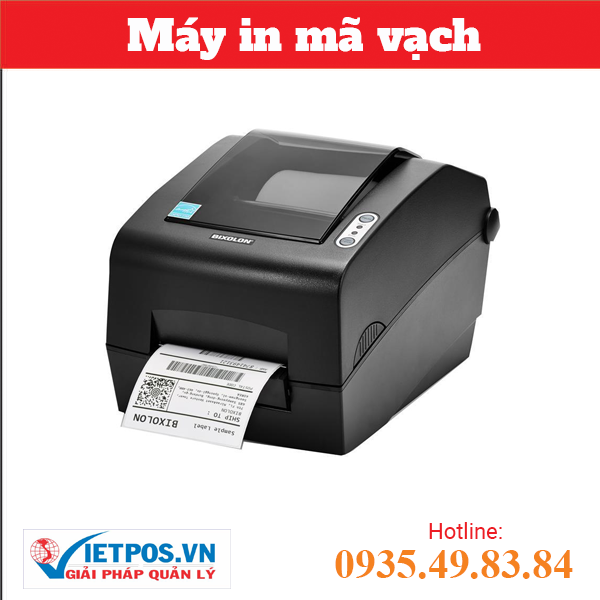
BIXOLON SLP-DX223G Barcode Printer
SKU: BIXOLON SLP-DX223G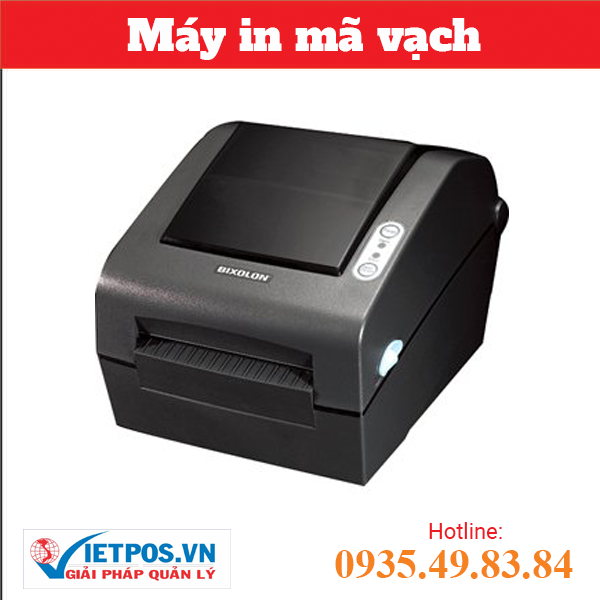
BIXOLON SLP-TX403CE Barcode Printer
SKU: SLP-TX403CE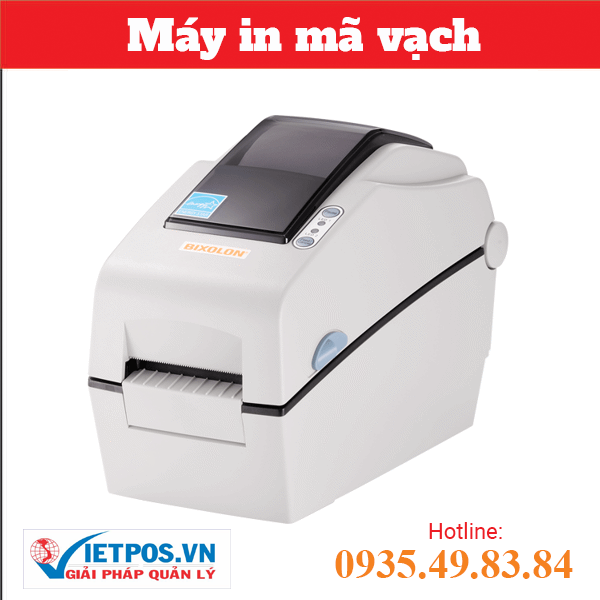
BIXOLON DX 220G Barcode Printer
SKU: DX 220G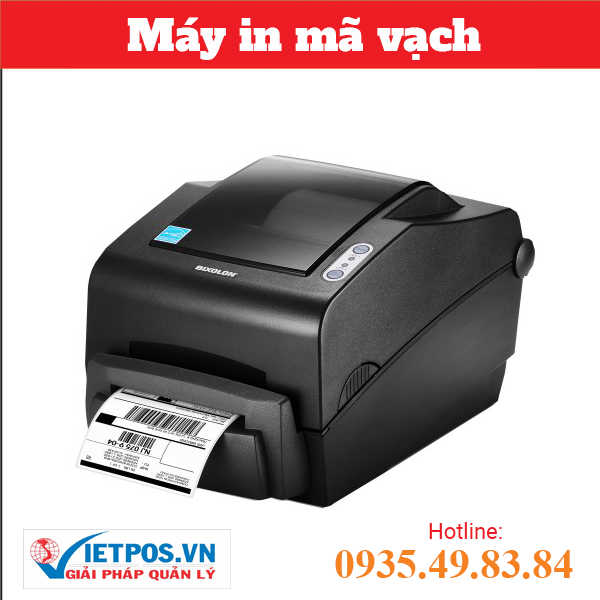
BIXOLON TX403CG Barcode Printer
SKU: TX403CGAre you looking for products on this topic?
Việt POS is an authorized distributor — 24-36 month warranty, 24/7 technical support.
The next step is to run the driver installation file (.exe) with Administrator privileges. The system will ask for installation confirmation; select 'Yes' to continue. After installation, restart the computer for the driver to be fully activated. Finally, go to Devices and Printers to check if the Bixolon T400 printer appears in the list of devices.
If the printer does not appear, check the USB/LAN connection, update Windows Update, and try reinstalling the driver. Việt POS provides technical support via hotline 0935 498 384 if you encounter difficulties.
How to install the Bixolon T400 driver on macOS and Linux?
On macOS, the Bixolon T400 driver installation process is similar to Windows but uses a .dmg file. Download the macOS driver file from Bixolon, open the .dmg file, and drag the application to the Applications folder. Then, connect the printer via USB or LAN, restart the computer, and check System Preferences > Printers & Scanners.
On Linux, installing the Bixolon T400 driver requires using the terminal. Download the Linux driver file (.tar.gz), extract it, and run the installation command according to Bixolon's instructions. Most Linux distributions (Ubuntu, CentOS, Debian) support the Bixolon T400 driver. After installation, check the connection using the command lpstat -p -d.
How to check connection and troubleshoot Bixolon T400 driver errors?
After installing the driver, check the connection by printing a test page. On Windows, go to Devices and Printers, right-click on Bixolon T400, select Printer properties > Print test page. If the printer responds and prints the test page, the driver has been successfully installed.
If you encounter 'Device not found' or 'Connection failed' errors, check the following: (1) Is the USB cable securely plugged into the computer and printer? (2) Is the printer's IP address (if using LAN) correct? (3) Is the Windows firewall blocking the connection? (4) Is the driver the latest version?
To update the driver, download the new version from Bixolon, uninstall the old driver via Control Panel > Programs and Features, restart the computer, then install the new driver. If the error persists, contact Việt POS for in-depth technical support.
Which POS systems is the Bixolon T400 barcode printer compatible with?
The Bixolon T400 is compatible with most modern sales management systems. This printer supports common printing standards such as ESC/POS, CPCL, ZPL, allowing integration with inventory, retail, and logistics management software. Based on Việt POS's deployment experience, the Bixolon T400 operates stably with Vietnamese enterprise sales management systems.
To ensure compatibility, it is necessary to install the official driver and correctly configure the printing port (USB, LAN, Serial) in the management software. Việt POS provides comprehensive installation and configuration services for customers purchasing the Bixolon T400, helping to save time and avoid technical errors.
Regular Bixolon T400 driver maintenance to optimize performance
For the Bixolon T400 barcode printer to operate stably long-term, regular driver maintenance is required. Check for new driver updates from Bixolon every 6 months, especially when the operating system is updated to a new version. Updating drivers helps fix security vulnerabilities, improve printing performance, and ensure compatibility with new software.
In addition, cleaning the printhead, checking connection cables, and updating printer firmware are also part of regular maintenance. Việt POS provides 24/7 maintenance services and technical support for Bixolon T400 users. Contact hotline 0935 498 384 or the nearest office for detailed consultation.
To learn more about comprehensive barcode printing solutions, please see Việt POS's smart sales management solution or warehouse management solution. We provide professional barcode printers from leading brands such as Bixolon, Zebra, Epson at competitive prices and with full technical support.
Need specific equipment/solution consultation?
Việt POS responds within 30 minutes · 4 regional hotlines · Free survey.
Related products
Articles on the same topic

Cần tư vấn thiết bị/giải pháp cụ thể?
Việt POS phản hồi trong 30 phút · Hotline 4 vùng · Khảo sát miễn phí.
Bài viết cùng chủ đề