Mục lục bài viết (9)
- #What are the technical specifications of the Bixolon T403 barcode printer?
- #What is the correct procedure for replacing paper in the Bixolon T403 printer?
- #How to maintain the printhead of the Bixolon T403 barcode printer?
- #What are common errors when using the Bixolon T403 and how to fix them?
- #What type of printing paper is suitable for the Bixolon T403?
- #Can the Bixolon T403 barcode printer be integrated with a warehouse management system?
- #What are the maintenance and accessory replacement costs for the Bixolon T403?
- Related products
- Related articles
The Bixolon T403 barcode printer is designed to be compact and easy to install, suitable for retail stores, and small to medium-sized warehouses. However, for the printer to operate stably long-term, proper paper replacement and regular maintenance are key. This article will provide detailed step-by-step instructions on how to replace paper, clean the printhead, and offer maintenance tips for the Bixolon T403 barcode printer.
What are the technical specifications of the Bixolon T403 barcode printer?
The Bixolon T403 is a direct thermal printer with a print speed of 150mm/s, 203 DPI resolution, supporting paper widths from 20mm to 118mm. It uses roll paper or label rolls, suitable for printing barcodes, price tags, and product labels. USB, LAN, and Serial connectivity allow for easy integration with warehouse management systems and retail POS. Low power consumption (approximately 60W), suitable for office and store environments.
What is the correct procedure for replacing paper in the Bixolon T403 printer?
Proper paper replacement helps prevent paper jams, printhead damage, and extends the printer's lifespan. Below is the step-by-step procedure:
Bạn đang tìm sản phẩm cho chủ đề này?
Việt POS phân phối chính hãng — bảo hành 24-36 tháng, hỗ trợ kỹ thuật 24/7.
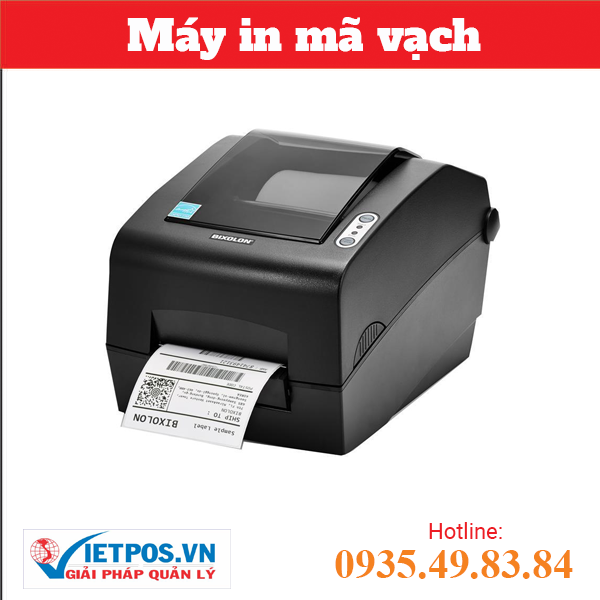
BIXOLON SLP-DX223G Barcode Printer
SKU: BIXOLON SLP-DX223G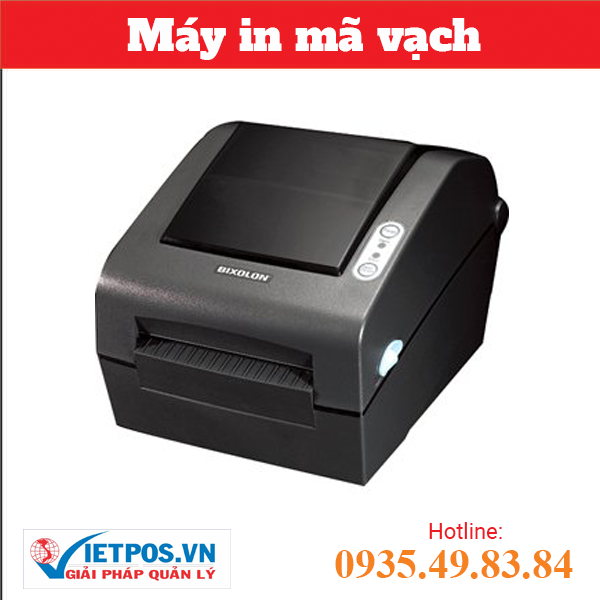
BIXOLON SLP-TX403CE Barcode Printer
SKU: SLP-TX403CE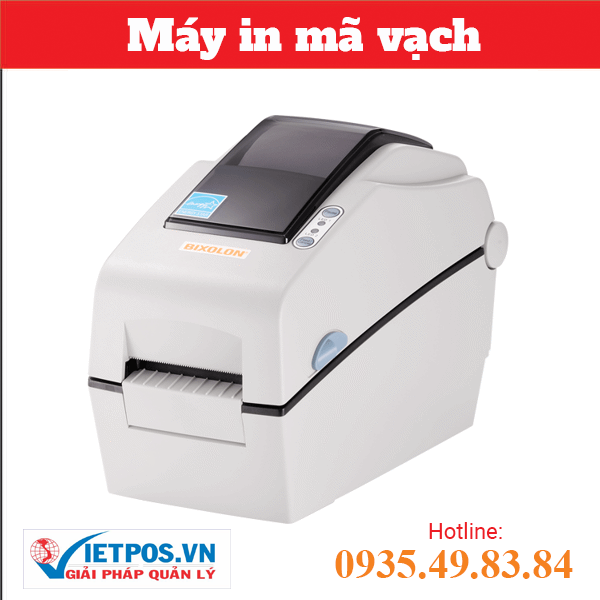
BIXOLON DX 220G Barcode Printer
SKU: DX 220G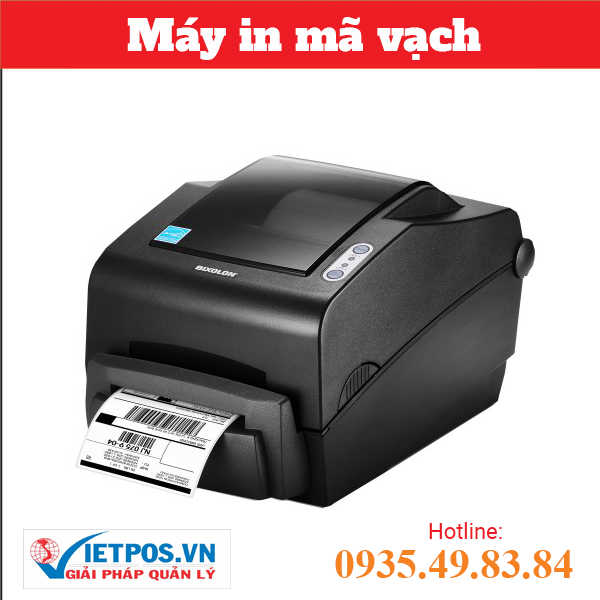
BIXOLON TX403CG Barcode Printer
SKU: TX403CGAre you looking for products on this topic?
Việt POS distributes genuine products — 24-36 month warranty, 24/7 technical support.
- Turn off the Bixolon T403 barcode printer and wait 30 seconds for the printhead to cool down.
- Open the top cover of the printer by pressing the two locks on both sides (or lifting the cover, depending on the model).
- Remove the old paper roll from the paper tray, check for any paper scraps inside.
- Place the new paper roll into the tray, aligning the paper with the guide on the printer.
- Pull the leading edge of the paper past the printhead, into the paper guide slot at the front.
- Close the printer cover, turn on the printer, and print 1-2 labels to test the quality.
Note: If paper jams, DO NOT pull forcefully. Turn off the printer, open the cover, and gently remove the paper. Check for any remaining paper scraps inside the printhead.
How to maintain the printhead of the Bixolon T403 barcode printer?
The printhead is the most crucial component of the Bixolon T403 barcode printer. Regular printhead maintenance helps reduce printing errors and extends its lifespan by 30-40% compared to no maintenance. Printhead cleaning procedure:
- Clean the printhead weekly: Turn off the printer, wait for the printhead to cool, use a cotton swab or a soft damp cloth (distilled water or specialized cleaning solution) to gently wipe the printhead surface horizontally. DO NOT wipe vertically as it may damage the heating elements.
- Check the roller: If the roller is dirty, clean it with a damp cloth. A dirty roller will prevent the paper from being evenly pressed, causing faint or misaligned prints.
- Check the paper guide slot: Remove paper scraps and dust from the paper guide slot with a cotton swab or a soft brush.
- Monthly routine maintenance: If the printer operates 8-10 hours/day, monthly printhead maintenance is recommended. If printing less frequently, maintenance can be done every 2-3 months.
What are common errors when using the Bixolon T403 and how to fix them?
Below is a summary of common errors and their solutions:
| Error | Cause | Solution |
|---|---|---|
| Faint, unclear print | Dirty printhead, uneven paper pressure | Clean printhead, check roller, adjust print pressure |
| Paper jam | Paper misalignment, paper scraps inside | Turn off printer, open cover, gently remove paper, check guide slot |
| Printer does not detect paper | Dirty paper sensor, paper not correctly positioned | Clean sensor, reposition paper, check USB/LAN connection |
| Misaligned, crooked print | Dirty roller, paper misalignment | Clean roller, realign paper, check printer alignment |
| Printhead too hot, printer shuts down automatically | Poor ventilation, insufficient maintenance | Check cooling fan, clean ventilation holes, let printer cool for 15-20 minutes |
What type of printing paper is suitable for the Bixolon T403?
The Bixolon T403 barcode printer supports direct thermal paper with a width of 20-118mm and a thickness of 0.06-0.15mm. Common paper types:
- White roll paper 80x80mm: Most common for printing receipts, price tags, product labels. Price ranges from 15,000-25,000 VND/roll depending on quality.
- Roll paper 50x50mm: Used for small labels, product barcodes. Price ranges from 10,000-18,000 VND/roll.
- Roll paper 100x150mm: Used for large labels, detailed invoices. Price ranges from 30,000-45,000 VND/roll.
- Multi-layer (carbonless) printing paper: If carbon copies of invoices are needed, use carbonless paper. However, the Bixolon T403 only supports single-layer thermal paper, so it cannot print carbonless directly. An impact printer or inkjet printer is required for carbonless printing.
Note: Choose high-quality printing paper (BPA-free, whiteness ≥ 90%) to ensure print quality, extend printhead lifespan, and avoid affecting user health.
Can the Bixolon T403 barcode printer be integrated with a warehouse management system?
Yes. The Bixolon T403 supports USB, LAN, and Serial connectivity, allowing for easy integration with warehouse management systems, retail POS, or inventory management software. Basic integration steps:
- Install the printer driver from the Bixolon website or the included CD.
- Connect the printer to the computer via USB or LAN.
- Configure in the management software (select Bixolon T403 printer, set paper size, resolution).
- Print a test page to check the connection.
Việt POS provides comprehensive warehouse management solutions, integrating the Bixolon T403 barcode printer + management software + technical support. Contact 0935 498 384 for detailed consultation.
What are the maintenance and accessory replacement costs for the Bixolon T403?
The maintenance cost for the Bixolon T403 barcode printer is relatively low compared to other printers. Below is an estimate of replacement accessory costs:
- Printing paper roll: 15,000-45,000 VND/roll (depending on size).
- Printhead: 800,000-1,200,000 VND (replaced when damaged or at end of lifespan ~5 million characters).
- Roller: 200,000-400,000 VND.
- Printhead cleaning solution: 50,000-100,000 VND/bottle.
- Routine maintenance (cleaning, inspection): 200,000-500,000 VND/time (if sent to a service center).
Savings tip: Monthly routine maintenance helps reduce repair costs by 50-60% compared to no maintenance. A printhead has a lifespan of 5-7 million characters, so if printing 1,000 characters/day, the printhead will last 5-7 years.
Việt POS provides genuine Bixolon T403 barcode printers + smart retail solutions with 24/7 maintenance support. Hotline: 0935 498 384 (HCM), 0932 555 260 (KT), 0905 999 656 (ĐN), 0931 777 527 (CT), 0937 845 333 (HN).
Need specific equipment/solution consultation?
Việt POS responds within 30 minutes · 4 regional hotlines · Free survey.
Related products
Related articles

Cần tư vấn thiết bị/giải pháp cụ thể?
Việt POS phản hồi trong 30 phút · Hotline 4 vùng · Khảo sát miễn phí.
Bài viết cùng chủ đề